
XLN Audio DS-10 Drum Shaper
Professional music gear - detailed information and where to buy
XLN Audio
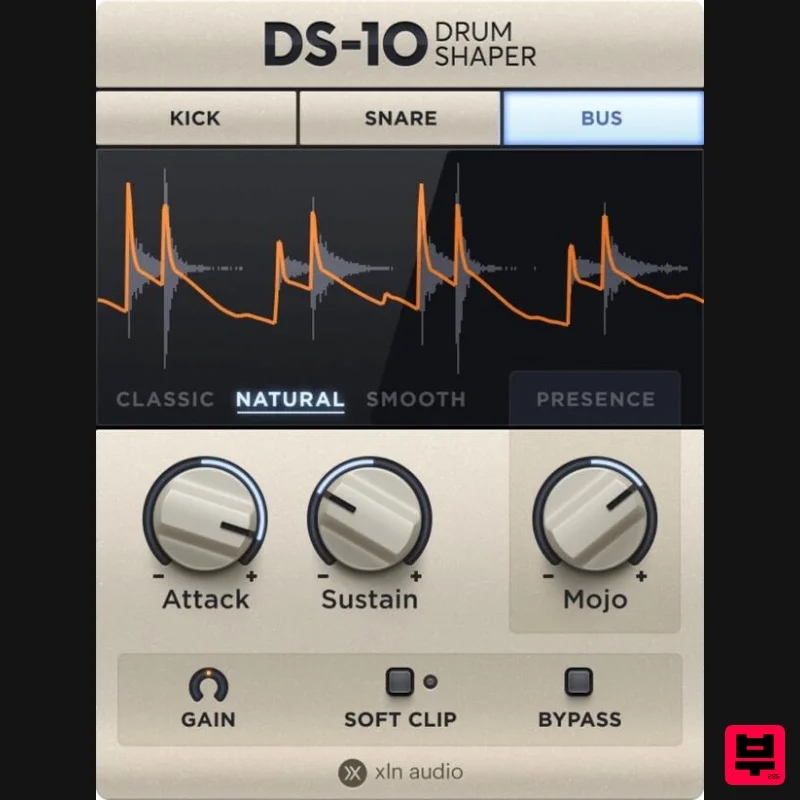
DS-10 Drum Shaper
Product Info
* Prices may vary. Check retailer for current pricing and availability.
Product Description
- Extraordinary Effects in Your Music Enhance your drums
- beats
- and loops in seconds. Make your drums
- beats
- and loops sound huge or tight & punchy Shape the attack and sustain of your drums
- beats
- and loops Fast and easy workflow Intuitive and clean interface Awesome mixes. Fast. Enhance your drums
- beats
- and loops with the twist of a knob! Get more in the attack. More gain in the sustain. Tight and punchy or huge and mighty: DS-10 improves your mixes in any direction. Fast. Punch with precision. Get custom treatment for your tracks and mixes. DS-10 Drum Shaper has three modes (Kick
- Snare
- and Bus) individually tuned and optimized to give you the best sound for the source you want to enhance. Great
- natural sound. Say goodbye to grainy and unnatural sounding mixes. DS-10’s three different settings give you creative options and provide great sounding results
- regardless of what style of mix you’re aiming for. Add mojo to your mix. The powerful MOJO knob adds flavor and color just where you need it. It lets you shape the attack and punch in curated frequency bands while leaving others unaffected
- opening a world of sonic awesomeness and sound design possibilities. System Requirements Mac macOS 10.13 or later (M1 Native & macOS 12 Monterey supported) (64-bit only) 2 GB RAM (4 GB recommended) Internet connection (during installation only) Formats: VST
- AAX (64-bit only) Standalone Application (64-bit only) Windows Windows 7 - 11 (64-bit only) 2 GB RAM (4 GB recommended) Internet connection (during installation only) Formats: VST
- AAX (64-bit only) Standalone Application (64-bit only) Hosts: This product should run on any host supporting 64-bit VST
- or AAX plugins. XLN Audio actively tests on the host applications listed below: Ableton Live 9 or later Apple Logic Pro 9 & 10 Avid Pro Tools 11 or later (Pro Tools First is not supported) Cakewalk by Bandlab Propellerhead Reason 9.5 or later Reaper 5 or later Steinberg Cubase 8 or later Please Note: This software is 64-bit only and will not function on 32-bit systems. Awards Please note: RC-20 is used as an example. Account Registration (If you have already created an XLN Audio account previously
- please skip this part). 1. Go to the XLN Audio registration page (where you can now register for an account
- and register your product key at the same time). 2. Enter your details
- click 'I have a product key to register' and enter the code found in your Plugin Boutique account (displayed as Serial Number). 3. Click 'I agree to the Terms & Conditions' and then click REGISTER. You have now created an XLN Audio account and registered your product key. Product Registration (If you registered your product earlier when creating an account
- skip this part). 1. Log in to your XLN Audio account. 2. over My Account and select Register Product Key. 3. Enter the product key found in your Plugin Boutique account and click REGISTER PRODUCT KEY. Your product has now been added to your XLN Audio account. Mac XLN Online Installer Installation 1. Download the Mac XLN Online Installer from your Plugin Boutique account and open it. 2. Double-click to install the XLN Online Installer. 3. Click Open (depending on your version of macOS
- you may not encounter this security message). 4. Enter your password and click OK. 5. Click Open to finalise the security prompt. 6. Log in to your XLN Audio account. 7. Enter a name for your Mac and click Register Computer. The XLN Online Installer is now installed. Product Installation 1. Make sure your new product is selected and click 'Click to start - Install: 1'. 2. Your software will now install. Your software is now activated and ready for use within your DAW. Windows Online Installer Installation 1. Download the Windows XLN Audio Online Installer from your Plugin Boutique account and open it. 2. Click Yes to allow the application to run. 3. Log into your XLN Audio account. 4. Enter a name for your computer and click Register Computer. The XLN Online Installer is now installed. Product Installation 1. Make sure your new product is selected and click 'Click to start - Install: 1'. 2. Your software will now install. Your software is now activated and ready for use within your DAW.
Additional Information
About the XLN Audio DS-10 Drum Shaper
Discover the distinctive sound and feel of the XLN Audio DS-10 Drum Shaper, a standout choice among Transient Shaper.
Why Choose the XLN Audio DS-10 Drum Shaper?
- •Authentic XLN Audio craftsmanship and design
- •Versatile sound suitable for multiple musical genres
- •Professional build quality and reliable performance
- •Part of XLN Audio's respected Transient Shaper lineup
Compare & Explore
Browse our complete selection of XLN Audio instruments or explore other Transient Shaper options. Use our comparison tools to find the perfect match for your musical style and budget.
Similar Products
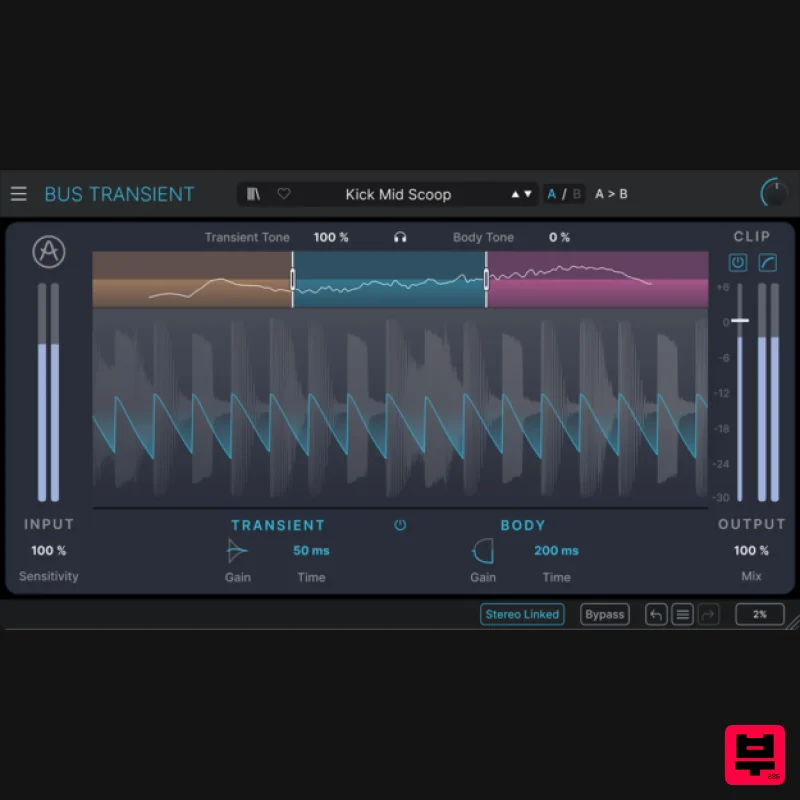
Arturia Bus TRANSIENT
Transient Shaper
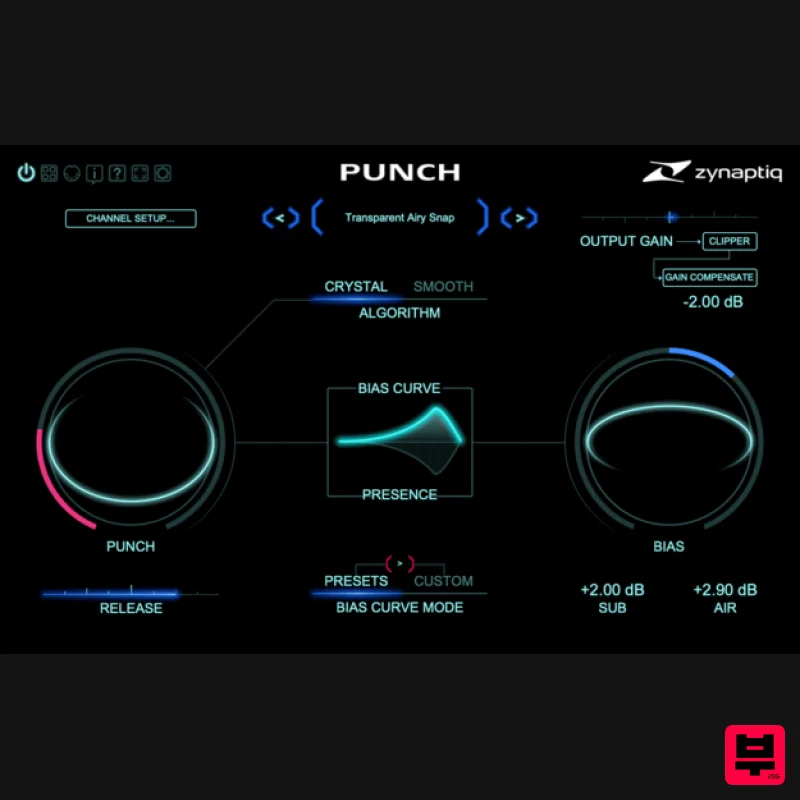
Zynaptiq PUNCH
Transient Shaper
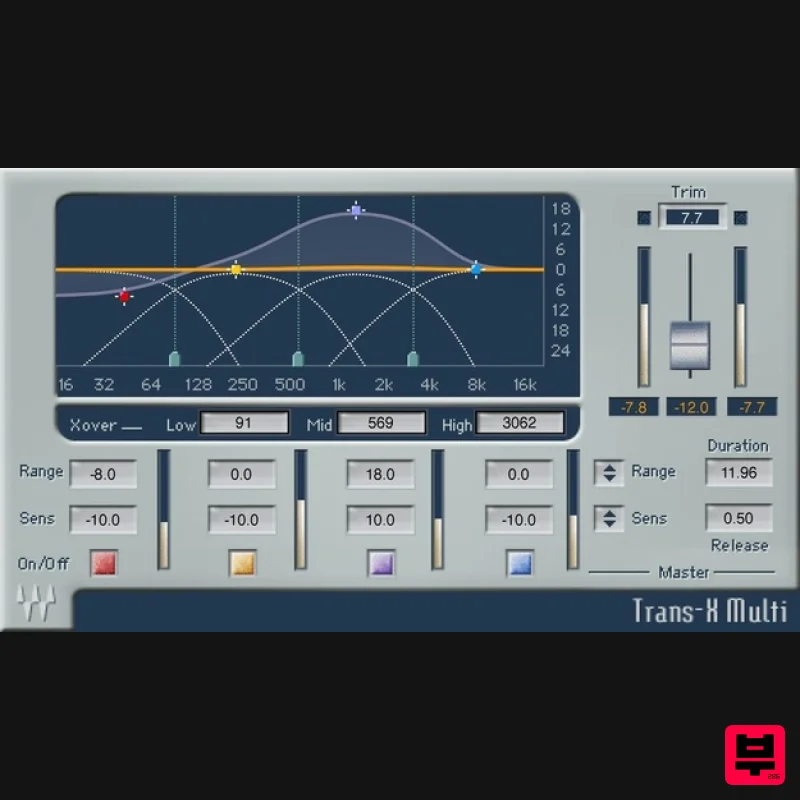
Waves Trans-X
Transient Shaper
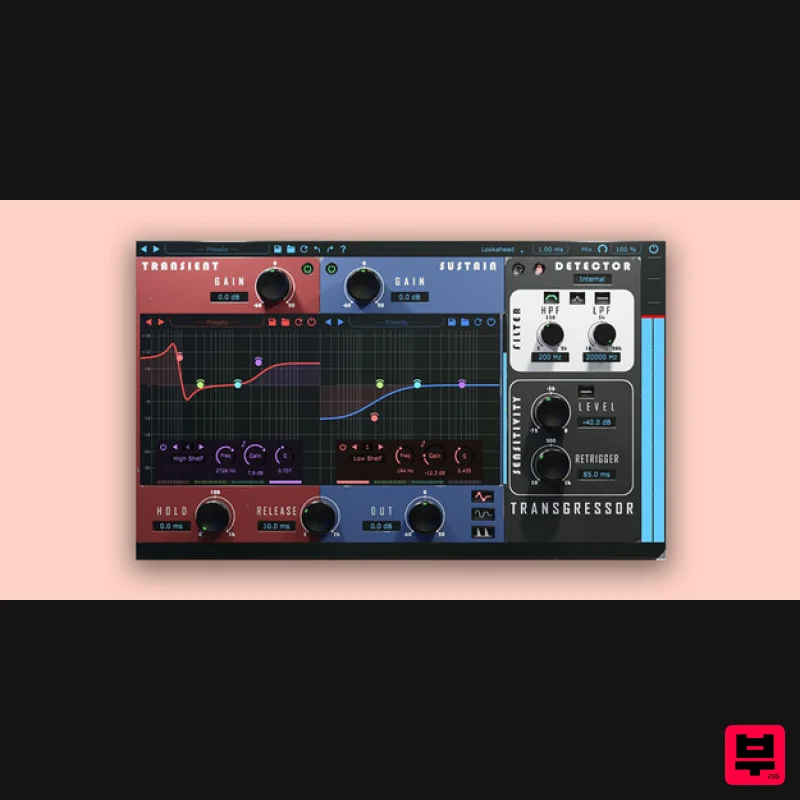
Boz Digital Labs Transgressor 3
Transient Shaper
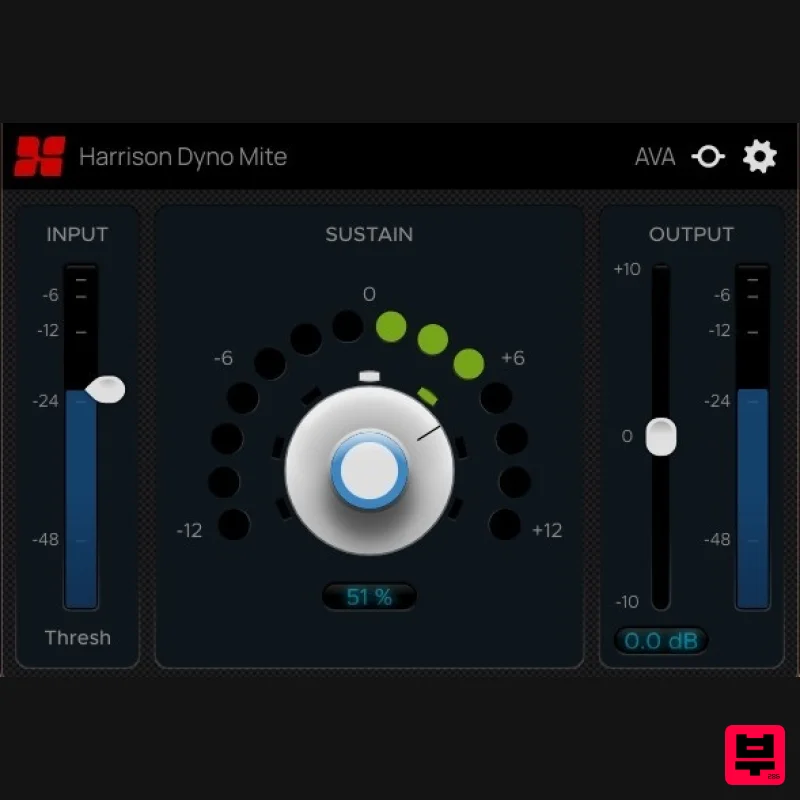
Harrison Consoles Dyno Mite
Transient Shaper
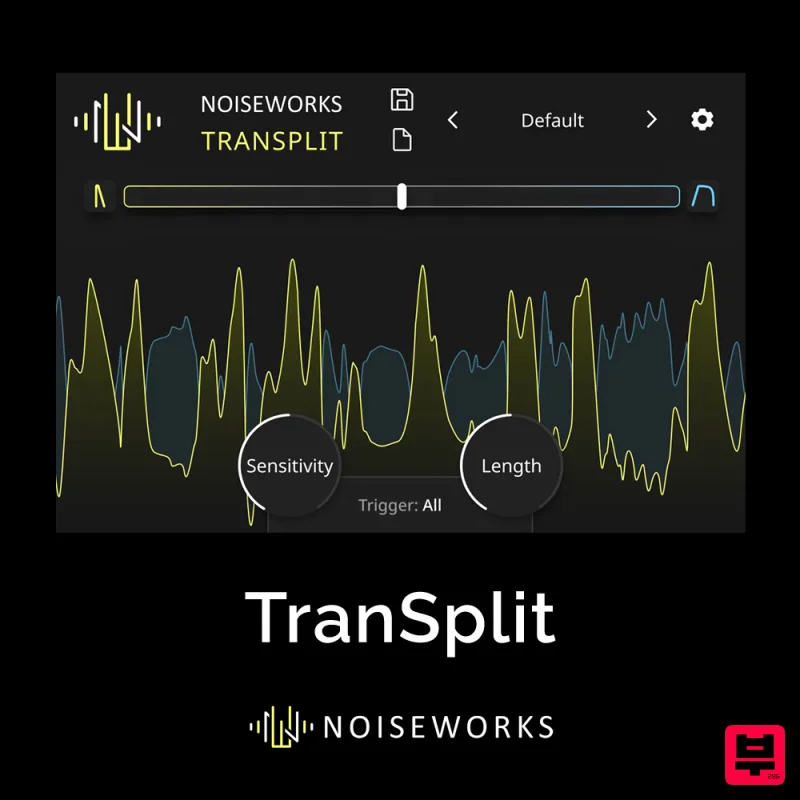
NoiseWorks TranSplit
Transient Shaper
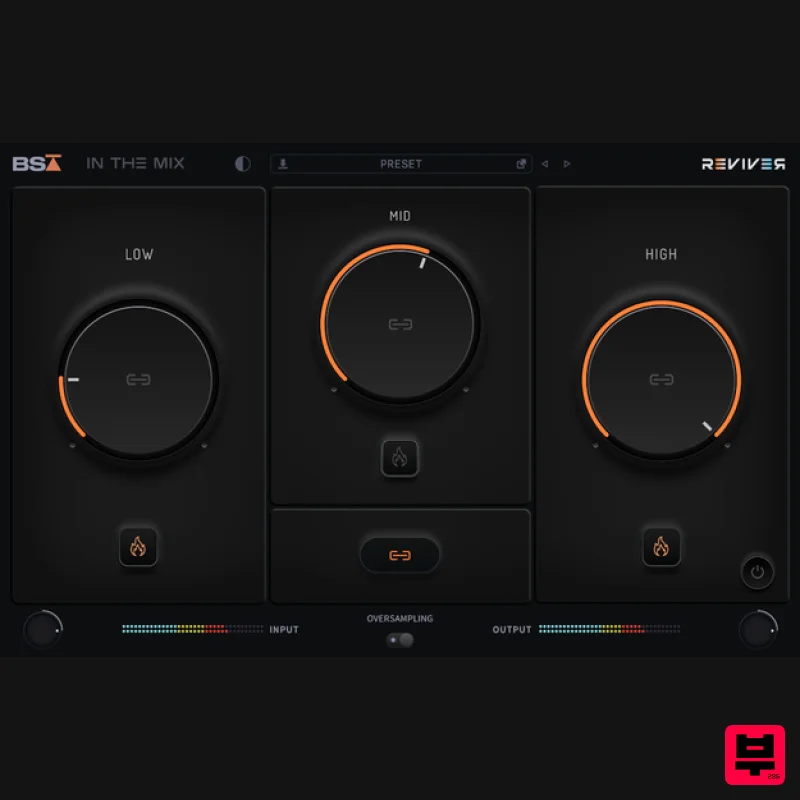
Black Salt Audio Reviver
Transient Shaper
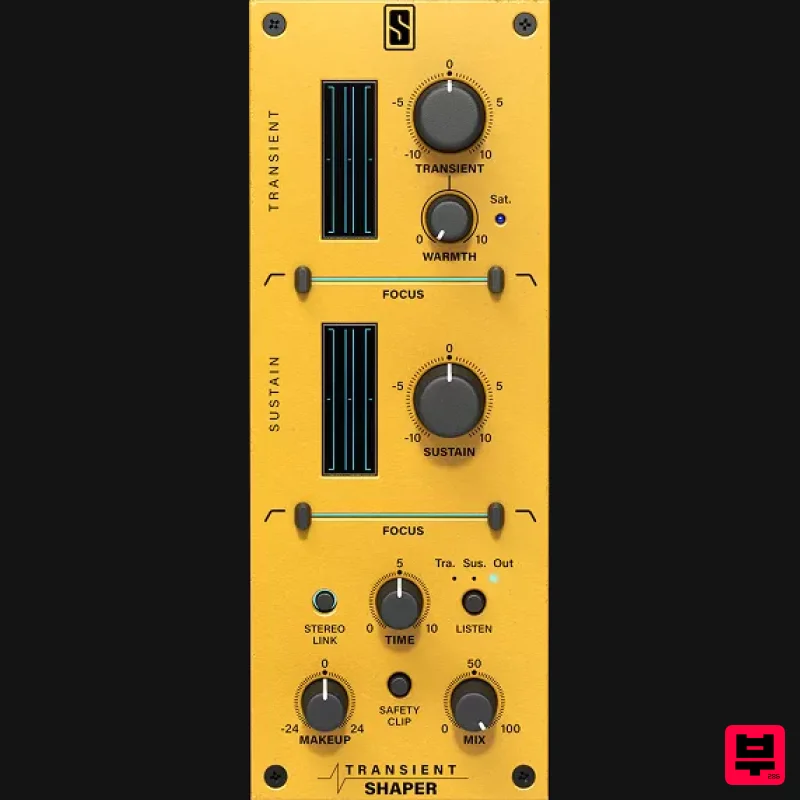
Slate Digital Transient Shaper
Transient Shaper

