
Waves SoundShifter
Professional music gear - detailed information and where to buy
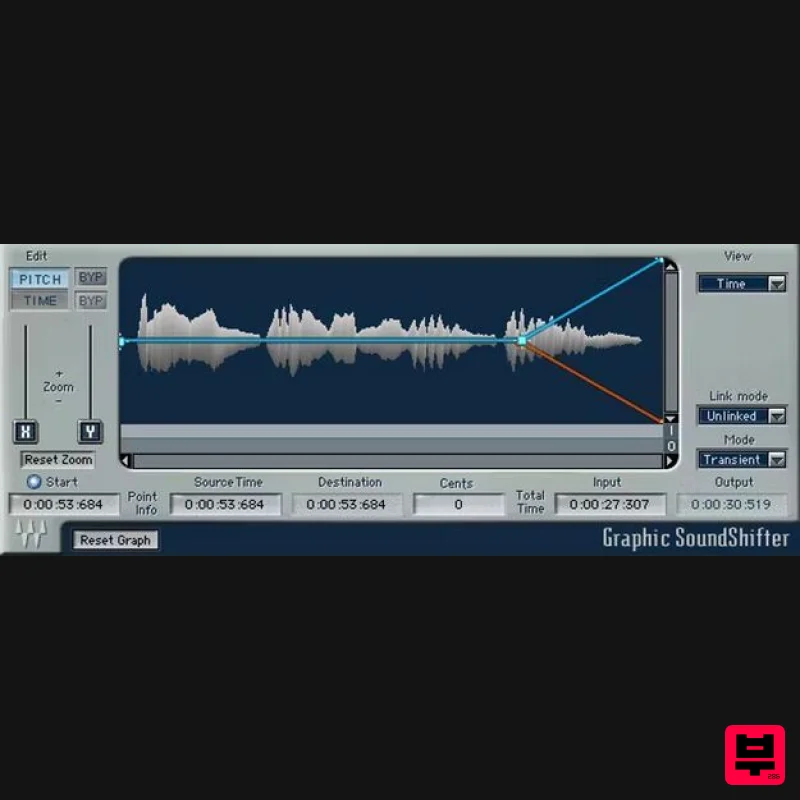
Waves
SoundShifter
Product Info
* Prices may vary. Check retailer for current pricing and availability.
Product Description
- SoundShifter Stretch Time and Pitch with Outstanding Quality Without a doubt
- the most demanding digital audio processes are stretching time and transposing pitch. SoundShifter offers high-quality results for both processes
- with three specialized components provide different
- optimized functionalities. With all DAWs
- use SoundShifter as an insert effect. With Pro Tools
- you can also shift a selection’s speed and pitch with a fixed ratio
- and even change ratios in a selection by drawing an automation graph. Features The sound quality far exceeds typical stock DAW functions Transpose instruments and vocals to different keys Tweak the time of commercials
- so they fit into designated time slots Raise pitch/time with masters
- as was done with variable-speed tape Transform audio
- for sound design applications and FX Define time-stretch lengths by tempo
- bars
- or samples Transpose based on absolute frequencies or musical pitches Unlink pitch and time
- or link one to the other Parametric/Graphic SoundShifters are AudioSuite-only components Graphic SoundShifter has separate curves for pitch and time Pitch shifter component works with all DAWs
- not just Pro Tools Pitch shifter transposes audio independently of duration System Requirements Mac macOS Monterey 12
- Ventura 13
- Sonoma 14
- Sequoia 15 VST / AU / AAX PC Windows 10+ VST / AAX 1. Head to https: //www.waves.com/create-account 2. Enter your email and choose a password to create an account (if you already have a Waves account
- choose Log in
- enter your details and head to Step 5) > click 'Submit' 3. Open your email inbox > click the activation link in the email from Waves 4. Click 'Log in here' > Log in to your Waves account 5. Click 'Register New Products' 6. Enter the Serial Number found in your Plugin Boutique user account > click 'Submit' 7. Click download in your Plugin Boutique user account or head to https: //www.waves.com/downloads/central > download the Waves Central app for your operating system 8. Install Waves Central > Open Waves Central 9. Click 'Log in' > enter your log in details 10. Click the 'Install Products' tab 11. Tick the blue dot on all products you wish to install or click the top dot to install all products > click 'Install & Activate' 12. Click 'OK' 13. Open your DAW > open the Waves plugin Your Waves plugins are installed and ready to use
- enjoy!
Additional Information
About the Waves SoundShifter
Experience the quality and tone that makes the Waves SoundShifter a popular choice for musicians.
Why Choose the Waves SoundShifter?
- •Authentic Waves craftsmanship and design
- •Versatile sound suitable for multiple musical genres
- •Professional build quality and reliable performance
- •Part of Waves's respected Pitch Shifter lineup
Compare & Explore
Browse our complete selection of Waves instruments or explore other Pitch Shifter options. Use our comparison tools to find the perfect match for your musical style and budget.
Similar Products
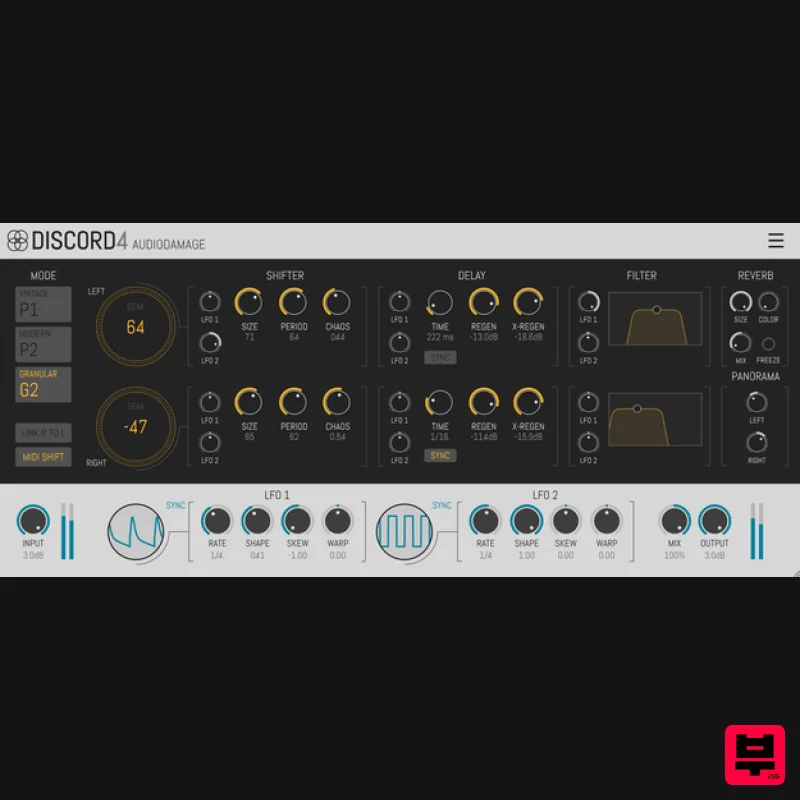
Audio Damage Discord4
Pitch Shifter
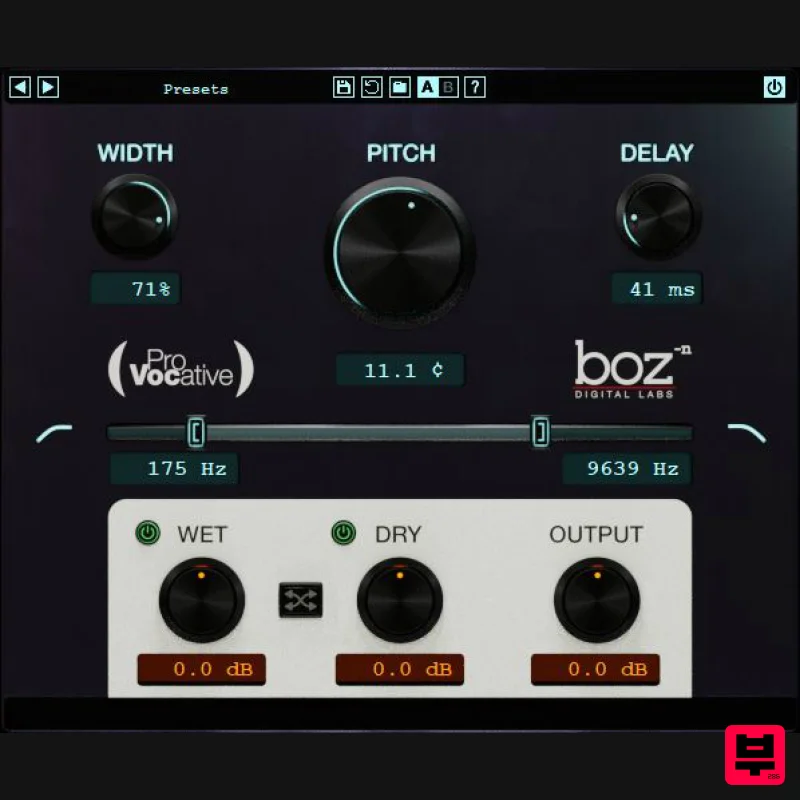
Boz Digital Labs ProVocative
Pitch Shifter
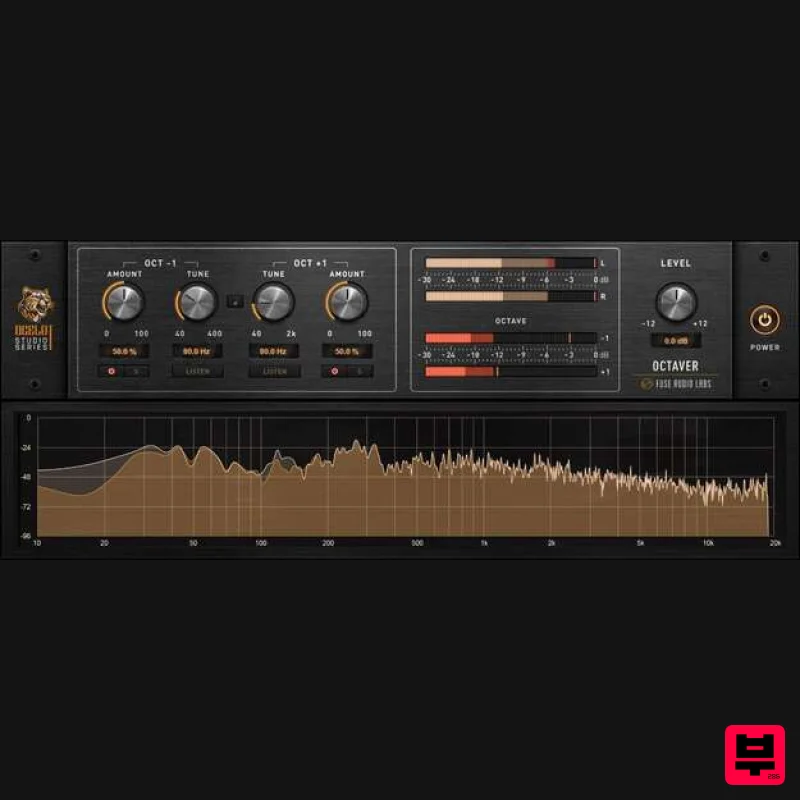
Fuse Audio Labs OCELOT Octaver
Pitch Shifter
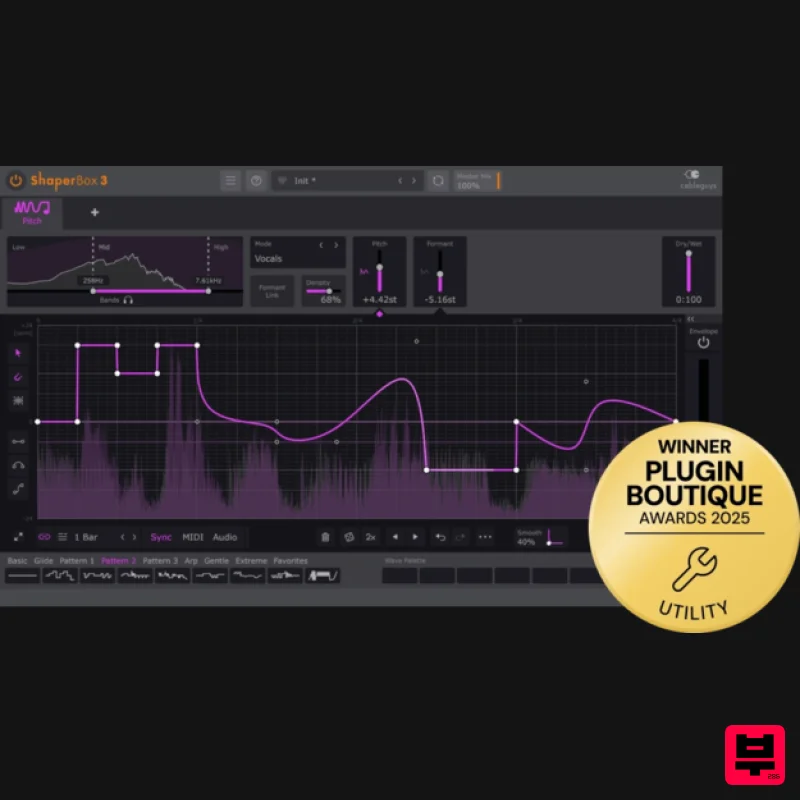
Cableguys PitchShaper
Pitch Shifter
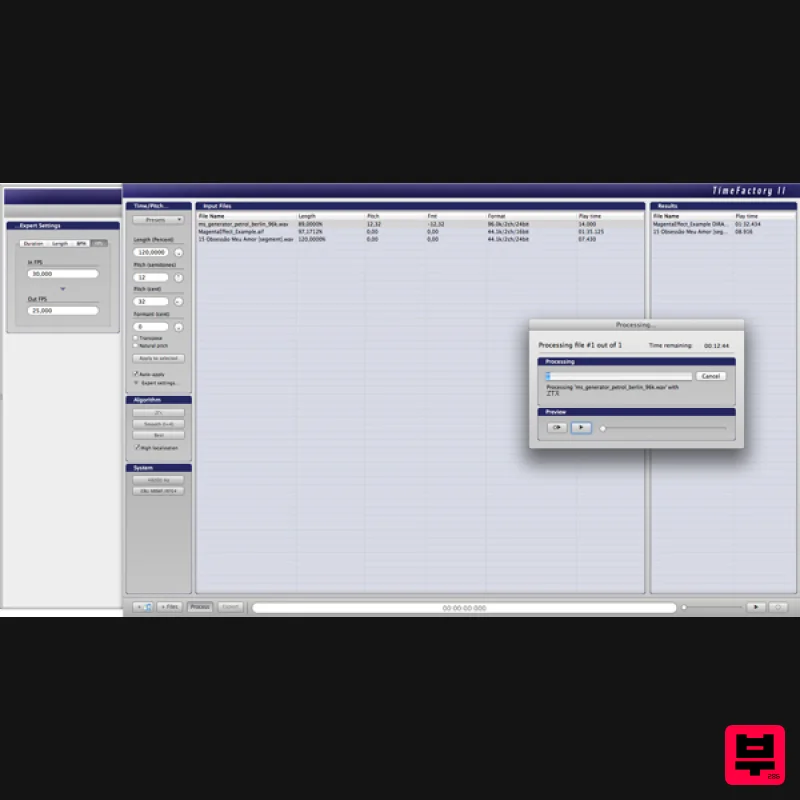
Zynaptiq TIME FACTORY II Educational Version
Pitch Shifter
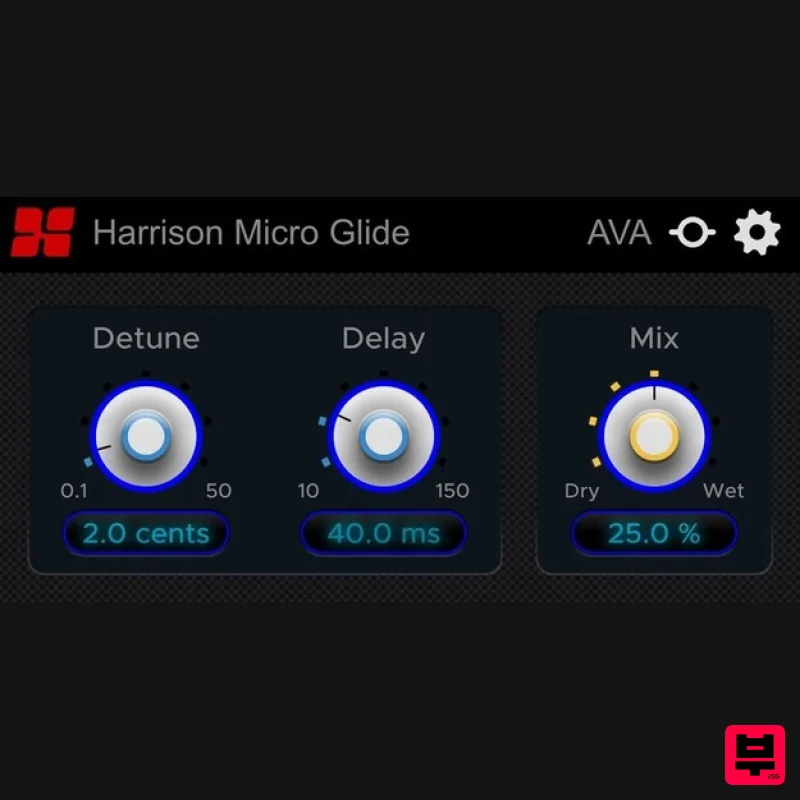
Harrison Consoles Micro Glide
Pitch Shifter
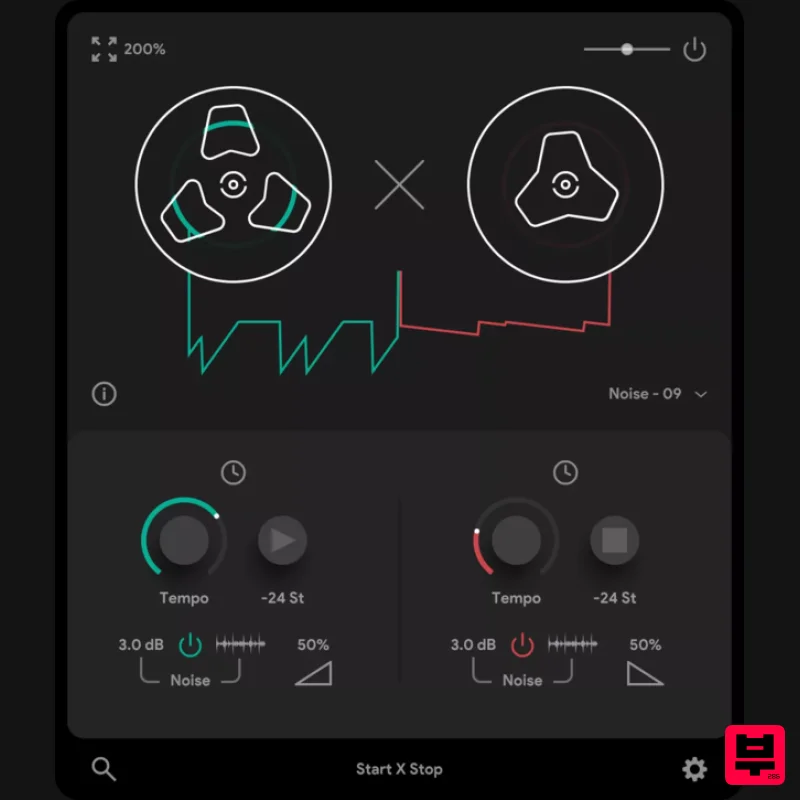
Thenatan Audio TapeStop
Pitch Shifter
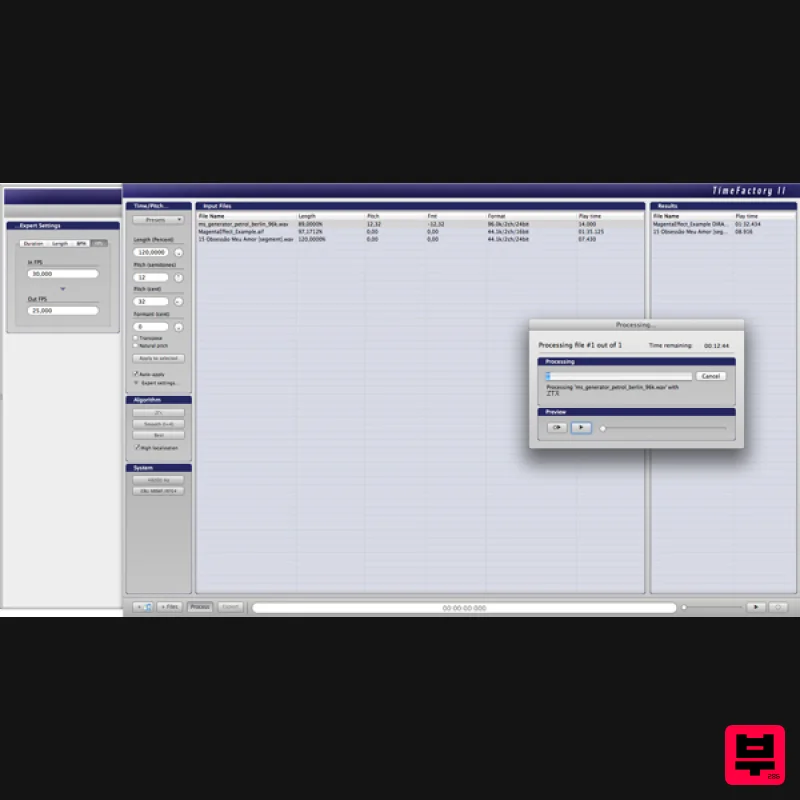
Zynaptiq TIME FACTORY II
Pitch Shifter

