
Boz Digital Labs ProVocative
Professional music gear - detailed information and where to buy
Boz Digital Labs
ProVocative
Product Info
* Prices may vary. Check retailer for current pricing and availability.
Product Description
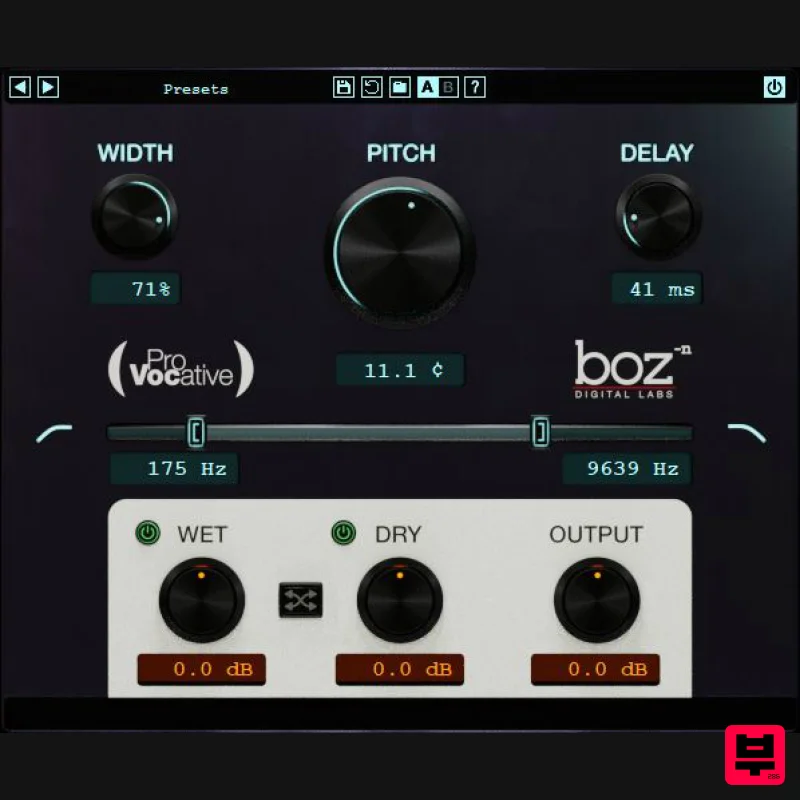
- Micro pitch shifting is not a new effect. It is a trick that has been used for decades to thicken and widen vocals
- synths and guitars (some people even use it on drums). So why did we make another one? Because we wanted one that was dead easy to use without sacrificing control. ProVocative is so quick and easy to dial in. It's also incredibly light on your CPU without sacrificing quality. Band Limit The ability to apply a low and high pass filter to your micro pitched tracks has proven to be incredibly valuable. Take off a bit of the high and low end of your pitch-shifted tracks to get a nice subtle widening. Mix Section ProVocative gives you intuitive wet and dry knobs so that you can blend them together however you want. If you prefer mix style blending
- you can enable the link button
- and the wet and dry knobs act as mix knobs instead. Features Instant thicker tracks Micro Pitch Shifting Easy to use without sacrificing control System Requirements Note for M1 Mac Users: This plugin is not yet compiled to work natively on M1 Macs. Boz Digital Labs are currently in the process of rewriting it so that it will
- but it will take some time. In the meantime
- it should work under Rosetta on M1 Macs. Mac OS X 10.5 or greater Formats: AAX AU (Audio Units) RTAS VST VST3 Windows Windows XP or greater Formats: AAX RTAS VST VST3 Note: El Clapo is used as an example. Mac Redemption 1. Click Download in your Plugin Boutique account or go to https://www.bozdigitallabs.com/plugin-boutique-retrieve/. 2. Copy and paste the code from your Plugin Boutique account > Click 'Retrieve Plugin'. 3. Review the order > Click 'Proceed to Checkout'. 4. Enter your email address
- username and password > Click 'Register'. Note: If you already have Boz Digital Labs account
- select 'Click Here to Login' after entering your email address/username and password > Click 'Login'. 5. Check that your email is correct > Click 'Next'. 6. Review your order > Click 'Next'. 7. Click 'I have read and agree to the website terms and conditions' > Click 'Place order'. 8. Click 'Download Plugin Here'. 9. Click the Mac link to download the installer. Installation 1. Run the .pkg installer > Click 'Continue'. 2. Select the formats you wish to install > Click 'Continue'. Note: If you're unsure about which format to use
- leave all options selected and proceed. Check out this article for more information. 3. Click 'Install'. 4. Click 'Close'. 5. Open your DAW and open the plugin > Enter your Boz Digital Labs username and the serial code that you received in your Boz Digital Labs Account > Click 'Register'. Your software is now authorised and ready for use! Windows Redemption 1. Click Download in your Plugin Boutique account or go to https: //www.bozdigitallabs.com/plugin-boutique-retrieve/. 2. Copy and paste the code from your Plugin Boutique account > Click 'Retrieve Plugin'. 3. Review the order > Click 'Proceed to Checkout'. 4. Enter your email address
- username and password > Click 'Register'. Note: If you already have Boz Digital Labs account
- select 'Click Here to Login' after entering your email address/username and password > Click 'Login'. 5. Check that your email is correct > Click 'Next'. 6. Review your order > Click 'Next'. 7. Click 'I have read and agree to the website terms and conditions' > Click 'Place order'. 8. Click 'Download Plugin Here'. 9. Click the Windows link to download the installer. Installation 1. Double-click the .exe installer > Click 'I accept the agreement' then click 'Next'. 2. Click 'Next'. 3. Click 'Next'. 4. Select a VST folder in which to install the 32-bit software format > Click 'Next'. 5. Select a VST folder in which to install the 64-bit software format > Click 'Next'. 6. Select the components you wish to install > Click 'Next'. 7. Click 'Next'. 8. Click 'Install'. 9. Click 'Finish'. 10. Open your DAW and open the plugin > Enter your Boz Digital Labs username and the serial code that you received in your Boz Digital Labs Account > Click 'Register'. Your software is now authorised and ready for use!
Additional Information
About the Boz Digital Labs ProVocative
Experience the quality and tone that makes the Boz Digital Labs ProVocative a popular choice for musicians.
Why Choose the Boz Digital Labs ProVocative?
- •Authentic Boz Digital Labs craftsmanship and design
- •Versatile sound suitable for multiple musical genres
- •Professional build quality and reliable performance
- •Part of Boz Digital Labs's respected Pitch Shifter lineup
Compare & Explore
Browse our complete selection of Boz Digital Labs instruments or explore other Pitch Shifter options. Use our comparison tools to find the perfect match for your musical style and budget.
Similar Products
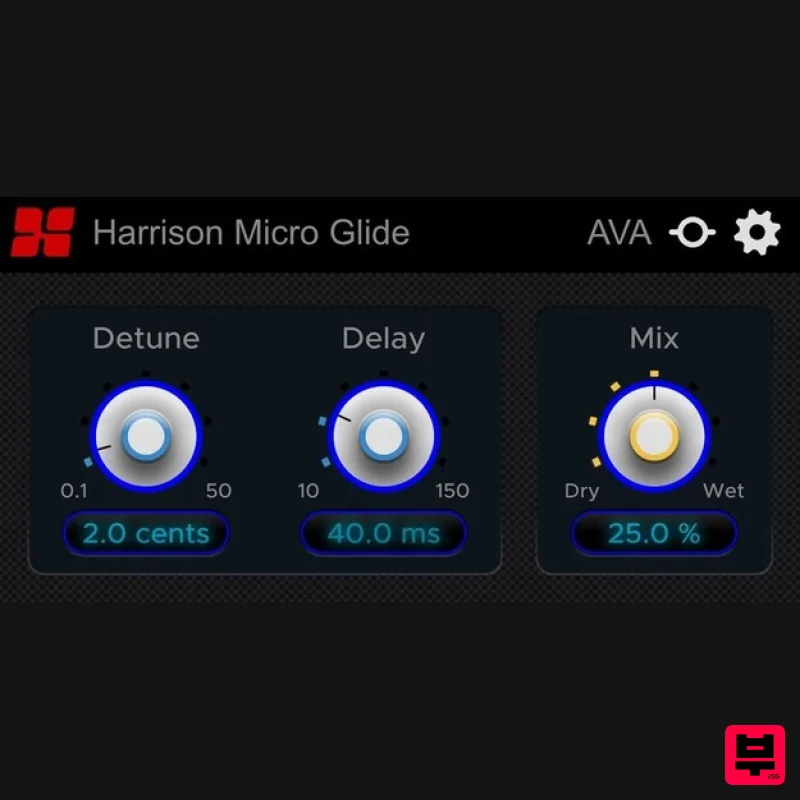
Harrison Consoles Micro Glide
Pitch Shifter
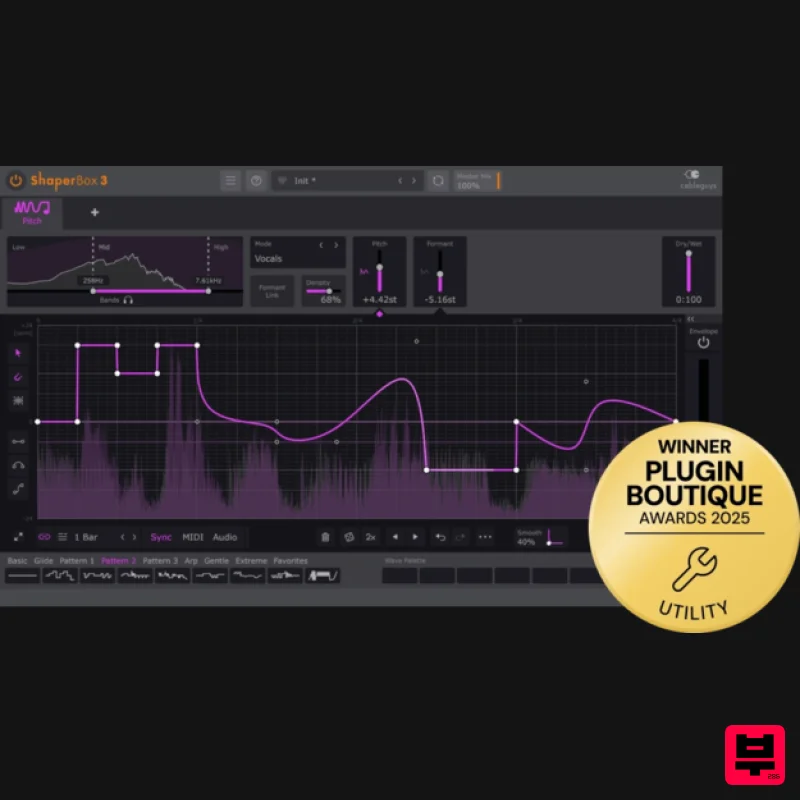
Cableguys PitchShaper
Pitch Shifter
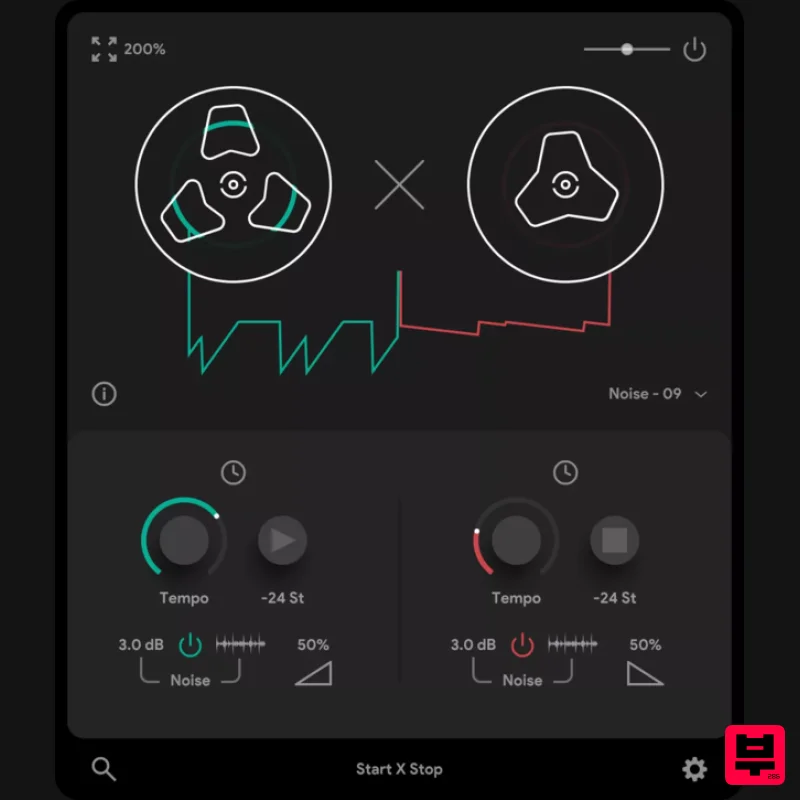
Thenatan Audio TapeStop
Pitch Shifter
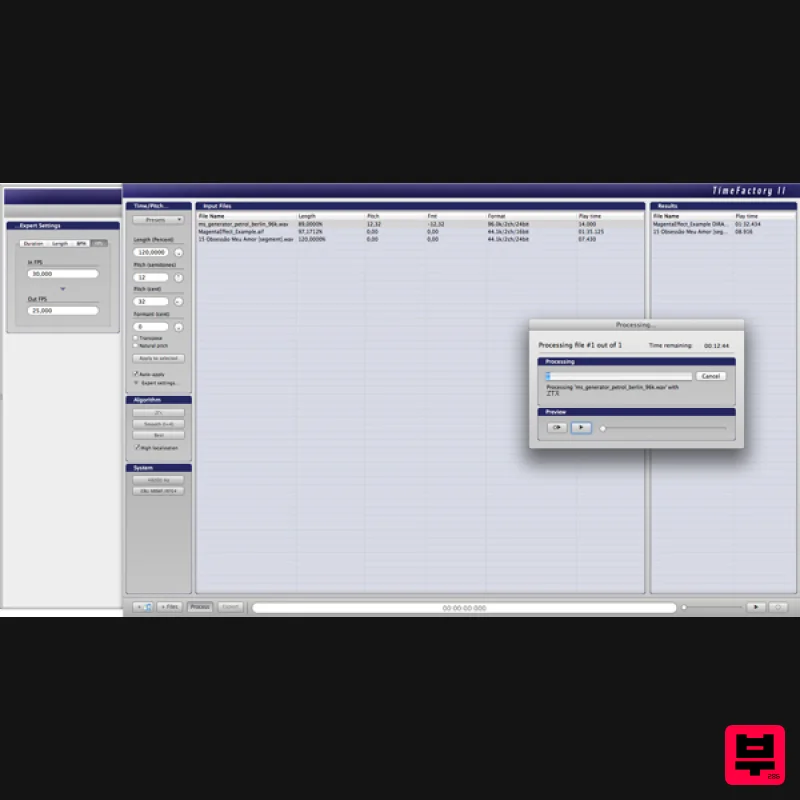
Zynaptiq TIME FACTORY II
Pitch Shifter
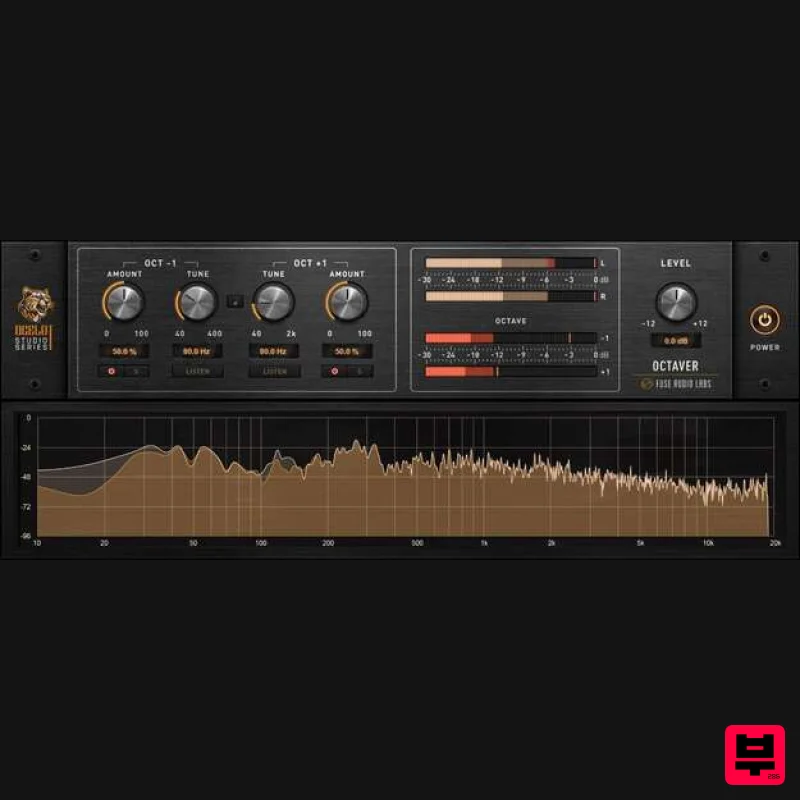
Fuse Audio Labs OCELOT Octaver
Pitch Shifter
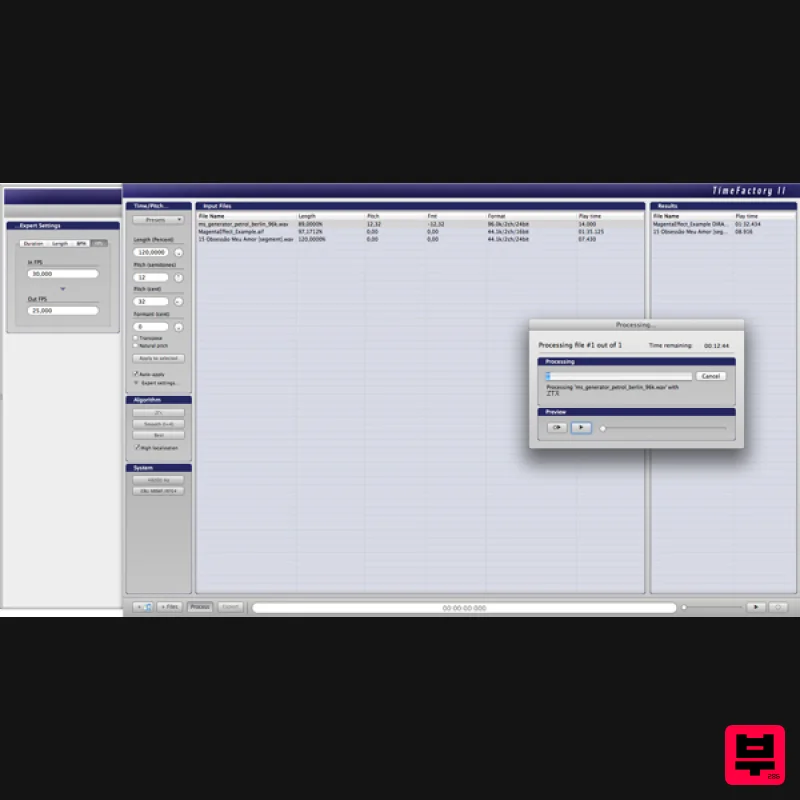
Zynaptiq TIME FACTORY II Educational Version
Pitch Shifter
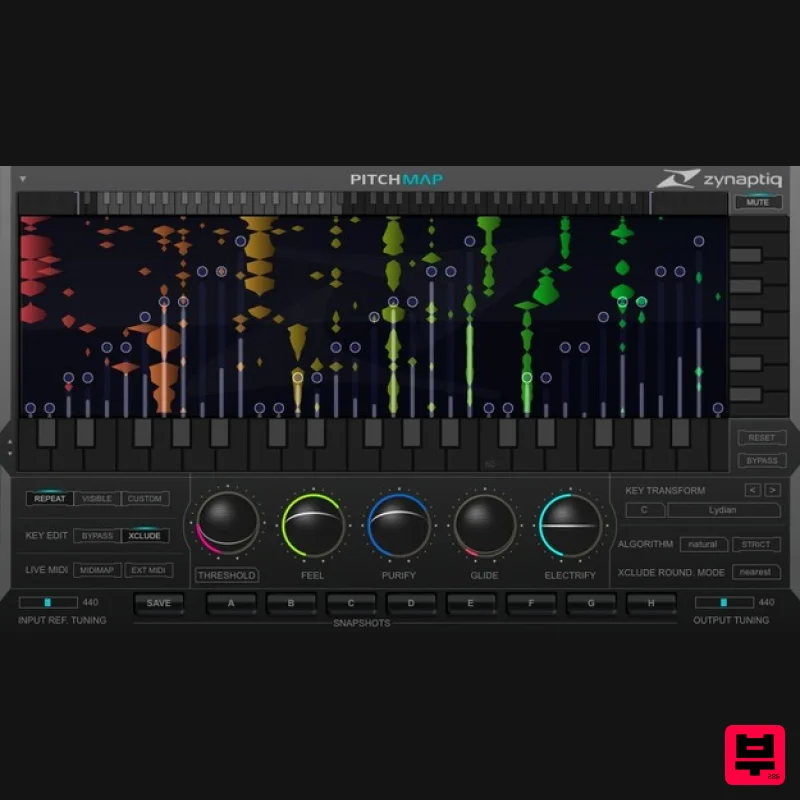
Zynaptiq PITCHMAP Educational Version
Pitch Shifter
Audio Damage Discord4
Pitch Shifter

