
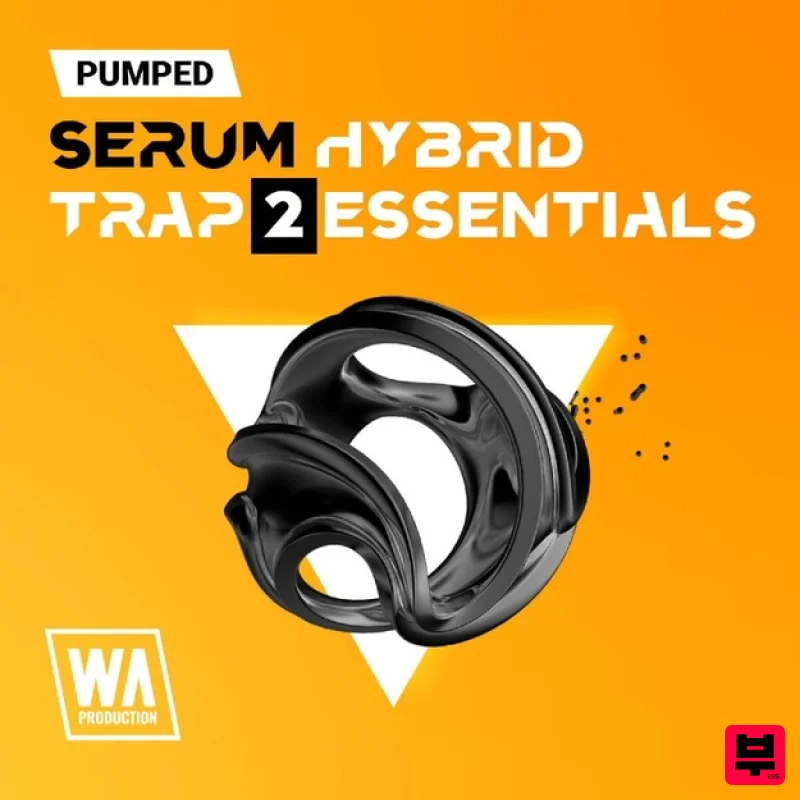
W. A. Production Pumped: Serum Hybrid Trap Essentials 2
Professional music gear - detailed information and where to buy
W. A. Production
Pumped: Serum Hybrid Trap Essentials 2
Product Info
* Prices may vary. Check retailer for current pricing and availability.
Product Description
- If you want to put your own signature on the Trap scene
- Pumped Serum Hybrid Trap 2 Essentials from W. A. Production comes with even more presets than before. Fused with elements from Dub and other EDM genres
- Pumped Serum Hybrid Trap 2 Essentials is a pack that will inspire your creativity and accelerate the growth of hybrid trap. W.A Production included a diversified collection of sounds that hold nothing back and won't restrict how far you can push the boundaries. Plucks
- stabs
- atmospheres
- wubs
- and powerful bass presets will put all of the power into your hands. No matter what EDM sub-genre you want to bring together with your Trap core soul
- it's included here. Simple to load
- easy to use
- and ready to go. Waste no time looking for Serum recipes. W. A. Production's presets are 100% unique and royalty-free. Bring your ideas to life with the sounds you need to do it
- pick up Pumped Serum Hybrid Trap 2 Essentials from W. A. Production
- today. Features 112 Xfer Serum Presets System Requirements Xfer Serum Important Note: Xfer Serum is required to run the full contents of this software. Note: Serum Future Bass Essentials is used as the example. 1. Download the .zip folder from within your User Account
- and double-click it to reveal its contents. 2. Save the main folder entitled 'Serum_Future Bass Essentials' to a computer location of choice
- e.g documents or to an external hard drive. 3. Open Serum within your DAW > you need to begin by loading the patches into the ‘Serum Presets’ folder which can be located by clicking ‘Menu’ tab. Note: The 'Menu' tab is located at the top-right corner of Serum's user interface. 4. Click the ‘Show Serum Presets folder’ option > this will open the location of Serum’s entire available content within the 'Serum Preset' folder directory. 5. Locate the ‘Presets’ folder
- then the ‘User’ folder contained within it > you now need to locate the 'Serum Presets' sub-folder within the 'Serum_Future Bass Essentials' folder
- before copying the 'Serum Presets' to the ‘User’ directory. 6. Close and reopen Serum before clicking the ‘Browser’ folder icon/tab (as highlighted by the yellow arrow below) on the left-side of the ‘Menu’ tab
- and you will then see your presets in the list (as shown below). Double-click your preferred preset to load it into Serum. The Presets are now Ready for Use Within Serum!
Additional Information
About the W. A. Production Pumped: Serum Hybrid Trap Essentials 2
Discover the distinctive sound and feel of the W. A. Production Pumped: Serum Hybrid Trap Essentials 2, a standout choice among Synth Presets.
Why Choose the W. A. Production Pumped: Serum Hybrid Trap Essentials 2?
- •Authentic W. A. Production craftsmanship and design
- •Versatile sound suitable for multiple musical genres
- •Professional build quality and reliable performance
- •Part of W. A. Production's respected Synth Presets lineup
Compare & Explore
Browse our complete selection of W. A. Production instruments or explore other Synth Presets options. Use our comparison tools to find the perfect match for your musical style and budget.
Similar Products

Resonance Sound UK Speed Garage Vol. 1 for Serum 2
Synth Presets
Resonance Sound FILTH Vol. 1 for Serum 2
Synth Presets
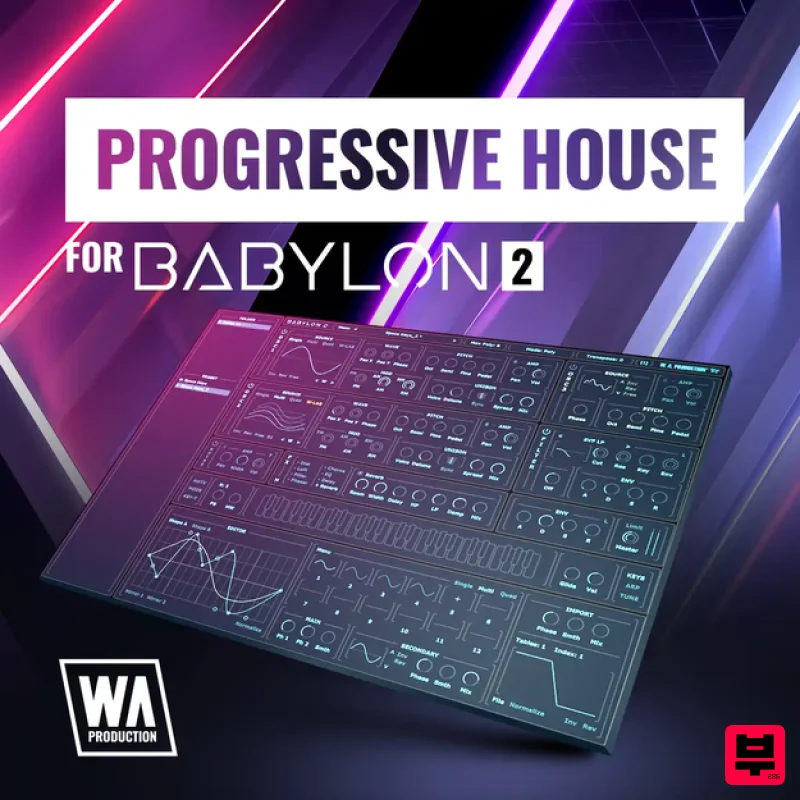
W. A. Production Progressive House for Babylon 2
Synth Presets

Resonance Sound Stranger Serum Synths Vol. 1 for Serum 2
Synth Presets

Resonance Sound Main Stage Techno Vol. 1 for Serum 2
Synth Presets
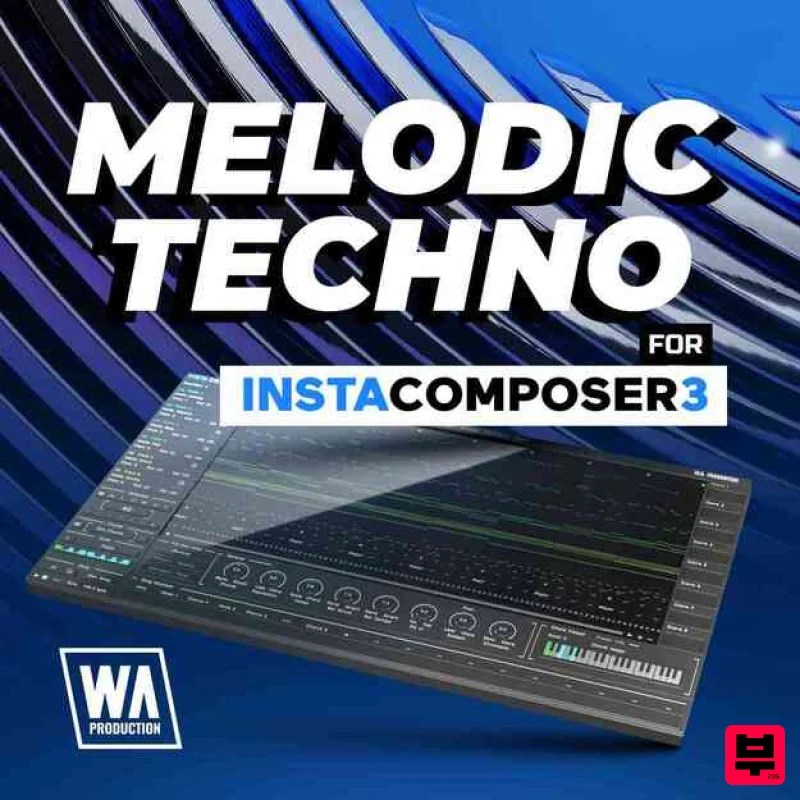
W. A. Production Melodic Techno for InstaComposer 3
Synth Presets

W. A. Production Cinematic Synths for Babylon 2
Synth Presets
W. A. Production Progressive Trance for InstaComposer 3
Synth Presets

