
W. A. Production NanoBeast
Professional music gear - detailed information and where to buy
W. A. Production
NanoBeast
Product Info
* Prices may vary. Check retailer for current pricing and availability.
Product Description
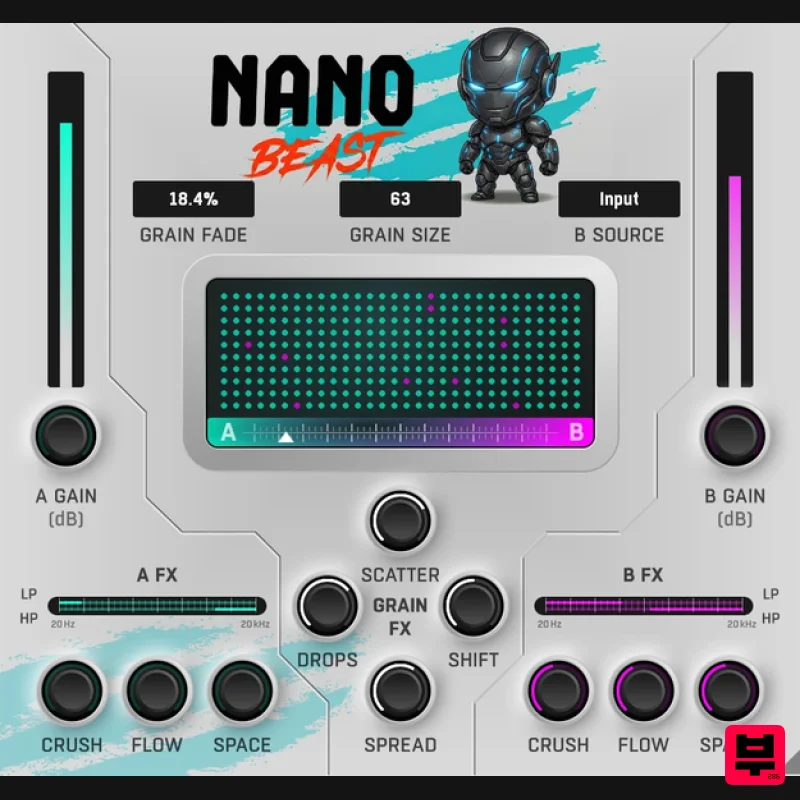
- Atomized Audio From the shimmering textures of modern ambient to the stuttering glitches of cutting-edge EDM
- granular processing has earned its place in the studio producers' hall of fame. NanoBeast isn’t just a granular plugin
- it’s your key to a microscopic world of sonic reconstruction. Unleash NanoBeast to atomize any audio source; melt vocals into lush soundscapes
- decimate drums into chaotic rhythms
- and shape synths into high-voltage hyper-pop pulses. Alternatively
- use the sidechain input to morph between two entirely different sound sources for truly unique transitions. NanoBeast serves up controlled chaos every time. Registration and Activation Video <iframe frameborder="0" height="315" src="https: //www.youtube.com/embed/YJHtWvm8z0Y" width="560"></iframe> Please Note: CHORDS is used as an example. Registration 1. Click the Download button in your Plugin Boutique account or go to https://www.waproduction.com/users/login 2. Click 'Create New Account' (if you already have a W.A Production account
- enter your details
- log in and skip to step 5). 3. Enter your details > Choose your marketing preferences > Click 'Finish Registration'. 4. Your account has been registered > Click 'Register Plugin'. 5. On the license registration page
- enter the license key from your Plugin Boutique account (which will be referred to as 'serial number' on our site) > Click 'Add'. 6. Your product will now be displayed in your W.A Production account > Scroll down to My Orders and click 'View Order'. 7. Click 'Download Files'. 8. Click 'Download'. Mac Installation 1. Once the download is complete
- extract and open the ZIP folder you just downloaded > Open the Mac folder > Double-click the CHORDS .pkg installer file. 2. Click 'Continue'. 3. Read the Software License Agreement > Click 'Continue'. 4. Click 'Agree'. 5. Click 'Install'. 6. Click 'Close'. 7. Open CHORDS in your DAW. 8. Click the information icon in the bottom left-hand corner > Enter the serial number you were given in your W.A Production account > Click 'Authorize'. Your software is now ready to use in your DAW! Windows Installation 1. Once the download is complete
- extract and open the ZIP folder you just downloaded > Open the PC folder > Double-click the CHORDS PC installer file. 2. Click 'Next'. 3. Click 'Next'. 4. Select which plugin formats you would like to install > Click 'Next' > Click 'Install'. 5. Click 'Finish'. 6. Open CHORDS in your DAW. 7. Click the information icon in the bottom left-hand corner > Enter the serial number you were given in your W.A Production account > Click 'Authorize'. Your software is now activated and ready to use in your DAW!
Additional Information
About the W. A. Production NanoBeast
The W. A. Production NanoBeast combines traditional design with modern performance for Granular FX enthusiasts.
Why Choose the W. A. Production NanoBeast?
- •Authentic W. A. Production craftsmanship and design
- •Versatile sound suitable for multiple musical genres
- •Professional build quality and reliable performance
- •Part of W. A. Production's respected Granular FX lineup
Compare & Explore
Browse our complete selection of W. A. Production instruments or explore other Granular FX options. Use our comparison tools to find the perfect match for your musical style and budget.
Similar Products
W. A. Production Venom
Granular FX
Imaginando GRFX
Granular FX
Sound Particles Density | Educational Version
Granular FX
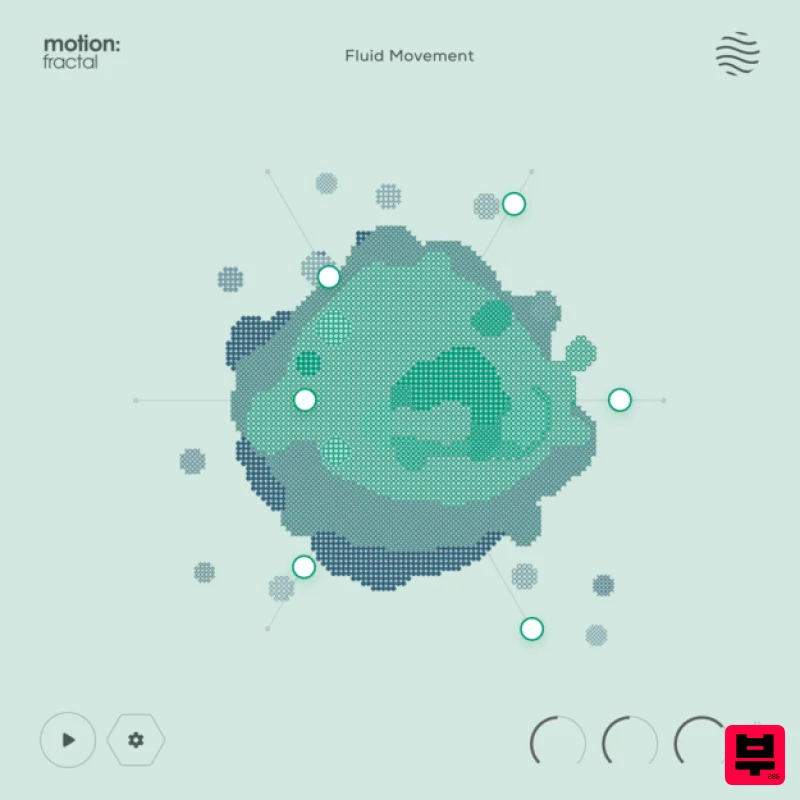
Excite Audio Motion: Fractal Lite
Granular FX

DataMind Audio Concatenator
Granular FX
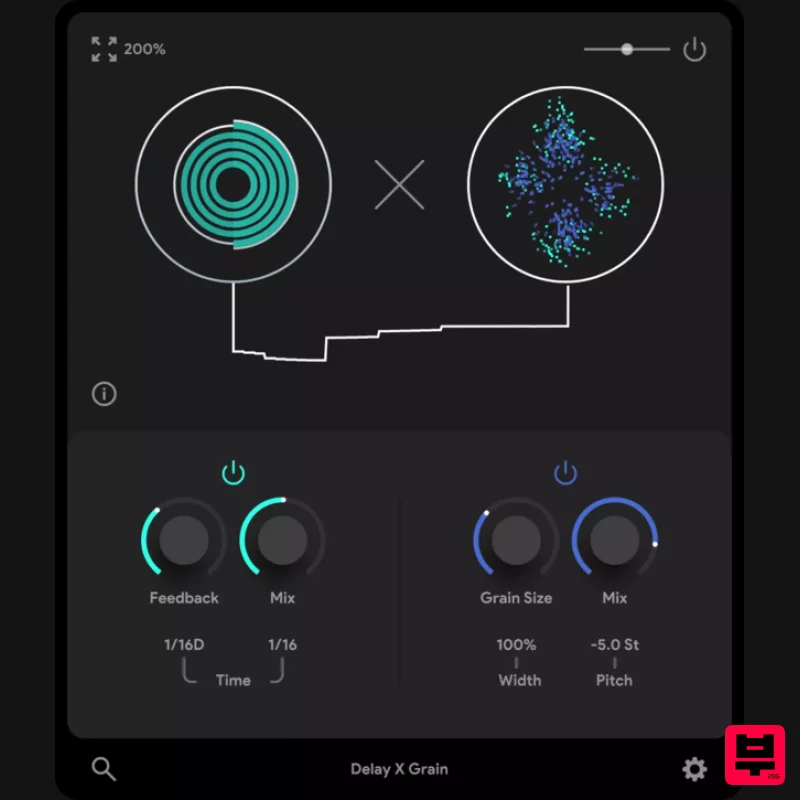
Thenatan Audio DelayGrain
Granular FX

DataMind Audio Combobulator
Granular FX
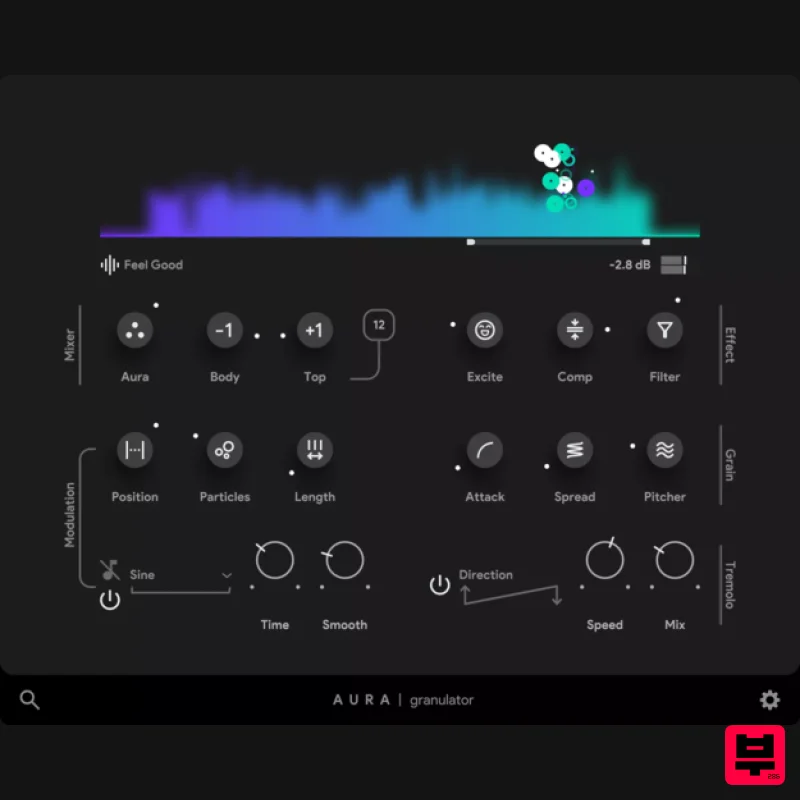
Thenatan Audio Aura
Granular FX

