
W. A. Production Venom
Professional music gear - detailed information and where to buy
W. A. Production
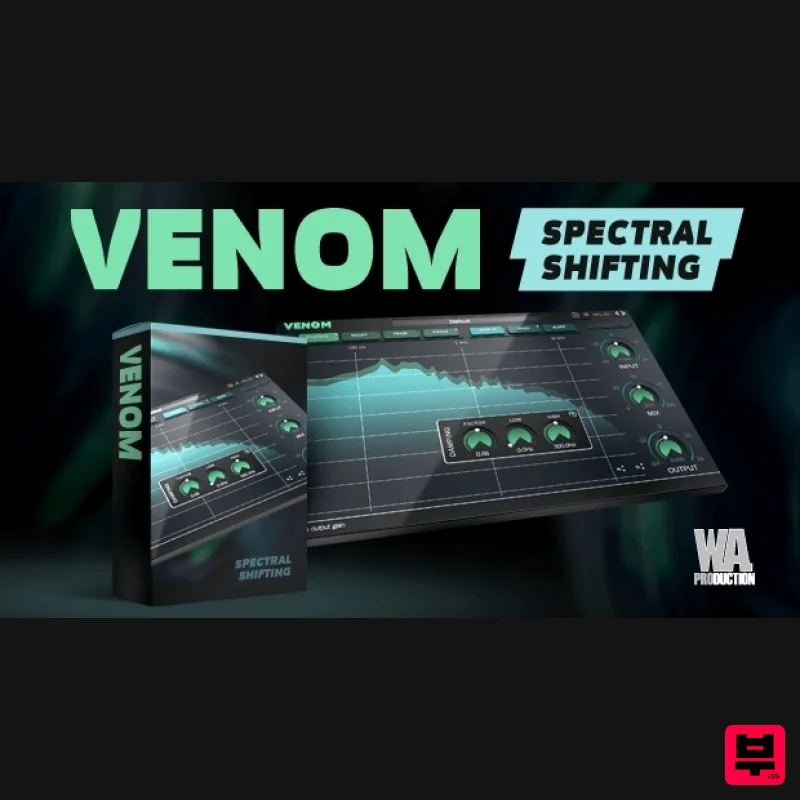
Venom
Product Info
* Prices may vary. Check retailer for current pricing and availability.
Product Description
- Spectral Shifting When reverb and delay just aren’t enough
- reach for Venom. This powerful spectral processing plug-in twists raw audio into many types of sounds from subtle granular movements to unrecognisable soundscapes. This makes Venom an incredibly versatile tool for sound designers
- musicians
- EDM producers and anyone who needs other-worldly transformations. Explore the myriad of possibilities by using the included presets
- then dive deeper with the hot-swappable effects chain
- granular sizes and advanced tone shaping. Every experiment with Venom will yield sonic surprises; creating expansive reverbs
- harmonic excitement
- frozen spectral tones and completely unique ambiences. Two-Stage Processing Venom processes audio in two stages: Firstly a ‘freeze’ stage captures and accumulates a snapshot of the incoming sound
- applying the audio effects to the continuously and creating feedback. This causes the output signal to change over time (like the reverb tail of an echo). The subsequent direct output stage applies a user-defined spectral operation to the signal. Seven Transformations The 7 creative audio effects shape all sorts of spectral processing: Focus
- Feaze
- Decay & Damping for the creation of unusual
- beautiful sounding ambiences. Mirror
- Pitch & Slope to generate experimental spectral transformations. Any combination of these is possible for other unique soundscapes. Hot-Swappable FX The user interface of Venom is completely modular: Drag an individual effect into the desired position in the processing chain to define the order of effects processing. Live or studio Live or Studio Venom comes with user-controllable parameters for various aspects of spectral resolution that allow you to find the best settings for any environment; in the studio
- on the road
- or in a live setting. Power The Venom logo acts as a bypass control for the whole plugin and is to be click and pop free for unhindered A/B testing. Use it to swap between your original audio and the Venom transformations. Presets A range of factory presets are designed to get you up and running quickly
- with tailored settings for many types of special FX and spectral shaping. These are all easily accessible from the menu and of course
- you can save your own settings as user presets too. Let Venom inspire you to create unique sounds that you never thought possible - all with just a few clicks. W. A. Production are real-life producers making creative plugins to help you achieve studio quality processing quickly and easily. Enjoy! Features Spectral freeze and processing Real-time frequency display 7 individual FX: Focus
- Feaze
- Decay
- Damping
- Mirror
- Pitch & Slope Hot-swappable FX chain Creative Presets for special FX and spectral shaping Click-free bypass control Input
- Output level and Mix controls Full PDF manual and tutorial video System Requirements Mac macOS 10.13 and later (64-bit only) Available Formats: VST VST3 AU AAX Important Note for Mac Apple Silicon users: Before purchasing
- please review the current compatibility status of this plugin on your system here. PC Windows 8 and later (64-bit only) (The plug-in might run on older versions too
- but it's not guaranteed) Available Formats: VST VST3 AAX Compatibility (Tested OK On): Ableton Live 10 (and later) Bitwig Studio 2 Cubase 10 FL Studio 20 (VST
- not VST3) Logic Pro X (Mac only) Studio One 3 Maschine 2 (and later) Reason Reaper Pro Tools 11 (and later) Max/MSP The Samplecast "Having been confused by spectral FX processing in the past
- I found that Venom made the concept easy to understand
- with modular FX and options. Weird soundscapes have never been so simple to create." Registration and Activation Video <iframe frameborder="0" height="315" src="https: //www.youtube.com/embed/YJHtWvm8z0Y" width="560"></iframe> Please Note: CHORDS is used as an example. Registration 1. Click the Download button in your Plugin Boutique account or go to https://www.waproduction.com/users/login 2. Click 'Create New Account' (if you already have a W.A Production account
- enter your details
- log in and skip to step 5). 3. Enter your details > Choose your marketing preferences > Click 'Finish Registration'. 4. Your account has been registered > Click 'Register Plugin'. 5. On the license registration page
- enter the license key from your Plugin Boutique account (which will be referred to as 'serial number' on our site) > Click 'Add'. 6. Your product will now be displayed in your W.A Production account > Scroll down to My Orders and click 'View Order'. 7. Click 'Download Files'. 8. Click 'Download'. Mac Installation 1. Once the download is complete
- extract and open the ZIP folder you just downloaded > Open the Mac folder > Double-click the CHORDS .pkg installer file. 2. Click 'Continue'. 3. Read the Software License Agreement > Click 'Continue'. 4. Click 'Agree'. 5. Click 'Install'. 6. Click 'Close'. 7. Open CHORDS in your DAW. 8. Click the information icon in the bottom left-hand corner > Enter the serial number you were given in your W.A Production account > Click 'Authorize'. Your software is now ready to use in your DAW! Windows Installation 1. Once the download is complete
- extract and open the ZIP folder you just downloaded > Open the PC folder > Double-click the CHORDS PC installer file. 2. Click 'Next'. 3. Click 'Next'. 4. Select which plugin formats you would like to install > Click 'Next' > Click 'Install'. 5. Click 'Finish'. 6. Open CHORDS in your DAW. 7. Click the information icon in the bottom left-hand corner > Enter the serial number you were given in your W.A Production account > Click 'Authorize'. Your software is now activated and ready to use in your DAW!
Additional Information
About the W. A. Production Venom
The W. A. Production Venom combines traditional design with modern performance for Granular FX enthusiasts.
Why Choose the W. A. Production Venom?
- •Authentic W. A. Production craftsmanship and design
- •Versatile sound suitable for multiple musical genres
- •Professional build quality and reliable performance
- •Part of W. A. Production's respected Granular FX lineup
Compare & Explore
Browse our complete selection of W. A. Production instruments or explore other Granular FX options. Use our comparison tools to find the perfect match for your musical style and budget.
Similar Products

DataMind Audio Combobulator
Granular FX
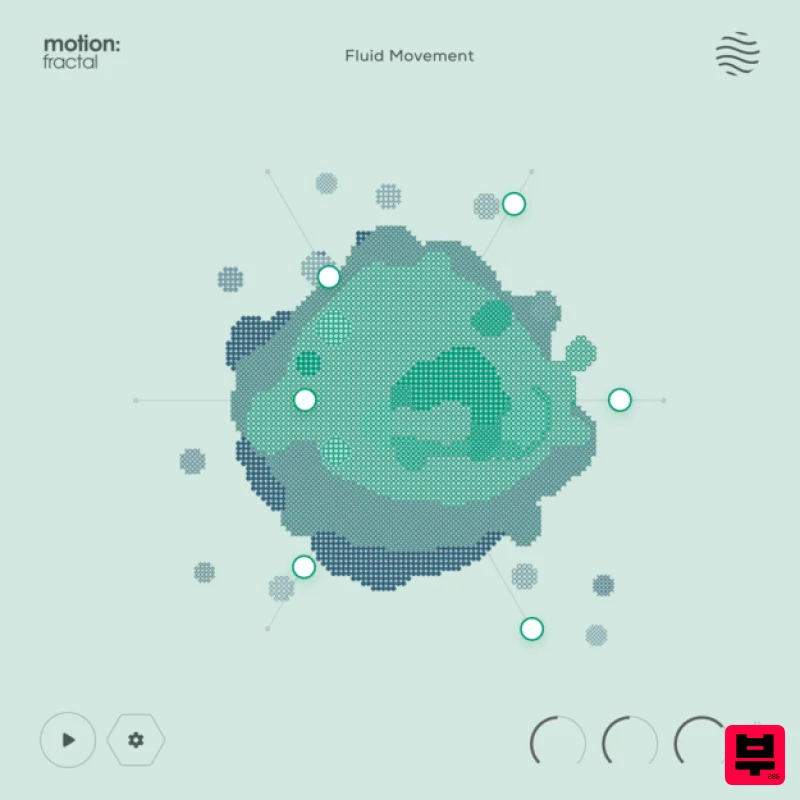
Excite Audio Motion: Fractal Lite
Granular FX

DataMind Audio Concatenator
Granular FX
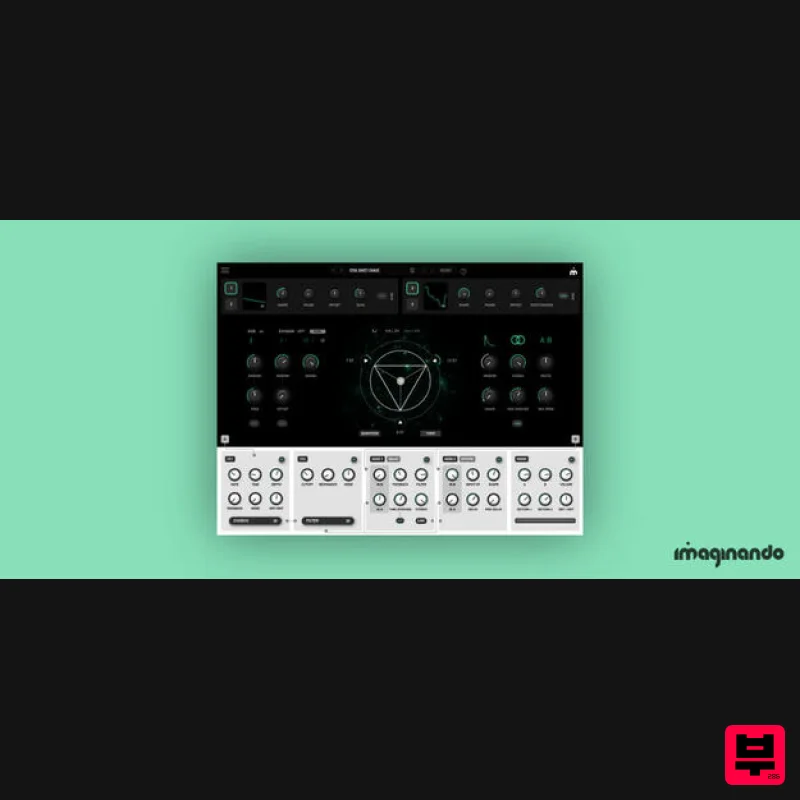
Imaginando GRFX
Granular FX
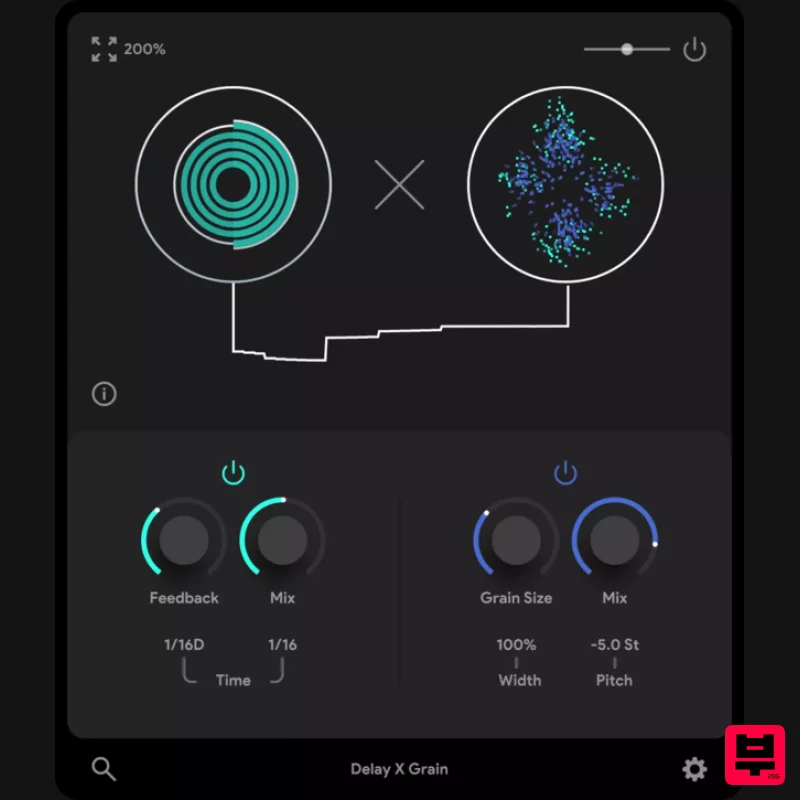
Thenatan Audio DelayGrain
Granular FX
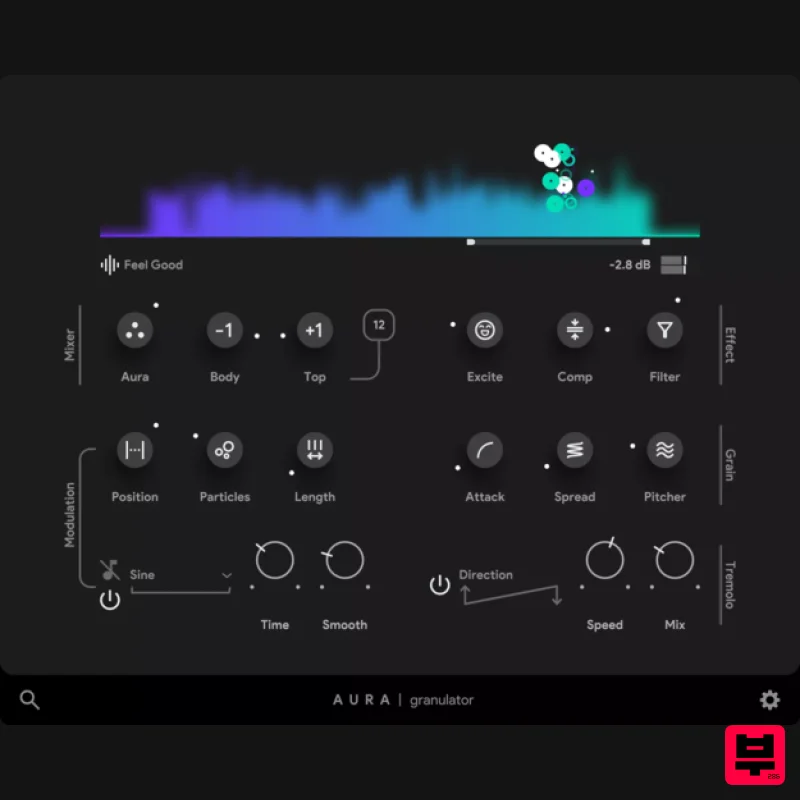
Thenatan Audio Aura
Granular FX
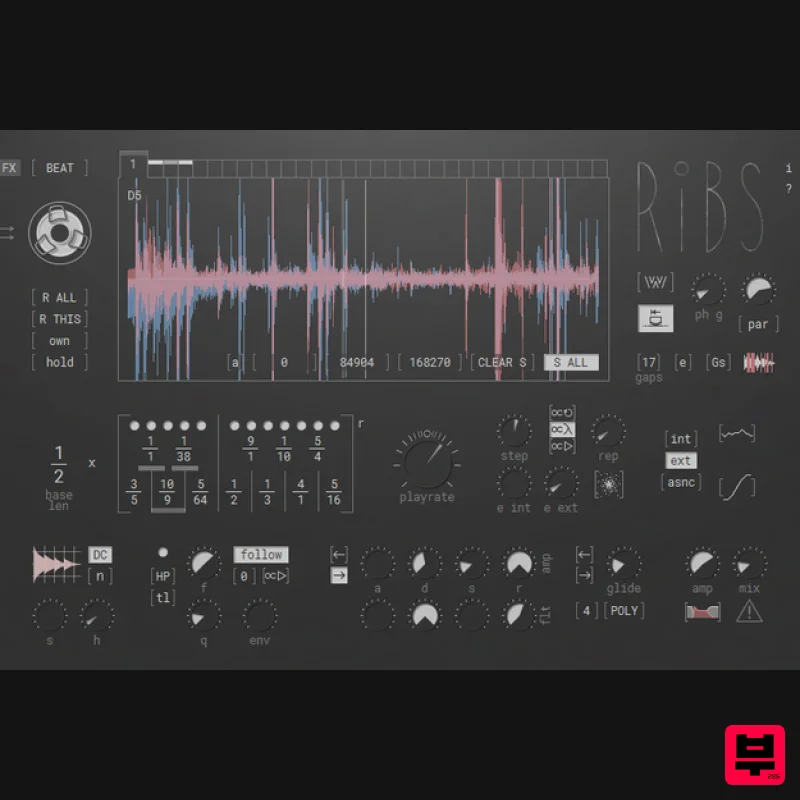
Hvoya Audio Ribs
Granular FX
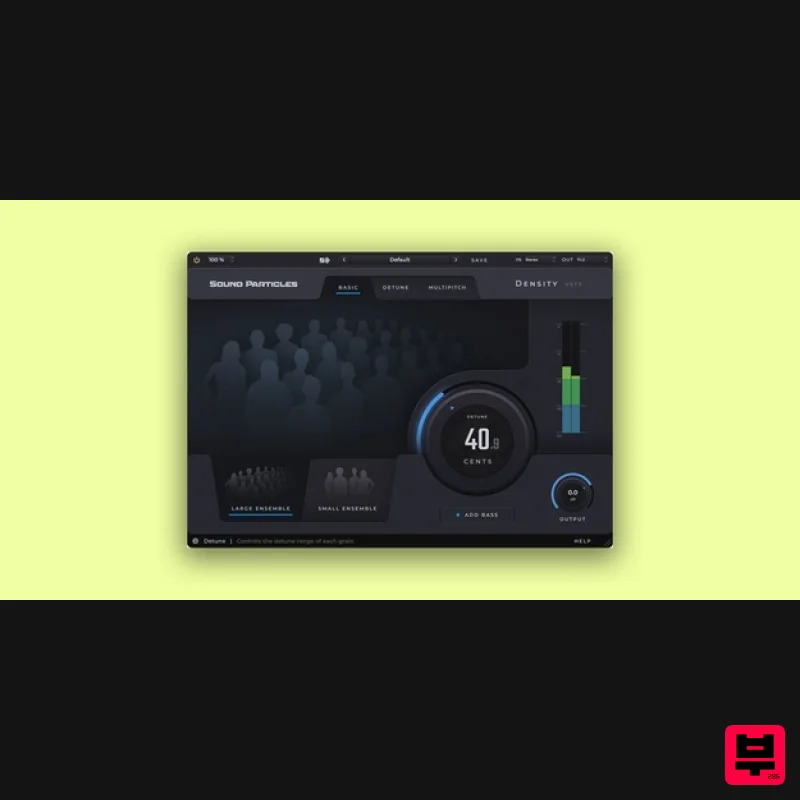
Sound Particles Density | Educational Version
Granular FX

