
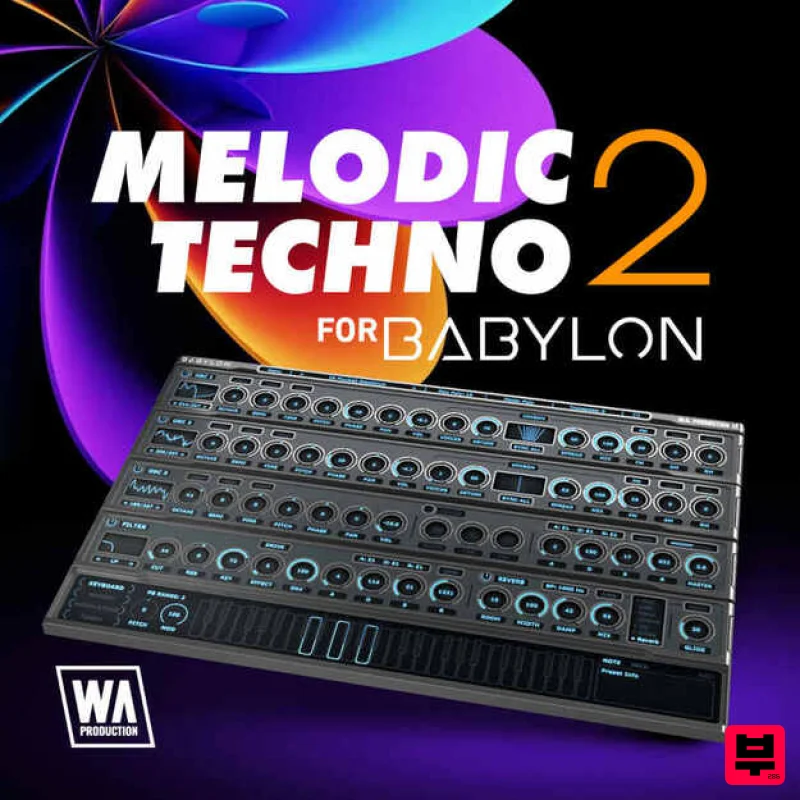
W. A. Production Melodic Techno 2 for Babylon 1
Professional music gear - detailed information and where to buy
W. A. Production
Melodic Techno 2 for Babylon 1
Product Info
* Prices may vary. Check retailer for current pricing and availability.
Product Description
- Important Note: This is an expansion for W. A. Production Babylon 1
- and is not compatible with Babylon 2. Melodic Techno 2 for Babylon is crafted for producers who aspire to capture the deep
- emotive soundscapes of the melodic techno genre
- characterized by its hypnotic rhythms and rich
- melodic patterns. Drawing inspiration from artists like Tale Of Us
- Stephan Bodzin
- and Maceo Plex
- this collection provides 80 meticulously designed presets
- perfect for creating tracks that resonate with the soul-stirring depth and complexity of modern melodic techno. This comprehensive preset pack from W. A. Production for the Babylon synth offers a diverse range of sounds
- including pulsating basses
- soaring leads
- intricate plucks
- and lush pads. Each preset has been finely tuned to ensure they blend seamlessly into your productions
- providing the tools needed to craft dynamic and emotionally charged tracks that stand out in the vibrant melodic techno scene. With Melodic Techno 2 for Babylon
- dive deep into a world of musical expression where each sound is designed to evoke emotions and build atmospheric narratives. Embrace these presets and elevate your productions
- ensuring each track not only moves the dance floor but also moves the heart. Features 30 Bass Presets 20 Lead Presets 15 Pad Presets 15 Pluck Presets 100% Royalty-Free System Requirements A copy of W.A Production Babylon is required to use this product. Note: Hardstyle Expansion is used as an example. Mac 1. Download and open the .zip file from within your Plugin Boutique User Account > Open the folder titled 'Babylon Presets' and copy the folder titled 'Hardstyle Expansion'. 2. Open Babylon inside of your DAW. 3. Click 'Menu' > Click 'Open Preset Folder'. 4. Paste the 'Hardstyle Expansion' Folder inside the Preset Folder. 5. Close and then reopen Babylon. Your presets are now ready to be used inside of Babylon! Windows 1. Download and open the .zip file from within your Plugin Boutique User Account > Open the folder titled 'Babylon Presets' and copy the folder titled 'Hardstyle Expansion'. 2. Open Babylon inside of your DAW. 3. Click 'Menu' > Click 'Open Preset Folder'. 4. Paste the 'Hardstyle Expansion' Folder inside the Preset Folder. 5. Close and then reopen Babylon. Your presets are now ready to be used inside of Babylon!
Additional Information
About the W. A. Production Melodic Techno 2 for Babylon 1
Discover the distinctive sound and feel of the W. A. Production Melodic Techno 2 for Babylon 1, a standout choice among Synth Presets.
Why Choose the W. A. Production Melodic Techno 2 for Babylon 1?
- •Authentic W. A. Production craftsmanship and design
- •Versatile sound suitable for multiple musical genres
- •Professional build quality and reliable performance
- •Part of W. A. Production's respected Synth Presets lineup
Compare & Explore
Browse our complete selection of W. A. Production instruments or explore other Synth Presets options. Use our comparison tools to find the perfect match for your musical style and budget.
Similar Products
Resonance Sound FILTH Vol. 1 for Serum 2
Synth Presets

W. A. Production Cinematic Synths for Babylon 2
Synth Presets
W. A. Production Melodic Techno for InstaComposer 3
Synth Presets

Resonance Sound UK Speed Garage Vol. 1 for Serum 2
Synth Presets

Resonance Sound Main Stage Techno Vol. 1 for Serum 2
Synth Presets

Resonance Sound Stranger Serum Synths Vol. 1 for Serum 2
Synth Presets
W. A. Production Progressive House for Babylon 2
Synth Presets
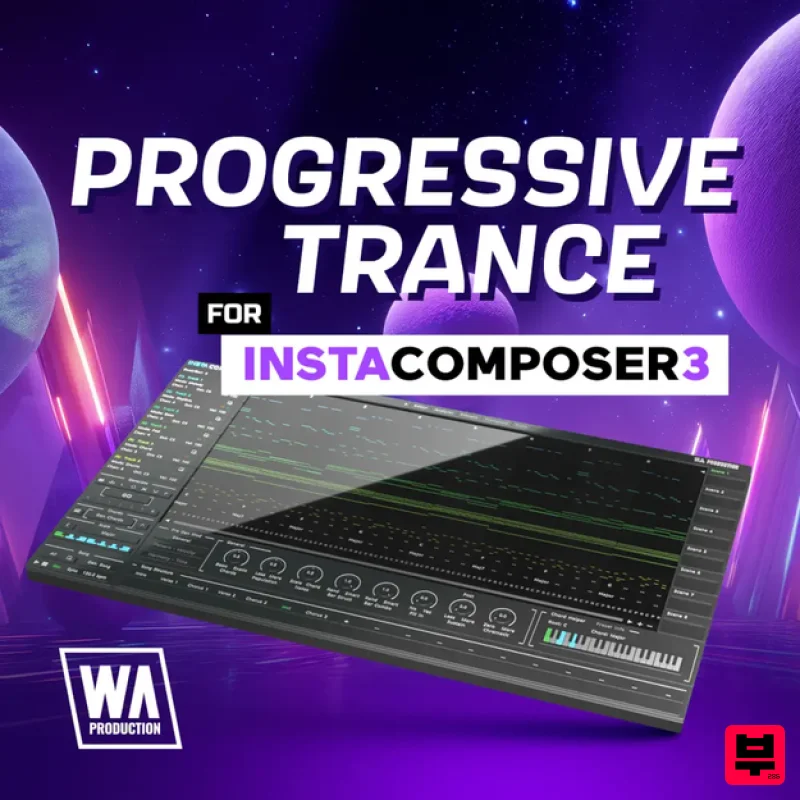
W. A. Production Progressive Trance for InstaComposer 3
Synth Presets

