
W. A. Production Dynawide
Professional music gear - detailed information and where to buy
W. A. Production
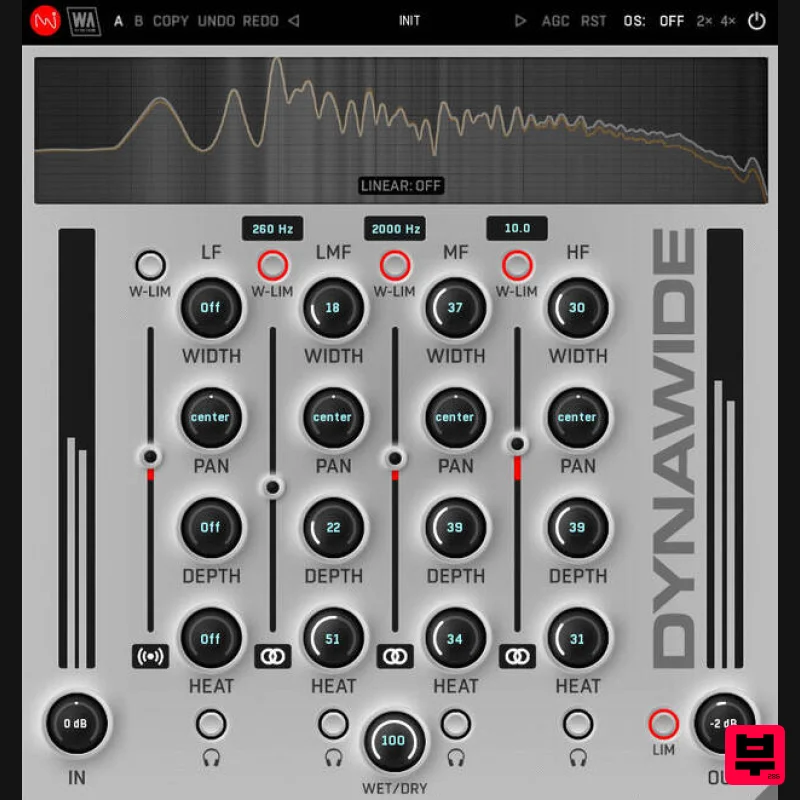
Dynawide
Product Info
* Prices may vary. Check retailer for current pricing and availability.
Product Description
- Advanced Sound Reviver When it comes to audio processing
- sometimes happy mistakes can transform your sound in surprising ways. But more often than not
- you need a precise surgical tool to sculpt audio and make it spring to life. Ditch the guess work and enter the era of sonic precision with DYNAWIDE. This plugin combines the accumulated wisdom of a team of experienced sound engineers in a single
- intuitively designed tool kit. Far from a one-trick audio pony
- this is a multiband sculpting suite designed to revolutionise the way you approach mixing. Breathe life into any audio
- from delicate percussion to earth-shaking bass lines. Achieve pristine stereo width and depth while maintaining perfect clarity
- ensuring every element sits perfectly in the mix. Use DYNAWIDE on individual tracks
- your mix bus
- or master channel for stunning results. Restore lacklustre recording takes or elevate your existing mixes with calibrated controls over tonal balance. Ditch the "good enough" mixes and unlock your audio's true potential with a tool that’s not just a multiband plugin
- but the key to transforming your tracks from everyday to extraordinary. Crossovers & Tonal Balance DYNAWIDE's multiband faders feature a massive +/- 24dB range
- allowing you to sculpt the tonal balance of any audio. Achieve a wider range of sonic possibilities than simple cutting and boosting by combining these faders with other powerful onboard features. Unlock the power of precision with the multiband crossover controls of DYNAWIDE
- all user-controllable. Whether you prefer the transparency of linear phase or the classic warmth of analog minimum phase
- DYNAWIDE gives you the flexibility to sculpt your sound exactly how you envision it. Swap between modes with just one button
- and use the frequency adjustment to decide exactly where the bands cross. Expand & Contract Traditional stereo enhancers often come at the cost of a muddy and problematic mid signal. DYNAWIDE is different
- featuring innovative processing that can keep your centre image intact. Unleash spectacular stereo width without sacrificing mono compatibility with per-band width controls. Additionally
- the Width Limit buttons act as safety nets
- in most cases preventing the sides from overpowering the mids even during extreme width adjustments. This ensures your mixes will sound incredible on any playback system. Saturate & Separate Breathe warmth and depth into your mixes without sacrificing detail or control. DYNAWIDE's Heat knobs add harmonic richness to specific frequencies
- enhancing your sound without compromising transient response. Depth controls offer boosted convolution from a classic analog compressor feel. This creates a front-to-back expansion effect
- eliminating dryness and adding depth for powerful sound staging. Pan knobs manipulate the stereo placement of individual frequencies. For example
- you can adjust pre-made loops or complex mixes by panning frequency bands. Visual Feedback & Comparison DYNAWIDE is built on vector graphics with a resizable interface. A live spectrum is displayed at the top
- to help you identify frequency changes. This shows exactly what’s happening to the signal as it travels through the plugin in real time. Accurately monitor your audio at every step of the chain. For those who like to experiment
- contrast different processing chains with AB comparison and copy / paste. Use the undo / redo buttons to revert any changes. Presets DYNAWIDE includes a huge number of factory presets
- covering everything from subtle surgical correction to more broad-strokes transformations. Use the categorised starting points to embark on multiband processing adventures to widen
- deepen and balance any type of audio
- bringing the best out of your sounds and productions. W. A. Production are real-life producers making creative plugins to help you achieve studio quality processing quickly and easily. Enjoy! Features Perfectly balanced multiband audio toolbox plugin Add stereo width and depth Linear phase & Analog-type crossovers Width balance and limiting Expansion depth controls Saturation for harmonic richness Per-band frequency spectrum monitoring AB comparison & Undo / Redo Resizable interface Responsive & CPU friendly Flexible factory presets Full PDF Manual & Tutorial video System Requirements VST
- VST3
- AAX (Native) Compatible with all major DAWs and 3rd party plugin-supported audio editors. Important Note for Mac Apple Silicon users: Before purchasing
- please review the current compatibility status of this plugin on your system here. Registration and Activation Video <iframe frameborder="0" height="315" src="https: //www.youtube.com/embed/YJHtWvm8z0Y" width="560"></iframe> Please Note: CHORDS is used as an example. Registration 1. Click the Download button in your Plugin Boutique account or go to https://www.waproduction.com/users/login 2. Click 'Create New Account' (if you already have a W.A Production account
- enter your details
- log in and skip to step 5). 3. Enter your details > Choose your marketing preferences > Click 'Finish Registration'. 4. Your account has been registered > Click 'Register Plugin'. 5. On the license registration page
- enter the license key from your Plugin Boutique account (which will be referred to as 'serial number' on our site) > Click 'Add'. 6. Your product will now be displayed in your W.A Production account > Scroll down to My Orders and click 'View Order'. 7. Click 'Download Files'. 8. Click 'Download'. Mac Installation 1. Once the download is complete
- extract and open the ZIP folder you just downloaded > Open the Mac folder > Double-click the CHORDS .pkg installer file. 2. Click 'Continue'. 3. Read the Software License Agreement > Click 'Continue'. 4. Click 'Agree'. 5. Click 'Install'. 6. Click 'Close'. 7. Open CHORDS in your DAW. 8. Click the information icon in the bottom left-hand corner > Enter the serial number you were given in your W.A Production account > Click 'Authorize'. Your software is now ready to use in your DAW! Windows Installation 1. Once the download is complete
- extract and open the ZIP folder you just downloaded > Open the PC folder > Double-click the CHORDS PC installer file. 2. Click 'Next'. 3. Click 'Next'. 4. Select which plugin formats you would like to install > Click 'Next' > Click 'Install'. 5. Click 'Finish'. 6. Open CHORDS in your DAW. 7. Click the information icon in the bottom left-hand corner > Enter the serial number you were given in your W.A Production account > Click 'Authorize'. Your software is now activated and ready to use in your DAW!
Additional Information
About the W. A. Production Dynawide
Experience the quality and tone that makes the W. A. Production Dynawide a popular choice for musicians.
Why Choose the W. A. Production Dynawide?
- •Authentic W. A. Production craftsmanship and design
- •Versatile sound suitable for multiple musical genres
- •Professional build quality and reliable performance
- •Part of W. A. Production's respected Stereo Width lineup
Compare & Explore
Browse our complete selection of W. A. Production instruments or explore other Stereo Width options. Use our comparison tools to find the perfect match for your musical style and budget.
Similar Products
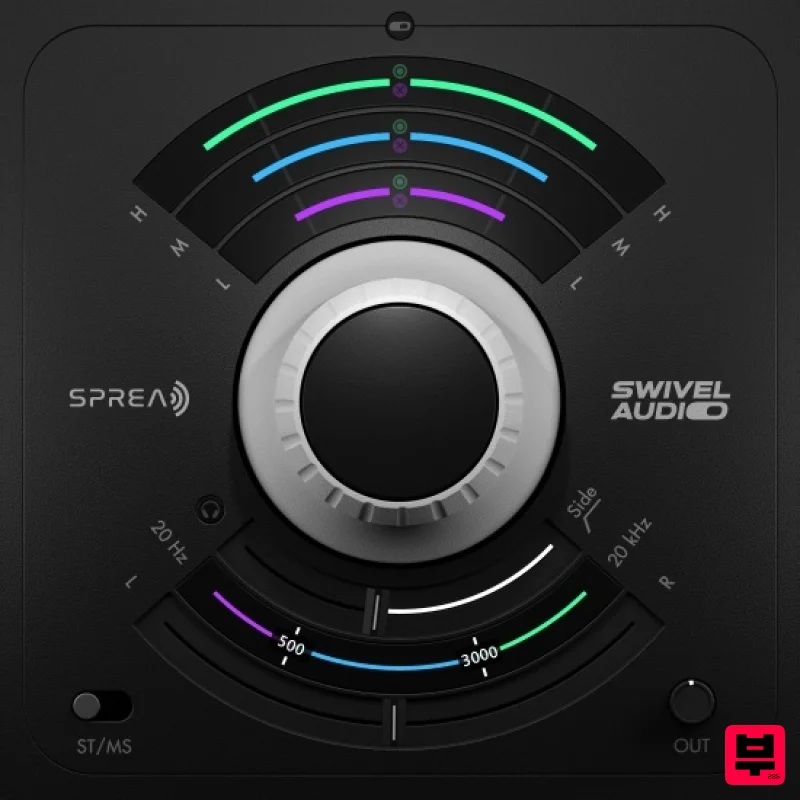
Plugin Alliance Swivel Audio Spread
Stereo Width
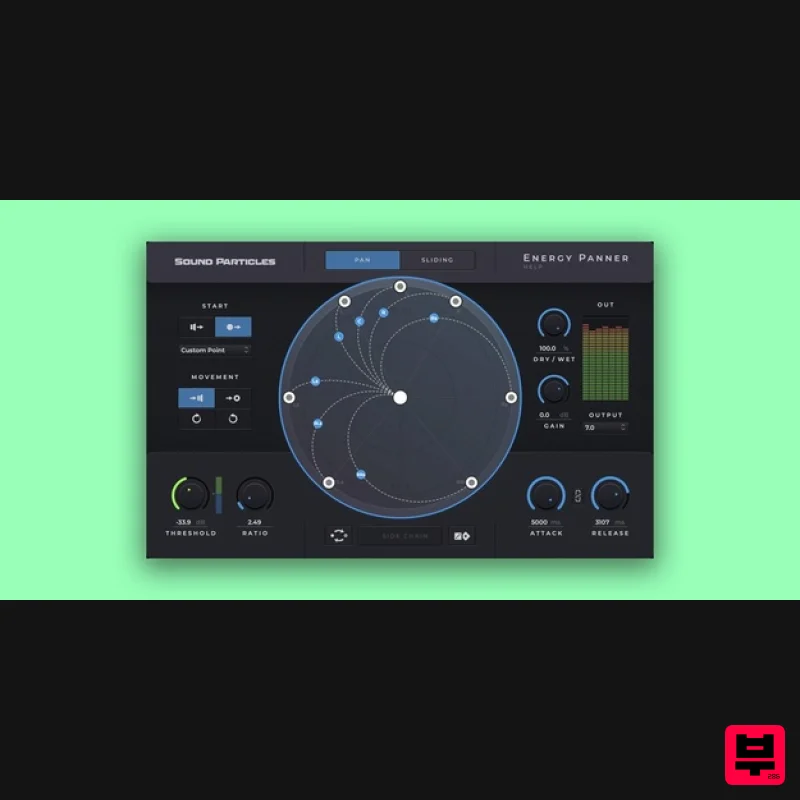
Sound Particles Energy Panner | Educational Version
Stereo Width
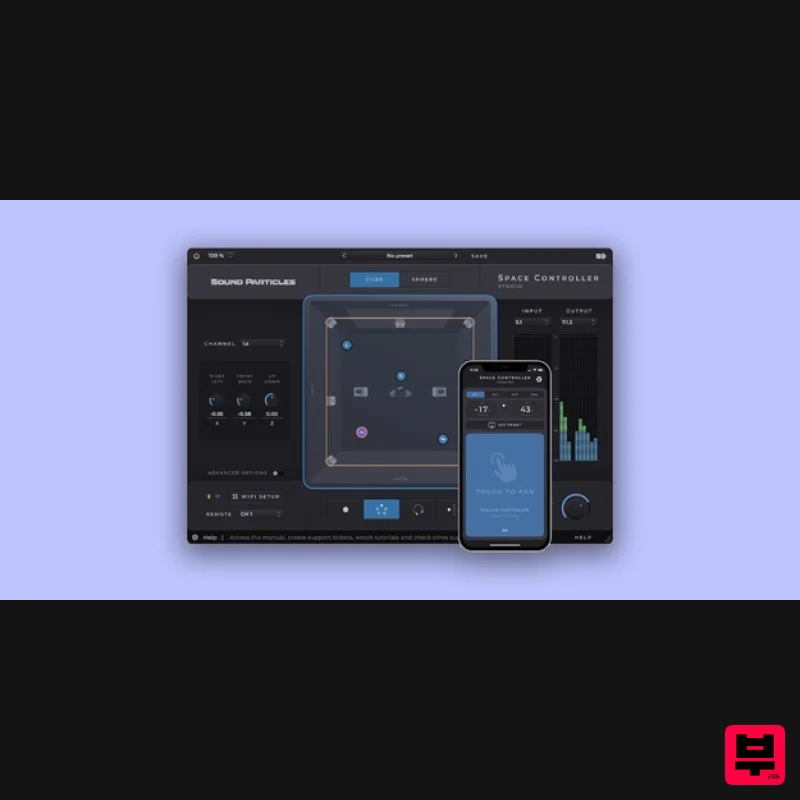
Sound Particles Space Controller Studio | Educational Version
Stereo Width
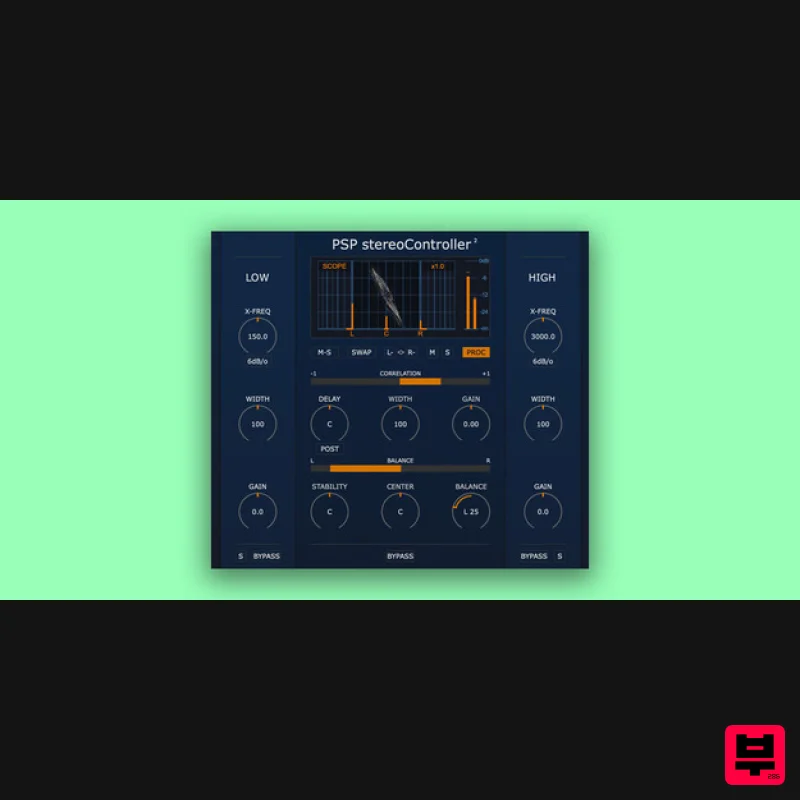
PSP Audioware PSP StereoController2
Stereo Width
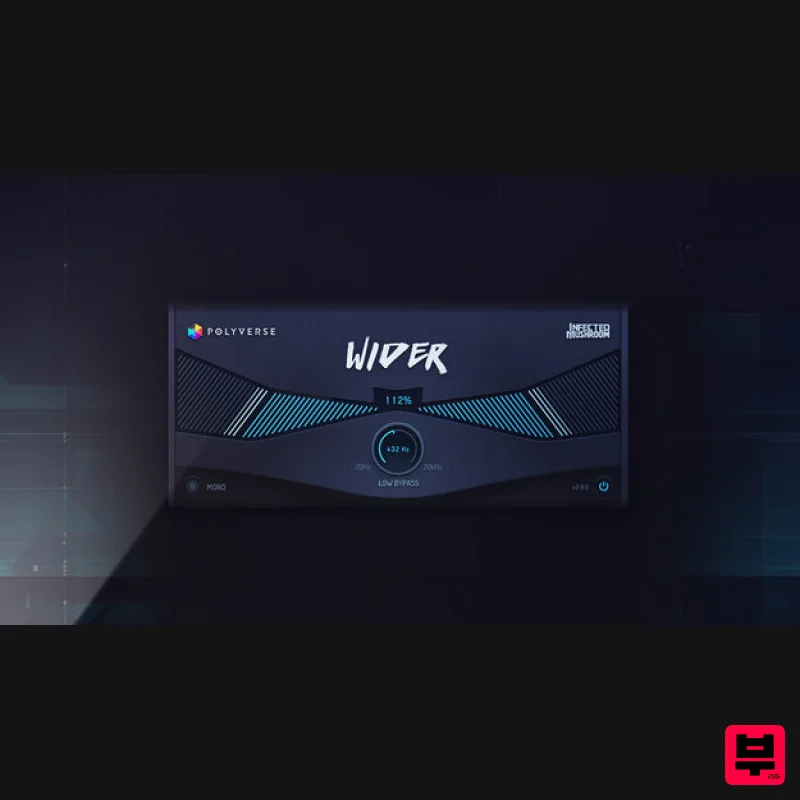
Polyverse Wider 2
Stereo Width
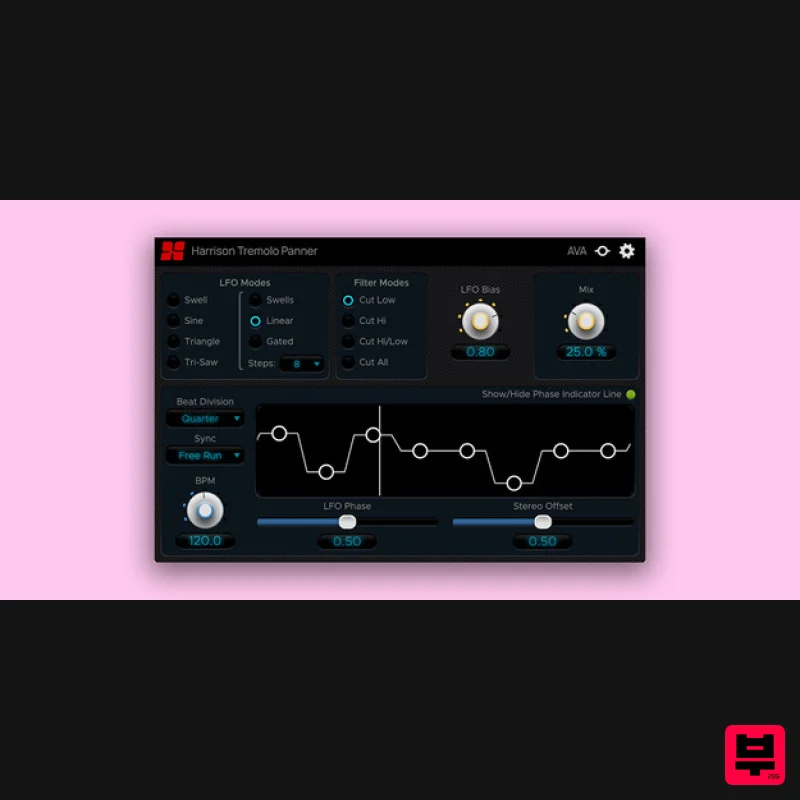
Harrison Consoles Tremolo Panner
Stereo Width
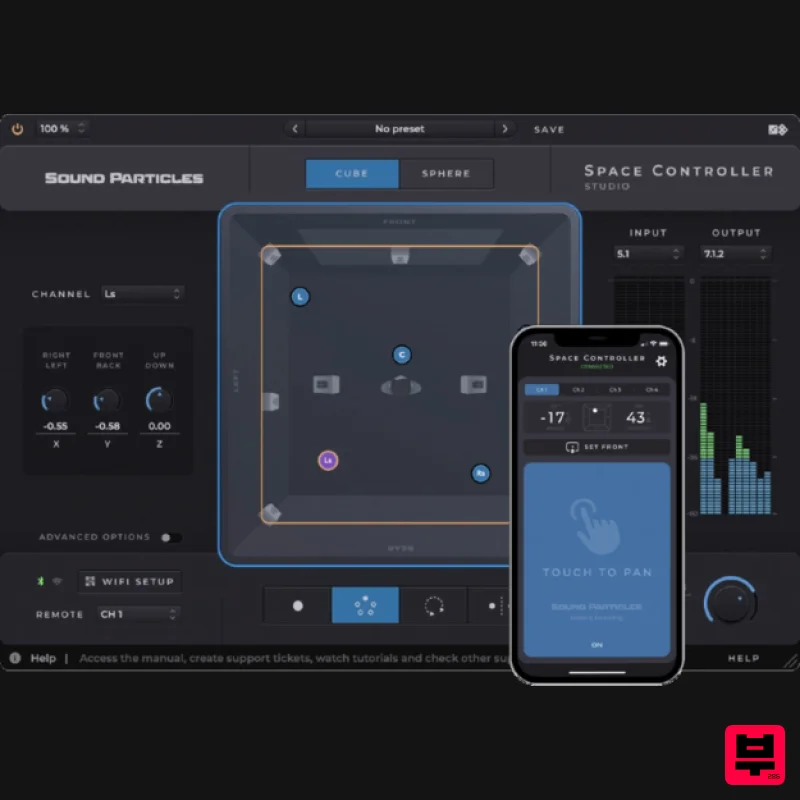
Sound Particles Space Controller Standard | Educational Version
Stereo Width
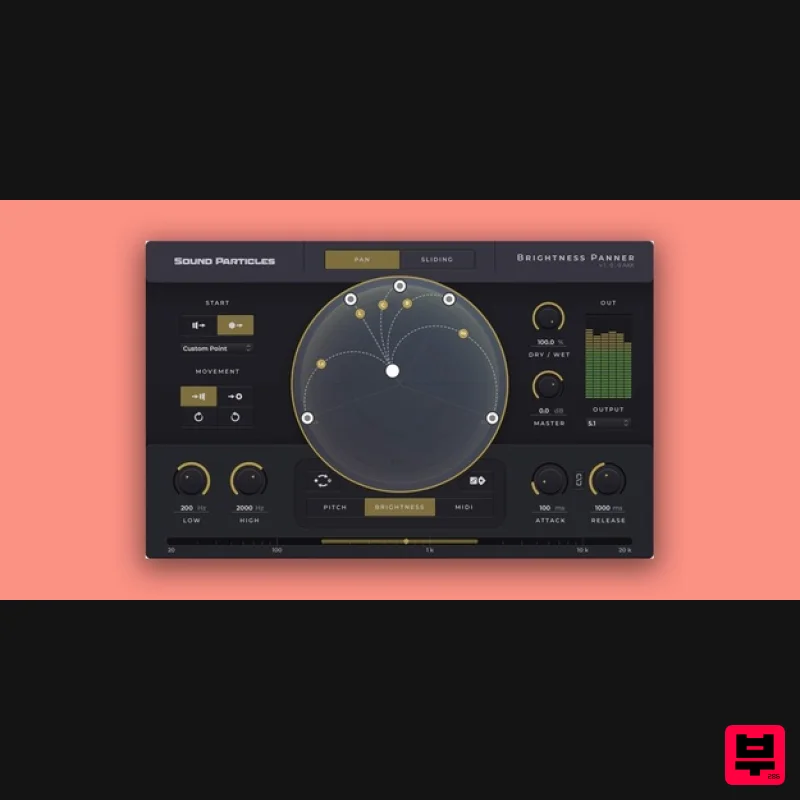
Sound Particles Brightness Panner | Educational Version
Stereo Width

