
PSP Audioware PSP StereoController2
Professional music gear - detailed information and where to buy
PSP Audioware
PSP StereoController2
Product Info
* Prices may vary. Check retailer for current pricing and availability.
Product Description
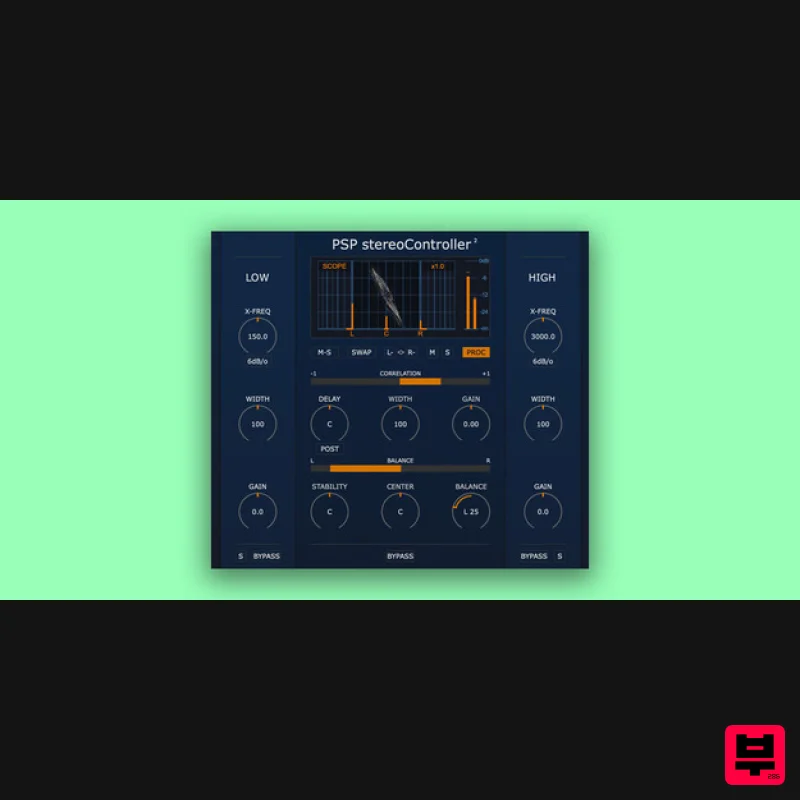
- The Correction Tool For Dual Channel Stereophonic Signals! PSP StereoController2 is designed to control
- adjust
- and rescue incorrectly recorded dual channel stereo tracks
- or process them for specialized applications or cool sonic tricks. PSP StereoController2 Can Be Used In Various Situations unbalanced stereo image due to level difference between channels
- e.g. in dual microphone stereo recordings slight time alignment shift between channels a track’s stereo image is too narrow or too wide for the mix when the center instrument seems to be shifted to one side virtually emulating an instrument’s location in the soundfield via combined level and delay panning one or both channels have reversed polarity
- or the channels are swapped decoding a Mid-Side (M-S) encoded track into L/R stereo reducing the stereo width of low frequencies
- or making them mono
- for proper speaker or subwoofer replay or for reliably cutting vinyl widening stereo width of high frequencies for more ‘airy’ harmonics and spaciousness fine adjustment of stereo imaging during the mastering process Features High quality signal processing algorithms Up to 2 ms of delay - can repair up to ~68 cm / 2 ft of distance mismatch between mics Width expansion up to 400% for narrowly recorded stereo tracks Master gain control up to ±12dB Optional dedicated width and gain controls for Low and/or High frequencies Low and High band gain control up to ±6dB Stability (sides) balance control without affecting the center content localization Center control to adjust the panorama location of the center content Standard balance control of channels M-S decoder Output monitoring and solo capability for Mid and Side signals Channel swap Polarity switches for both channels Correlation meter Balance meter Dedicated sections for Low and High frequency level and width control Parameter filtering for and click-free parameter adjustment Support for sample rates up to 384 kHz System Requirements PC Windows 7 – Windows 11 VST
- VST 3 and AAX The latest iLok License Manager application installed Mac macOS 10.12 – macOS 13 Ventura (Apple Silicon Supported) VST
- VST 3
- AAX and AU The latest iLok License Manager application installed Please Note: PSP VintageWarmer2 is used as an example. Activation 1. Visit the PSP Registration Centre and create/log into your PSPaudioware account. 2. Select the Manual Product Activation link and copy and paste/manually enter the serial number that is provided with your User Account. > click 'Activate!.' 3. Your PSP product will now show up in your PSP customer account. Your 30-digit iLok activation code will also be listed under authorization (PACE). Download the relevant installer. iLok Registration 1. Go to the iLok website and create a new account if you are not currently registered and do not have the iLok Licence Manager installed on your computer. 2. Download and install the iLok License Manager. 3. Open your iLok license manager application > click 'Sign In'. 4. Enter your iLok registered User ID and password > click ‘Sign In'. 5. Once you are signed in
- click the ‘Redeem’ icon which is located at the top-right corner of the iLok Licence Manager’s interface. 6. Copy and paste/manually enter the 30-digit code from your PSP Audioware account into the available Activation Code boxes
- and then click ‘Next'. 7. Select your activation destination > Click 'Activate'. 8. Click 'Ok'. Installation Mac 1. Open the recently downloaded .dmg file to begin the installation. 2. Click 'Continue'. 3. Click 'Continue'. 4. Click 'Continue'. 5. Click 'Agree'. 6. Click 'Continue'. 7. Click 'Install'. 8. Click 'Close'. 9. Open your DAW > Open your newly installed software. Your software is now activated and ready to use. PC 1. Open the recently downloaded .exe file to begin the installation. 2. Click 'Next >'. 3. Select 'I Accept the Agreement' > Click 'Next'. 4. Click 'Next >'. 5. Click 'Next'. 6. Click 'Next'. 7. Click 'Next' to begin the installation. 8. Click 'Finish'. 9. Open your DAW > Open your newly installed software. Your software is now activated and ready to use.
Additional Information
About the PSP Audioware PSP StereoController2
The PSP Audioware PSP StereoController2 represents excellent craftsmanship in the Stereo Width category.
Why Choose the PSP Audioware PSP StereoController2?
- •Authentic PSP Audioware craftsmanship and design
- •Versatile sound suitable for multiple musical genres
- •Professional build quality and reliable performance
- •Part of PSP Audioware's respected Stereo Width lineup
Compare & Explore
Browse our complete selection of PSP Audioware instruments or explore other Stereo Width options. Use our comparison tools to find the perfect match for your musical style and budget.
Similar Products
Excite Audio Lifeline Width
Stereo Width
Sound Particles Space Controller Standard | Educational Version
Stereo Width
Sound Particles Energy Panner | Educational Version
Stereo Width
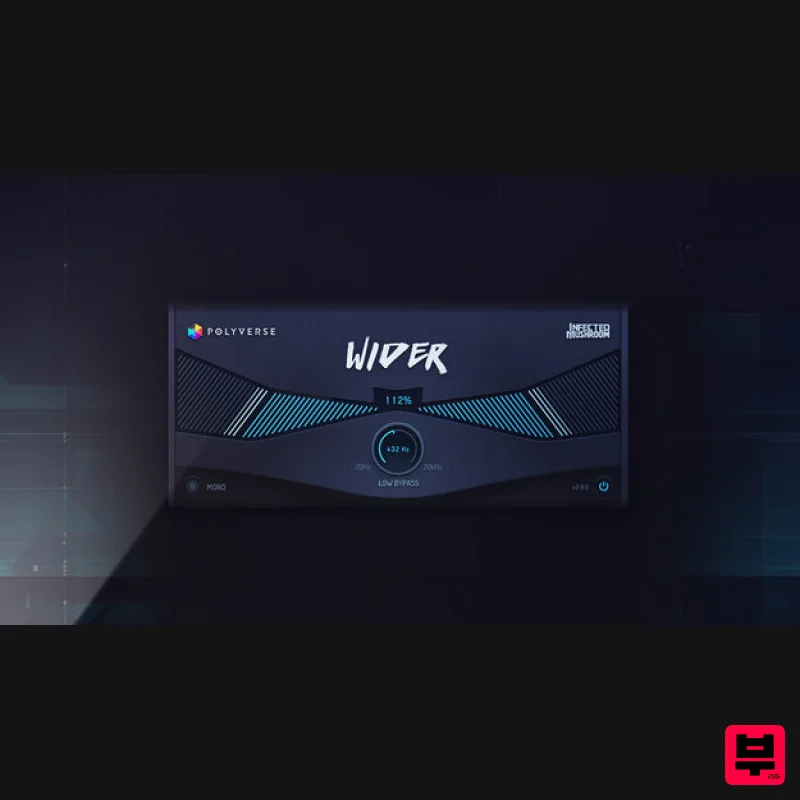
Polyverse Wider 2
Stereo Width
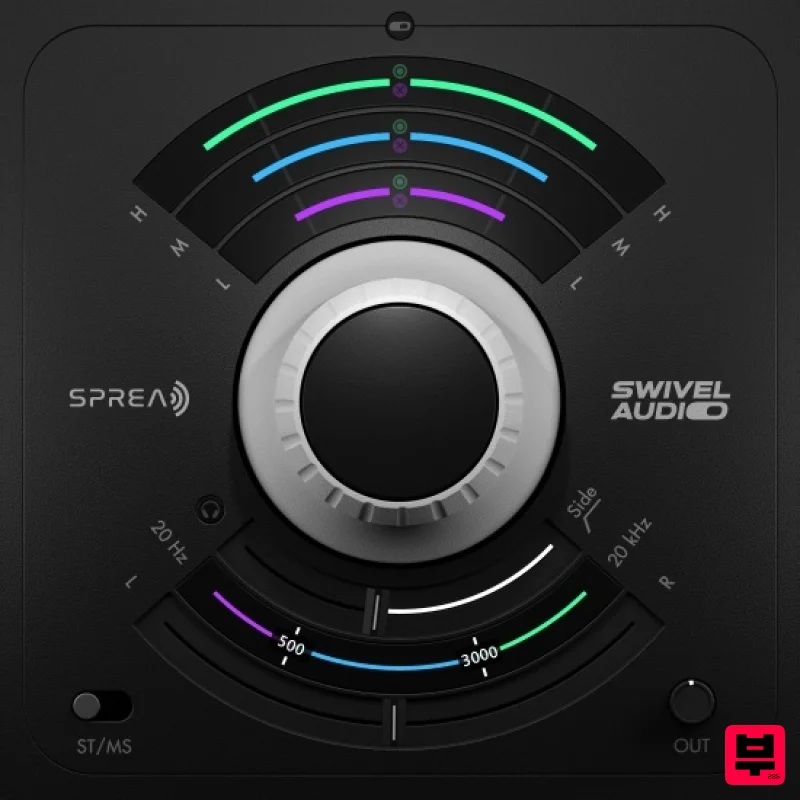
Plugin Alliance Swivel Audio Spread
Stereo Width
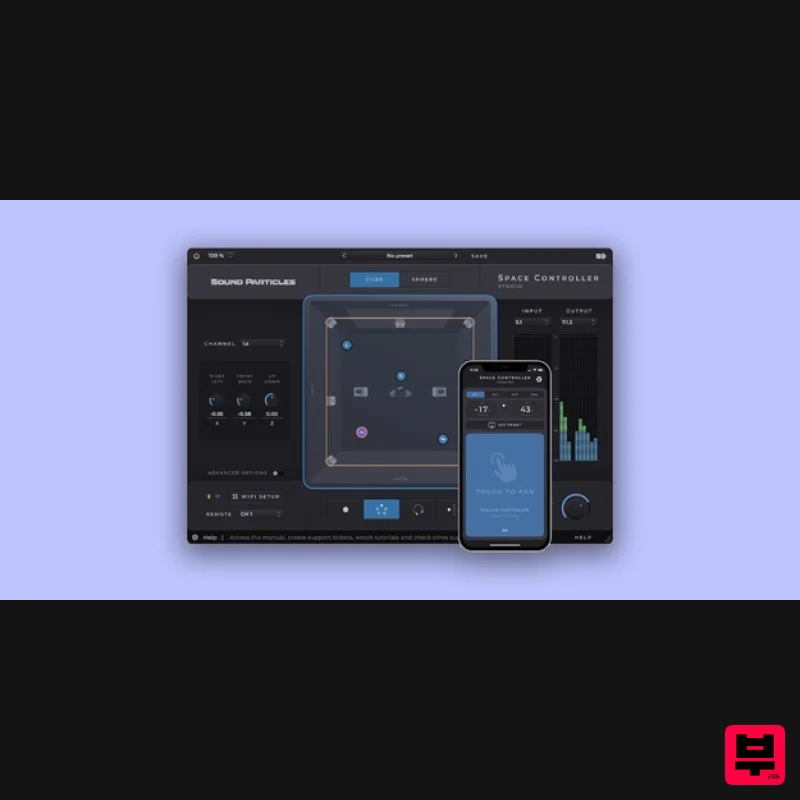
Sound Particles Space Controller Studio | Educational Version
Stereo Width
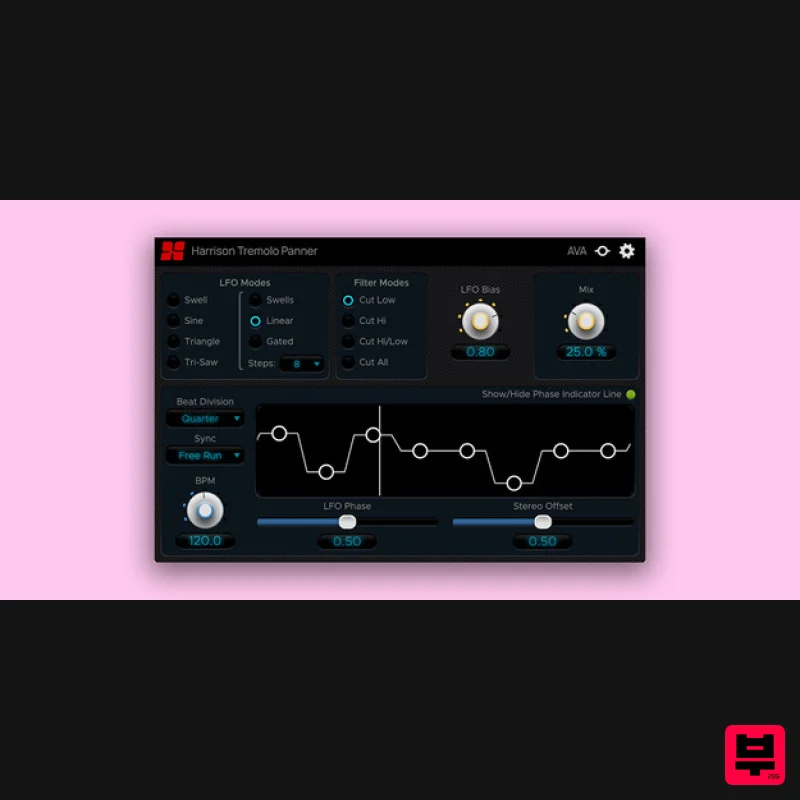
Harrison Consoles Tremolo Panner
Stereo Width
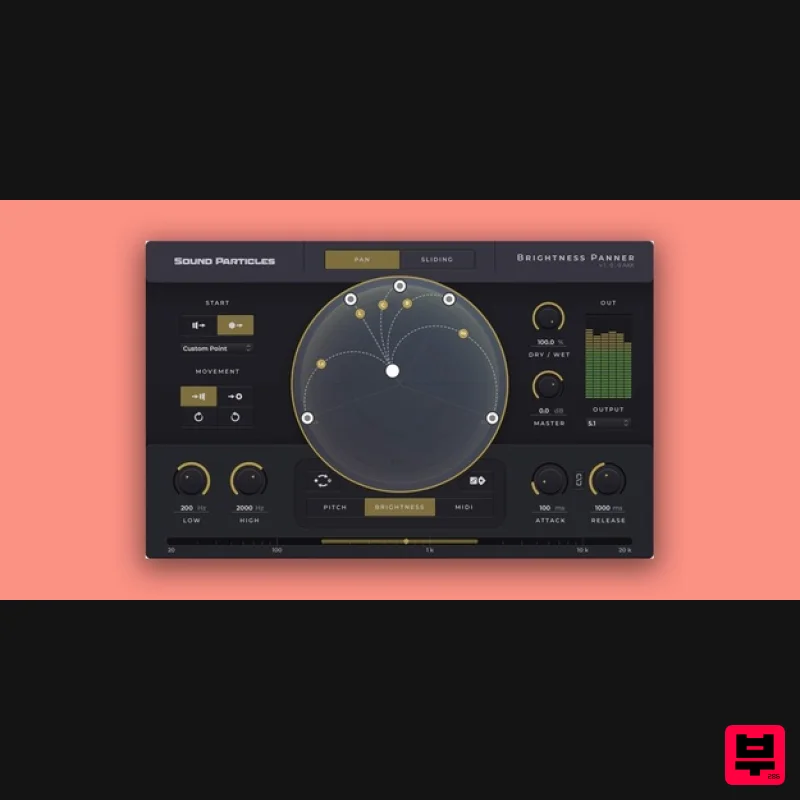
Sound Particles Brightness Panner | Educational Version
Stereo Width

