
time off audio dime[ms]
Professional music gear - detailed information and where to buy
![time off audio dime[ms]](/images/vst/time_off_audio/dime_ms-14937.webp)
time off audio
dime[ms]
Product Info
* Prices may vary. Check retailer for current pricing and availability.
Product Description
- Please note: This plugin is also available as part of the time off audio dime bundle. Create the ultimate stereo mix Separate the mid and side channels on any audio track and create effect chains on each channel to control the stereo image. Improve your stereo mix with dedicated mid-side processing Are stereo phase issues making your low-end sound weak? Are reverb and delay effects drowning out your tracks? Tired of duplicating tracks for targeted processing? dime[ms] solves these issues by enabling you to: Create audio fx chains that target your mid frequencies and side channels separately Monitor the mid-side balance in real-time with stereo field visualization Achieve wider stereo image by targeting specific frequencies in the mix <iframe allow="accelerometer; autoplay; clipboard-write; encrypted-media; gyroscope; picture-in-picture; web-share" allowfullscreen="" frameborder="0" height="315" src="https://www.youtube.com/embed/jfRAl6-4G-g?si=_eqvjoOFfmRDm0JB" title="YouTube video player" width="560"></iframe> Achieve a better
- wider mix There are hundreds of ways to use dime[ms] to improve your mix. Add subtle saturation to the sides of your track while keeping the body of of the synth focused in the center. Or boost the high-end of the mid channel for added presence without affecting the width. Fine-tune the stereo field with plugins in your existing collection Here are some ways dime[ms] can help you get the most out of your existing plugins: Mid-Side EQ Apply precise EQ to center and sides independently
- without being constraints to using a single EQ plugin Mid-Side compression Unlock extra dynamics control across the stereo field. Apply different compressors and limiters to the mid and the side portion of your signal Creative Delays and Reverbs Create interesting spaces by applying different reverbs and delays across the stereo field Spice up your risers and SFX Add extra interest to your transitions by applying modulation and spatial effects to the side
- and automate the mid/side balance with your risers Cleanup the bottom end without sacrifices Bias your bass towards the mid signal to avoid phase issues
- without losing the side information
- which can be used for creative FX Go deeper with the controls you need: Stereo Width Widen or narrow your mix with a balance slider Mid Side visualization Monitor mid/side balance in real-time Parameter Mappings Control individual plugin parameters from dime[ms] Plugin Bypass Toggle individual plugin effects on and off with ease Dry/Wet Sliders Blend processed and unprocessed signals Seamless Integration Recombine the mid and side signals without unwanted artifacts Zero latency Manage the effects with minimal burden on your CPU Features Mid/Side FX Chains – Process mid and side channels independently with custom plugin chains Real-Time Stereo Visualization – Instantly see your mid/side balance and stereo field Precision Stereo Control – Widen
- narrow
- or fine-tune specific frequency ranges Mid/Side EQ & Compression – Apply separate EQs
- compressors
- or limiters to center and sides Creative FX Routing – Design spatial delays
- reverbs
- or modulations across the stereo field Phase-Safe Low-End – Keep bass tight in the center while using side info for FX Parameter Mapping & Bypass – Control any plugin
- toggle effects
- and automate effortlessly Dry/Wet Mix Control – Blend your effects seamlessly with original signal Zero Latency – Pro-level stereo processing with no CPU drag Seamless Integration – Recombine mid and side with no phase artifacts System Requirements Operating systems: macOS 13 (Ventura) and later Windows 10 and later Plugin format: VST3
- Audio Unit
- and AAX CPU/RAM: Compatible with both Intel/Apple Silicon. Any modern computer should be more than enough. Internet connection needed for activation. It's recommended to try out the plugin on your computer before purchasing. Please note: dime[tt] is used as the example. 1. Click Download in your Plugin Boutique User Account or head to https://timeoff.audio/redeem 2. Enter your details > choose a password > click sign up 3. Open the email from time off audio > click Confirm email address 4. Login to your time off audio account > click Vouchers 5. Copy and paste the code labeled 'Redeem Voucher' from your Plugin Boutique User Account > click redeem 6. Click plugins 7. Click the icon for your chosen operating system to download the installer > install the plugin 8. Open your DAW > open the plugin > enter your email and the password chosen in step 2 > click login 9. Click activate license Your plugin is activated and ready to use. Enjoy!
Additional Information
About the time off audio dime[ms]
Experience the quality and tone that makes the time off audio dime[ms] a popular choice for musicians.
Why Choose the time off audio dime[ms]?
- •Authentic time off audio craftsmanship and design
- •Versatile sound suitable for multiple musical genres
- •Professional build quality and reliable performance
- •Part of time off audio's respected Stereo Width lineup
Compare & Explore
Browse our complete selection of time off audio instruments or explore other Stereo Width options. Use our comparison tools to find the perfect match for your musical style and budget.
Similar Products
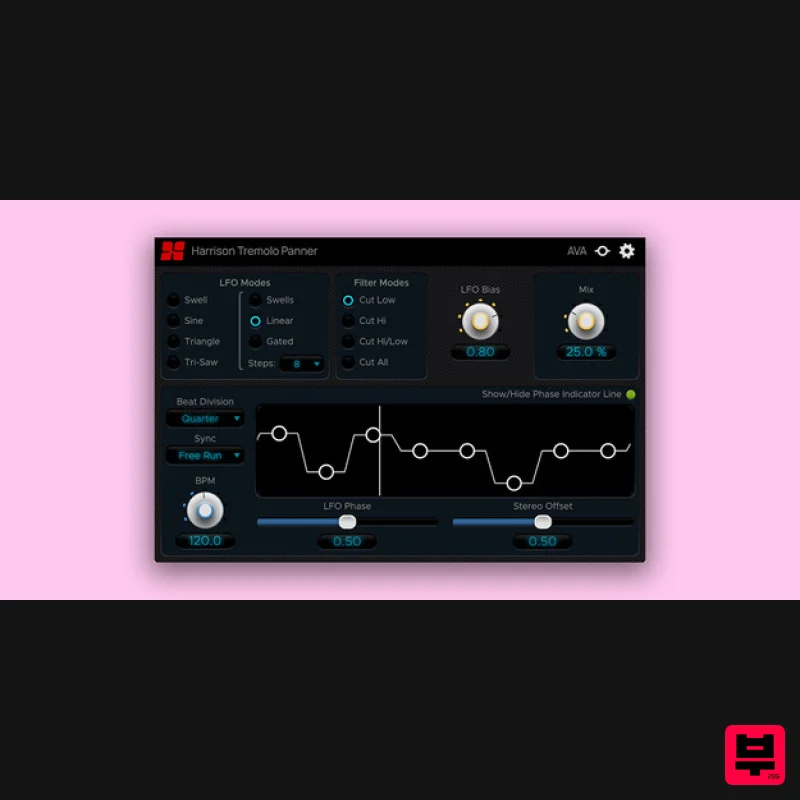
Harrison Consoles Tremolo Panner
Stereo Width
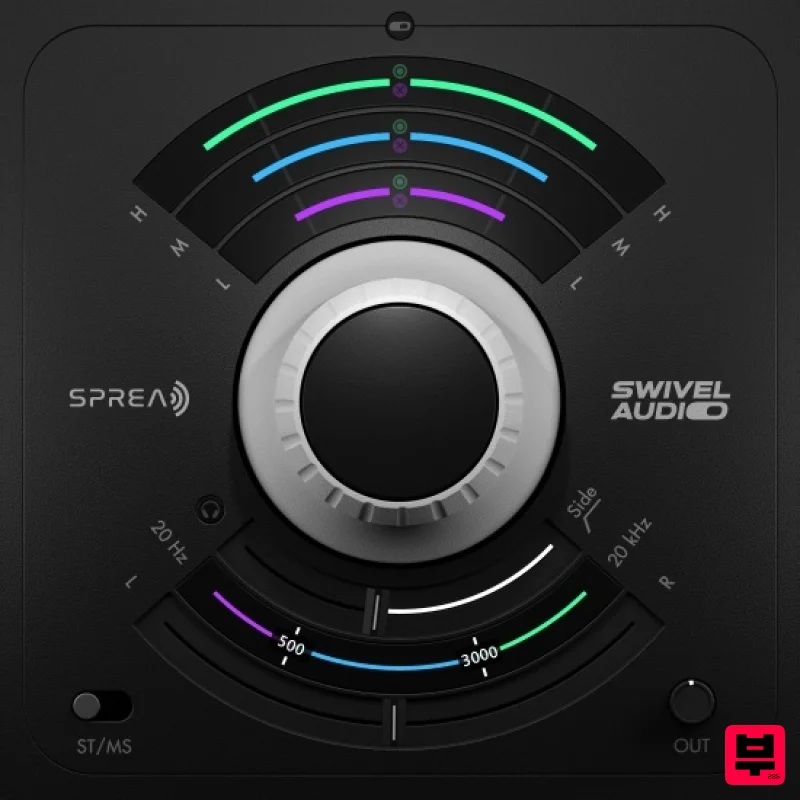
Plugin Alliance Swivel Audio Spread
Stereo Width
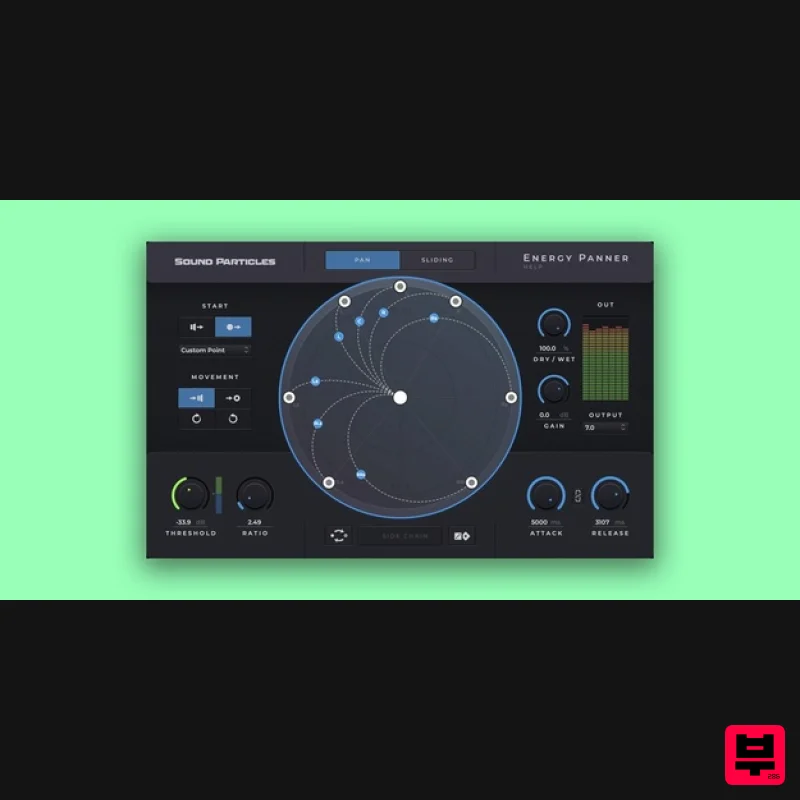
Sound Particles Energy Panner | Educational Version
Stereo Width
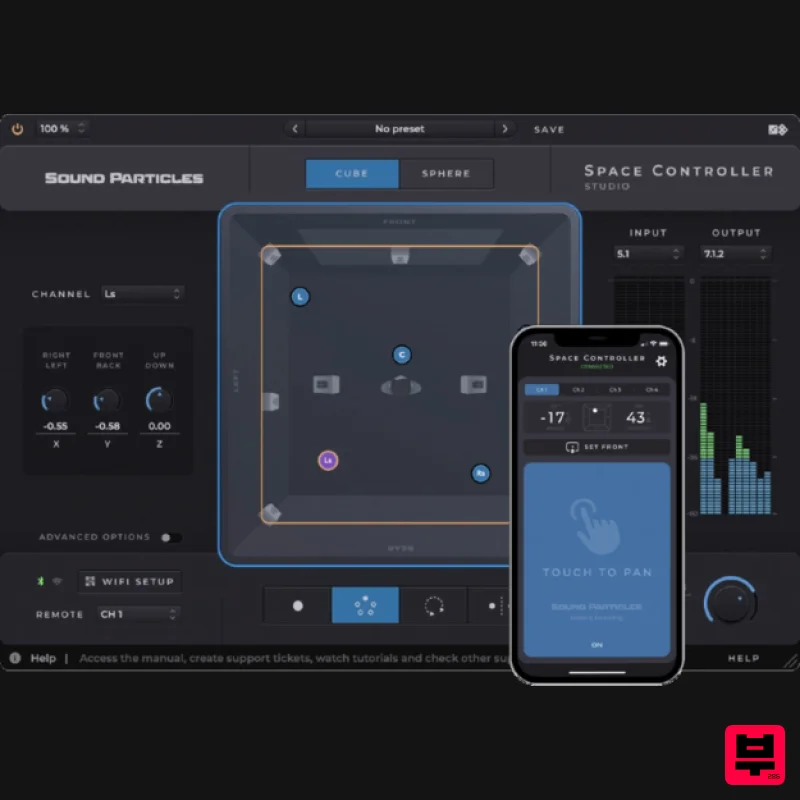
Sound Particles Space Controller Standard | Educational Version
Stereo Width
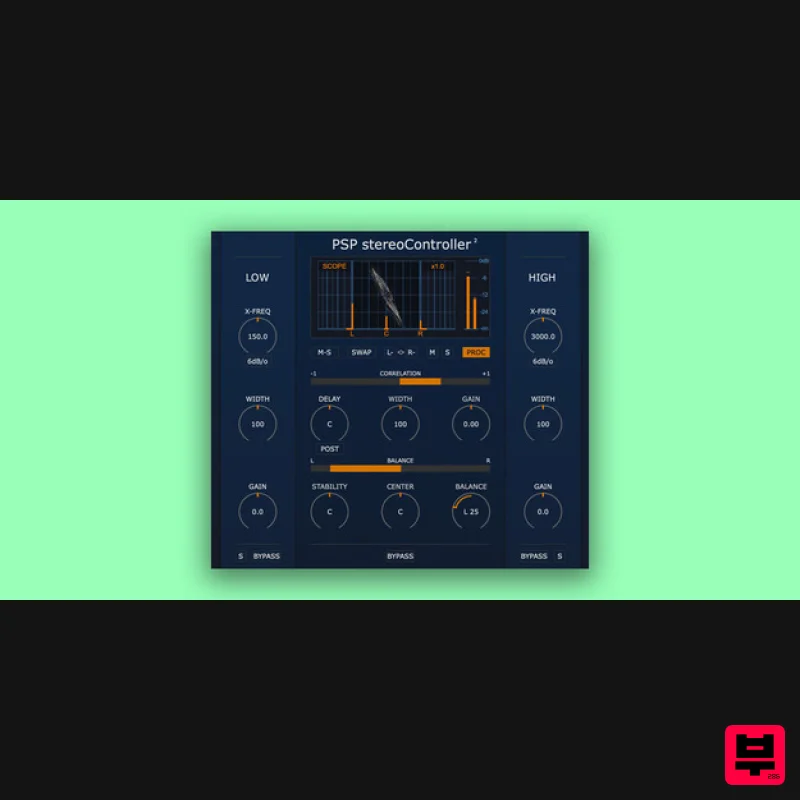
PSP Audioware PSP StereoController2
Stereo Width
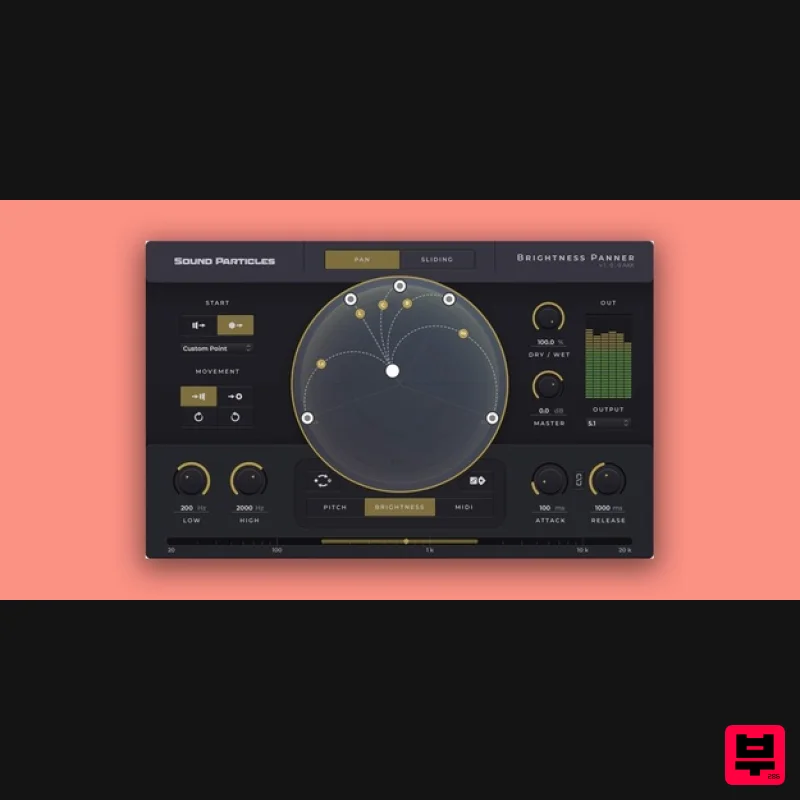
Sound Particles Brightness Panner | Educational Version
Stereo Width
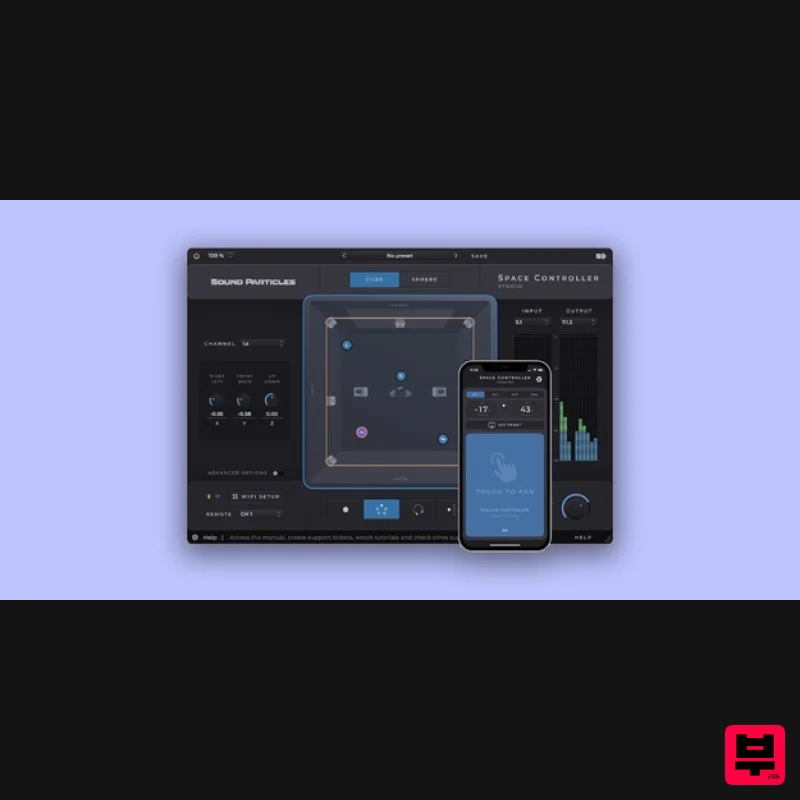
Sound Particles Space Controller Studio | Educational Version
Stereo Width
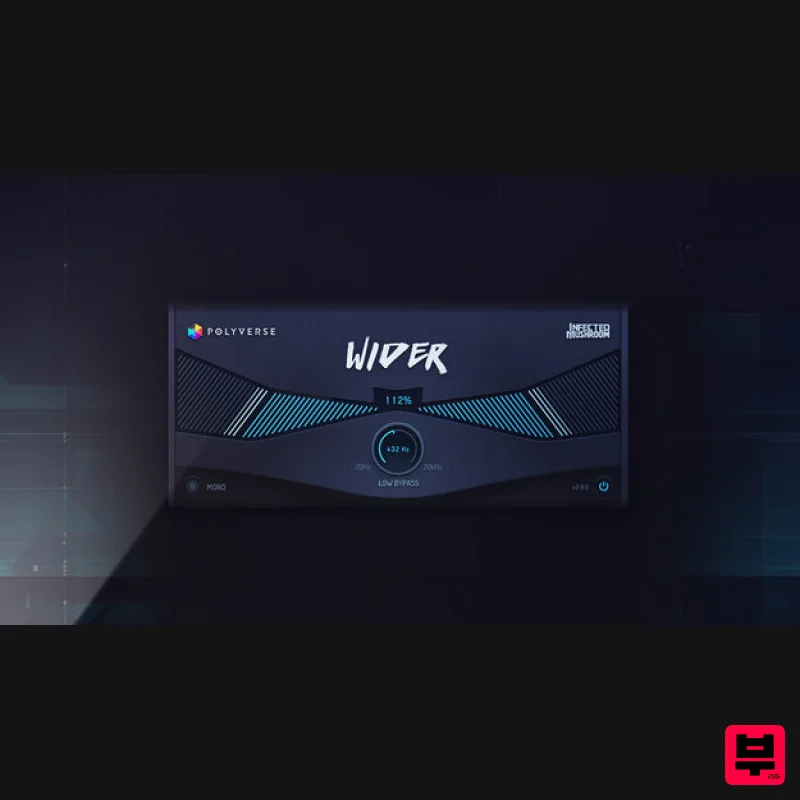
Polyverse Wider 2
Stereo Width

