
Synsonic Instruments Synsonic BD-909
Professional music gear - detailed information and where to buy
Synsonic Instruments
Synsonic BD-909
Product Info
* Prices may vary. Check retailer for current pricing and availability.
Product Description
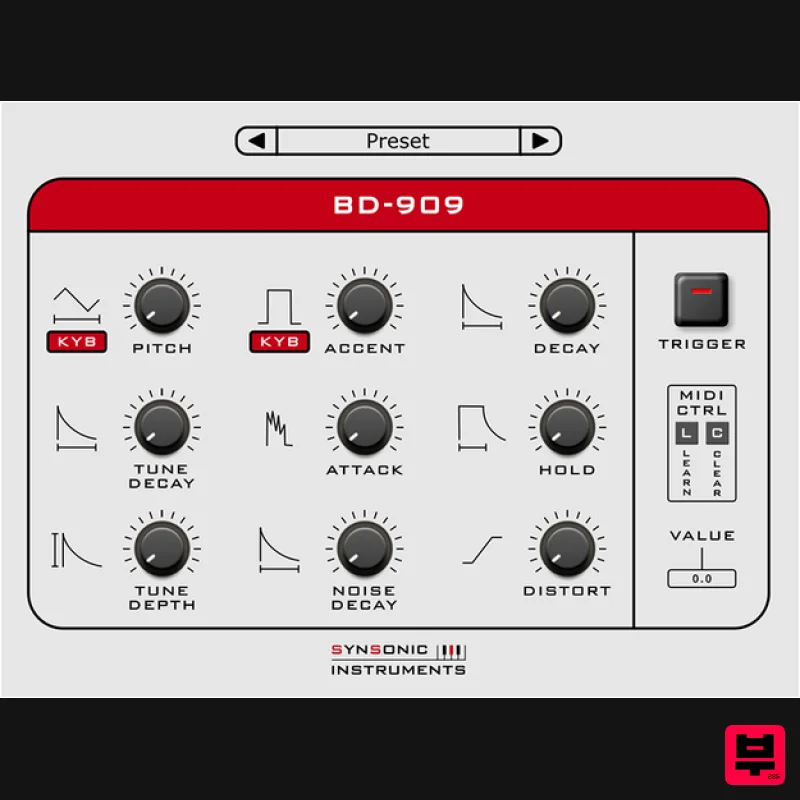
- The Synsonic BD-909 is a model of the TR-909 Bass Drum. We have analysed the original circuit and created an accurately digital model. There are also more soundshaping possibilities like distortion
- noise decay
- tune depth and hold and pitch. The plugin includes factory presets and you can also create your own presets now. Check out Synsonic Instruments BDE-01 (Bass Drum Engine) HERE. System Requirements Mac AU - Audio Units (32 & 64-Bit) VST (32 & 64-Bit) PC VST (32 & 64-Bit) Supported Sample Rates: 44.1kHz
- 8 kHz and 96 kHz Tested and Certified in: Cubase
- Logic and Ableton Live Mac 1. Download the .zip folder from your User Account. 2. Double-click the .zip folder to extract and reveal its contents. 3. Double-click on your preferred AU and/or VST installer file to begin the installation process > click 'Continue.' 4. Read through the installation details and click 'Install.' 6. The installation of your software has successfully completed > click 'Close.' 7. Restart your DAW and/or Rescan your Plugin List within the 'Plugin Manager' area in order to show the new installation
- and select the software from the 'Instruments' drop-down selection. Your Software is now Ready for Use Within Your DAW! PC 1. Download the .zip folder from your User Account. 2. Double-click the .zip folder to extract and reveal its contents. 3. Double-click on your preferred 32 and/or 64-bit .exe installer file to begin the installation process. 4. Read through the Licence Agreement and click 'I Agree.' 5. Select the VST computer folder in which to save your software to > click 'Install.' Note: For the 32-bit version of this software (on 64 bit systems)
- select the folder path similar to: C:\Program Files (x86)\Synsonic\Vstplugins\ For the 64-bit version of this software
- select the folder path similar to: C:\Program Files\Synsonic\Vstplugins\ 6. The installation of your software has successfully completed > click 'Close.' 7. Restart your DAW and/or Rescan your Plugin List within the 'Plugin Manager' area in order to show the new installation
- and select the software from the 'Instruments' drop-down selection. Your Software is now Ready for Use Within Your DAW!
Additional Information
About the Synsonic Instruments Synsonic BD-909
The Synsonic Instruments Synsonic BD-909 represents excellent craftsmanship in the Drum Machine category.
Why Choose the Synsonic Instruments Synsonic BD-909?
- •Authentic Synsonic Instruments craftsmanship and design
- •Versatile sound suitable for multiple musical genres
- •Professional build quality and reliable performance
- •Part of Synsonic Instruments's respected Drum Machine lineup
Compare & Explore
Browse our complete selection of Synsonic Instruments instruments or explore other Drum Machine options. Use our comparison tools to find the perfect match for your musical style and budget.
Similar Products
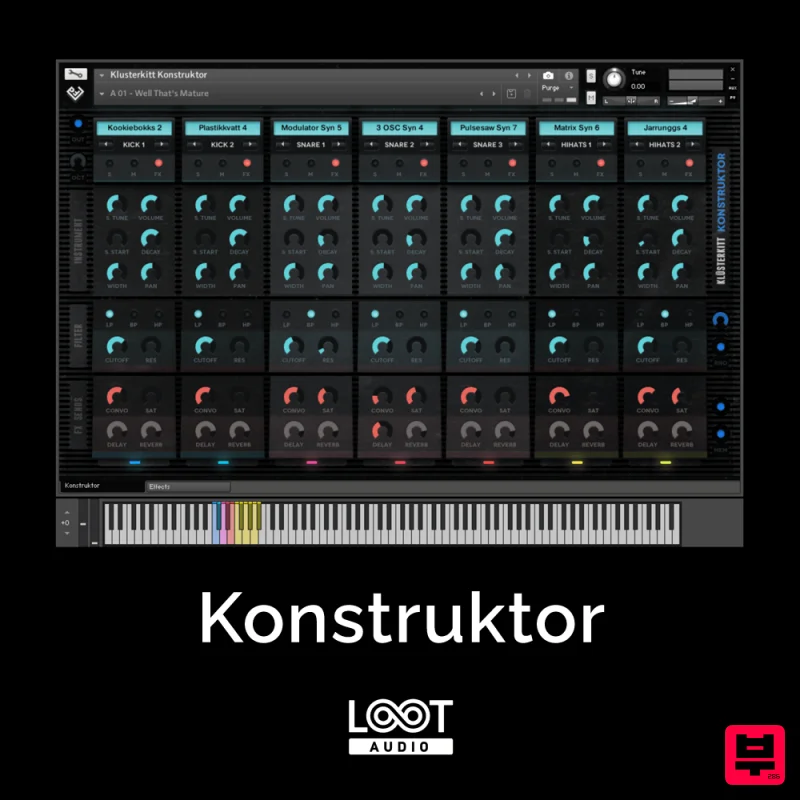
Loot Audio Konstruktor
Drum Machine
ThaLoops Hortator
Drum Machine
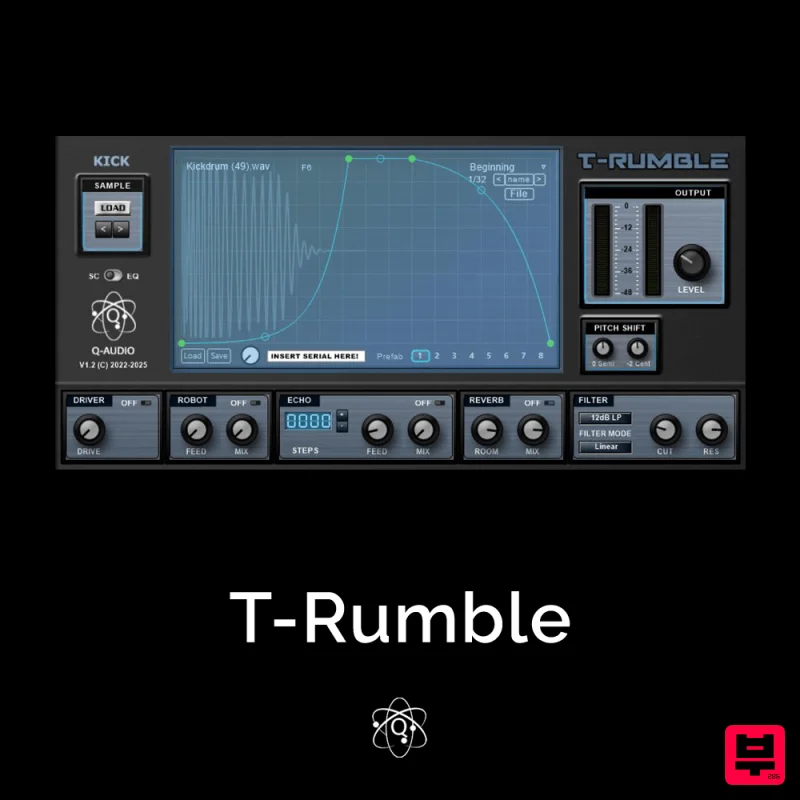
Q-Audio T-Rumble
Drum Machine
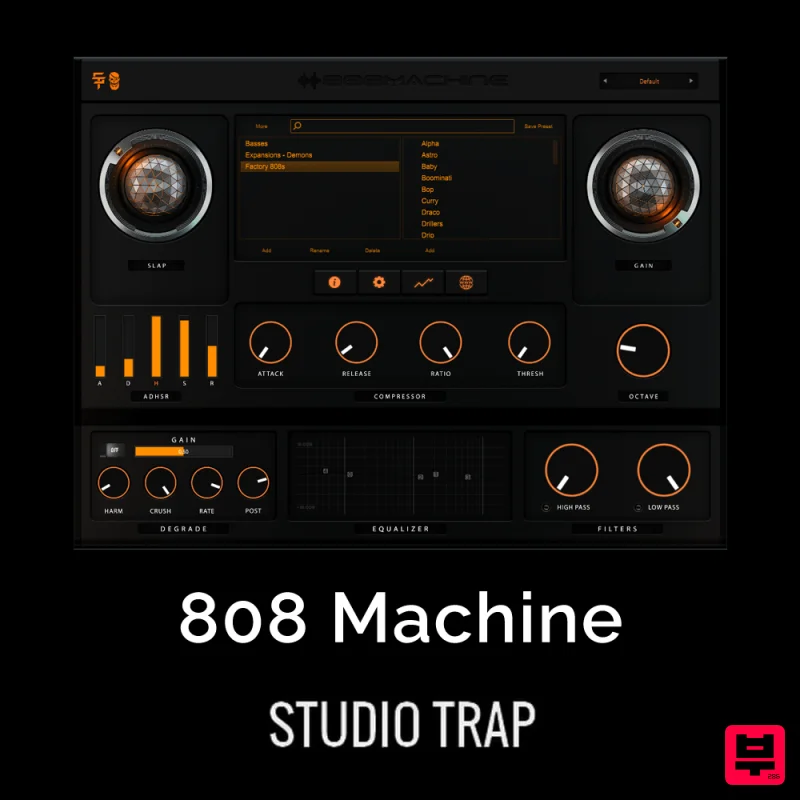
Studio Trap 808 Machine
Drum Machine
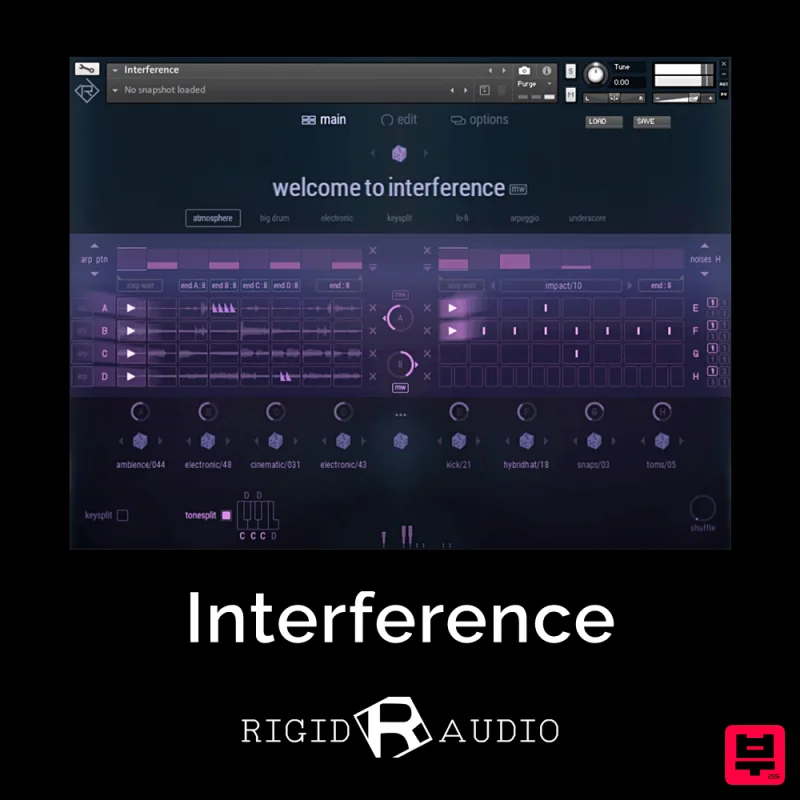
Rigid Audio Interference
Drum Machine
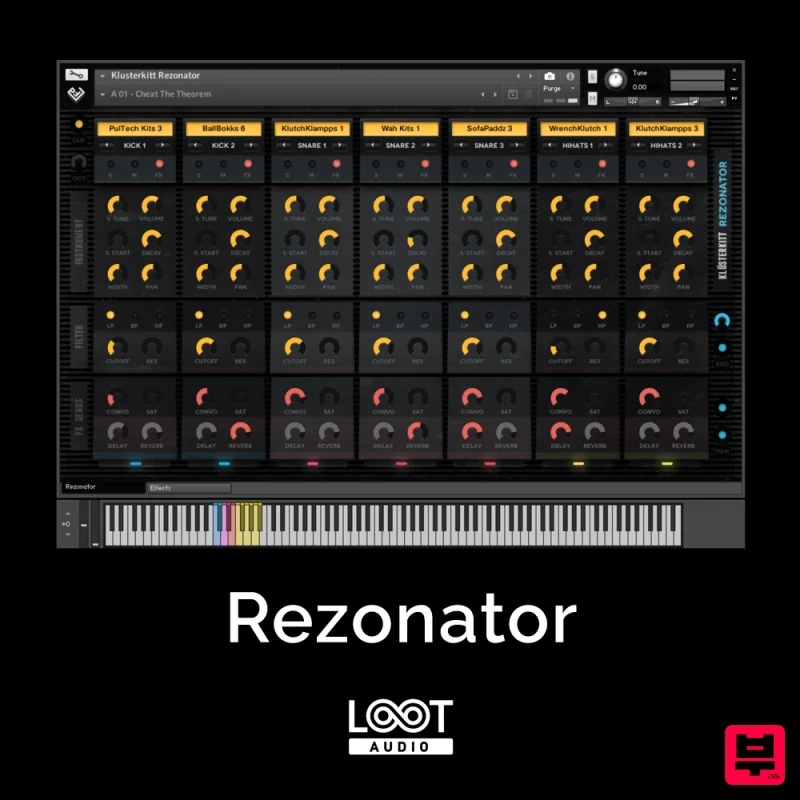
Loot Audio Rezonator
Drum Machine
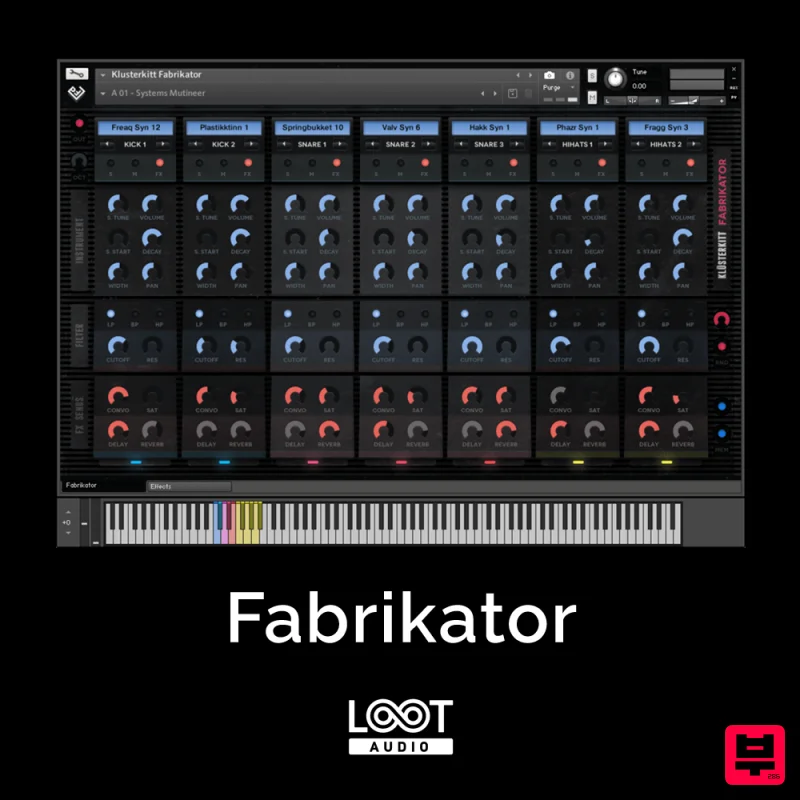
Loot Audio Fabrikator
Drum Machine
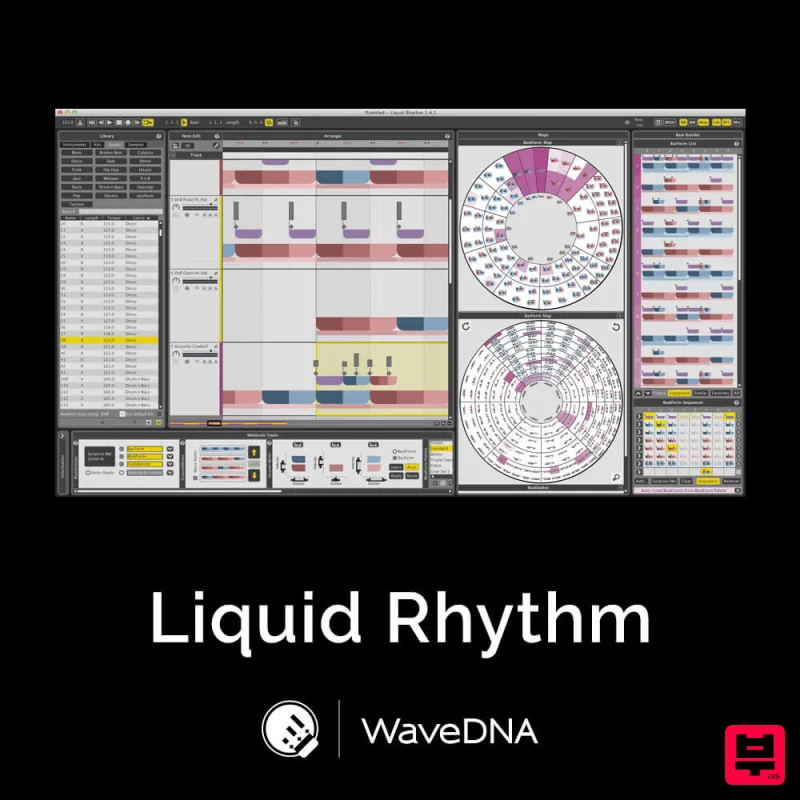
WaveDNA Liquid Rhythm
Drum Machine

