
Rob Papen RP-PAN
Professional music gear - detailed information and where to buy
Rob Papen
RP-PAN
Product Info
* Prices may vary. Check retailer for current pricing and availability.
Product Description
- From left to right
- the center position of the - Rob Papen - brand has always been about creating plugins that think outside of the box whilst being extremely useful at the same time
- this of course really ‘pans’ out literally in your music productions! Yes
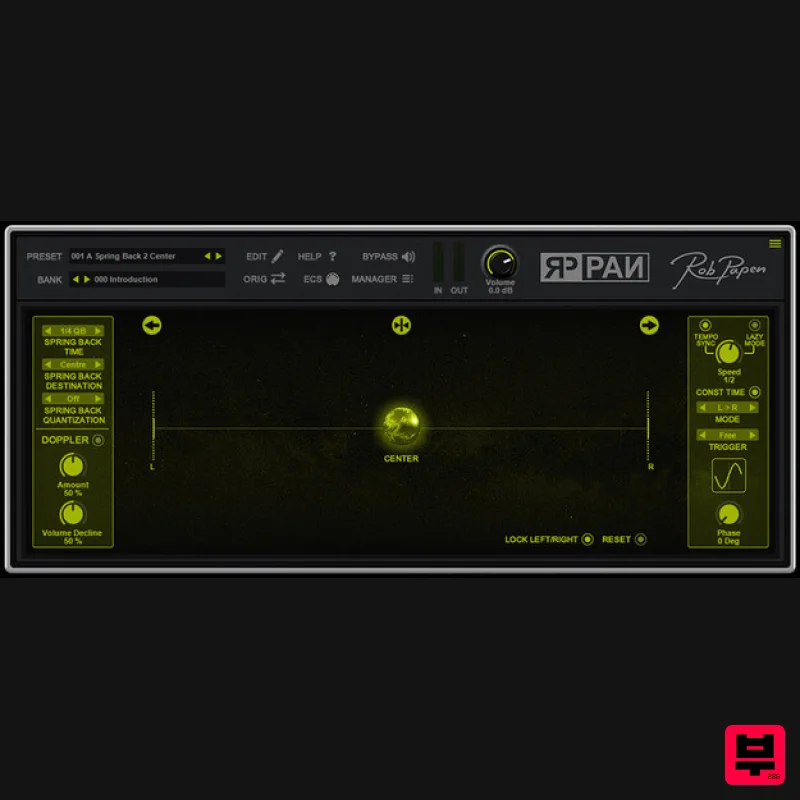
- with this pun intended in the opening sentence Rob Papen are proud to present you with the free RP-PAN as a gift to help celebrate Rob Papen's 25th year anniversary! This top-notch plugin will allow you to use some very creative panning FX on your audio or instrument tracks. The Panning Sphere can be used to manually record pan movements between left and right in the stereo field. However
- it gets really exciting if you use the ‘Spring back’ feature. This is tempo-based to let the Sphere revert back to either the Center
- Left
- or Right positions. To go beyond the regular panning FX
- Rob Papen have also added the Doppler FX option
- and to avoid muscle pain if you like to have a constant pan movement
- the ‘Lazy Mode’ is also available for automated Panning movements or other more experimental panning FX. Last but not least Rob Papen have have added the easy-to-use bank manager
- and also added a selection of useful presets which always is the cherry on the cake with - Rob Papen - products! Enjoy RP-PAN Features General Panning & Doppler FX. Disrupt Sphere for controlling the panning and/or doppler FX Bank Manager 100%
- 150%
- and 200% GUI sizes ESC (External MIDI Control) menu Template presets Panning Features Disrupt Sphere to control the panning position Left and Right panning amount between 0 and 100% Position selectors for Left
- Center
- and Right. Reset settings Spring Back Features Spring back to the Left
- Center
- or Right panning position Spring back speed settings: instant or tempo-based from 1/32 triple up to 1 bar. Spring back quantize settings: from 2 steps over to 32 steps Doppler FX Disrupt Sphere to control the panning position Doppler Amount control Doppler Volume Decline Control Lazy Mode Speed control from 0.3Hz up to 27.50Hz Tempo-sync speed option from 16dotted bars
- up to 1/32 triple note. Lazy mode movements: L>R R>L C>L L>C C>R R>C C>L>R C>R>L L Saw R Saw L>R Saw R>L Saw Phase control of the Lazy Mode LFO from 0 Degree. up to 360 Degree Bank Manager Preset section with Bank selector section Order by Date Preset listing option Find option Back Panel Computer Keyboard Preset selecting On/Off MIDI Preset selecting On/Off MIDI Bank selecting On/Off External MIDI Capture mode On/Off Screen size selector menu with 100%
- 150%
- and 200% System Requirements Windows: 32 & 64 bits VST
- VST3
- and 64 bits AAX for Windows 7/8/10/11 - (Note: PC AAX for PT 12 or higher) Mac: 64 bits AU
- VST3
- and AAX
- for OS-10.13 up to OS-12 - M1 ARM processor compatible Windows Installation 1. Download the installer from the FREE PRODUCTS section of your Plugin Boutique Account. 2. Double-click the .exe file > click 'Next'. 3. Read through the license agreement > click 'I accept the agreement'. 4. Select the components you would like to install > click 'Next'. 5. Choose your preferred installation location > click 'Next'. 6. Choose your preferred start menu folder location > click 'Next'. 7. Select whether you would like a desktop shortcut to be created > click 'Next'. 8. Click 'Install' to complete the installation process. 9. Click 'Finish' to exit the setup window. Your software is now ready to use within your DAW! Mac Installation 1. Download the installer from the FREE PRODUCTS section of your Plugin Boutique Account. 2. Double-click the .dmg file > click 'Continue'. 3. Read through the license agreement > click 'Continue' > click 'Agree'. 4. Select the components you would like to install > click 'Continue'. 5. Choose your preferred installation location > click 'Install'. 6. Click 'Close' to exit the installation window. Your software is now ready to use within your DAW!
Additional Information
About the Rob Papen RP-PAN
Discover the distinctive sound and feel of the Rob Papen RP-PAN, a standout choice among Stereo Width.
Why Choose the Rob Papen RP-PAN?
- •Authentic Rob Papen craftsmanship and design
- •Versatile sound suitable for multiple musical genres
- •Professional build quality and reliable performance
- •Part of Rob Papen's respected Stereo Width lineup
Compare & Explore
Browse our complete selection of Rob Papen instruments or explore other Stereo Width options. Use our comparison tools to find the perfect match for your musical style and budget.
Similar Products
Sound Particles Space Controller Standard | Educational Version
Stereo Width
Plugin Alliance Swivel Audio Spread
Stereo Width
Sound Particles Energy Panner | Educational Version
Stereo Width
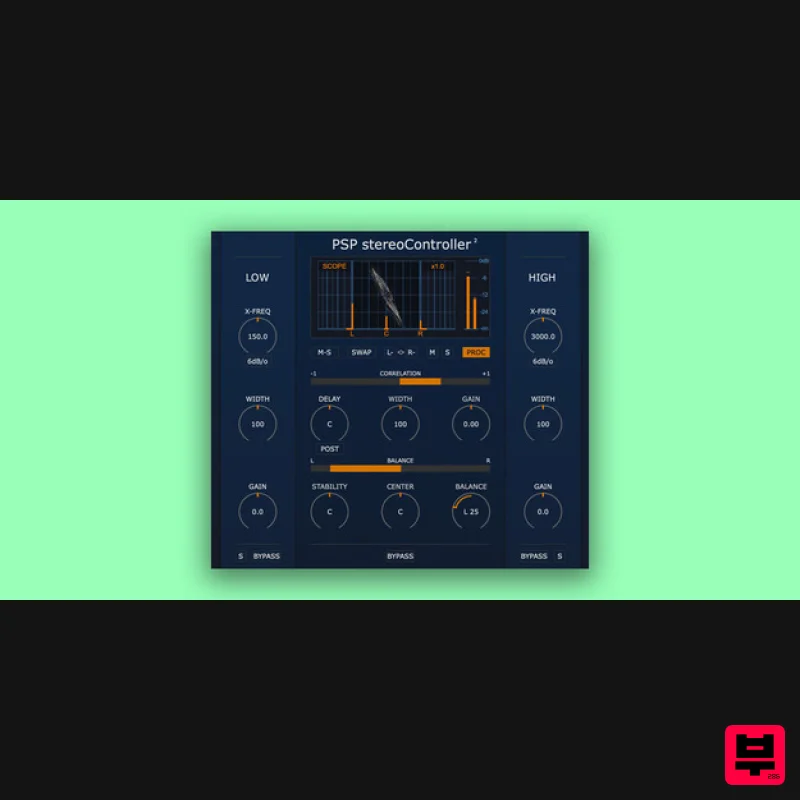
PSP Audioware PSP StereoController2
Stereo Width
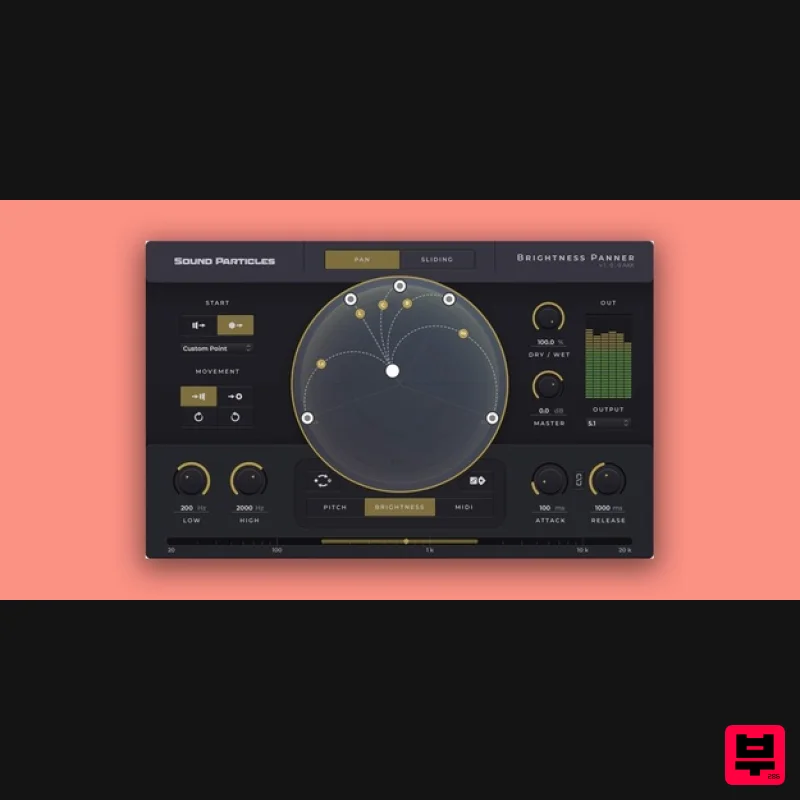
Sound Particles Brightness Panner | Educational Version
Stereo Width
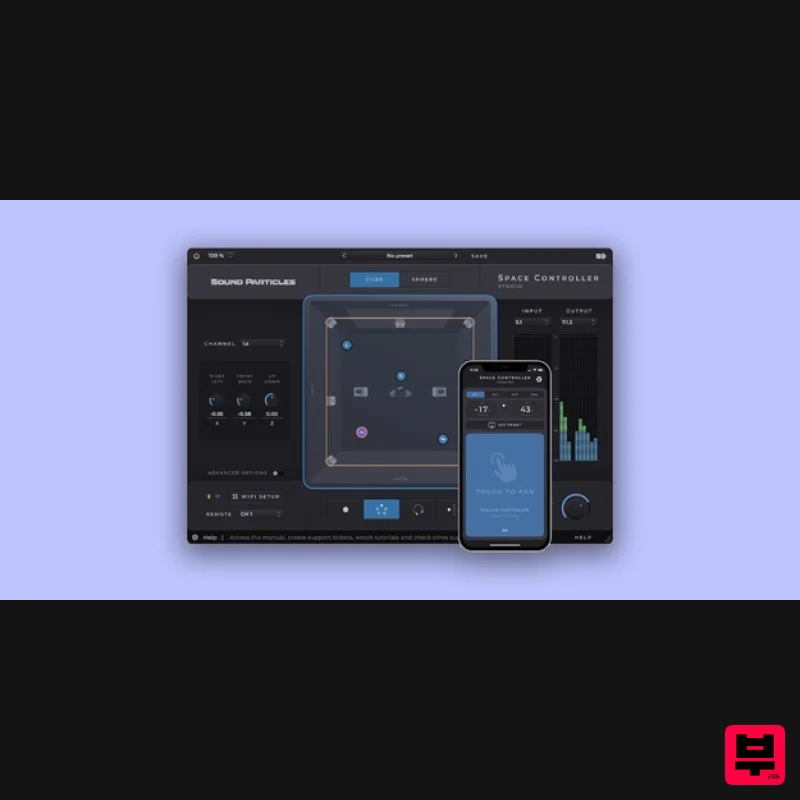
Sound Particles Space Controller Studio | Educational Version
Stereo Width
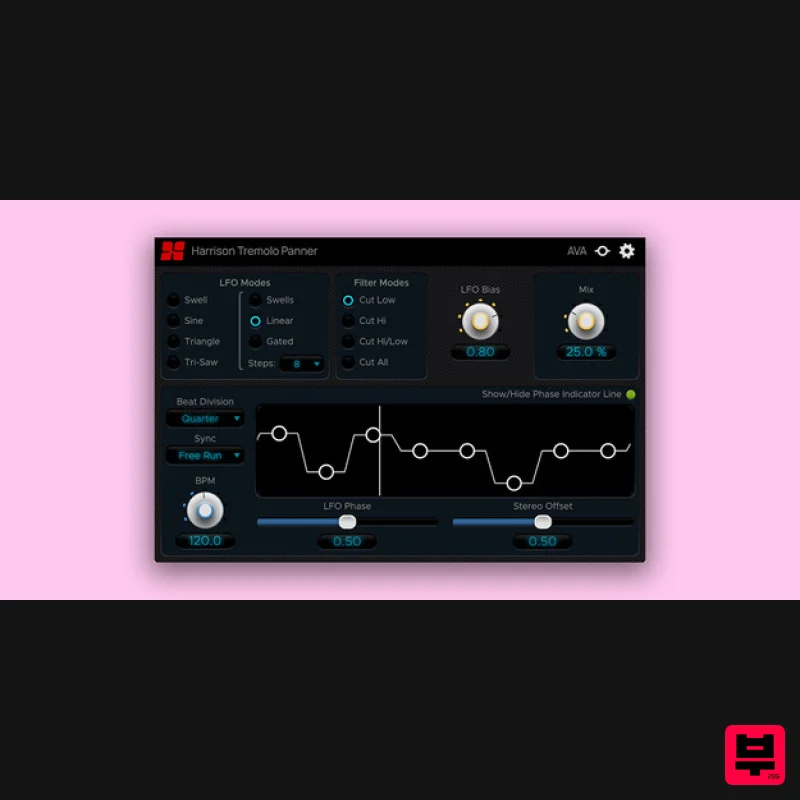
Harrison Consoles Tremolo Panner
Stereo Width
Polyverse Wider 2
Stereo Width

