
MeterPlugs Perception AB
Professional music gear - detailed information and where to buy
MeterPlugs
Perception AB
Product Info
* Prices may vary. Check retailer for current pricing and availability.
Product Description
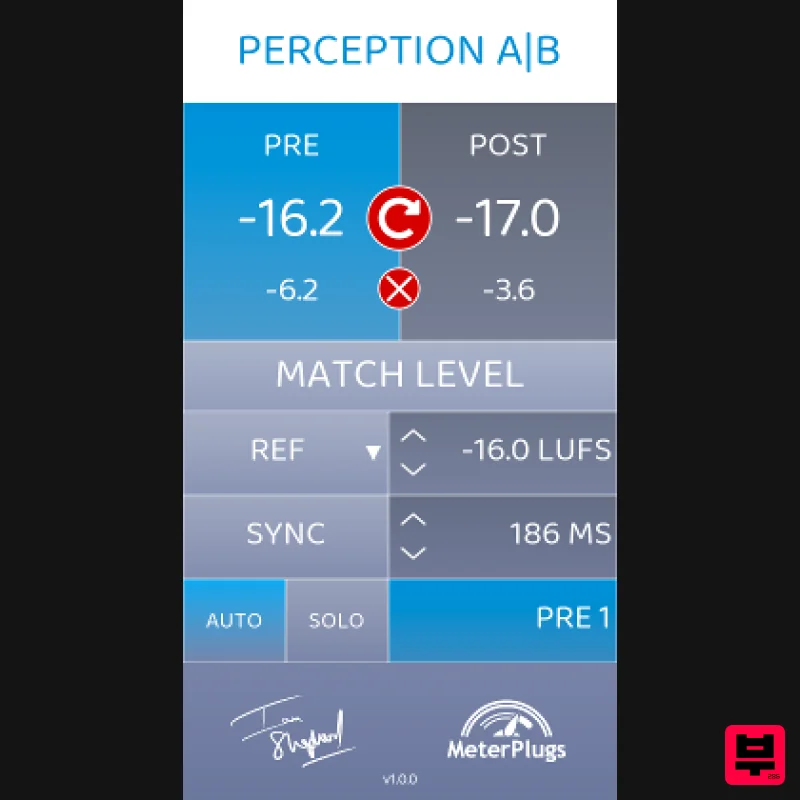
- The ultimate A/B plugin for mixing and mastering. With Perception AB
- you can... Compare before and after with level-matching. Quickly A/B test effects with plugin delay compensation. Bypass your entire mix with a single click. A/B test individual channels in the context of the whole mix. Spot sneaky plugin presets - Hear what your processing really sounds like. Compare with reference tracks at online streaming levels. Better? Or Just Louder? How can you be sure? Loudness changes our perception of music. Louder may seem better at first
- but it's easy to be fooled. When mixing and mastering
- you must constantly ask yourself
- "Is this really better? Or just louder?" The way to make reliable
- real-world judgements is to listen with matched loudness. This has always been a key skill for mixing and mastering engineers
- which can take years to learn. Until now... Loudness Deception Make informed decisions about your music. Perception AB instantly and automatically matches the level of the music you're listening to
- allowing you to hear past the “loudness deception” and make clear
- real-world decisions about the best possible sound for your music
- quickly and easily. You can bypass entire processing chains to make before and after comparisons of EQ settings
- compression and more while mixing or mastering. You can even bypass external analog gear! Level-Matched A/B Testing How does it work? Simple. First
- insert the Perception AB plugin before the processing chain you want to test and select "Pre". Second
- insert the plugin at the end of the chain and select "Post." Click "Match Level" and you can toggle between the Pre and Post audio to compare your music before and after the processing chain with level-matching and full delay compensation. Faster
- More Flexible Now optimized for mixing and mastering The original award-winning Perception was ground-breaking - the first-ever plugin to offer easy
- loudness-matched A/B comparisons in mastering
- for any processing chain. Now Perception AB is the first to be fully optimized for mixing as well
- enabling you to seamlessly bypass your entire mix (or any part of it) with a single click
- without hearing a change in loudness. Features Bypass any processing chain Fast A/B testing Automatic loudness matching Plugin delay compensation Optimized for mixing - new Bypass All function Multiple loudness matching modes Easy bulk insertion System Requirements macOS 10.7 or later (64-bit only) (Apple Silicon Native) Windows XP SP3 or later (32 / 64-bit) Formats Audio Unit
- VST 2.4 and AAX Awards Alan Branch (Audio Media International) "Every now and again a plugin comes along that makes you think 'How did I work without this?' - Perception AB is such a plugin... even as an experienced engineer
- Perception helped my workflow massively." Bill Lacey (Resolution Magazine) "The time saved easily justifies the price. It's so good you'll be asking yourself why nobody came up with the idea before. I just wish I had this in my toolbox long ago!" Recording Review.com "The phrase 'game changer' is flung about too often these days... Perception AB is as near as you'll get these days." Note: K-Meter is used as an example. Mac 1. Download your product installer from your Plugin Boutique User Account. 2. Double click the .pkg file
- then click Continue. 3. Read the Software License Agreement
- then click Continue. 4. Click Agree. 5. Click 'Continue'. 6. Click 'Install'. 7. Open you DAW > Locate and open K-Meter. 8. Click 'Authorize'. 9. Enter your email address and the serial number found in your Plugin Boutique User Account > Click 'Authorize'. Your software is now activated and ready to be used within your DAW! PC 1. Download your product installer from your Plugin Boutique User Account. 2. Double click the .exe file
- then click 'Next >'. 3. Click 'Next >'. 4. Click 'Next'. 5. Click 'Next'. 6. Click 'Install'. 7. Click 'Finish' 8. Open you DAW > Locate and open K-Meter. 9. Click 'Authorize'. 10. Enter your email address and the serial number found in your Plugin Boutique User Account > Click 'Authorize'. Your software is now activated and ready to be used within your DAW!
Additional Information
About the MeterPlugs Perception AB
Discover the distinctive sound and feel of the MeterPlugs Perception AB, a standout choice among Metering.
Why Choose the MeterPlugs Perception AB?
- •Authentic MeterPlugs craftsmanship and design
- •Versatile sound suitable for multiple musical genres
- •Professional build quality and reliable performance
- •Part of MeterPlugs's respected Metering lineup
Compare & Explore
Browse our complete selection of MeterPlugs instruments or explore other Metering options. Use our comparison tools to find the perfect match for your musical style and budget.
Similar Products
TBProAudio mvMeter2
Metering
Plugin Alliance SPL HawkEye
Metering
MeterPlugs Dynameter 2
Metering
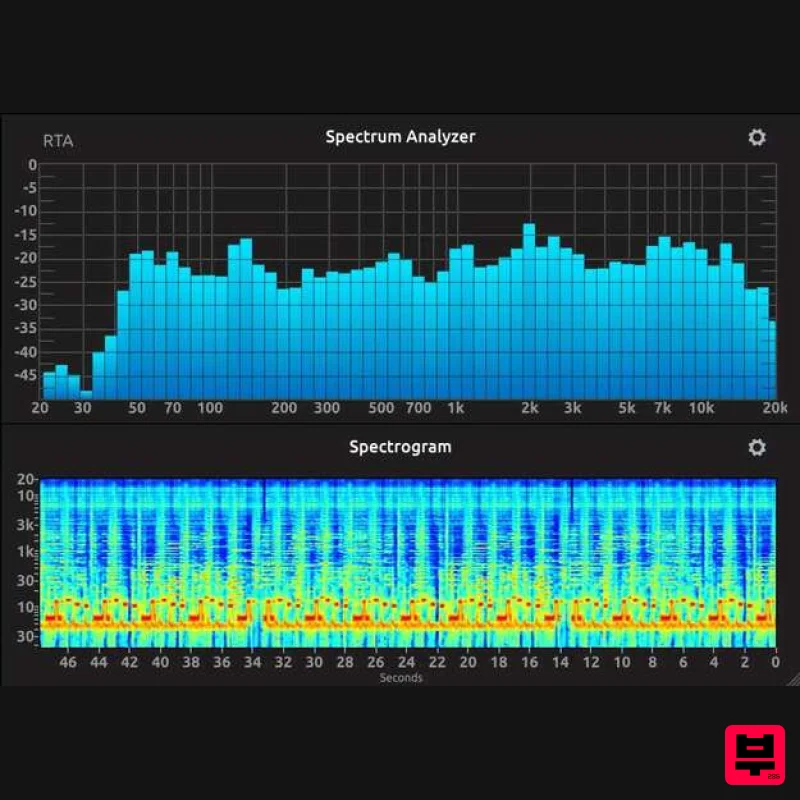
IK Multimedia Full Metering
Metering
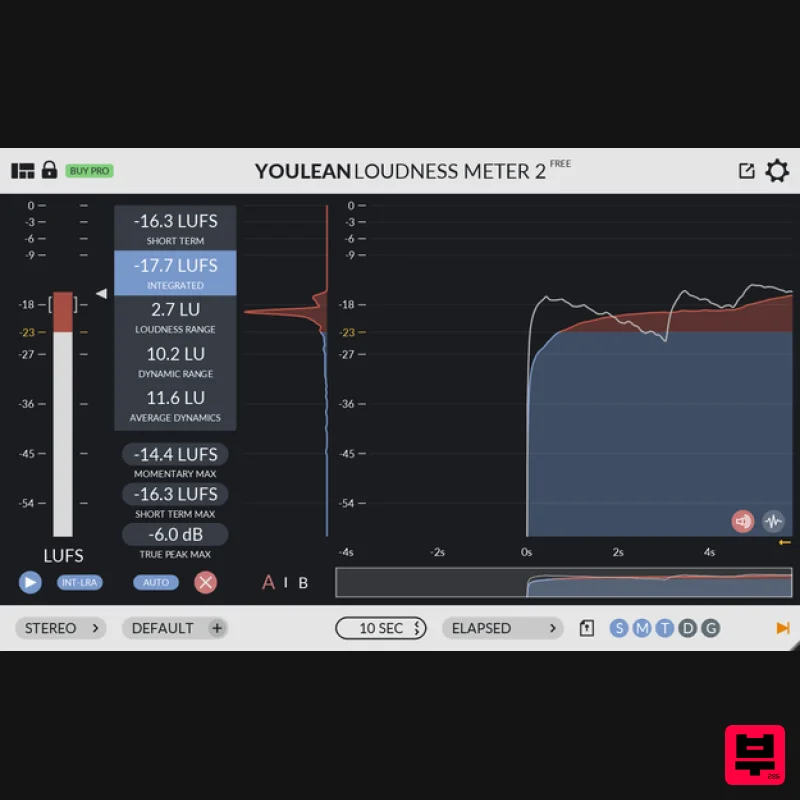
Youlean Youlean Loudness Meter
Metering
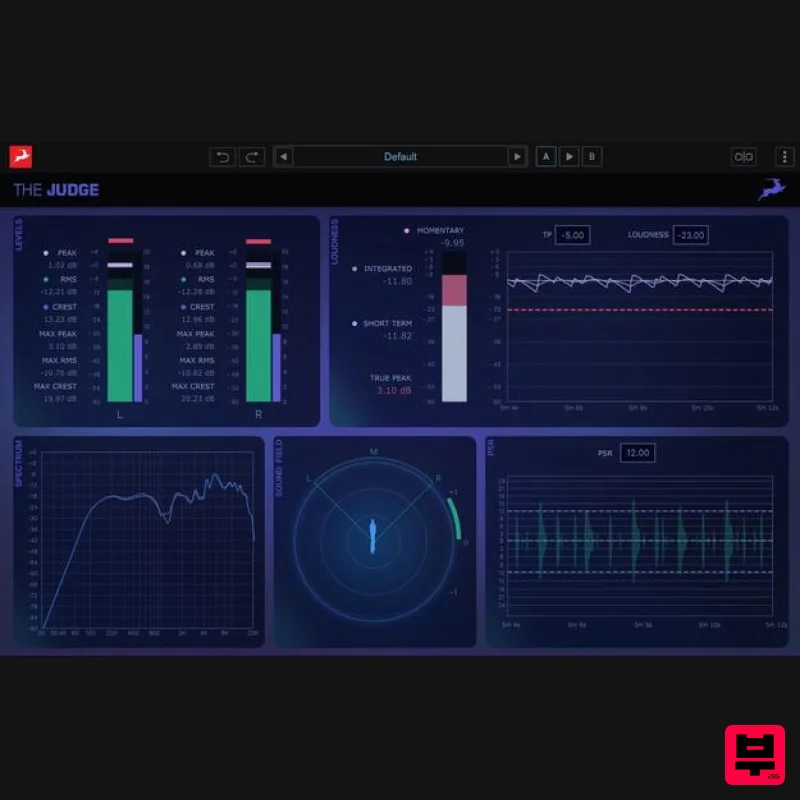
Antelope Audio The Judge
Metering
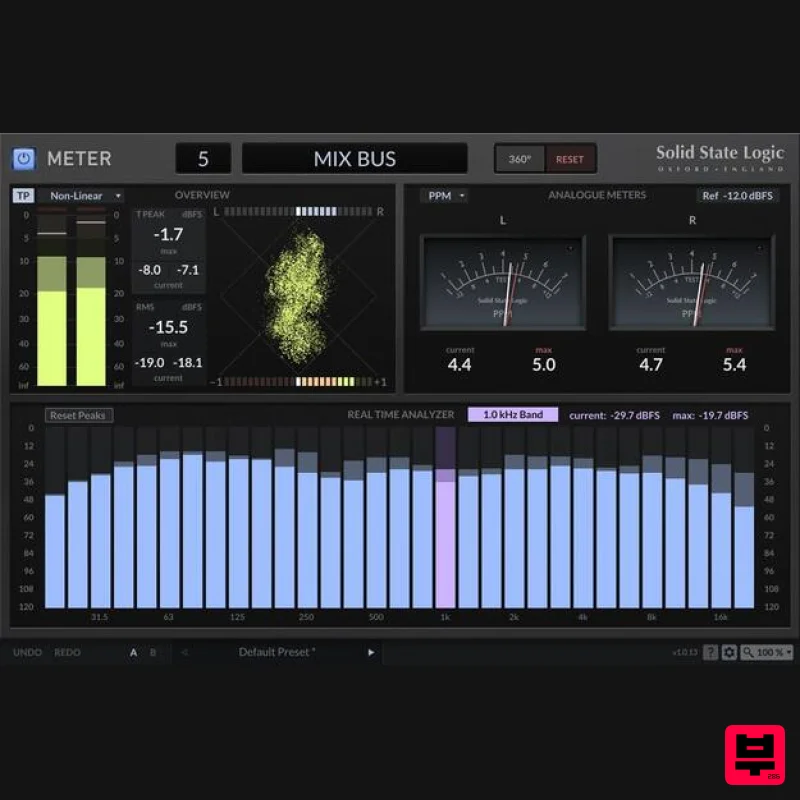
Solid State Logic SSL Meter
Metering
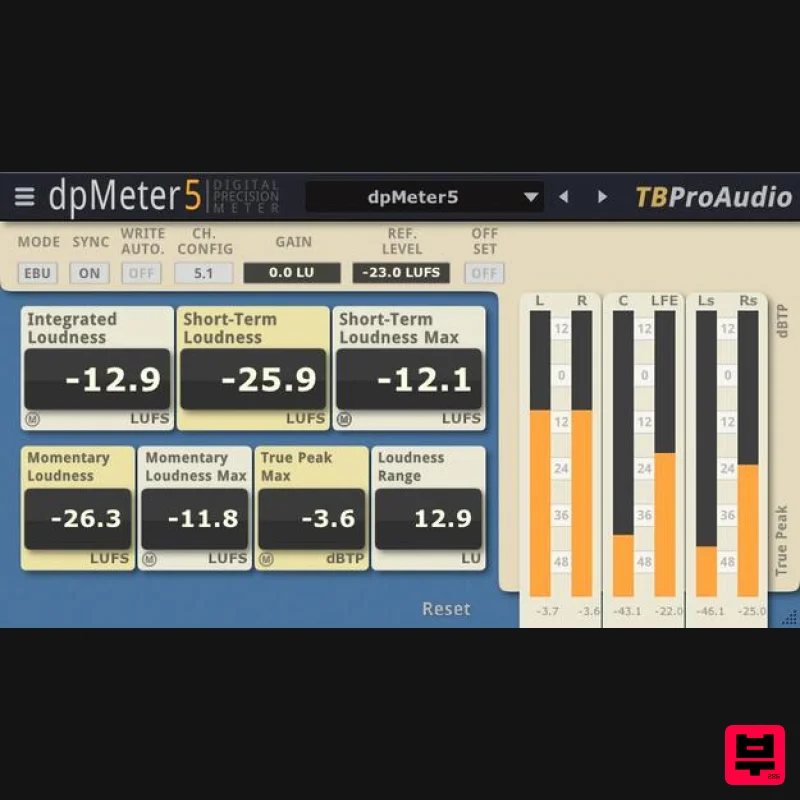
TBProAudio dpMeter5
Metering

