
MeterPlugs Loudness Penalty
Professional music gear - detailed information and where to buy
MeterPlugs
Loudness Penalty
Product Info
* Prices may vary. Check retailer for current pricing and availability.
Product Description
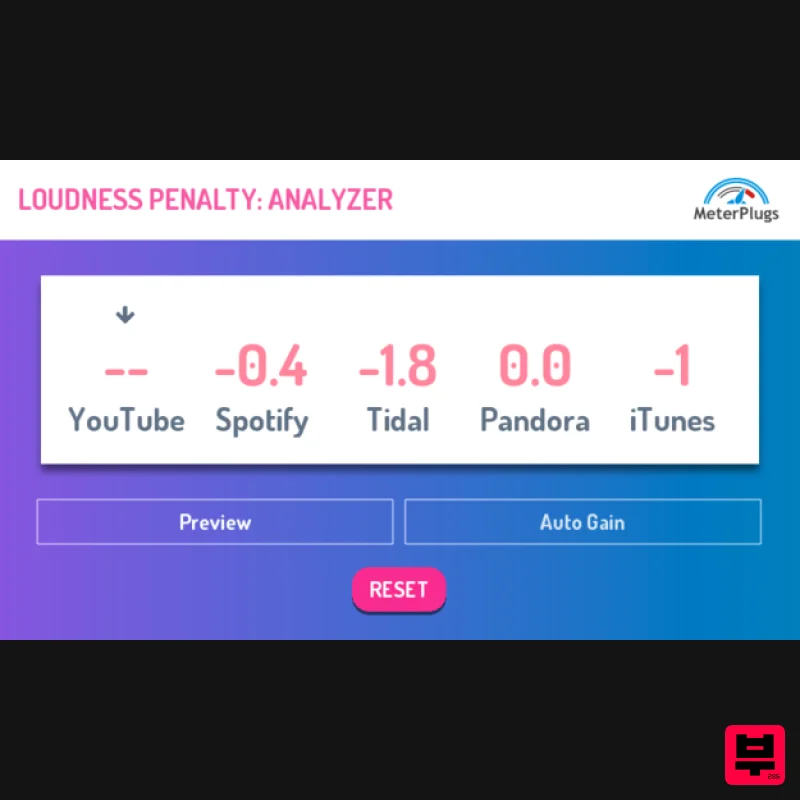
- Will your music be turned down by online streaming services? Confidently assess how your music will play back online. With Loudness Penalty
- you can... Optimize your music's online loudness: Share your music knowing it will hold up online. Preview how your music will sound online: No need to leave your DAW. Pinpoint loudness pain-points: Find exactly which parts of a song trigger the biggest penalty. Discover when it's possible to turn your music up: without incurring a penalty. Reassure clients: Show them how streaming services affect loudness. Avoid loudness indecision: No more trial and error
- no more guessing. Avoid the Loudness Penalty - Don't be turned down by online streaming services Online streaming services turn down loud music to ensure a more consistent listening experience. The Loudness Penalty plugin tells you how much your music will be turned down by YouTube
- Spotify
- TIDAL
- Pandora and Apple's Sound Check. Now you can have immediate access to this information right in your DAW. Spot the moments that trigger the biggest penalty
- and tweak your settings to avoid them
- while retaining impactful
- punchy playback. Why Do You Call It a Penalty? Because it is! We deliberately chose the name "Loudness Penalty" to be a little provocative
- but it is accurate. The louder your music is
- the more it will be turned down by online streaming services
- to avoid "blasting" listeners with unexpected changes in loudness. You may think that your music sounds fine
- even when it has been turned down
- but with Loudness Penalty you can be sure. Preview your music live
- and test whether you want to take advantage of the opportunity for more dynamics. No More LUFS Estimates Objective
- accurate feedback. Have you ever been told to upload your music at -14 LUFS
- or some other estimated value? Don't - it doesn't work! Only one streaming service currently uses LUFS to make its loudness decisions
- and while LUFS estimates can tell you the overall reference loudness for a particular service
- individual songs can be quieter by as much as 3 dB
- in our experience. Loudness Penalty gives you far more accurate feedback
- typically within half a dB of the real-world values. No more guessing
- no more trial and error. With Loudness Penalty
- you can optimize and upload your music knowing it will stand head and shoulders against the competition. Features Realtime Loudness Penalty scores Supports the five most popular streaming services Discover when you can turn your music up
- without a penalty Preview how your music will sound online Faster than real-time processing with Pro Tools' Audio Suite System Requirements macOS 10.7 or later (64-bit only) (Apple Silicon Native) Windows XP SP3 or later (32 / 64-bit) Formats Audio Unit
- VST 2.4 and AAX Wytse Gerichhausen "Finally something new and useful in the plugin market!" Lij Shaw "Loudness Penalty lets me know right now what my mix will sound like later on when I listen to them on streaming sites like YouTube
- Spotify and TIDAL. This is a super cool plugin!" Mike Hillier "The Loudness Penalty has been a fantastic aid for quickly displaying why I master the way I do." Note: K-Meter is used as an example. Mac 1. Download your product installer from your Plugin Boutique User Account. 2. Double click the .pkg file
- then click Continue. 3. Read the Software License Agreement
- then click Continue. 4. Click Agree. 5. Click 'Continue'. 6. Click 'Install'. 7. Open you DAW > Locate and open K-Meter. 8. Click 'Authorize'. 9. Enter your email address and the serial number found in your Plugin Boutique User Account > Click 'Authorize'. Your software is now activated and ready to be used within your DAW! PC 1. Download your product installer from your Plugin Boutique User Account. 2. Double click the .exe file
- then click 'Next >'. 3. Click 'Next >'. 4. Click 'Next'. 5. Click 'Next'. 6. Click 'Install'. 7. Click 'Finish' 8. Open you DAW > Locate and open K-Meter. 9. Click 'Authorize'. 10. Enter your email address and the serial number found in your Plugin Boutique User Account > Click 'Authorize'. Your software is now activated and ready to be used within your DAW!
Additional Information
About the MeterPlugs Loudness Penalty
The MeterPlugs Loudness Penalty represents excellent craftsmanship in the Metering category.
Why Choose the MeterPlugs Loudness Penalty?
- •Authentic MeterPlugs craftsmanship and design
- •Versatile sound suitable for multiple musical genres
- •Professional build quality and reliable performance
- •Part of MeterPlugs's respected Metering lineup
Compare & Explore
Browse our complete selection of MeterPlugs instruments or explore other Metering options. Use our comparison tools to find the perfect match for your musical style and budget.
Similar Products
MeterPlugs Dynameter 2
Metering
TBProAudio dpMeter5
Metering
Plugin Alliance SPL HawkEye
Metering
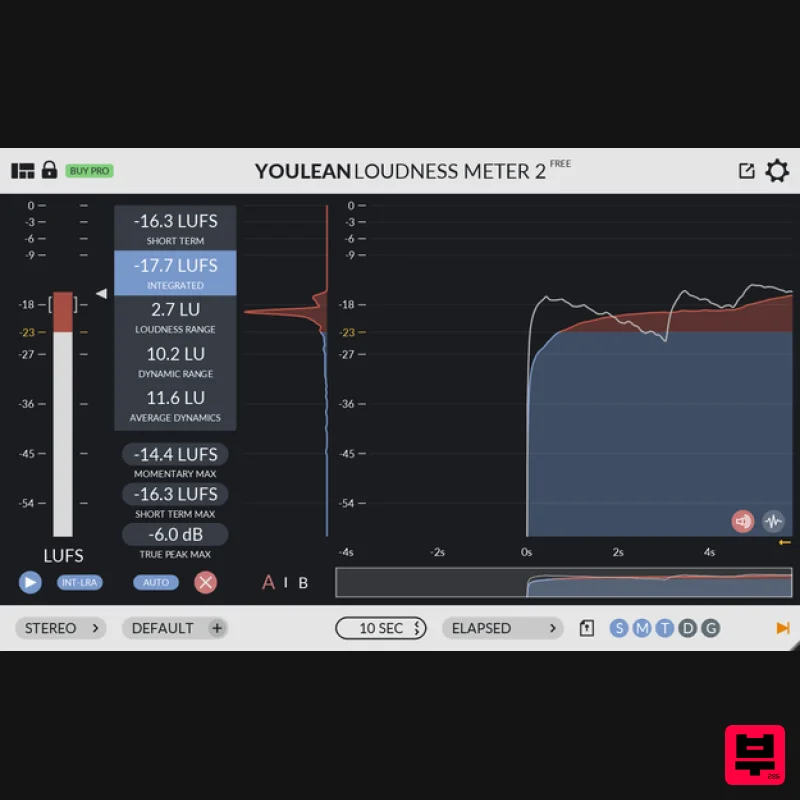
Youlean Youlean Loudness Meter
Metering
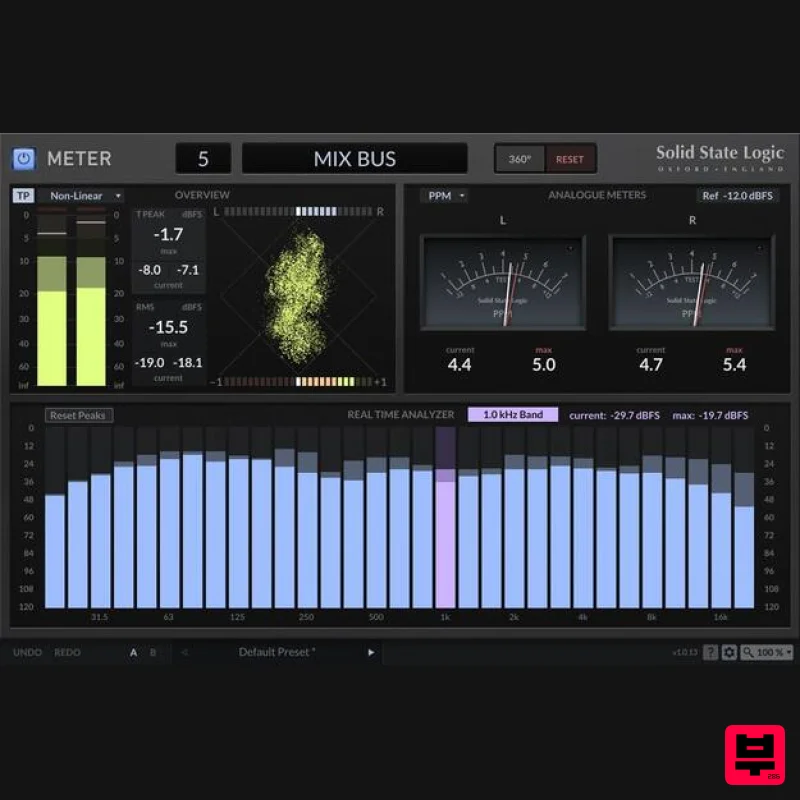
Solid State Logic SSL Meter
Metering
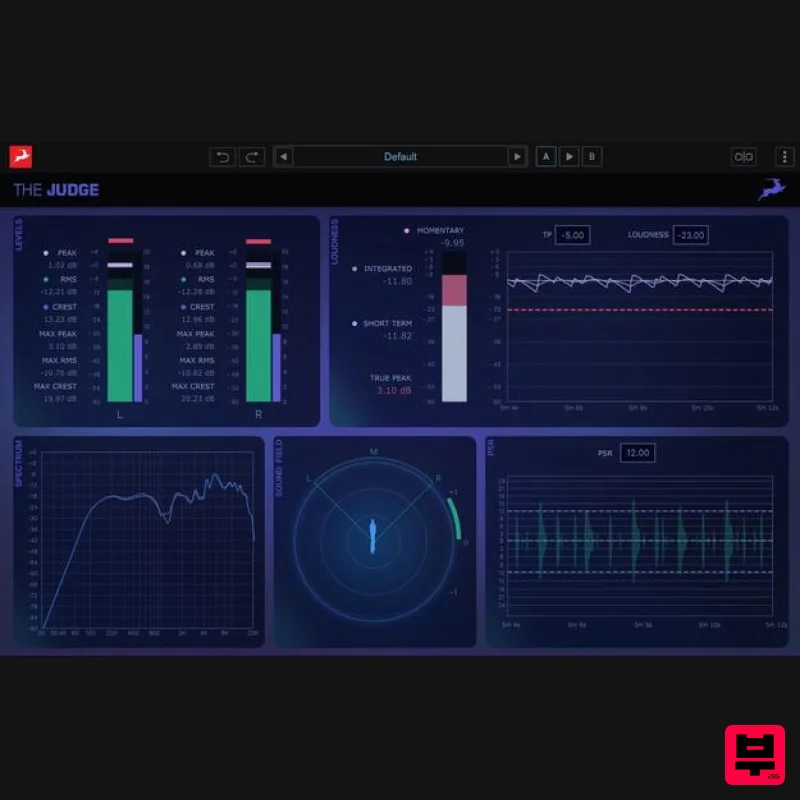
Antelope Audio The Judge
Metering
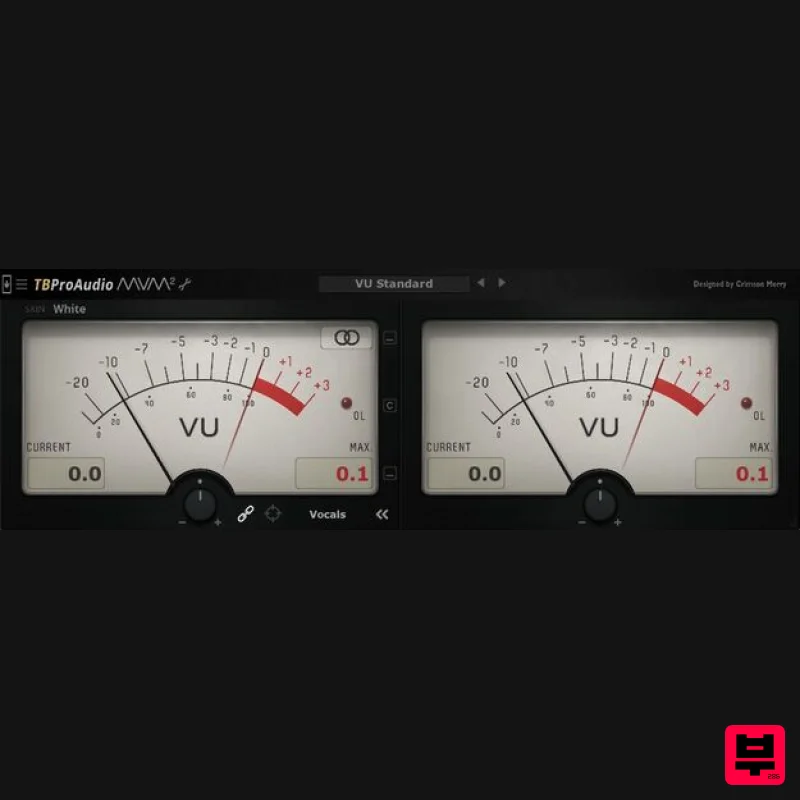
TBProAudio mvMeter2
Metering
IK Multimedia Full Metering
Metering

