
Lese Transfer
Professional music gear - detailed information and where to buy
Lese
Transfer
Product Info
* Prices may vary. Check retailer for current pricing and availability.
Product Description
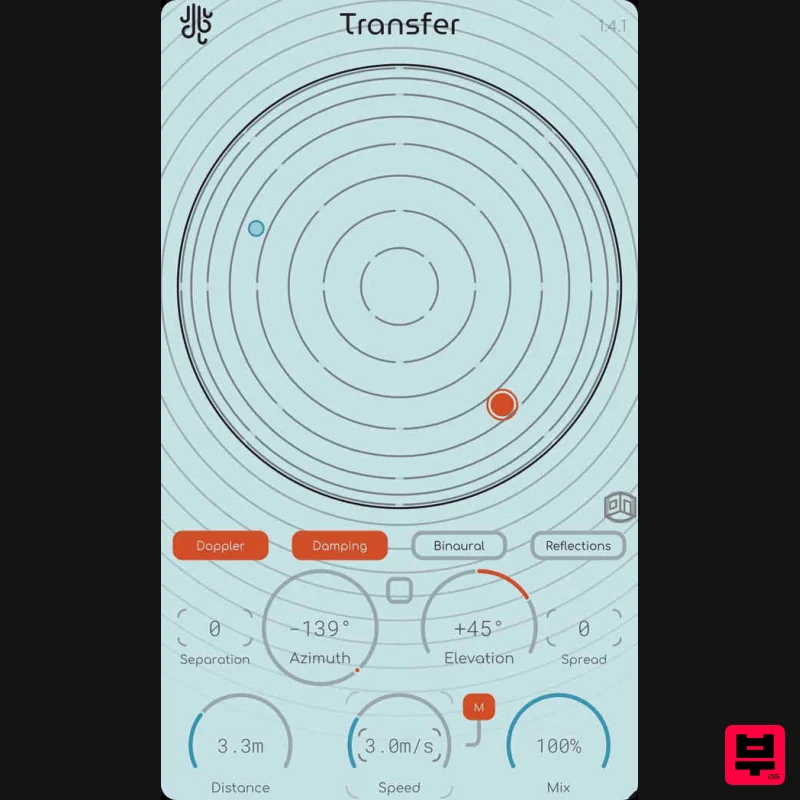
- Transfer is an audio positioner. Other doppler plugins have confusing controls. Other spatialization plugins are unintuitive. Transfer handles both of these problems and packages them together
- as it should be. Taking advantage of ambisonic audio
- Transfer handles the processes associated with both encoding and decoding of the sound internally
- without having to mess around with a bunch of variables. Transfer keeps it dead simple; audio in
- spatialized signal out. Transfer also features two different control modes; a full spherical positioner
- as well as an X/Y pad representing the left/right/front/back space around the listener. Features Binaural-Ready: Transfer models the human ear and filters incoming audio according to how your ears would perceive sound coming from a certain angle
- allowing for an ultra-realistic spatial audio experience; without the high CPU usage! Spread / Separation: Transfer is able to perform "spreading" on the audio source to reduce the listener's ability to localize (or "point out") the sound for a more subtle spatial effect. Additionally
- Transfer can separate the incoming audio to two points (left and right if the incoming audio is in stereo) and have both channels come in at separate angles
- but retaining the same "distance". Doppler-Enhanced: Transfer simulates the doppler effect in a way that is a mathematically perfect representation of how it sounds in real life. Don't know what the doppler effect is? Listen to the demos. Room Simulation: New In 1.2.0: Enable early & late reflections with the "Reflections" toggle button. You can simulate dimensions
- as well as the materials of the space (or turn on "Size Sync" mode and map the size to the "Distance" parameter)
- and mix the early & late reflections' volume to fine-tune it to your desired result. System Requirements Windows: VST3
- AAX OSX (Intel / ARM): VST3
- AAX Should run fine on any recent operating system Please Note: Glow is used as an example Installation PC 1. Download the installer from your Plugin Boutique User Account > Double click the .exe file to begin installation. 2. Click 'Next'. 3. Click 'Next'. 4. Click 'Next'. 5. Click 'Next'. 6. Click 'Install'. 7. Click 'Finish'. 8. Open your DAW
- locate Glow
- and open it. 9. Enter the serial number found in your Plugin Boutique User Account > Click 'Unlock'. 10. Click 'Okay'. Your software is now activated and ready to be used within your DAW! Mac 1. Download the installer from your Plugin Boutique User Account > Double click the .pkg file to begin installation. 2. Click 'Continue'. 3. Click 'Install'. 4. Click 'Close'. 5. Open your DAW
- locate Glow
- and open it. 6. Enter the serial number found in your Plugin Boutique User Account > Click 'Unlock'. 7. Click 'Okay'. Your software is now activated and ready to be used within your DAW!
Additional Information
About the Lese Transfer
The Lese Transfer represents excellent craftsmanship in the Stereo Width category.
Why Choose the Lese Transfer?
- •Authentic Lese craftsmanship and design
- •Versatile sound suitable for multiple musical genres
- •Professional build quality and reliable performance
- •Part of Lese's respected Stereo Width lineup
Compare & Explore
Browse our complete selection of Lese instruments or explore other Stereo Width options. Use our comparison tools to find the perfect match for your musical style and budget.
Similar Products
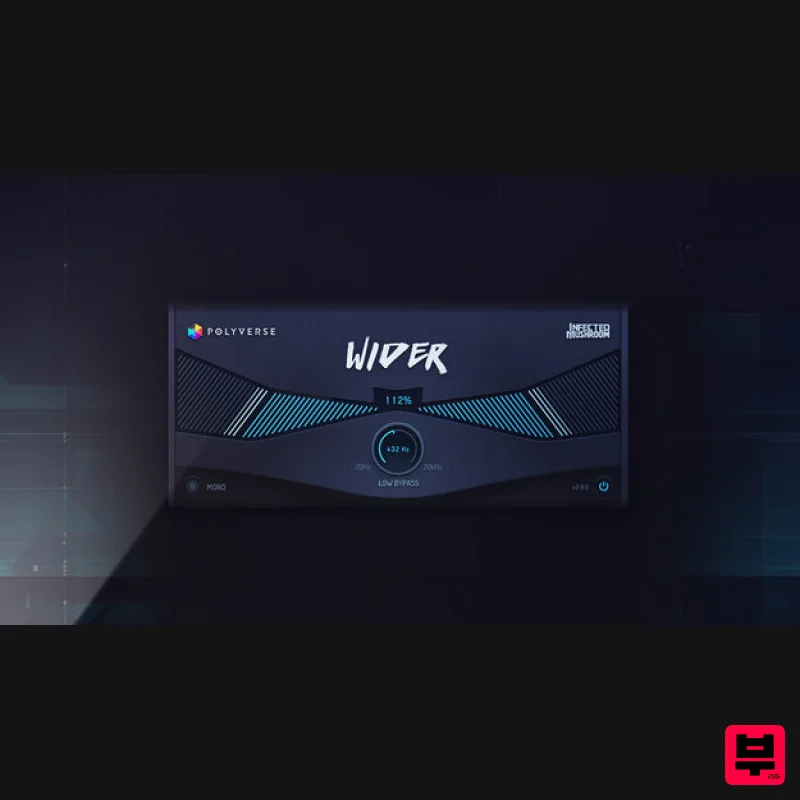
Polyverse Wider 2
Stereo Width
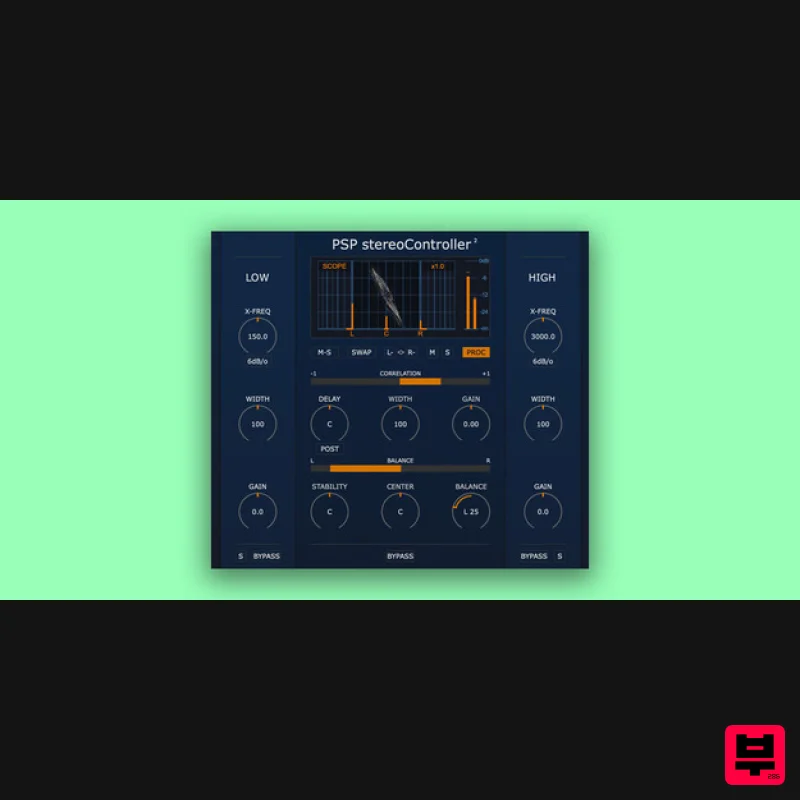
PSP Audioware PSP StereoController2
Stereo Width
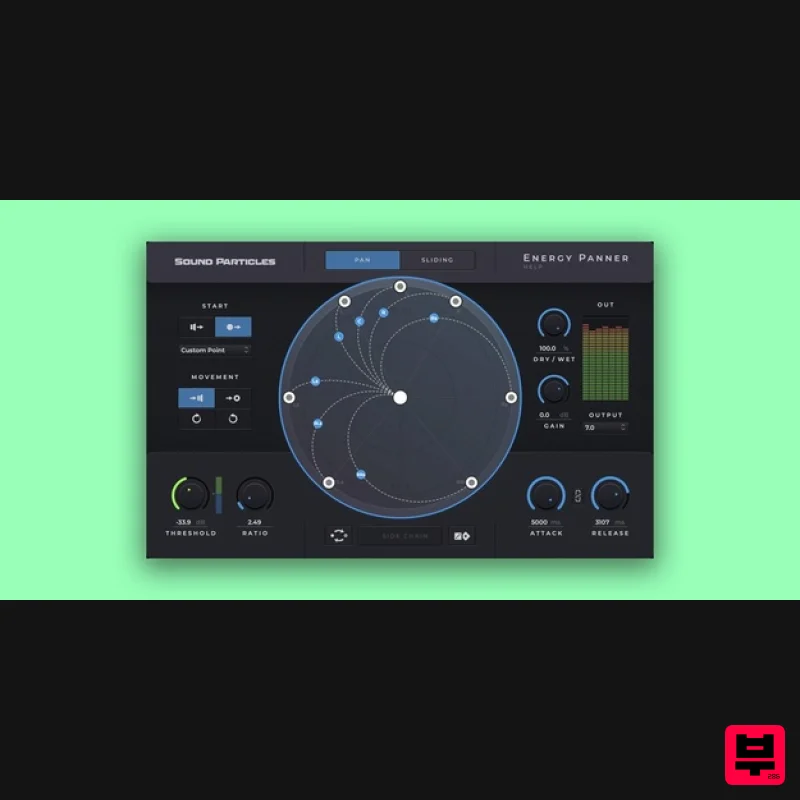
Sound Particles Energy Panner | Educational Version
Stereo Width
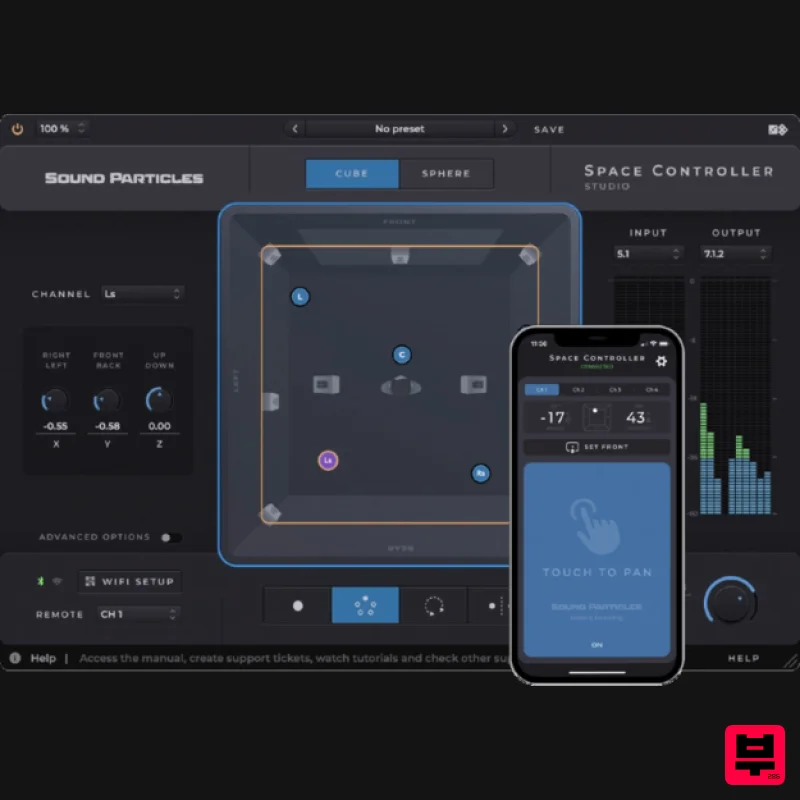
Sound Particles Space Controller Standard | Educational Version
Stereo Width
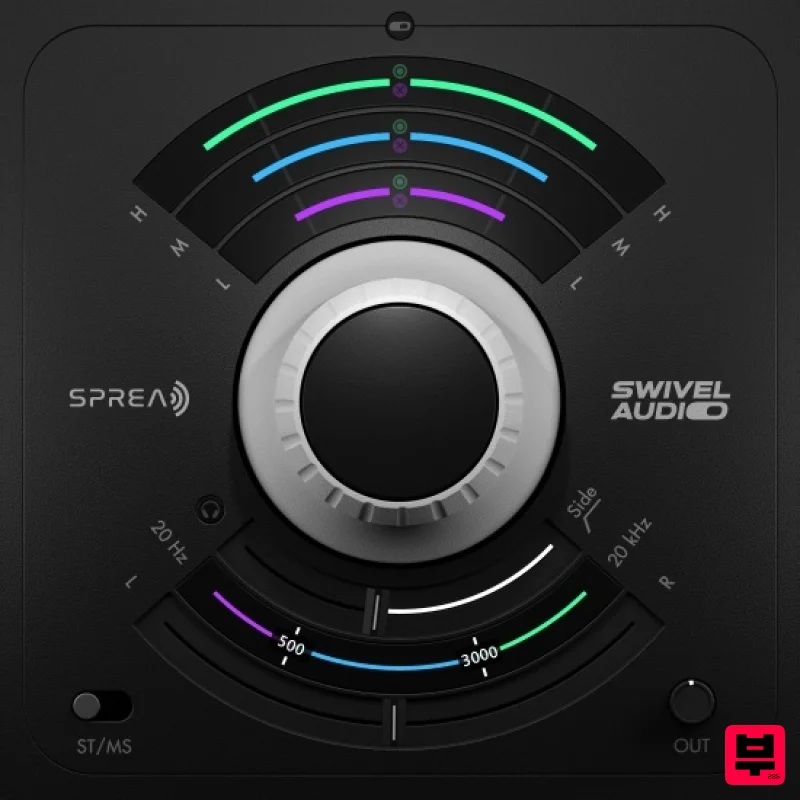
Plugin Alliance Swivel Audio Spread
Stereo Width
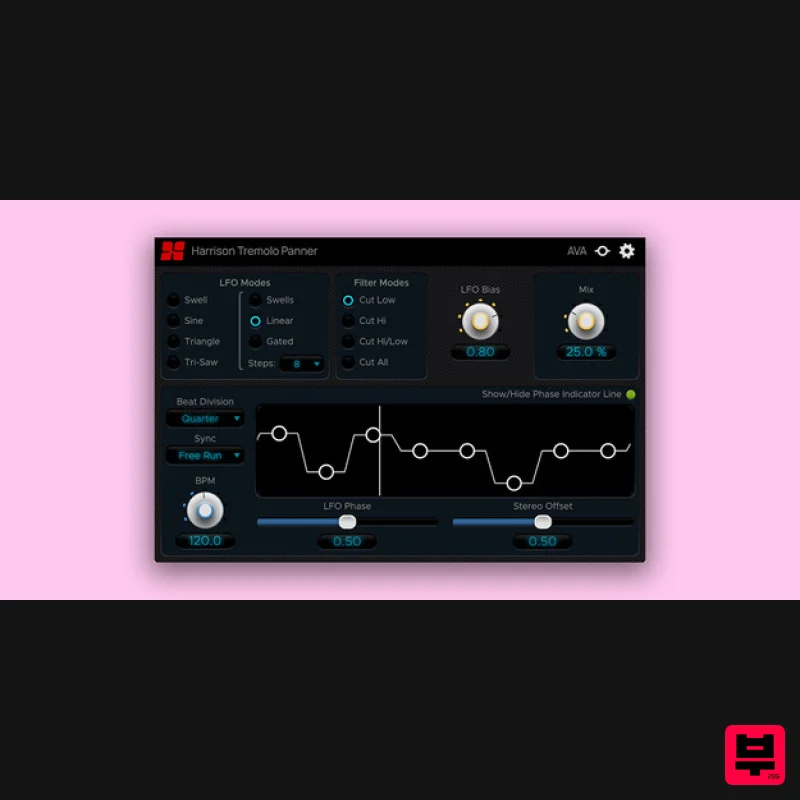
Harrison Consoles Tremolo Panner
Stereo Width
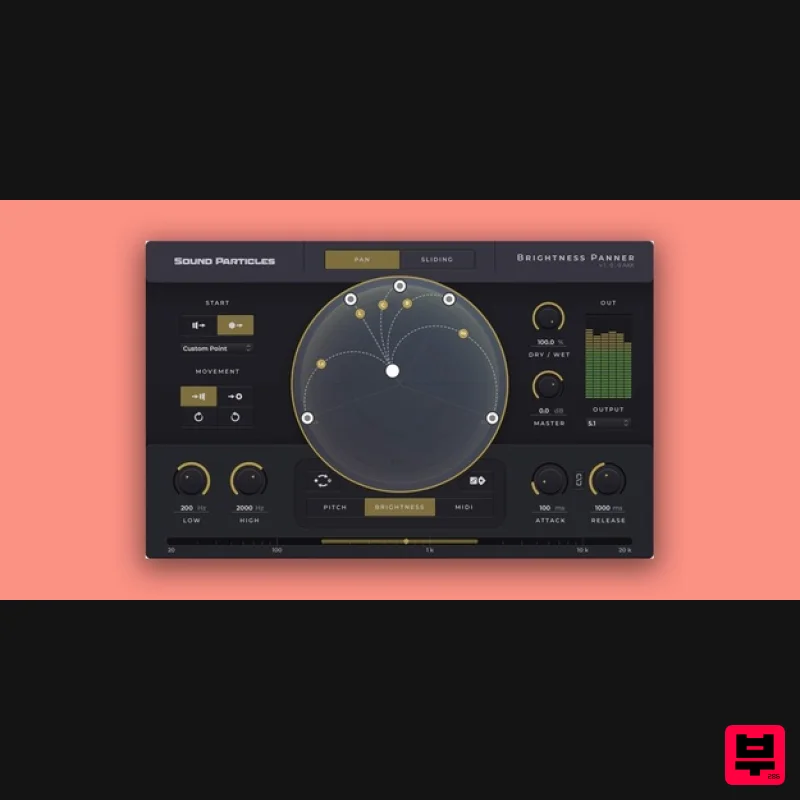
Sound Particles Brightness Panner | Educational Version
Stereo Width
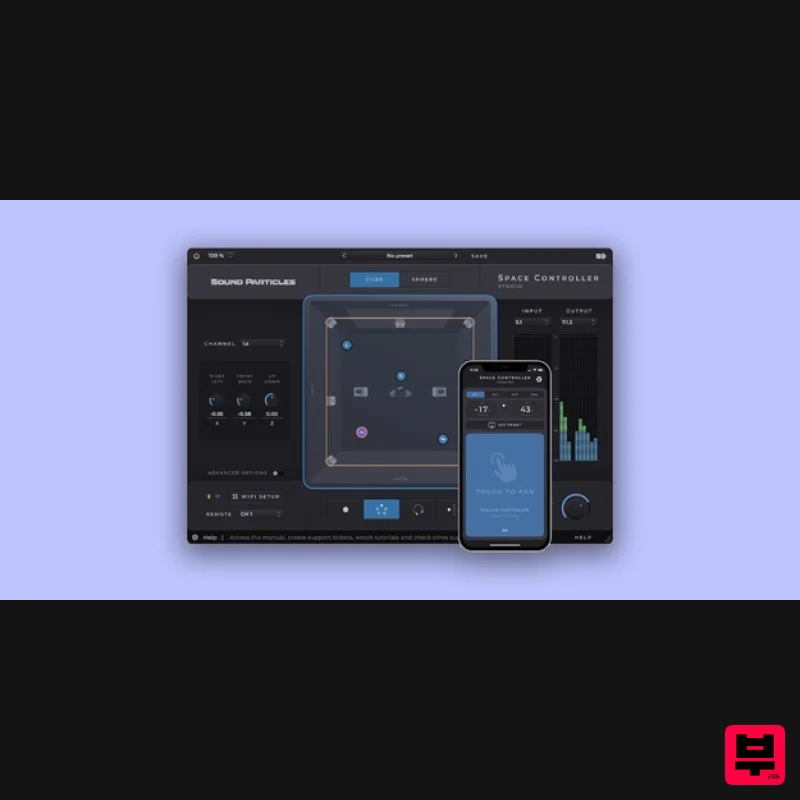
Sound Particles Space Controller Studio | Educational Version
Stereo Width

