
Lese Teuri
Professional music gear - detailed information and where to buy
Lese
Teuri
Product Info
* Prices may vary. Check retailer for current pricing and availability.
Product Description
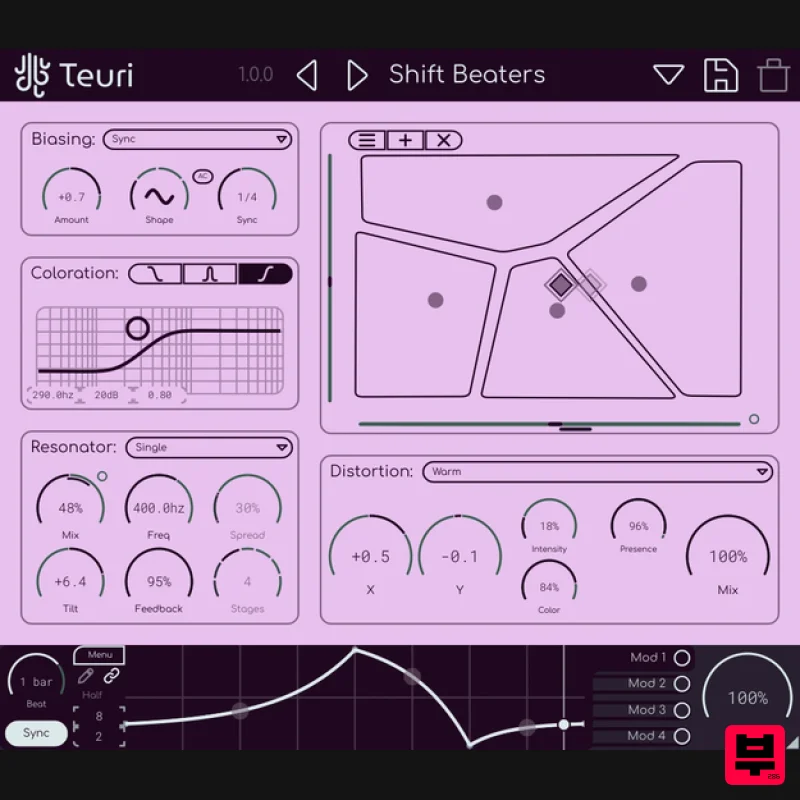
- Teuri is for Distortion Morphing Teuri’s “Cellular Distortion” system puts multiple distortion models at different points on an XY pad and lets you live in the tension between them. Drag through the grid and blend through textures that were never meant to coexist. ragged fuzz bleeding into clinical overdrive
- soft saturation collapsing into bitcrush. No snapping
- no quantizing
- just continuous
- organic layers of deterioration. Since the different models can produce sound at different levels
- Teuri internally handles these differences to give you a morphing experience. Model Selection Teuri comes with a broad palette of distortion characters; from analog circuit models to experimental processes that have no hardware counterpart. Whether you’re reaching for the warmth of a pushed tube stage
- the grind of a germanium fuzz distortion
- or something that treats your audio less like a signal and more like a material to be torn apart
- Teuri’s model selection is built to cover the full range of what distortion can mean. Distortion Cells Different distortion models are added on an XY pad
- and the internal “Positional Blending” system handles blending between them
- regardless of model. The “blender” also attempts to balance between the gain differences that the models have in real-time. Modulate More Teuri has a modulation system
- similar to the one in Glow and Offering up to four modulators which can be optionally synchronized to the DAW’s BPM & retriggered by the DAW’s playback state Windows: Supports VST3 & AAX MacOS: Supports VST3
- AU & AAX (Intel and ARM) This plugin requires OpenGL Please Note: Glow is used as an example Installation PC 1. Download the installer from your Plugin Boutique User Account > Double click the .exe file to begin installation. 2. Click 'Next'. 3. Click 'Next'. 4. Click 'Next'. 5. Click 'Next'. 6. Click 'Install'. 7. Click 'Finish'. 8. Open your DAW
- locate Glow
- and open it. 9. Enter the serial number found in your Plugin Boutique User Account > Click 'Unlock'. 10. Click 'Okay'. Your software is now activated and ready to be used within your DAW! Mac 1. Download the installer from your Plugin Boutique User Account > Double click the .pkg file to begin installation. 2. Click 'Continue'. 3. Click 'Install'. 4. Click 'Close'. 5. Open your DAW
- locate Glow
- and open it. 6. Enter the serial number found in your Plugin Boutique User Account > Click 'Unlock'. 7. Click 'Okay'. Your software is now activated and ready to be used within your DAW!
Additional Information
About the Lese Teuri
Discover the distinctive sound and feel of the Lese Teuri, a standout choice among Distortion.
Why Choose the Lese Teuri?
- •Authentic Lese craftsmanship and design
- •Versatile sound suitable for multiple musical genres
- •Professional build quality and reliable performance
- •Part of Lese's respected Distortion lineup
Compare & Explore
Browse our complete selection of Lese instruments or explore other Distortion options. Use our comparison tools to find the perfect match for your musical style and budget.
Similar Products
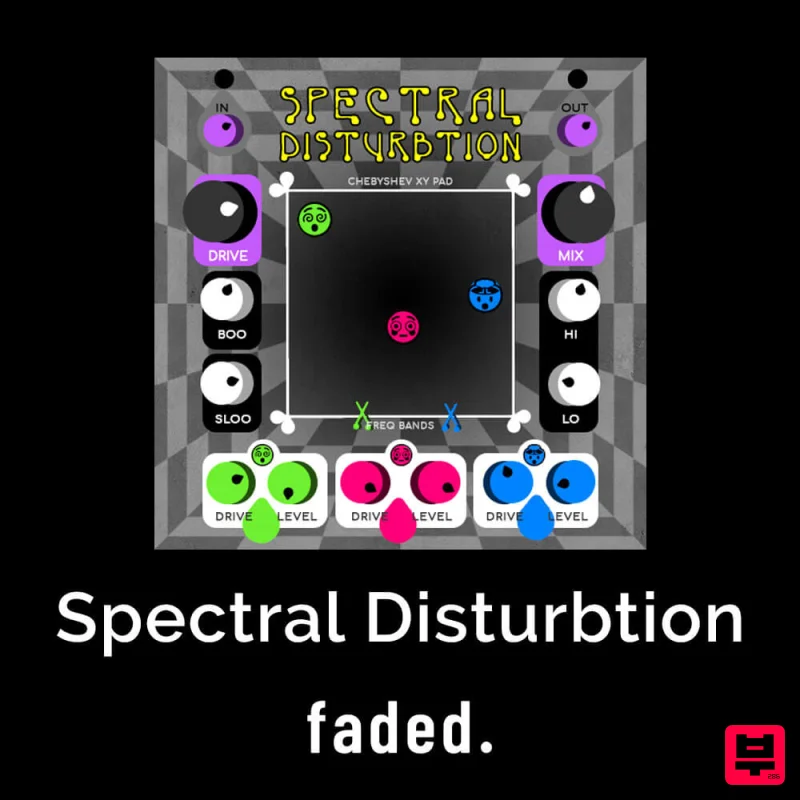
Faded Instruments Spectral Disturbtion
Distortion
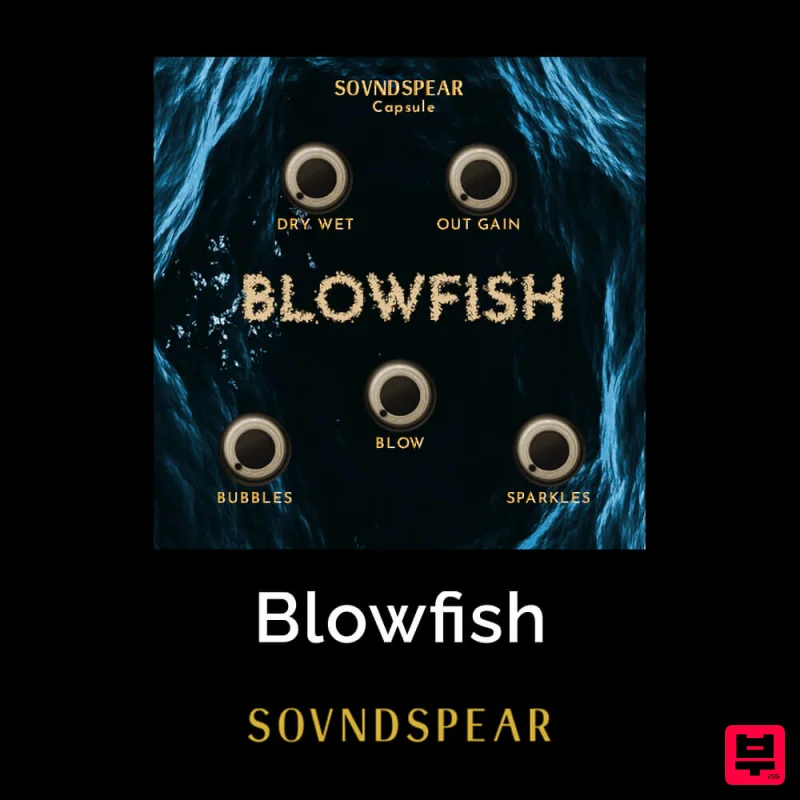
Soundspear Blowfish
Distortion
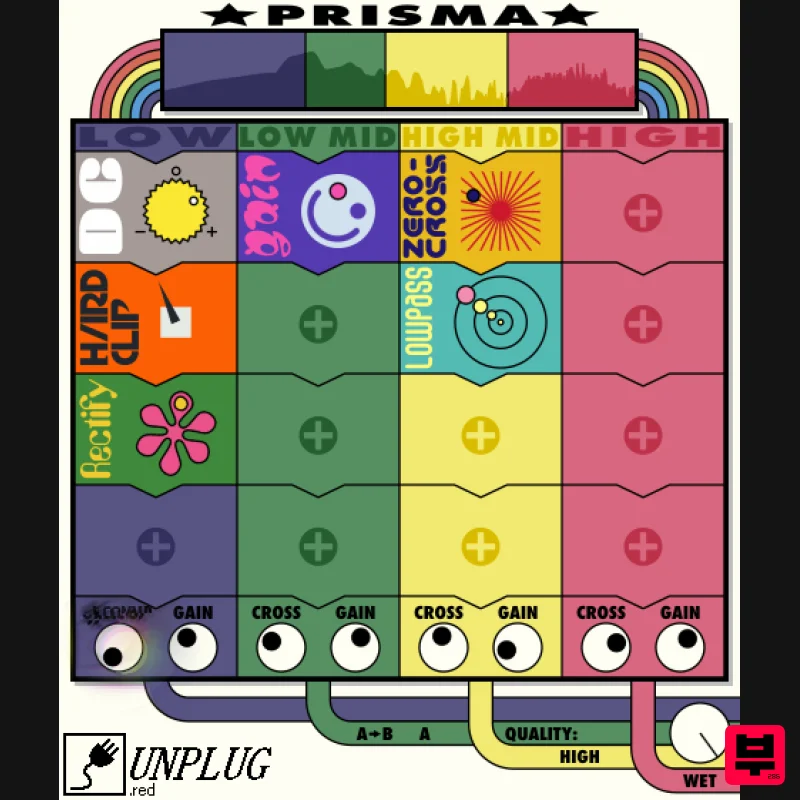
UnplugRed Prisma
Distortion
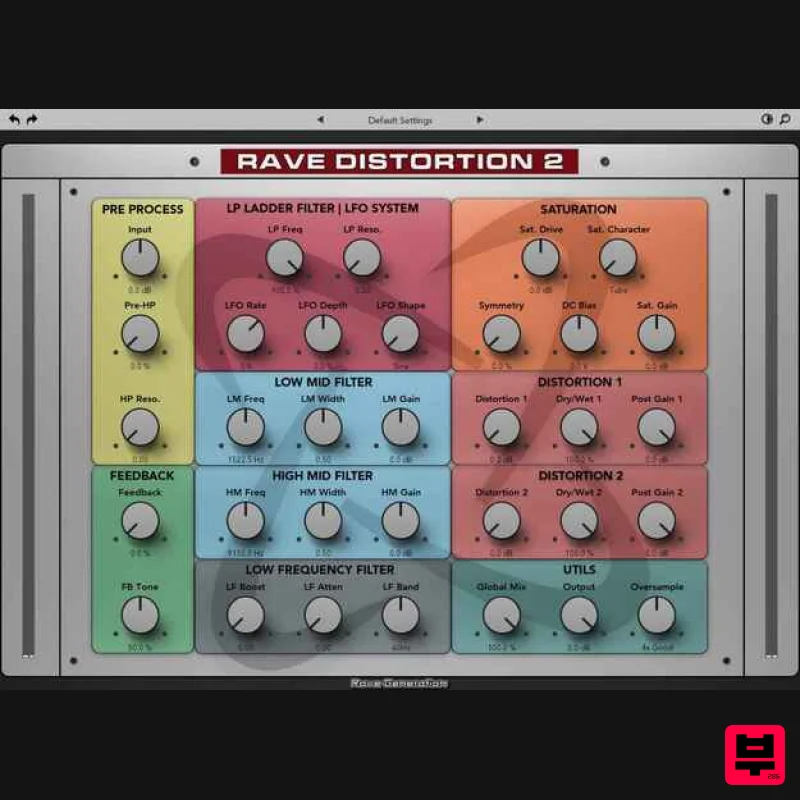
Rave Generation Rave Distortion 2
Distortion
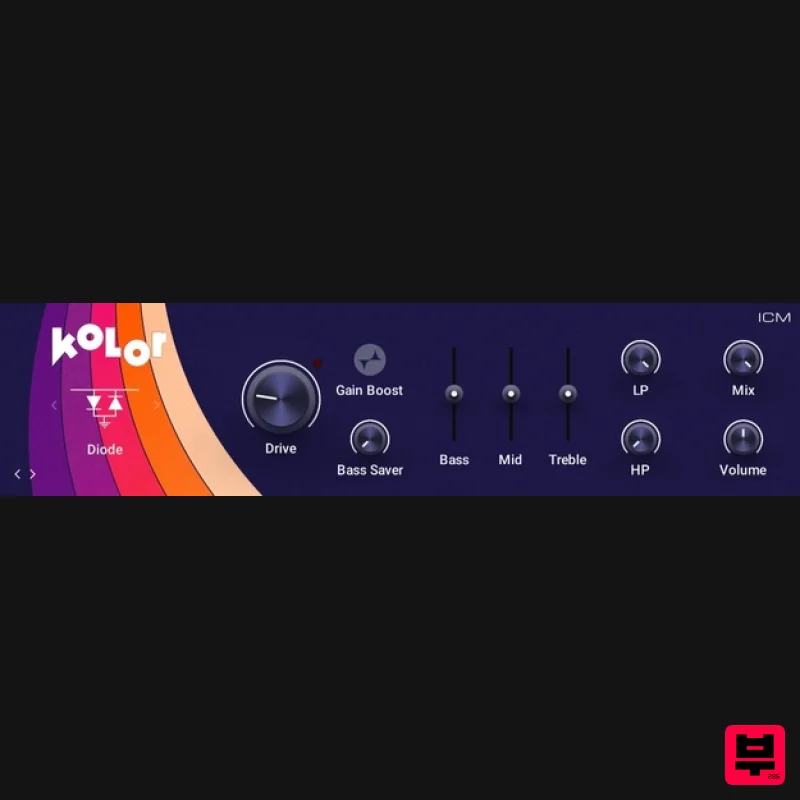
Native Instruments Kolor
Distortion
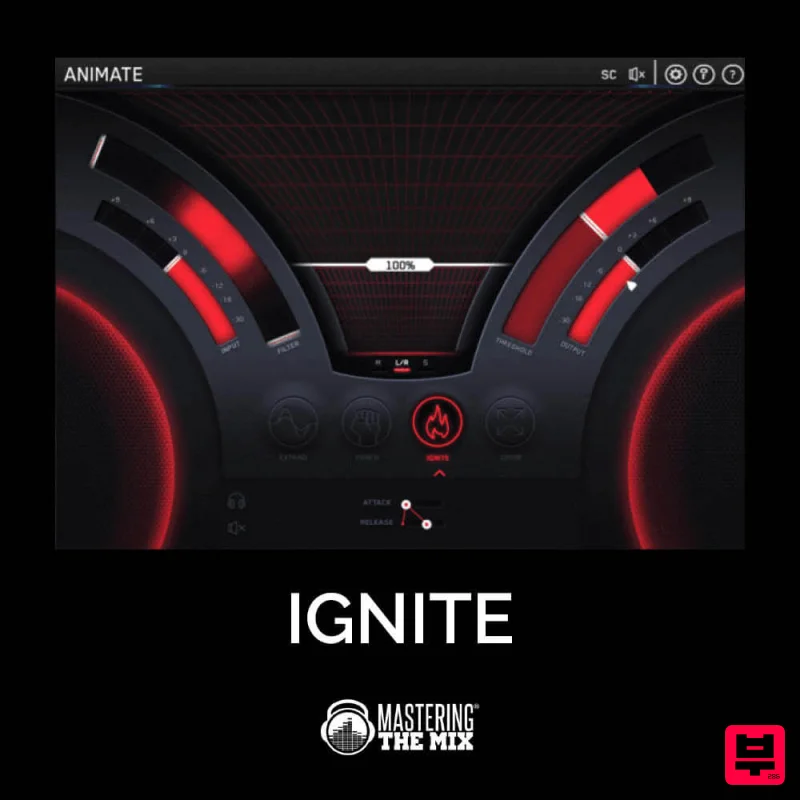
Mastering The Mix IGNITE
Distortion
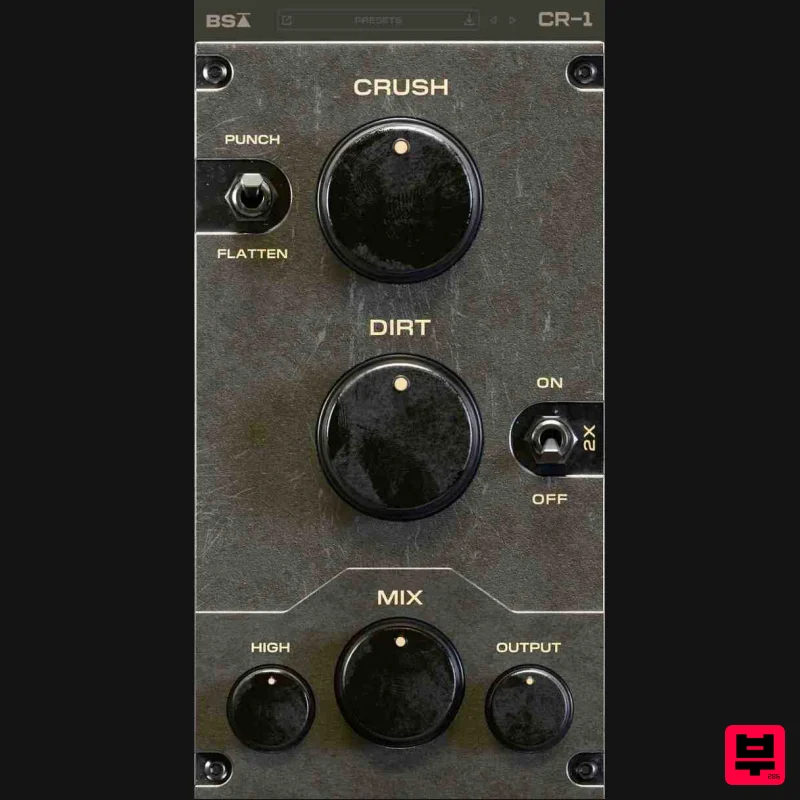
Black Salt Audio CR-1
Distortion
Soundspear Rumble
Distortion

