
Native Instruments Kolor
Professional music gear - detailed information and where to buy
Native Instruments
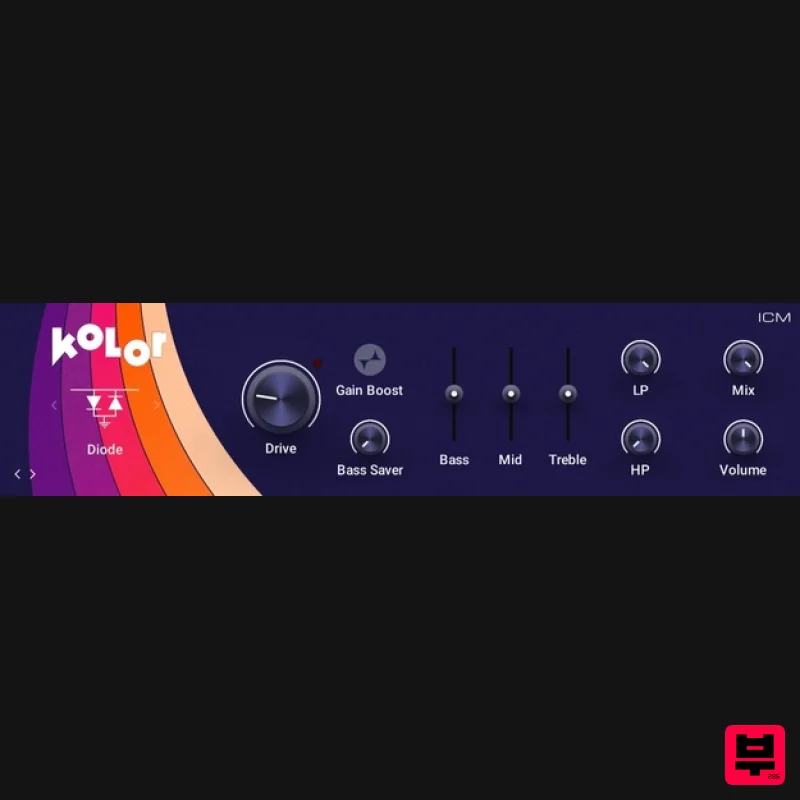
Kolor
Product Info
* Prices may vary. Check retailer for current pricing and availability.
Product Description
- Enhance your sounds with iconic analog distortion emulations for added character and color. Kolor is a powerhouse distortion plugin featuring 10 distinct algorithms designed to shape and elevate your sound. From subtle saturation to aggressive crunch
- Kolor offers a versatile palette of distortion effects that capture the essence of vintage gear while offering modern flexibility and control. Features Transform your sounds with lo-fi effects from Guitar Rig 7 Pro. Capture the essence of popular hardware distortion circuits with Kolor. Now available as standalone components. Intel Macs (i5 or higher)
- macOS 12
- 13 or 14 (latest update) Apple Silicon Macs (via Rosetta 2 & natively on ARM in hosts that support it): macOS 12
- 13 or 14 (latest update) Windows 10 or 11 (latest Service Pack)
- Intel Core i5 or equivalent CPU
- 4 GB RAM Graphics hardware support for Direct 3D 11.1 (Feature Level 11_1) or higher Windows (64-bit only): VST3
- AAX macOS (64-bit only): VST3
- AAX Native Instruments Installation Instructions Note: Massive is used as an example. Windows 1. Download the .zip installer file from this Help Centre Area. 2. Double-click the extracted .exe file to begin the installation process > click ‘Run’. 3. Read the welcome message > click 'Next'. 4. Click 'Next' to begin the installation. 5. Native Access has now been installed > Click 'Finish'. 6. Open Native Access > Create a new Native ID if you do not have one already. If you do
- skip ahead to step 8. 7. You will then receive an email with a confirmation link > Open the email and click 'CONFIRM EMAIL'. 8. Log in to Native Access with your Native ID. 9. Click 'Add a serial'. 10. Enter your Serial Number found in your Plugin Boutique User Account > Click 'ADD SERIAL'. 11. Once your serial has been registered
- click 'VIEW PRODUCTS NOT INSTALLED'. 12. Click the 'Not installed' tab > Locate Massive > Click 'INSTALL'. Your software is now activated and ready for use within your DAW. Mac 1. Download the .dmg installer file from this Help Centre Area. 2. Double-click the .dmg file to install Native Access. 3. Open Native Access > Create a new Native ID if you do not have one already. If you do
- skip ahead to step 5. 4. You will then receive an email with a confirmation link > Open the email and click 'CONFIRM EMAIL'. 5. Log in to Native Access with your Native ID. 6. Click 'Add a serial' 7. Enter your Serial Number found in your Plugin Boutique User Account > Click 'ADD SERIAL'. 8. Click the 'Not installed' tab > Locate Massive > Click 'INSTALL'. Your software is now activated and ready for use within your DAW. Beatport Streaming Advanced Registration Instructions 1. Head to Beatport.com > enter your details > click 'CREATE ACCOUNT' (if you already have an account simply Log in). 2. Click 'SUBSCRIBE'. 3. Under the 'Advanced' plan > click 'TRY FREE FOR 30 DAYS'. 4. Enter your '3-Months Beatport Streaming Advanced' code (found in your Plugin Boutique account) > enter your payment details > Enter your billing details > click 'APPLY'. Please note: No payment will be taken when you complete this step. Your payment date will be three months after you redeem your free 3 months of Beatport Streaming Advanced. 5. Click 'UNDEFINED 3-MONTH' to begin your free 3-Months Beatport Advanced Streaming membership. 6. Click 'Get Started' to get started with your subscription for Beatport Streaming Advanced. Beatsource Pro+ Registration Instructions 1. Head to Beatsource > enter your details > click 'Create Account' (if you already have an account simply Log in). 2. Click 'Try Beatsource Free'. 3. Under the 'Beatsource Pro+' plan > click 'Try 30 Days Free'. 4. Enter your '3-Months Beatsource Pro+' code (found in your Plugin Boutique account) > enter your payment details > Enter your billing details > click 'APPLY'. Please note: No payment will be taken when you complete this step. Your payment date will be three months after you redeem your free 3 months of Beatsource Pro+. 5. Click 'START YOUR 3 MONTH FREE TRIAL' to begin your free 3-Months Beatsource Pro+ membership. Your subscription is now activated.
Additional Information
About the Native Instruments Kolor
Discover the distinctive sound and feel of the Native Instruments Kolor, a standout choice among Distortion.
Why Choose the Native Instruments Kolor?
- •Authentic Native Instruments craftsmanship and design
- •Versatile sound suitable for multiple musical genres
- •Professional build quality and reliable performance
- •Part of Native Instruments's respected Distortion lineup
Compare & Explore
Browse our complete selection of Native Instruments instruments or explore other Distortion options. Use our comparison tools to find the perfect match for your musical style and budget.
Similar Products
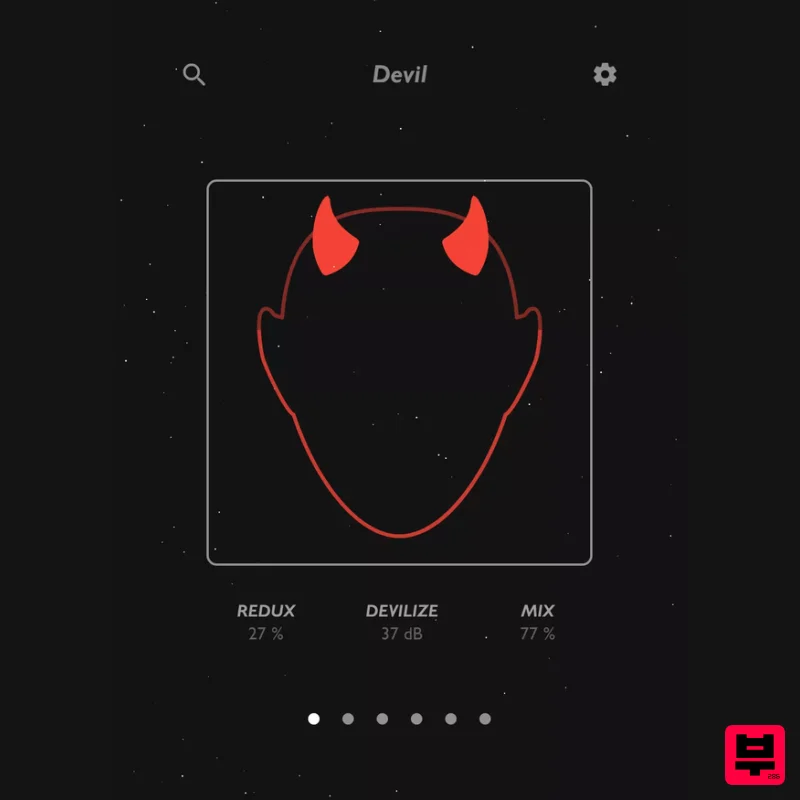
Thenatan Audio Devil
Distortion
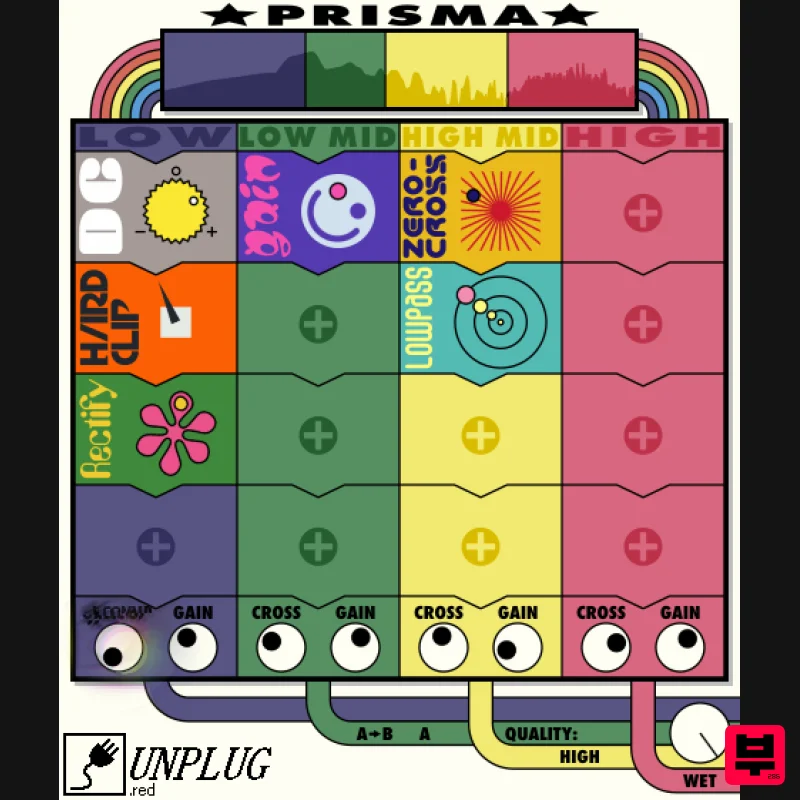
UnplugRed Prisma
Distortion
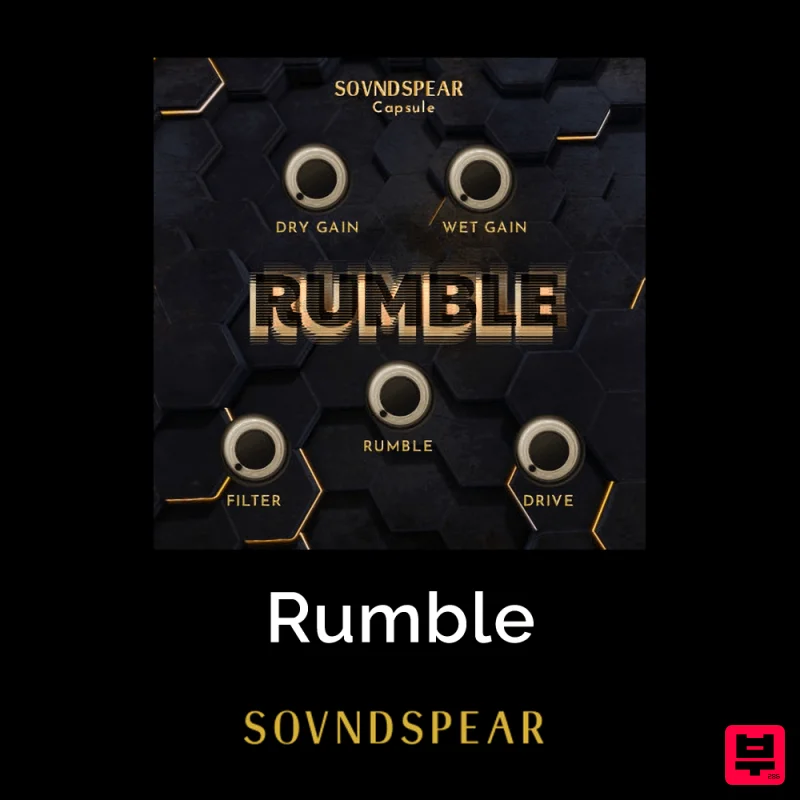
Soundspear Rumble
Distortion
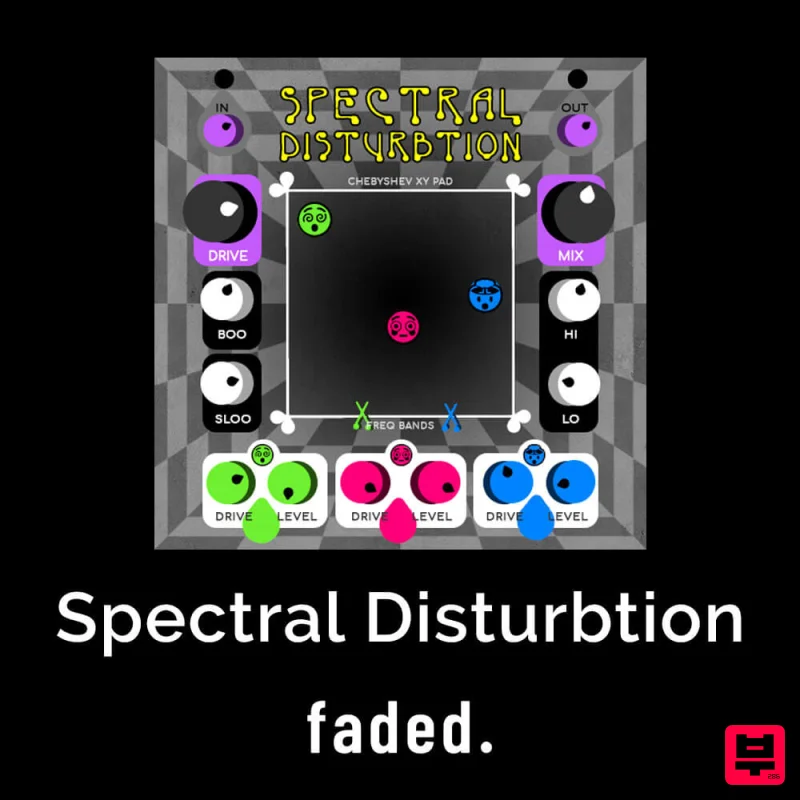
Faded Instruments Spectral Disturbtion
Distortion
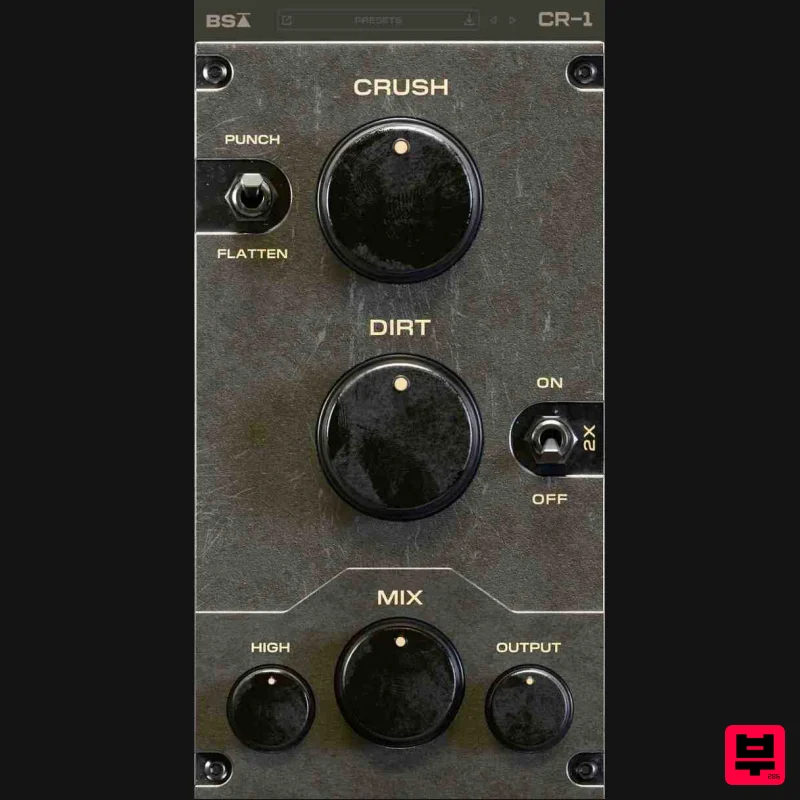
Black Salt Audio CR-1
Distortion
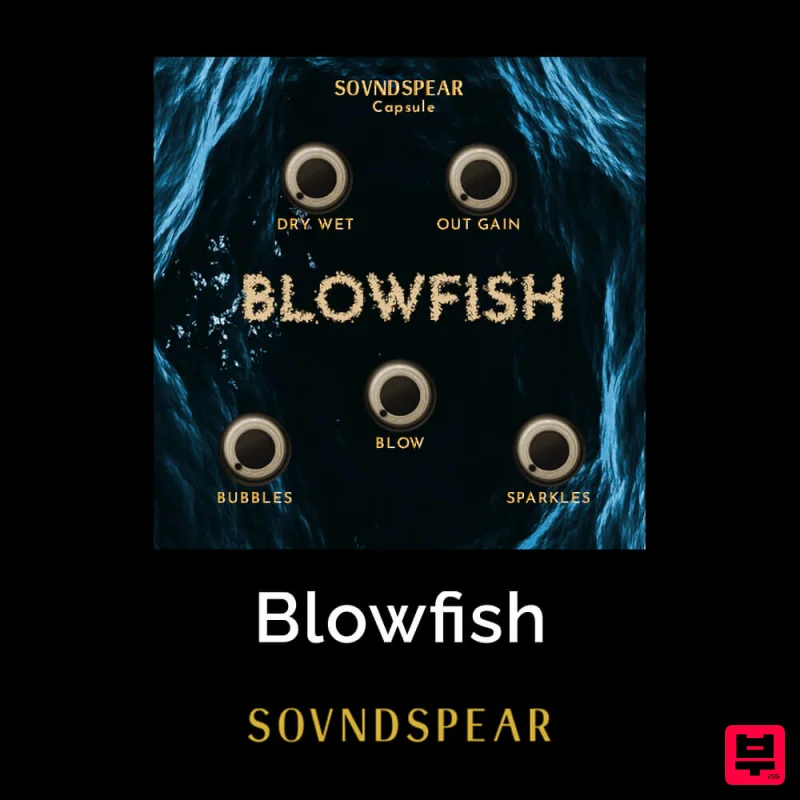
Soundspear Blowfish
Distortion
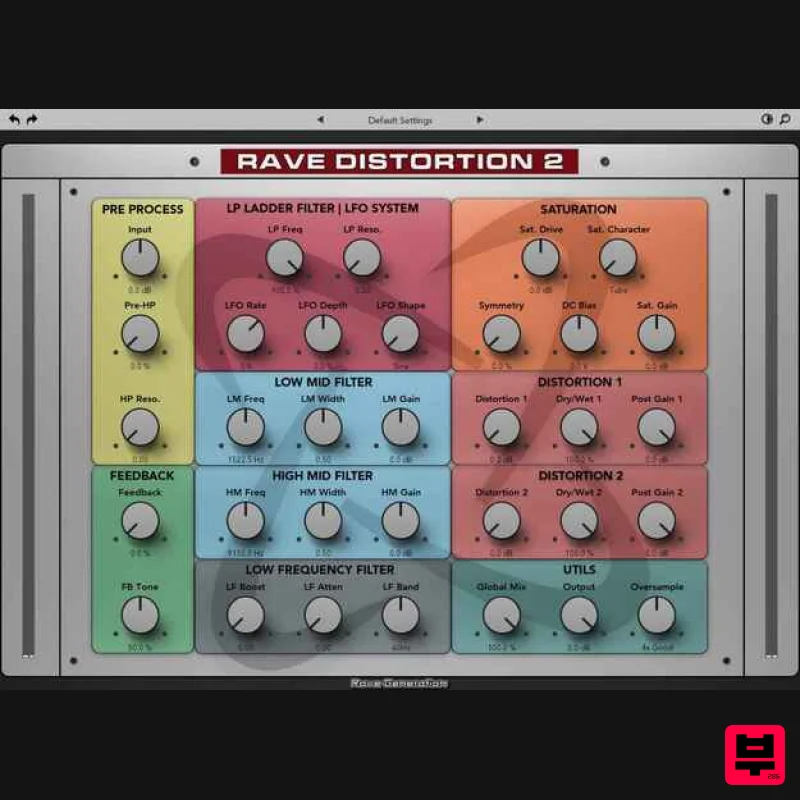
Rave Generation Rave Distortion 2
Distortion
Mastering The Mix IGNITE
Distortion

