
Lese Codec
Professional music gear - detailed information and where to buy
Lese
Codec
Product Info
* Prices may vary. Check retailer for current pricing and availability.
Product Description
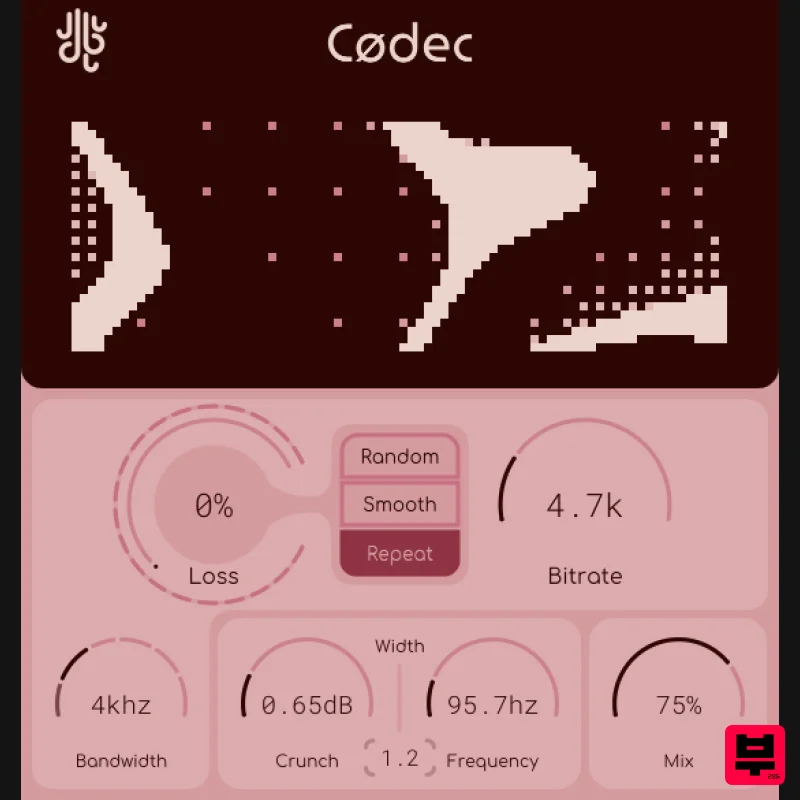
- Modern Degradation Codec is for sound destruction. Unlike other plugins that simulate degradation in “old school” ways like vinyl
- tape or cassette
- Codec degrades sound in the most common way we hear today
- through internet compression algorithms! Codec is essentially a container that holds an audio compressor (not that kind of compressor) so you can compress and then decompress your sound
- in real time
- in your DAW of choice. Packet Drop Codec can simulate a poor internet connection through the use of it's "Loss" system (as well as how 'lost packets' are handled). Packets can either be lost totally (and the internal algorithm will try to "reconstruct" your sound in real-time)
- or they can be held and repeated (for a super glitchy effect). A "Bit" Of Crunch You can take Codec to it's limits via the crunch section. Massive amounts of gain can be applied to the frequency section of your choosing
- and then removed once compression & decompression have been completed
- keeping your sound at the same volume but adding even more artifacts. Mode Selection The internal state of the algorithm can also be altered. If you click on the Lese logo in the title bar
- you can switch between a "voice" mode
- a "music" mode
- and a "low-latency" mode. Each of these modes respond to incoming sounds a bit differently. Features Bitrate adjustment for real-time packet size constraint Bandwidth selector feature
- allowing for bandwidth adjustment beyond filtering out artifacts Coloration (crunch) option Packet loss simulation A funky visualizer Fully vectorized
- resizable interface System Requirements Windows: VST3 OSX (Intel / ARM): VST3
- AU Mac Installation 1. Download the installer from within your Plugin Boutique User Account and double-click the .zip file to extract the contents > Open the .pkg file to begin the installation process. 2. Click 'Continue'. 3. Click 'Continue'. 4. Click 'Install'. 5. Click 'Close'. Your software is now activated and ready to use within your DAW. Windows 1. Download the installer from within your Plugin Boutique User Account and double-click the .zip file to extract the contents > Open the .exe file to begin the installation process. 2. Select the installation location > Click 'Next'. 3. Click 'Next'. 4. Select the VST3 installation location > Click 'Next'. 5. Click 'Install'. 6. Click 'Finish'. Your software is now activated and ready to use within your DAW.
Additional Information
About the Lese Codec
Discover the distinctive sound and feel of the Lese Codec, a standout choice among Bit Crusher.
Why Choose the Lese Codec?
- •Authentic Lese craftsmanship and design
- •Versatile sound suitable for multiple musical genres
- •Professional build quality and reliable performance
- •Part of Lese's respected Bit Crusher lineup
Compare & Explore
Browse our complete selection of Lese instruments or explore other Bit Crusher options. Use our comparison tools to find the perfect match for your musical style and budget.
Similar Products
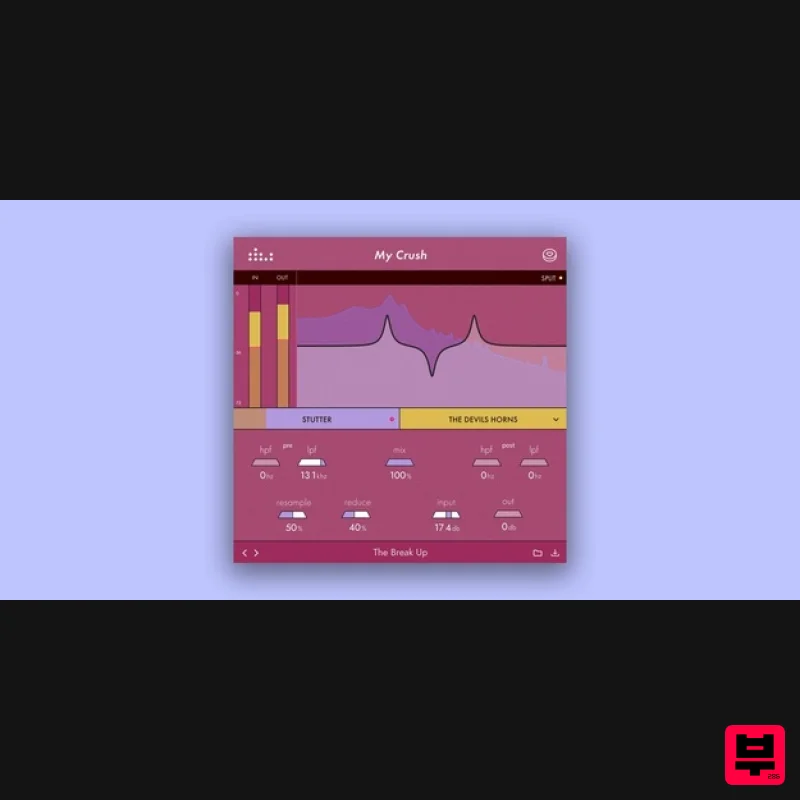
Denise Audio My Crush
Bit Crusher
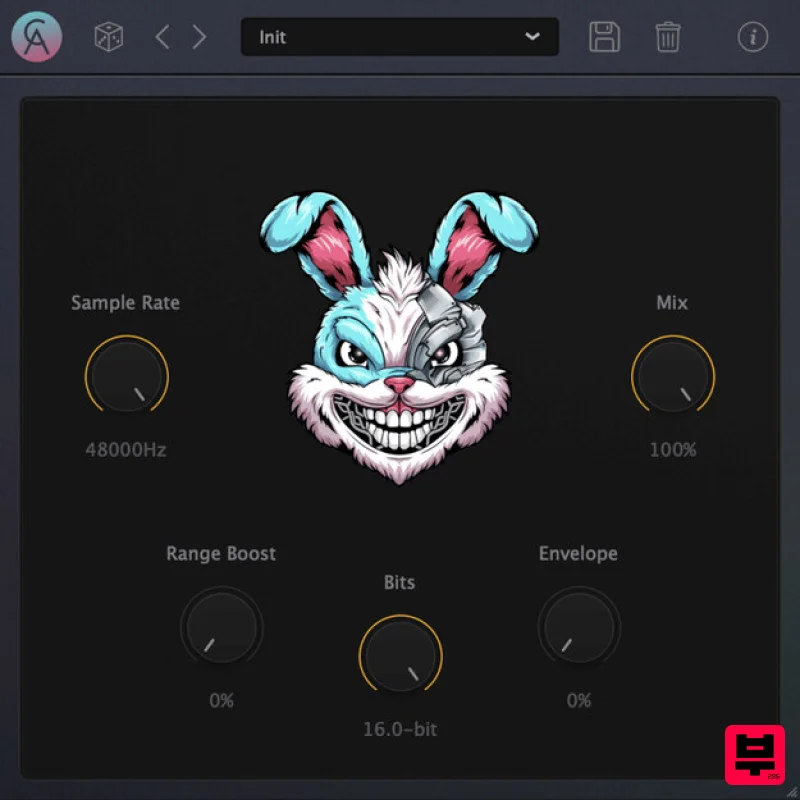
Caelum Audio DynaBunny
Bit Crusher
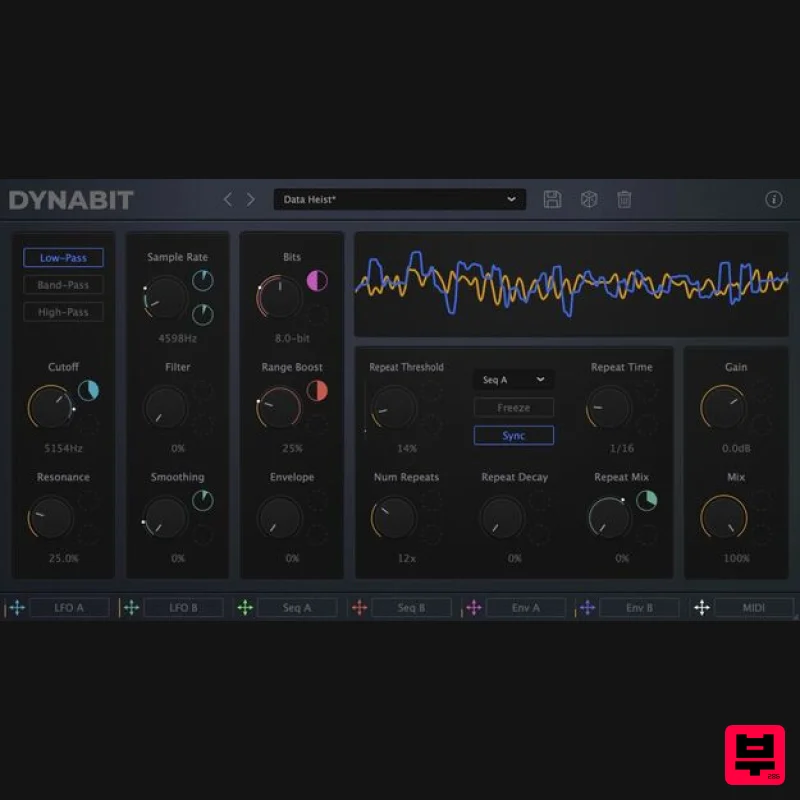
Caelum Audio DynaBit
Bit Crusher
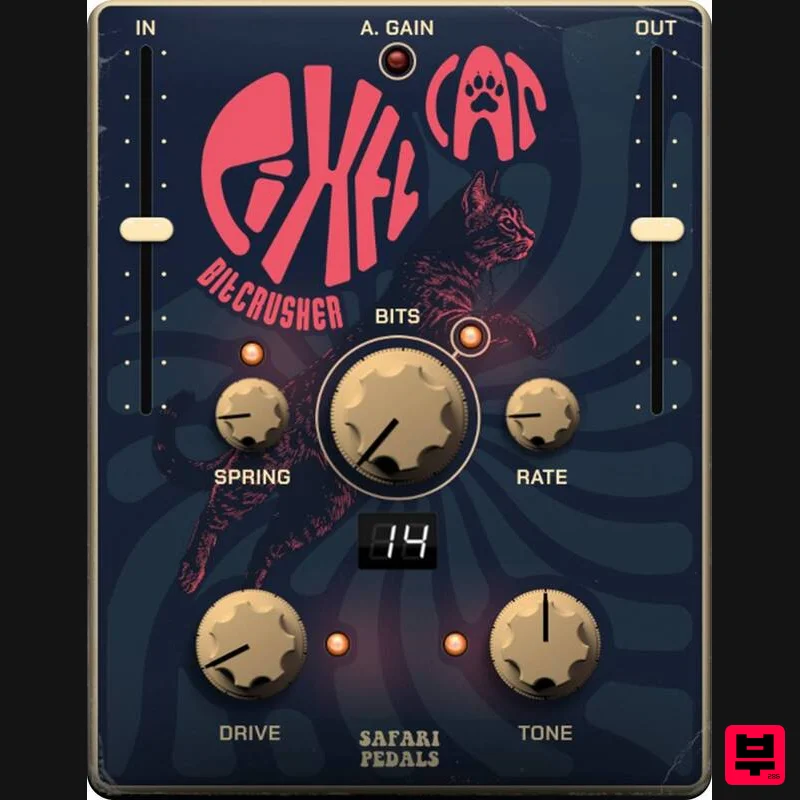
Safari Audio Pixel Cat
Bit Crusher
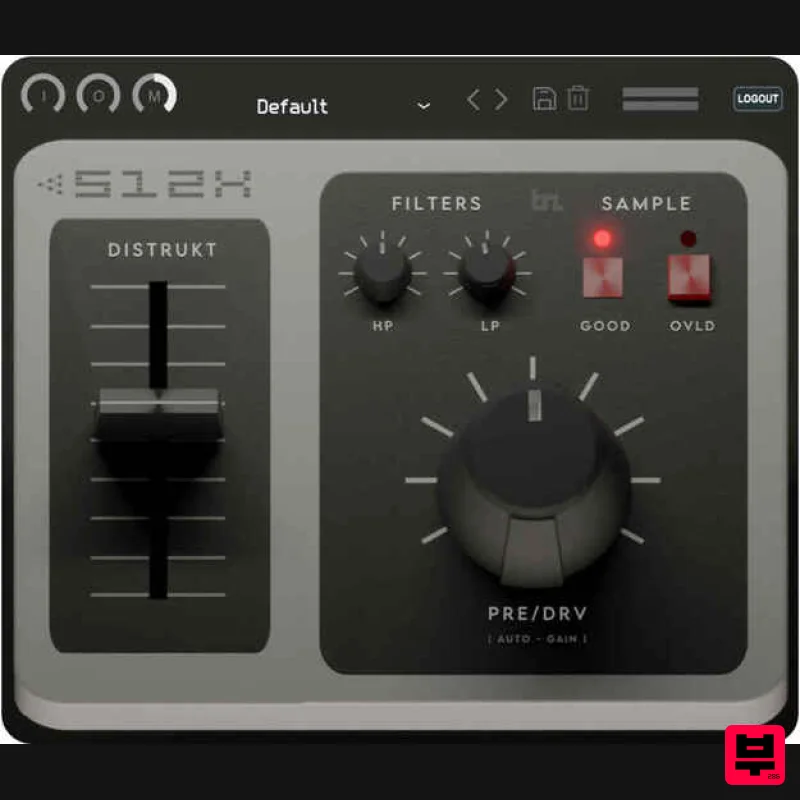
BeatSkillz S12X
Bit Crusher
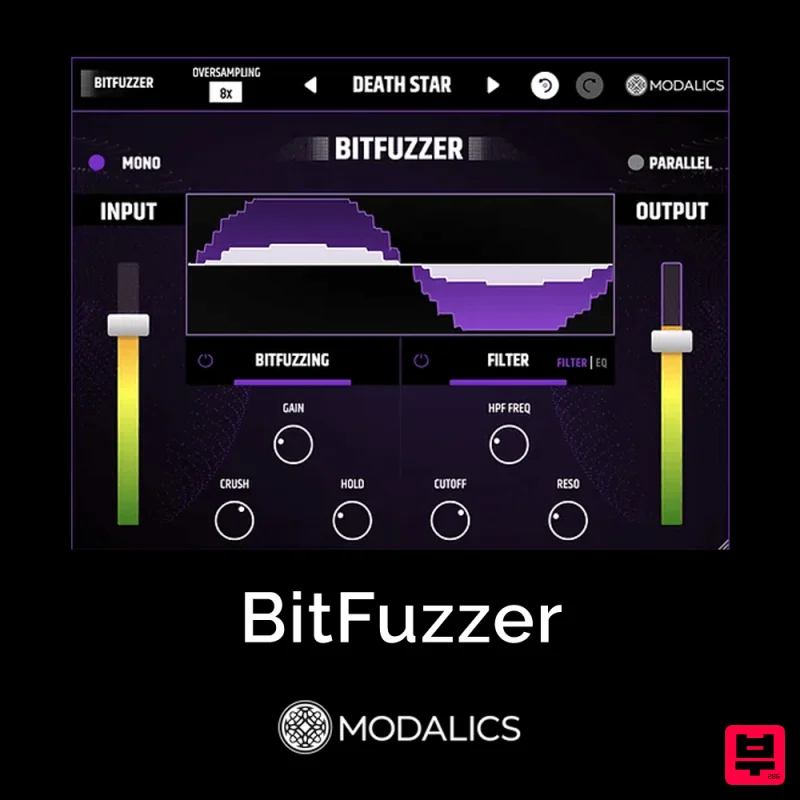
Modalics BitFuzzer
Bit Crusher
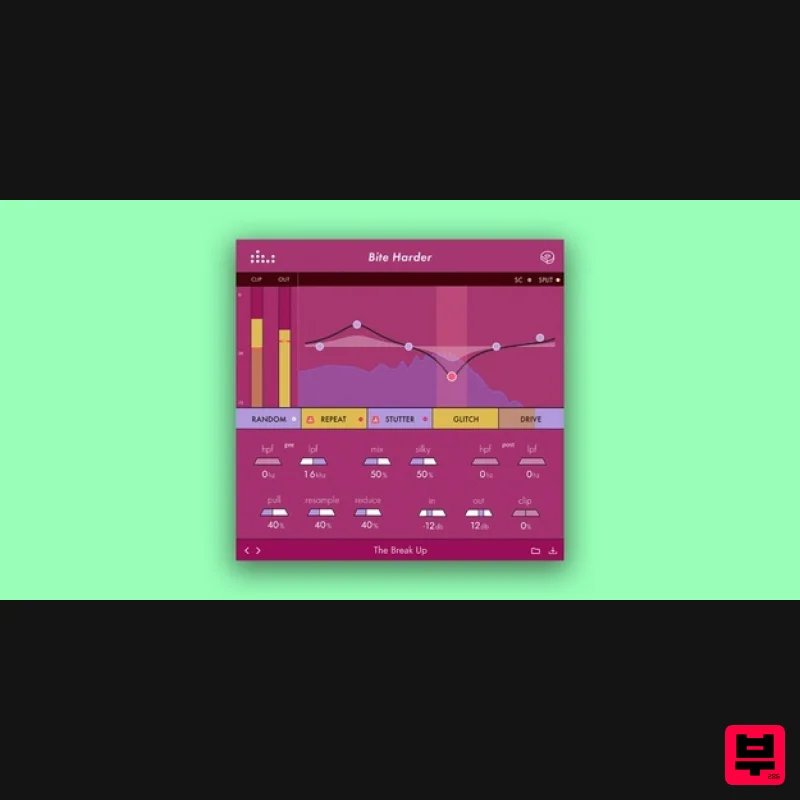
Denise Audio Bite Harder
Bit Crusher
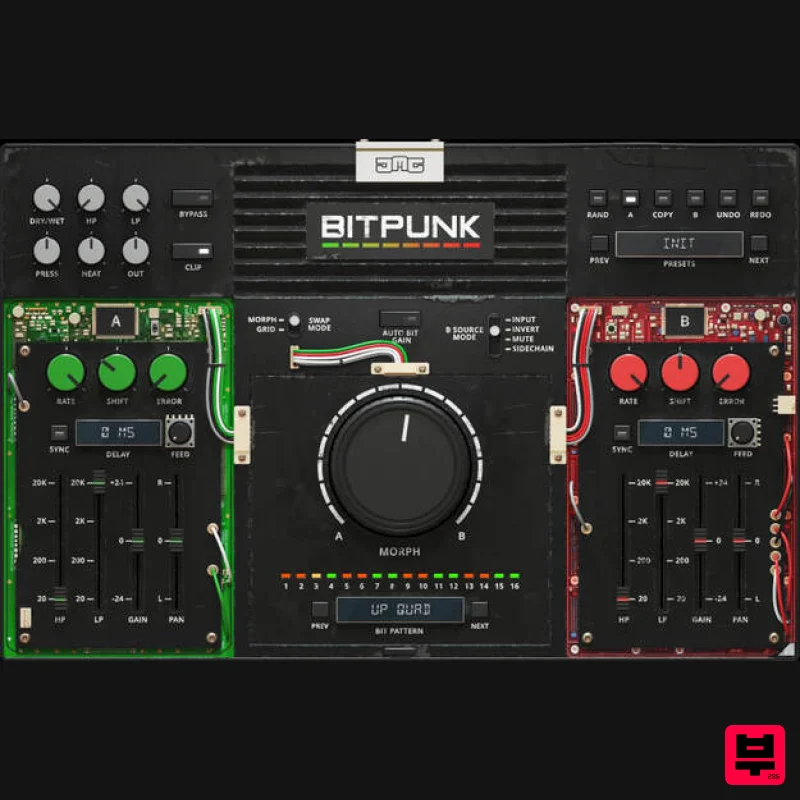
United Plugins BITPUNK
Bit Crusher

