
Safari Audio Pixel Cat
Professional music gear - detailed information and where to buy
Safari Audio
Pixel Cat
Product Info
* Prices may vary. Check retailer for current pricing and availability.
Product Description
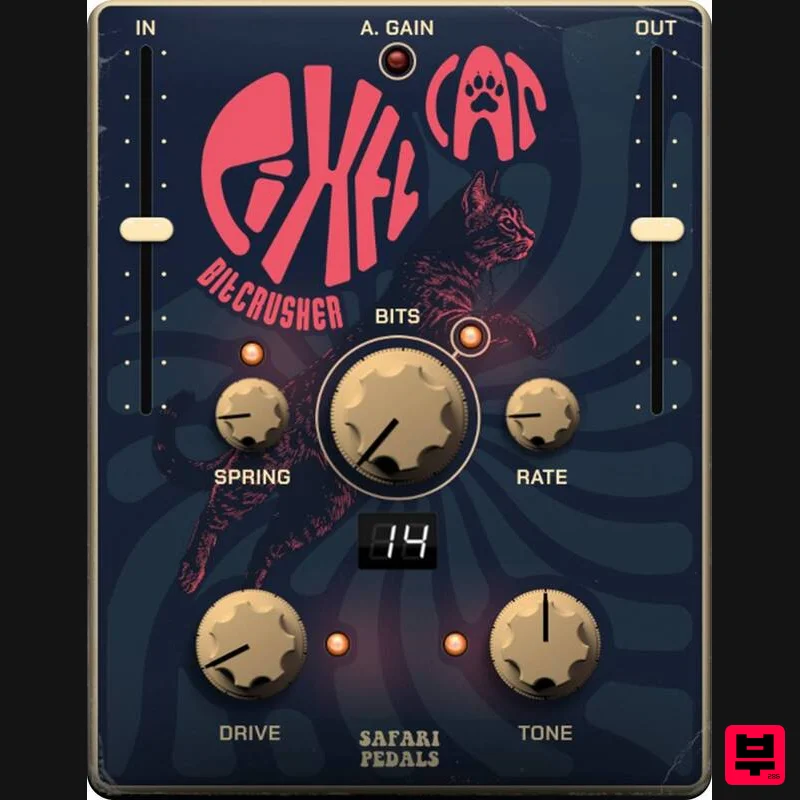
- Bitcrusher Pixel Cat is Safari Pedal's playful lo-fi bitcrusher with springy space. It chews audio into pixelated grit
- then washes it through a lively spring reverb for retro crunch with dreamy depth. Perfect on drums
- synths
- guitars
- vocals
- and anything that needs lo-fi magic. Features Bits — Set bit depth for classic digital crunch and noise. Rate — Reduce sample rate for gritty aliasing from subtle to extreme. Spring — Add bouncy spring ambience from slap to roomy wash. Drive — Push the signal into warm saturation before crushing. Tone — Simple filter to darken or brighten the crushed sound. Blend — Mix the crushed signal with your dry input for control. A. Gain — Auto gain helps keep levels steady while you push. IN / OUT — Fast gain staging on side sliders for clean setup or hot input. Preset Display — Quick visual of the selected mode or value. System Requirements Formats: Mac VST3 / AU / AAX
- Windows 64-bit VST3 / AAX CPU: 1 GHz dual-core or better RAM: 4 GB minimum (8 GB recommended) OS: macOS 10.15+ or Windows 8+ Installation guide 1. Click DOWNLOAD in your Plugin Boutique User Account or head to https://safaripedals.com/pages/downloads 2. Click Download for your operating system 3. Open the downloaded folder For Mac users: Select the plugins you would like to install. The included installer should install the plugin’s VST3
- and AAX formats automatically
- you may need to restart your DAW to see the plugin listed. For Windows users: You will have to manually move the desired plugin formats into their respective folders. Common locations for each format are as follows: VST3: C:\Program Files\Common Files\VST3 AAX: C:\Program Files\Common Files\Avid\Audio\Plug-Ins If after restarting your DAW
- you still don’t see the plugin listed
- check your DAW’s plugin folder settings
- and be sure that the plugin is in the proper location for your software. 4. Open your DAW > launch the plugin. 5. Enter the serial number found in your Plugin Boutique User Account > click Activate Your plugin is authorised and ready to use. Enjoy!
Additional Information
About the Safari Audio Pixel Cat
Experience the quality and tone that makes the Safari Audio Pixel Cat a popular choice for musicians.
Why Choose the Safari Audio Pixel Cat?
- •Authentic Safari Audio craftsmanship and design
- •Versatile sound suitable for multiple musical genres
- •Professional build quality and reliable performance
- •Part of Safari Audio's respected Bit Crusher lineup
Compare & Explore
Browse our complete selection of Safari Audio instruments or explore other Bit Crusher options. Use our comparison tools to find the perfect match for your musical style and budget.
Similar Products
Denise Audio Bite Harder
Bit Crusher
BeatSkillz S12X
Bit Crusher
Caelum Audio DynaBunny
Bit Crusher
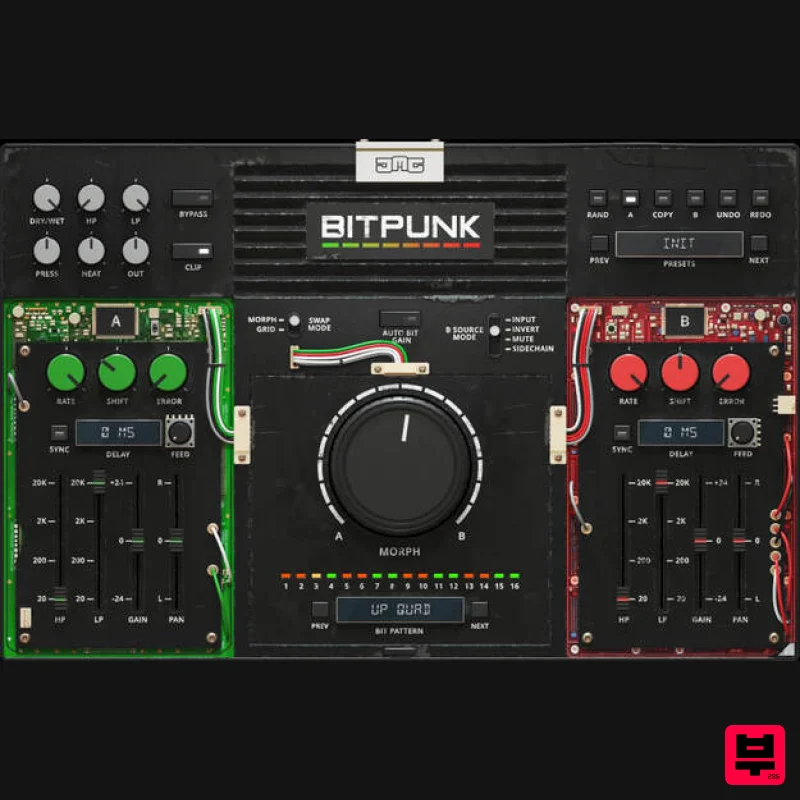
United Plugins BITPUNK
Bit Crusher
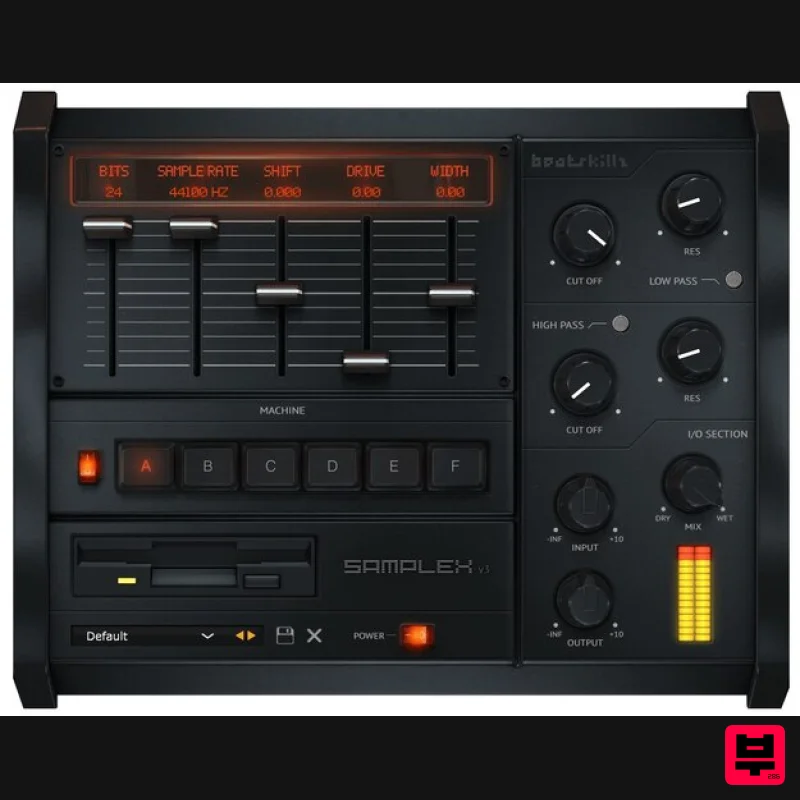
BeatSkillz SampleX V3
Bit Crusher
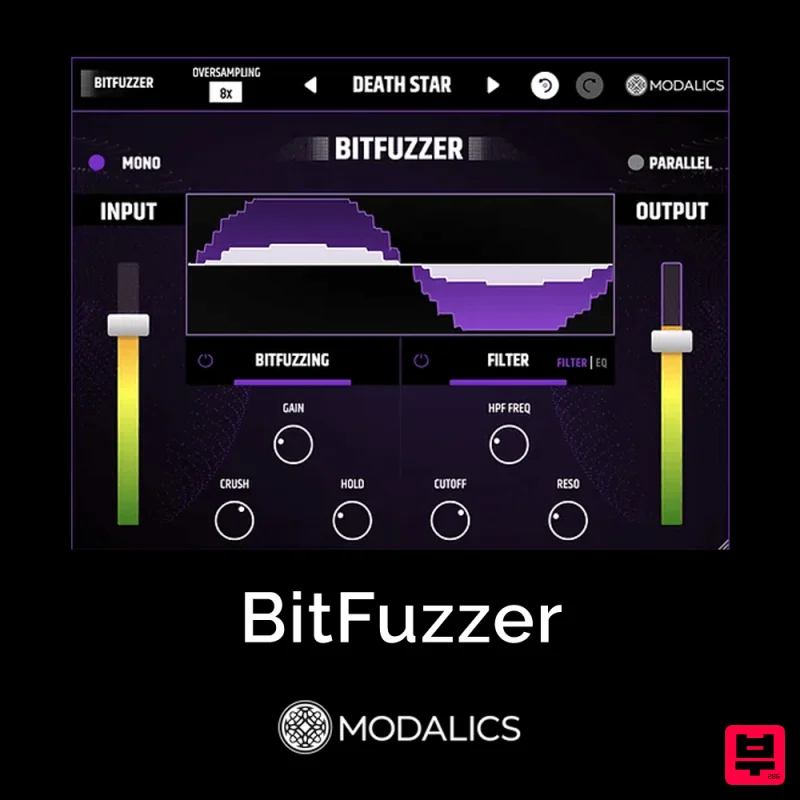
Modalics BitFuzzer
Bit Crusher
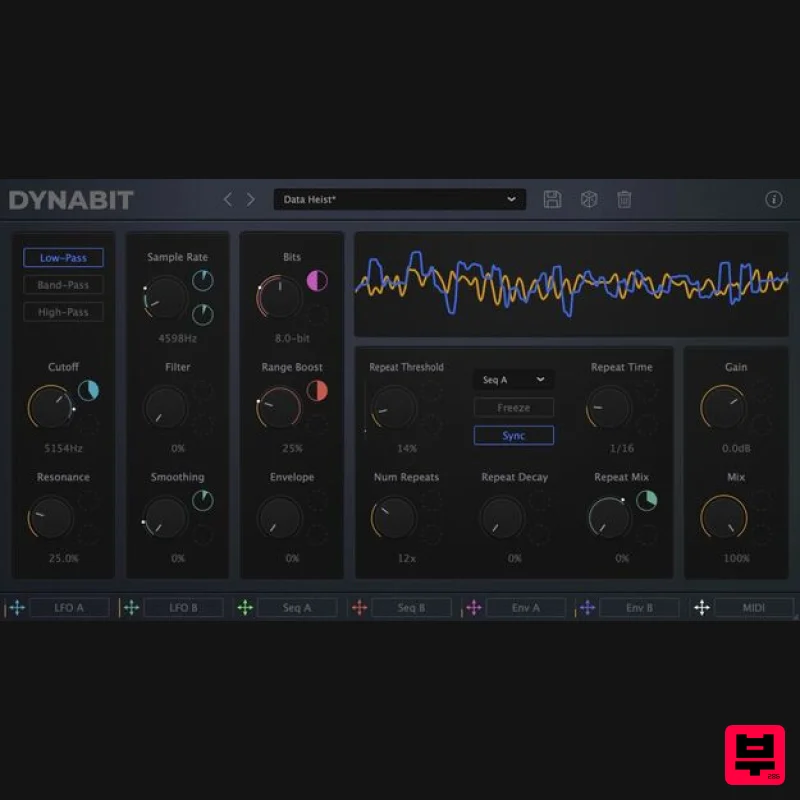
Caelum Audio DynaBit
Bit Crusher
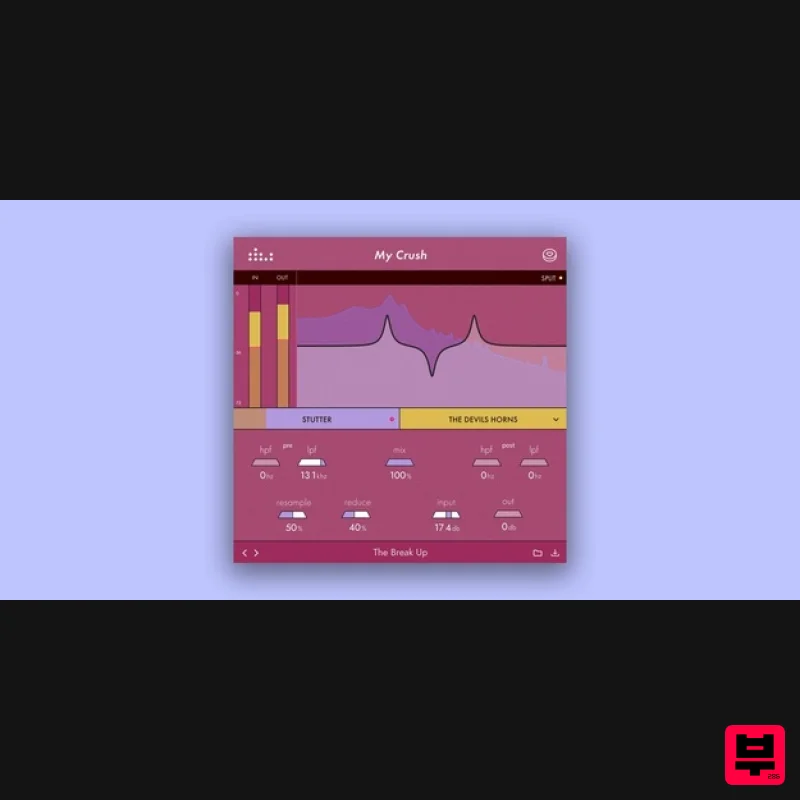
Denise Audio My Crush
Bit Crusher

