
Kuassa EFEKTOR Silencer
Professional music gear - detailed information and where to buy
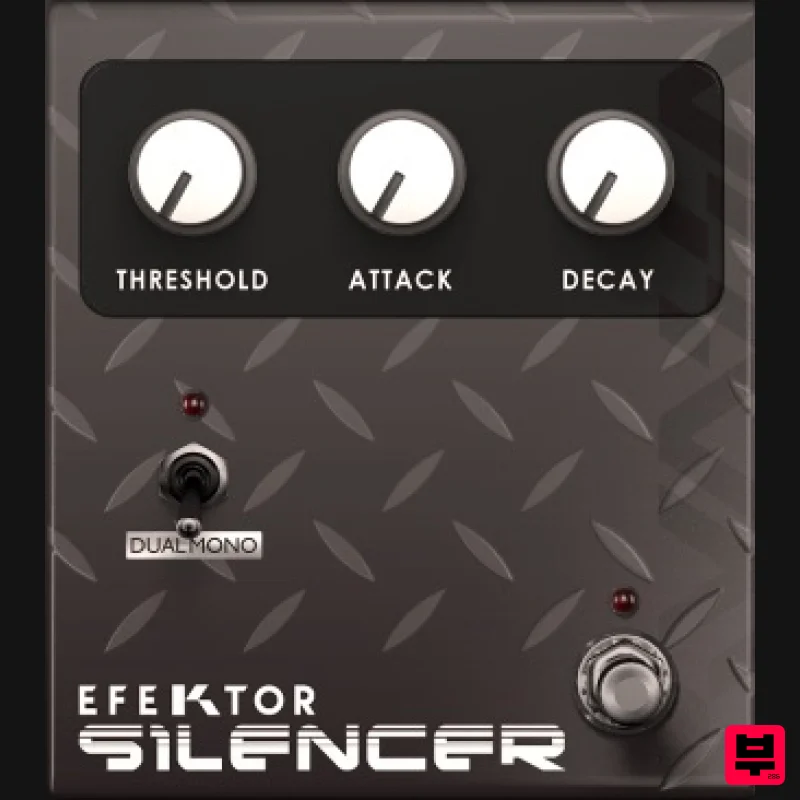
Product Description
Ssshh…. Be silence. Nobody likes unwanted noises from their sound. Especially the dreaded distorted noise. This noise gate unit was a basic feature on Kuassa Amplifikation Series. This improved version is now available as a standalone device. With a twist.. Features and precise noise gating effect via 3 knobs Useful dual-mono mode Bypass switch button System Requirements Mac OS X 10.5 or later (32/64-bit) Formats: AAX compatible Host Software Audio Units (AU) VST VST3 PC Windows XP, Vista, 7, or Later (32/64-bit) Formats: AAX VST VST3 Note: This product is a plugin and a VST/VST3/AU/AAX compatible host/sequencer is required to run this software. Mac 1. Download the .zip folder from your User Account. 2. Double-click on the .zip folder to extract and reveal the individual product installer files. 3. Select the correct format file that is compatible with your DAW, and double-click on it to begin the installation process. 4. Double-click on the .pkg installer app icon. 5. Follow the on-screen instructions and click 'Continue.' 6. Read through the Licence Agreement > click 'Continue' and then 'Agree.' 7. Read through the information and click 'Install.' 8. The installation of the software has now successfully completed > click 'Close.' 9. Restart and/or Rescan your DAW's Plugin List within the Plugin Manager - this may differ depending on your software environment. Your Software is Now Ready for Use Within Your DAW! PC 1. Download the .zip folder from your User Account. 2. Double-click on the .zip folder to extract and reveal the individual product installer files. 3. Select the correct format and bit-depth file that is compatible with your DAW > double-click on it to begin the installation process > click 'Run.' 4. Read through the information and click 'Next.' 5. Read through the information and select 'I Accept the Agreement' option > click 'Next.' 6. Select the 'Start Menu Folder' in which to create shortcuts to the software > click 'Next.' 7. Review the installation and click 'Install.' 8. The installation of the software has now successfully completed > click 'Finish.' 9. Restart and/or Rescan your DAW's Plugin List within the Plugin Manager - this may differ depending on your software environment. Your Software is Now Ready for Use Within Your DAW!
Additional Information
About the Kuassa EFEKTOR Silencer
The Kuassa EFEKTOR Silencer represents excellent craftsmanship in the Gate category.
Why Choose the Kuassa EFEKTOR Silencer?
- •Authentic Kuassa craftsmanship and design
- •Versatile sound suitable for multiple musical genres
- •Professional build quality and reliable performance
- •Part of Kuassa's respected Gate lineup
Compare & Explore
Browse our complete selection of Kuassa instruments or explore other Gate options. Use our comparison tools to find the perfect match for your musical style and budget.
Similar Products
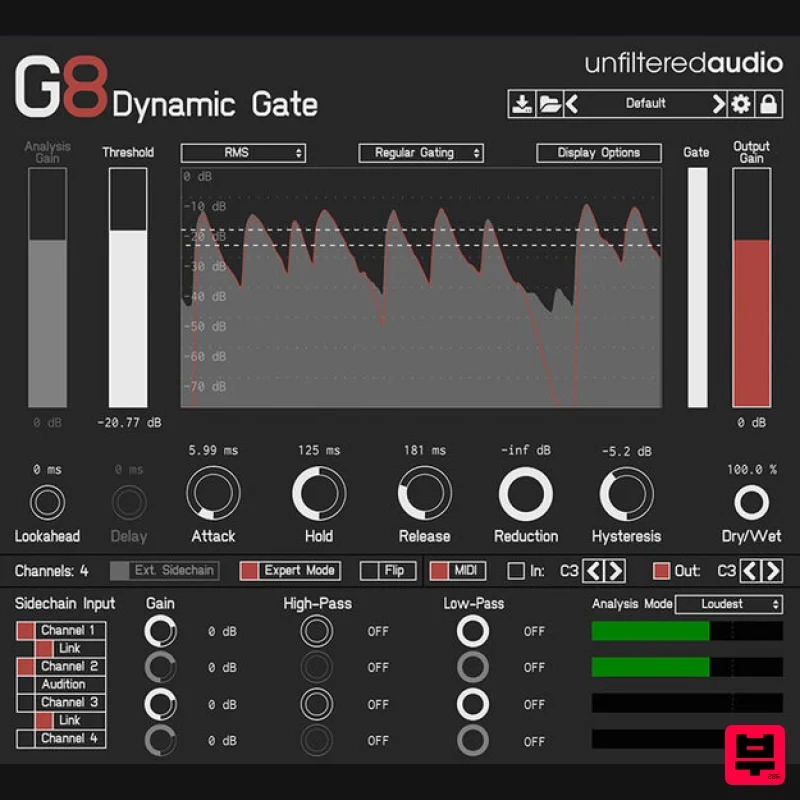
Plugin Alliance Unfiltered Audio G8
Gate
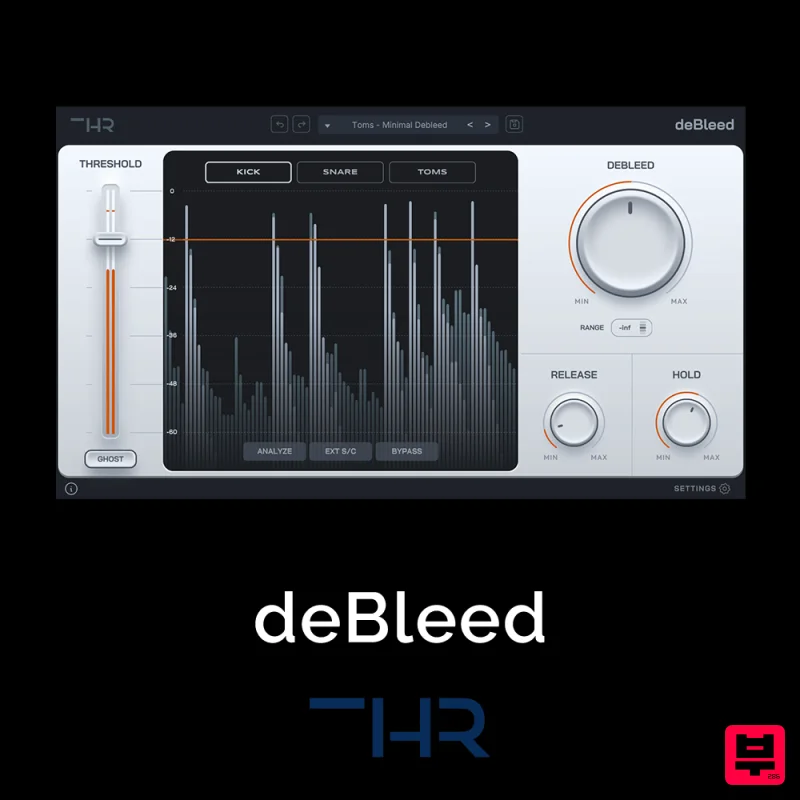
THR deBleed
Gate
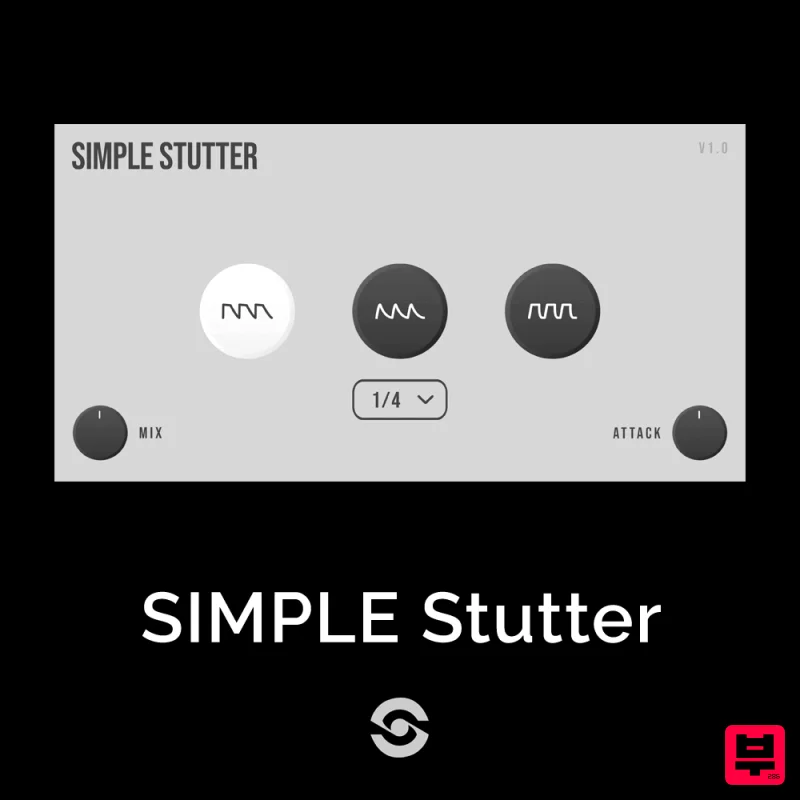
SIMPLE Plugins SIMPLE Stutter
Gate
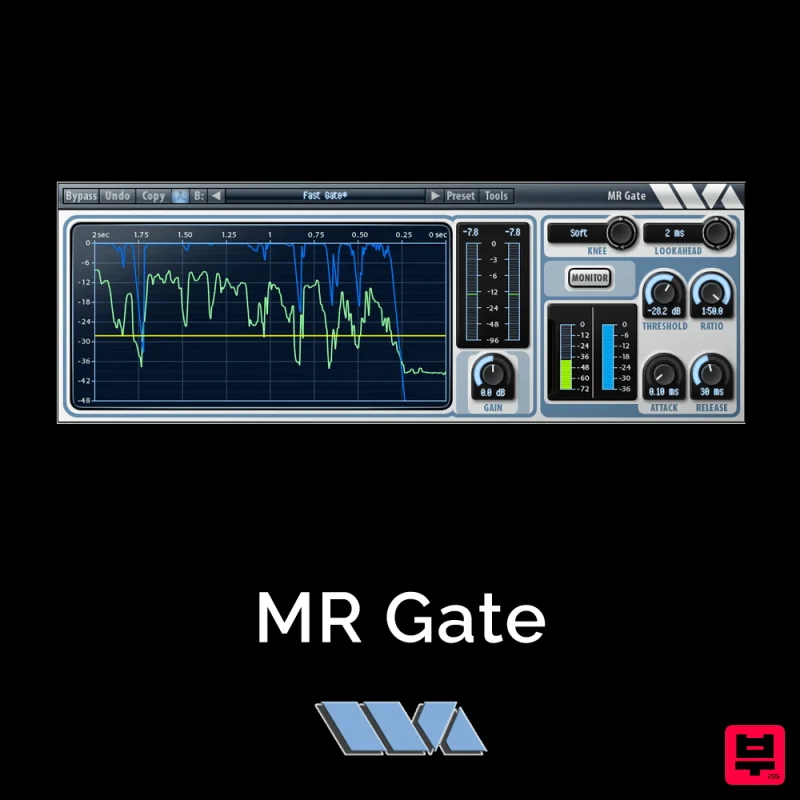
Wave Arts MR Gate
Gate
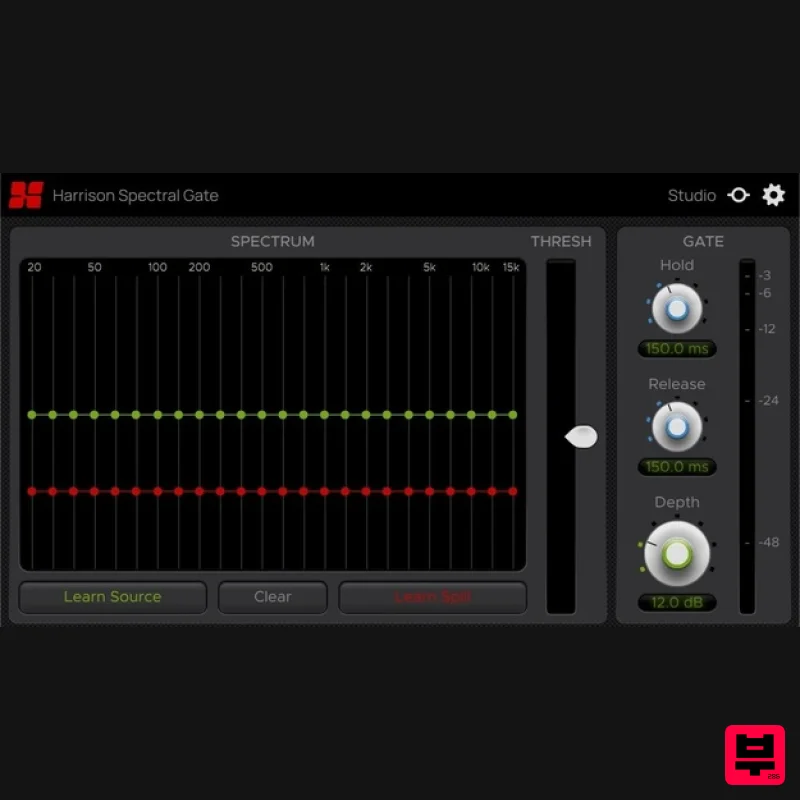
Harrison Consoles Spectral Gate
Gate
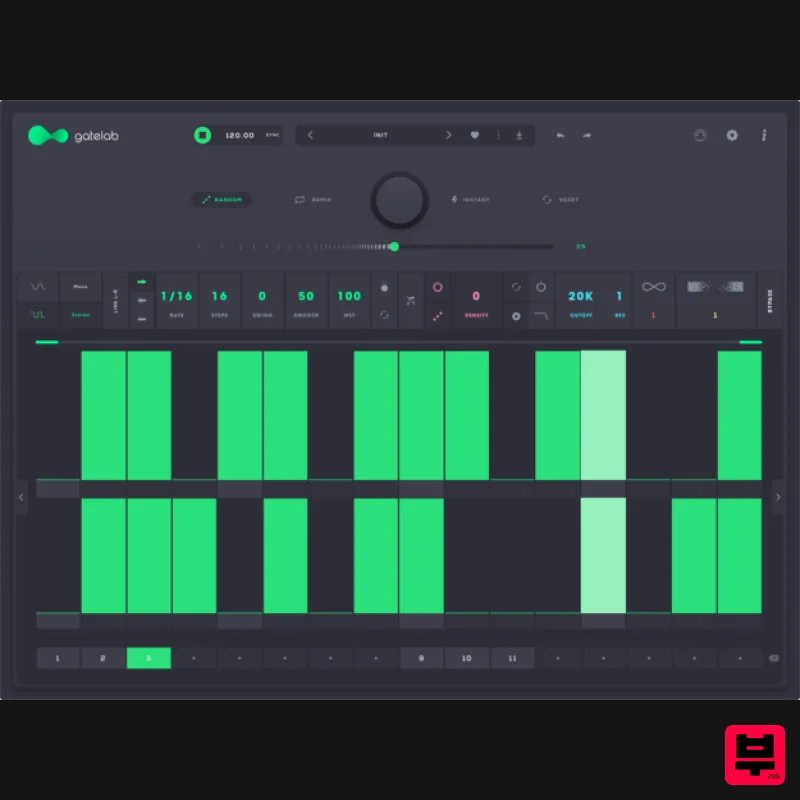
Audiomodern Gatelab 2
Gate
UnplugRed Diet Audio
Gate

UnplugRed PNCH
Gate

