
Harrison Consoles Spectral Gate
Professional music gear - detailed information and where to buy
Harrison Consoles
Spectral Gate
Product Info
* Prices may vary. Check retailer for current pricing and availability.
Product Description
- Intelligent Frequency Dependent Noise Gate Experience surgical-level noise gating with the Harrison Spectral Gate
- an intelligent
- frequency-dependent gate plug-in that learns the unique spectral fingerprint of your desired “Source” material and the unwanted “Spill” in your tracks. Whether you’re cleaning up drum overheads
- isolating vocals
- or sculpting razor-sharp loops
- Spectral Gate delivers effortless control over bleed and noise
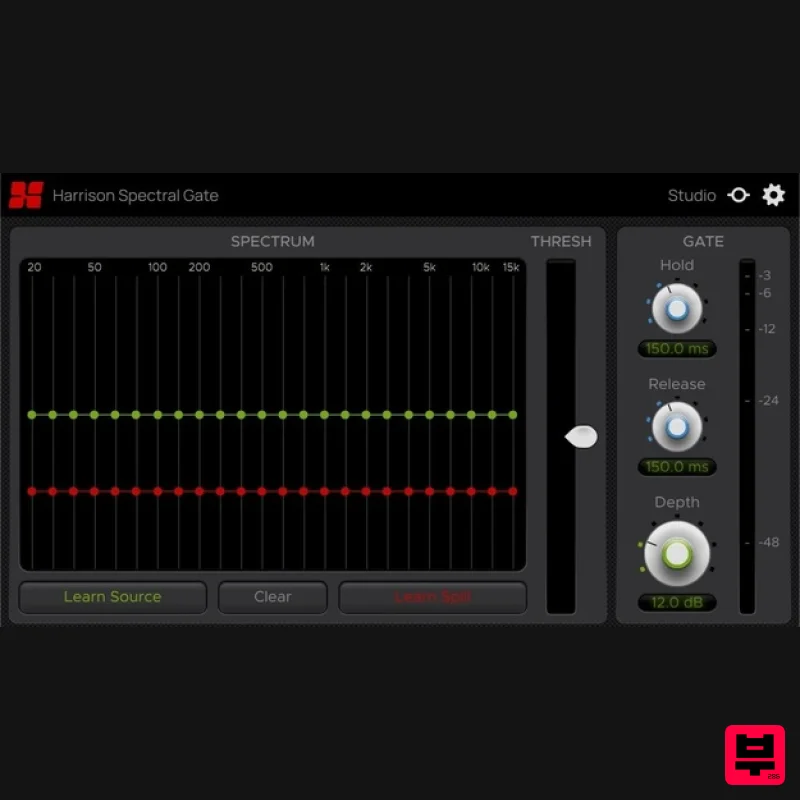
- letting your mix breathe with clarity. The Harrison Spectral Gate brings next-level precision to noise gating by learning the exact spectral fingerprint of what you want to keep (Source) and what you want to remove (Spill). Its real-time spectrum display instantly visualizes green and red curves that map your audio’s frequencies
- so you know exactly what you’ve captured. Depth and Threshold controls let you dial in anything from gentle spill reduction to total removal
- while Hold and Release settings shape the gate’s timing for natural
- musical decay. The result is crystal-clear drum tracks with zero cymbal bleed
- pristine vocals stripped of stage rumble
- and faster cleanup workflows that free you from manual noise-riding and let you focus on creativity. Whether you’re laying down drums
- tracking live shows
- crafting samples
- or editing dialogue in post-production
- Spectral Gate integrates seamlessly into every stage of your production process. In the studio
- learn each instrument’s spectrum and gate out unwanted bleed as you record. In music production
- import stems
- isolate individual hits
- and sculpt loops without compromising tone. During mixing
- place it on overheads or room mics
- visualize source versus spill curves
- and even sidechain for creative
- frequency-dependent ducking. With Harrison Spectral Gate
- intelligent frequency-dependent gating transforms cluttered mixes into transparent
- focused productions. Features Intelligent ‘Source & Spill’ Learning: capture the exact spectral profile of audio you want to keep (Source) and remove (Spill) with a single click. Real-Time Spectrum Display: visualize green Source and red Spill curves mapping your track’s frequencies for instant
- surgical precision. Depth & Threshold Controls: dial in gentle spill reduction or total removal while allowing the desired signal to pass through unchanged. Hold & Release Timing: set how long the gate stays open after the signal drops and how it closes
- for natural-sounding decay. Supported formats: AAX
- VST3 & AU. System Requirements Mac: macOS 13+
- AAX/AU/VST/VST3 Windows: Windows 10+
- AAX/VST/VST3 Linux (for supported products): GCC 5 compatible systems
- OpenGL 3.2 or higher
- with libcurl-gnutls installed Important note: For licenses with the format - XXXXXXX-XXXX-XXXX-XXXXXXXX - please scroll down and follow the instructions for Harrison Multi Band Compressor
- below For iLok licences with the format XXXX-XXXX-XXXX-XXXX-XXXX-XXXX-XXXX-XX please follow the instructions for Harrison Bass Flow & SSL Guitarstrip immediately below Please Note: Harrison Bass Flow & SSL Guitarstrip are used as examples iLok Registration 1. Go to the iLok website and create a new account if you are not currently registered and do not have the iLok Licence Manager installed on your computer Note: Skip to the 'Registration' procedure if you are already an iLok registered user 2. Download and install the iLok License Manager SSL Download Manager Installation 1. Go to https://solidstatelogic.com/ssl-download-manager or click DOWNLOAD in your Plugin Boutique User Account 2. Click either macOS or Windows to download the installer (Linux versions available here) 3. Double-click installer > Follow the on-screen instructions to install 4. Open SSL Download Manager 5. Locate Harrison Bass Flow & SSL Guitarstrip > Click Install on each plugin iLok Authorisation 1. Open your iLok license manager application > click Sign In 2. Enter your iLok registered User ID and password > click Sign In 3. Once you are signed in
- click the ‘Redeem’ icon which is located at the top-right corner of the iLok Licence Manager’s interface 4. Copy and paste/manually enter the 30-digit code from your Plugin Boutique User Account into the available Activation Code boxes
- and then click Next 5. Select your activation destination > Click Activate 6. Click OK 7. Open the plugins in your DAW Your plugins are now installed and ready to use. Enjoy! Please Note: Harrison Multi Band Compressor is used as an example Note: Harrison and SSL plugins now share the same installation process via the SSL Download Manager iLok Registration 1. Go to the iLok website and create a new account if you are not currently registered and do not have the iLok Licence Manager installed on your computer Note: Skip to the 'Registration' procedure if you are already an iLok registered user 2. Download and install the iLok License Manager Registration 1. Go to https://account.solidstatelogic.com/register-software > Create a new account or log into your existing account if you have one 2. Click REGISTER SOFTWARE 3. Enter your license code found in your Plugin Boutique User Account as well as your iLok ID > Click SUBMIT SSL Software Installation 1. Go to https://solidstatelogic.com/ssl-download-manager or click DOWNLOAD in your Plugin Boutique User Account 2. Click either macOS or Windows to download the installer (Linux versions available here) 3. Double-click installer > Follow the on-screen instructions to install 4. Open SSL Download Manager 5. Locate Harrison Multi Band Compressor > Click Install 6. Open your DAW > Scan for plugins 7. Click Activate 8. Click Skip 9. Enter your iLok account details > Click Next 10. Select 'Harrison Multi Band Compressor' > Click Next 11. Select an activation location > Click Next 12. Click Continue 13. Open the plugin in your DAW Your plugin is now installed and ready to use. Enjoy!
Additional Information
About the Harrison Consoles Spectral Gate
Experience the quality and tone that makes the Harrison Consoles Spectral Gate a popular choice for musicians.
Why Choose the Harrison Consoles Spectral Gate?
- •Authentic Harrison Consoles craftsmanship and design
- •Versatile sound suitable for multiple musical genres
- •Professional build quality and reliable performance
- •Part of Harrison Consoles's respected Gate lineup
Compare & Explore
Browse our complete selection of Harrison Consoles instruments or explore other Gate options. Use our comparison tools to find the perfect match for your musical style and budget.
Similar Products
THR deBleed
Gate
$30
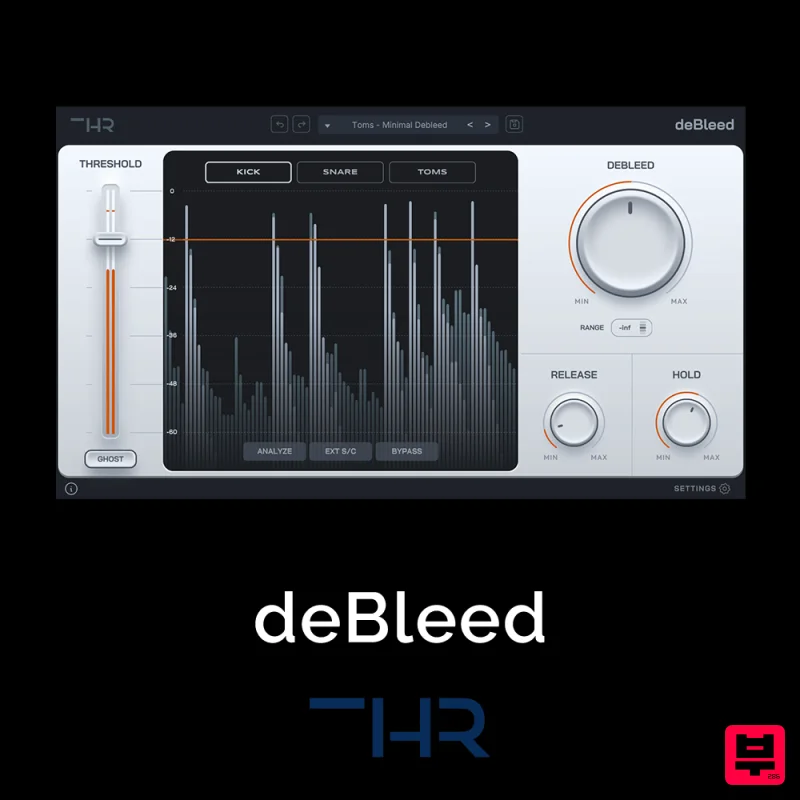
Say Goodbye to Cymbal Bleed – deBleed is no traditional noise gate! It has been designed from the ground up to remove...
Plugin Alliance Unfiltered Audio G8
Gate
$33
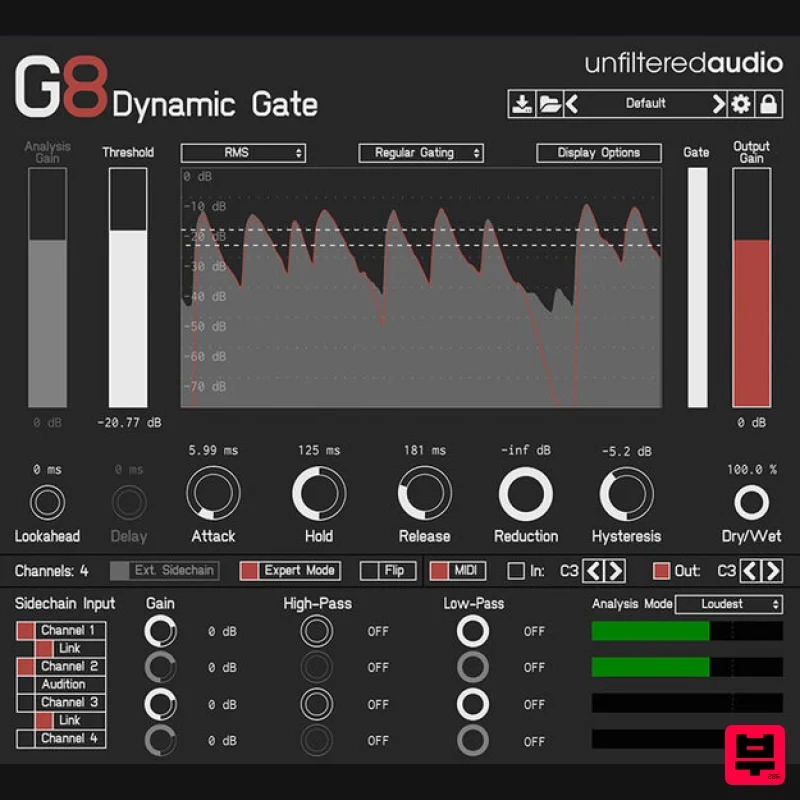
Creative gating meets powerful modulation The Unfiltered Audio G8 takes dynamic sound shaping to the next level....
Audiomodern Gatelab 2
Gate
$30
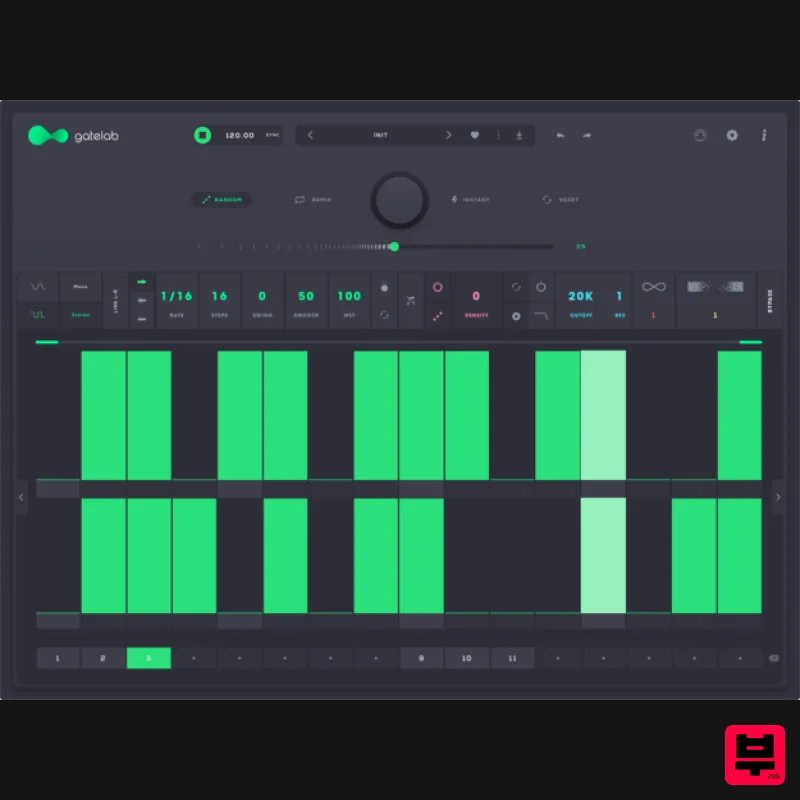
Turn silence into rhythm. Animate audio like never before. Gatelab is a playful and powerful gate sequencer, volume...
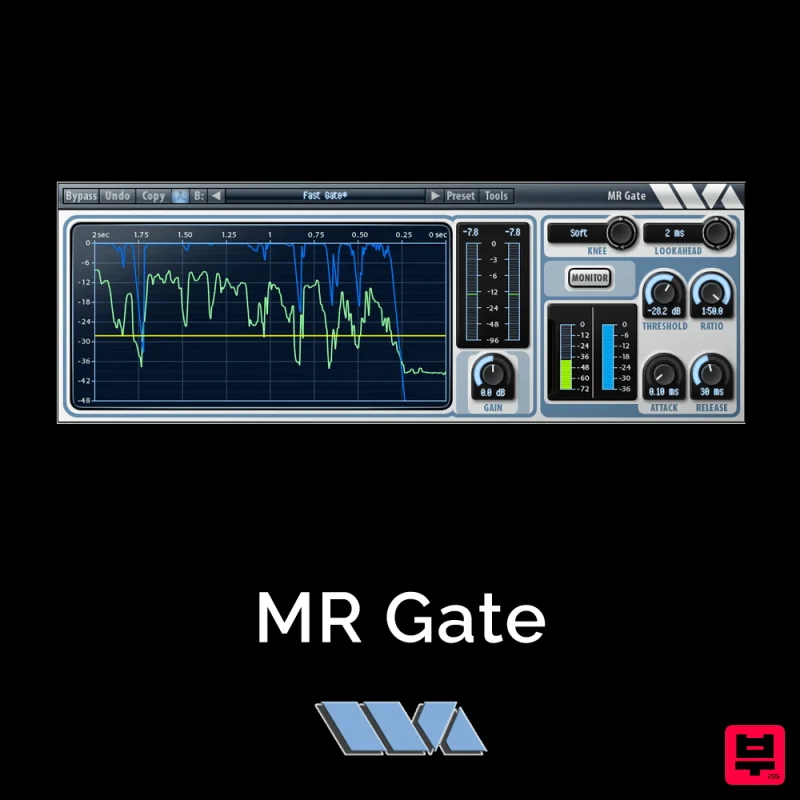
Wave Arts MR Gate
Gate
$30
MR Gate is a full featured expander/gate that can be used to gate noise during quiet sections. It’s a very...

UnplugRed PNCH
Gate
Free
A type of effect that causes added harmonics as well as a gating effect. compared to typical gates and expanders, this...
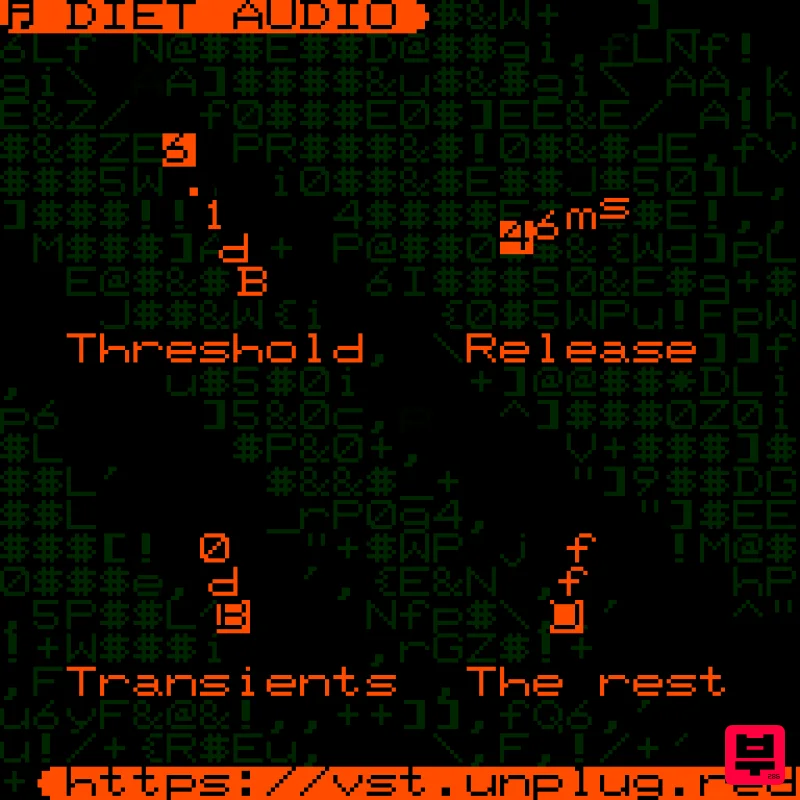
UnplugRed Diet Audio
Gate
Free
A spectral gate plugin with a unique sound, very good at separating transient information from the rest of the audio....
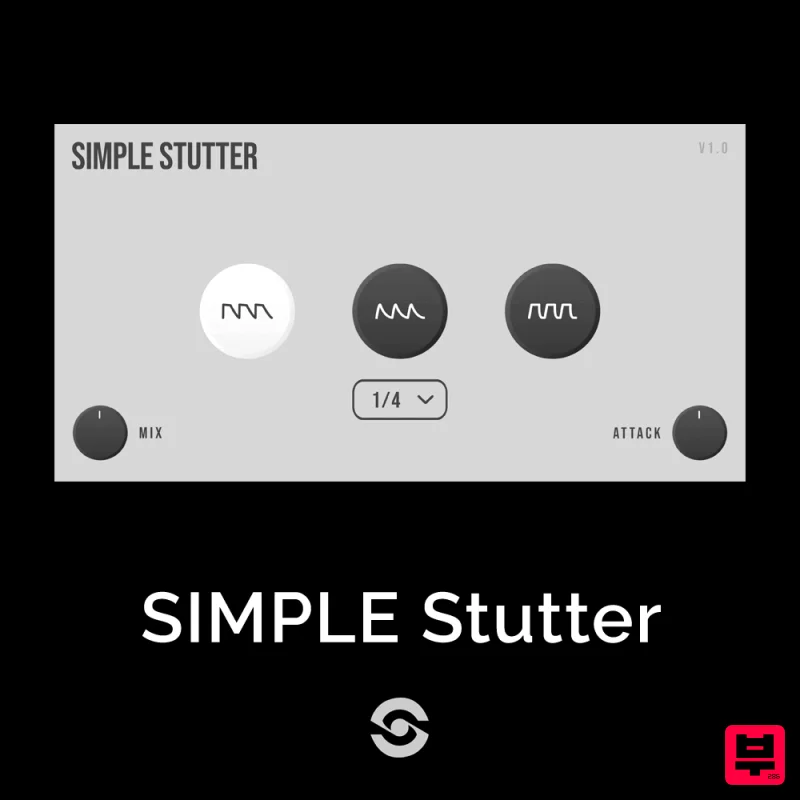
SIMPLE Plugins SIMPLE Stutter
Gate
$30
SIMPLE Stutter brings creative rhythmic gating to your fingertips. Whether you want to add glitchy stutter effects or...
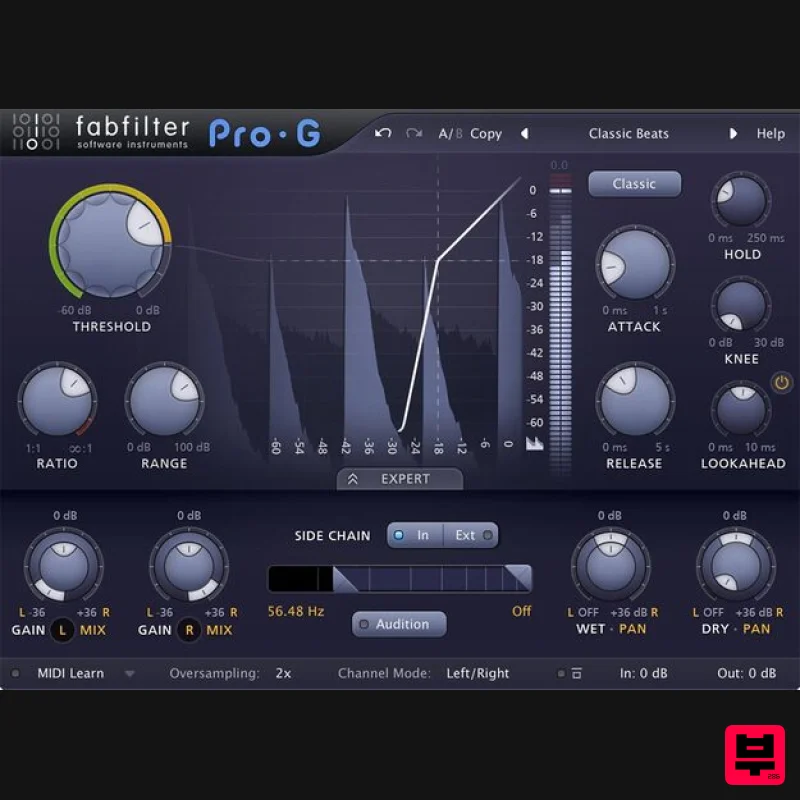
FabFilter FabFilter Pro-G
Gate
$177
Expand in style A good gate/expander is an indispensable tool in any mixing or live situation. FabFilter Pro-G offers...
Frequently Asked Questions
The Harrison Consoles Spectral Gate stands out for its exceptional Harrison Consoles craftsmanship and innovative design.
Yes! With its affordable price point and quality construction, it's perfect for learning gate.
Browse the similar products section to see how it stacks up against other gate.

