
Kiive Audio Lunchbox Amp Sim
Professional music gear - detailed information and where to buy
Kiive Audio
Lunchbox Amp Sim
Product Info
* Prices may vary. Check retailer for current pricing and availability.
Product Description
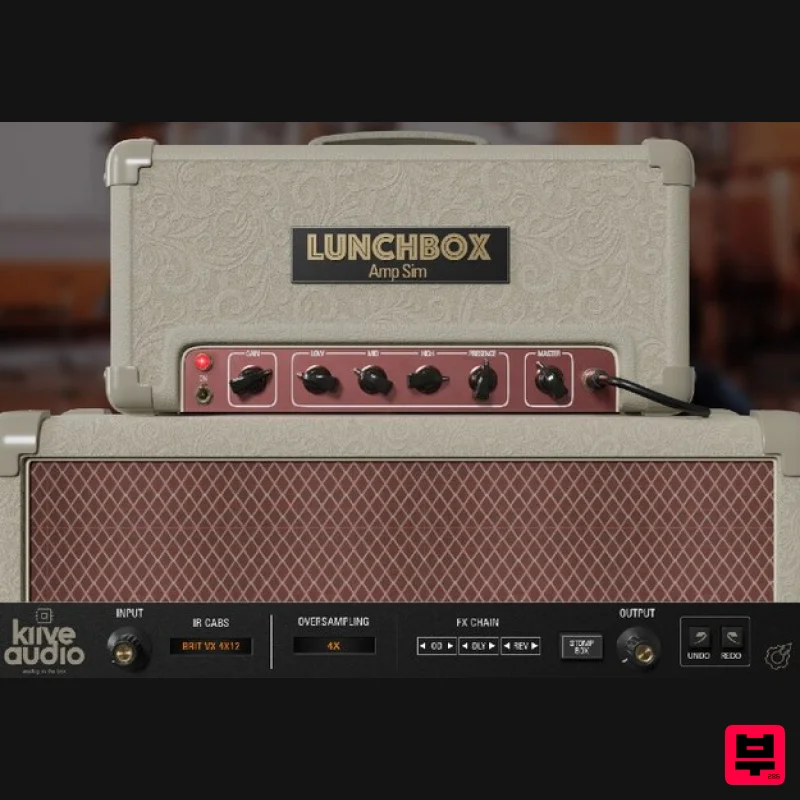
- Sparkly Cleans to Aggressive Gains The Lunchbox Amp Sim is a recreation of one of the most notable British valve amps from the 1960s. It features tube amp-like tones
- as well as three factory
- picked cab impulse responses. It also includes drive
- delay
- and reverb pedals. Take your guitar tones from sparkly and jangly indie-rock tones or drive your signal with the included overdrive pedal and get some intense rock and hardcore tones! Amp and Cabs The amp section of Lunchbox allows you to tweak the amp controls much like a real amp you also have the option of switching between 3 factory selected cabs (which will update the GUI as well)
- you can also bypass the cab IR to use your own. The Pedals The Stomp Box Pedals section of Lunchbox gives you access to three stompboxes: a Transparent Overdrive
- a Delay and a one-knob room reverb. You can also enable and disable the pedals from the signal chain section on any page. Features Amp / Pedals Page Switch Mono to Stereo Support Cab Bypass Three Stomp Box Emulations Resizable GUI Oversampling System Requirements macOS OS X 10.7 or higher (macOS 10.14 or higher recommended) Processor: 1 GHz Intel Dual Core or higher Screen resolution: 1024 x 768 or higher Formats: VST
- AAX 64-bit DAW support only Windows Windows 7 and above Processor: 1 GHz Intel Dual Core Processor or AMD equivalent Screen resolution: 1024 x 768 or higher Formats: VST
- AAX 64-bit DAW support only Paul Kruz "The Lunchbox Amp it’s not just an amp
- you can do a lot with it once you take a deep dive. From guitars to Keys to 808s
- this thing is a beast." Mac Installation 1. Download the .pkg file from your Plugin Boutique account > Open the .dmg installer > Click Continue. 2. Read the Software License Agreement > Click Continue. 3. Click Agree. 4. Select the installation destination > Click Continue. 5. Click Install. 6. Click Close. 7. Open your new software in your DAW > Enter the serial number found in your Plugin Boutique account > Click SUBMIT. Your software is now activated and ready to use in your DAW. Windows Installation 1. Download the .zip folder from your Plugin Boutique account. 2. Extract the contents of the folder. 3. For VST
- copy the .dll file > Paste it into your VST folder which could be one of the following: C:\Program Files\VstPlugins C:\Program Files\Steinberg\VstPlugins C:\Program Files\Common Files\VST2 C:\Program Files\Common Files\Steinberg\VST2 For AAX
- copy the AAX plugin folder > Paste it into your AAX folder which should be: C:\Program Files\Common Files\Avid\Audio\Plug-Ins 4. Open your DAW and load your new software > Enter the serial number found in your Plugin Boutique account > Click SUBMIT. Your software is now activated and ready to use in your DAW.
Additional Information
About the Kiive Audio Lunchbox Amp Sim
Experience the quality and tone that makes the Kiive Audio Lunchbox Amp Sim a popular choice for musicians.
Why Choose the Kiive Audio Lunchbox Amp Sim?
- •Authentic Kiive Audio craftsmanship and design
- •Versatile sound suitable for multiple musical genres
- •Professional build quality and reliable performance
- •Part of Kiive Audio's respected Amp Simulator lineup
Compare & Explore
Browse our complete selection of Kiive Audio instruments or explore other Amp Simulator options. Use our comparison tools to find the perfect match for your musical style and budget.
Similar Products
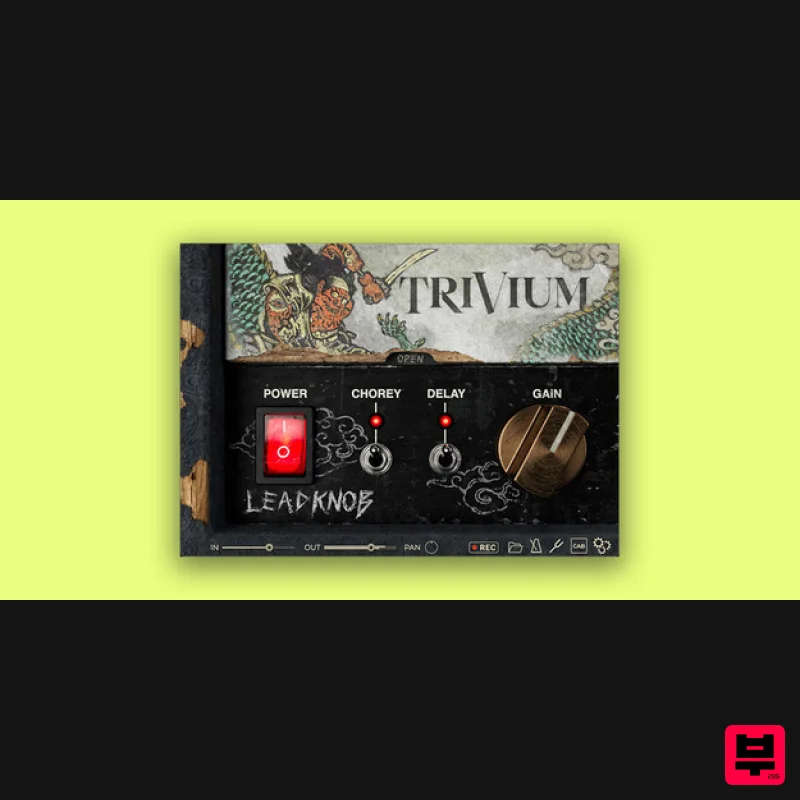
Bogren Digital AmpKnob Trivium Lead
Amp Simulator
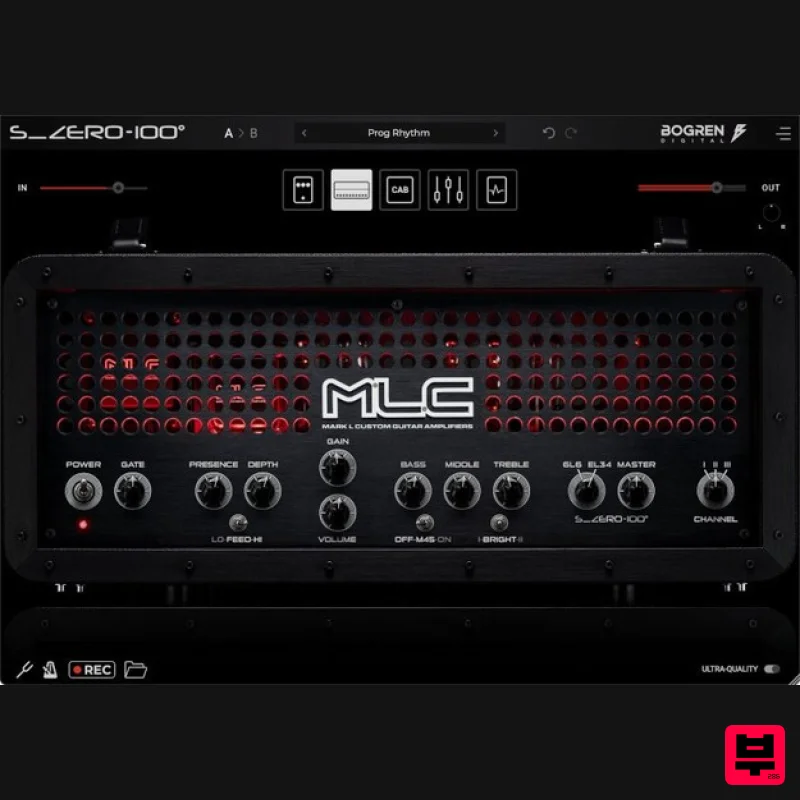
Bogren Digital MLC S_Zero 100
Amp Simulator
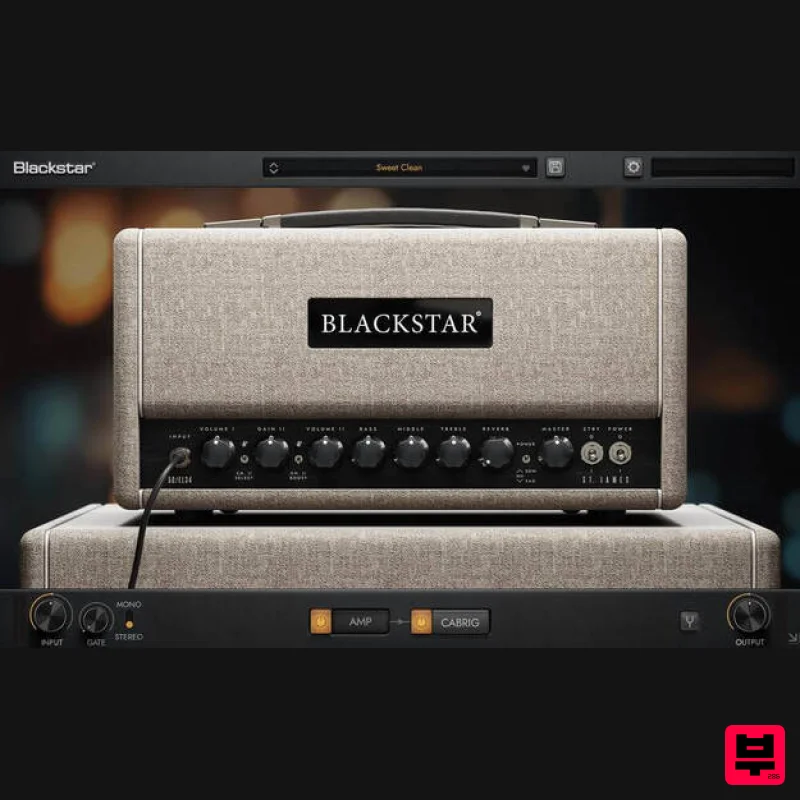
Blackstar St. James EL34
Amp Simulator
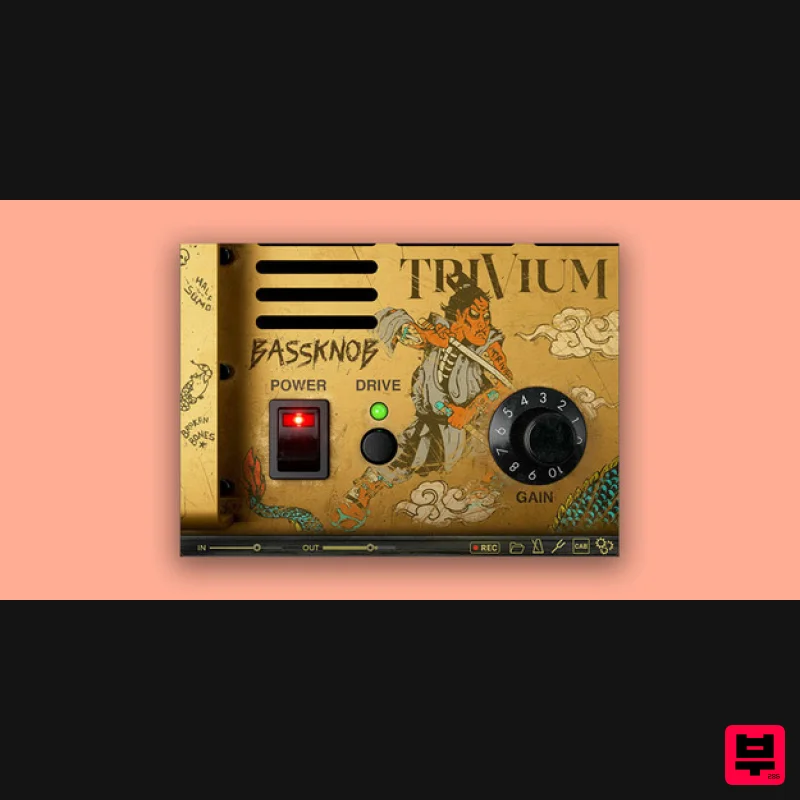
Bogren Digital BassKnob Trivium
Amp Simulator

Two Notes Audio Engineering Torpedo Wall of Sound | Plugin Boutique Edition
Amp Simulator
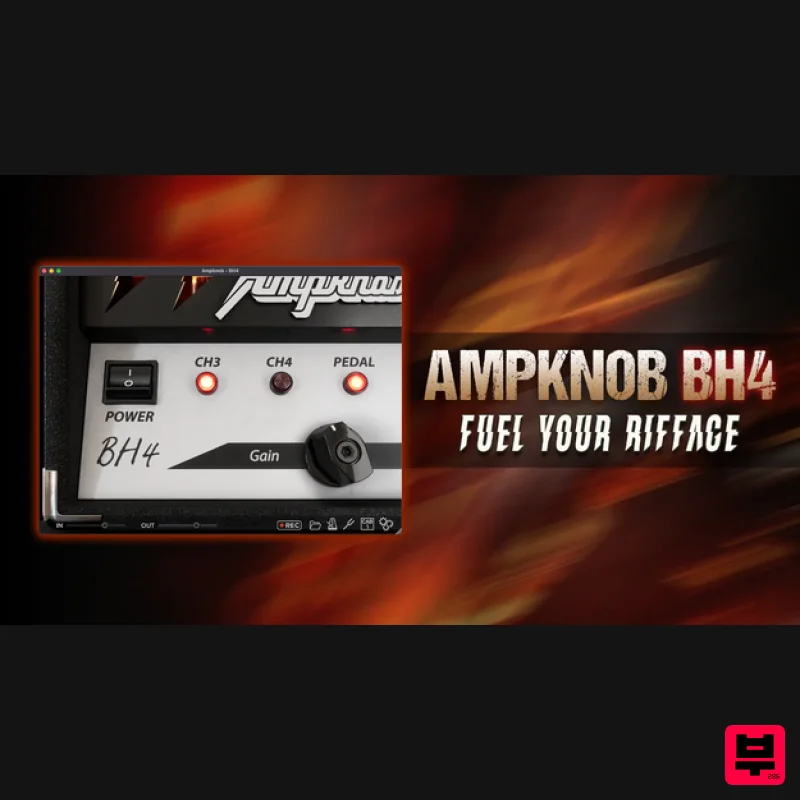
Bogren Digital AmpKnob BH4
Amp Simulator
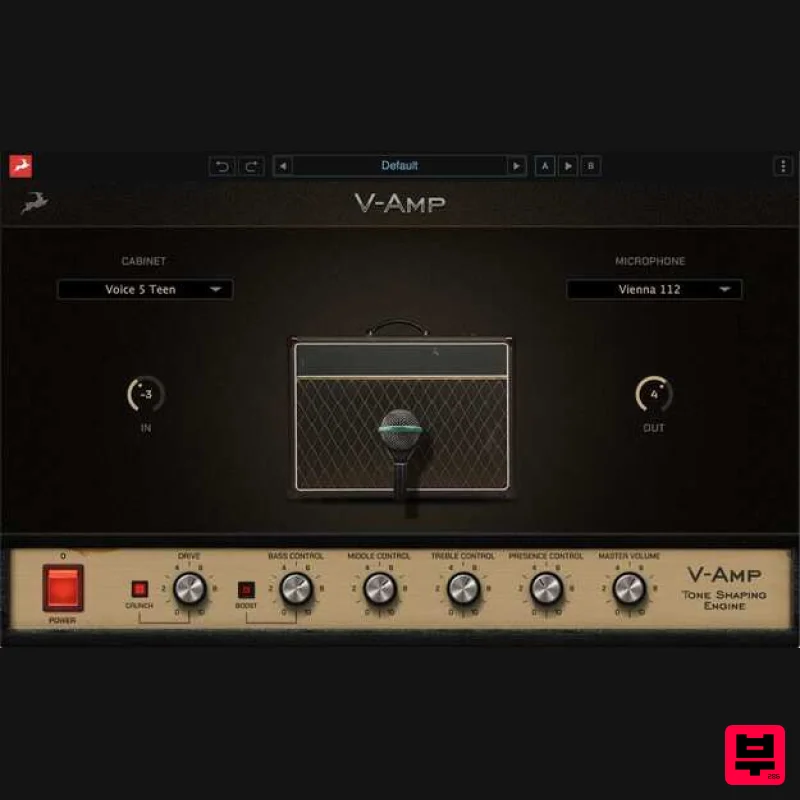
Antelope Audio V-AMP
Amp Simulator
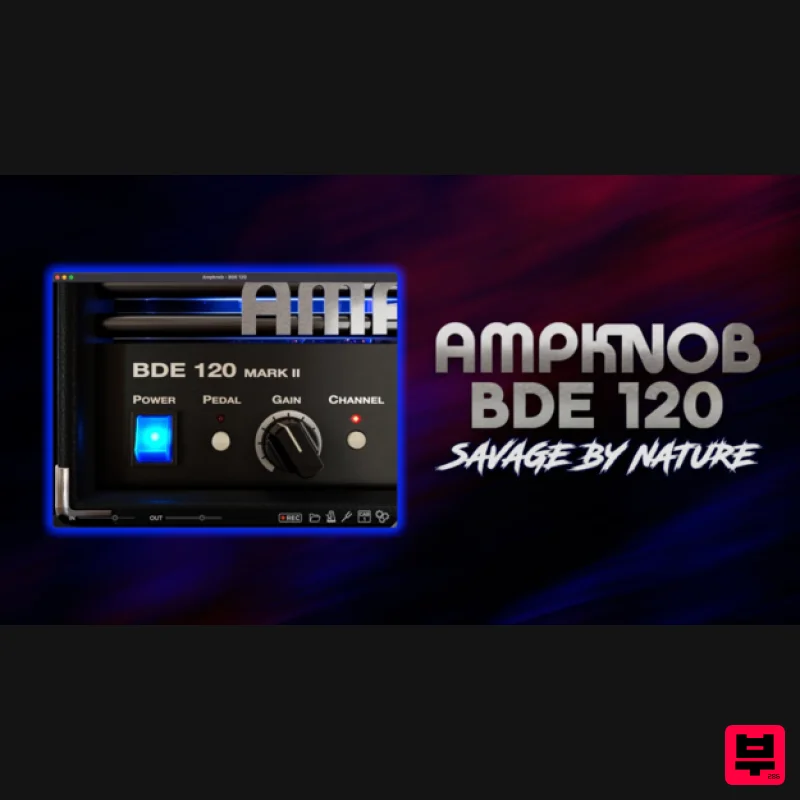
Bogren Digital AmpKnob BDE 120
Amp Simulator

