
Bogren Digital AmpKnob BDE 120
Professional music gear - detailed information and where to buy
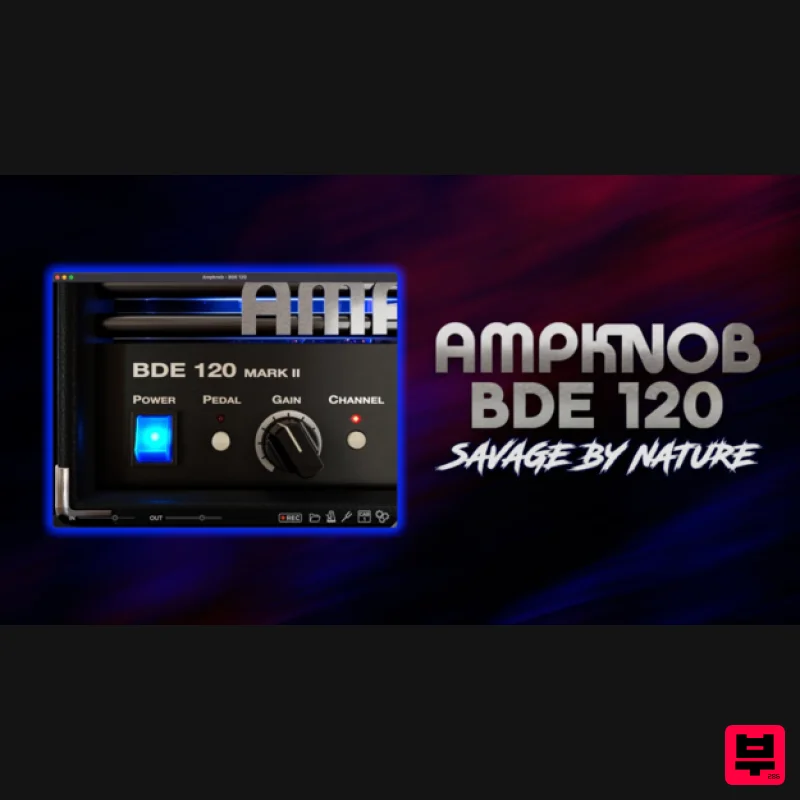
Bogren Digital
AmpKnob BDE 120
Product Info
* Prices may vary. Check retailer for current pricing and availability.
Product Description
- The Ampknob BDE 120 plugin is inspired by an amp powerhouse designed for pure
- unapologetic aggression. Known for its raw bite
- fast response
- and massive low end
- this amp has been the backbone of extreme metal for decades. In Ampknob BDE 120
- you have two distinct high-gain channels
- a tight boost pedal
- and two matched cabs (Modern and Vintage) engineered to sit instantly in the mix. Features Hallmark German high-gain tones Based on a powerhouse that has become one of the pillars of extreme metal Engineered to perfection by Jens Bogren Two switchable channels for increased tonal range Built-in boost pedal
- for incredibly high levels of gain Modern and Vintage perfectly matched cabs: professional tone in seconds IR loader for personalizing your sound Includes IRDX technology for vivid
- dynamic speaker response Customizable gate for effortless noise control Built-in riff recorder – capture inspiration without opening your DAW Practical Tuner and Metronome tools Works in all major DAWs (AU
- VST3
- AAX)
- and as a standalone app Available in VST3
- Standalone formats Windows 10 or newer macOS 10.13 or newer (Intel and silicon native) Note: AmpKnob RevC is used as an example. Mac Installation 1. Download the .zip folder from your Plugin Boutique User Account > Double-click it to open and extract the installer file > Launch the installer file. 2. Click 'Continue'. 3. Click 'Continue'. 4. Click 'Agree'. 5. Select the appropriate installation types > Click 'Continue'. 6. Click 'Install'. 7. Enter your system password > Click 'Install Software'. 8. Click 'Close'. Activation 1. Launch your DAW and insert AmpKnob on a new track > Click 'Activate License'. 2. Enter your serial number found within your Plugin Boutique User Account > Click 'Confirm'. 3. Click 'Let's Rock!' to close the activation window. Your software is now installed and ready to use. Windows Installation 1. Download the .zip folder from your Plugin Boutique User Account > Double-click it to open and extract the installer file > Launch the installer file. 2. Accept the License Agreement > Click 'Next'. 3. Select the appropriate installation types > Click 'Next'. 4. Select the installation location (default is recommended) > Click 'Next'. 5. Click 'Next'. 6. Click 'Install'. 7. Click 'Finish'. Activation 1. Launch your DAW and insert AmpKnob on a new track > Click 'Activate License'. 2. Enter your serial number found within your Plugin Boutique User Account > Click 'Confirm'. 3. Click 'Let's Rock!' to close the activation window. Your software is now installed and ready to use.
Additional Information
About the Bogren Digital AmpKnob BDE 120
Discover the distinctive sound and feel of the Bogren Digital AmpKnob BDE 120, a standout choice among Amp Simulator.
Why Choose the Bogren Digital AmpKnob BDE 120?
- •Authentic Bogren Digital craftsmanship and design
- •Versatile sound suitable for multiple musical genres
- •Professional build quality and reliable performance
- •Part of Bogren Digital's respected Amp Simulator lineup
Compare & Explore
Browse our complete selection of Bogren Digital instruments or explore other Amp Simulator options. Use our comparison tools to find the perfect match for your musical style and budget.
Similar Products
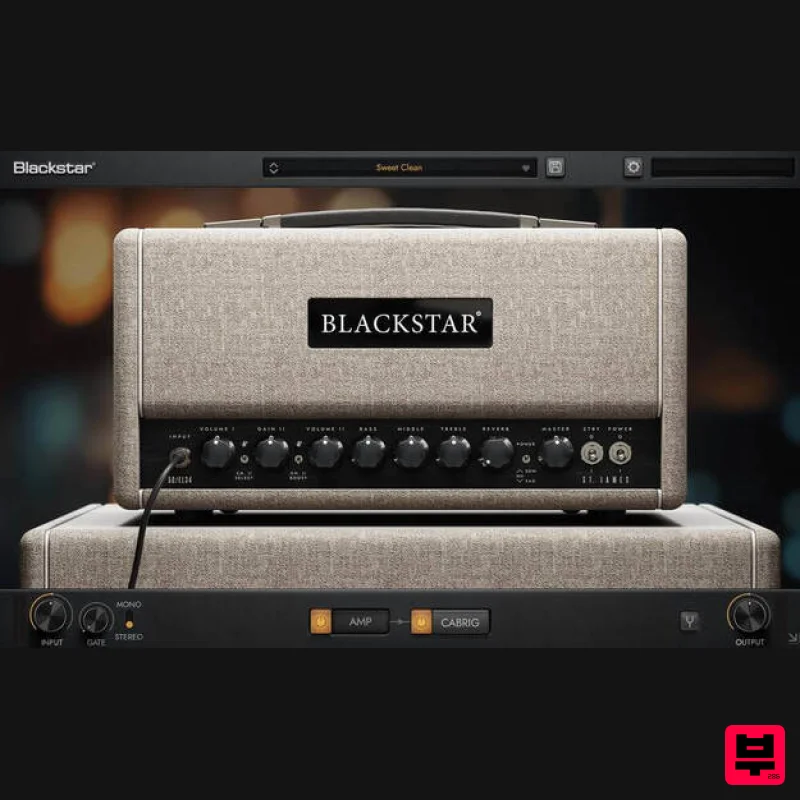
Blackstar St. James EL34
Amp Simulator
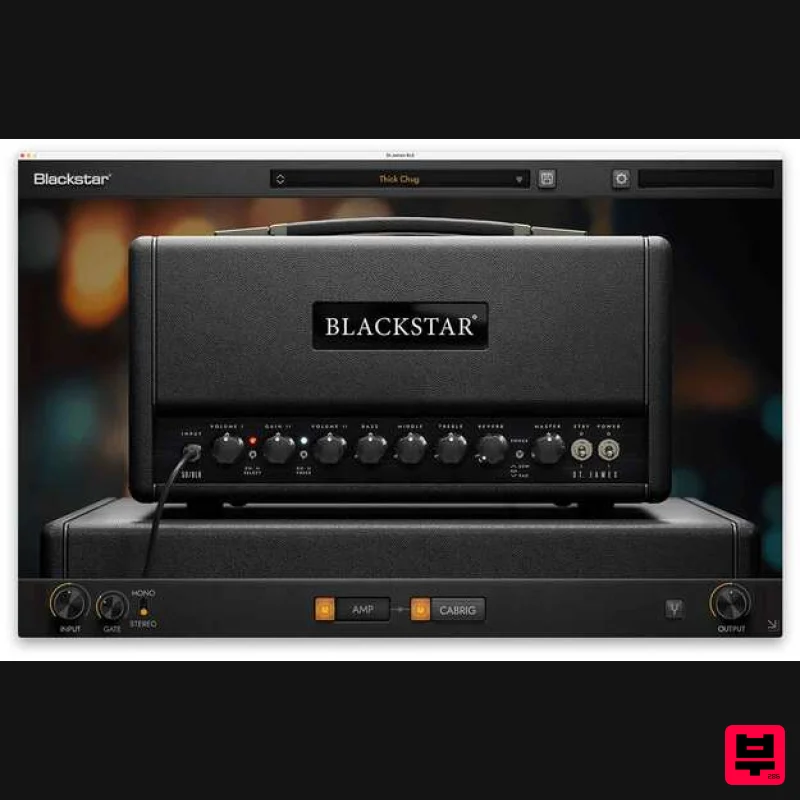
Blackstar St. James 6L6
Amp Simulator
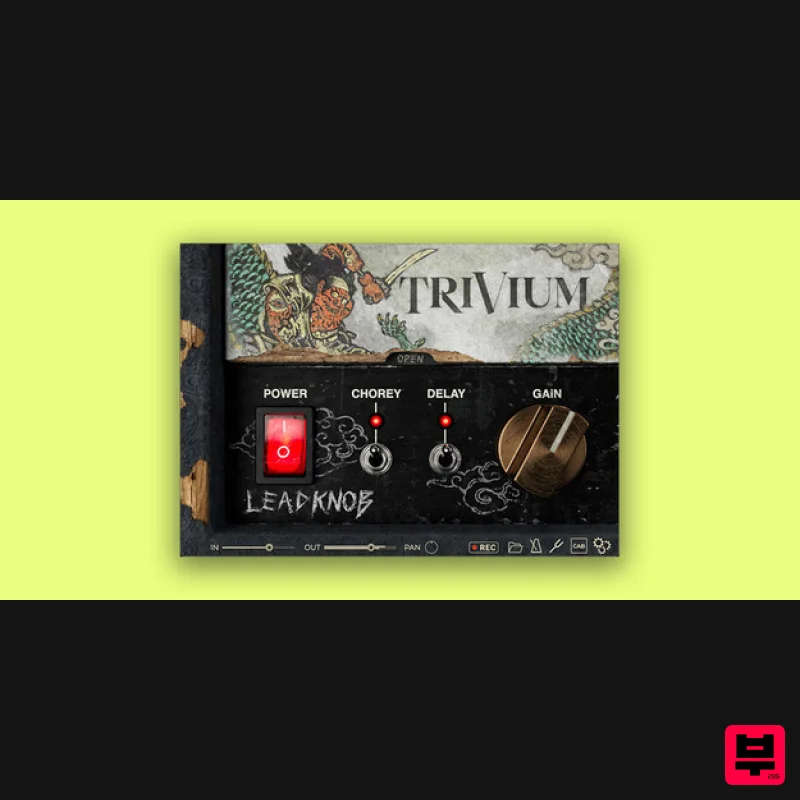
Bogren Digital AmpKnob Trivium Lead
Amp Simulator
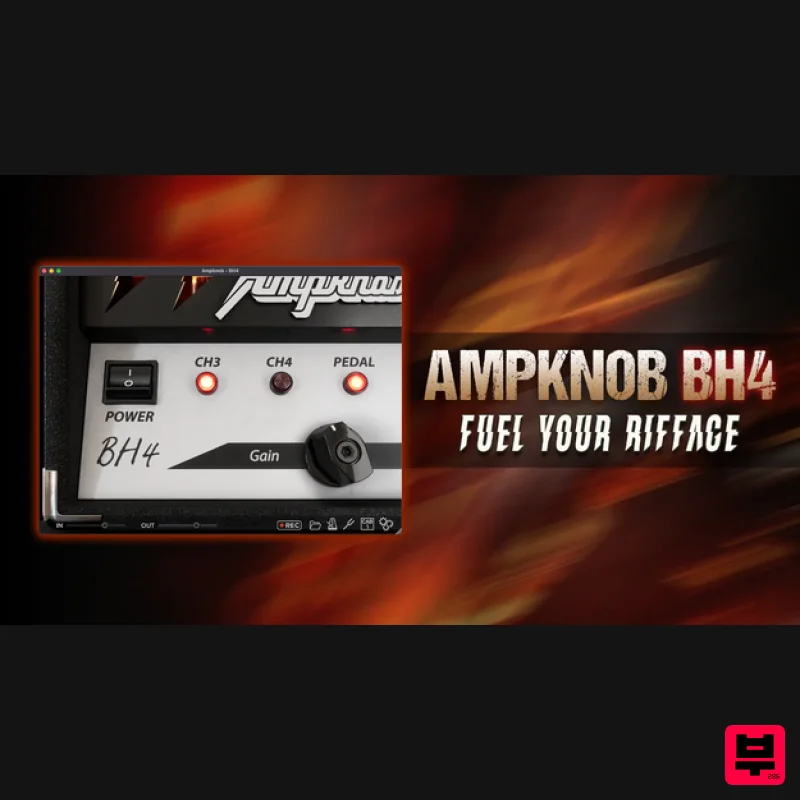
Bogren Digital AmpKnob BH4
Amp Simulator
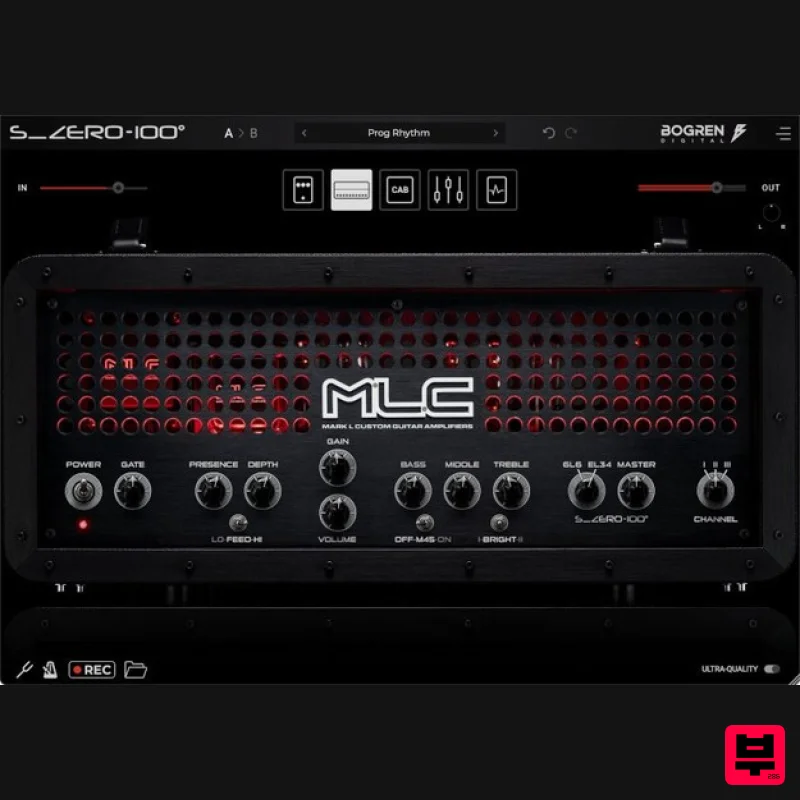
Bogren Digital MLC S_Zero 100
Amp Simulator

Two Notes Audio Engineering Torpedo Wall of Sound | Plugin Boutique Edition
Amp Simulator
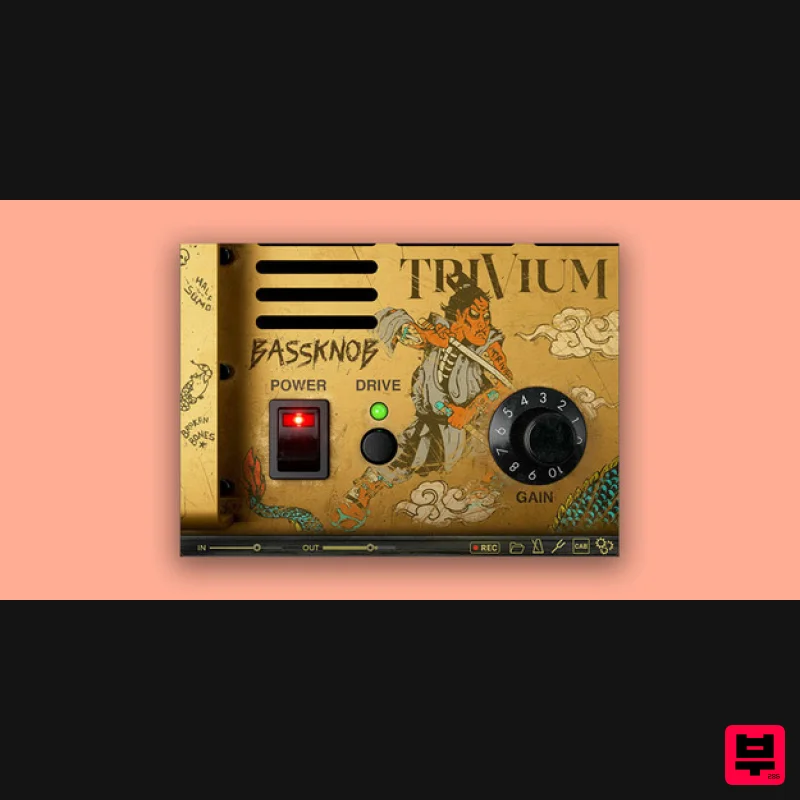
Bogren Digital BassKnob Trivium
Amp Simulator
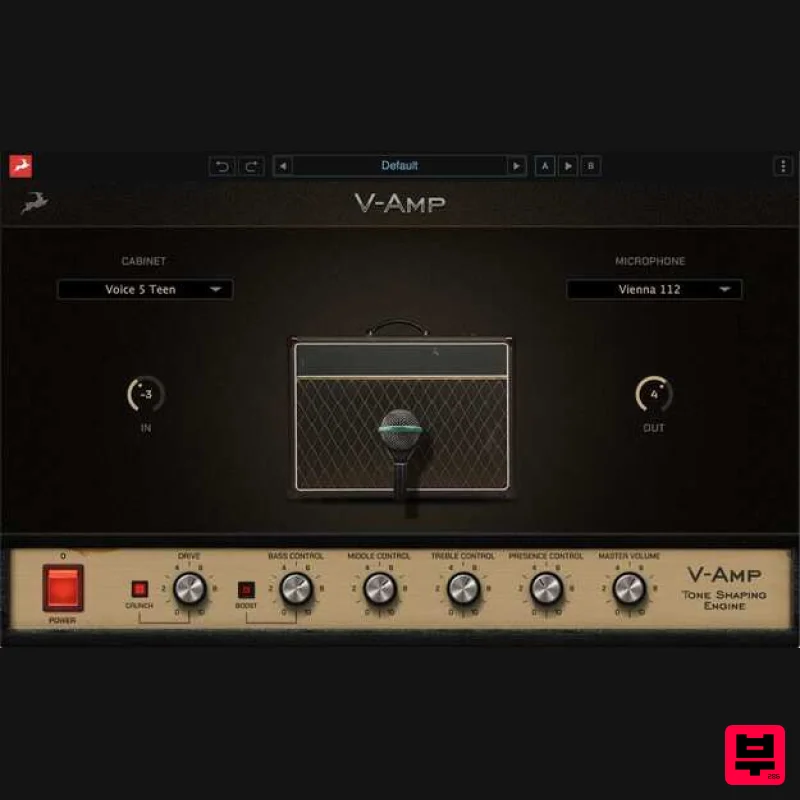
Antelope Audio V-AMP
Amp Simulator

