
Future Audio Workshop Circle2 Expansion: City Sounds Las Vegas
Professional music gear - detailed information and where to buy
Future Audio Workshop
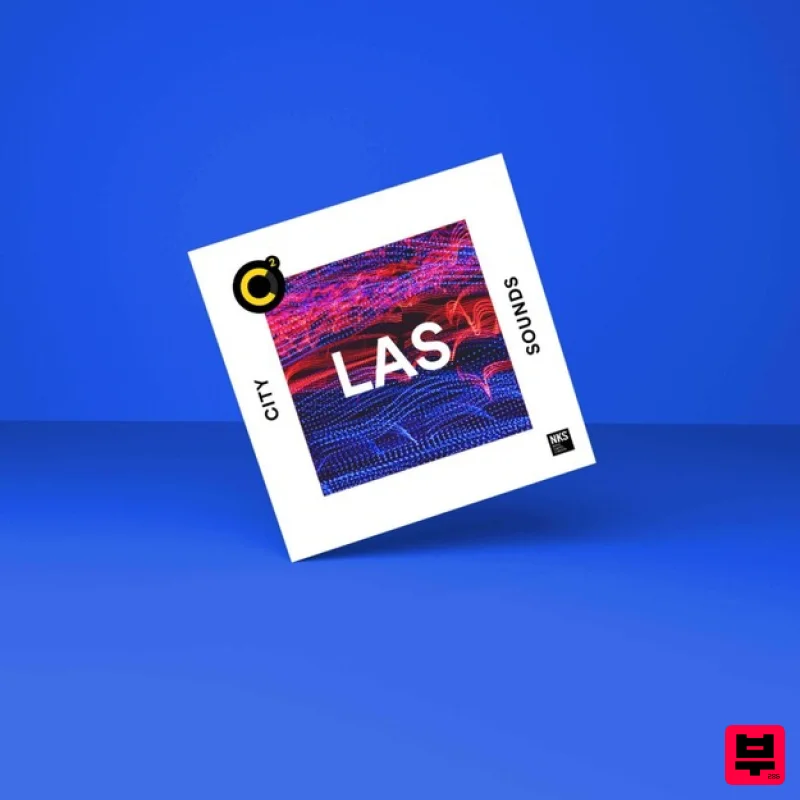
Circle2 Expansion: City Sounds Las Vegas
Product Info
* Prices may vary. Check retailer for current pricing and availability.
Product Description
- Important Note: FAW's Circle2 Synthesiser is required in order to run the contents of this software. Las Vegas: land of Electric Daisy Carnival
- gleaming neon
- stretch limousines
- splashing cash
- and endless clubs and DJ residencies. Club music rings out all along the strip
- with booming bass
- atmospheric pulsing pads
- and glittering synth lines that’ll make you sweat till the sun comes out. This patch pack explores the many genres of Dance Music to spark a new idea
- add that secret sauce
- and transform to make entirely your own. As an international phenomenon spanning many genres and decades
- these patches can be useful for Future Bass
- Acid House
- Latin House
- Hip-Hop
- Ambient
- Digital hardcore
- Trap
- Pop bangers
- Diva House
- Latin House
- and more… All of our patch packs are expertly designed by professional sound designers across the globe and NKS ready for Maschine and Komplete Kontrol. Each patch pack in the City Sounds series is our interpretation of a genre and an invitation to explore and transform. System Requirements The latest version of FAW's Circle2 Synthesiser is required in order to run the contents of this software. Important Note: Circle2 is required in order to run the contents of this software. Windows 1. Run the latest Circle² installer. 2. Open the Maschine / Komplete Kontrol software and navigate to 'File>Preferences>Plug-ins>Locations' > add the path C:\Program FIles\FAW\Circle2\ThirdParty\NativeInstruments\VST\ 3. Hit 'Rescan'. 4. Download the patch pack installer from within your Plugin Boutique User Account and run the installer. 5. In the Maschine / Komplete Kontrol software
- navigate to 'File>Preferences>Library' > click 'Rescan' 6. Your patch packs will now be shown. Mac 1. Run the latest Circle² installer. 2. Open the Maschine / Komplete Kontrol software and navigate to 'File>Preferences>Plug-ins>Locations' > add the path Macintosh HD/Library/Audio/Plug-Ins/VST 3. Hit 'Rescan'. 4. Download the patch pack installer from within your Plugin Boutique User Account and run the installer. 5. In the Maschine / Komplete Kontrol software
- navigate to 'File>Preferences>Library' > click 'Rescan'. 6. Your patch packs will now be shown.
Additional Information
About the Future Audio Workshop Circle2 Expansion: City Sounds Las Vegas
The Future Audio Workshop Circle2 Expansion: City Sounds Las Vegas combines traditional design with modern performance for Expansion Packs enthusiasts.
Why Choose the Future Audio Workshop Circle2 Expansion: City Sounds Las Vegas?
- •Authentic Future Audio Workshop craftsmanship and design
- •Versatile sound suitable for multiple musical genres
- •Professional build quality and reliable performance
- •Part of Future Audio Workshop's respected Expansion Packs lineup
Compare & Explore
Browse our complete selection of Future Audio Workshop instruments or explore other Expansion Packs options. Use our comparison tools to find the perfect match for your musical style and budget.
Similar Products

Tracktion Stonegrabber D-232 Expansion Pack (for Attracktive)
Expansion Packs

Tracktion Suitcase in a Box Expansion Pack (for Attracktive)
Expansion Packs

Tracktion DG-8000 Expansion Pack (for Attracktive)
Expansion Packs

Tracktion Langweil 150 Expansion Pack (for Attracktive)
Expansion Packs

Tracktion SH-20 Expansion Pack (for Attracktive)
Expansion Packs

Tracktion SA-1000 Expansion Pack (for Attracktive)
Expansion Packs

Tracktion Taurinorum Expansion Pack (for Attracktive)
Expansion Packs

Tracktion Poly-One Expansion Pack (for Attracktive)
Expansion Packs

