
Fuse Audio Labs OCELOT Upmixer
Professional music gear - detailed information and where to buy
Fuse Audio Labs
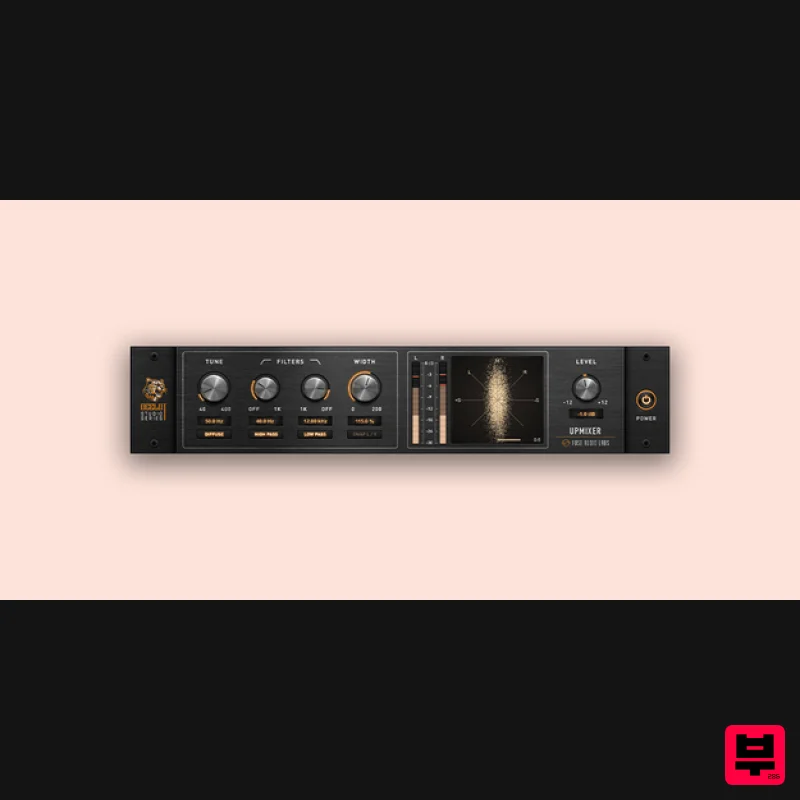
OCELOT Upmixer
Product Info
* Prices may vary. Check retailer for current pricing and availability.
Product Description
- WIDE AWAKE Beyond Mono Discover a new dimension in sound with the OCELOT Upmixer. This state-of-the-art plugin transforms your mono sources into vibrant
- natural-sounding stereo signals. Utilizing innovative spectral diffusion technology
- it expands your soundstage without introducing unwanted artifacts. It breathes life into even the simplest recordings
- turning them into a rich
- dynamic soundscape. Authentic Stereo The OCELOT Upmixer creates a stereo image that feels both expansive and natural. By evenly distributing the mono signal across the stereo field and frequency spectrum
- it enhances the listening experience while preserving full mono compatibility. Whether you're working with single drum mics
- backing vocals
- or guitars
- enjoy lifelike stereo that honors your original performance. Tone Tuner The powerful Tune control adapts the upmix to the distinct character of any instrument or voice
- with high and low-pass filters and a switchable diffusion mode offering further tonal refinement. Carefully crafted to widen your sound without introducing unwanted artifacts like metallic or hollow tones
- it delivers pristine
- phase-coherent stereo that stays true to your source. Integration Designed with an intuitive parameter set
- the OCELOT Upmixer fits seamlessly into your workflow. Precision level and correlation metering
- along with a vector scope
- provide real-time feedback for phase-coherent
- balanced stereo. Its low CPU load and zero latency keep you in the creative flow – whether you’re refining a mix in the studio or pushing boundaries live on stage. Ocelot Series In an ever-growing sea of plugins
- a select few stand out as essential tools you rely on in every session. These gems enhance your workflow with their powerful features and intuitive user interfaces
- building the core of your personal sound. They become indispensable
- evolving alongside you. The Ocelot Series puts these tools right in your hands
- delivering cutting-edge low CPU
- zero or low latency studio essentials built with top-notch DSP tech. Features Mono to Stereo Transformation – Converts mono sources into natural-sounding stereo with spectral diffusion technology. Authentic Stereo Imaging – Expands the soundstage while maintaining full mono compatibility. Customizable Tone Control – Fine-tune the upmix with Tune
- high/low-pass filters
- and switchable diffusion mode. Seamless Workflow Integration – Intuitive controls
- real-time metering
- and a vector scope for precise stereo balance. Low CPU & Zero Latency – Optimized performance for both studio and live use. System Requirements Mac (64-Bit only) Intel compatible or Apple Silicon CPU 2GB RAM Mac OS 10.12 or newer A display resolution of 1280x1024 pixels or more A VST2
- VST3
- AAX or AudioUnits compatible host Windows (32- and 64-Bit) Intel compatible CPU (at least 2 GHz recommended) 2GB RAM Windows 7 or newer A display resolution of 1280x1024 pixels or more A VST2
- VST3 or AAX compatible host Please Note: VCL-373 Vintage Compressor/Limiter is used as an example. Activation 1. Go to https://fuseaudiolabs.com/signup.html or click 'Download' in your Plugin Boutique User Account. 2. Enter the requested details > Click 'Sign Up'. 3. Go to your email inbox and locate the email from Fuse Audio Labs > Click the link provided. 4. Login in with your newly created details. 5. Enter the redemption code found under 'serial number' in your Plugin Boutique User Account > Click 'Submit'. 6. Make note of your Activation Key here > Go to the page of the plugin to download the installers (This can also be done by downloading the demo version from the equivalant Plugin Boutique page). Installation Mac 1. Double click the .pkg file to begin installation. 2. Click 'Continue'. 3. Click 'Continue'. 4. Click 'Continue'. 5. Click 'Agree'. 6. Click 'Continue'. 7. Click 'Continue'. 8. Click 'Install'. 9. Click 'Close'. 10. Click 'Activate'. 11. Enter your email and the activation key received in your Fuse Audio Labs account earlier > Click 'Activate'. Your plugin is now installed and ready for use in your DAW! PC 1. Double click the .exe file to begin installation. 2. Click 'Next'. 3. Click 'I accept the agreement' > Click 'Next'. 4. Click 'Next'. 5. Click 'Next'. 6. Click 'Next'. 7. Click 'Install'. 8. Click 'Finish'. 9. Open your DAW > Locate VCL373. 10. Click 'Activate'. 11. Enter your email and the activation key received in your Fuse Audio Labs account earlier > Click 'Activate'. Your plugin is now installed and ready for use in your DAW!
Additional Information
About the Fuse Audio Labs OCELOT Upmixer
The Fuse Audio Labs OCELOT Upmixer combines traditional design with modern performance for Stereo Width enthusiasts.
Why Choose the Fuse Audio Labs OCELOT Upmixer?
- •Authentic Fuse Audio Labs craftsmanship and design
- •Versatile sound suitable for multiple musical genres
- •Professional build quality and reliable performance
- •Part of Fuse Audio Labs's respected Stereo Width lineup
Compare & Explore
Browse our complete selection of Fuse Audio Labs instruments or explore other Stereo Width options. Use our comparison tools to find the perfect match for your musical style and budget.
Similar Products
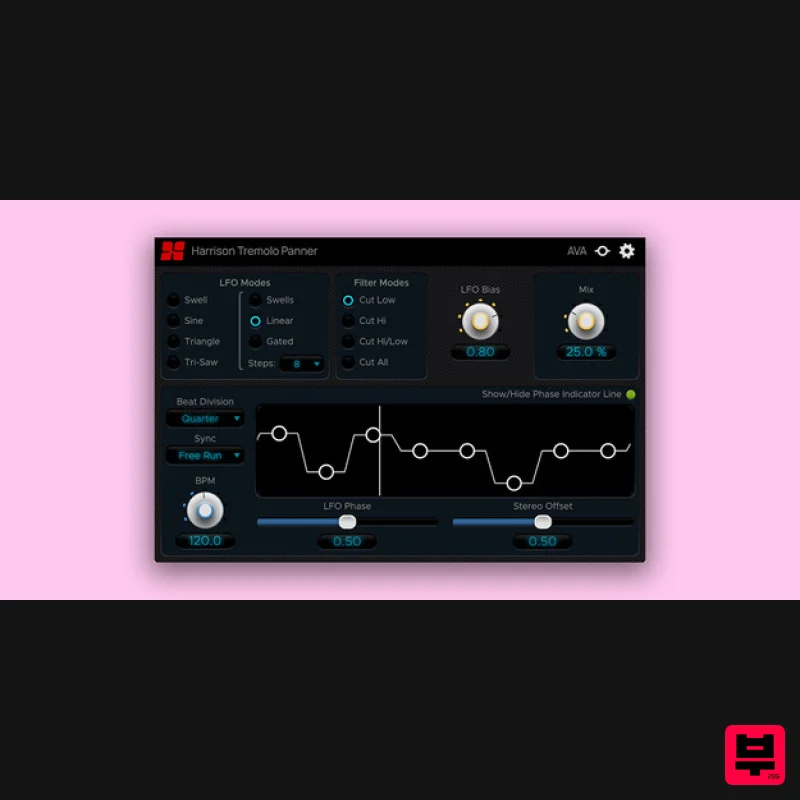
Harrison Consoles Tremolo Panner
Stereo Width
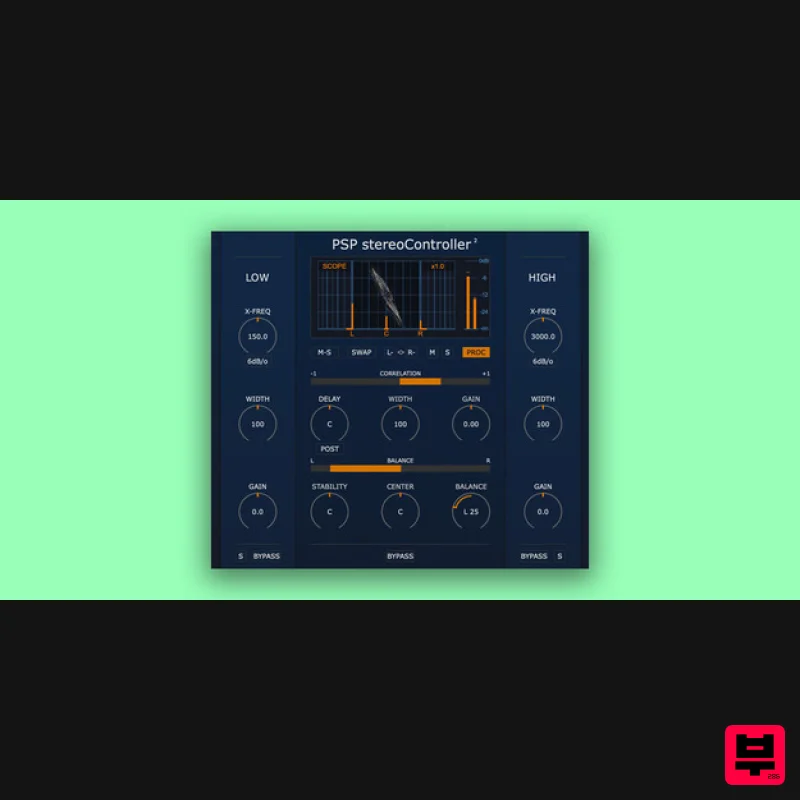
PSP Audioware PSP StereoController2
Stereo Width
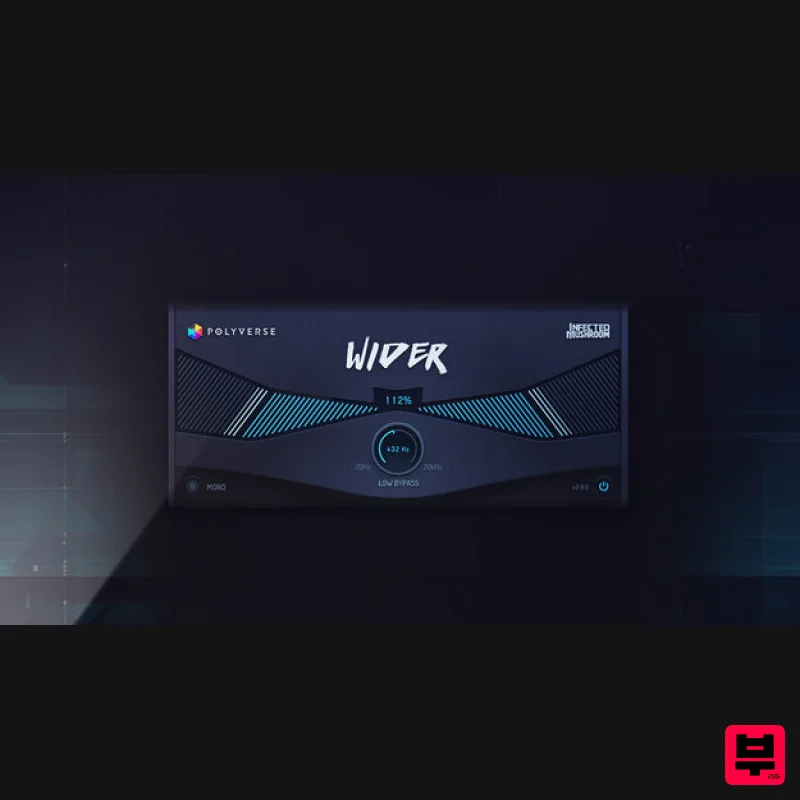
Polyverse Wider 2
Stereo Width
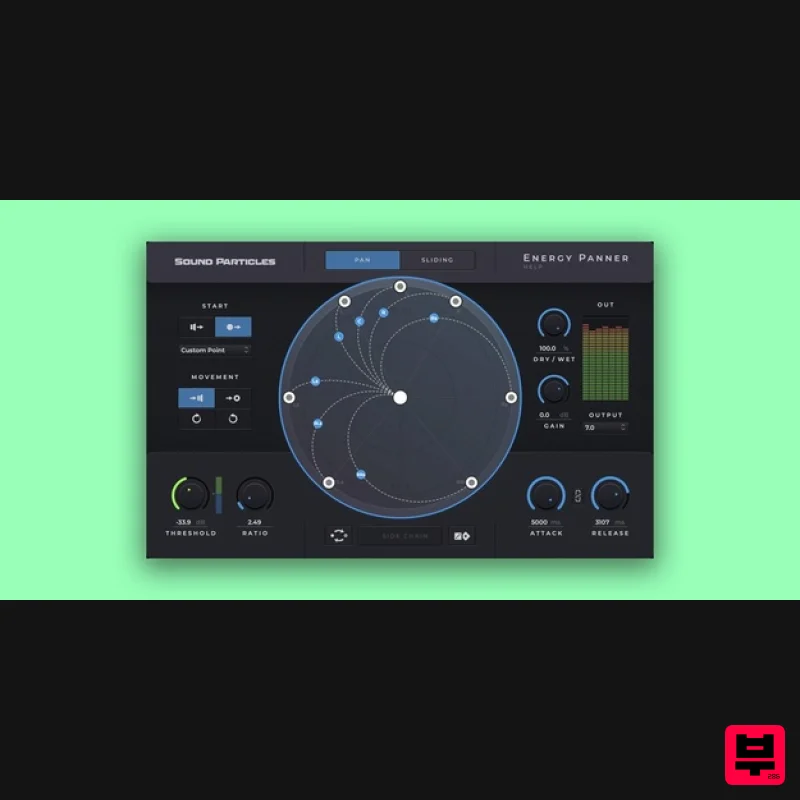
Sound Particles Energy Panner | Educational Version
Stereo Width
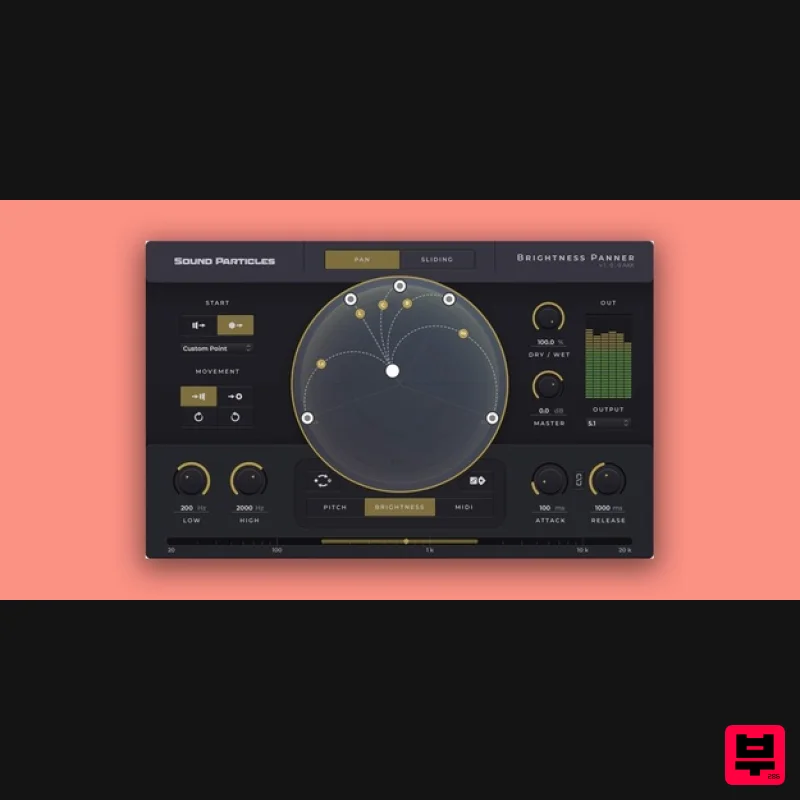
Sound Particles Brightness Panner | Educational Version
Stereo Width
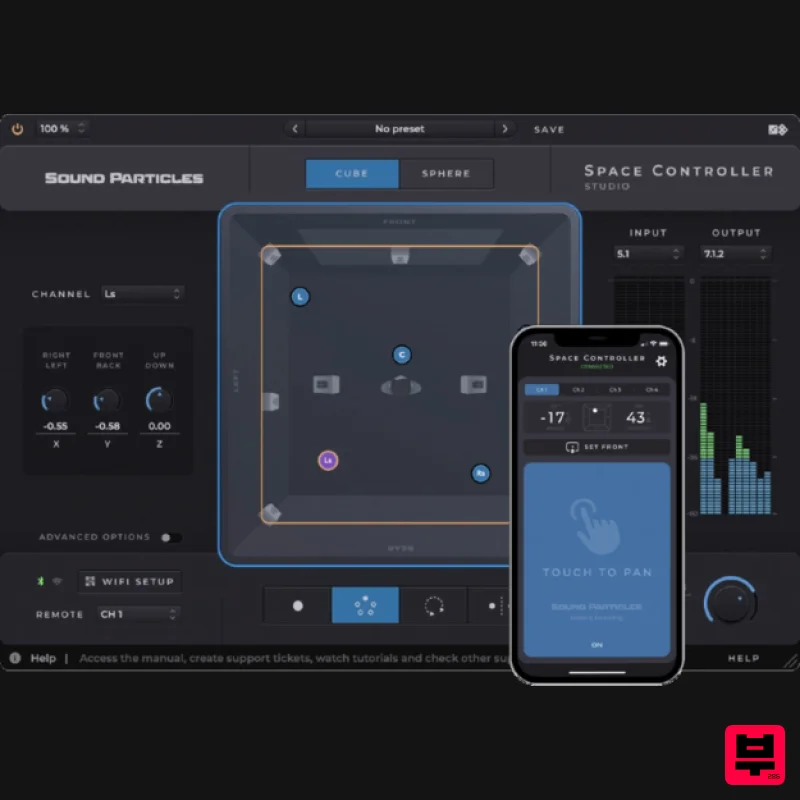
Sound Particles Space Controller Standard | Educational Version
Stereo Width
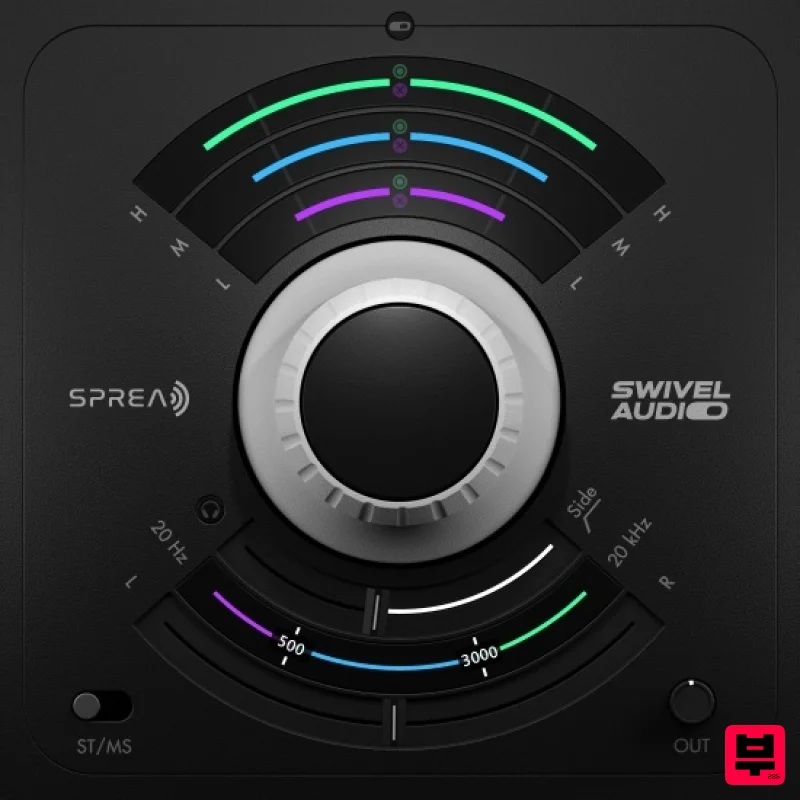
Plugin Alliance Swivel Audio Spread
Stereo Width
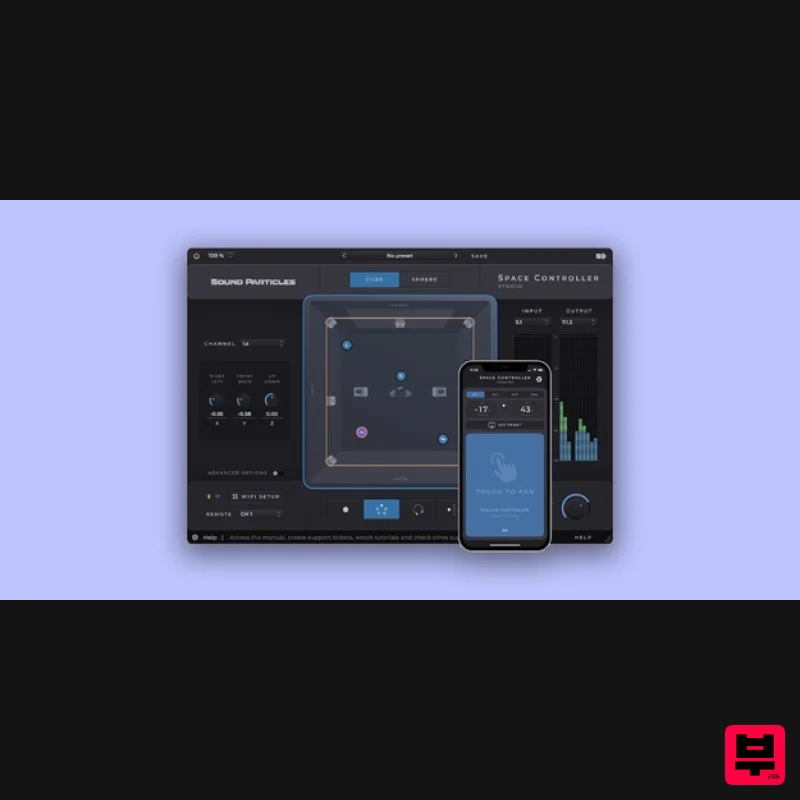
Sound Particles Space Controller Studio | Educational Version
Stereo Width

