
Diginoiz TrapDrive
Professional music gear - detailed information and where to buy
Diginoiz
TrapDrive
Product Info
* Prices may vary. Check retailer for current pricing and availability.
Product Description
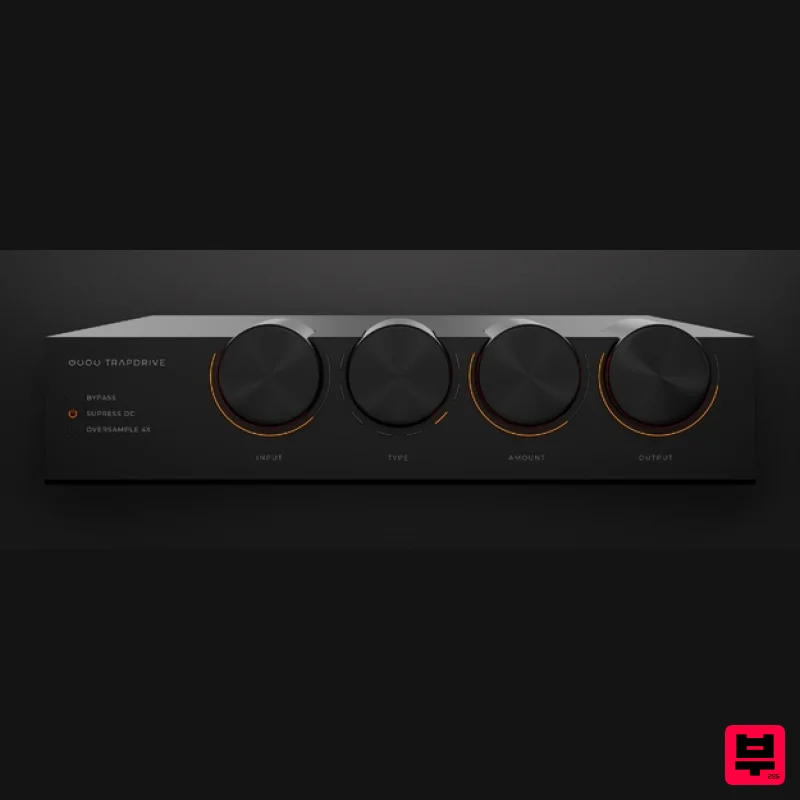
- A Distortion VST for Trap Diginoiz are proud to present their new distortion plugin dedicated especially to the heavy side of trap music and every genre that is related to it! TrapDrive is tough
- rough
- harsh and possibly even drastic. At the same time
- it will give your tracks that desirable edge
- adding extra spice and making them stand out in a wild way! If you get excited by the sounds heard in tunes like XXXtentacion – Look At Me
- Scarlxrd – Heart Attack
- Bones – HDMI and need an uncompromising distortion in your productions
- this plugin is for you! TrapDrive is perfect for distorting 808/Bass type sounds
- is great on vocals and very suitable for crushing guitars or making synths more exciting. If you feel brave enough you can use it on the whole buses
- or even mixes! Trap Drive has 8 types of distortion to choose from
- based on such operations as arctan function
- hard clipping
- bipolar exponential
- unipolar exponential
- bit-crushing and some more that only Diginoiz's own programmer can denominate
- but do you really care about the theory? Just throw it on a track
- turn up the Amount knob up and listen to the sound of violence! Diginoiz wish you many exciting moments with this distortion purely dedicated to trap music and they are sure you’ll love it! System Requirements PC Windows 7 and higher (64-bit only) VST3 only Mac MacOS 10.12 or higher (64-bit only) (Silicon compatible) AU/VST3 Mac 1. Download the .zip from your Plugin Boutique User Account and double-click it to extract the contents > Open the .pkg file to begin the installation > Click 'Continue'. 2. Click 'Continue'. 3. Click 'Agree' 4. Select a location where the Subdivine libraries will be placed > Click Click 'Continue'. 5. Click 'Continue'. 6. Click 'Install'. 7. Enter your computer username and password > Click 'Install Software'. 8. Click 'Close'. Your software is now installed and ready to use within your DAW. Windows 1. Download the .zip from your Plugin Boutique User Account and double-click it to extract the contents > Open the .exe file to begin the installation. 2. Select 'I accept the agreement' > Click 'Next'. 2. Click 'Next'. 3. Click 'Next'. 4. Select a location for the library folder > Click 'Next'. 5. Click 'Install'. 6. Click 'Finish'. Your software is now installed and ready to use within your DAW.
Additional Information
About the Diginoiz TrapDrive
Discover the distinctive sound and feel of the Diginoiz TrapDrive, a standout choice among Distortion.
Why Choose the Diginoiz TrapDrive?
- •Authentic Diginoiz craftsmanship and design
- •Versatile sound suitable for multiple musical genres
- •Professional build quality and reliable performance
- •Part of Diginoiz's respected Distortion lineup
Compare & Explore
Browse our complete selection of Diginoiz instruments or explore other Distortion options. Use our comparison tools to find the perfect match for your musical style and budget.
Similar Products
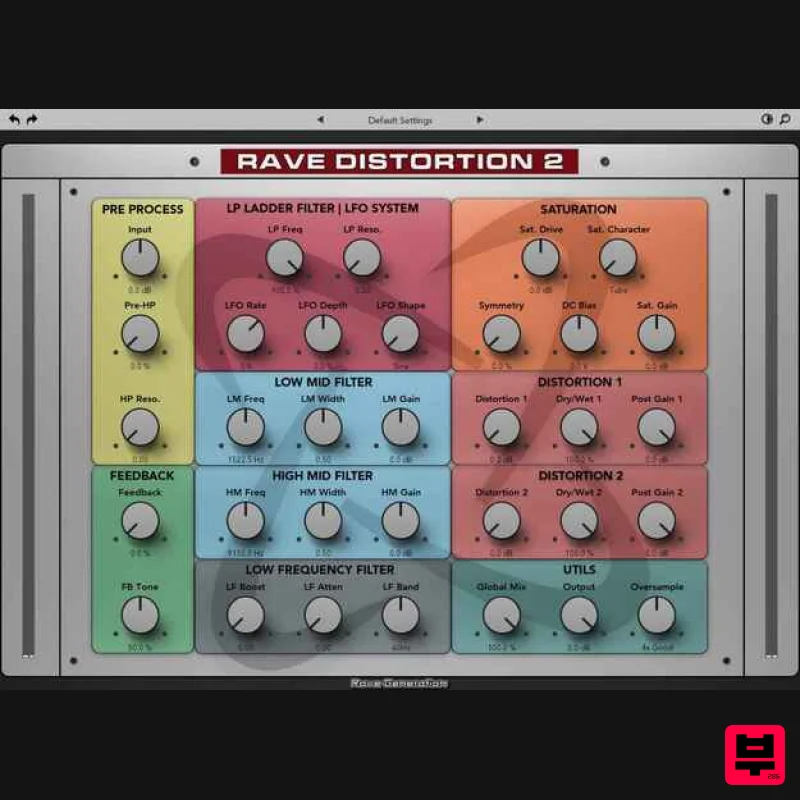
Rave Generation Rave Distortion 2
Distortion

Soundspear Rumble
Distortion
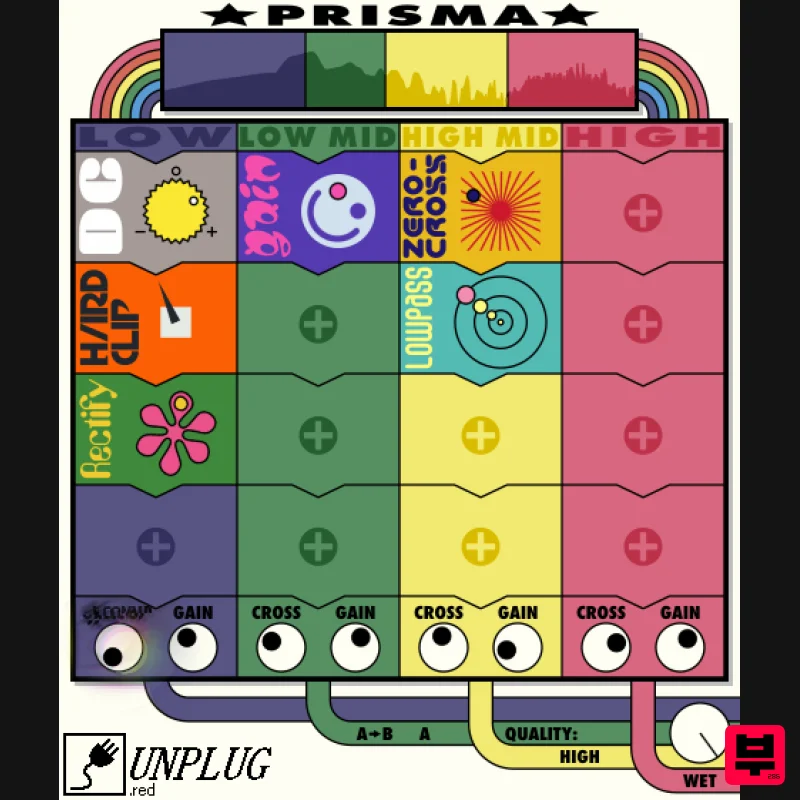
UnplugRed Prisma
Distortion
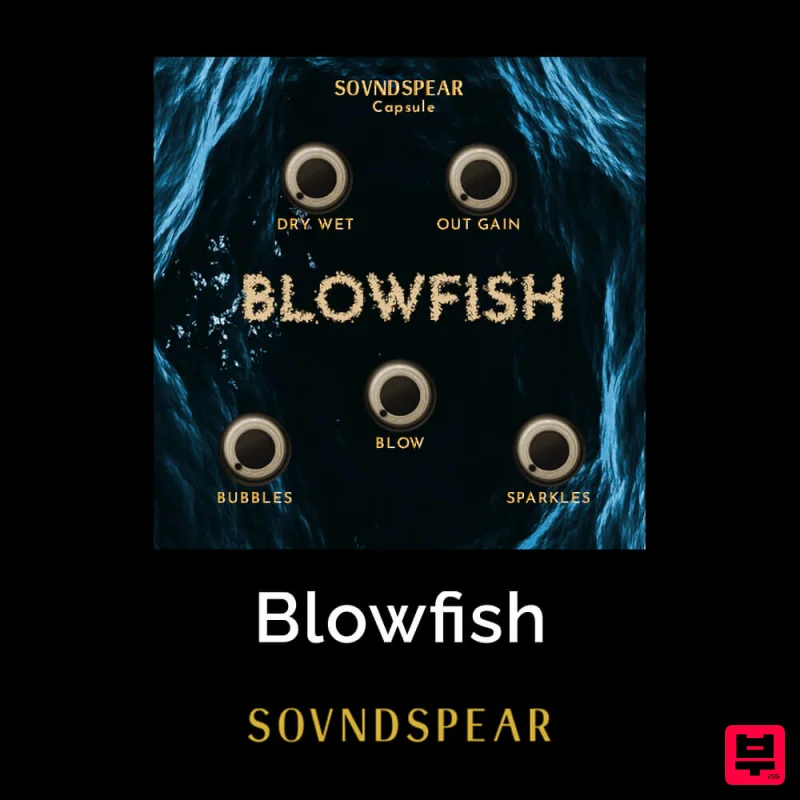
Soundspear Blowfish
Distortion
Mastering The Mix IGNITE
Distortion
Native Instruments Kolor
Distortion
Black Salt Audio CR-1
Distortion
Faded Instruments Spectral Disturbtion
Distortion

