
Boz Digital Labs Width Knob
Professional music gear - detailed information and where to buy
Boz Digital Labs
Width Knob
Product Info
* Prices may vary. Check retailer for current pricing and availability.
Product Description
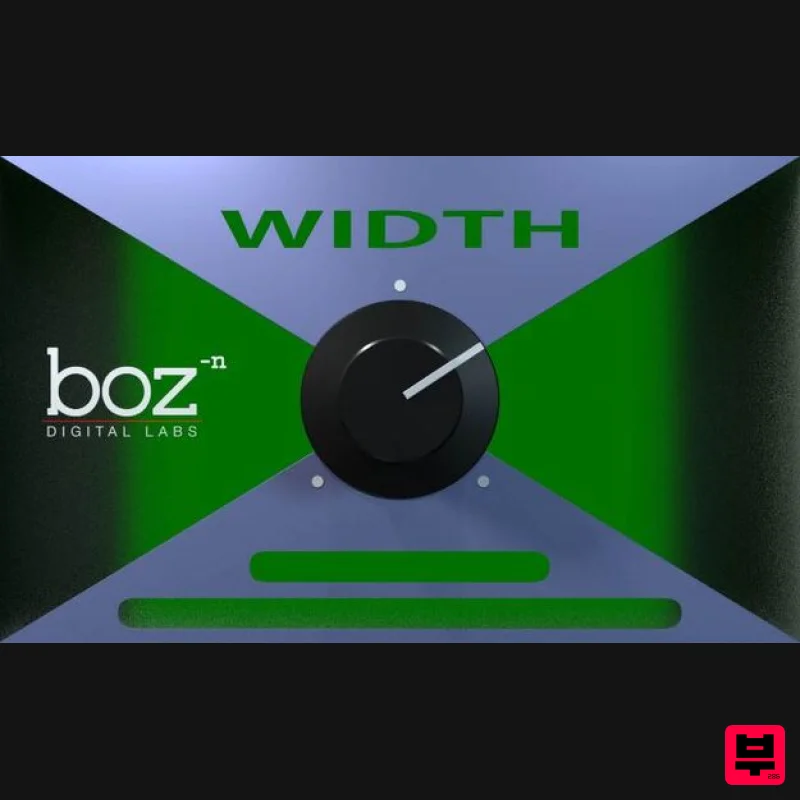
- Width Knob allows you to quickly and easily adjust the stereo width of your bus or track. It is a great and simple tool for automating power into your chorus
- or anywhere else you might need to adjust the stereo width in an intuitive and fast manner. Width Knob provides a simple way to create contrast in your mixes
- keeping your mixes alive and interesting. Why A Width Knob? This is a tool that everyone should have and everyone should use. The real reason I made this plugin was because I became addicted to the stereo width knob provide in Reaper
- and it drove me insane every time I had to use another DAW that didn’t have it. Also
- Kevin Dyer once suggested a similar idea. Rather than go on some campaign about how every DAW should have this by default
- I figured it was easier to just make a plugin version of this effect and give it to everyone for free. This plugin is so easy and intuitive to use
- yet so powerful that it is really a must have for any workflow. This is Not a Stereo Widener In fact
- it’s the opposite. This plugin does not add anything that will increase the stereo width of your track. It will only reduce the stereo width. it ranges from -100% to +100%
- letting you not only narrow your mixes
- but to flip the L/R channels easily and System Requirements Mac: AAX AU RTAS VST VST3 Windows: AAX RTAS VST VST3 1. Download the plugin installer from within your user account. The 'Manic Compressor' is used in this example. Please Note: Be sure to choose the correct installer by selecting either Windows or Mac > Then click 'Download'. 2. Run the installer & read through welcome instructions > Click 'Next'. 3. Read through the License Agreement > Click 'I Accept the Agreement'. 4. Choose destination folder > Click 'Install'. 5. Select a folder in which to install the Manic Compressor (32-bit). 6. Select a folder
- in which to install the Manic Compressor (64-bit). 7. Select which components of the Manic Compressor you wish to install > Click 'Next'. 8. Select start menu folder > Select 'Next'. 9. Manic Compressor is now ready to install > Click 'Install'. 10. Installation is now complete > Click 'Finish'. 11. Load your DAW and open the Manic Compressor. This plugin is now ready for use.
Additional Information
About the Boz Digital Labs Width Knob
The Boz Digital Labs Width Knob represents excellent craftsmanship in the Stereo Width category.
Why Choose the Boz Digital Labs Width Knob?
- •Authentic Boz Digital Labs craftsmanship and design
- •Versatile sound suitable for multiple musical genres
- •Professional build quality and reliable performance
- •Part of Boz Digital Labs's respected Stereo Width lineup
Compare & Explore
Browse our complete selection of Boz Digital Labs instruments or explore other Stereo Width options. Use our comparison tools to find the perfect match for your musical style and budget.
Similar Products
Sound Particles Space Controller Studio | Educational Version
Stereo Width
Harrison Consoles Tremolo Panner
Stereo Width
Sound Particles Energy Panner | Educational Version
Stereo Width

Sound Particles Brightness Panner | Educational Version
Stereo Width
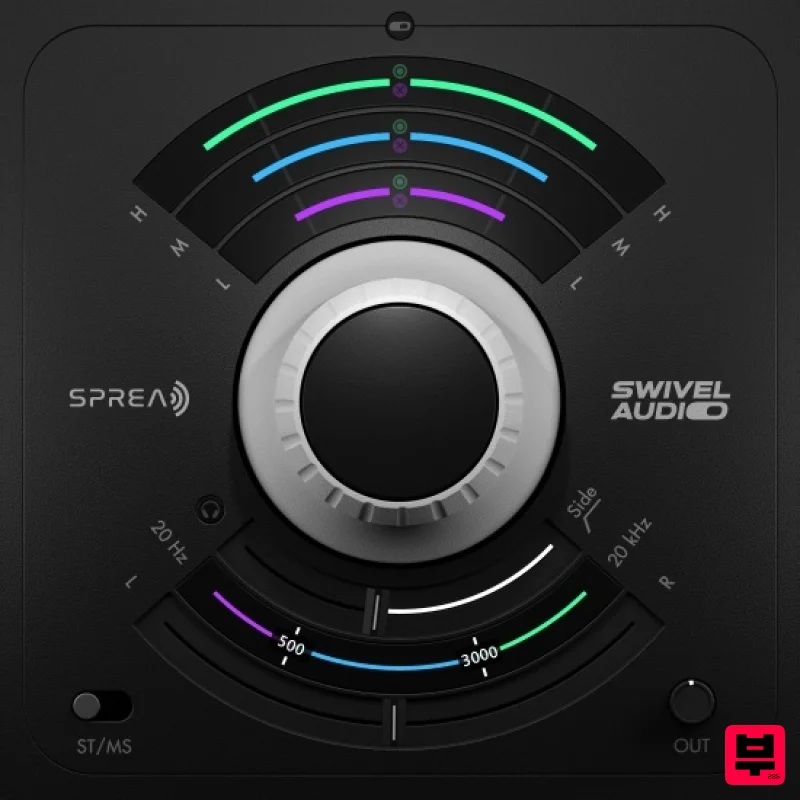
Plugin Alliance Swivel Audio Spread
Stereo Width
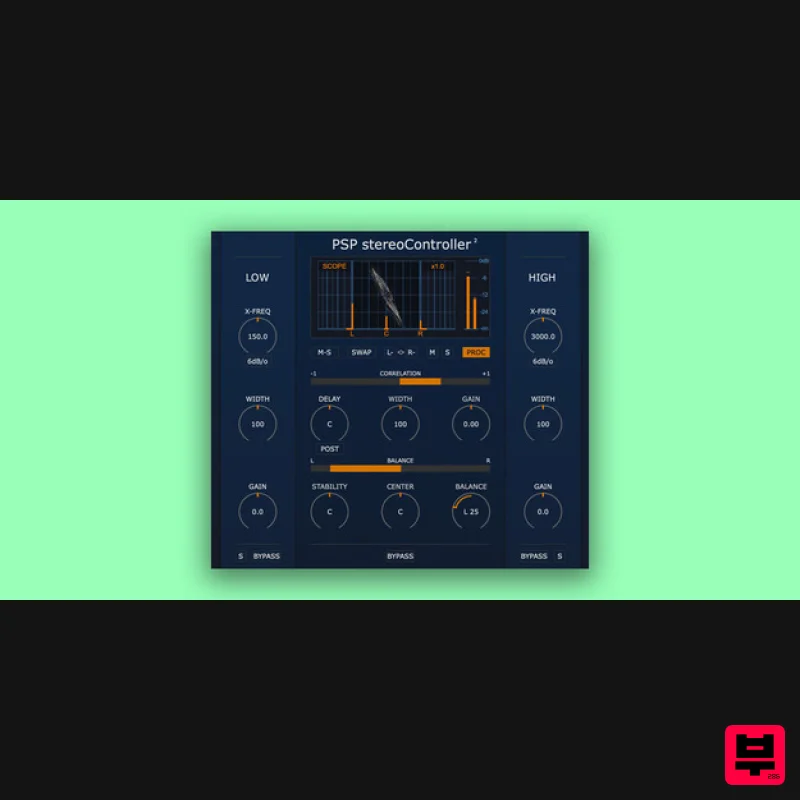
PSP Audioware PSP StereoController2
Stereo Width
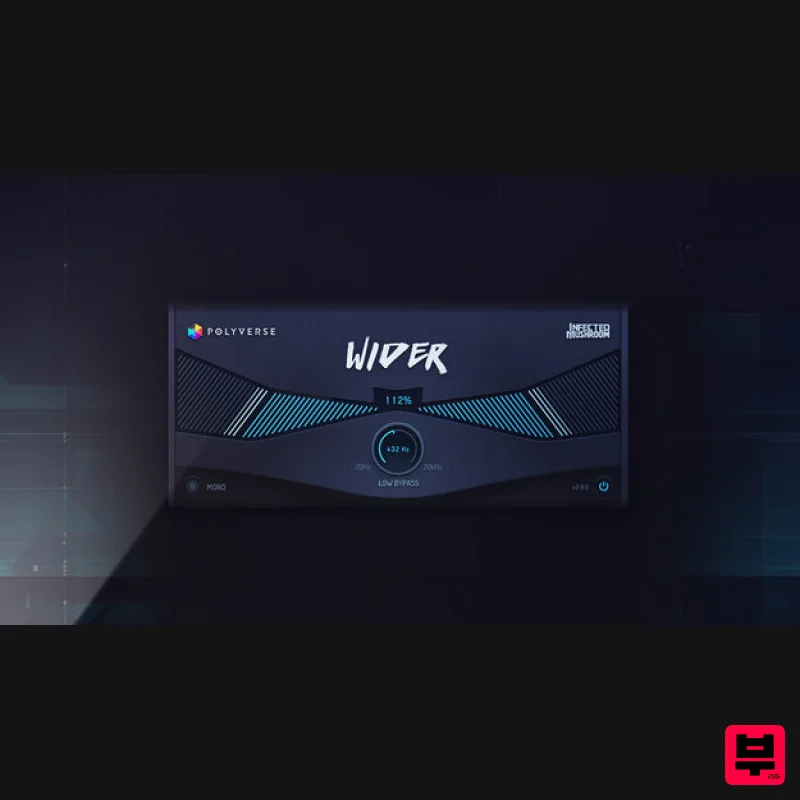
Polyverse Wider 2
Stereo Width

Sound Particles Space Controller Standard | Educational Version
Stereo Width

