
Zynaptiq PITCHMAP Educational Version
Professional music gear - detailed information and where to buy
Zynaptiq
PITCHMAP Educational Version
Product Info
* Prices may vary. Check retailer for current pricing and availability.
Product Description
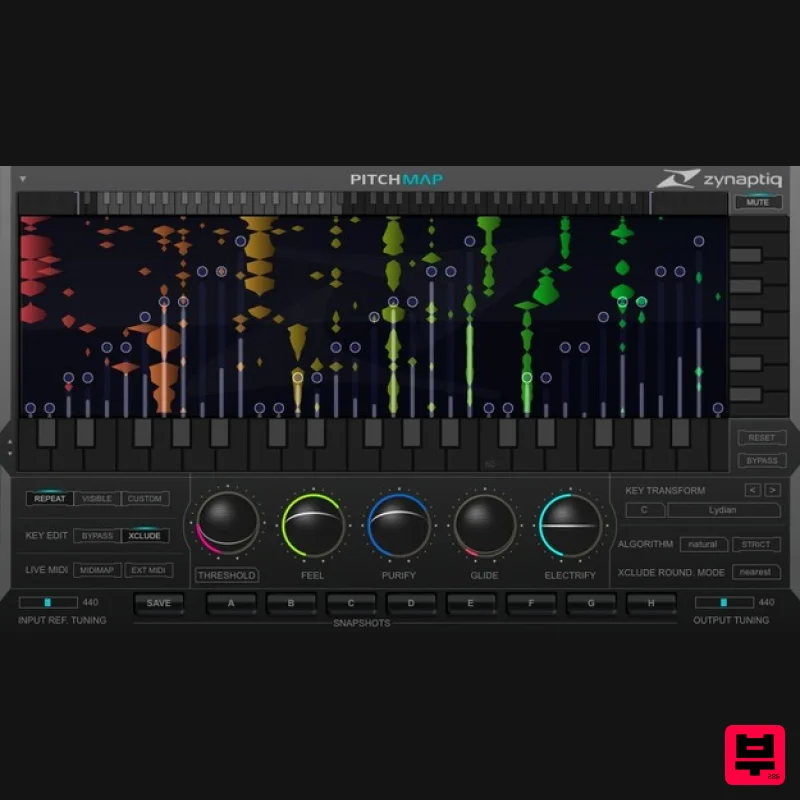
- Important Note: This is an educationally discounted version of PITCHMAP and is available for full-time students or faculty at an educational institution only. Please check your eligibility before purchase on the Educational Discount Help Centre Article. Once purchased please send your order number and proof of educational status to [email protected]. The full version of PITCHMAP is also available. It's Full Of Stars PITCHMAP is the world's first and only plug-in that allows processing the pitch of individual sounds within mixed signals in real-time. It lets you change the melodies and harmonies of any recording by simply playing your own on a MIDI keyboard or creating a pitch map using our stream-lined GUI
- and optionally corrects any tuning issues at the same time. As if that weren't enough
- PITCHMAP provides functions to suppress individual sounds within a mix
- and can apply advanced synthesizer-like sound transformations to your audio. In short
- it is an inspiring musical instrument
- a precision corrective tool and the only processor that literally lets you shape music with your hands. PITCHMAP has so many uses we haven't yet discovered all of them ourselves. Here's a couple of the applications we're aware of: Engineers can correct tuning inaccuracies in mixed recordings Composers can try different harmonies for their works in an immediate
- hassle-free and inspiring manner Music producers that work with sampled material can now sculpt the music inside the samples as if they were clay in the hands of a potter DJs can adapt the key/scale of their songs to fit into a seamless set Sound designers get a bunch of unique new ways of creating the sounds that make the films and games of today so immersive Mash-Up artists and Re-Mixers now spend minutes instead of hours (or days) adapting the components they use to fit each other Rapid song/score prototyping using existing recordings that can be transformed to be something new on-the-fly Mix element suppression under MIDI control Creating unique synthesizer sounds based on a live input Create instant remixes and professional accompaniment tracks directly from your favorite songs or play list MAP That Pitch Based on our Mixed-Signal Audio Processing technology (MAP)
- PITCHMAP internally de-mixes the input signal into individual sounds
- including their harmonics and transients. This technique is quite literally rocket science
- and is done using perceptive modeling and pattern recognition techniques also used in artificial intelligence applications. The separated sounds can then be individually tuning-corrected and mapped to other pitches
- a process we call Pitch Mapping. MAP also enables PITCHMAP's simple-to-use
- yet very effective functions for suppressing or isolating mix elements. In real-time
- of course. Natural Our MAP process is based on a model of the human perceptive system
- including the cochlea and the brain region responsible for interpreting its data. Hence our process is inherently very natural sounding with correct settings and reasonable amounts of pitch modification. The human voice
- however
- has a very specific sonic topology that is very different from any musical instrument
- and human hearing is trained to detect even the most subtle sonic variations in a voice. As a result
- processing voice simultaneously with other instruments has been a challenge in the past. To accommodate for this
- we've added an extra layer of intelligence that recognizes voice elements and processes them separately. We've called this Natural Mode. Electric & Creative Certain pitch correction algorithm artifacts have become quite popular. We've got those
- if you want them. But our MAP process has more sonic options than that. We've added parameters called Purify and Electrify that allow making your sound more or less synthetic sounding
- and threw in a polyphonic Portamento option named Glide
- for good measure. In combination with the live MIDI function
- these parameters can basically turn PITCHMAP into a unique synthesizer allowing some very far out sound design. No PhD Required Although the DSP code itself is insanely complex
- the process of Mapping Pitch is as simple as playing some notes on a MIDI keyboard or dragging sliders on our super-slick GUI to assign source pitches to target pitches. Or you can let your computer do the pitch mapping by using dedicated macro controls to go from one key/scale to another with just a couple of clicks. Changing pitches in a mixed signal has never been so intuitive and musical. Instant correction of tuning issues
- straight-forward re-harmonisation or intricate restructuring of a composition's pitches... the choice is yours
- PITCHMAP does the rest. Lightning Fast To increase workflow efficiency even more
- we've provided comprehensive Snapshot functionality. 8 Snapshot slots let you compare multiple settings
- adapt the process to different parts of a recording individually and create parameter automation without a headache. Summed up
- PITCHMAP gives you near-instant results while at the same time giving you access to every little detail. So how does PITCHMAP compare to other pitch processing products
- like Celemony's Melodyne Editor or Antares' Auto Tune? In a nut-shell: it doesn't. They have different applications and strengths
- and complement each other nicely. In simplified words: If you need to tune a solo vocal take or other monophonic instrument
- use Auto Tune. If you need to fine-tune or manipulate a single but polyphonic instrument
- or a section of instruments
- and using off-line editing doesn't break your workflow
- use Melodyne. If you need to tune or change the pitches of a full mix or other complex polyphonic signal in real-time and under MIDI control
- while retaining all the transient crispness of any percussive elements
- or if you want to create far-out sounds
- or if you want to try out different harmonies on your loops and recordings from within the creative
- musical workflow....use PITCHMAP. Depending on your field of work
- you may want to have all three of them. So grab a copy of PITCHMAP and complete your pitch processing toolkit! NB: Please note that for tuning some types of polyphonic audio
- offline processing may yield better results. System Requirements Mac macOS 10.15.x or newer
- 64 bit Apple Silicon CPU
- or Intel CPU with at least 2 Cores (i7 or better recommended) Apple AU (AudioUnits)
- Steinberg VST 2.4
- VST 3 or Avid AAX Native compatible host software
- processing audio as 32 bit float Windows Windows 10 or newer Intel CPU with at least 2 Cores; i7 or better recommended Steinberg VST 2.4
- VST 3 or Avid AAX compatible 64-bit host software
- processing audio as 32 bit float Important Notes: An iLok account or iLok 2/3-based activation is required in order to register this product An internet connection is required for software activation Copy Protection Zynaptiq products use the latest PACE copy protection
- which allows you to place your activation on your machine or on an iLok 2* (not included). You will need a free iLok.com account to use our software
- even for the demos - but you do not necessarily need the iLok 2 dongle if your machine has internet access (activation of a system without internet connectivity requires an iLok 2 device). All required software is installed along with our plugins
- but we generally recommend downloading the latest versions directly from iLok.com. Please Note: The older
- first-generation iLok is not supported! CPU Load While they are highly optimized
- Zynaptiq plugins use a LOT of CPU due to the complex nature of the magic they perform. Please use the free trial to evaluate whether your system has sufficient resources to utilize the software effectively! Zynaptiq recommends setting your playback buffer size to at least 512 or ideally 1024 samples for optimum performance. As Zynaptiq plugins sport unique features not found in any other software
- Zynaptiq highly recommends reading the User Manuals to ensure that you get the most out of them! Awards Richard Devine "PITCHMAP has quickly become one of my favorite go-to plug-ins for sound design applications." Petri Alanko "PITCHMAP is damn near divine and worth worshipping!" Martin Buttrich "Let me sum that up for you: PITCHMAP is awesome!" Installation Instructions 1. Log into your Plugin Boutique account (My Account > My Products)
- to obtain your serial code. 2. Click the link HERE
- to register your personal details and serial (registration code). Click 'Submit.' 3. Your email has been sent to the email address you used to register with. 5. Log into your email account
- where you can access your activation code and download link. 6. Click the URL hyperlink to begin downloading your installer zip folder. Windows/ PC: 1. On a Windows computer you will want to right-click on the downloaded file and select 'Extract Here.' Once extracted
- the individual installer (format) files will be shown. 2. Select the relevant format installer setup file
- 'UNFILTERVST-x64Setup' is used in this instance. Double click on the setup file. 3. Double click on the setup file. Click 'Next.' 4. Accept the Agreement and click 'Next.' 5. Select a folder in which you prefer you place / install UNFILTER in. Click 'Install.' Authorization To be able to use your new software
- it needs to be activated. During installation of UNFILTER
- the UnfilterAuthorizer app
- will automatically be launched. 7. Enter your serial number received in your email inbox and click “Activate”. If your machine has access to the internet
- you’ll be shown a confirmation of the successful authorization and you’re good to go. If the machine byou’re activating on has no internet connection
- you will be guided through the process. Generally
- our copy protection mechanism will allow you to have two machines authorized at the same time. It is essentially a challenge-response type system that takes specifics of your computer into account anonymously. However
- unlike most other challenge-response systems
- the Zynaptiq copy protection allows the user to de-activate a system at any time
- and reactivate it later - without contacting us. So essentially
- you can pretty much move your authorizations around as needed. The only limitation is that in order to de-activate a machine
- it needs to be connected to the internet. 8. Your software is now ready for use in your DAW! De-Activating a Machine To free up an activation
- you can de-activate a machine. To do this
- please launch the UnfilterAuthorizer app
- and click “Deactivate Product”. You will be presented with a confirmation message and you’re done. Please note that the machine to be de-activated needs to be connected to the internet! Apple Macintosh: 1. Select the installer setup file
- 'Zynaptiq UNFILTER Plug-In.pkg.' Double click on the setup file. 2. Double click on the setup file. Click 'Continue.' 3. Read the Licence Software Agreement and click 'Continue.' 4. To continue installing the software. click 'Agree.' 5. Select a desination in which to install UNFILTER. Click 'Continue.' 6. Click 'Install.' Authorization To be able to use your new software
- it needs to be activated. During installation of UNFILTER
- the UnfilterAuthorizer app
- will automatically be launched. 7. Enter your serial number received in your email inbox and click “Activate”. If your machine has access to the internet
- you’ll be shown a confirmation of the successful authorization and you’re good to go. If the machine byou’re activating on has no internet connection
- you will be guided through the process. Generally
- our copy protection mechanism will allow you to have two machines authorized at the same time. It is essentially a challenge-response type system that takes specifics of your computer into account anonymously. However
- unlike most other challenge-response systems
- the Zynaptiq copy protection allows the user to de-activate a system at any time
- and reactivate it later - without contacting us. So essentially
- you can pretty much move your authorizations around as needed. The only limitation is that in order to de-activate a machine
- it needs to be connected to the internet. 8. Your software is now ready for use in your DAW! De-Activating a Machine To free up an activation
- you can de-activate a machine. To do this
- please launch the UnfilterAuthorizer app
- and click “Deactivate Product”. You will be presented with a confirmation message and you’re done. Please note that the machine to be de-activated needs to be connected to the internet!
Additional Information
About the Zynaptiq PITCHMAP Educational Version
Discover the distinctive sound and feel of the Zynaptiq PITCHMAP Educational Version, a standout choice among Pitch Shifter.
Why Choose the Zynaptiq PITCHMAP Educational Version?
- •Authentic Zynaptiq craftsmanship and design
- •Versatile sound suitable for multiple musical genres
- •Professional build quality and reliable performance
- •Part of Zynaptiq's respected Pitch Shifter lineup
Compare & Explore
Browse our complete selection of Zynaptiq instruments or explore other Pitch Shifter options. Use our comparison tools to find the perfect match for your musical style and budget.
Similar Products
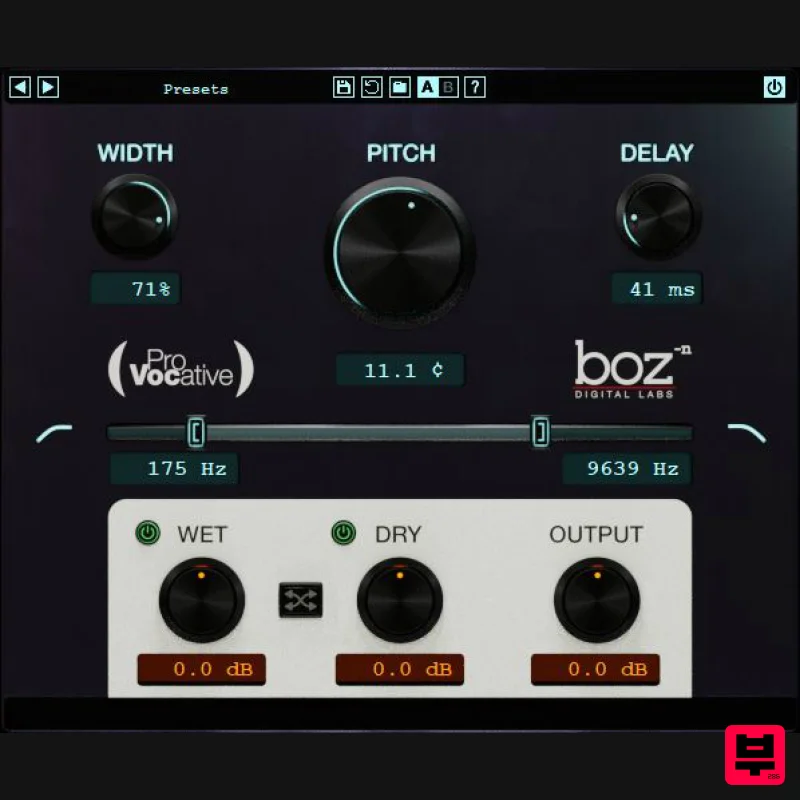
Boz Digital Labs ProVocative
Pitch Shifter
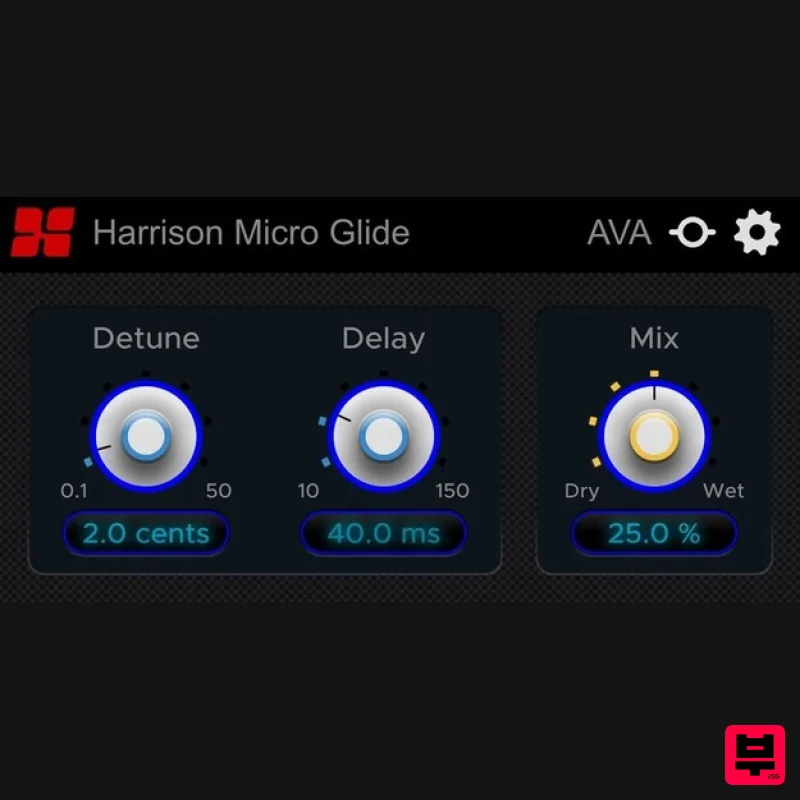
Harrison Consoles Micro Glide
Pitch Shifter
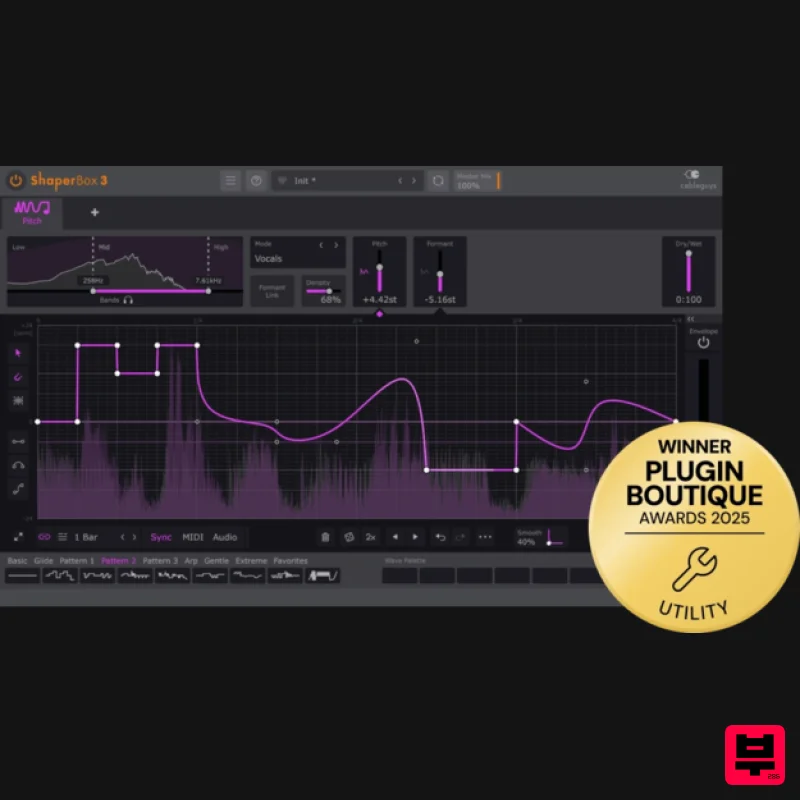
Cableguys PitchShaper
Pitch Shifter
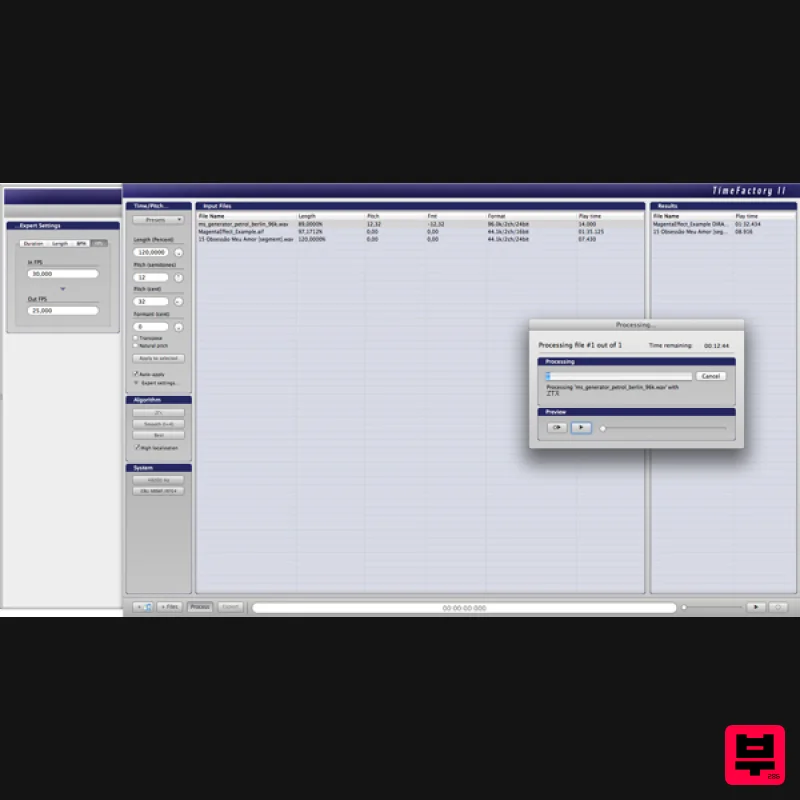
Zynaptiq TIME FACTORY II Educational Version
Pitch Shifter
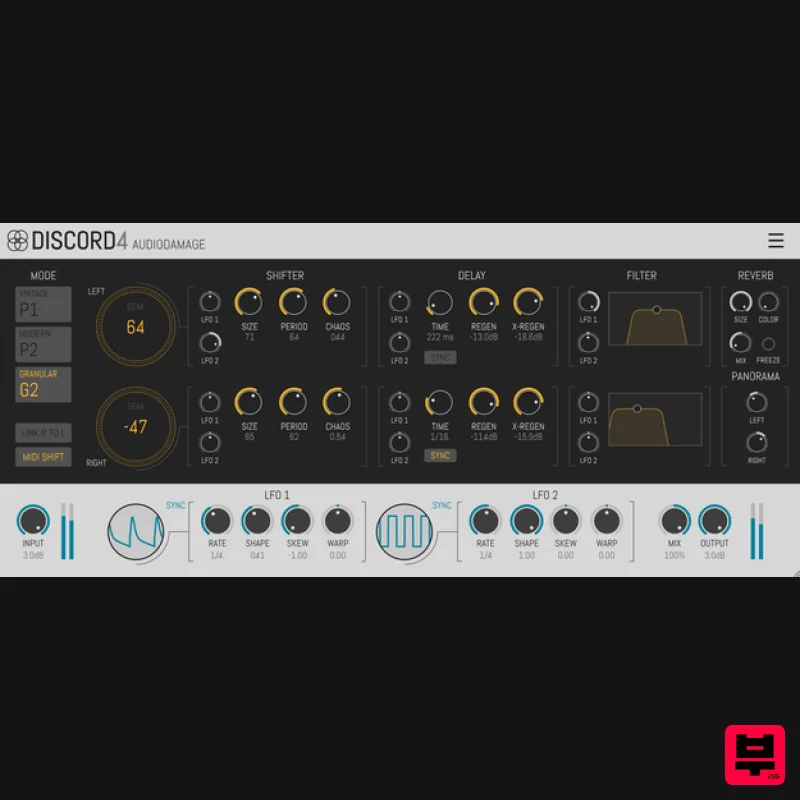
Audio Damage Discord4
Pitch Shifter
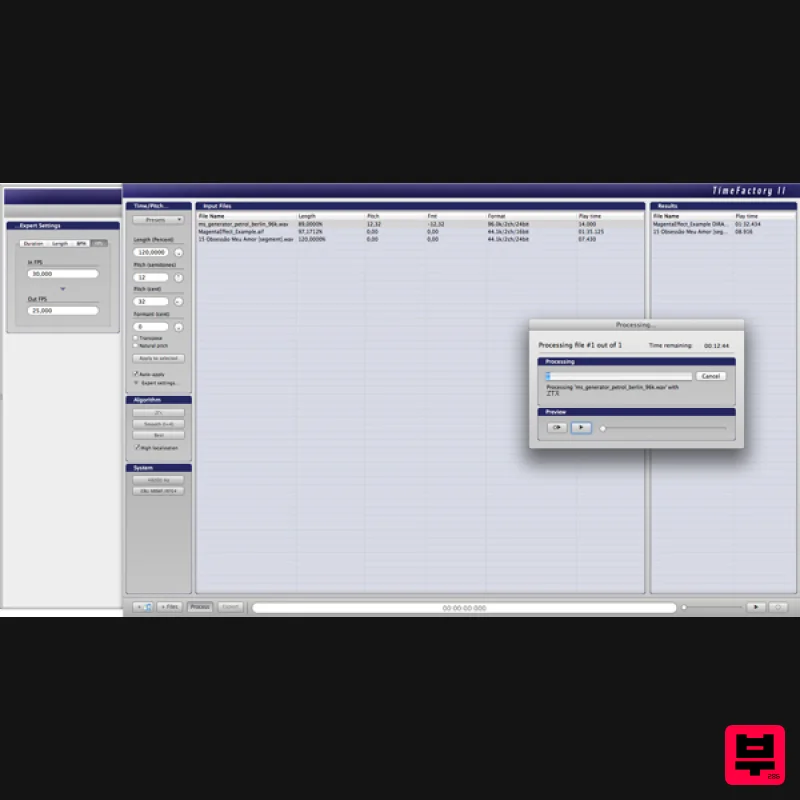
Zynaptiq TIME FACTORY II
Pitch Shifter
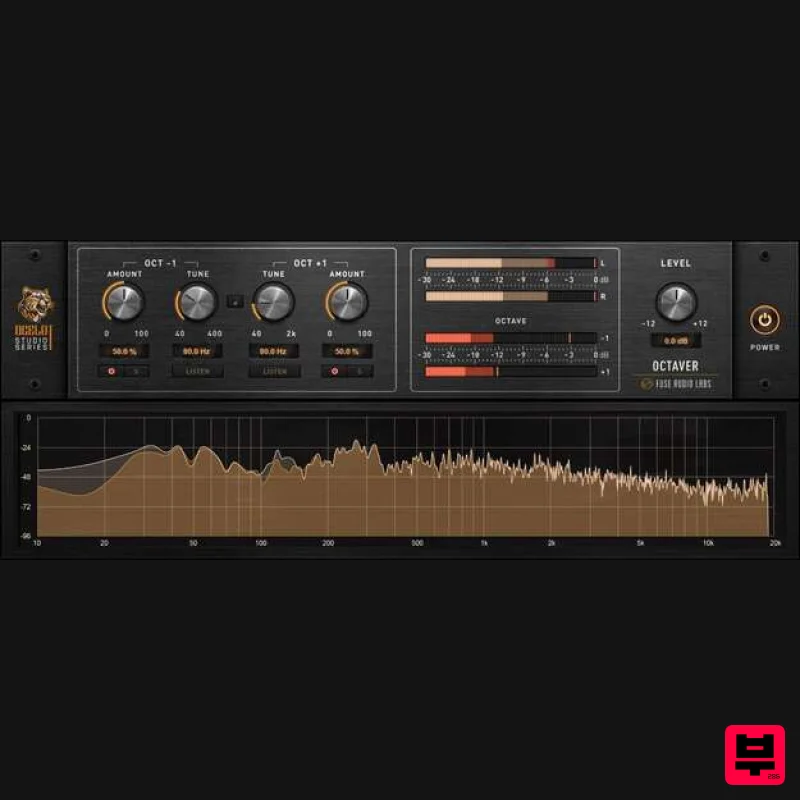
Fuse Audio Labs OCELOT Octaver
Pitch Shifter
Thenatan Audio TapeStop
Pitch Shifter

