
Boom RECENTER
Professional music gear - detailed information and where to buy
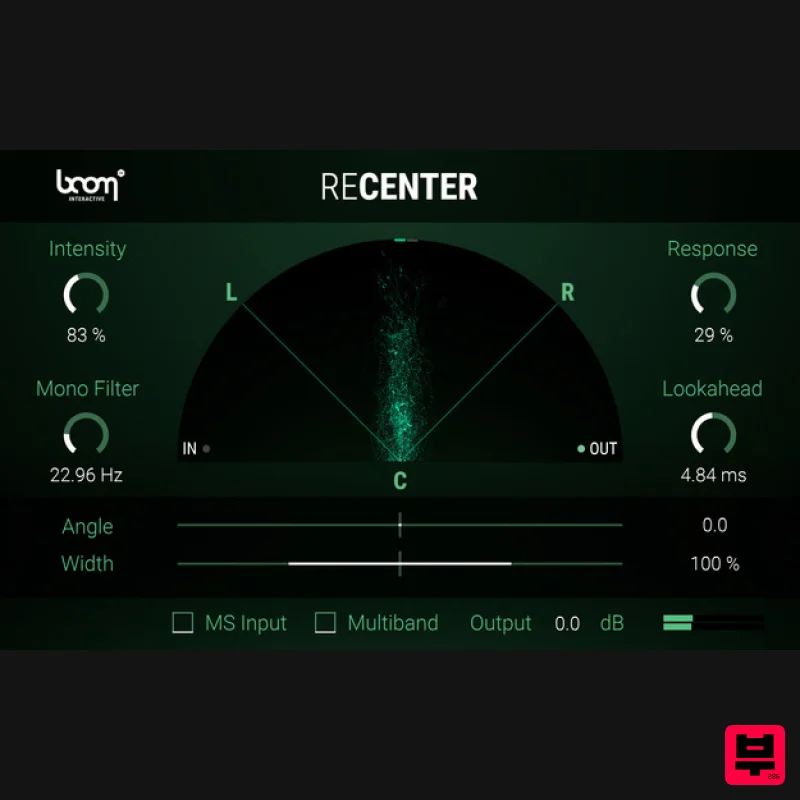
Boom
RECENTER
Product Info
* Prices may vary. Check retailer for current pricing and availability.
Product Description
- Important note: A FREE account at ilok.com is required (a physical USB iLok is not required) The Instant Stereo Fix RECENTER automatically repairs off-centre stereo recordings while keeping the original stereo width which makes it an invaluable time-saver and a perfect tool for professional post-production. Fix off-centred stereo field recordings
- dynamically centre vocal artists or musicians that moved around the stage or centre hard directional effects like drive-bys and stereo whooshes. RECENTER makes tedious panning automation obsolete so you can focus on your creative flow. What is RECENTER? RECENTER is a stereo processor that constantly analyses an incoming stereo signal and dynamically rotates it to the centre or a given angle without altering the stereo width. Having the incoming signal centred
- you can narrow or widen the stereo image within RECENTER. For a better low-frequency control you can mono the original signal below a set frequency. A multiband processing option intelligently shifts more complicated signals. Compare Original and Processed Signals Automatic MS Decoding and Multiband Processing Available Adjust the Resulting Angle and Stereo Width Fix Off-Center Stereo Recordings This is How RECENTER Will Ease Your Pain Dynamically Correct Stereo Images Have you ever worked with stereo material that was not centred correctly? Pointing a stereo microphone a hundred percent accurately onto a sound source gets harder the further away the source is. As a result
- you get a recording with a constantly shifting centre that would require you to manually adjust and automate the panning over the whole recording. RECENTER continuously analyzes the directionality of a stereo or M/S signal and rotates it to a given target angle in real-time – without narrowing the stereo image. Good-Bye Corrective Panning Correct poorly aimed or moving stereo recordings while skipping the time-consuming and most often ineffective pan automation process. All you need to do is tell ReCenter how hard
- fast and precisely it should adjust your signal. This will drastically improve your workflow and save you hours of manual and tedious panning as well as constantly checking your stereo signal. With ReCenter
- you have one thing less to worry about and you can focus all your energies on your creative work. Flexible and Yet So Easy-to-Use RECENTER is an incredibly useful tool
- a little helper you don’t want to miss once you’ve worked with it. It is very easy to set up and provides immediate clean stereo signals. Fully Automatic - RECENTER analyzes and processes your signal in real-time. Keep Stereo Width - Achieve a balanced sound without resorting to mono or a compromised stereo image. No Corrective Panning Needed - RECENTER takes care of angle adjustment on the fly; no need to get your hands dirty with reparative pan automation. Save Precious Time - RECENTER is designed for maximum effectiveness when merely being applied as an insert effect. A few simple
- accessible
- yet powerful controls take care of the rest. M/S Input Decoding - RECENTER can process common L/R as well as Mid-Side recordings. Multiband Processing - For more complex signals
- RECENTER can process four frequency bands individually to achieve a more precise output. Features Dynamically create convenient stereo images Once the centre is restored
- precisely alter the stereo image Input stereo or M/S signals Mono filter below certain frequencies Multiband mode for heavy-duty applications Widen or narrow the centred stereo image Shift the output angle to left or right Use Cases Easily correct any stereo recording
- where the microphone angle was off Dynamically centre a vocal artist that moved around the stage while performing Center stereo whooshes
- drive- or fly-bys and other hard directional effects Widen instrument recordings while keeping a perfect stereophonic balance System Requirements Mac macOS 10.13 and later (64-bit only) 8 GB RAM
- M1 Apple Silicon or Intel® Core™ i5 OpenGL 2.1 capable GPU VST2
- VST3
- AU
- AAX Windows Windows 8 and later (64-bit only) 8 GB Ram
- Intel® Core™ i5 OpenGL 2.1 capable GPU VST2
- VST3
- AAX Important Notes: A FREE account at ilok.com is required (a physical USB iLok is not required) RECENTER requires an audio host software. It does not work as a standalone application. DAW Compatibility RECENTER works with the most common audio host software apps that support VST 2.4 and VST 3
- AU or AAX plugins: Logic Pro Pro Tools (11+) Cubase Nuendo Ableton Live Reaper Important Note: ENFORCER is used as an example. Mac iLok Registration 1. Go to the iLok website and create a new account if you are not currently registered and do not have the iLok Licence Manager installed on your computer. Note: Skip to the 'Activation' procedure if you are already an iLok registered user. 2. Download and install the iLok License Manager. Mac Software Installation 1. Download the installer file from your Plugin Boutique User Account
- double click it to extract the contents
- and open the .pkg file to begin the installation. 2.Click 'Continue'. 2. Click 'Continue'. 3. Click 'Agree'. 4. Select the disk you wish to install the plugin to and then click 'Continue'. 5. Select the plugin formats you wish to install and then click 'Continue'. 6. Select the destination you wish to install the plugin to and then click 'Install'. 7. Click 'Install Software'. 8. Click 'Close'. Activation 1. Open your iLok license manager application > click 'Sign In'. 2. Enter your iLok registered User ID and password > click ‘Sign In'. 3. Once you are signed in
- click the ‘Redeem’ icon which is located at the top-right corner of the iLok Licence Manager’s interface. 4. Copy and paste/manually enter the 30-digit code from your Plugin Boutique User Account into the available Activation Code boxes
- and then click ‘Next'. 5. Select your activation destination > Click 'Activate'. 6. Click 'Ok'. 7. Open your newly installed software in your DAW. Windows iLok Registration 1. Go to the iLok website and create a new account if you are not currently registered and do not have the iLok Licence Manager installed on your computer. Note: Skip to the 'Exponential Audio Software Installation' procedure if you are already an iLok registered user. 2. Download and install the iLok License Manager. Windows Software Installation 1. Download the installer file from your Plugin Boutique User Account > Double click it to extract the contents and open the .exe file to begin the installation. Click 'Next' to begin the setup. 2. Select 'I Accept the Agreement' and then click 'Next'. 3. Select the directory you wish to install the plugin to 'Next'. 4. Select the plugin formats you wish to install and then click 'Next'. 5. Click 'Next'. 6. Click 'Install'. 7. Click 'Finish'. Activation 1. Open your iLok license manager application > click 'Sign In'. 2. Enter your iLok registered User ID and password > click ‘Sign In'. 3. Once you are signed in
- click the ‘Redeem’ icon which is located at the top-right corner of the iLok Licence Manager’s interface. 4. Copy and paste/manually enter the 30-digit code from your Plugin Boutique User Account into the available Activation Code boxes
- and then click ‘Next'. 5. Select your activation destination > Click 'Activate'. 6. Click 'Ok'. 7. Open your newly installed software in your DAW.
Additional Information
About the Boom RECENTER
The Boom RECENTER combines traditional design with modern performance for Stereo Width enthusiasts.
Why Choose the Boom RECENTER?
- •Authentic Boom craftsmanship and design
- •Versatile sound suitable for multiple musical genres
- •Professional build quality and reliable performance
- •Part of Boom's respected Stereo Width lineup
Compare & Explore
Browse our complete selection of Boom instruments or explore other Stereo Width options. Use our comparison tools to find the perfect match for your musical style and budget.
Similar Products
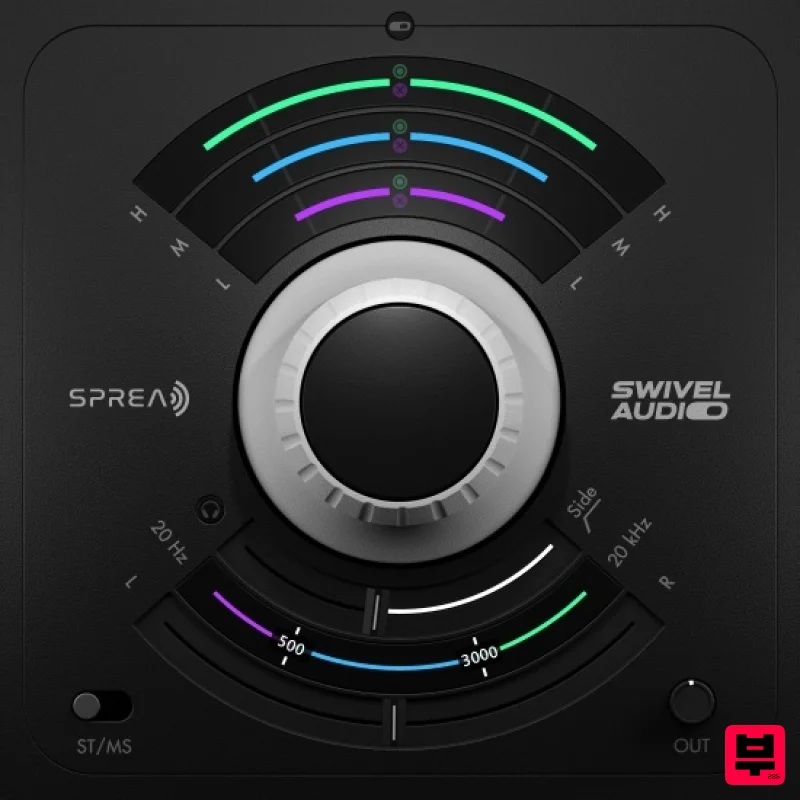
Plugin Alliance Swivel Audio Spread
Stereo Width
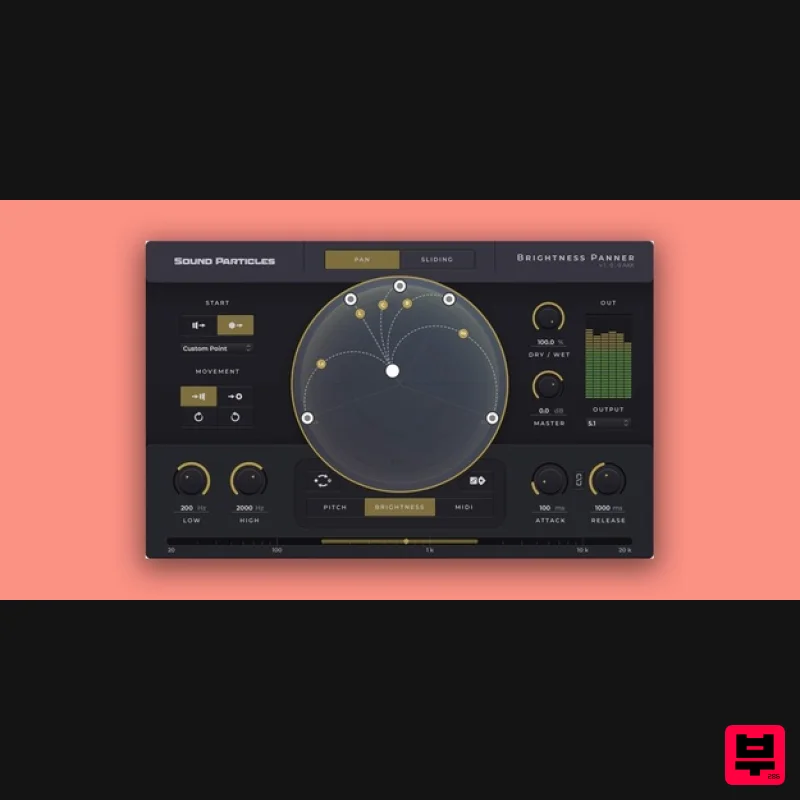
Sound Particles Brightness Panner | Educational Version
Stereo Width
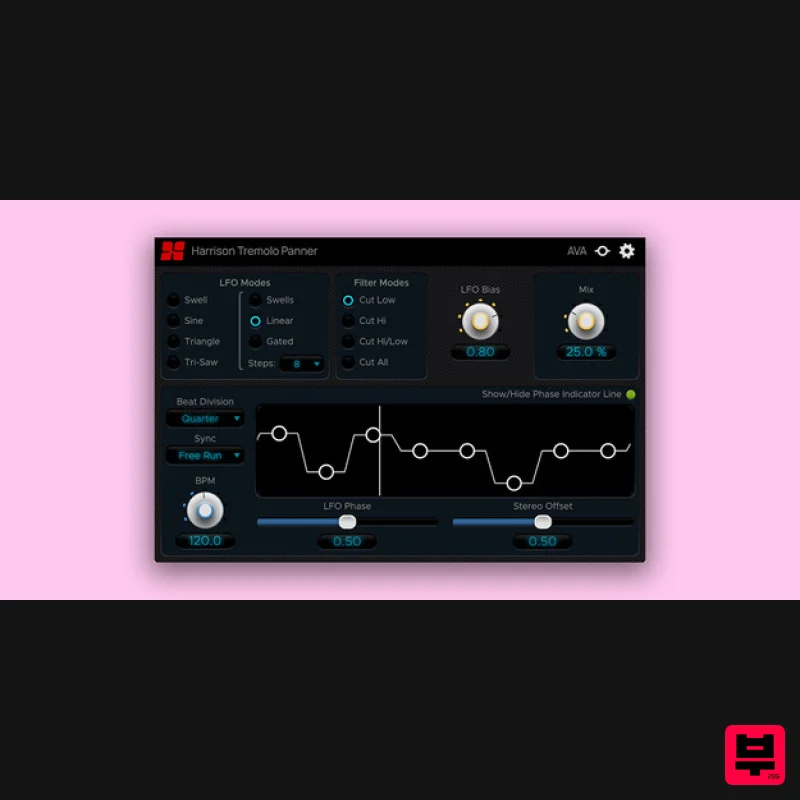
Harrison Consoles Tremolo Panner
Stereo Width
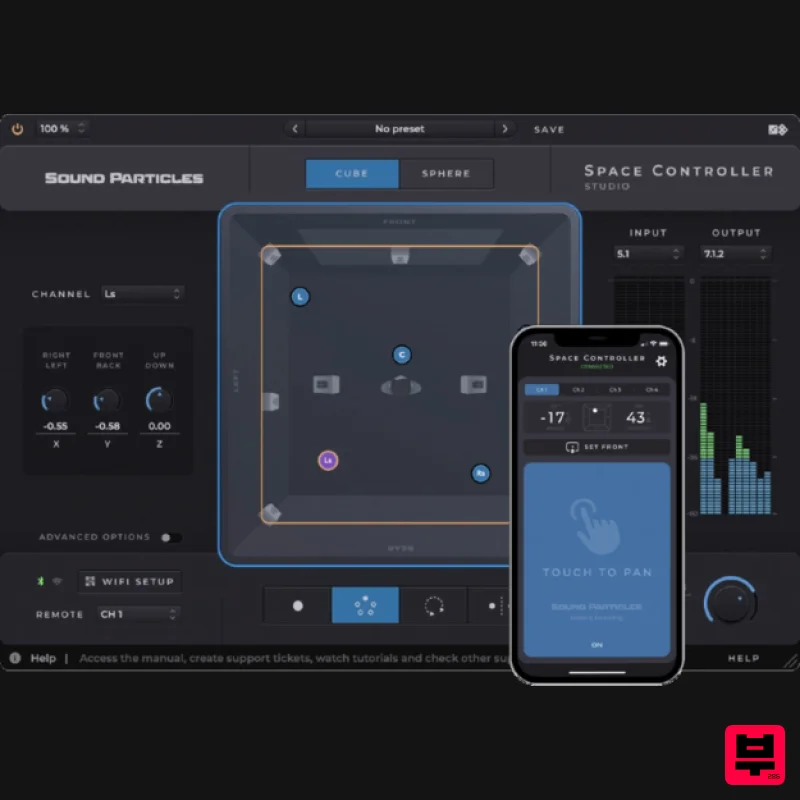
Sound Particles Space Controller Standard | Educational Version
Stereo Width
Sound Particles Space Controller Studio | Educational Version
Stereo Width
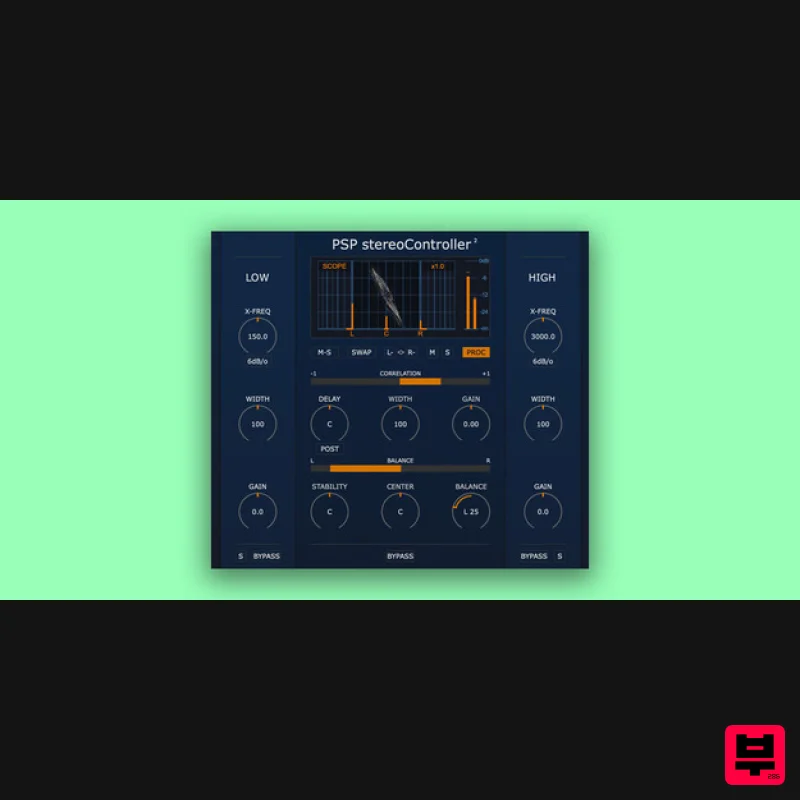
PSP Audioware PSP StereoController2
Stereo Width
Polyverse Wider 2
Stereo Width
Sound Particles Energy Panner | Educational Version
Stereo Width

