
BEATSURFING Beatfader
Professional music gear - detailed information and where to buy
BEATSURFING
Beatfader
Product Info
* Prices may vary. Check retailer for current pricing and availability.
Product Description
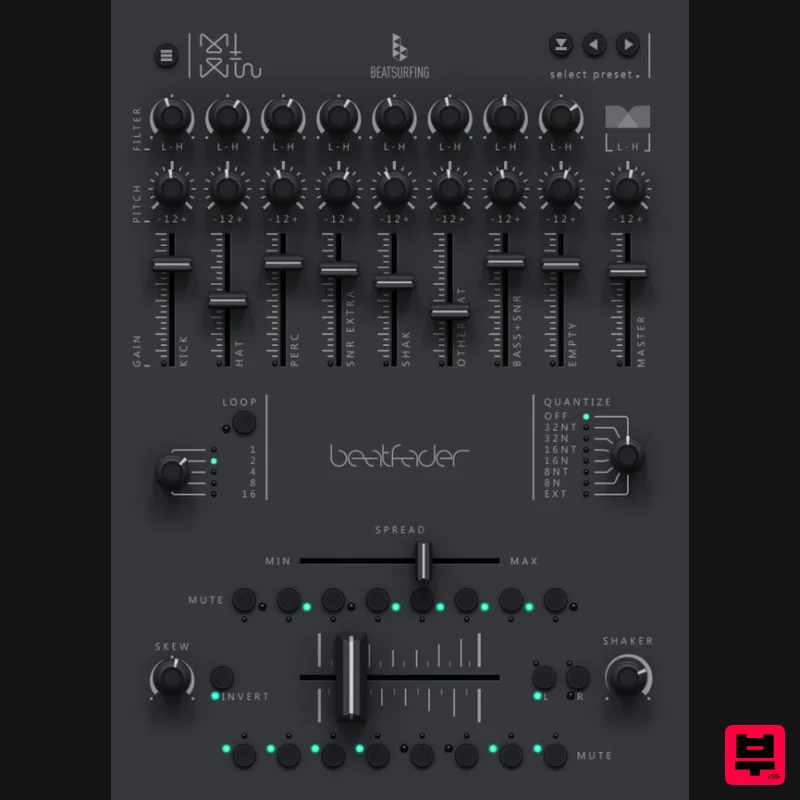
- Play beats with any fader
- knob
- or MIDI controller Beatfader is an audio plugin designed to play beats with any DAW and MIDI-enabled controller or DJ mixer. Universal Compatibility: Play beats on any fader
- knob
- or MIDI controller with seamless ease. Midi out to create your own kits or add more sounds to your setup Loop your performance with selectable loop lengths that allow you to effortlessly live loop your beats Sound Sculpting Mastery: Enjoy individual controls for each sound's gain
- pitch
- and filter to tune your beat to perfection. Quantization Customization: Modify the quantization amount to for a whole new feel to your rhythm's potential. Spread the Magic: Adjust the spread to add margins to the sides of the fader
- compressing the distribution of the notes. Skew your drums: Turn convention on its head by inverting or skewing notes
- offering constant creative versions. Mute for Emphasis: Individually mute each note
- opening the door to captivating transitions and breakdowns. Expansive Sound Library: With loads of kits and the ability to save your own making your drum palette is limitless. <iframe height="600" src="https://vst.beatsurfing.com/beatfader/" width="100%"></iframe> Artists collaboration // Herrmutt Lobby It’s the second in-house Plugin (with 7DeadlySnares) fully made by the co-founders of BEATSURFING
- Herrmutt Lobby. The beatfader was one of their first releases in 2011. It was then a Max for live patch and was number one in the ableton user library for 2 years. Now that BEATSURFING began creating plugins
- they thought it would be nice to share it on a larger scale and build out the features a bit more. Effortless Integration Midi Map the BeatFader plugin to your MIDI-enabled controller or DJ mixer and effortlessly sync it with your preferred DAW. Use MIDI out to create your own kits or add more sounds to your setup Dynamic Live Looping Experience the power of quick
- selectable loop lengths that allow you to effortlessly live loop your beats. The last bars played will loop
- allowing you to quickly overwrite and make a unique loop performance. Fine-tune your beat Each notes channel has individual controls for Gain
- Pitch
- Filter
- or Mute granting you command over each sound. Spread to add margins to the sides of the fader
- compressing the distribution of the notes. (ex. Bunching them in the middle so you can scratch using the side of the fader). Skew or invert to sculpt your beats to perfection. Shape the feel of your beats with intuitive precision
- allowing for a personalized experience. How does beatfader fit 28 notes on the fader? Counter: BeatFader has a built in counter instrument
- this allows for 4 sounds to be triggered on the left or right that can reset each other. Shaker: The shaker plays a note when you change direction. You can tweak the sensitivity to your liking. It plays a note when you go left or right and then transposes other notes according to the kick or snare. System Requirements Windows Windows 10 2GHz Pentium IV processor or equivalent A host that supports 32-bit or 64-bit VST At least 130MB free disk space Formats: VST
- VST3
- AAX Mac macOS 10.15 or later Intel or Apple Silicon processor A host application that supports 64-bit VST or AudioUnit at least 130MB free disk space Formats: AU
- VST3
- AAX Important note: When accessing this software via a Rent to Own plan or the Beatport Studio membership
- it's installed and run through the Beatport Access portal. An internet connection is required every 30 days to validate your license. Please Note: LunchTable is used as an example Mac 1. Download the installer from within your Plugin Boutique User Account and double-click it to extract the contents > Open the .pkg file to begin the installation. 2. Click 'Continue'. 3. Click 'Continue'. 4. Click 'Install'. 5. Click 'Close'. 6. Open your DAW > Open LunchTable. 7. Enter the license code
- found within your Plugin Boutique User Account. Your software is now installed and ready to use within your DAW. PC 1. Download the installer from within your Plugin Boutique User Account and double-click it to extract the contents > Open the .exe file to begin the installation. 2. Select the installation location > Click 'Next'. 3. Click 'Install'. 4. Click 'Finish'. 5. Open your DAW > Open LunchTable. 6. Enter the license code
- found within your Plugin Boutique User Account. Your software is now installed and ready to use within your DAW.
Additional Information
About the BEATSURFING Beatfader
Discover the distinctive sound and feel of the BEATSURFING Beatfader, a standout choice among Drum Machine.
Why Choose the BEATSURFING Beatfader?
- •Authentic BEATSURFING craftsmanship and design
- •Versatile sound suitable for multiple musical genres
- •Professional build quality and reliable performance
- •Part of BEATSURFING's respected Drum Machine lineup
Compare & Explore
Browse our complete selection of BEATSURFING instruments or explore other Drum Machine options. Use our comparison tools to find the perfect match for your musical style and budget.
Similar Products
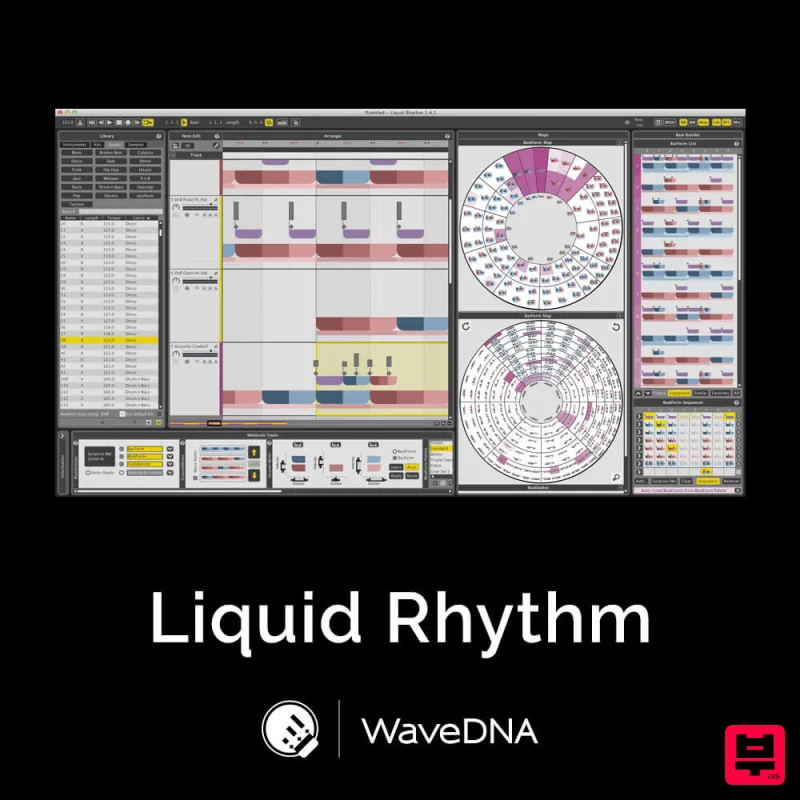
WaveDNA Liquid Rhythm
Drum Machine
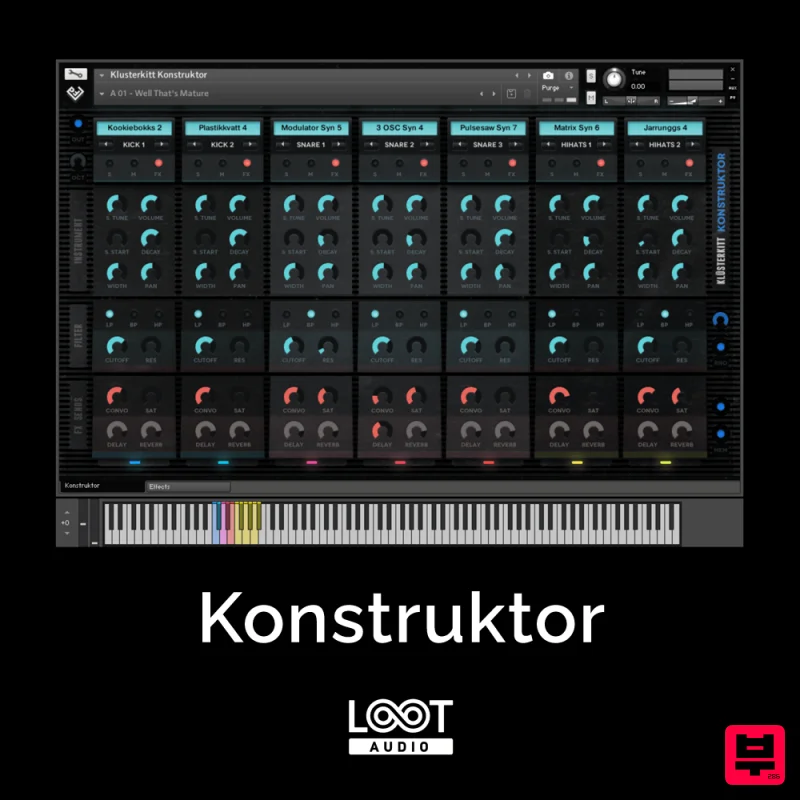
Loot Audio Konstruktor
Drum Machine
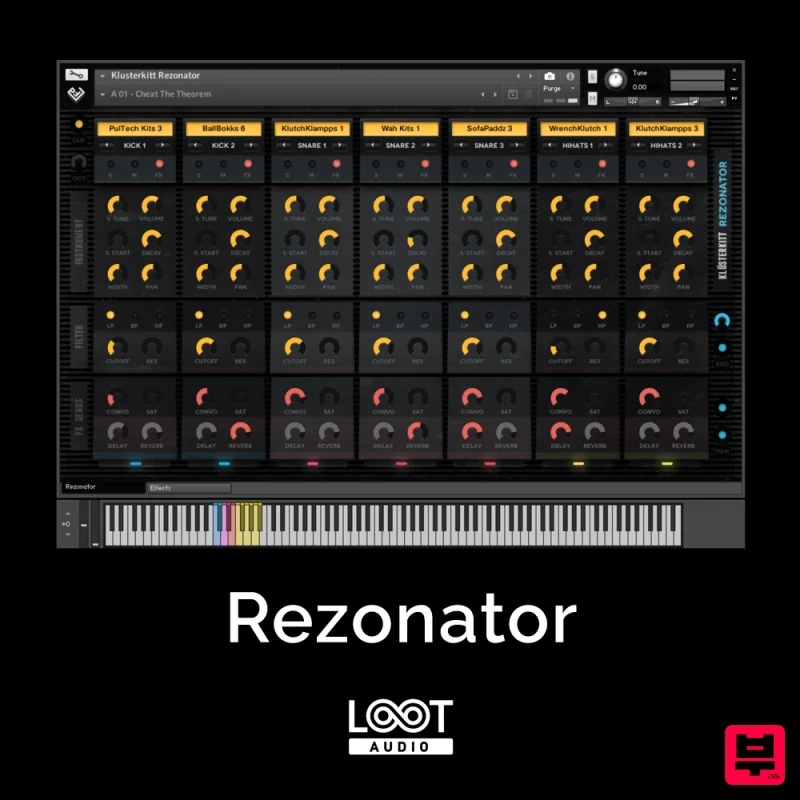
Loot Audio Rezonator
Drum Machine
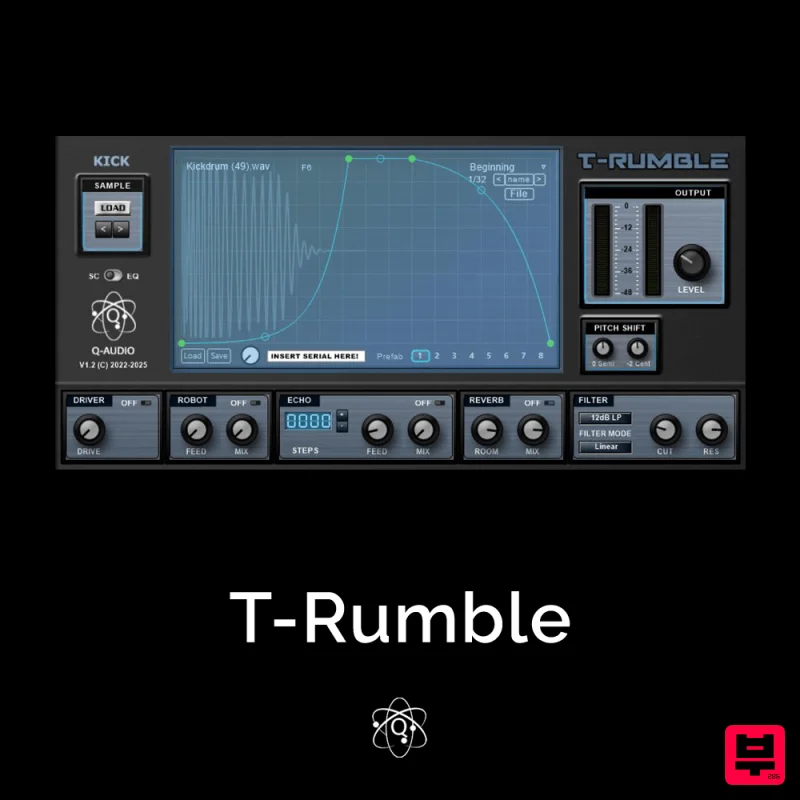
Q-Audio T-Rumble
Drum Machine
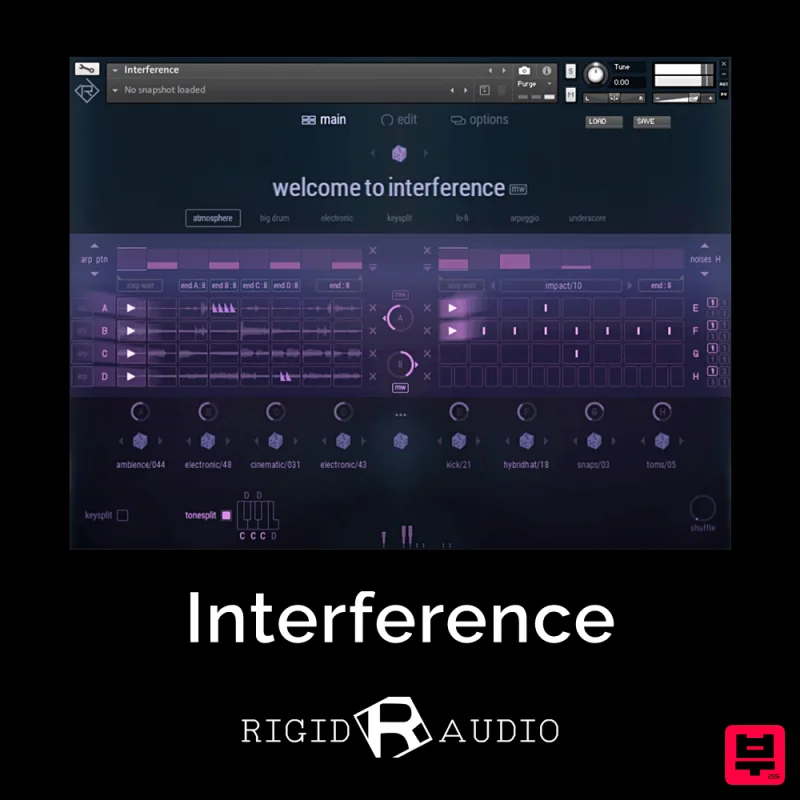
Rigid Audio Interference
Drum Machine
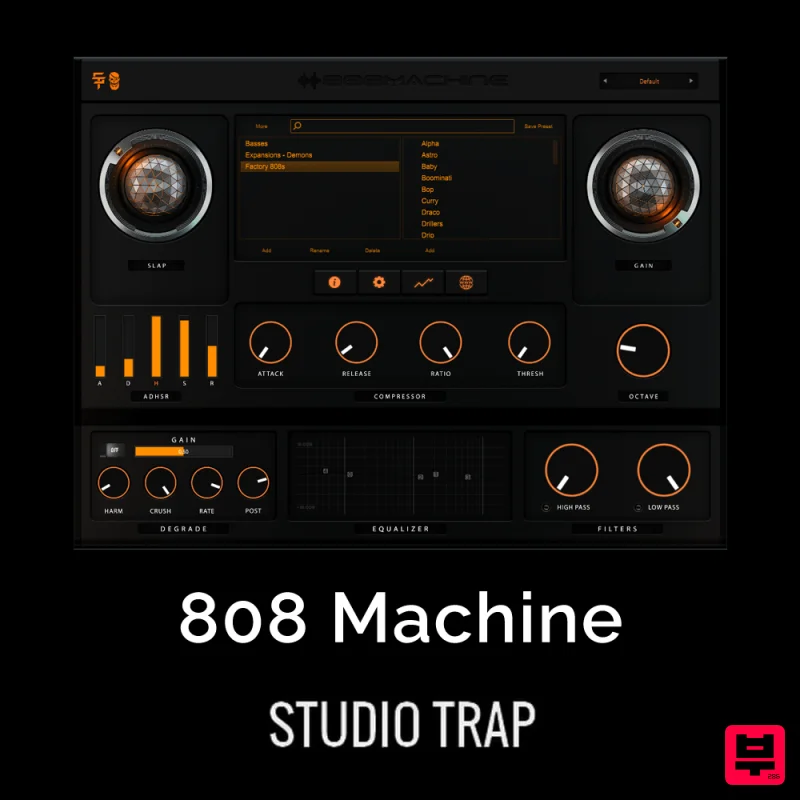
Studio Trap 808 Machine
Drum Machine
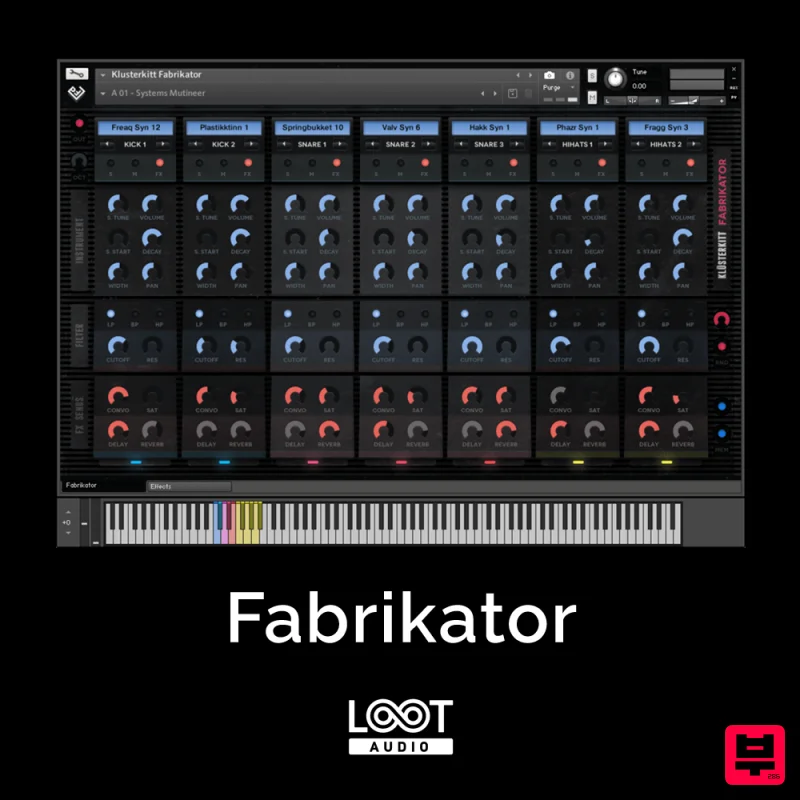
Loot Audio Fabrikator
Drum Machine
ThaLoops Hortator
Drum Machine

