
AudioThing Type B
Professional music gear - detailed information and where to buy
AudioThing
Type B
Product Info
* Prices may vary. Check retailer for current pricing and availability.
Product Description
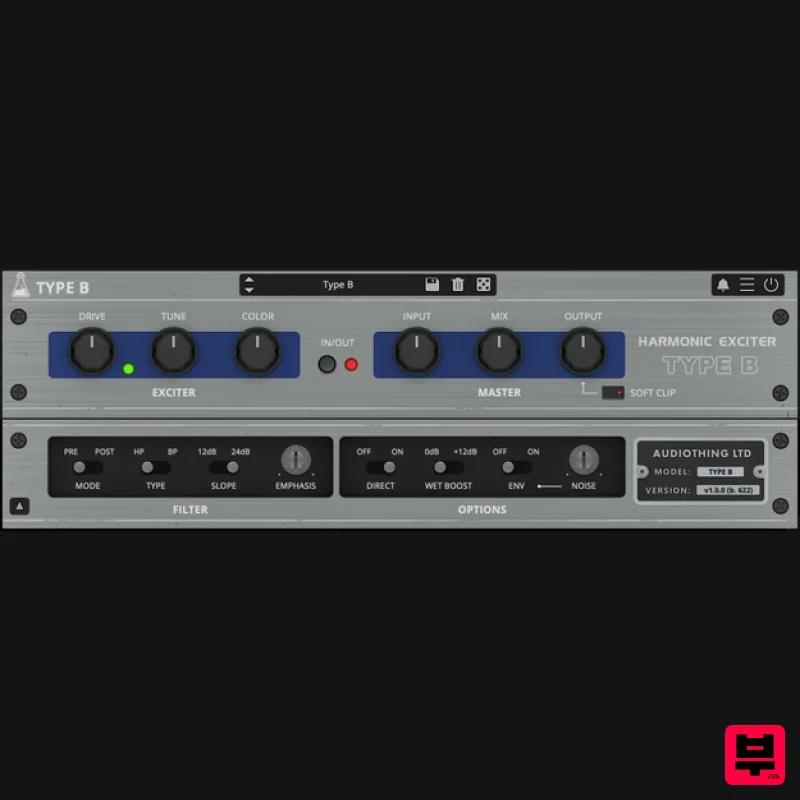
- Vintage Exciter Type B is a plugin inspired by a famous vintage exciter effect. The original unit was designed to add presence and brightness to vocal or instrument tracks. It was often used to enhance dull recordings where the high-frequency content was missing due to tape overdubs. Type B lets you control more aspects of the exciter circuit emulation
- giving you access to the internal filter
- the harmonic generator and more. Additional Features You can show/hide the drop-down panel by clicking on the arrow icon in the bottom left corner of the interface. You’ll get access to: Filter controls: mode (pre/post)
- type (highpass
- bandpass)
- slope (12/24dB)
- emphasis. Additional options: direct signal
- wet boost
- and background noise. How Does It Work? Exciters generate high-frequency content that is not part of the original signal using a combination of filtering and distortion (harmonic generator). The input signal goes into a filter (usually highpass
- but you can also choose bandpass with Type B) before feeding it into the harmonic generator. You have controls over the generated harmonics using the Color parameter. The signal is then mixed back with the dry signal. As an additional feature with Plan B you also have an option to swap the filter position with the Harmonic Generator. Expensive Exciter The original aural exciter algorithm was developed in the mid-1970s by Aphex Systems. At first
- it was available to recording studios only to hire (at a cost of $30 per minute of finished recording time in 1975). Eventually
- its popularity led to the release of commercially available models like the Type B and Type C. Features Vintage Exciter HP/BP Filter with Emphasis Adjustable Unit Noise Oversample up to 16x Resizable Window Preset system with randomizer Light and Dark UI mode System Requirements Windows Windows 7-11 2GHz CPU
- 4 GB RAM VST2
- VST3
- CLAP (64-bit) Mac OS X 10.9 – macOS 13 Apple Silicon (M chips) Native (Universal 2 Binary) 2GHz CPU
- 4 GB RAM VST2
- VST3
- CLAP (64-bit) Universal 2 Binary Please Note: Type B is not affiliated with
- sponsored
- nor endorsed by Aphex Systems / Aural Exciter. Note: Speaker is used as the example. Windows 1. Visit the AudioThing Login/Registration Page and enter your personal details to set up an account > then read the 'Privacy Policy' and tick the box before clicking 'Sign Up'. Note: If you already have an existing AudioThing account
- Login here and skip to step 3 of the installation process. 2. A confirmation email will now be sent to your registered email > click the link within the email to activate your account and Login here. 3. Once logged into your account
- visit the Redeem Page and copy and paste the serial number from your User Account into the box provided > then click 'Redeem'. 4. Download your preferred installer as well as the Activation Licence Key. Note: Click the ‘license.atl’ file
- e.g ‘speaker_license.atl’ to download it to your computer > be sure to save this to a memorable computer location so that you can easily locate and upload it when activating your software. 5. Double-click the compressed folder to reveal the installer file. 6. Double-click the extracted .exe file > click ‘Run' to open the installation window. 7. Read through the license agreement and click ‘I accept the agreement’ > click ‘Next’. 8. Select the component (s) that you wish to install > click ‘Next’. 9. Choose and confirm the 64-bit plugin directory in which to save your software to > click ‘Next’. 10. Choose and confirm the 32-bit plugin directory in which to save your software to > click ‘Next’. 11. Review the installation and click ‘Install’. 12. The installation of your software has successfully completed > click ‘Finish’. Offline Activation 1. Restart your DAW
- and rescan your plugin selection to show the new installation (in the event it fails to appear). 2. Locate and open the plugin on an appropriate track. You will be greeted by the window shown below > click 'Offline'. 3. Load or drag and drop the downloaded Key License File into the box to activate your software. 4. The software is now activated and ready for use within your DAW. Online Activation 1. Restart your DAW
- and rescan your plugin selection to show the new installation (in the event it fails to appear). 2. Locate and open the plugin on an appropriate track. You will be greeted by the window shown below > click 'Online'. 3. Enter your registered account email and password details > click 'Log In'. 4. The software is now activated and ready for use within your DAW. Mac 1. Visit the AudioThing Login/Registration Page and enter your personal details to set up an account > then read the 'Privacy Policy' and tick the box before clicking 'Sign Up'. Note: If you already have an existing AudioThing account
- Login here and skip to step 3 of the installation process. 2. A confirmation email will now be sent to your registered email > click the link within the email to activate your account and Login here. 3. Once logged into your account
- visit the Redeem Page and copy and paste the serial number from your User Account into the box provided > then click 'Redeem'. 4. Download your preferred installer as well as the Activation Licence Key. Note: Click the ‘license.atl’ file
- e.g ‘speaker_license.atl’ to download it to your computer > be sure to save this to a memorable computer location so that you can easily locate and upload it when activating your software. 5. Double-click the .dmg file to open the installer window. 6. Double-click the installer icon to begin the installation process > click ‘Continue’. 7. Read the info and click ‘Continue’. 8. Read the Software License Agreement > click ‘Continue’ and then ‘Agree’. 8. Select the component (s) that you wish to install to your computer
- and click ‘Continue’. 9. Review the installation and click ‘Install’. 10. The installation of your software has successfully completed > click ‘Close’. Offline Activation 1. Restart your DAW
- and rescan your plugin selection to show the new installation (in the event it fails to appear). 2. Locate and open the plugin on an appropriate track. You will be greeted by the window shown below > click 'Offline'. 3. Load or drag and drop the downloaded Key License File into the box to activate your software. 4. The software is now activated and ready for use within your DAW. Online Activation 1. Restart your DAW
- and rescan your plugin selection to show the new installation (in the event it fails to appear). 2. Locate and open the plugin on an appropriate track. You will be greeted by the window shown below > click 'Online'. 3. Enter your registered account email and password details > click 'Log In'. 4. The software is now activated and ready for use within your DAW.
Additional Information
About the AudioThing Type B
Discover the distinctive sound and feel of the AudioThing Type B, a standout choice among Exciter.
Why Choose the AudioThing Type B?
- •Authentic AudioThing craftsmanship and design
- •Versatile sound suitable for multiple musical genres
- •Professional build quality and reliable performance
- •Part of AudioThing's respected Exciter lineup
Compare & Explore
Browse our complete selection of AudioThing instruments or explore other Exciter options. Use our comparison tools to find the perfect match for your musical style and budget.
Similar Products
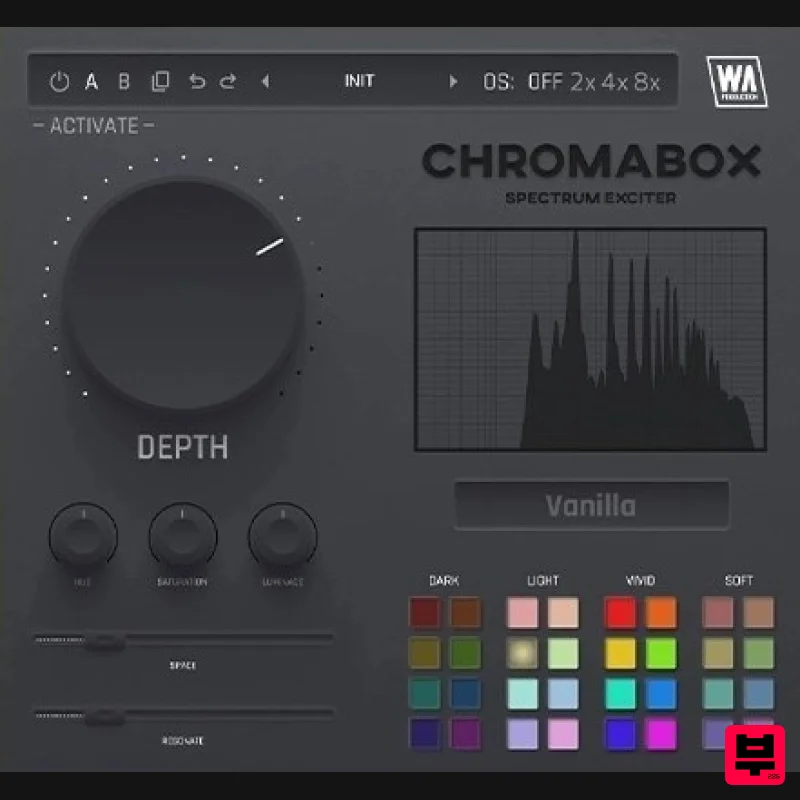
W. A. Production ChromaBox
Exciter
$13
Spectrum Exciter Have you ever had one of those moments where you just want to click a button and hear your sound come...
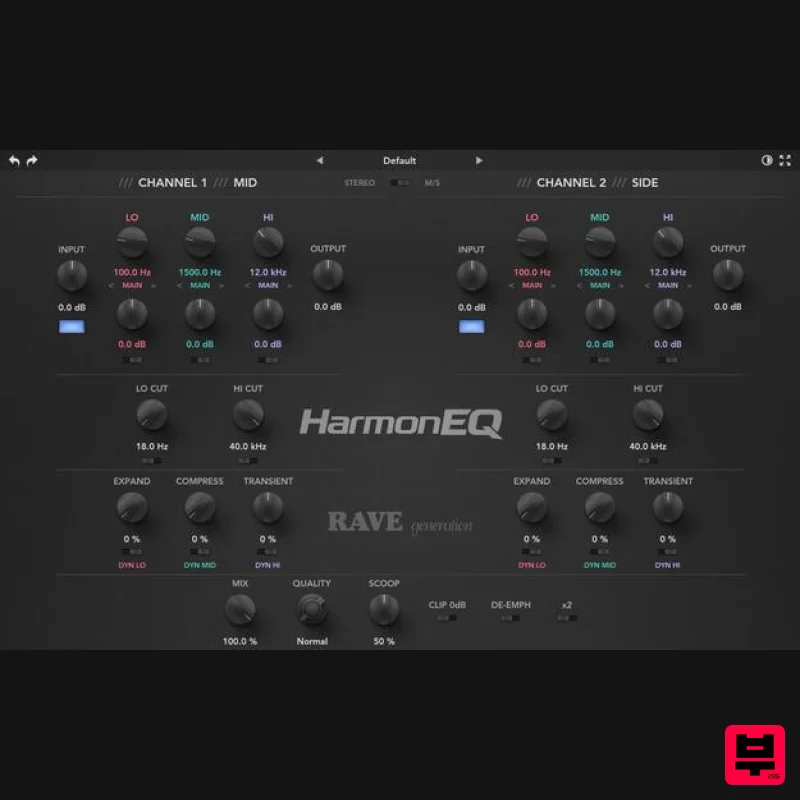
Rave Generation HarmonEQ
Exciter
$52
HarmonEQ is a harmonic exciter EQ plugin that adds musical harmonics and saturation to your audio. Unlike traditional...
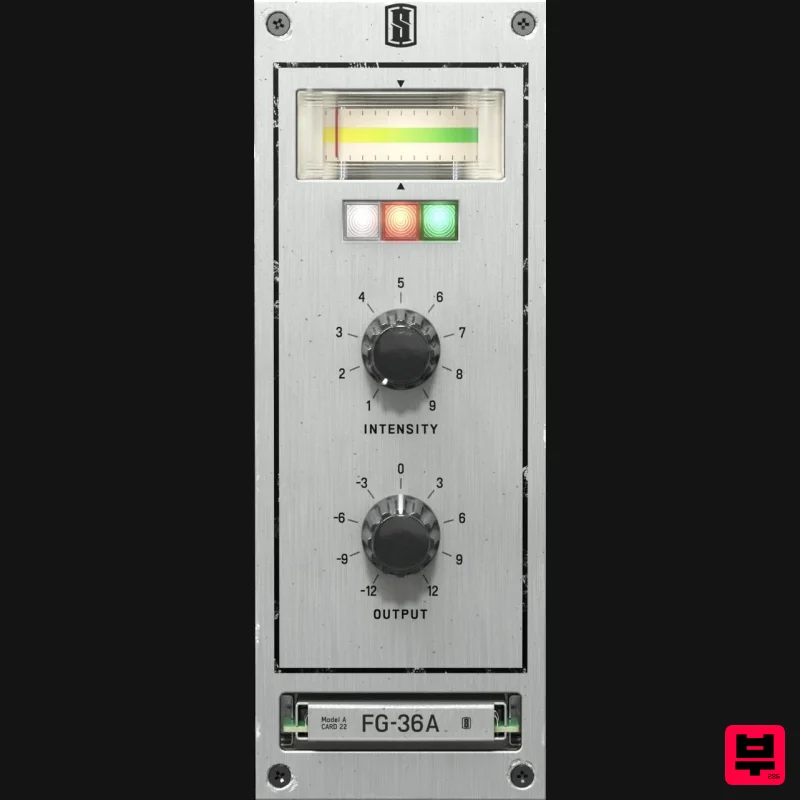
Slate Digital FG-36A
Exciter
$51
FG-36A is a faithful emulation of the legendary vintage exciter from the 1960s, bringing all the shimmer and sparkle of...
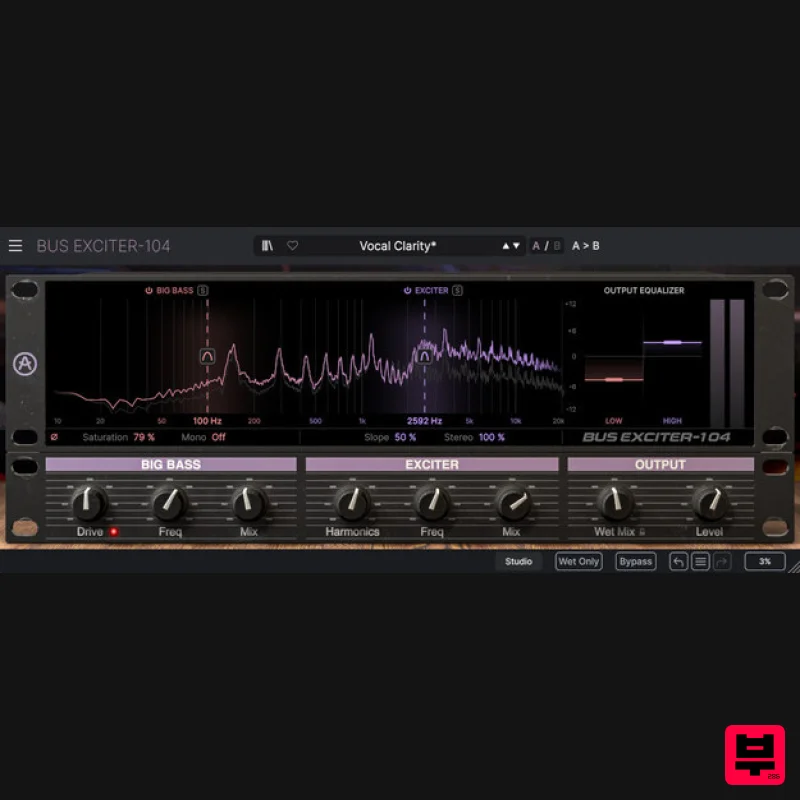
Arturia Bus EXCITER-104
Exciter
$104
Bus Exciter-104 recreates the classic audio signal enhancer, inviting you to beef up your kicks, add vocal presence and...
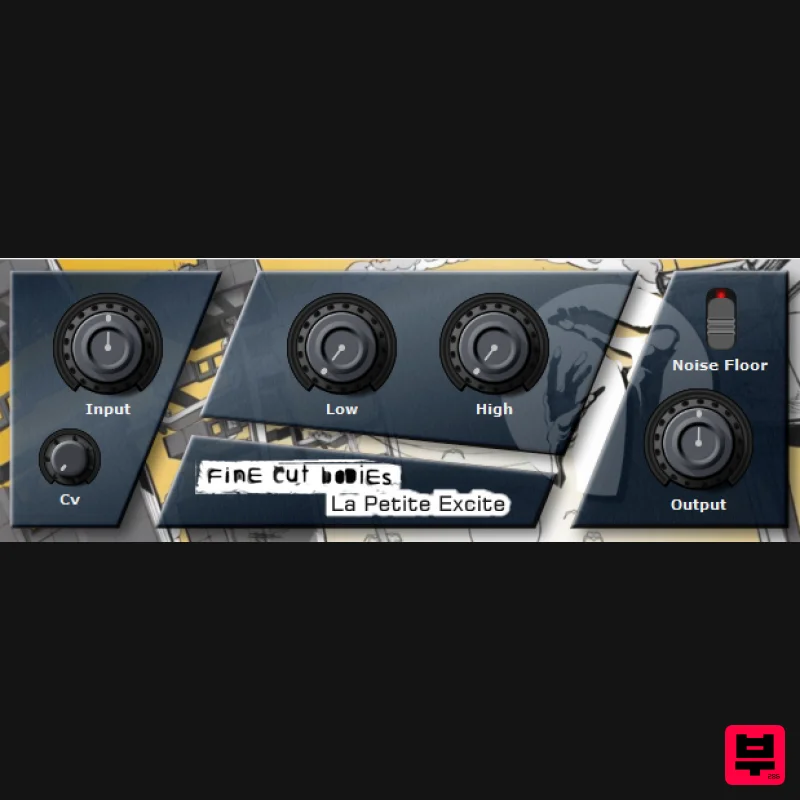
Fine Cut Bodies La Petite Excite
Exciter
Free
"La Petite Excite" is a exciter plugin and it can lead you into a brighter future when used wisely. System Requirements...
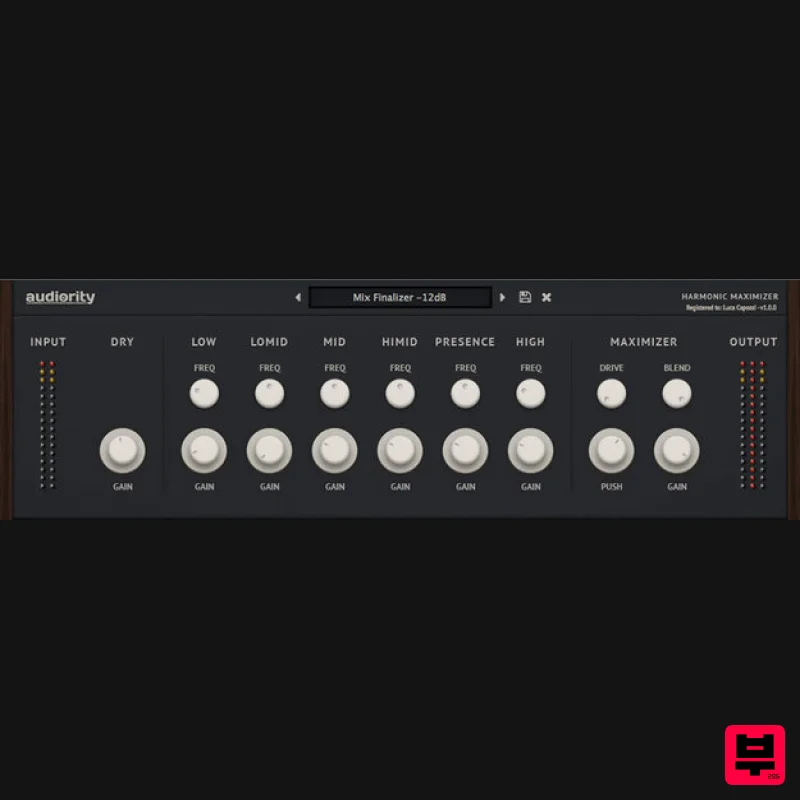
Audiority Harmonic Maximizer
Exciter
$47
Multi-band Exciter and Loudness Maximizer Harmonic Maximizer is a multi-band exciter and loudness shaping plugin that...
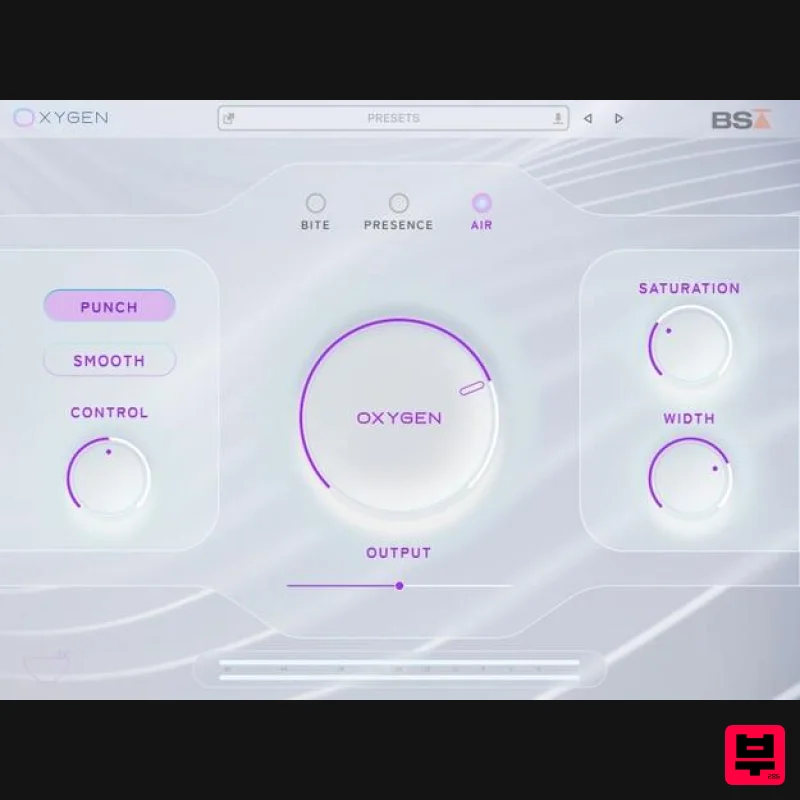
Black Salt Audio Oxygen
Exciter
$89
Breathe Life Into Your Mix Silky Top End Without The Harshness Oxygen uses a unique process to control & enhance the...
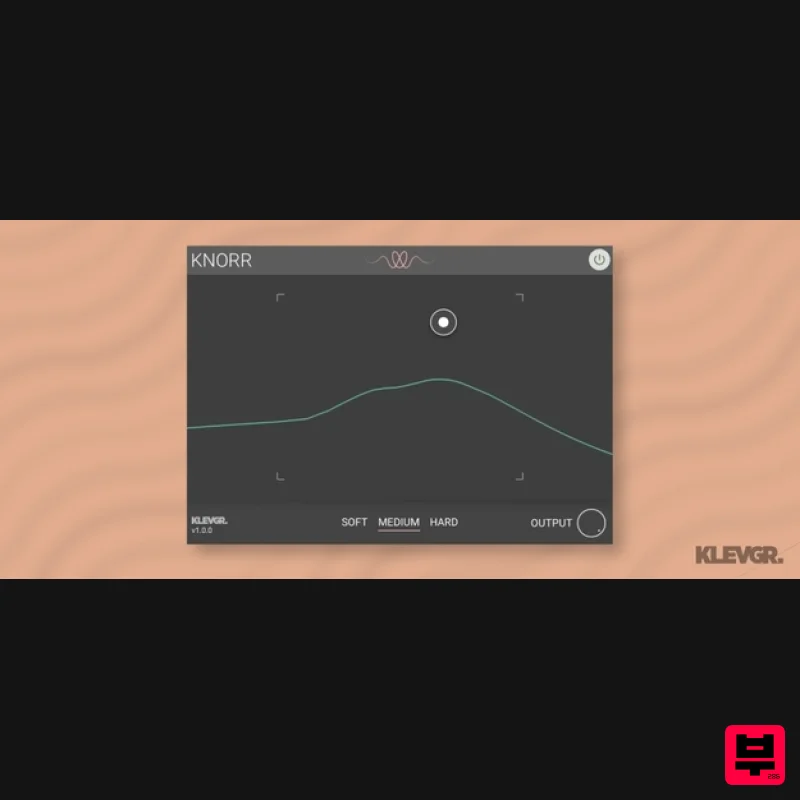
Klevgrand Knorr
Exciter
$28
Bass Vitalizer Wake up your low end Knorr is a plugin that adds intensity and edge to a monophonic low-frequency audio...
Frequently Asked Questions
The AudioThing Type B stands out for its exceptional AudioThing craftsmanship and innovative design.
Yes! With its affordable price point and quality construction, it's perfect for learning exciter.
Browse the similar products section to see how it stacks up against other exciter.

