
AudioThing Reels
Professional music gear - detailed information and where to buy
AudioThing
Reels
Product Info
* Prices may vary. Check retailer for current pricing and availability.
Product Description
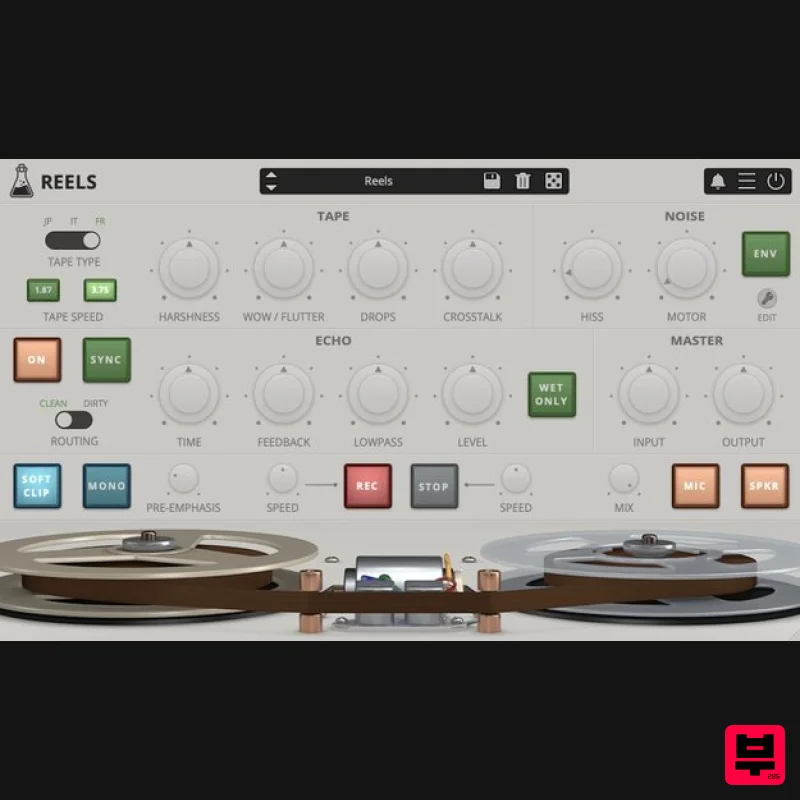
- Reel To Reel Reels is a tape emulation plugin with a built-in echo section and tape-stop effect. Based on an old Japanese portable tape recorder with a very distinct Lo-Fi analogue sound
- Reels emulates all the imperfections of consumer reel-to-reel recorders. AudioThing has modelled three different 1/4” tape frequency responses and saturations
- along with all the analogue imperfections of tape recording/playback. Reels will add a very rough retro analogue sound to your mixes. If you are looking for a Hi-Fi mastering tape emulation
- this is not the plugin for you! Portable Tape Recorder Reels is based on a vintage Japanese reel to reel
- ironically marked as High Fidelity
- found in a distressed state at a local flea market. Most of these consumer tape recorders
- also due to their age
- produce has a very rough Lo-Fi analogue sound. During recording or playback
- the motor noise somehow bleeds in
- along with the usual tape hiss
- limiting the actual bandwidth available on the tape. Reels recreates all the imperfection of consumer reel-to-reel vintage recorders
- including: Harshness - Harmonic distortion with loss of clarity (mid-range) WOW / Flutter - Pitch instabilities due to recording and playback issues Ducking - Random volume loss due to tape or rec/play head imperfections Crosstalk - The leak between the left and right channels in a stereo signal Hiss - High-frequency noise caused by the magnetic particles in the tape Motor - Mid-frequency noise caused by the reels motor Tape Start and Stop When you press stop on a reel-to-reel player
- the tape doesn’t stop immediately. Instead
- it gradually slows down creating a pitch down and fade-out effect. The same thing happens in reverse
- if you hit play
- the tape gradually speeds up creating a pitch up and fade in effect. You can replicate this effect with Reels
- and you can also change the speed of the start/stop effect. Tape Modeling AudioThing has modelled three different tape types
- from ruined to NOS (new old stock) state. The tape types are named after the country of origin: JP (Japan)
- IT (Italy)
- FR (France). JP - Used tape but with an overall better frequency response IT - New old stock but with a limited frequency response FR - Overused and badly stored
- very bad state Each tape will affect the sound in different ways
- especially at higher feedback settings when using the Echo section. WOW / Flutter
- Ducking and other parameters will also change according to the selected tape
- creating different amounts of pitch and volume changes. Features Vintage Tape Emulation Tape Start and Tape Stop Effect 3 Tape types Echo Section Speaker and Mic Emulation Hiss and Motor noise with Envelope 50 Presets Resizable Window Preset system with randomizer <iframe allow="autoplay" frameborder="no" height="450" src="https://w.soundcloud.com/player/?url=https%3A//api.soundcloud.com/playlists/soundcloud%253Aplaylists%253A621662775&color=%23ff5500&auto_play=false&hide_related=false&show_comments=true&show_user=true&show_reposts=false&show_teaser=true" width="100%"></iframe> AudioThing · Reels Windows Windows 7-11 2GHz CPU
- 4 GB RAM VST2
- VST3
- CLAP (64-bit) Mac OS X 10.13 – macOS 14 Apple Silicon (M chips) Native (Universal 2 Binary) 2GHz CPU
- 4 GB RAM VST2
- VST3
- CLAP (64-bit) Universal 2 Binary Note: Wave Box is used as the example. Windows 1. Visit the AudioThing Account Signup Page and enter your personal details to set up an account. Click the Verification and "I've read and agree to the Privacy Policy" > Click Sign Up. Note: If you already have an existing AudioThing account
- Login here and skip to step 3 of the installation process. 2. A confirmation email will now be sent to your registered email > click the link within the email to activate your account and Login here. 3. Once logged into your account
- visit the Redeem Page and enter Redeem Code from your Plugin Boutique User Account into the box > Click 'Redeem'. 4. Download the PC installer and the Offline Activation License. Note: Save the Offline Activation License to a memorable location on your computer for activating the software. 5. Double-click the downloaded .zip folder to extract its contents. 6. Double-click the extracted .exe file > click 'I accept the agreement and click 'Next'. 7. Click 'Next'. 8. Select the components that you wish to install > Click ‘Next’. 9. Click ‘Next’. 10. Click 'Install'. 11. Click ‘Finish’. Offline Activation 1. Open Wave Box inside of your DAW > Click 'Offline'. 2. Click 'Load Licence File' and navigate to your Offline Activation License. 3. Click the X to close the box. The software is now activated and ready to use inside your DAW! Online Activation 1. Open Wave Box inside of your DAW > Click 'Online'. 2. Enter your AudioThing email and password > Click 'Log In'. 3. Click the X to close the box. The software is now activated and ready to use inside your DAW! Mac 1. Visit the AudioThing Account Signup Page and enter your personal details to set up an account. Click the Verification and "I've read and agree to the Privacy Policy" > Click Sign Up. Note: If you already have an existing AudioThing account
- Login here and skip to step 3 of the installation process. 2. A confirmation email will now be sent to your registered email > click the link within the email to activate your account and Login here. 3. Once logged into your account
- visit the Redeem Page and enter Redeem Code from your Plugin Boutique User Account into the box > Click 'Redeem'. 4. Download the MAC installer and the Offline Activation License. Note: Save the Offline Activation License to a memorable location on your computer for activating the software. 5. Double-click the downloaded .dmg folder to extract its contents > Double-click the .pkg file to run the installer 6. Click 'Continue'. 7. Click ‘Continue’. 8. Click 'Continue'. 9. Click ‘Agree’. 10. Select the components you would like to install > Click 'Continue'. 11. Click ‘Install’. 12. Click 'Close'. Offline Activation 1. Open Wave Box inside of your DAW > Click 'Offline'. 2. Click 'Load Licence File' and navigate to your Offline Activation License. 3. Click the X to close the box. The software is now activated and ready to use inside your DAW! Online Activation 1. Open Wave Box inside of your DAW > Click 'Online'. 2. Enter your AudioThing email and password > Click 'Log In'. 3. Click the X to close the box. The software is now activated and ready to use inside your DAW!
Additional Information
About the AudioThing Reels
Experience the quality and tone that makes the AudioThing Reels a popular choice for musicians.
Why Choose the AudioThing Reels?
- •Authentic AudioThing craftsmanship and design
- •Versatile sound suitable for multiple musical genres
- •Professional build quality and reliable performance
- •Part of AudioThing's respected Tape Emulation lineup
Compare & Explore
Browse our complete selection of AudioThing instruments or explore other Tape Emulation options. Use our comparison tools to find the perfect match for your musical style and budget.
Similar Products
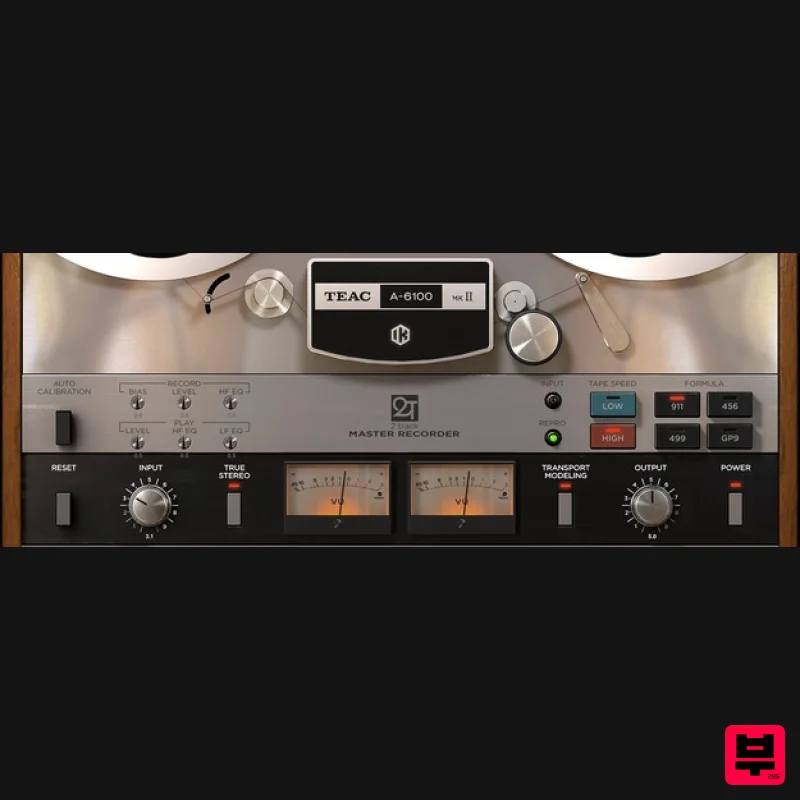
IK Multimedia TEAC A-6100 MKII
Tape Emulation
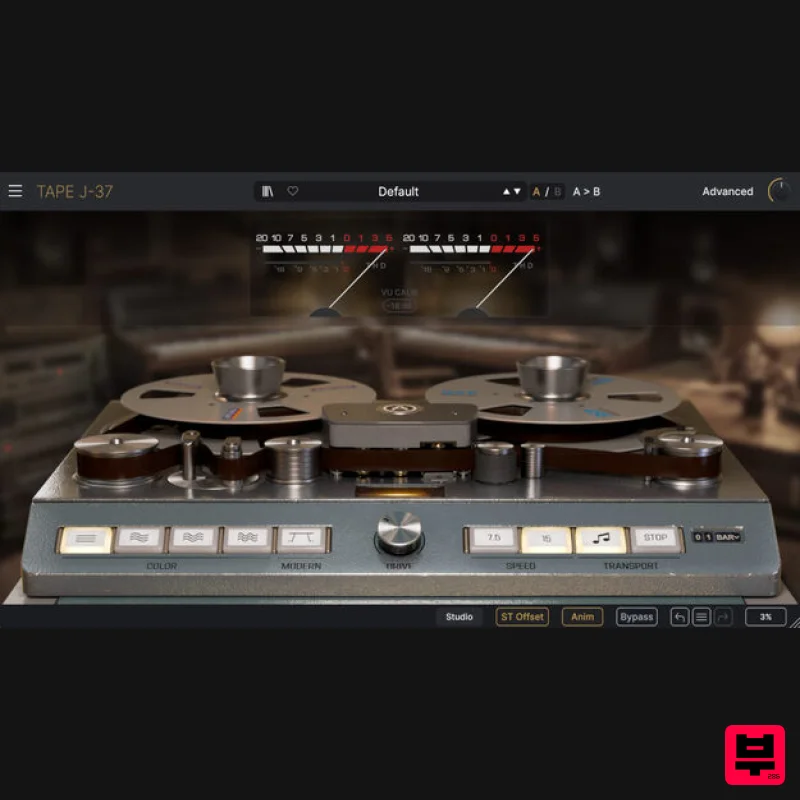
Arturia Tape J-37
Tape Emulation
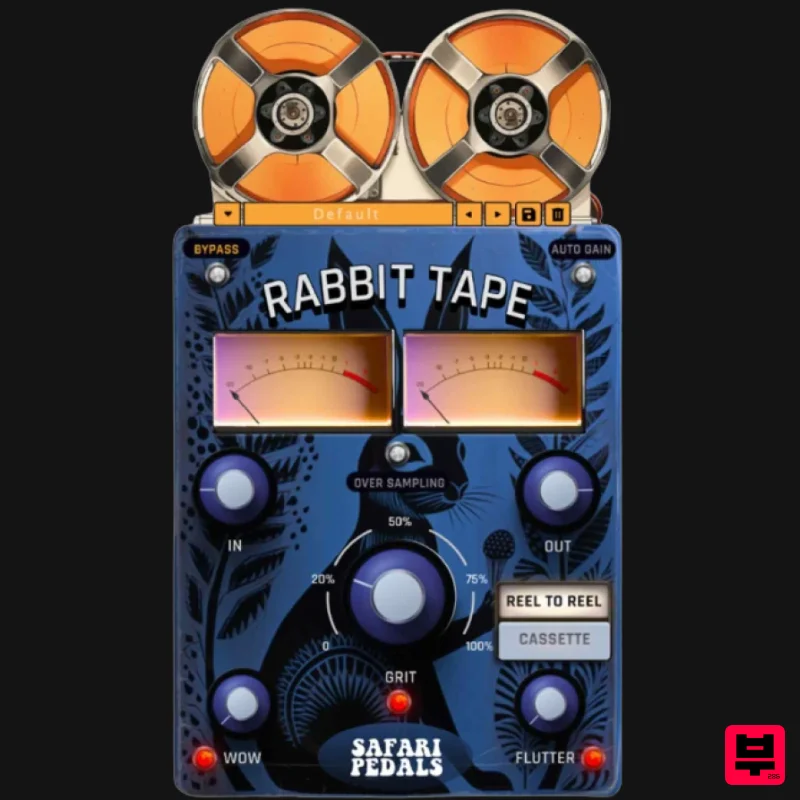
Safari Audio Rabbit Tape
Tape Emulation
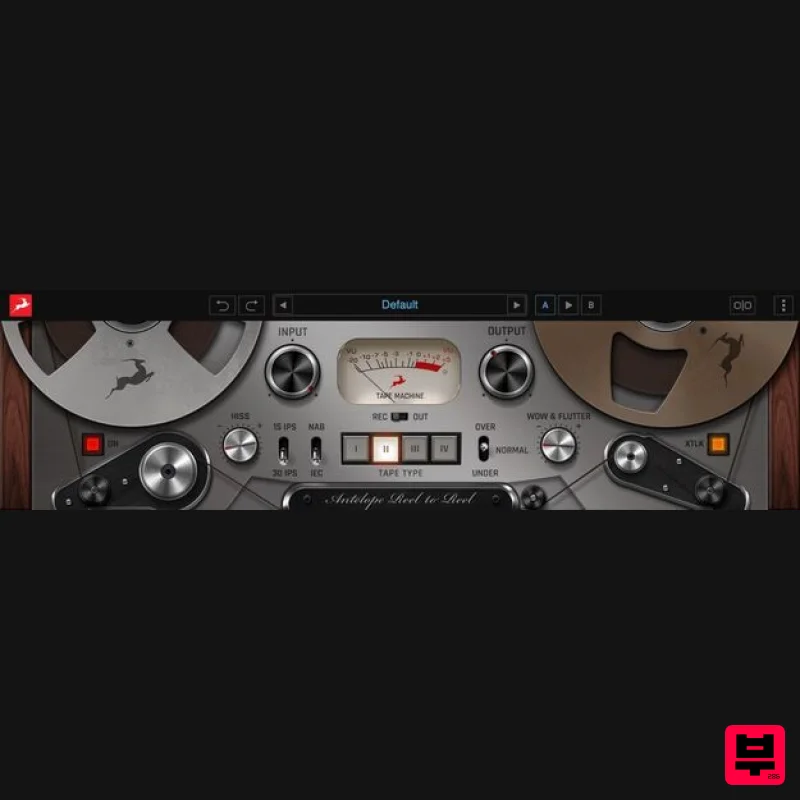
Antelope Audio Reel-To-Reel
Tape Emulation
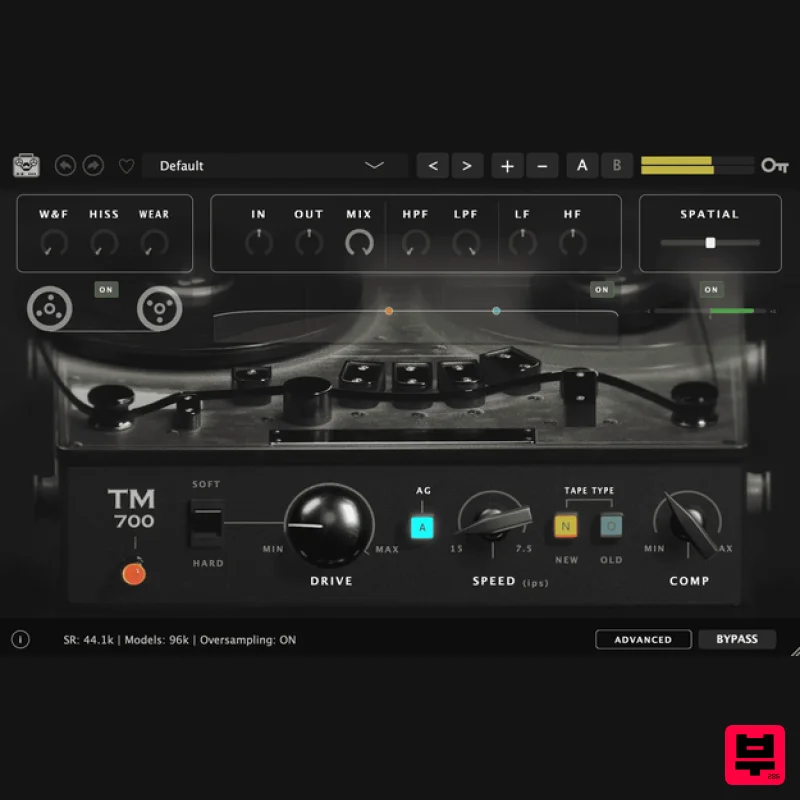
Tone Empire TM700 V3
Tape Emulation
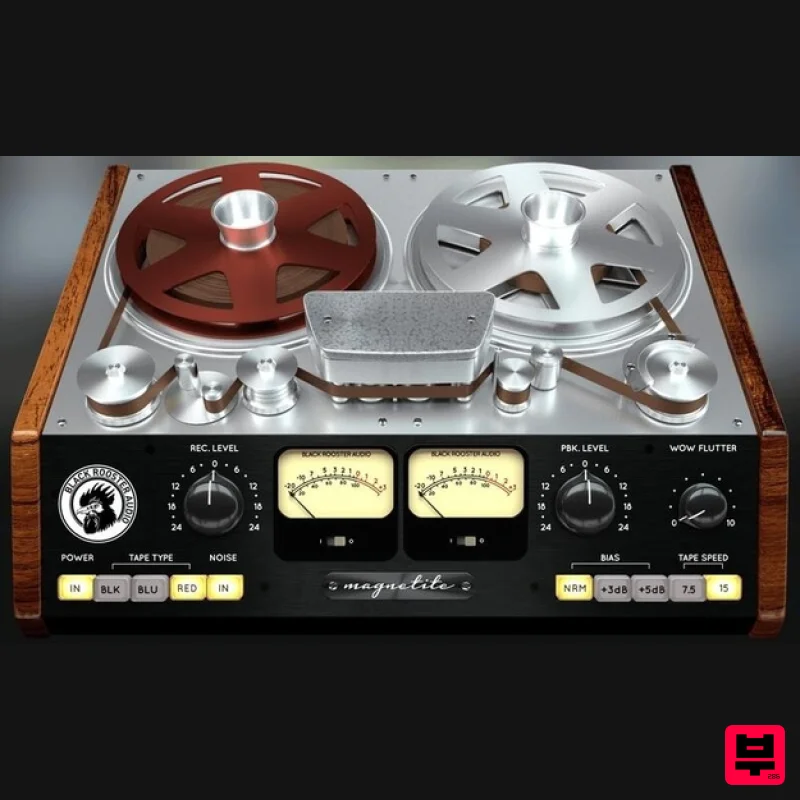
Black Rooster Audio Magnetite
Tape Emulation
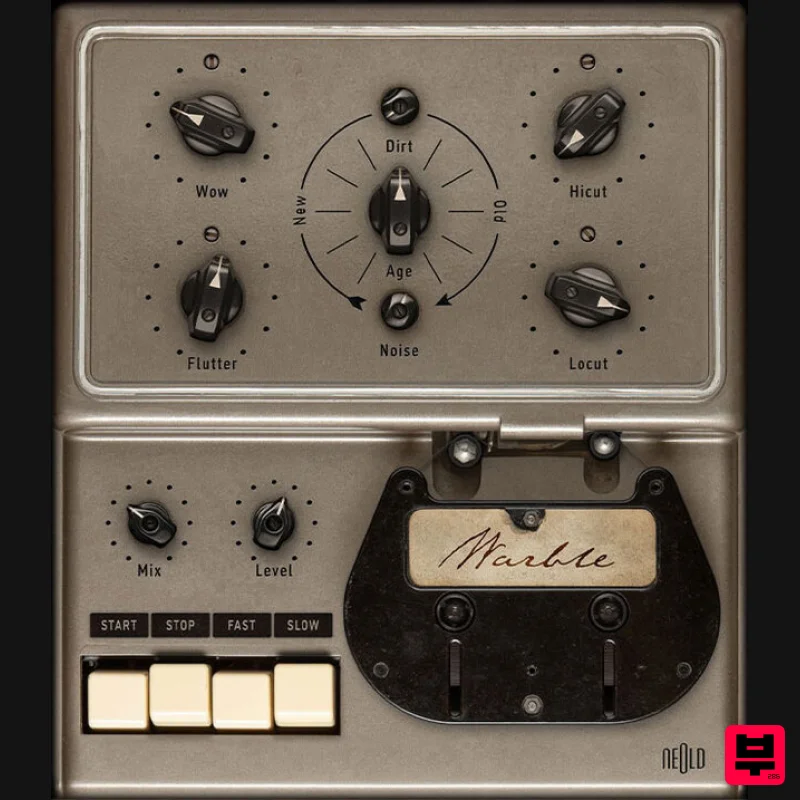
Plugin Alliance NEOLD WARBLE
Tape Emulation
Native Instruments Tape Wobble
Tape Emulation

