
AudioThing Phase Motion 2
Professional music gear - detailed information and where to buy
AudioThing
Phase Motion 2
Product Info
* Prices may vary. Check retailer for current pricing and availability.
Product Description
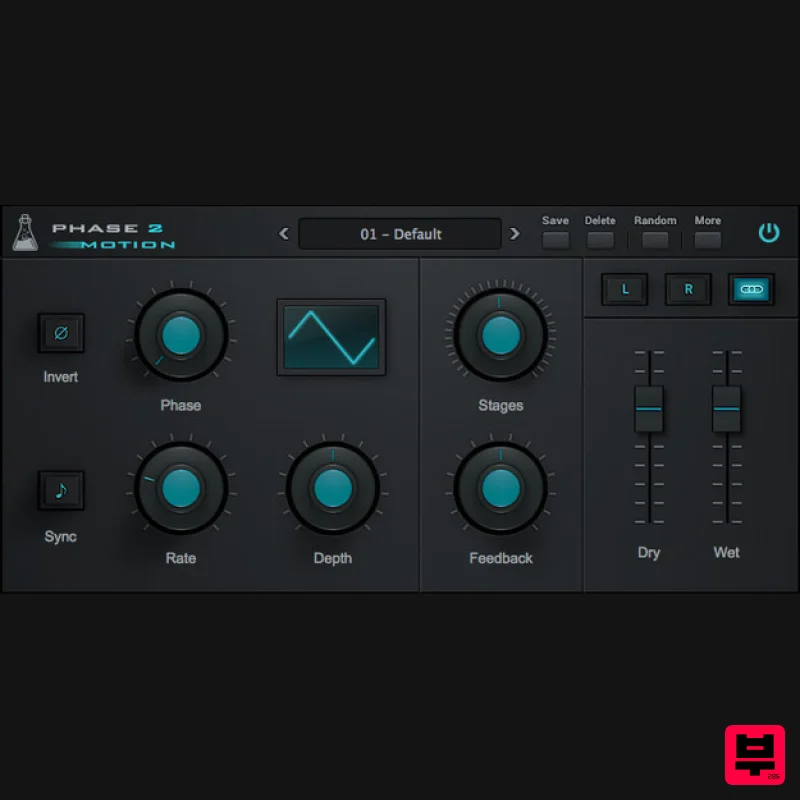
- Advanced Stereo Phaser Phase Motion 2 is a stereo phaser plugin featuring up to 32 phasing stages. The Rate can be adjusted in Hertz or it can be synced to the host/DAW tempo. You can choose 6 waveforms (sine
- triangle
- ramp up
- rump down
- square
- random) to modulate the phase
- and you can tweak Depth and Feedback to get a classic vintage phaser sound or extreme digital modulations. From version 2 you can have different settings for the left and right channel. Phase Motion 2 is a stereo phaser
- meaning you can have different settings on each channel. Essentially it is like having two phasers
- one for the Left and one for the Right channel. Phase Motion 2 - Stereo Selector By clicking on the L or R button
- the parameters will only control the selected channel. Instead
- when the Link icon is selected
- both L and R parameters will be affected. Tips to make a thicker stereo phaser sound: Have the same settings on both L and R channel
- but slightly change one or two parameters on one channel only Have a positive amount of Feedback on one channel
- and a negative amount on the other channel Use the Invert button only on one channel Features 32 Phasing Stages 6 LFO Waveforms Rate can be synced to the host tempo Preset system with randomizer Formats: VST
- and AAX (64-bit only) Platforms: OSX
- Windows System Requirements Windows Windows 7-11 2GHz CPU
- 4 GB RAM VST2
- VST3
- CLAP (64-bit) Mac OS X 10.9 – macOS 14 Apple Silicon (M chips) Native (Universal 2 Binary) 2GHz CPU
- 4 GB RAM VST2
- VST3
- CLAP (64-bit) Universal 2 Binary Awards Computer Music Magazine "Good sound
- affordable
- versatile and easy to use. Phase Motion sounds the business
- boasts a decent feature set and couldn’t be easier to get to grips with - 4/5". Note: Wave Box is used as the example. Windows 1. Visit the AudioThing Account Signup Page and enter your personal details to set up an account. Click the Verification and "I've read and agree to the Privacy Policy" > Click Sign Up. Note: If you already have an existing AudioThing account
- Login here and skip to step 3 of the installation process. 2. A confirmation email will now be sent to your registered email > click the link within the email to activate your account and Login here. 3. Once logged into your account
- visit the Redeem Page and enter Redeem Code from your Plugin Boutique User Account into the box > Click 'Redeem'. 4. Download the PC installer and the Offline Activation License. Note: Save the Offline Activation License to a memorable location on your computer for activating the software. 5. Double-click the downloaded .zip folder to extract its contents. 6. Double-click the extracted .exe file > click 'I accept the agreement and click 'Next'. 7. Click 'Next'. 8. Select the components that you wish to install > Click ‘Next’. 9. Click ‘Next’. 10. Click 'Install'. 11. Click ‘Finish’. Offline Activation 1. Open Wave Box inside of your DAW > Click 'Offline'. 2. Click 'Load Licence File' and navigate to your Offline Activation License. 3. Click the X to close the box. The software is now activated and ready to use inside your DAW! Online Activation 1. Open Wave Box inside of your DAW > Click 'Online'. 2. Enter your AudioThing email and password > Click 'Log In'. 3. Click the X to close the box. The software is now activated and ready to use inside your DAW! Mac 1. Visit the AudioThing Account Signup Page and enter your personal details to set up an account. Click the Verification and "I've read and agree to the Privacy Policy" > Click Sign Up. Note: If you already have an existing AudioThing account
- Login here and skip to step 3 of the installation process. 2. A confirmation email will now be sent to your registered email > click the link within the email to activate your account and Login here. 3. Once logged into your account
- visit the Redeem Page and enter Redeem Code from your Plugin Boutique User Account into the box > Click 'Redeem'. 4. Download the MAC installer and the Offline Activation License. Note: Save the Offline Activation License to a memorable location on your computer for activating the software. 5. Double-click the downloaded .dmg folder to extract its contents > Double-click the .pkg file to run the installer 6. Click 'Continue'. 7. Click ‘Continue’. 8. Click 'Continue'. 9. Click ‘Agree’. 10. Select the components you would like to install > Click 'Continue'. 11. Click ‘Install’. 12. Click 'Close'. Offline Activation 1. Open Wave Box inside of your DAW > Click 'Offline'. 2. Click 'Load Licence File' and navigate to your Offline Activation License. 3. Click the X to close the box. The software is now activated and ready to use inside your DAW! Online Activation 1. Open Wave Box inside of your DAW > Click 'Online'. 2. Enter your AudioThing email and password > Click 'Log In'. 3. Click the X to close the box. The software is now activated and ready to use inside your DAW!
Additional Information
About the AudioThing Phase Motion 2
The AudioThing Phase Motion 2 combines traditional design with modern performance for Phaser enthusiasts.
Why Choose the AudioThing Phase Motion 2?
- •Authentic AudioThing craftsmanship and design
- •Versatile sound suitable for multiple musical genres
- •Professional build quality and reliable performance
- •Part of AudioThing's respected Phaser lineup
Compare & Explore
Browse our complete selection of AudioThing instruments or explore other Phaser options. Use our comparison tools to find the perfect match for your musical style and budget.
Similar Products
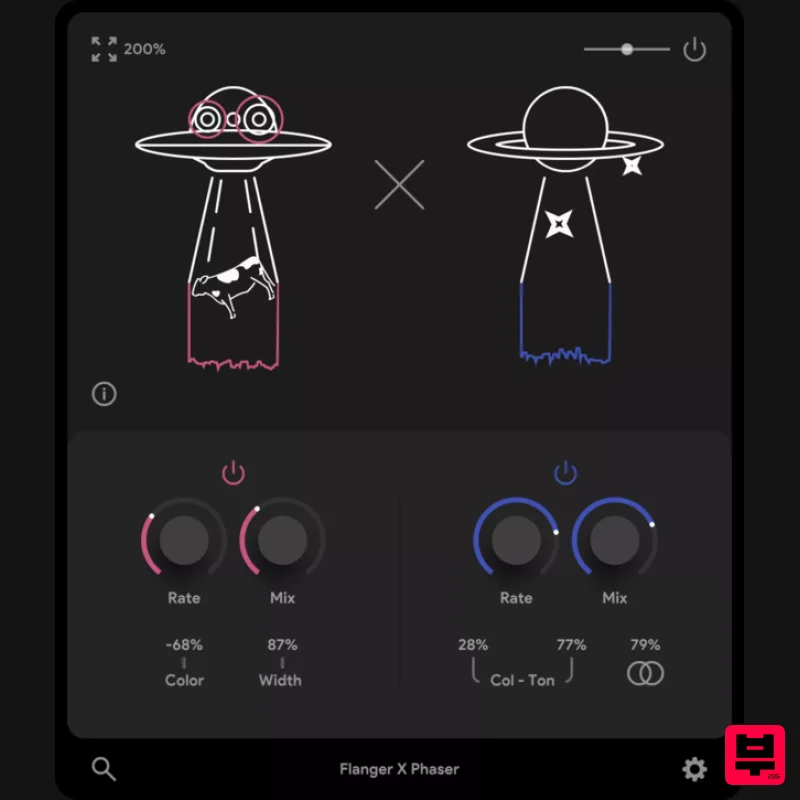
Thenatan Audio FlangerPhaser
Phaser
$35
This plugin is an excellent tool for enhancing your music with classic effects that stand the test of time. It is...
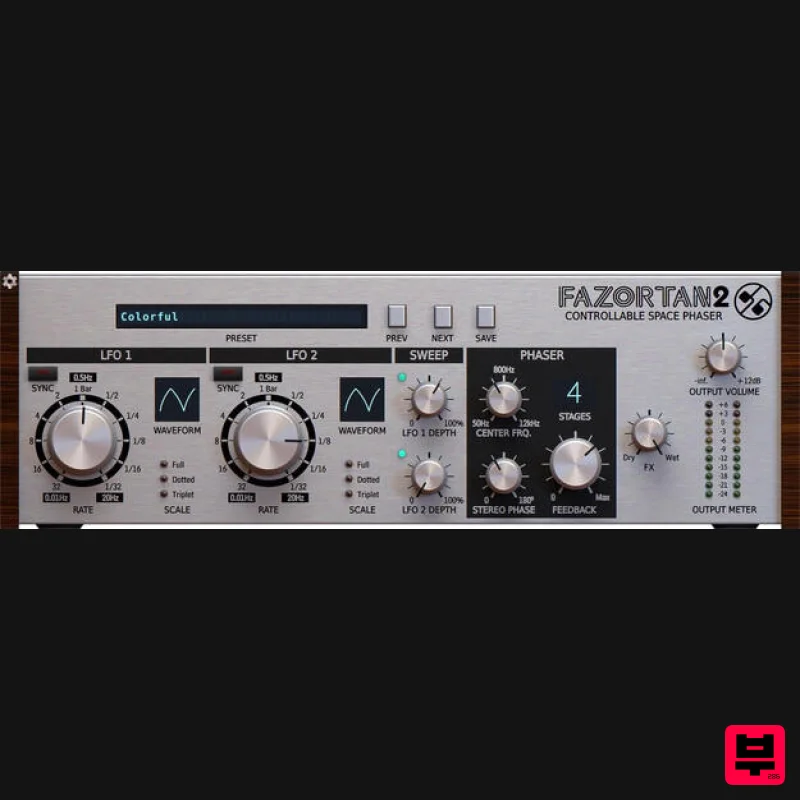
D16 Group Fazortan 2
Phaser
$62
Have you ever wanted to replicate that unique, magical breeze floating through most of Jean Michael Jarre's music?...
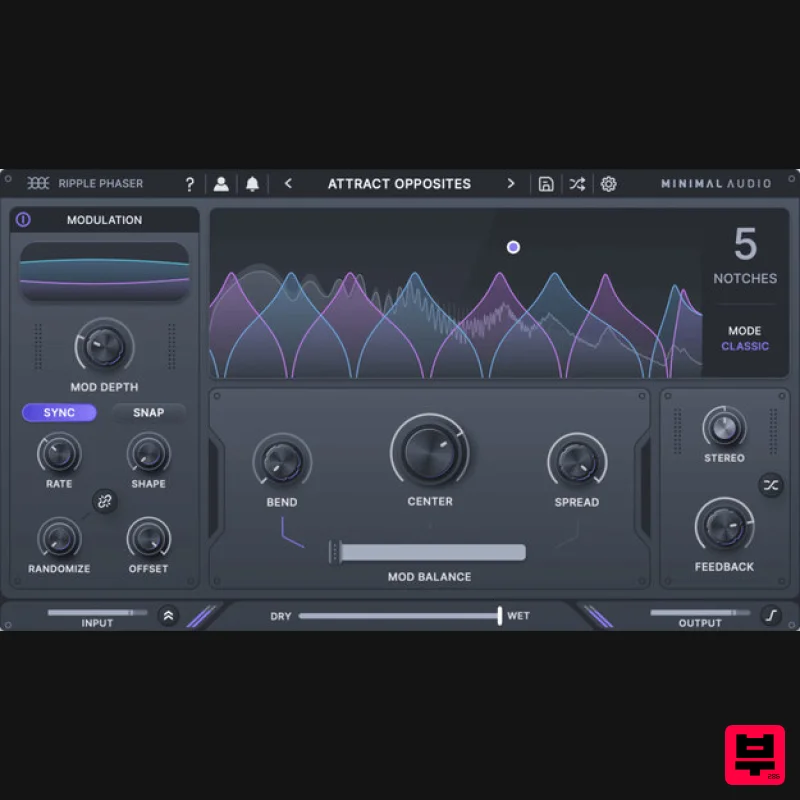
Minimal Audio Ripple Phaser
Phaser
$51
Multi-Mode Phase Manipulator More than just another phaser, Ripple Phaser injects liquid character and animated...
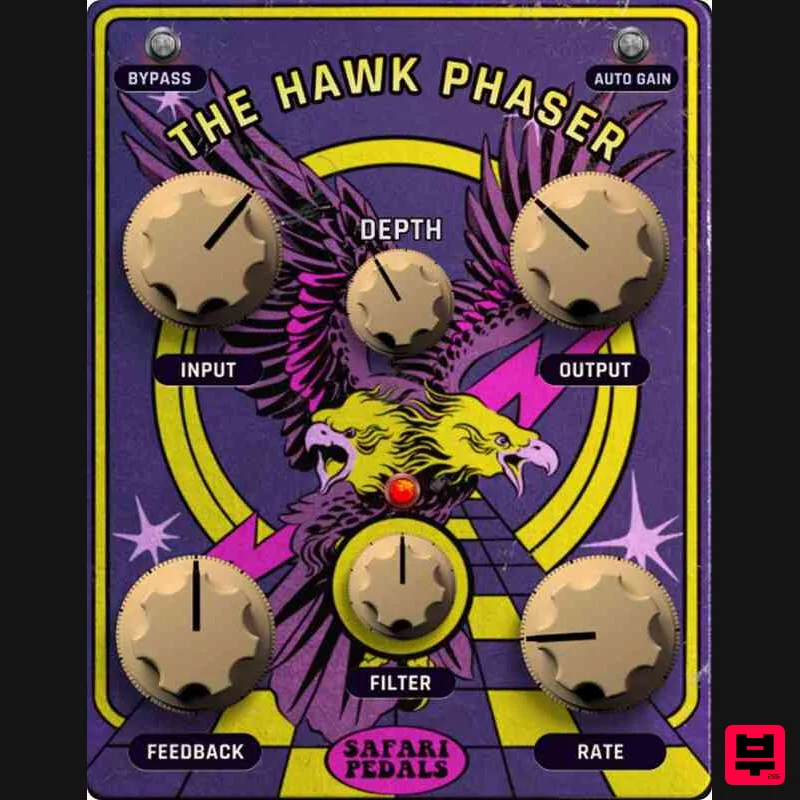
Safari Audio Hawk Phaser
Phaser
$51
A High-Flying Phaser with Precision & Power Hawk Phaser is ready to soar into your rig, delivering everything from...
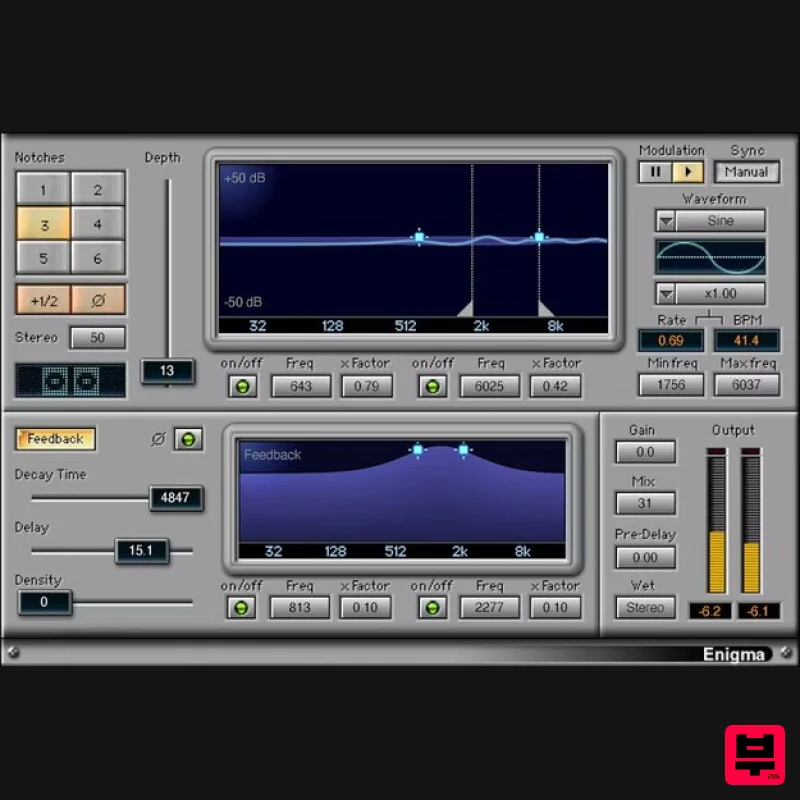
Waves Enigma
Phaser
$44
Enigma A Dream Machine for Scintillating Sound Design Enigma combines comb filtering, modulation, filtered feedback, a...
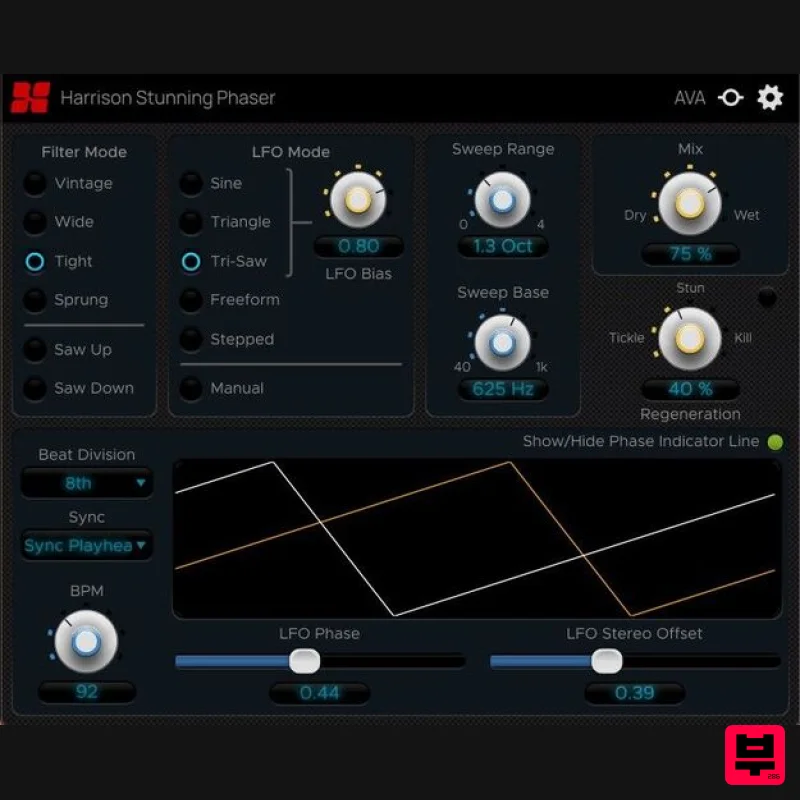
Harrison Consoles Stunning Phaser
Phaser
$54
Warp Your Audio World Inject ‘stunning’ movement, character, and depth into your mixes. The Harrison Stunning...
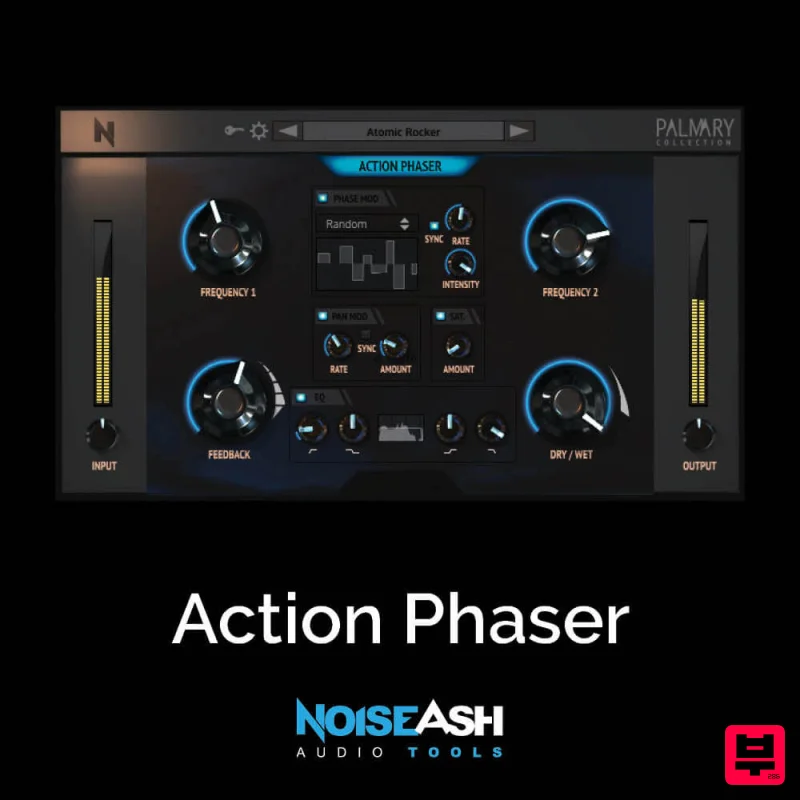
NoiseAsh Action Phaser
Phaser
$30
STRENGTH, SIMPLICITY, DEEPLY CUSTOMIZABLE These words are the summary of Action Phaser. We wanted to build a phaser...
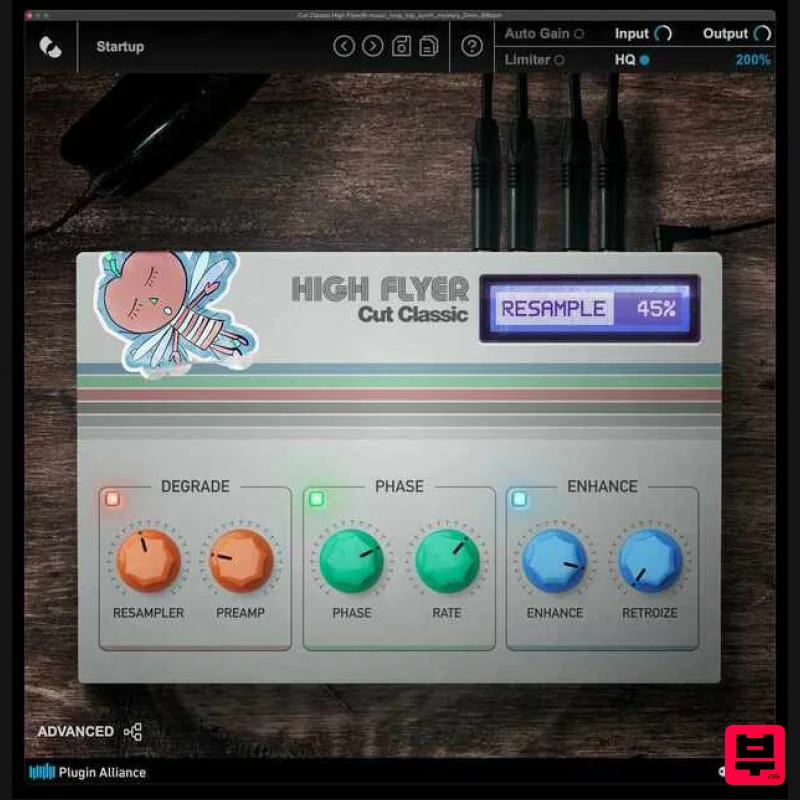
Plugin Alliance Cut Classic High Flyer
Phaser
$21
Cut Classic High Flyer is a next-generation phaser plugin that blends classic vintage character with modern digital...
Frequently Asked Questions
The AudioThing Phase Motion 2 stands out for its exceptional AudioThing craftsmanship and innovative design.
Yes! With its affordable price point and quality construction, it's perfect for learning phaser.
Browse the similar products section to see how it stacks up against other phaser.

