
AudioThing Megaphone
Professional music gear - detailed information and where to buy
AudioThing
Megaphone
Product Info
* Prices may vary. Check retailer for current pricing and availability.
Product Description
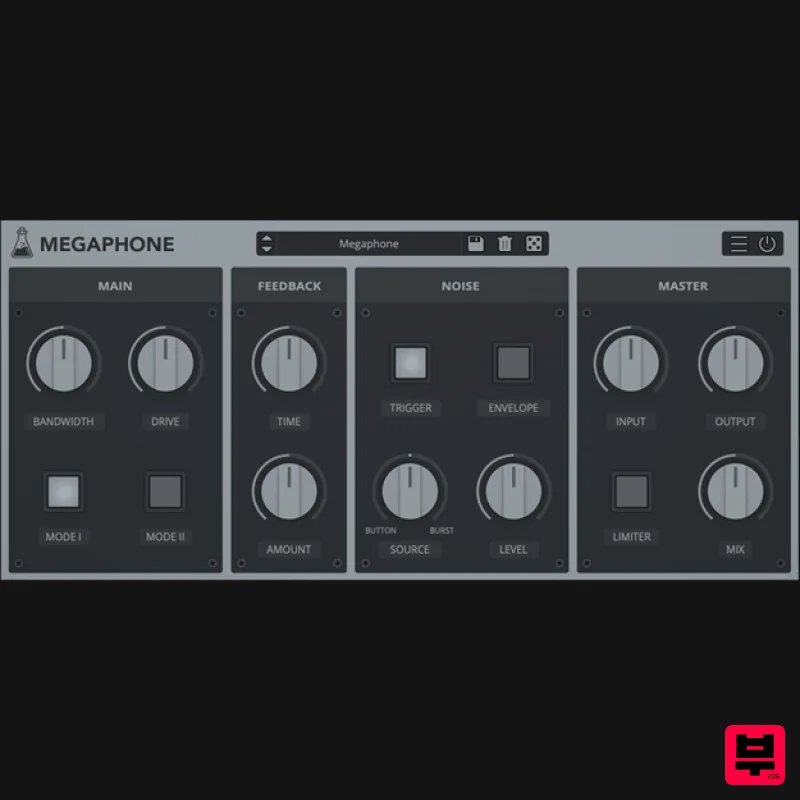
- Bullhorn / Loudspeaker Emulation Megaphone is a plug-in that emulates a bullhorn/loudspeaker effect
- which features two loudspeaker emulations
- feedback (slapback) control and a noise section. Megaphone can be used to make any audio source sound as if it’s being played by a bullhorn. Feedback Feedback The feedback section is essentially a slapback effect. When using megaphones
- the output of the loudspeaker can be captured again by the input microphone
- introducing a delay/reflection and the usual feedback tones (those can be triggered with high gain sources and feedback amount higher than 50%). Noise: The megaphone noises can be enabled by the Trigger button. There are two types of noise: Button and Burst. You can balance the mix between the two noises with the Source parameter. The button noise is the noise made by clicking on the megaphone button to enable its microphone. The burst is the typical background noise of the loudspeaker. If the envelope is enabled
- the Burst noise will follow the transients of the input signal. Features 2 Loudspeaker emulations Overdrive + Bandwidth control Feedback / Slapback Preset system with randomizer Formats: VST
- and AAX (64-bit only) Platforms: OSX
- Windows 2019/11/29: New Version 1.5.1 Changelog Added: macOS 10.15 Catalina support Added: Parameter Lock Added: Edit Value option for Knobs Added: Notification System Improved: CPU and memory usage Fixed: DSP not updating properly on some presets Fixed: Minor graphics issues when closing multiple plugins System Requirements Mac: OS X 10.9 – macOS 13 (64-bit only) Apple Silicon (M chips) Native (Universal 2 Binary) 2GHz CPU
- 4 GB RAM VST2
- VST3
- or AAX (64-bit) Universal 2 Binary Windows: Windows 7-11 (64-bit only) Intel Core 2 Duo or AMD Athlon 64 X2
- 4 GB RAM VST2
- VST3
- or AAX (64-bit host required) Important note: this software is 64-bit compatible only and will not function on 32-bit systems. Note: Wave Box is used as the example. Windows 1. Visit the AudioThing Account Signup Page and enter your personal details to set up an account. Click the Verification and "I've read and agree to the Privacy Policy" > Click Sign Up. Note: If you already have an existing AudioThing account
- Login here and skip to step 3 of the installation process. 2. A confirmation email will now be sent to your registered email > click the link within the email to activate your account and Login here. 3. Once logged into your account
- visit the Redeem Page and enter Redeem Code from your Plugin Boutique User Account into the box > Click 'Redeem'. 4. Download the PC installer and the Offline Activation License. Note: Save the Offline Activation License to a memorable location on your computer for activating the software. 5. Double-click the downloaded .zip folder to extract its contents. 6. Double-click the extracted .exe file > click 'I accept the agreement and click 'Next'. 7. Click 'Next'. 8. Select the components that you wish to install > Click ‘Next’. 9. Click ‘Next’. 10. Click 'Install'. 11. Click ‘Finish’. Offline Activation 1. Open Wave Box inside of your DAW > Click 'Offline'. 2. Click 'Load Licence File' and navigate to your Offline Activation License. 3. Click the X to close the box. The software is now activated and ready to use inside your DAW! Online Activation 1. Open Wave Box inside of your DAW > Click 'Online'. 2. Enter your AudioThing email and password > Click 'Log In'. 3. Click the X to close the box. The software is now activated and ready to use inside your DAW! Mac 1. Visit the AudioThing Account Signup Page and enter your personal details to set up an account. Click the Verification and "I've read and agree to the Privacy Policy" > Click Sign Up. Note: If you already have an existing AudioThing account
- Login here and skip to step 3 of the installation process. 2. A confirmation email will now be sent to your registered email > click the link within the email to activate your account and Login here. 3. Once logged into your account
- visit the Redeem Page and enter Redeem Code from your Plugin Boutique User Account into the box > Click 'Redeem'. 4. Download the MAC installer and the Offline Activation License. Note: Save the Offline Activation License to a memorable location on your computer for activating the software. 5. Double-click the downloaded .dmg folder to extract its contents > Double-click the .pkg file to run the installer 6. Click 'Continue'. 7. Click ‘Continue’. 8. Click 'Continue'. 9. Click ‘Agree’. 10. Select the components you would like to install > Click 'Continue'. 11. Click ‘Install’. 12. Click 'Close'. Offline Activation 1. Open Wave Box inside of your DAW > Click 'Offline'. 2. Click 'Load Licence File' and navigate to your Offline Activation License. 3. Click the X to close the box. The software is now activated and ready to use inside your DAW! Online Activation 1. Open Wave Box inside of your DAW > Click 'Online'. 2. Enter your AudioThing email and password > Click 'Log In'. 3. Click the X to close the box. The software is now activated and ready to use inside your DAW!
Additional Information
About the AudioThing Megaphone
Experience the quality and tone that makes the AudioThing Megaphone a popular choice for musicians.
Why Choose the AudioThing Megaphone?
- •Authentic AudioThing craftsmanship and design
- •Versatile sound suitable for multiple musical genres
- •Professional build quality and reliable performance
- •Part of AudioThing's respected Saturation lineup
Compare & Explore
Browse our complete selection of AudioThing instruments or explore other Saturation options. Use our comparison tools to find the perfect match for your musical style and budget.
Similar Products
TBProAudio GSat+
Saturation
Soundspear Aloha
Saturation
UnplugRed Red Bass
Saturation
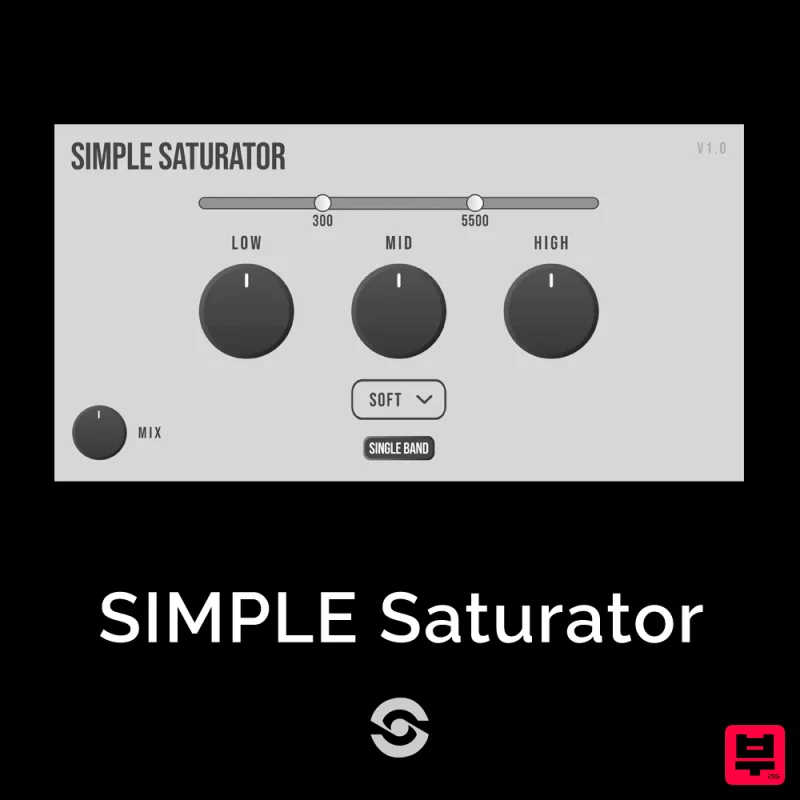
SIMPLE Plugins SIMPLE Saturator
Saturation
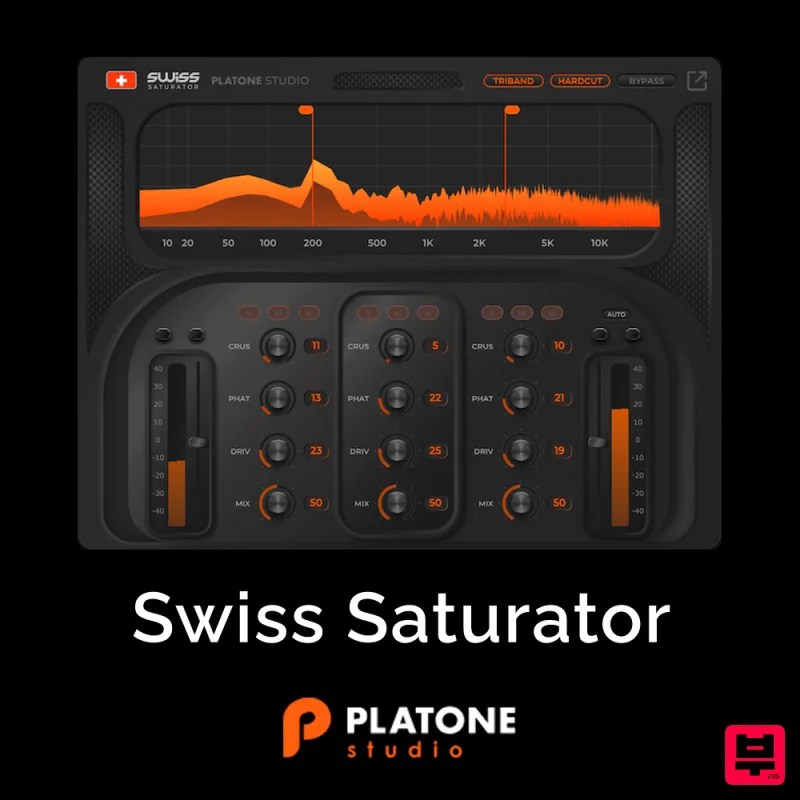
Platone Studio Swiss Saturator
Saturation
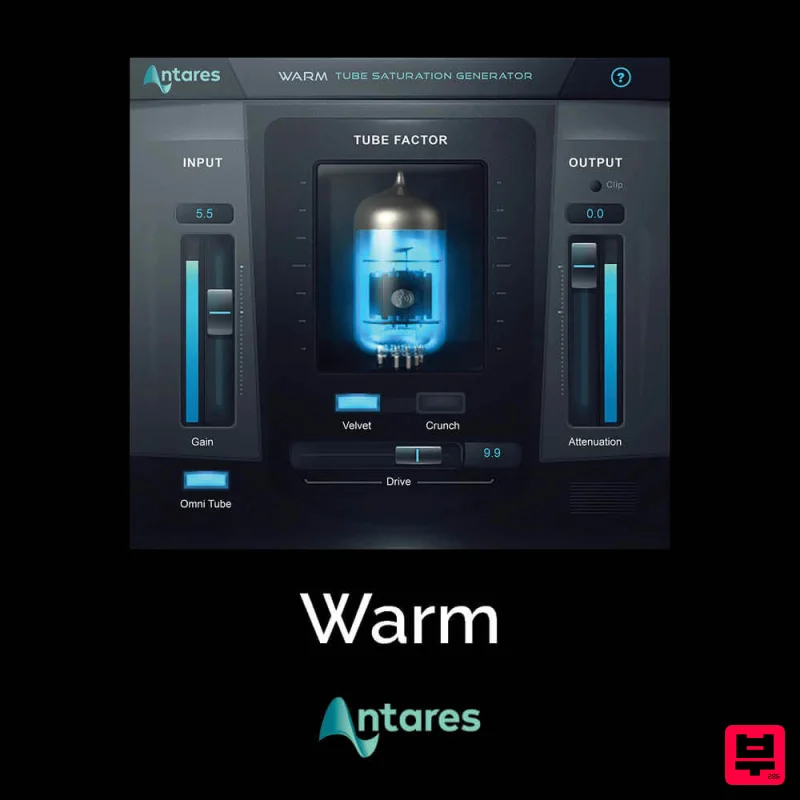
Antares Warm
Saturation
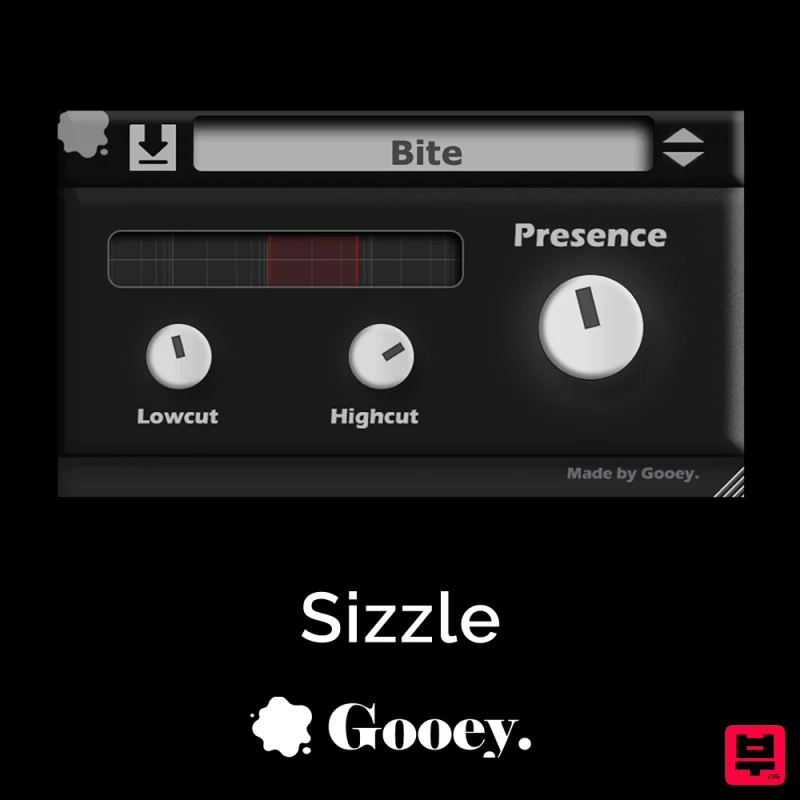
Gooey Audio Sizzle
Saturation
Audified MultiDrive PRO
Saturation

