
AudioThing Latin Percussion
Professional music gear - detailed information and where to buy
AudioThing
Latin Percussion
Product Info
* Prices may vary. Check retailer for current pricing and availability.
Product Description
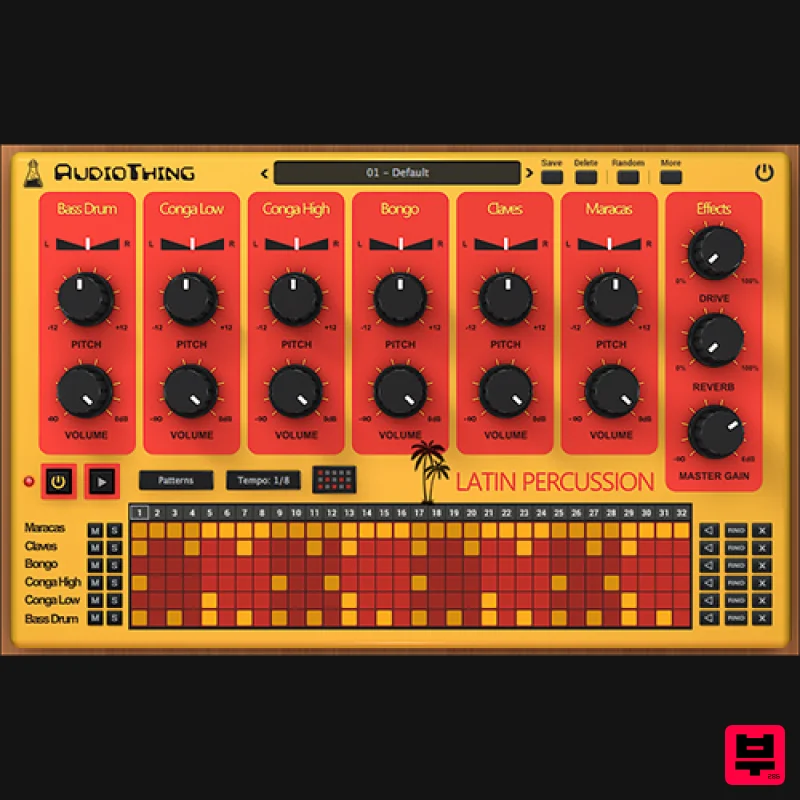
- Analog Drum Machine from the 80s Latin Percussion is a sample-based plugin emulation of the Sound Master Latin Percussion
- a rare analogue drum machine from the 80s. The instrument features 6 classic Latin sounds: Bass
- Low Conga
- High Conga
- Bongo
- Claves
- and Maracas
- which can be pitched
- panned or mixed independently. You can additionally shape the sound with the Overdrive and Reverb. The sequencer lets you easily build patterns that can be dragged and dropped to your DAW/host. Features 6 classic Latin sounds 20 Factory Presets / 9 Factory Patterns Overdrive and Reverb Effects Sequencer with MIDI Drag to DAW Preset system with randomizer Size: MAC 108 MB / PC 70 MB Formats: VST
- and AAX (64-bit only) Platforms: OSX
- Windows System Requirements Mac Mac OS X 10.9 - macOS 14 (Intel / Apple Silicon supported) (64-bit only) 2GHz CPU
- 4 GB RAM VST2
- VST3
- or AAX Universal 2 Binary Windows Windows 7-11 (64-bit only) Intel Core 2 Duo or AMD Athlon 64 X2
- 4 GB RAM VST2
- VST3
- or AAX
- 64-bit host DJ Mag "Latin Percussion is an easy-to-use drum machine with an authentic ’80s feel that will find a place in any producer’s toolkit – if you are looking for some interesting
- vintage Latin sounds to drop into those Latin-style house grooves". Note: Wave Box is used as the example. Windows 1. Visit the AudioThing Account Signup Page and enter your personal details to set up an account. Click the Verification and "I've read and agree to the Privacy Policy" > Click Sign Up. Note: If you already have an existing AudioThing account
- Login here and skip to step 3 of the installation process. 2. A confirmation email will now be sent to your registered email > click the link within the email to activate your account and Login here. 3. Once logged into your account
- visit the Redeem Page and enter Redeem Code from your Plugin Boutique User Account into the box > Click 'Redeem'. 4. Download the PC installer and the Offline Activation License. Note: Save the Offline Activation License to a memorable location on your computer for activating the software. 5. Double-click the downloaded .zip folder to extract its contents. 6. Double-click the extracted .exe file > click 'I accept the agreement and click 'Next'. 7. Click 'Next'. 8. Select the components that you wish to install > Click ‘Next’. 9. Click ‘Next’. 10. Click 'Install'. 11. Click ‘Finish’. Offline Activation 1. Open Wave Box inside of your DAW > Click 'Offline'. 2. Click 'Load Licence File' and navigate to your Offline Activation License. 3. Click the X to close the box. The software is now activated and ready to use inside your DAW! Online Activation 1. Open Wave Box inside of your DAW > Click 'Online'. 2. Enter your AudioThing email and password > Click 'Log In'. 3. Click the X to close the box. The software is now activated and ready to use inside your DAW! Mac 1. Visit the AudioThing Account Signup Page and enter your personal details to set up an account. Click the Verification and "I've read and agree to the Privacy Policy" > Click Sign Up. Note: If you already have an existing AudioThing account
- Login here and skip to step 3 of the installation process. 2. A confirmation email will now be sent to your registered email > click the link within the email to activate your account and Login here. 3. Once logged into your account
- visit the Redeem Page and enter Redeem Code from your Plugin Boutique User Account into the box > Click 'Redeem'. 4. Download the MAC installer and the Offline Activation License. Note: Save the Offline Activation License to a memorable location on your computer for activating the software. 5. Double-click the downloaded .dmg folder to extract its contents > Double-click the .pkg file to run the installer 6. Click 'Continue'. 7. Click ‘Continue’. 8. Click 'Continue'. 9. Click ‘Agree’. 10. Select the components you would like to install > Click 'Continue'. 11. Click ‘Install’. 12. Click 'Close'. Offline Activation 1. Open Wave Box inside of your DAW > Click 'Offline'. 2. Click 'Load Licence File' and navigate to your Offline Activation License. 3. Click the X to close the box. The software is now activated and ready to use inside your DAW! Online Activation 1. Open Wave Box inside of your DAW > Click 'Online'. 2. Enter your AudioThing email and password > Click 'Log In'. 3. Click the X to close the box. The software is now activated and ready to use inside your DAW!
Additional Information
About the AudioThing Latin Percussion
The AudioThing Latin Percussion represents excellent craftsmanship in the Drum Machine category.
Why Choose the AudioThing Latin Percussion?
- •Authentic AudioThing craftsmanship and design
- •Versatile sound suitable for multiple musical genres
- •Professional build quality and reliable performance
- •Part of AudioThing's respected Drum Machine lineup
Compare & Explore
Browse our complete selection of AudioThing instruments or explore other Drum Machine options. Use our comparison tools to find the perfect match for your musical style and budget.
Similar Products
ThaLoops Hortator
Drum Machine
Loot Audio Konstruktor
Drum Machine
Loot Audio Fabrikator
Drum Machine
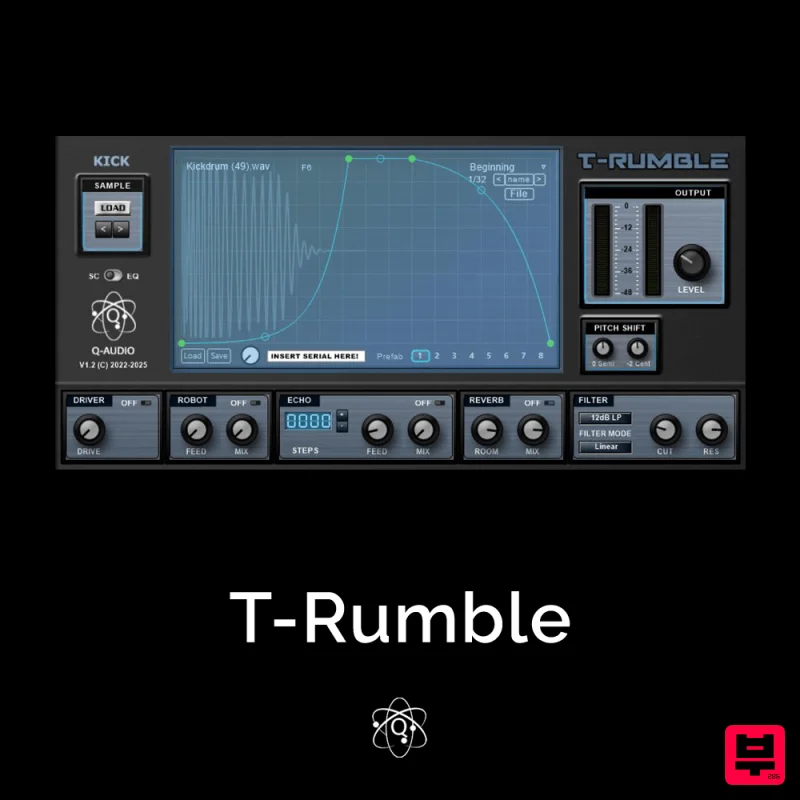
Q-Audio T-Rumble
Drum Machine
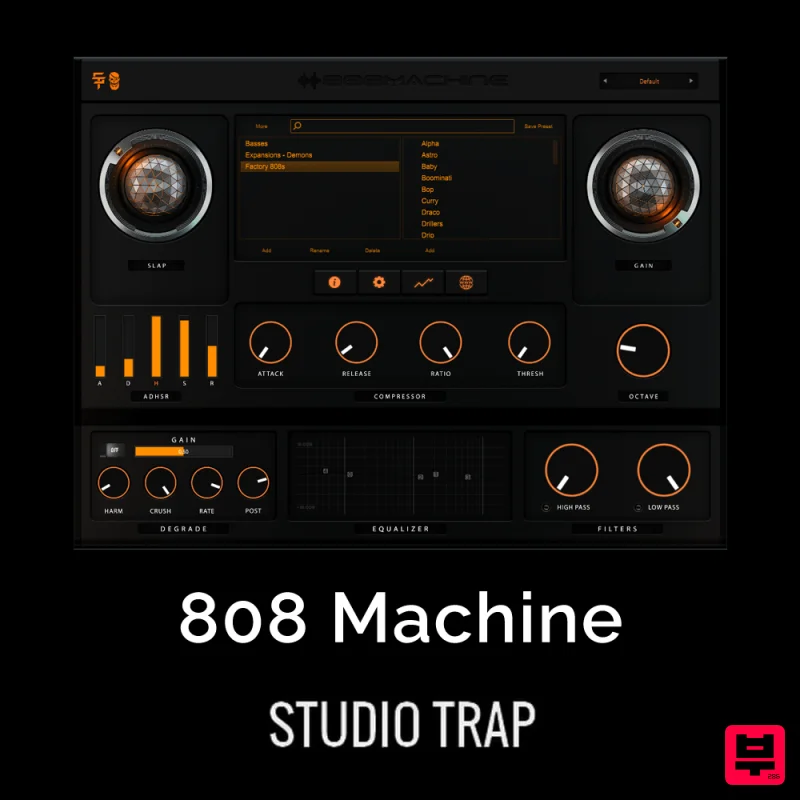
Studio Trap 808 Machine
Drum Machine
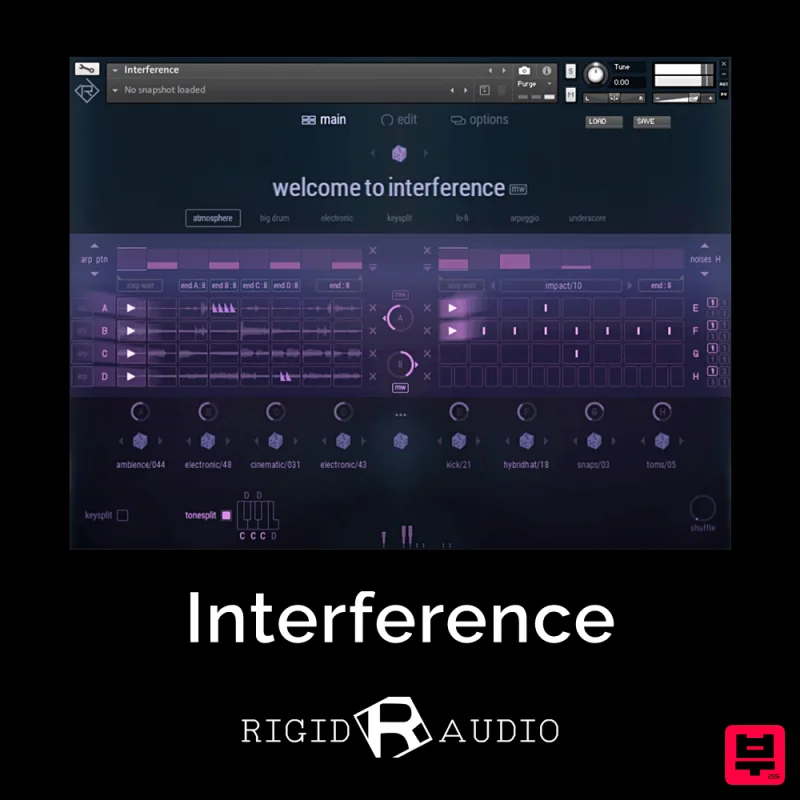
Rigid Audio Interference
Drum Machine
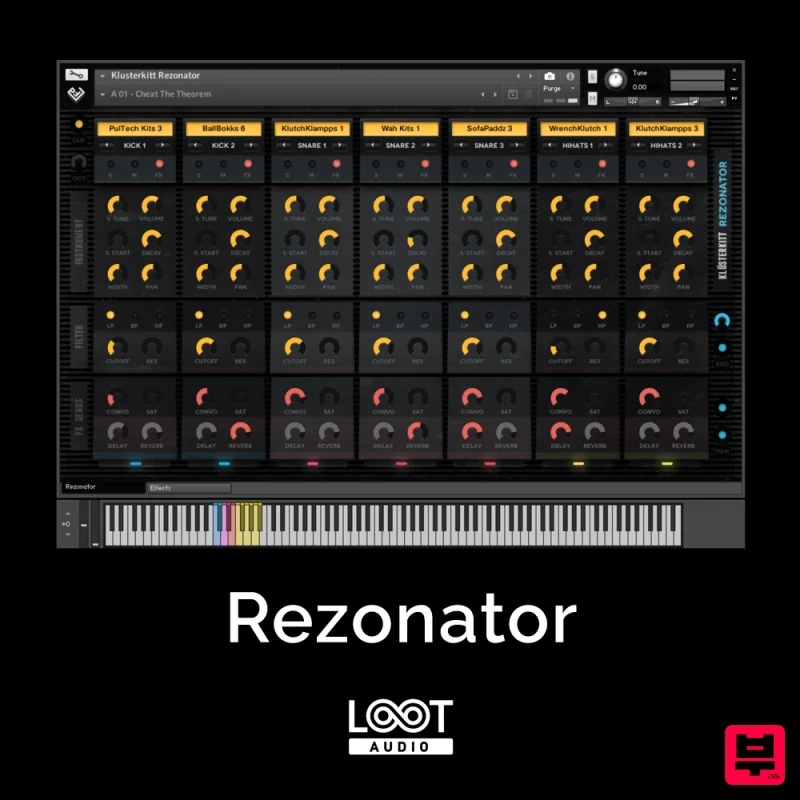
Loot Audio Rezonator
Drum Machine
WaveDNA Liquid Rhythm
Drum Machine

