
AudioThing Blindfold EQ
Professional music gear - detailed information and where to buy
AudioThing
Blindfold EQ
Product Info
* Prices may vary. Check retailer for current pricing and availability.
Product Description
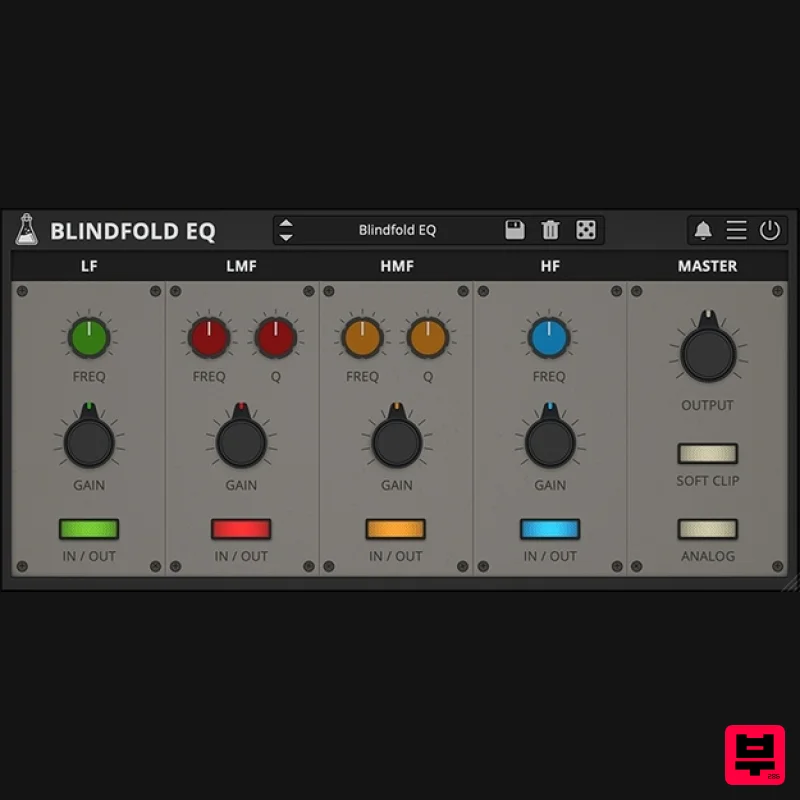
- Freeware EQ Plugin Blindfold EQ is a freeware EQ plugin inspired by a quote by Matt Wallace from the book Recording Unhinged by Sylvia Massy. It has 4 bands (LowShelf
- LowMid
- HighMid
- HighShelf)
- but each knob is blind. There are no indicators or numbers to show frequency values
- gain values or Q values. You have to use your ears. Features 4-band EQ Resizable Window Preset system with randomizer System Requirements Mac OS X 10.9 – macOS 13 2GHz CPU
- 4 GB RAM VST2
- VST3
- or AAX (64-bit only) PC Windows 7-11 (64 bit) 2GHz CPU
- 4 GB RAM VST2
- VST3
- or AAX (64-bit only) Note: miniBit is used as the example. Mac 1. Download the .dmg software file and Key Licence File from your User Account. Double-click the .dmg file to begin the installation process > click ‘Continue’. 2. Read the Software License Agreement > click ‘Continue’ and then ‘Agree’. 3. Select the component (s) that you wish to install to your computer
- and click ‘Continue’. 4. Review the installation and click ‘Install’. 5. The installation of your software has successfully completed > click ‘Close’. Activation 1. Restart your DAW
- and rescan your plugin selection to show the new installation (in the event it fails to appear). 2. Locate and open the plugin on an appropriate track. The Software is now Activated and Ready for Use Within Your DAW Windows 1. Download the .dmg software file and Key Licence File from your User Account. Double-click the compressed folder to reveal the installer file. 2. Double-click the extracted .exe file to begin the installation process > click ‘Next’. 3. Read through the license agreement and click ‘I accept the agreement’ > click ‘Next’. 4. Select the component (s) that you wish to install > click ‘Next’. 5. Choose and confirm the 64-bit plugin directory (VST2) in which to save your software to > click ‘Next’. 6. Choose and confirm the 32-bit plugin directory (VST2) in which to save your software to > click ‘Next’. 7. Review the installation and click ‘Install’. 8. The installation of your software has successfully completed > click ‘Finish’. Activation 1. Restart your DAW
- and rescan your plugin selection to show the new installation (in the event it fails to appear). 2. Locate and open the plugin on an appropriate track. The Software is now Activated and Ready for Use Within Your DAW
Additional Information
About the AudioThing Blindfold EQ
The AudioThing Blindfold EQ combines traditional design with modern performance for EQ enthusiasts.
Why Choose the AudioThing Blindfold EQ?
- •Authentic AudioThing craftsmanship and design
- •Versatile sound suitable for multiple musical genres
- •Professional build quality and reliable performance
- •Part of AudioThing's respected EQ lineup
Compare & Explore
Browse our complete selection of AudioThing instruments or explore other EQ options. Use our comparison tools to find the perfect match for your musical style and budget.
Similar Products
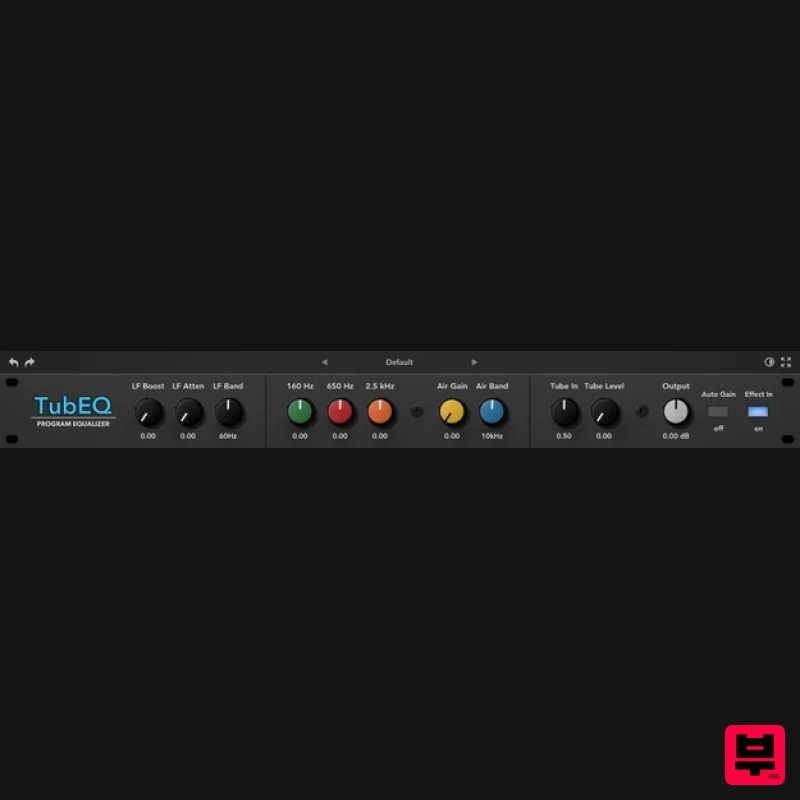
Rave Generation TubEQ
EQ
$42
TubEQ is an authentic analog equalizer plugin that combines the musical character of two legendary EQs in a single...
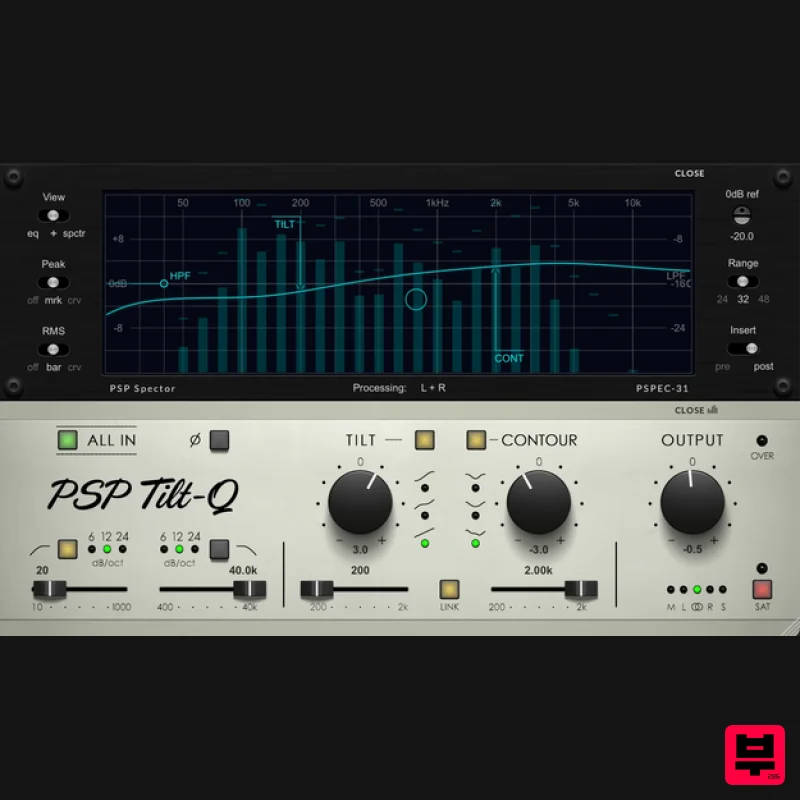
PSP Audioware PSP Tilt-Q
EQ
$72
Tilt Equalizer with Three Characteristics Musical tilt EQ offering three distinct curve shapes, allowing you to quickly...
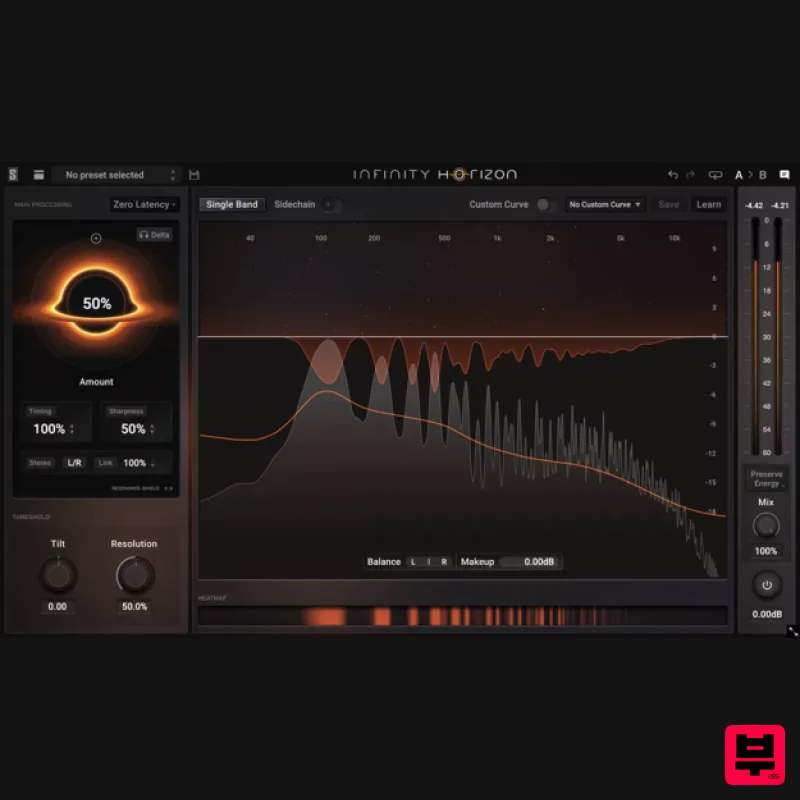
Slate Digital Infinity Horizon
EQ
$156
Rogue Frequencies Cannot Escape Infinity Horizon finds harsh frequency build ups and them in real time. If you're...
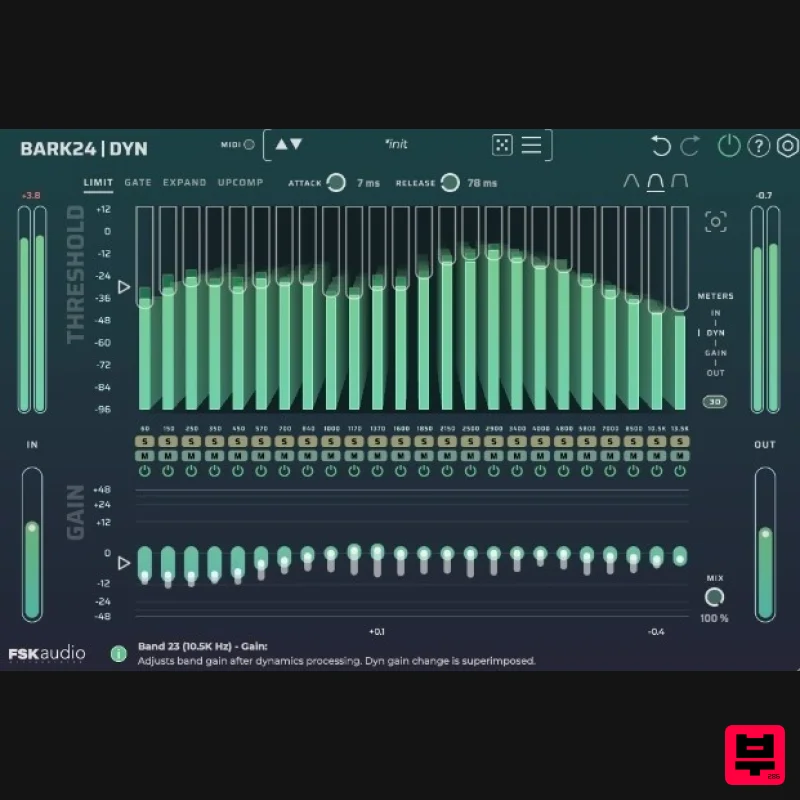
FSK Audio Bark24 | Dyn
EQ
$120
Bark24 | Dyn is a dynamic EQ that takes you far beyond a standard compressor or EQ. Based on the Bark scale - a model...
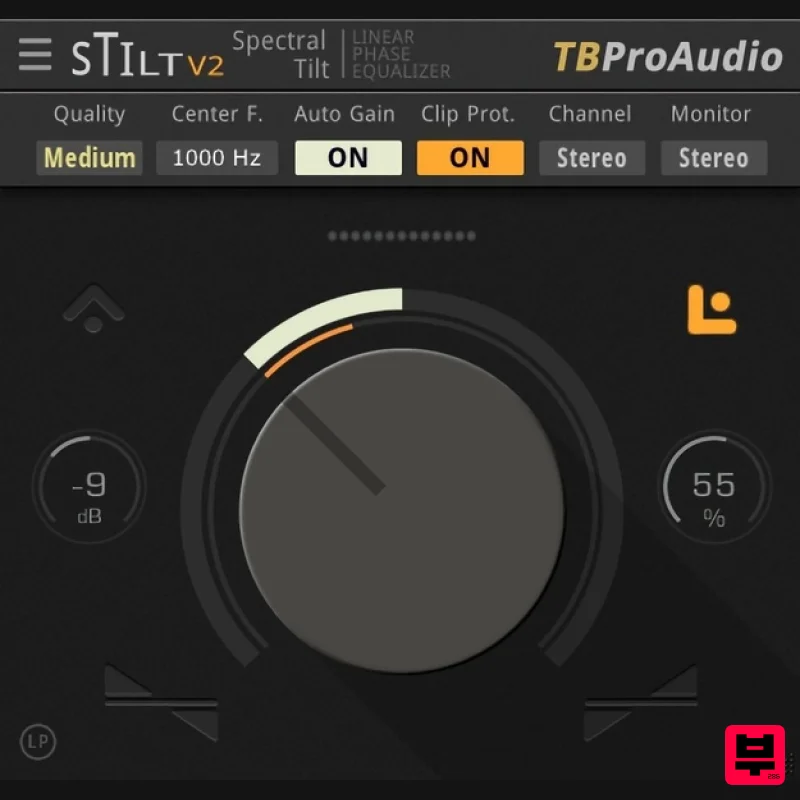
TBProAudio sTiltV2
EQ
Free
sTilt is a linear/minimum phase and IIR filter which tilts the audio spectrum around a given center frequency. Features...
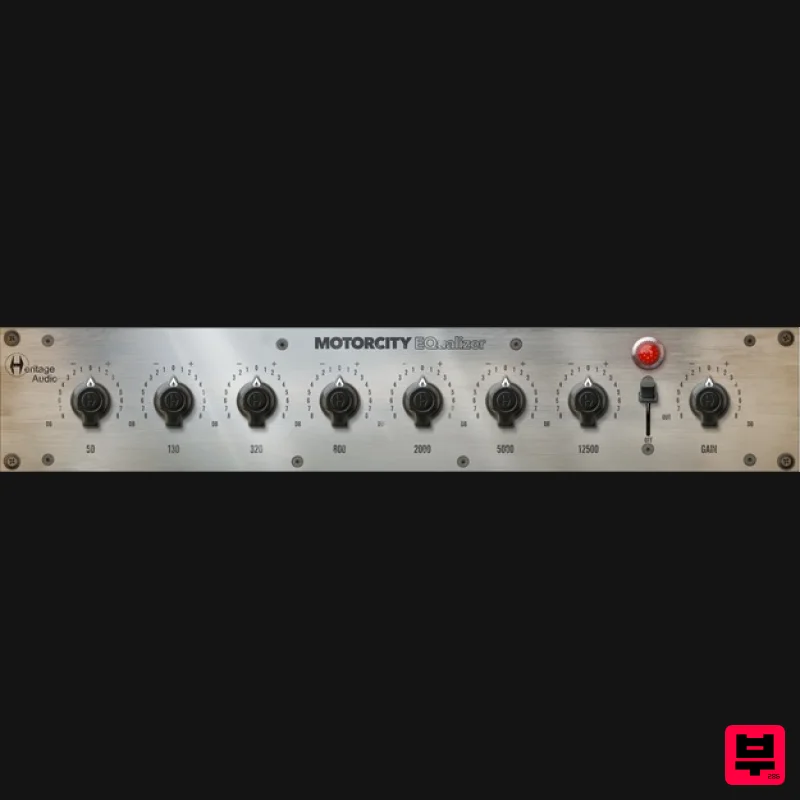
Heritage Audio MOTORCITY EQ
EQ
$104
The classiest EQ ever created finally gets the thorough plugin treatment it so long deserved Recreated from the...
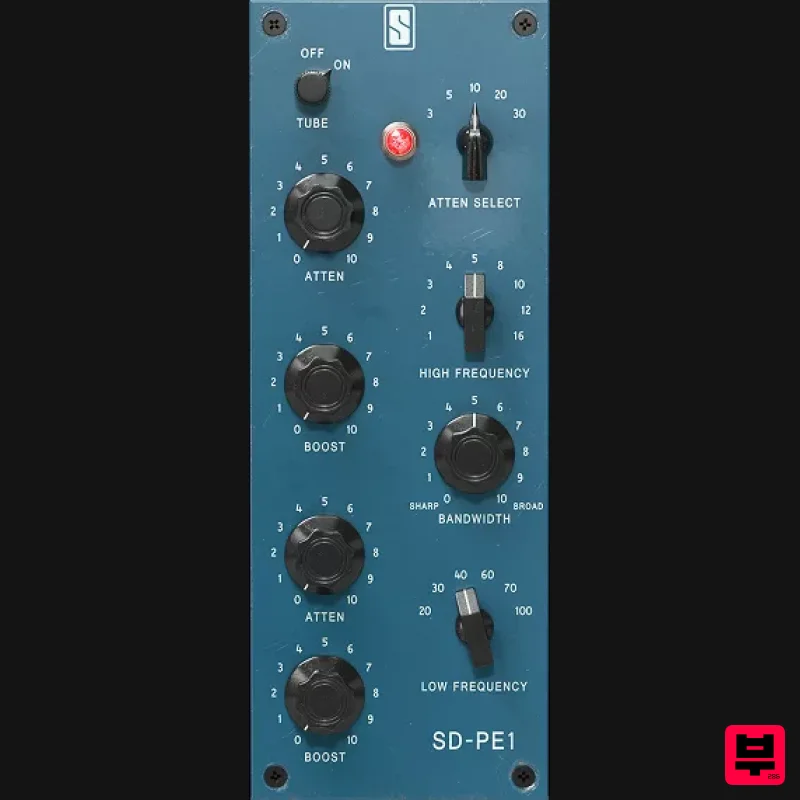
Slate Digital SD-PE1
EQ
$104
Meet SD-PE1! The most unique passive equalizer ever made joins the ever-expanding lineup of processors that make up the...
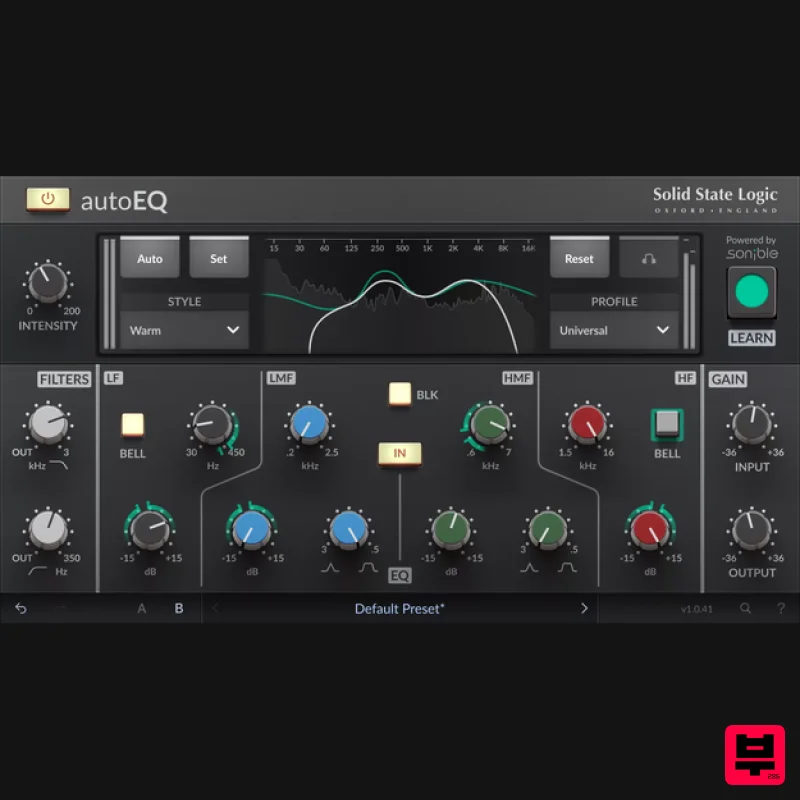
Solid State Logic SSL autoEQ
EQ
$109
SSL 4000E EQ processing with sonible AI assisted analysis Introducing autoEQ, part of the autoSeries with autoDYN and...
Frequently Asked Questions
The AudioThing Blindfold EQ stands out for its exceptional AudioThing craftsmanship and innovative design.
It's designed for intermediate to advanced players who appreciate professional-quality eq.
Browse the similar products section to see how it stacks up against other eq.

