
Audiomodern Panflow
Professional music gear - detailed information and where to buy
Audiomodern
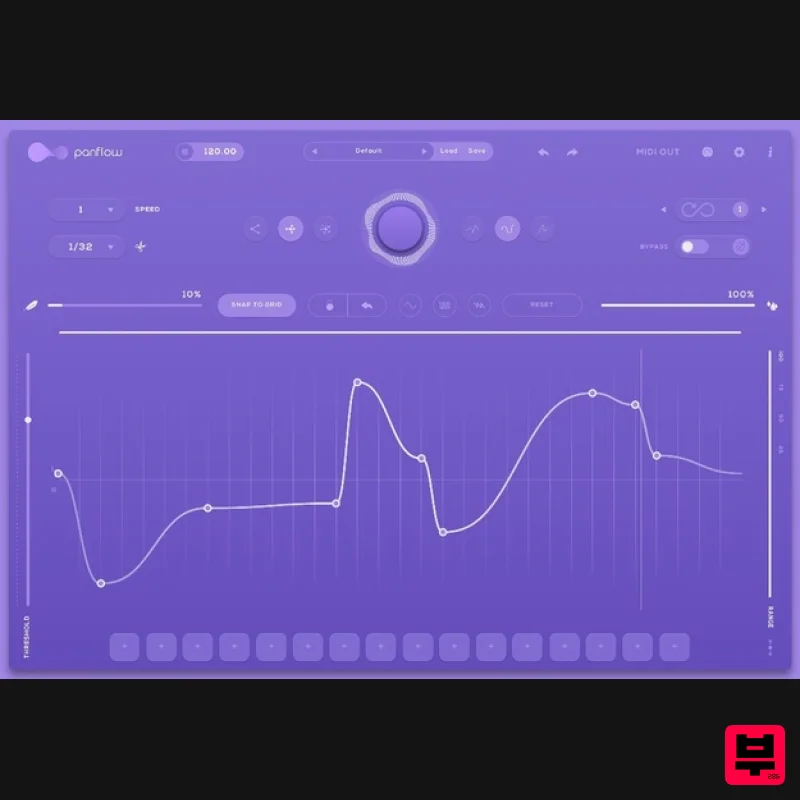
Panflow
Product Info
* Prices may vary. Check retailer for current pricing and availability.
Product Description
- Creative Panning
- the Clever Way Panflow is a Creative Panning Modulator & Stereo rhythm generator plugin designed to Shape complex
- evolving panning patterns and add random
- rhythmical movement to any audio track in real-time. You can Create Instant fluid motion with precise stereo editing
- with an easy-to-use interface and powerful pattern editor and give your audio a more lively
- dynamic feel
- or add dynamism to any static sound. Give your audio a more lively
- dynamic feel
- or add dynamism to any static sound. Panflow is endlessly variable
- endlessly interesting and is available for Windows
- Mac and iOS Devices. Features Generate Panning Motion in real-time Syncs to Host tempo MIDI Controllable Infinity Mode Quick Load presets Instant/Tap Bypass for live performance 3 Curve modes Customizable Sequence Range MIDI Output No two patterns will ever be the same System Requirements Mac macOS 10.12 or higher Intel or Apple Silicon processor At least 50 MB of free drive space Reliable internet connection for download delivery and product activation VST
- VST3
- iOS & Standalone Windows Windows 7 or higher At least 50 MB of free drive space Reliable internet connection for download delivery and product activation VST
- VST3
- iOS & Standalone Please note: You will need an active internet connection to activate this software. Note: Riffer is used as an example. Mac Installation 1. Download the .zip file from within your Plugin Boutique User Account and double-click it to extract the contents > Double-click the .pkg file to begin the installation. 2. Click 'Continue'. 3. Click 'Continue'. 4. Click 'Agree'. 5. Click 'Install'. 6. Enter your computer Username and Password > Click 'Install Software'. 7. Click 'Close'. 8. Open the installed software in your DAW. Your software is now ready to use! Windows Installation 1. Download the .zip file from within your Plugin Boutique User Account and double-click it to extract the contents > Double-click the .exe file to begin the installation. 2. Select 'I Accept the Agreement' > Click 'Next'. 3. Click 'Next'. 4. Click 'Next'. 5. Click 'Next'. 6. Click 'Next'. 7. Click 'Next'. 8. Click 'Install'. 9. Click 'Finish'. 10. Open the installed software in your DAW. Your software is now ready to use!
Additional Information
About the Audiomodern Panflow
The Audiomodern Panflow combines traditional design with modern performance for Stereo Width enthusiasts.
Why Choose the Audiomodern Panflow?
- •Authentic Audiomodern craftsmanship and design
- •Versatile sound suitable for multiple musical genres
- •Professional build quality and reliable performance
- •Part of Audiomodern's respected Stereo Width lineup
Compare & Explore
Browse our complete selection of Audiomodern instruments or explore other Stereo Width options. Use our comparison tools to find the perfect match for your musical style and budget.
Similar Products
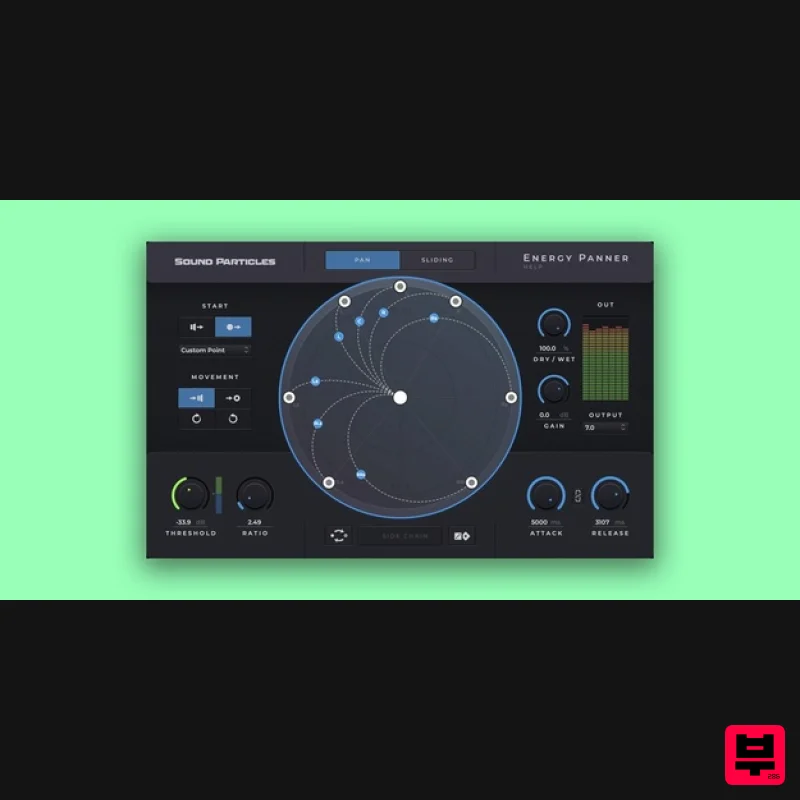
Sound Particles Energy Panner | Educational Version
Stereo Width
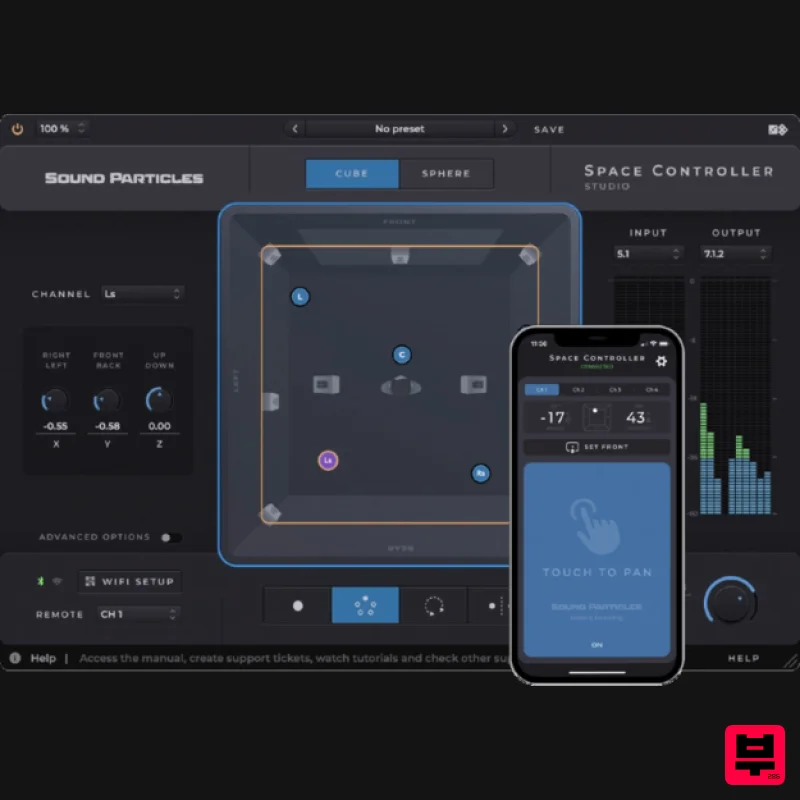
Sound Particles Space Controller Standard | Educational Version
Stereo Width
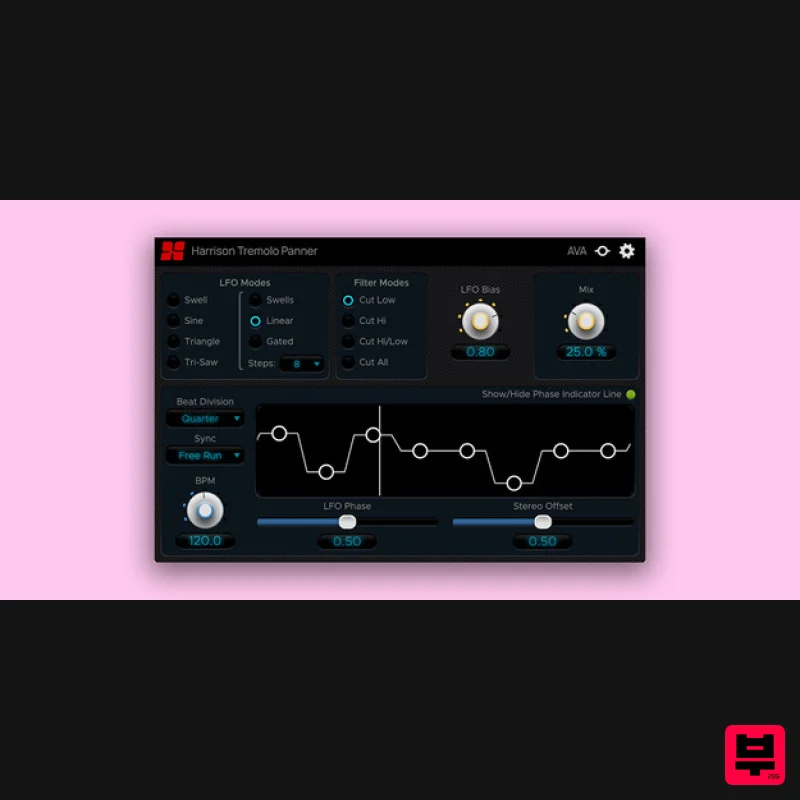
Harrison Consoles Tremolo Panner
Stereo Width
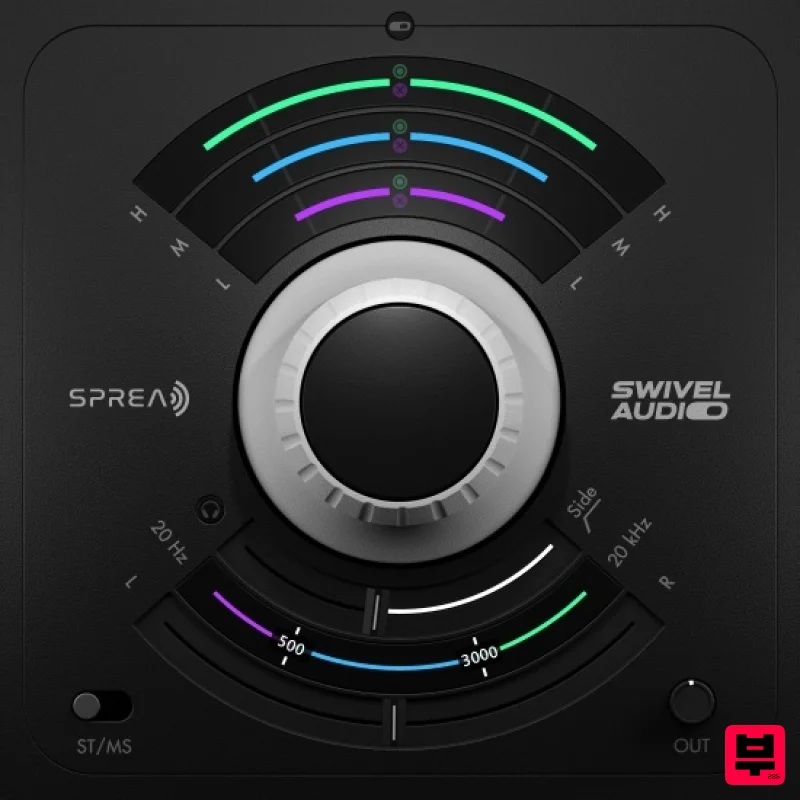
Plugin Alliance Swivel Audio Spread
Stereo Width
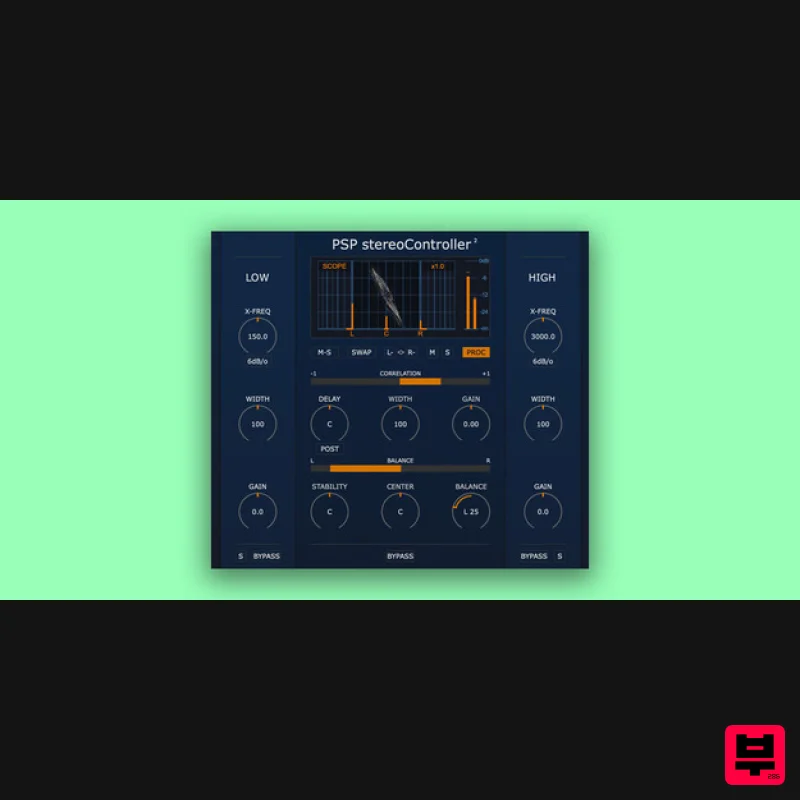
PSP Audioware PSP StereoController2
Stereo Width
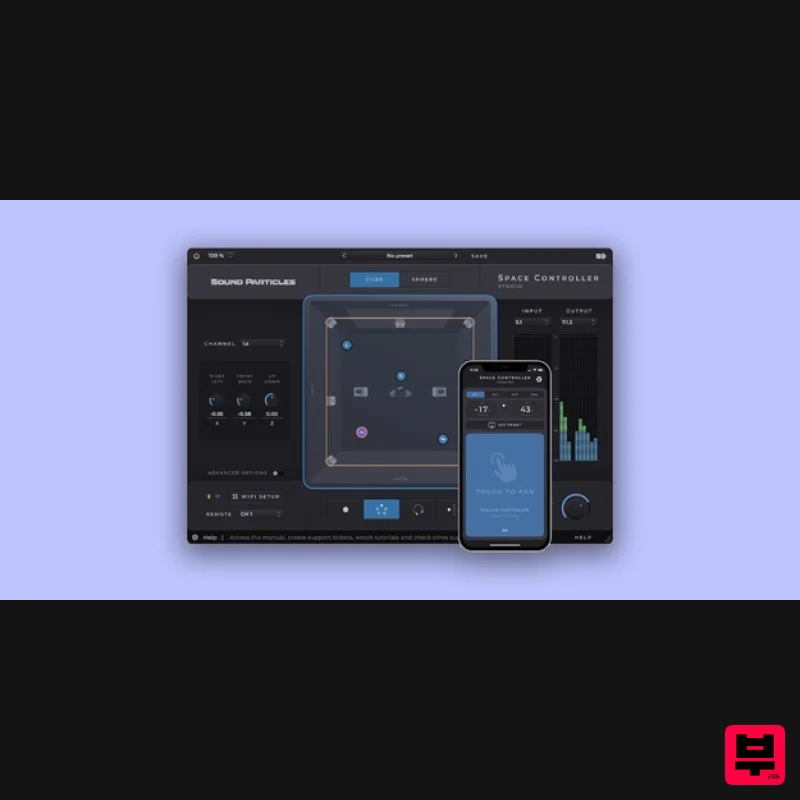
Sound Particles Space Controller Studio | Educational Version
Stereo Width
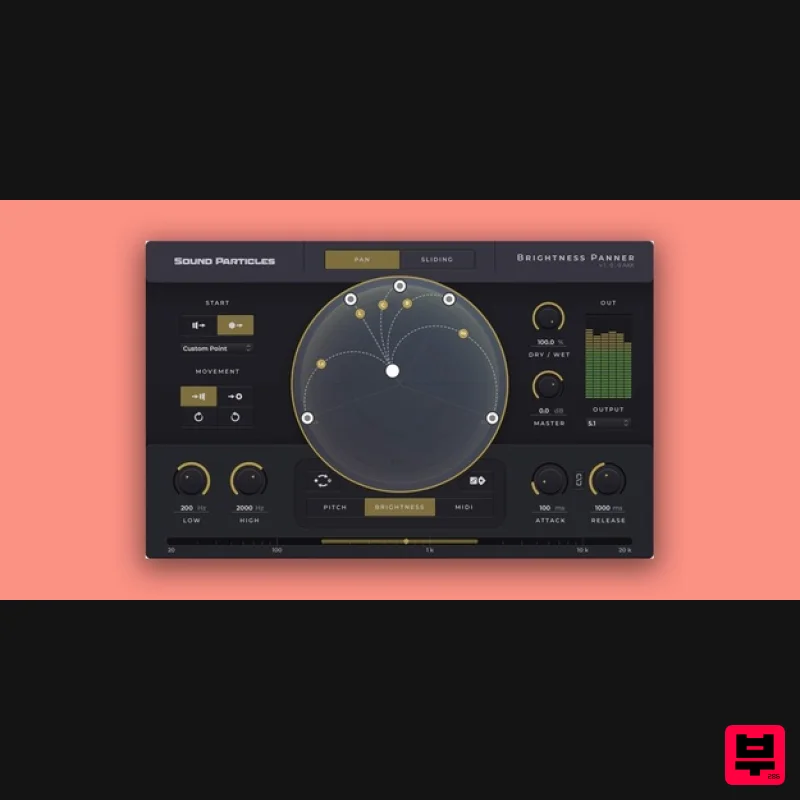
Sound Particles Brightness Panner | Educational Version
Stereo Width
Polyverse Wider 2
Stereo Width

