
Audio Damage Grind
Professional music gear - detailed information and where to buy
Audio Damage
Grind
Product Info
* Prices may vary. Check retailer for current pricing and availability.
Product Description
- A true powerhouse of audio warfare
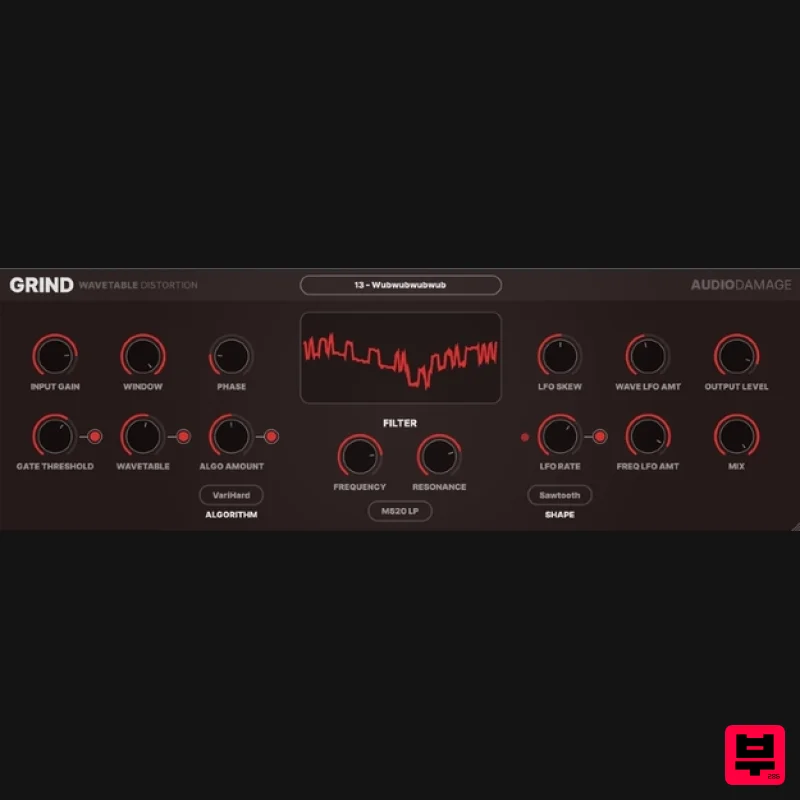
- Grind puts the "damage" in Audio Damage. From subtle tube-style saturation to full-on mangled wavetable distortion
- Grind is a Swiss Army Knife of sound design. Grind consists of three main blocks: wavetable lookup
- into algorithmic saturation/distortion/
- and finally to a multi-mode filter. The wavetable module uses the amplitude of the incoming signal to replace the sample with one from 15 different linearly-interpolated wavetables
- chosen for their mangling potential. Window size and phase controls provide further tone-shaping possibilities. The next stop is the algorithm module
- with eleven different distortion and saturation algorithms
- from simple soft-knee saturation on up to full-on sine warping. After this
- the signal passes through a multi-mode filter stage
- with eleven different filter models to choose from
- including "vintage digital" versions from the early days of plugin development
- on up to our modern analogue-modelled MS20-style lowpass and highpass synth filters. A tempo-synced LFO provides motion for the filter frequency
- and a final stage of soft clipping and DC filtering tames the output. Make no mistake: this is not a subtle
- polite tool. With careful tuning of the provided presets
- it can be tamed to normal filtering and saturation duties
- but on the whole
- it is a noisy
- snorting beast of a plug-in
- and is happiest with Full Metal audio destruction. System Requirements Mac macOS 10.9 Mavericks or newer (M1 Apple Silicon supported) (64-bit only) VST
- VST3
- AAX Windows Windows 8.1 or newer (32 / 64-bit only) VST
- VST3
- AAX Note: Quanta is used as the example. Mac Installation 1. Download the .pkg file from within your Plugin Boutique User Account > Double-click it to run the installer. 2. Click 'Continue'. 3. Read the Software License Agreement > Click 'Continue'. 4. Click 'Agree'. 5. Click 'Continue'. 6. Click 'Install'. 7. Enter your computer's Username and Password > Click 'Install Software'. 8. Click 'Close'. Your software is now ready to use within your DAW! Windows Installation 1. Download the .zip file from within your Plugin Boutique User Account > Double-click it to extract the contents and double-click the .exe file to run the installer. 2. Click 'Next'. 3. Read the License Agreement > Click 'I Agree'. 4. Choose which components to install > Click 'Install'. 5. Click 'Next'. 6. Click 'Finish'. Your software is now ready to use within your DAW!
Additional Information
About the Audio Damage Grind
The Audio Damage Grind represents excellent craftsmanship in the Distortion category.
Why Choose the Audio Damage Grind?
- •Authentic Audio Damage craftsmanship and design
- •Versatile sound suitable for multiple musical genres
- •Professional build quality and reliable performance
- •Part of Audio Damage's respected Distortion lineup
Compare & Explore
Browse our complete selection of Audio Damage instruments or explore other Distortion options. Use our comparison tools to find the perfect match for your musical style and budget.
Similar Products
Native Instruments Kolor
Distortion
Soundspear Rumble
Distortion
Mastering The Mix IGNITE
Distortion
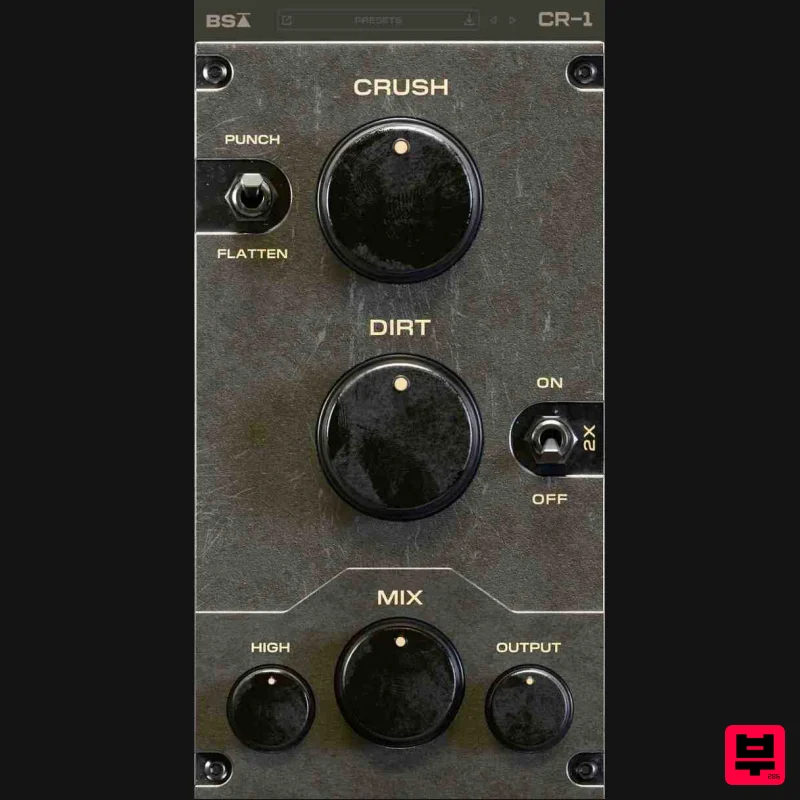
Black Salt Audio CR-1
Distortion
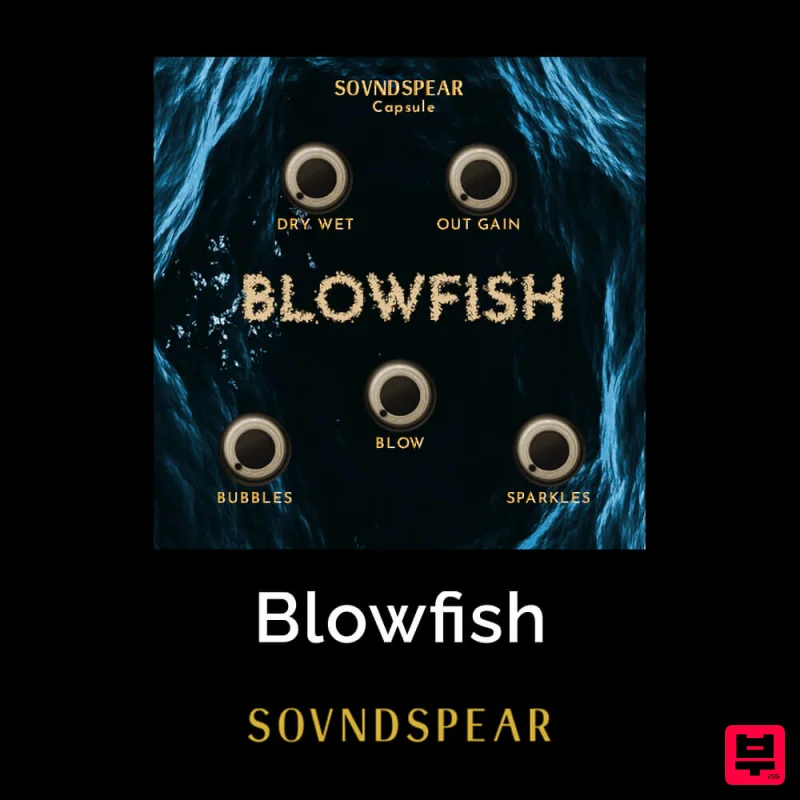
Soundspear Blowfish
Distortion
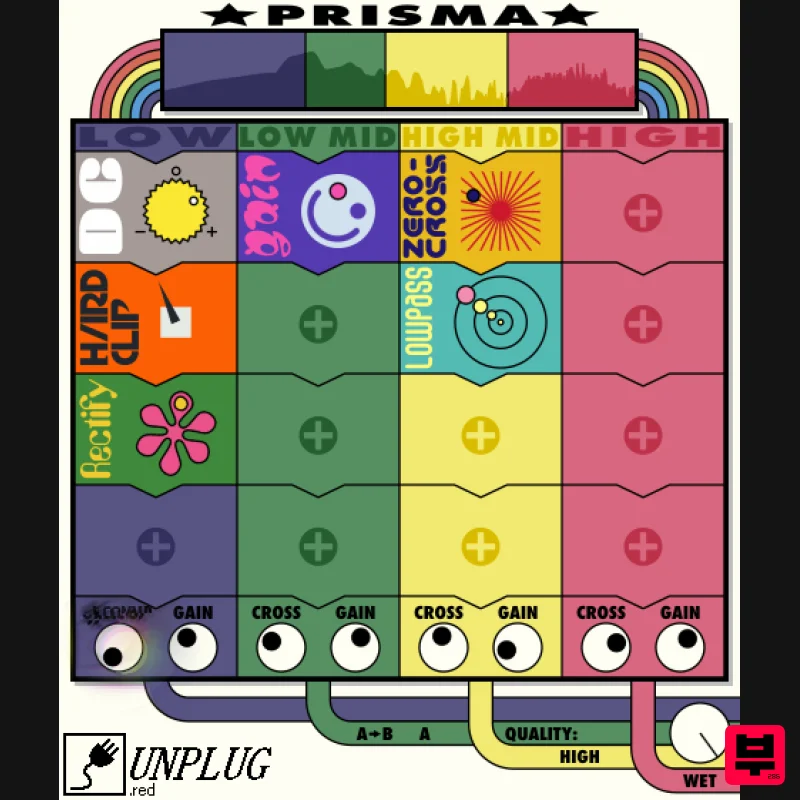
UnplugRed Prisma
Distortion
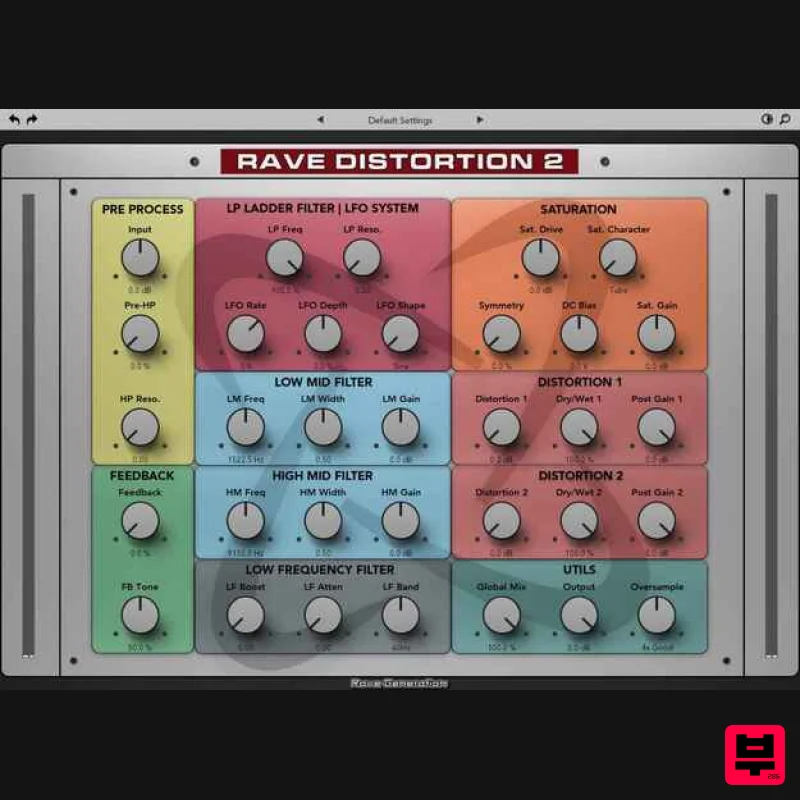
Rave Generation Rave Distortion 2
Distortion
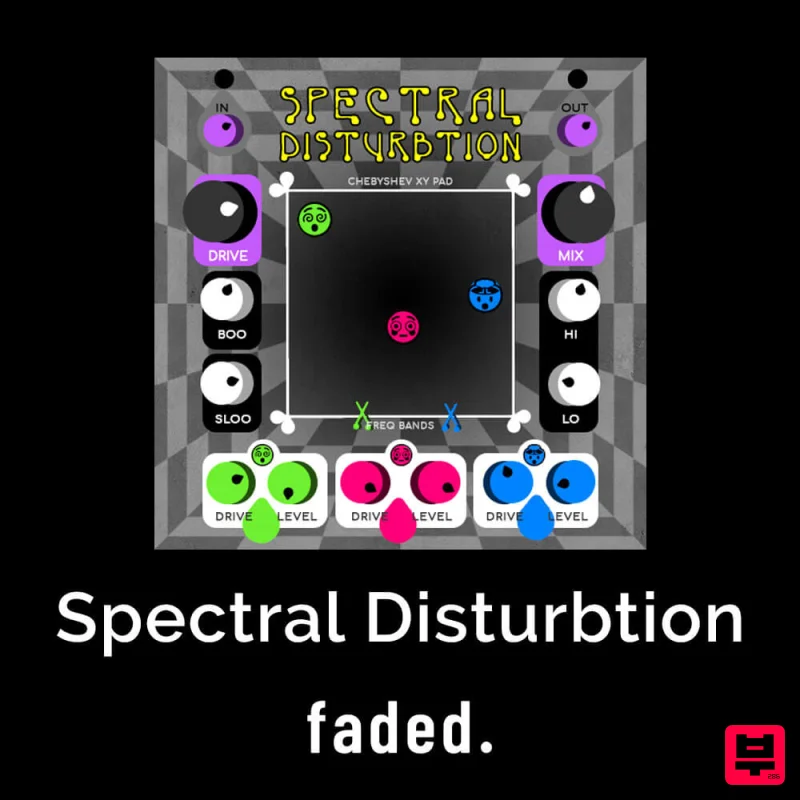
Faded Instruments Spectral Disturbtion
Distortion

