
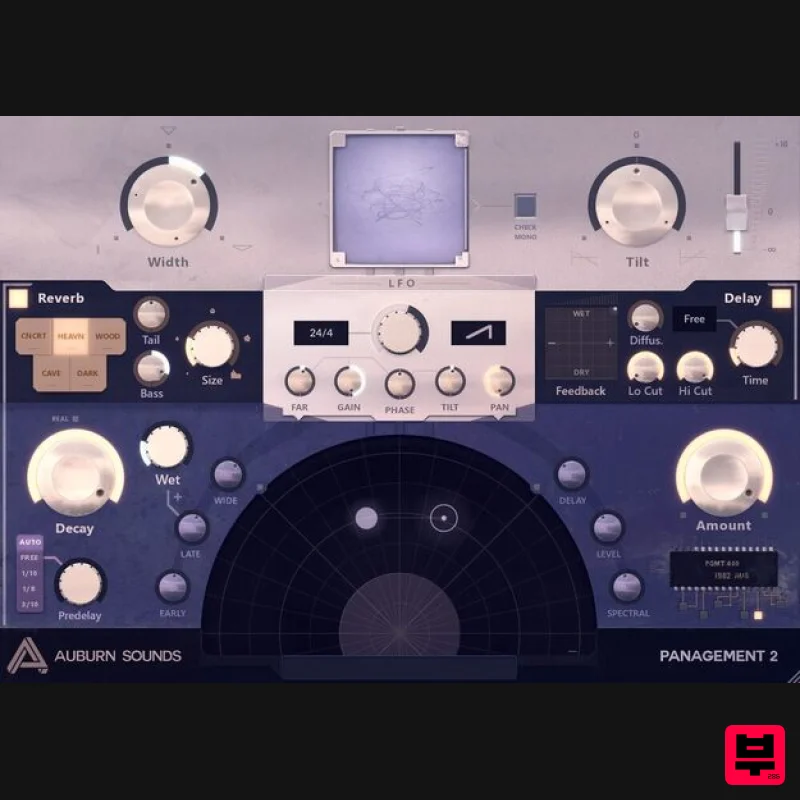
Auburn Sounds Panagement 2
Professional music gear - detailed information and where to buy
Auburn Sounds
Panagement 2
Product Info
* Prices may vary. Check retailer for current pricing and availability.
Product Description
- Advanced Binaural Panner and Reverb Panagement is the spatialization laboratory that has found its way to thousands of studios around the world. Panagement gives you raw power over your stereo tracks. With uniquely integrated Delay
- Reverb
- and Binaural processing
- Panagement push the limits of practical teleportation! What to do with Panagement 2? Position a source in the binaural field in one click Make it seem like the source is becoming distant
- or coming close Make it seem like you are in a real room Make lush hall reverbs Make tracks enter/exit the mix
- fading into the reverb Create tempo-synced movement Make tracks enter/exit the mix
- fading into the reverb Make a delay where each tap is placed binaurally There is a learning curve
- because Panagement holds a lot of power. Once mastered
- Panagement reveals itself as a quick and immediate mixing tool for all kinds of spatialization duties. System Requirements macOS 10.12+ (M1 native) Windows 7+ Linux VST2
- VST3
- LV2 Registration 1. Copy and paste the URL which is listed as the ‘Serial Number’ in your Plugin Boutique User Account into your browser search bar and press enter. 2. Click 'Log in to link'. 3. Click 'Create Account'. If you already have an itch.io account
- log in and skip to step 5. 4. Enter the relevant details > Click 'Create account'. 5. Click 'Link my account'. 6. Click 'Download' to download the installer package (the most recent version is recommended). Installation PC 1. Double click the .exe file to begin installation. 2. Click 'I agree'. 3. Click 'Next >'. 4. Click 'Next >'. 5. Click 'Next >'. 6. Click 'Close'. Inner Pitch is now installed and ready to be used within your DAW! Mac 1. Double click the .pkg file to begin the installation. 2. Click 'Continue'. 3. Click 'Continue'. 4. Click 'Agree'. 5. Click 'Continue'. 6. Click 'Install'. 7. Click 'Close'. Inner Pitch is now installed and ready to be used within your DAW!
Additional Information
About the Auburn Sounds Panagement 2
The Auburn Sounds Panagement 2 combines traditional design with modern performance for Stereo Width enthusiasts.
Why Choose the Auburn Sounds Panagement 2?
- •Authentic Auburn Sounds craftsmanship and design
- •Versatile sound suitable for multiple musical genres
- •Professional build quality and reliable performance
- •Part of Auburn Sounds's respected Stereo Width lineup
Compare & Explore
Browse our complete selection of Auburn Sounds instruments or explore other Stereo Width options. Use our comparison tools to find the perfect match for your musical style and budget.
Similar Products
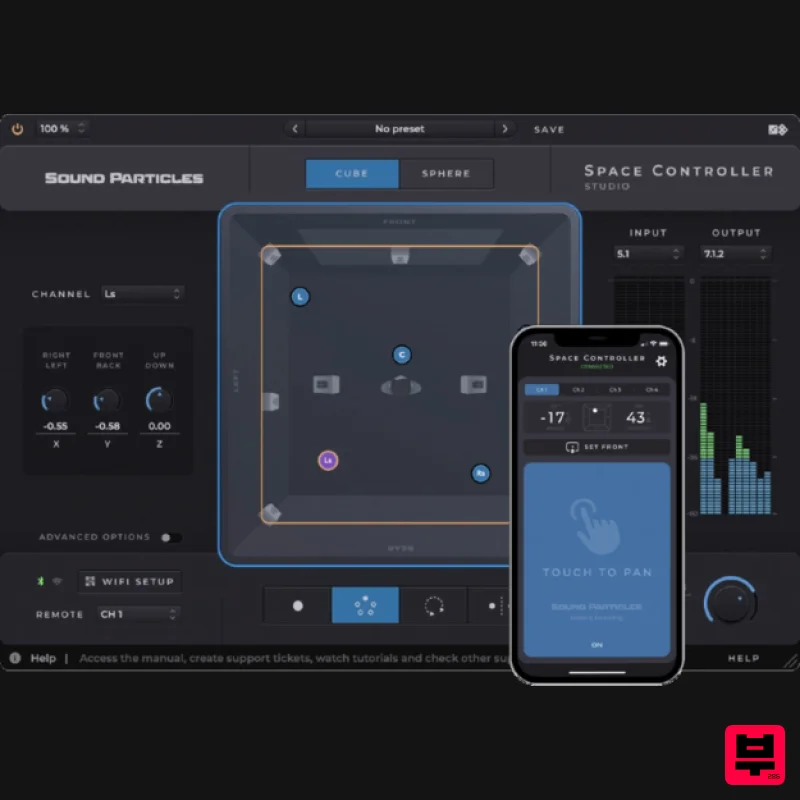
Sound Particles Space Controller Standard | Educational Version
Stereo Width
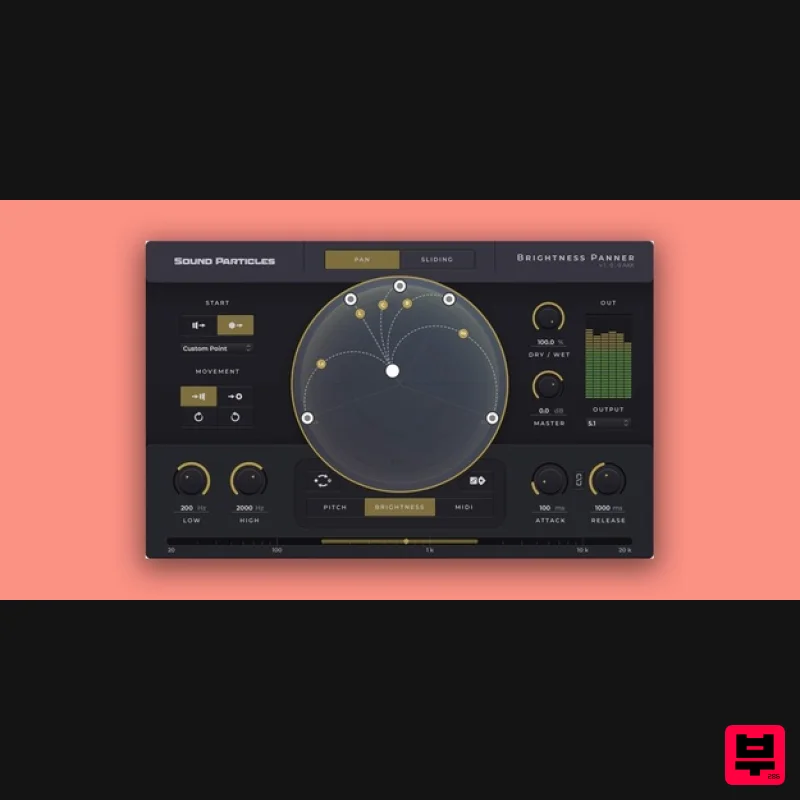
Sound Particles Brightness Panner | Educational Version
Stereo Width
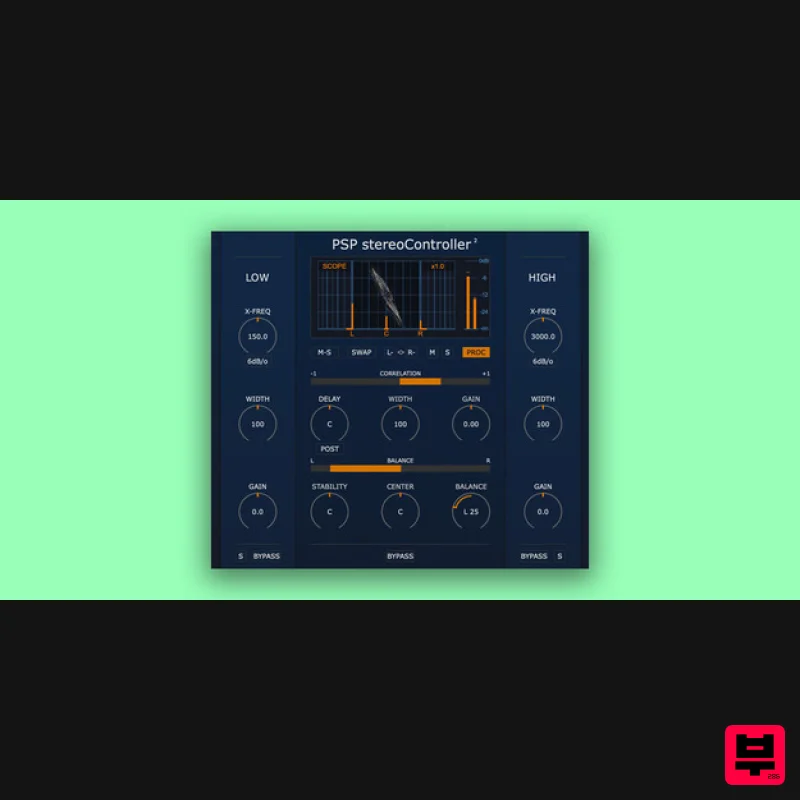
PSP Audioware PSP StereoController2
Stereo Width
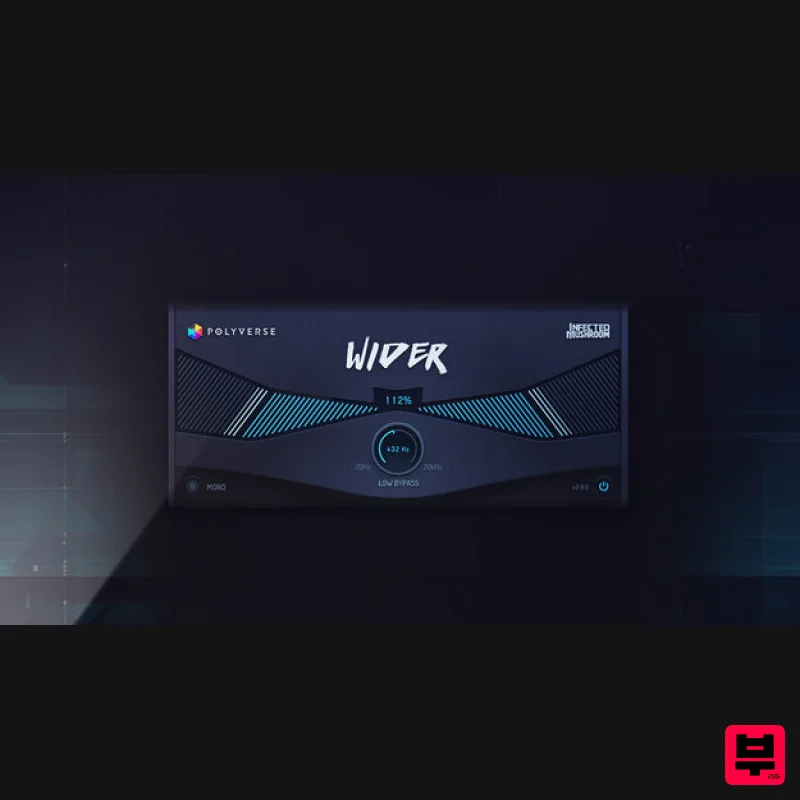
Polyverse Wider 2
Stereo Width
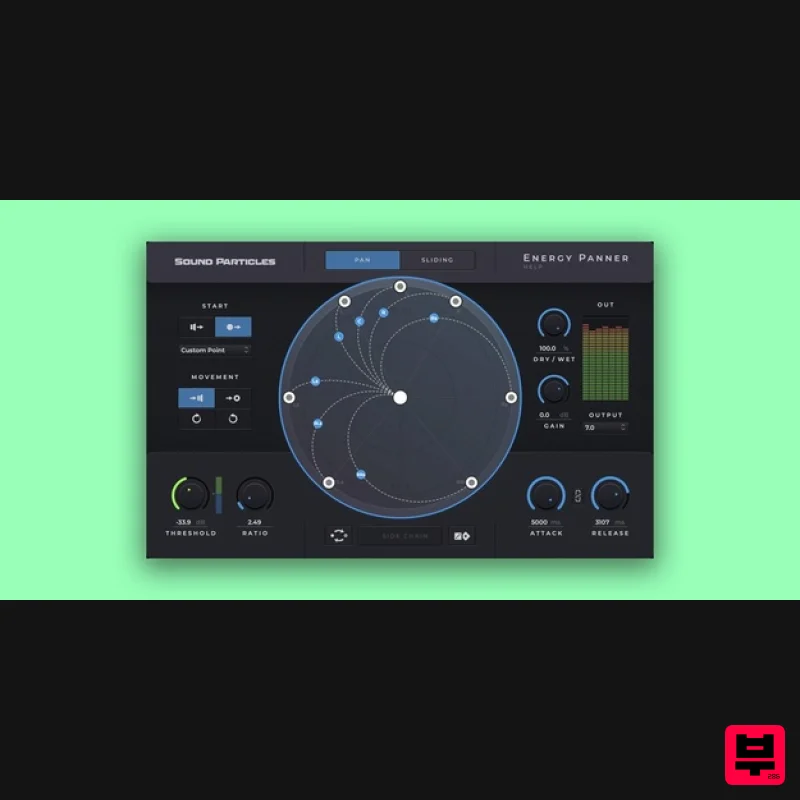
Sound Particles Energy Panner | Educational Version
Stereo Width
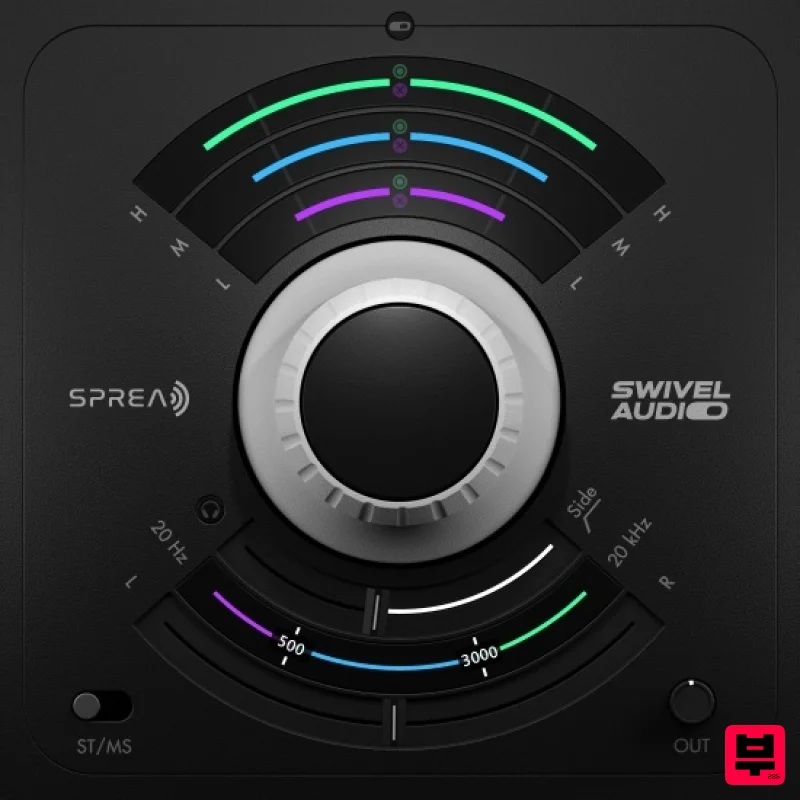
Plugin Alliance Swivel Audio Spread
Stereo Width
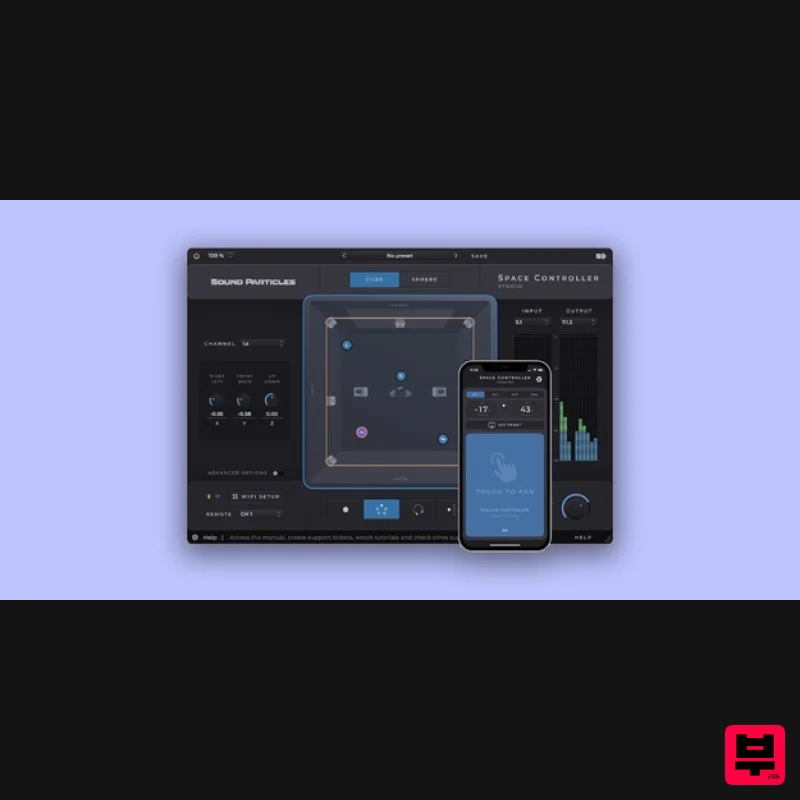
Sound Particles Space Controller Studio | Educational Version
Stereo Width
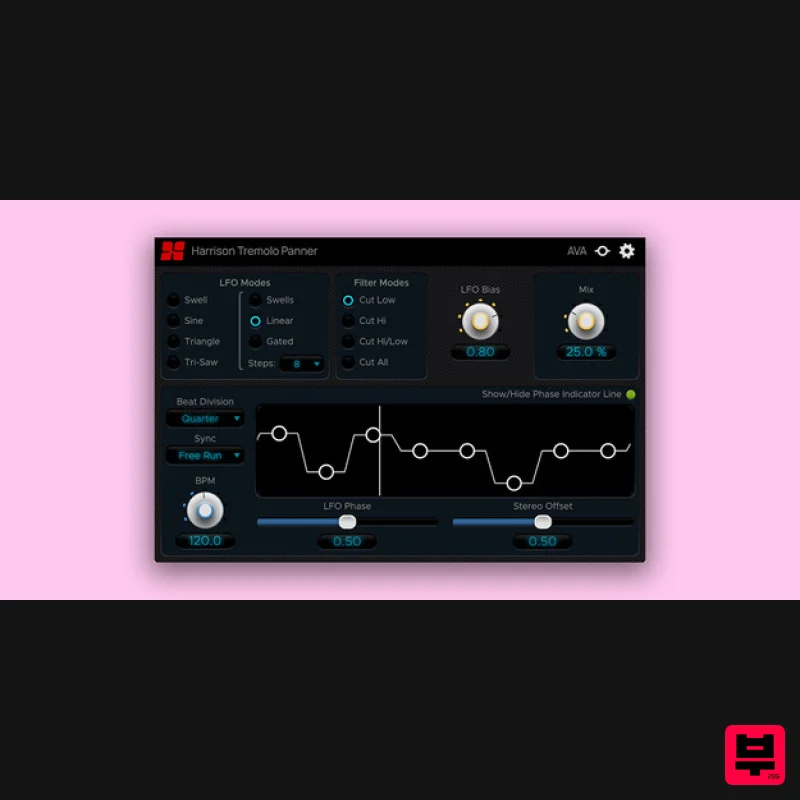
Harrison Consoles Tremolo Panner
Stereo Width

