
AIR Music Technology Soft Clipper
Professional music gear - detailed information and where to buy
AIR Music Technology
Soft Clipper
Product Info
* Prices may vary. Check retailer for current pricing and availability.
Product Description
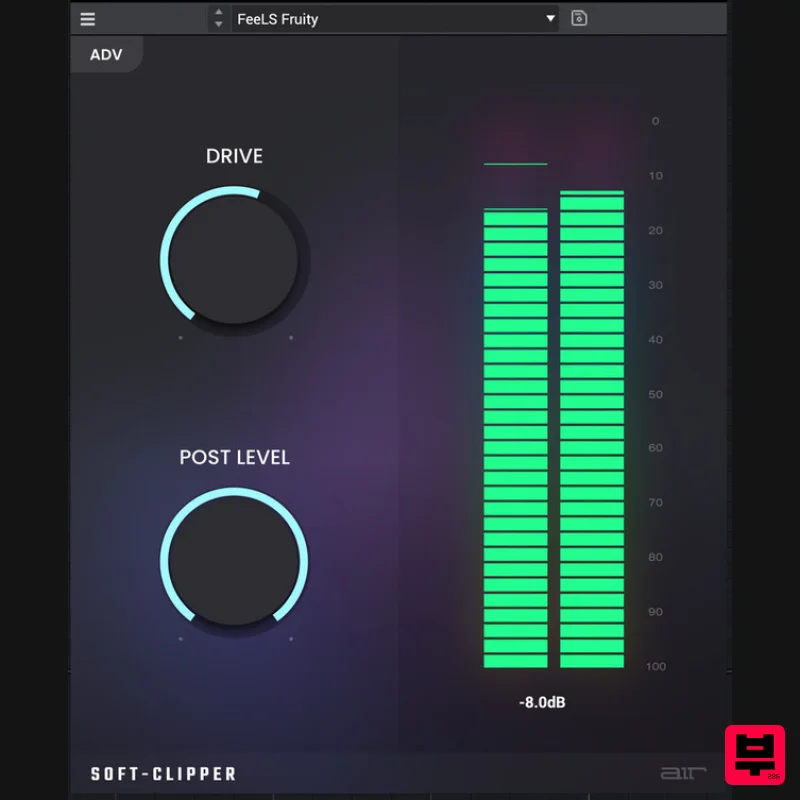
- AIR Soft Clipper isn't just another clone. Inspired by the original
- reimagined
- and optimised to give beat makers and music producers everything they need to get the ultimate energy from the mix. AIR Soft Clipper
- a tool designed for those who make R&B
- Drum and Bass
- or edgy Pop — you name it. Soft Clipper gives your tracks that loud
- yet clean
- release ready sound. Anything But Basic The Quick View isn't just for beginners. It gives you rapid access to essential controls
- sometimes it’s all you’ll need to crank up the mix. Drive: Experiment in the art of saturation. From just a hint to a heavy layer
- define the tone of your track. Post Level: No surprises here—what you set is what you get. Dial it down or keep it up
- your mix won't lose its edge. Meter: Real-time feedback means no guesswork. Tweak as you go and ensure your levels are just right. Advanced Mode: Where The Real Magic Happens Feel like diving deeper? Advanced View has what you need. Shape: Whether you want your clip to roll or hit hard
- this is where you customise that curve. True Peak & Anti-Alias: Minimise distortions and artefacts. AIR Soft Clipper keeps your sound crisp and clear. Stereo Link: Don't sweat about imbalances between channels; Stereo Link makes sure both sides are working together. When Details Matter Release Time: Want the clipping to hang around or fade out quickly? You decide. Mix: The perfect balance between the original and the altered - get your mojo with the Mix knob. Out Level: The last touch for perfect calibration. Make your output sit perfectly in the mix
- just how you want. There’s a lot of clippers out there
- choose AIR Soft Clipper—that clipper
- only better! Features Input
- output and gain reduction metering Drive control Three distortion shapes Post Level control Release mode with time control True-peak
- anti-alias and stereo-link switches Mix control and overall output level System Requirements Windows Windows 10 - Windows 11 37.8MB free disk space 4GB RAM (8GB recommended) Dual-core 2.5GHz CPU VST 2/3 / AAX compatible host Mac macOS 12 Monterey - macOS 14 Sonoma (Apple Silicon compatible - check specific MPC models for Driver Support) 94.2MB free disk space 4GB RAM (8GB recommended) Dual-core 2.5GHz CPU VST 2/3 / AAX / AU compatible host MPC / FORCE Standalone Compatibility AIR Soft Clipper is designed to run on standalone MPC systems running 2.14 or later
- including: MPC One MPC Live MPC Live II MPC X MPC Key 61 MPC One + MPC Key 37 Not currently available for Force customers. Mac Installation 1. Click the 'DOWNLOAD' button in your Plugin Boutique account. 2. Open the .pkg file > click 'Continue' to begin the installation process. 3. Select your installation destination > click 'Continue'. 4. Choose your preferred installation location > click 'Install'. 5. Click 'Close' to complete the installation process. Activation 1. Open your DAW
- launch Hype > click 'SIGN IN'. 2. Click 'CREATE ACCOUNT' (If you already have an account
- enter your details > click 'SIGN IN' and skip to Step 6.) 3. Enter your personal details > click 'NEXT STEP'. 4. Select the brands you are interested in > click 'I agree' > click 'CREATE Account'. 5. Please close the browser window and check the link sent to your email to confirm your account. 6. Re-open Hype within your DAW > click 'ACTIVATE'. 7. Enter the serial number found in your Plugin Boutique account > click 'ACTIVATE'. 8. Click 'CONTINUE' to close the activation window. Your software is now activated and ready to use! Windows Installation 1. Click the 'DOWNLOAD' button in your Plugin Boutique account. 2. Extract the .zip file and open the .exe file to begin the installation process. 3. Select which plugin components you would like to install > click 'Next'. 4. Choose whether you would like to 'Create a desktop shortcut' > click 'Next'. 5. Click 'Install' to close the installation window. Activation 1. Open your DAW
- launch Hype > click 'SIGN IN'. 2. Click 'CREATE ACCOUNT' (If you already have an account
- enter your details > click 'SIGN IN' and skip to Step 6.) 3. Enter your personal details > click 'NEXT STEP'. 4. Select the brands you are interested in > click 'I agree' > click 'CREATE Account'. 5. Please close the browser window and check the link sent to your email to confirm your account. 6. Re-open Hype within your DAW > click 'ACTIVATE'. 7. Enter the serial number found in your Plugin Boutique account > click 'ACTIVATE'. 8. Click 'CONTINUE' to close the activation window. Your software is now activated and ready to use!
Additional Information
About the AIR Music Technology Soft Clipper
The AIR Music Technology Soft Clipper represents excellent craftsmanship in the Dynamics Processor category.
Why Choose the AIR Music Technology Soft Clipper?
- •Authentic AIR Music Technology craftsmanship and design
- •Versatile sound suitable for multiple musical genres
- •Professional build quality and reliable performance
- •Part of AIR Music Technology's respected Dynamics Processor lineup
Compare & Explore
Browse our complete selection of AIR Music Technology instruments or explore other Dynamics Processor options. Use our comparison tools to find the perfect match for your musical style and budget.
Similar Products
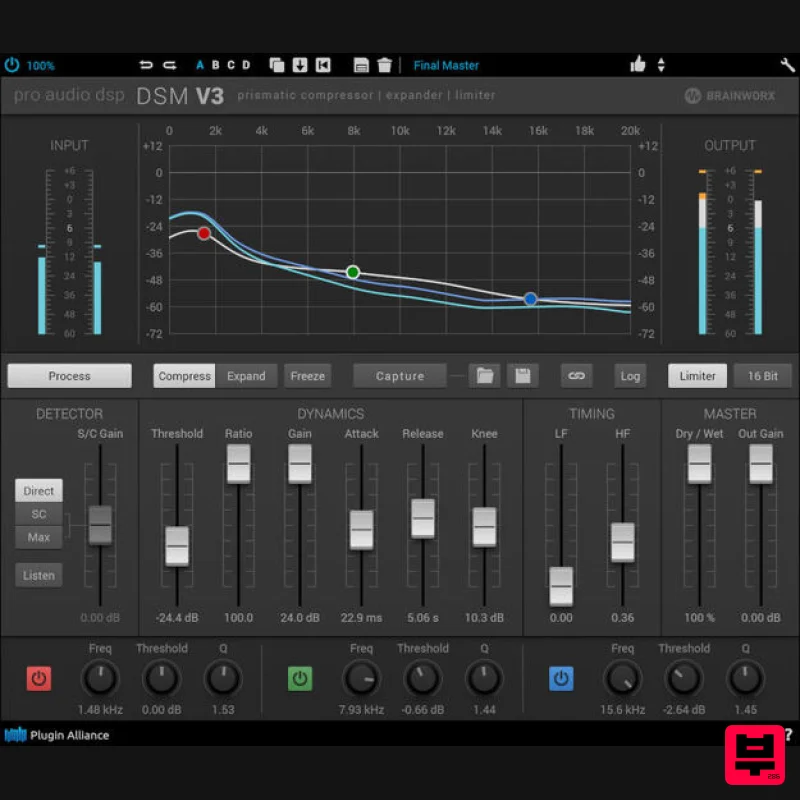
Plugin Alliance ProAudioDSP DSM V3
Dynamics Processor
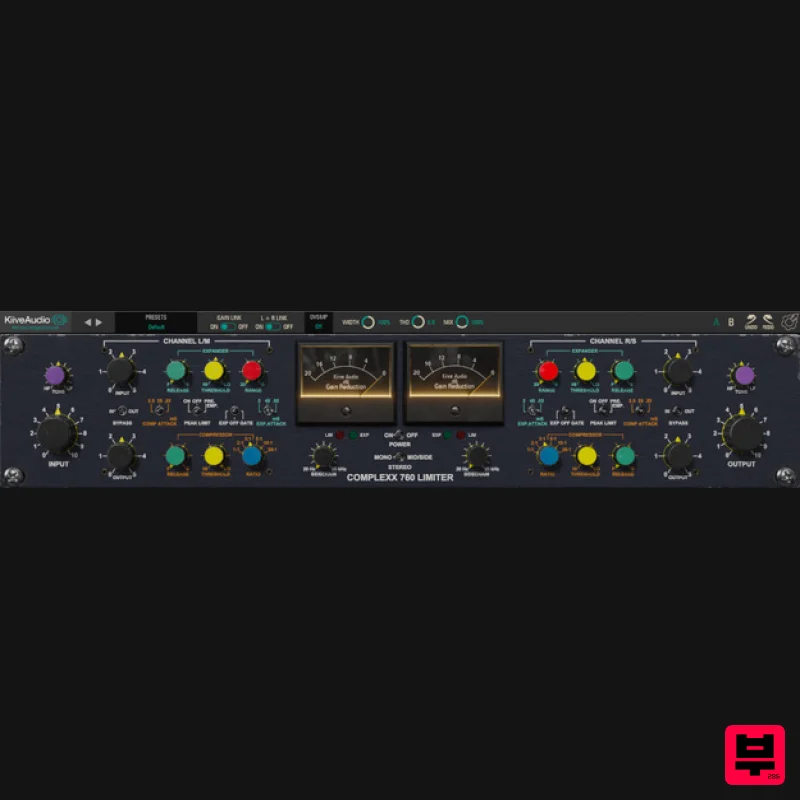
Kiive Audio Complexx
Dynamics Processor
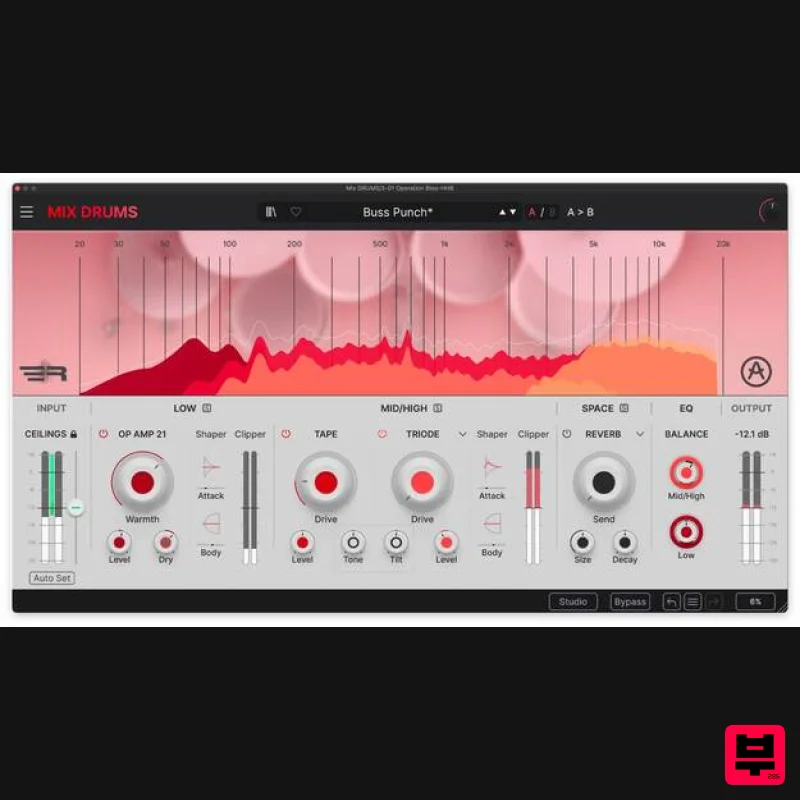
Arturia Mix DRUMS
Dynamics Processor
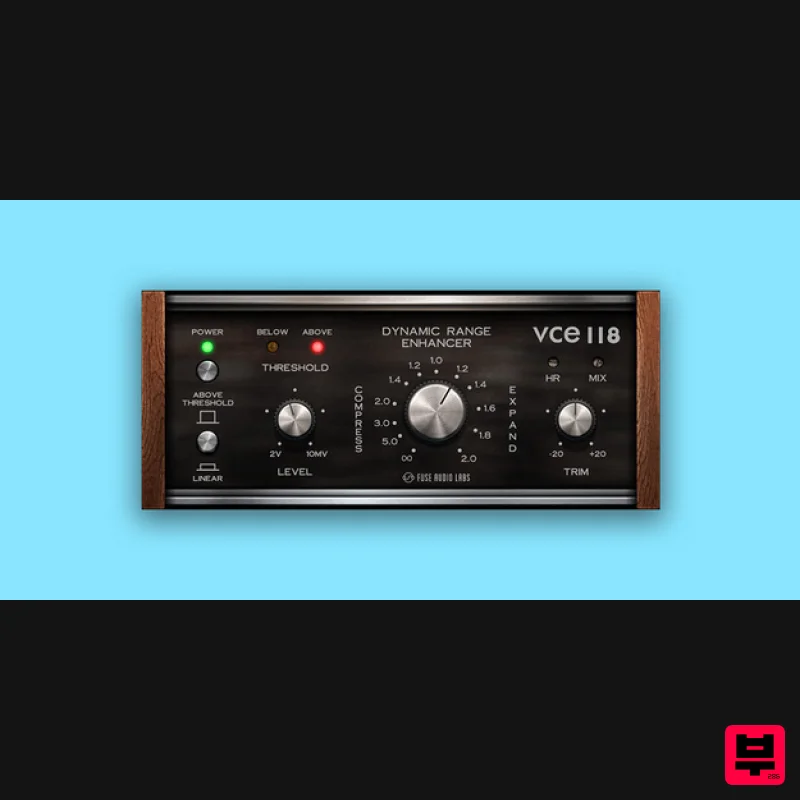
Fuse Audio Labs VCE-118 – Dynamic Range Enhancer
Dynamics Processor
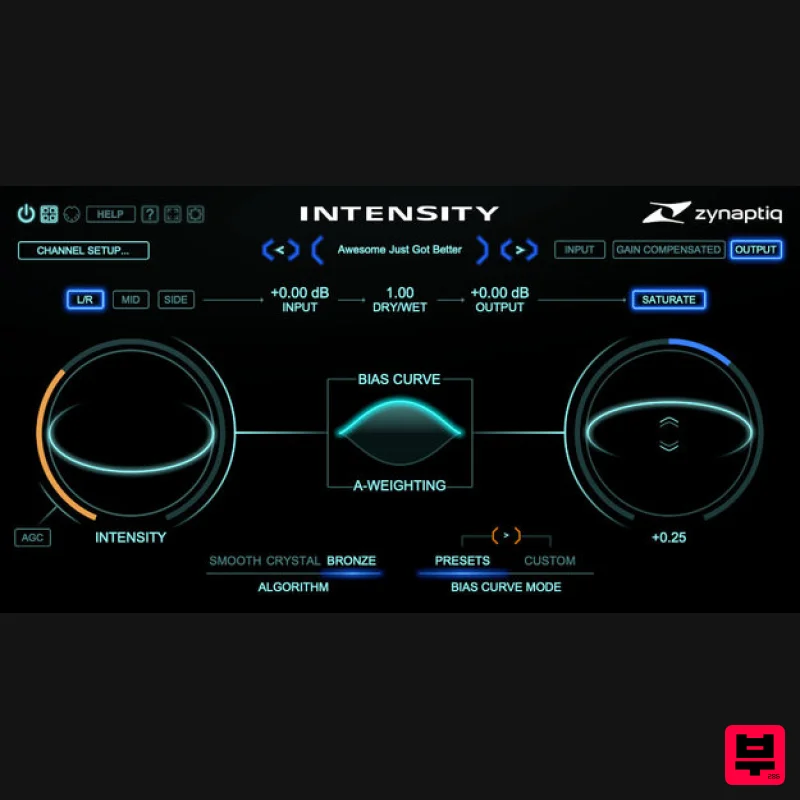
Zynaptiq INTENSITY 2
Dynamics Processor
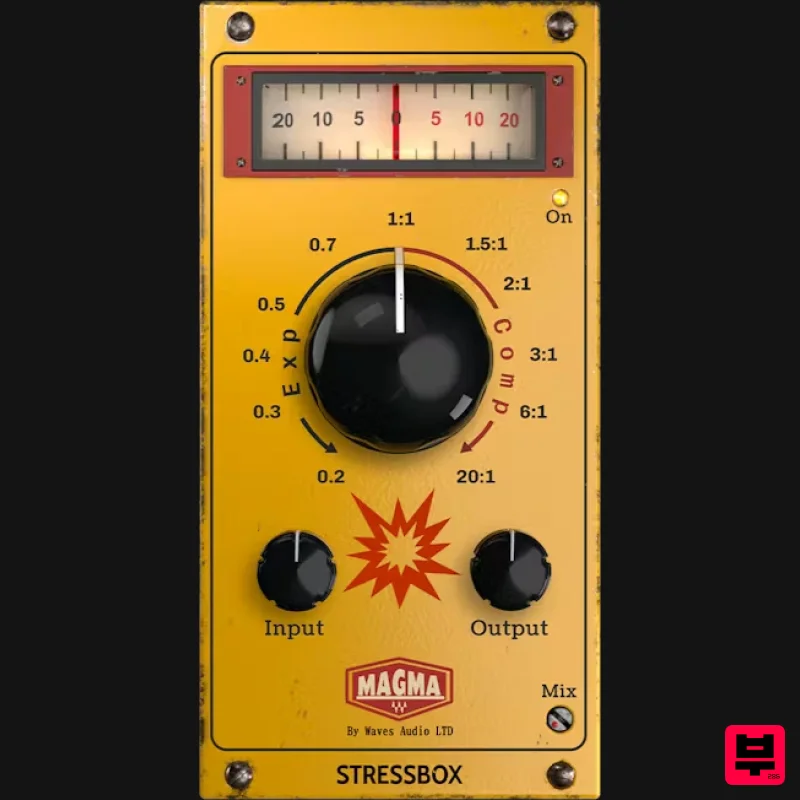
Waves Magma StressBox
Dynamics Processor
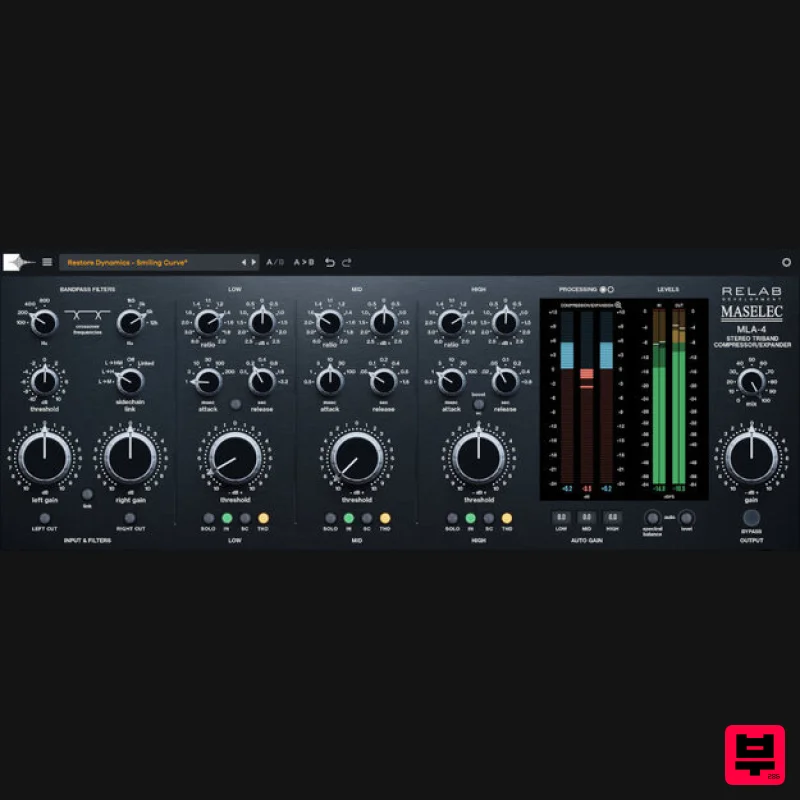
Relab Development Maselec MLA-4
Dynamics Processor
ALM / Busy Circuits MFX Dynamics
Dynamics Processor

