
Waves Magma StressBox
Professional music gear - detailed information and where to buy
Waves
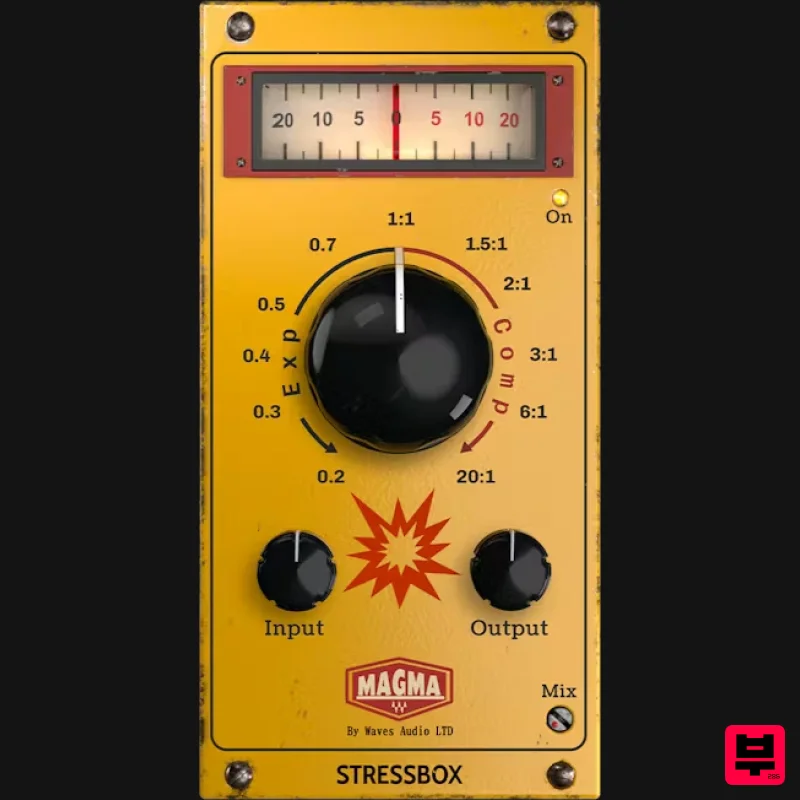
Magma StressBox
Product Info
* Prices may vary. Check retailer for current pricing and availability.
Product Description
- Magma StressBox Shape musical tension & feel – with one knob Flat
- lifeless source holding your mix back? It’s a common struggle: tracks that lack a sense of drama and emotional lift. You try EQ
- compression
- saturation – but the feel still doesn’t translate. Enter the StressBox – a dynamics tool that shapes musical tension. Turn right for aggressive compression that pulls the room sound forward and slams you with urgency and in-your-face energy. Turn left for expansion that enhances transients
- shortens reverb tails
- and wraps your track in a tighter
- controlled feel. Dial in Emotion A single knob shapes your track’s emotion – from intimate expansion to explosive compression. Each turn uncovers new character
- on any source you place it on. Automate the Feel Ride energy and emotion with automation – create lift
- movement
- and contrast between verses and choruses. Meet the Next Magma Powerhouse The Magma series brings rich analog color and bold sonic character. StressBox joins in
- sculpting energy
- tension
- and movement in your mix. Features Control the tension and feel of any musical source Inject life and drama into your tracks One continuous knob: compression to the right
- expansion to the left Add punch
- urgency
- and size with compression Craft intimacy and tightness through expansion A deeply musical tool – no technical skills required Mac macOS Ventura 13
- Sonoma 14
- Sequoia 15
- Tahoe 26 VST / AU / AAX PC Windows 10+ VST / AAX 1. Head to https: //www.waves.com/create-account 2. Enter your email and choose a password to create an account (if you already have a Waves account
- choose Log in
- enter your details and head to Step 5) > click 'Submit' 3. Open your email inbox > click the activation link in the email from Waves 4. Click 'Log in here' > Log in to your Waves account 5. Click 'Register New Products' 6. Enter the Serial Number found in your Plugin Boutique user account > click 'Submit' 7. Click download in your Plugin Boutique user account or head to https: //www.waves.com/downloads/central > download the Waves Central app for your operating system 8. Install Waves Central > Open Waves Central 9. Click 'Log in' > enter your log in details 10. Click the 'Install Products' tab 11. Tick the blue dot on all products you wish to install or click the top dot to install all products > click 'Install & Activate' 12. Click 'OK' 13. Open your DAW > open the Waves plugin Your Waves plugins are installed and ready to use
- enjoy!
Additional Information
About the Waves Magma StressBox
Experience the quality and tone that makes the Waves Magma StressBox a popular choice for musicians.
Why Choose the Waves Magma StressBox?
- •Authentic Waves craftsmanship and design
- •Versatile sound suitable for multiple musical genres
- •Professional build quality and reliable performance
- •Part of Waves's respected Dynamics Processor lineup
Compare & Explore
Browse our complete selection of Waves instruments or explore other Dynamics Processor options. Use our comparison tools to find the perfect match for your musical style and budget.
Similar Products
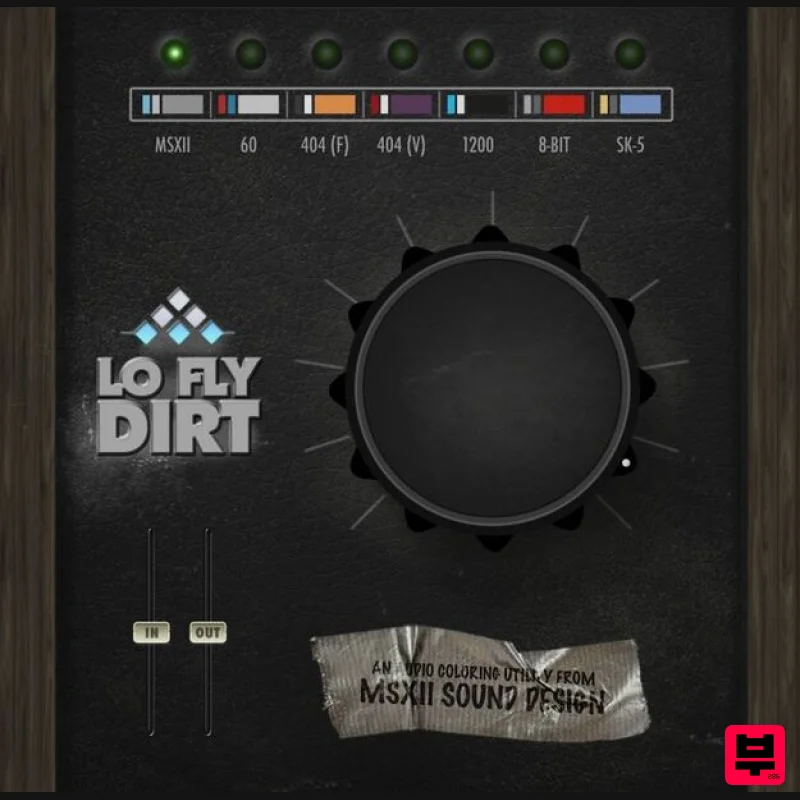
AIR Music Technology Lo-Fly Dirt
Dynamics Processor
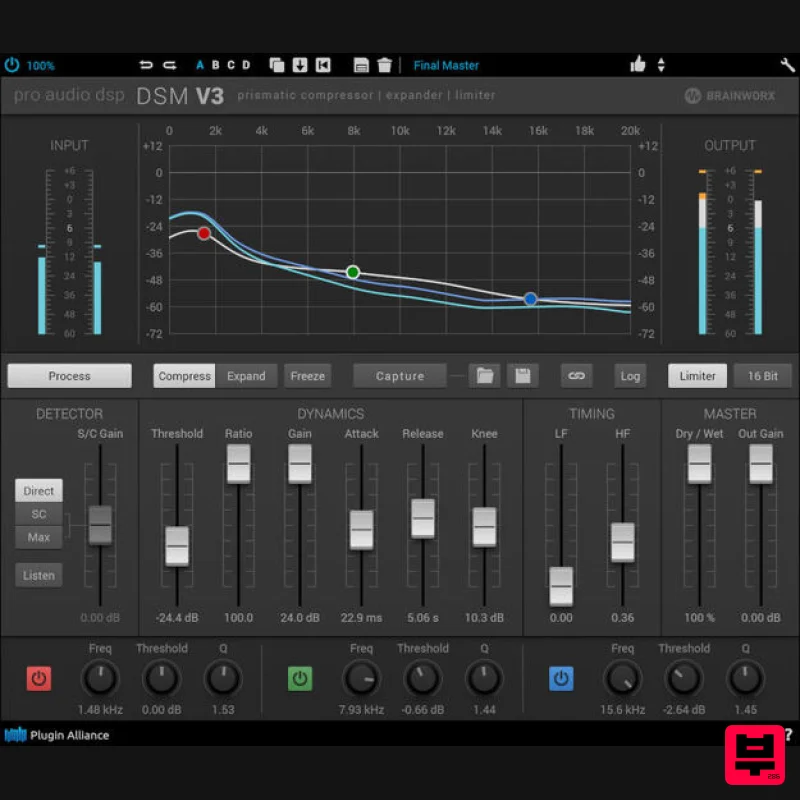
Plugin Alliance ProAudioDSP DSM V3
Dynamics Processor
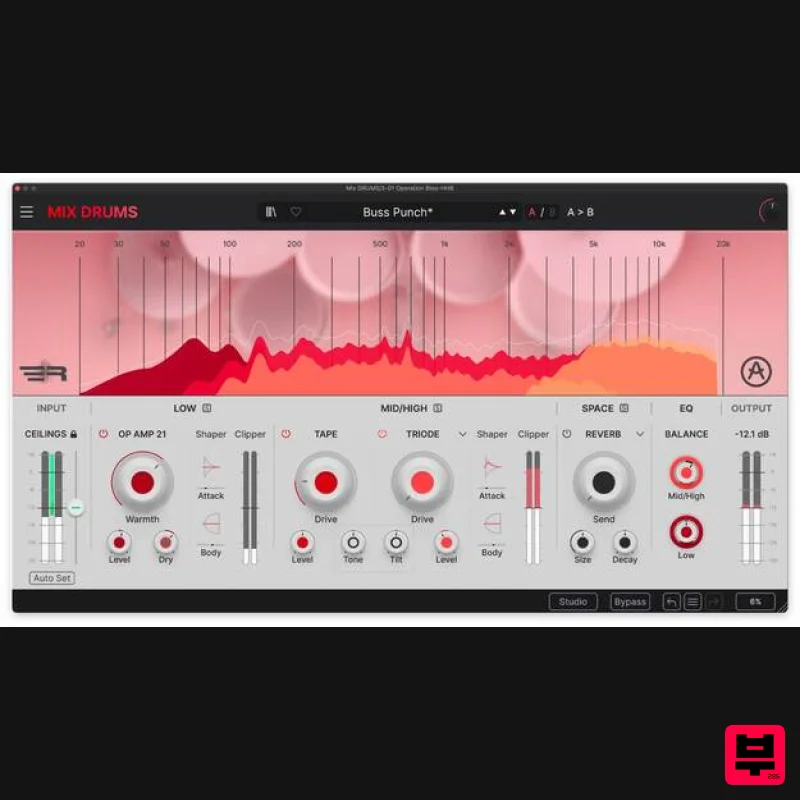
Arturia Mix DRUMS
Dynamics Processor
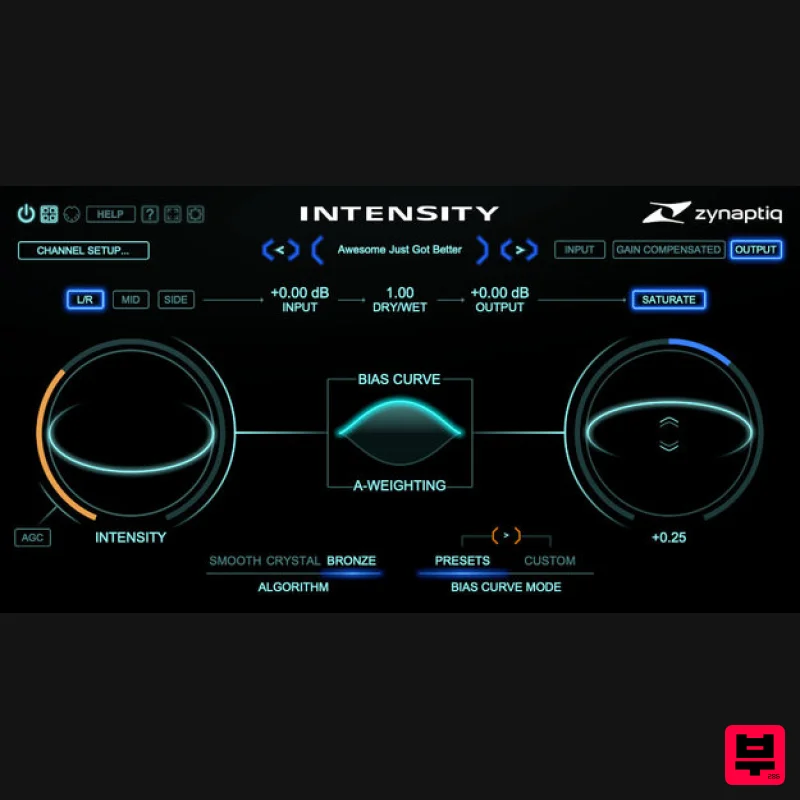
Zynaptiq INTENSITY 2
Dynamics Processor
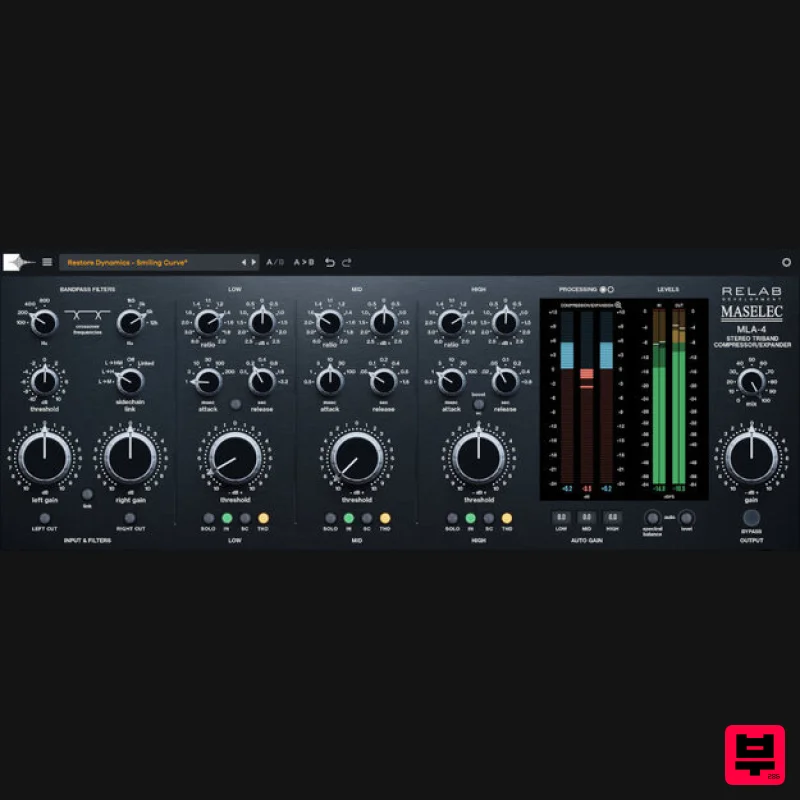
Relab Development Maselec MLA-4
Dynamics Processor
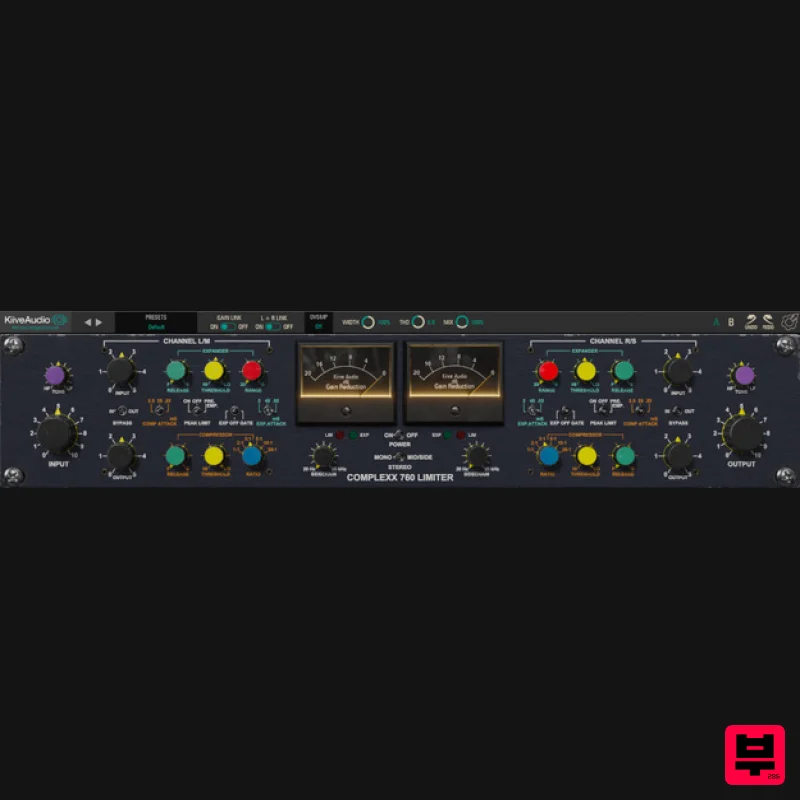
Kiive Audio Complexx
Dynamics Processor
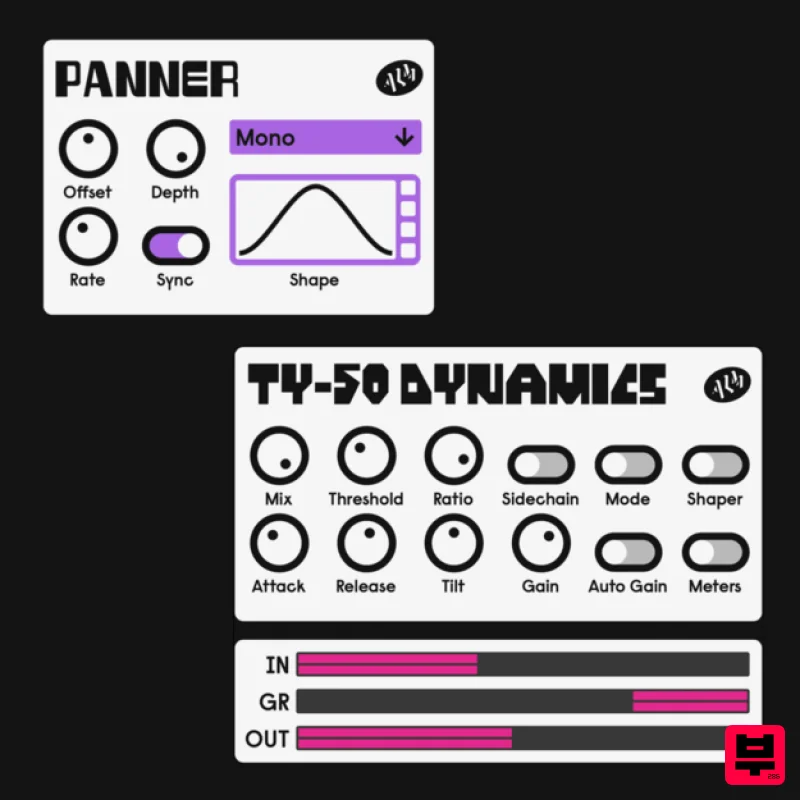
ALM / Busy Circuits MFX Dynamics
Dynamics Processor
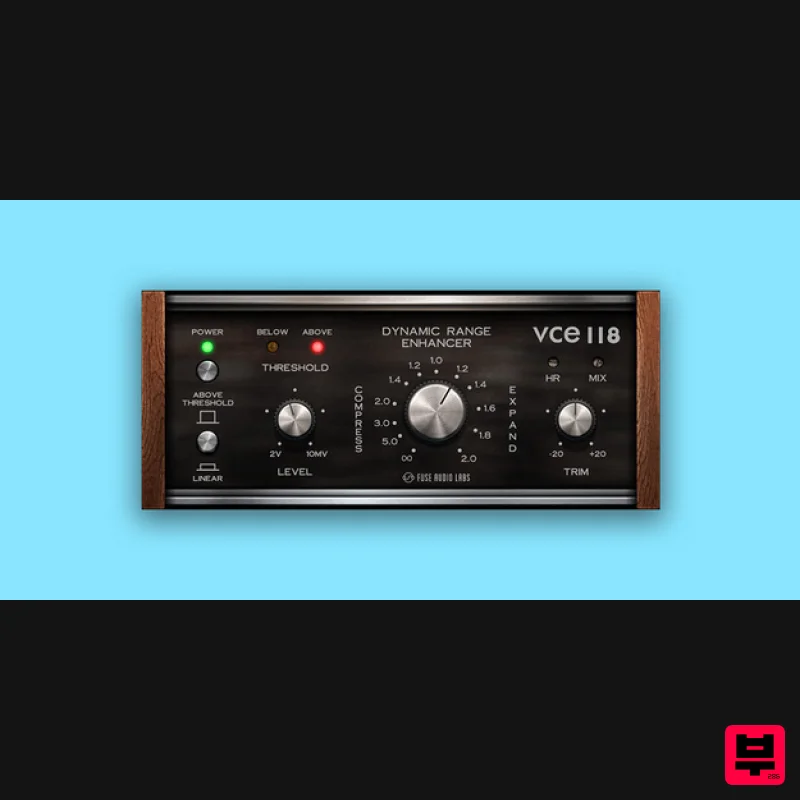
Fuse Audio Labs VCE-118 – Dynamic Range Enhancer
Dynamics Processor

