Free tool · no sign-up · runs in your browser
Free MIDI generator
Chords, bassline, melody and drums that fit together — built on real harmony, in 11 genres. Press play, regenerate any part, edit the notes, and download MIDI for your DAW.
Melody — click to add, drag to move, drag the right edge to resize, click a note to delete
Pick a genre and press Play. Every loop is new.
Space — play / stop · G — new loop · 1–4 — pick a track
How it works
Three steps from nothing to a loop in your DAW.
Pick the vibe
Genre, key, scale and tempo. Complexity decides how busy the melody and drums get; swing gives the groove its lean.
Shape it
Press New loop until it clicks. Lock the parts you love, roll the dice on the rest, and fix single notes in the editor.
Take it with you
Download a four-track MIDI file — or one track — and drop it into Ableton, FL Studio or Logic. Need audio? Export a seamless WAV loop.
What’s inside a loop
No random notes. Every part follows the rules your ears expect — the same ones producers use, just faster.
- Chords
Progressions that each genre actually uses — i–VI–III–VII in house, ii–V–I with sevenths in lo-fi. Each chord moves to the nearest voicing of the next, so the harmony glides instead of jumping.
- Bass
Locks to the chord roots in the genre’s rhythm: offbeats in house, rolling sixteenths in techno, an 808 that sits on every kick in trap, walking lines in lo-fi.
- Melody
A two-bar motif that repeats and answers itself. Strong beats land on chord tones, the steps in between move by scale, and the last note resolves home.
- Drums
Genre patterns with ghost notes, hi-hat rolls and a fill into the next loop. Exported on channel 10 with General MIDI notes, so any drum rack plays them right.
11 genres
Default tempo and mode for each — change anything after you press play.
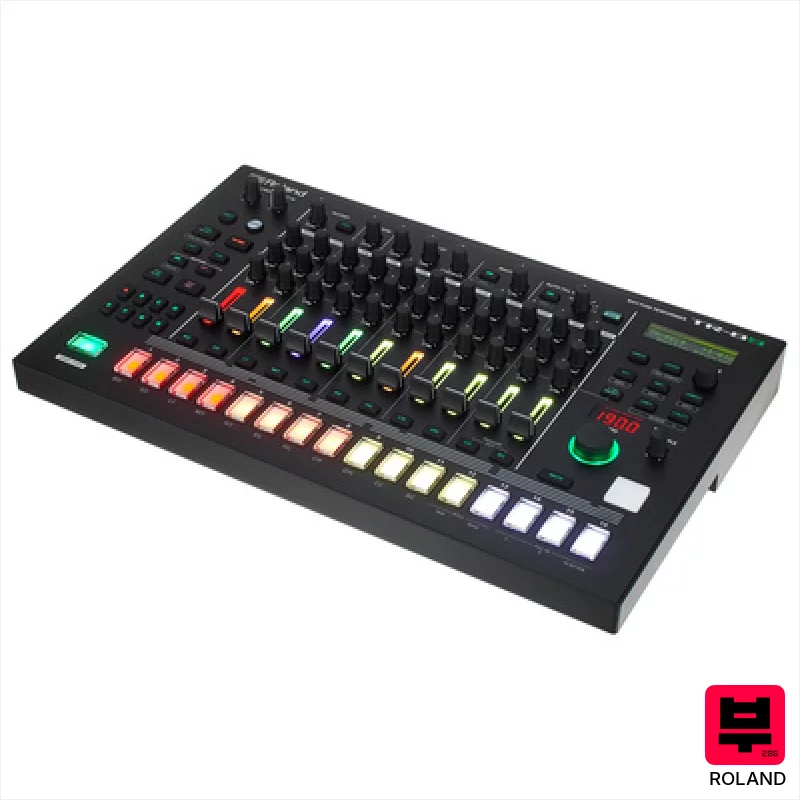
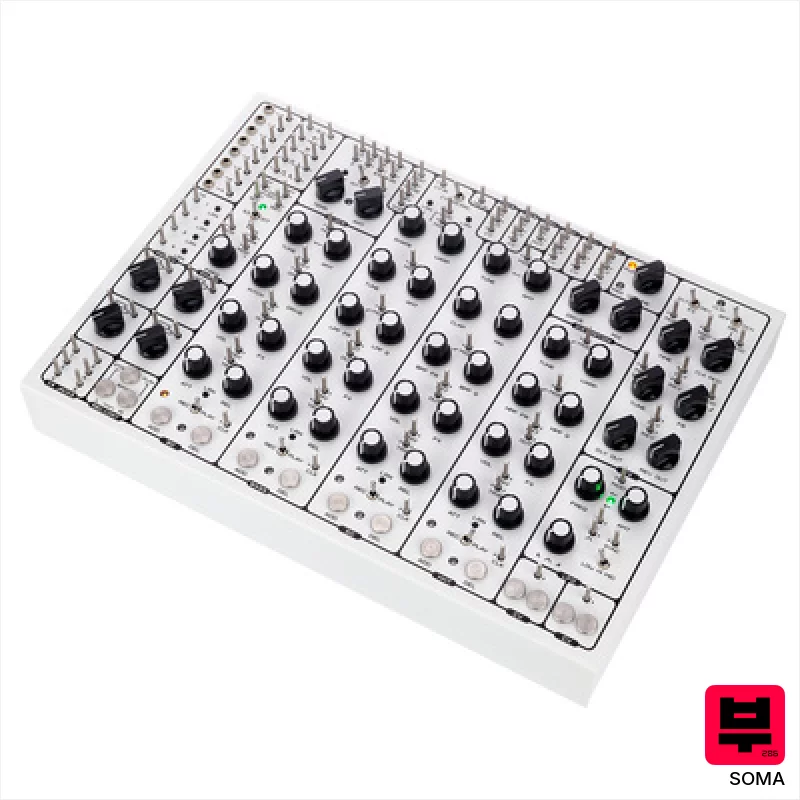
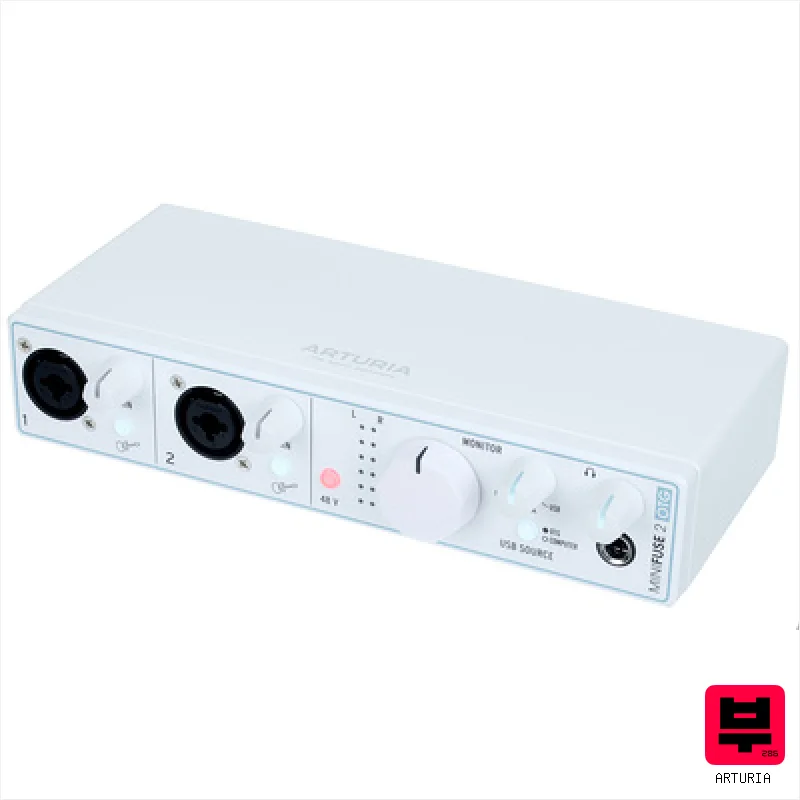
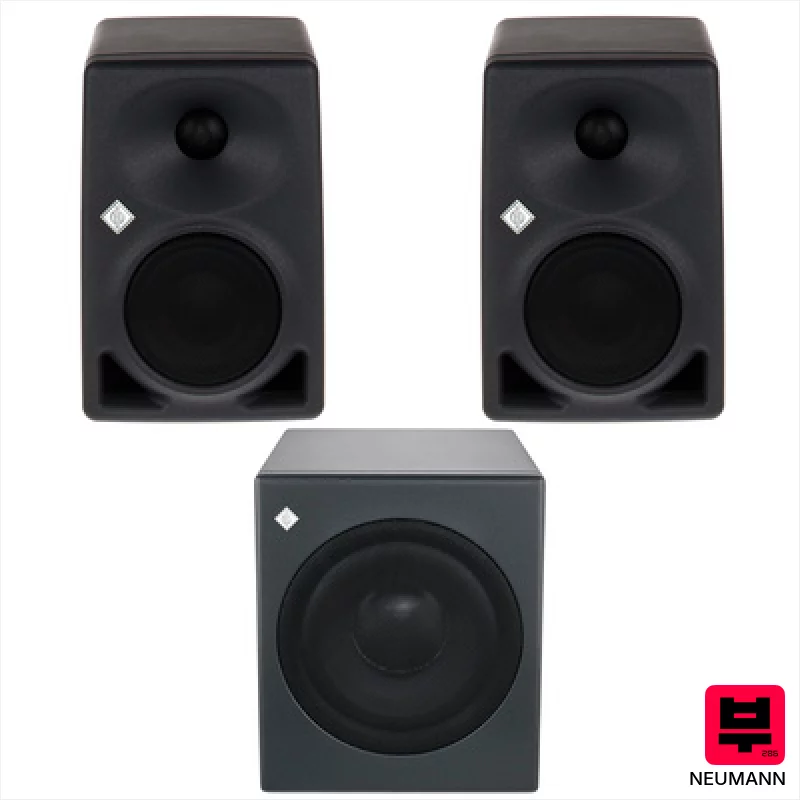
Play it on real gear
The loop is the start. These charts rank what to play it on — by the AudioFu Index.


Questions
Is the MIDI generator really free?
Yes. No sign-up, no limits, no watermark. Generate as many loops as you like and download every one of them.
Can I use the MIDI in my own songs?
Yes. The notes are generated for you in your browser, and you can use them in any track, commercial or not. No credit needed — though we always appreciate a mention.
Which DAWs open the files?
Any DAW that reads standard MIDI: Ableton Live, FL Studio, Logic Pro, GarageBand, Cubase, Studio One, Bitwig, Reaper and others. The file has four tracks — chords, bass, melody and drums on channel 10 with General MIDI drum notes — plus the tempo.
How does it decide which notes to play?
Each genre has its own chord progressions, rhythms and drum patterns. Chords move by the smallest step to the next voicing, the bass follows the chord roots, and the melody is a short motif that lands on chord tones on strong beats and resolves at the end of the phrase.
Can I keep the drums and change only the chords?
Yes. Lock any track and press New loop — locked tracks stay as they are. Or use the dice on a single track to regenerate just that part.
Does it work on a phone?
Yes. Generation, playback and download all run in the browser. Editing notes works with a tap; for long edits a mouse is more comfortable.