
Best Mix Checking VST Plugins 2026
Mastering the final stage of music production requires precise mix checking, and selecting the right VST plugin is crucial. This roundup focuses on the best Mix Checking tools available for 2026, helping producers achieve professional, balanced mixes quickly. We dive deep into the nuances of each plugin to ensure you choose the perfect tool for your workflow.
Last updated: October 1, 2026
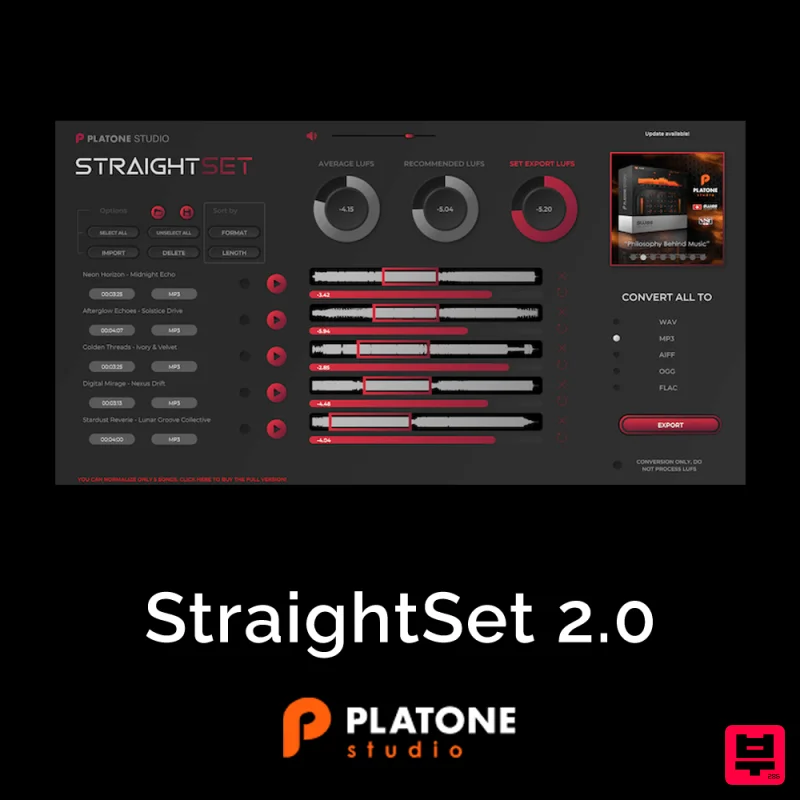
Platone Studio StraightSet 2.0
- • A/B comparison with reference tracks
- • Saves expensive mastering revisions
- • Simulate different playback systems
- • No simulation replaces actual system testing
- • Cannot account for room acoustics
- • False confidence from simulations possible

dSONIQ Realphones 2.0 Standard
- • Identify problem areas before release
- • Mono and stereo fold-down checking
- • Saves expensive mastering revisions
- • No simulation replaces actual system testing
- • Expensive for what they provide
- • Some features available in free tools

dSONIQ Realphones 2.0 Ultimate
- • Identify problem areas before release
- • Simulate different playback systems
- • Frequency balance visualization
- • Expensive for what they provide
- • Some features available in free tools
- • Cannot account for room acoustics
How to Choose the Best Vst Mix Checking
Spectral Accuracy
This determines how accurately the plugin analyzes and displays the frequency distribution of your mix. High accuracy is essential for making precise EQ and balance adjustments.
Stereo Imaging Fidelity
This assesses the plugin's ability to correctly identify phase, width, and spatial placement between the left and right channels. Poor imaging leads to muddy or phasey mixes.
Dynamic Consistency
This measures how effectively the plugin analyzes and highlights dynamic variations across the entire track. Consistent dynamic range is the hallmark of a professional mix.
Workflow Integration
This evaluates how seamlessly the plugin fits into your existing DAW workflow and how intuitive the mix-checking interface is. A smooth workflow saves valuable time.
Plugin Stability & Latency
This addresses the plugin's reliability, CPU usage, and responsiveness during real-time mix analysis. Stable performance prevents frustrating delays and crashes during critical mixing sessions.
Buying Guide
When selecting a Mix Checking tool, prioritize spectral accuracy and stereo imaging fidelity above all else, as these are the core elements of a professional mix. Don't just look at the features; test the plugin on your most challenging tracks to see how it handles complex arrangements. My expert tip: Always cross-reference the plugin's visual feedback with your DAW's built-in metering to ensure the data is reliable before committing to a purchase.
How This List Is Built
We don't play these instruments — we're a catalog, not a review desk, and we'd rather say so than pretend otherwise. This page covers 3 vst mix checking from the Thomann catalogue, which is the largest single source of specification data in this category: 3 in detail, the rest listed with their specifications.
Position is computed, not curated. We parse the manufacturer's own description into actual values — nut width, scale, fret count, fingerboard radius, size, alloy — and rank on them: how many specifications a model has published, how many of them are measurable numbers, and how precisely it meets this page's criterion. A product image adds a little. Price is not a ranking signal: it tells you nothing about whether a neck fits your hand. The same inputs always produce the same order, so nothing here is shuffled to look fresh.
What this list is good for: narrowing a category down to a shortlist by spec and budget. What it isn't: a substitute for hearing an instrument. Before you buy, read hands-on reviews and, where you can, play it. Full methodology.

