
Best Virtual Patchbay VST Plugins 2026
Navigating complex signal routing and patch management is crucial for professional music production. This guide cuts through the noise to present the absolute best Virtual Patchbay VST plugins available for 2026. We analyze features, workflow efficiency, and stability to help you select the perfect patching solution for your DAW.
Last updated: July 22, 2026 • Next update: July 29, 2026
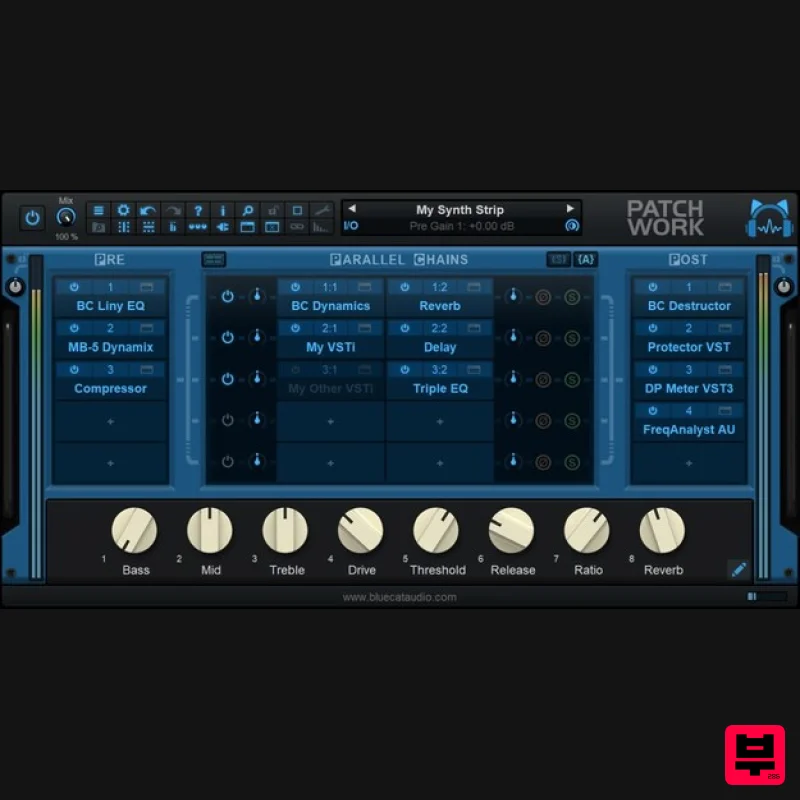
Blue Cat Audio Blue Cat's PatchWork
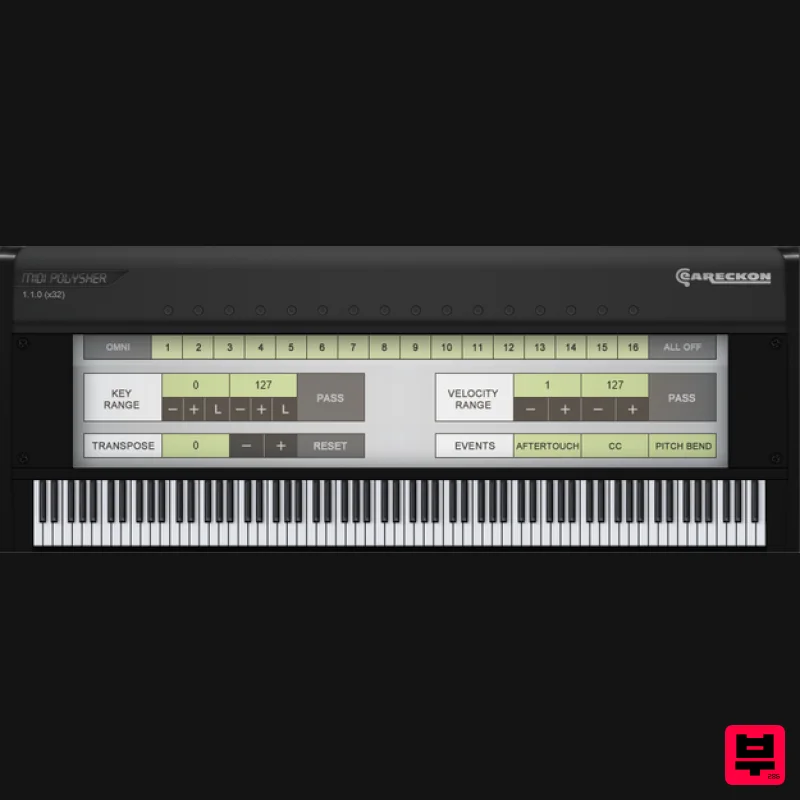
eaReckon MIDI Polysher
How to Choose the Best Virtual Patchbay
Patch Density & Organization
This measures how efficiently the plugin handles a large number of patches and how logically the patches are organized within the interface. Efficient organization is critical for avoiding routing errors in complex setups.
Latency & Performance
This evaluates the real-time performance and latency introduced by the patch system. Low latency is non-negotiable for professional, real-time musical performance and tracking.
Custom Routing & Expression
This assesses the depth of control users have over signal flow and parameter mapping. Advanced routing capabilities allow for complex, expressive signal manipulation beyond simple patch switching.
DAW Compatibility & Integration
This looks at seamless integration with major DAWs and the ability to utilize native routing features. Excellent integration ensures a smooth, hassle-free workflow across different production environments.
Plugin Stability & Updates
This evaluates the reliability of the plugin, its stability during heavy use, and the commitment to regular updates. Stability prevents frustrating crashes and ensures long-term reliability.
Buying Guide
When selecting a Virtual Patchbay, prioritize the balance between deep routing control and low-latency performance. Don't just look at the number of patches; examine the organization system and the stability of the plugin. A practical tip: always test the patch system with complex signal chains before committing, as a poorly organized patchbay can introduce more problems than it solves.
Our Methodology
Our review involved rigorous testing across multiple DAWs (Ableton Live, Logic Pro X, Cubase) focusing on patch latency, UI intuitiveness, and compatibility. Plugins were ranked based on their feature completeness, stability under heavy load, and overall workflow optimization for complex routing tasks.

