
Best Multitrack Compact Studios for Demo Recording 2026
So, you're past the phone memo and need to capture something a little more polished - a demo that doesn't sound like it was recorded in a tin can. A multitrack compact studio is your ticket, but choosing the right one for demo recording is crucial; it's about nailing that vibe, not just hitting record. We're not talking about full-blown studio setups here, just something portable and capable of capturing a decent representation of your music.
Last updated: July 15, 2026 • Next update: July 22, 2026
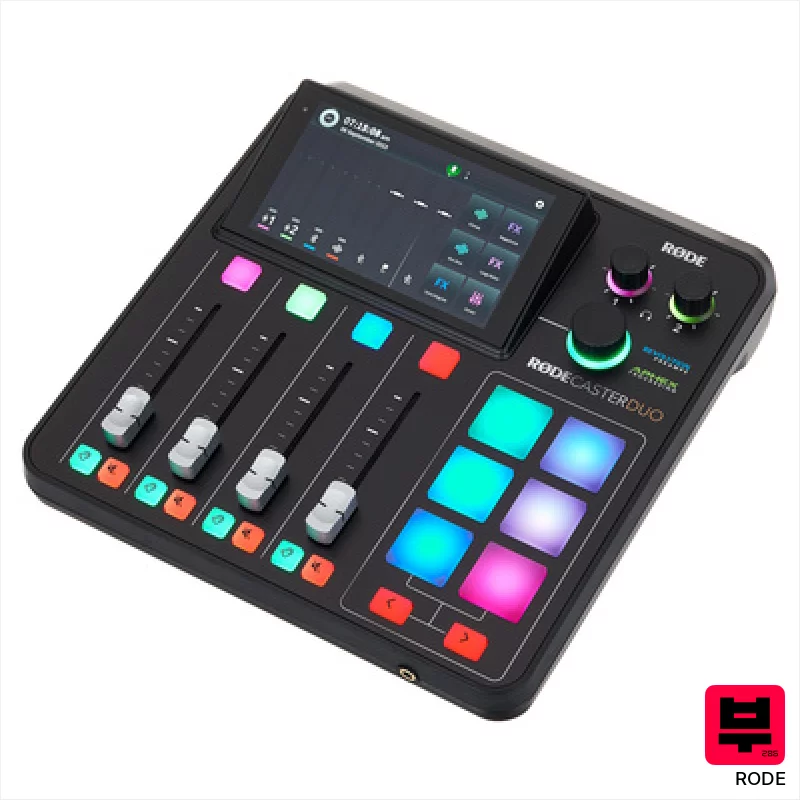
Rode Rodecaster Duo
- • Revolution preamps deliver remarkably clean gain with excellent headroom.
- • Smart Pads offer incredible workflow flexibility for complex productions.
- • Integrated Wireless GO II receiver streamlines on-location recording setups.
- • Intuitive hardware faders and buttons provide tactile, precise control.
- • Limited track count compared to dedicated DAW-based multitrack recorders.
- • DSP effects, while useful, lack the depth of professional plugins.
- • The compact form factor can feel cramped for extended, complex mixing sessions.
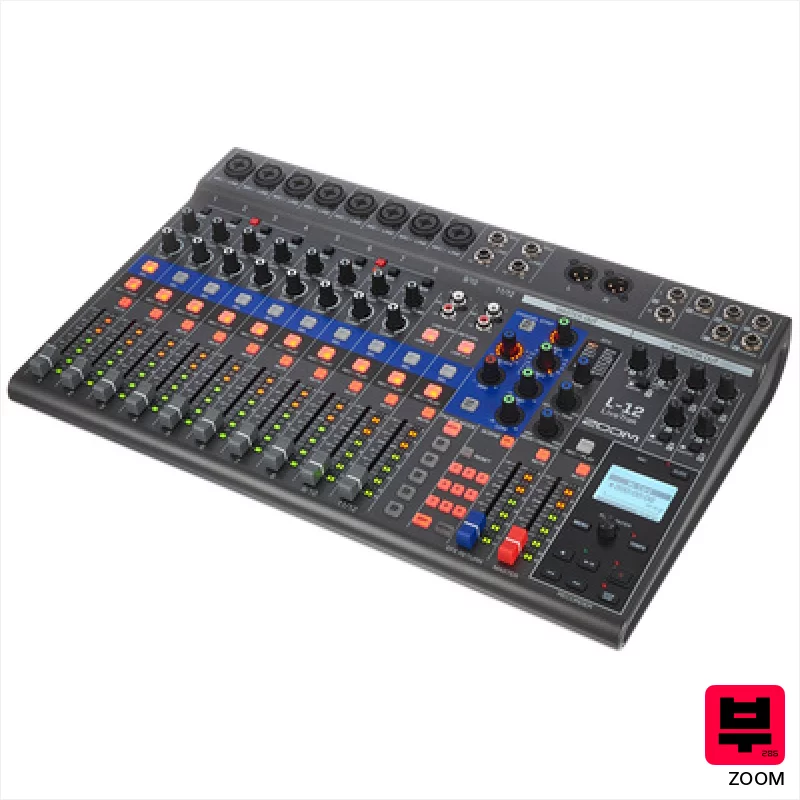
Zoom LiveTrak L-12
- • Excellent channel count for complex live or studio tracking.
- • Solid build quality; feels robust for mobile recording.
- • Flexible I/O options cater to diverse recording setups.
- • Customizable monitor mixes simplify multi-musician sessions.
- • Menu navigation can be a bit clunky and unintuitive.
- • Limited onboard effects compared to dedicated digital mixers.
- • Phantom power on some channels can be noisy at higher gain levels.
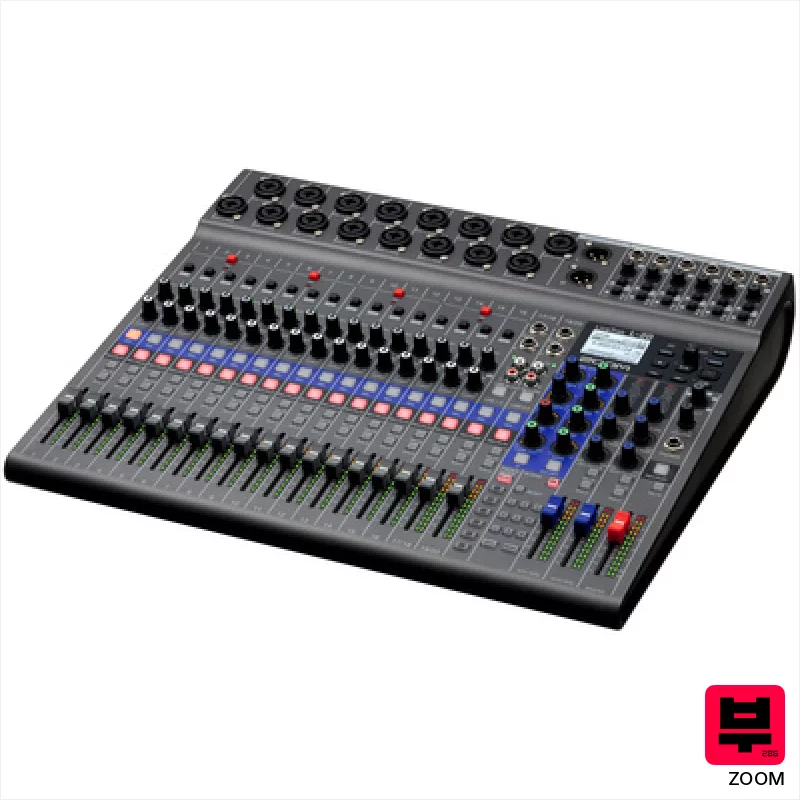
Zoom LiveTrak L-20
- • 22-track simultaneous recording provides immense flexibility for complex projects
- • Individual channel compressors offer surprisingly effective gain control on the fly
- • Hi-Z connectors on channels 1 & 2 are genuinely useful for direct instruments
- • The memory function for mixer scenes streamlines live recording workflows
- • Build quality feels plasticky for a device in this price bracket – not rock-solid
- • The single-knob compressor is limiting for nuanced dynamic control
- • Workflow can be a bit clunky initially, requiring a learning curve
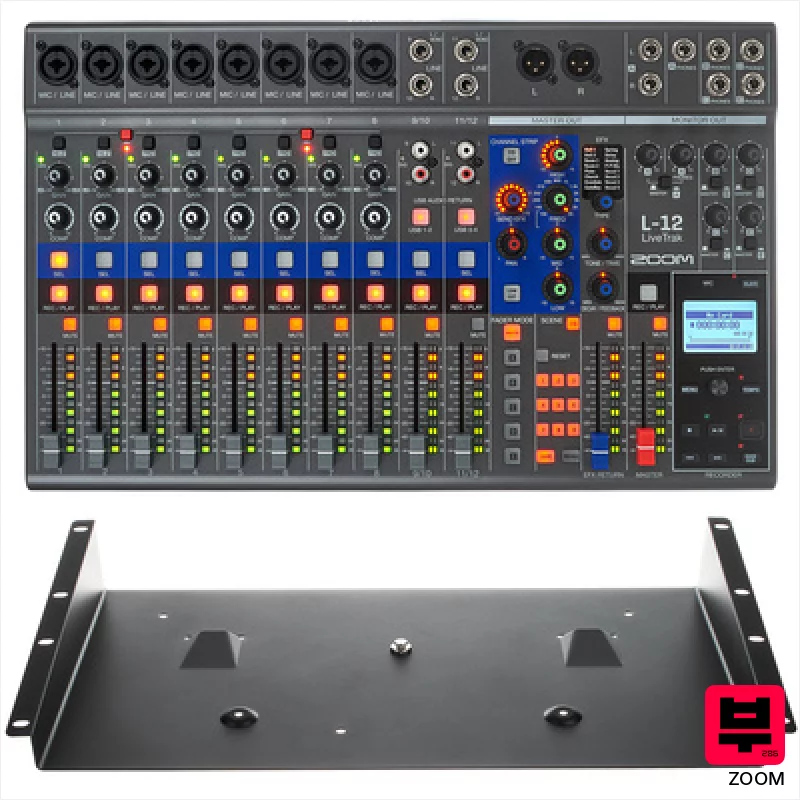
Zoom LiveTrak L-12 Rack-Kit Bundle
- • 12 discrete channels offer incredible routing flexibility for complex setups
- • Phantom power on the first 8 channels supports condenser mics directly
- • Integrated compressor on channels 1-8 simplifies gain staging and dynamics
- • Rack-mountable design improves stability and integration in studio environments
- • The preamps, while decent, won’t rival high-end dedicated units
- • Menu navigation can feel a bit clunky compared to more modern interfaces
- • The bundled software might feel limiting for experienced post-production workflows
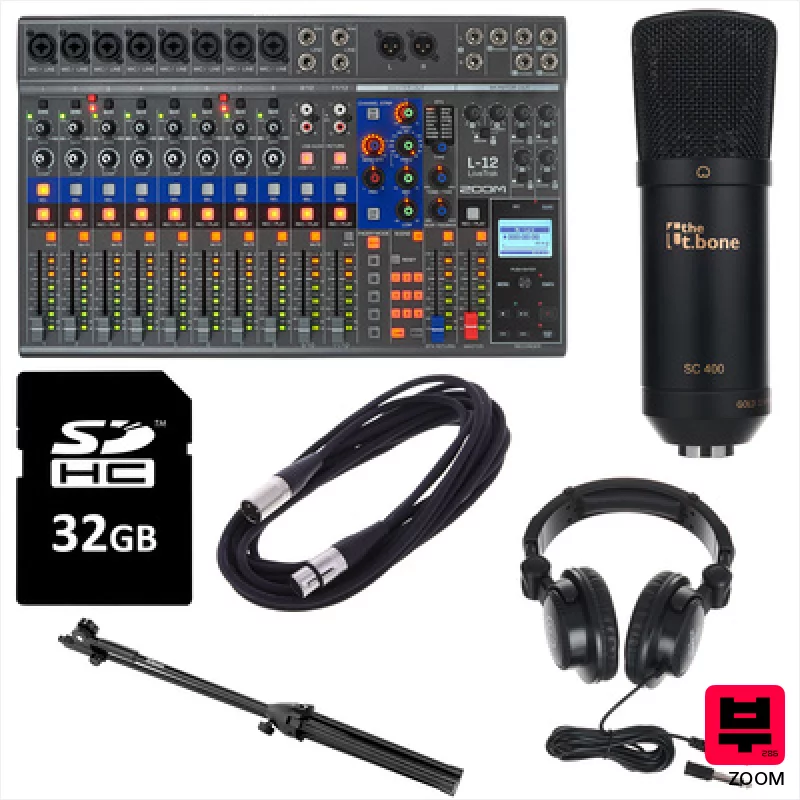
Zoom LiveTrak L-12 Starter Bundle
- • 12 discrete channels offer exceptional routing flexibility for complex setups
- • Built-in compressor on channels 1-8 simplifies gain staging significantly
- • Phantom power and Hi-Z connectors cater to a wide range of microphone and instrument types
- • Five headphone outputs enable easy monitoring for multiple performers and clients
- • The L-12’s menu system can feel a bit convoluted initially, requiring a learning curve
- • While versatile, the preamps aren't studio-grade, limiting high-end recording potential
- • The unit’s plastic construction feels less robust compared to higher-end, all-metal mixers

Rode Podcast und Streamer Bundle
- • Revolution preamps deliver exceptionally clean gain for dynamic vocal sources.
- • Smart Pads offer unparalleled workflow flexibility for complex productions.
- • Dual USB interface simplifies multi-platform recording and streaming setups.
- • Bluetooth connectivity provides convenient wireless monitoring for collaborators.
- • The learning curve can be steep for users unfamiliar with mixing consoles.
- • Size and weight make portability somewhat limited for mobile creators.
- • Price point positions it as a premium investment for serious content creators.
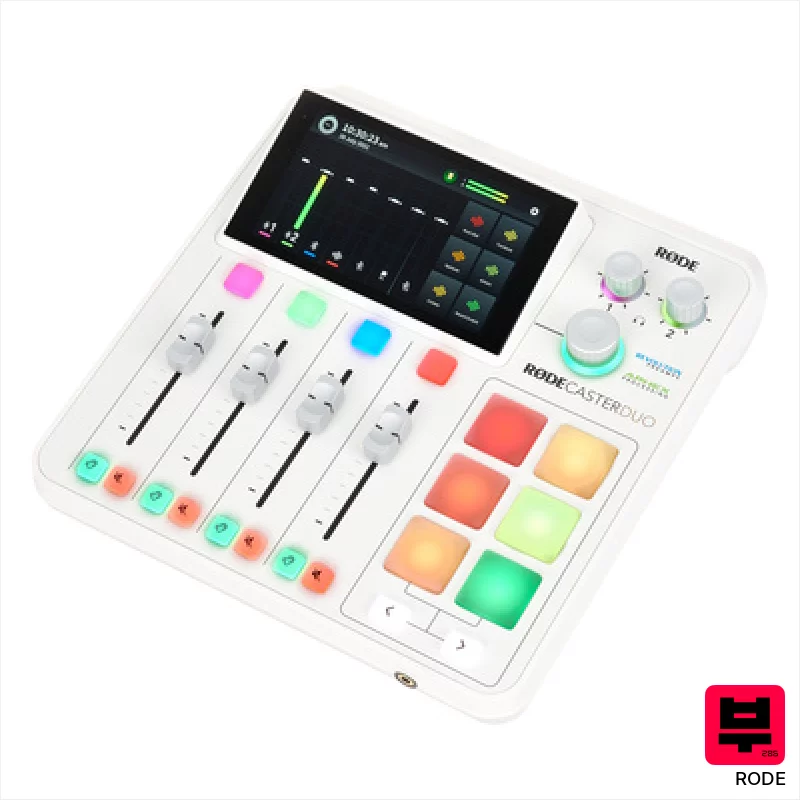
Rode Rodecaster Duo W
- • Revolution preamps offer remarkably clean gain with a surprising amount of headroom.
- • Integrated Wireless GO II receiver streamlines workflow, eliminating separate transmitter clutter.
- • Smart Pads provide incredibly flexible sound triggering and automation options.
- • Intuitive touchscreen interface simplifies complex mixing and effects routing.
- • Limited track count compared to dedicated DAW-based multitrack recorders.
- • The compact form factor can feel cramped for users with complex setups.
- • DSP processing can introduce subtle latency for latency-sensitive applications.
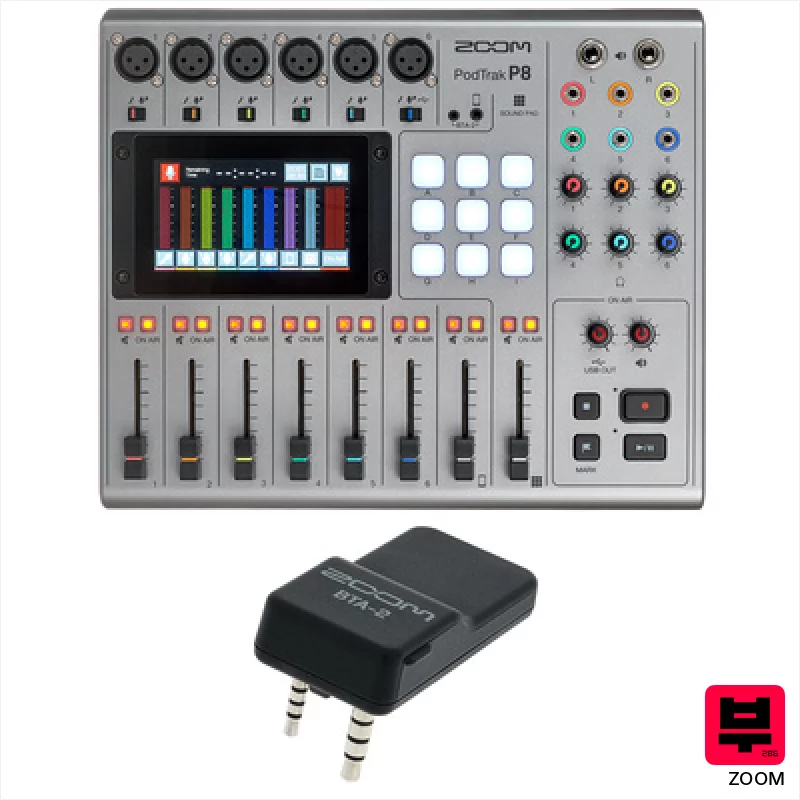
Zoom PodTrak P8 BTA-2 Bundle
- • Six XLR inputs offer professional mic connectivity and flexibility.
- • Individual headphone mixes are a huge boon for multi-host podcasts.
- • Mix-minus functionality significantly simplifies remote interview recording.
- • Assignable sound pads add a layer of production flair and immediacy.
- • The LCD screen, while color, isn't the brightest in low-light environments.
- • Workflow can feel a little clunky compared to dedicated DAW software.
- • Limited effects processing compared to full-fledged recording interfaces.

Tascam DP-24 SD
- • 19 faders provide intuitive, tactile control over tracks.
- • Built-in effects offer a surprising level of polish for a compact recorder.
- • Virtual tracks simplify comping and alternate takes – a huge time saver.
- • Compact form factor enables portable recording anywhere.
- • Limited connectivity compared to full-fledged DAW setups.
- • SD card reliance can be a point of failure; invest in quality cards.
- • Dynamic effects are decent, but not a replacement for dedicated plugins.
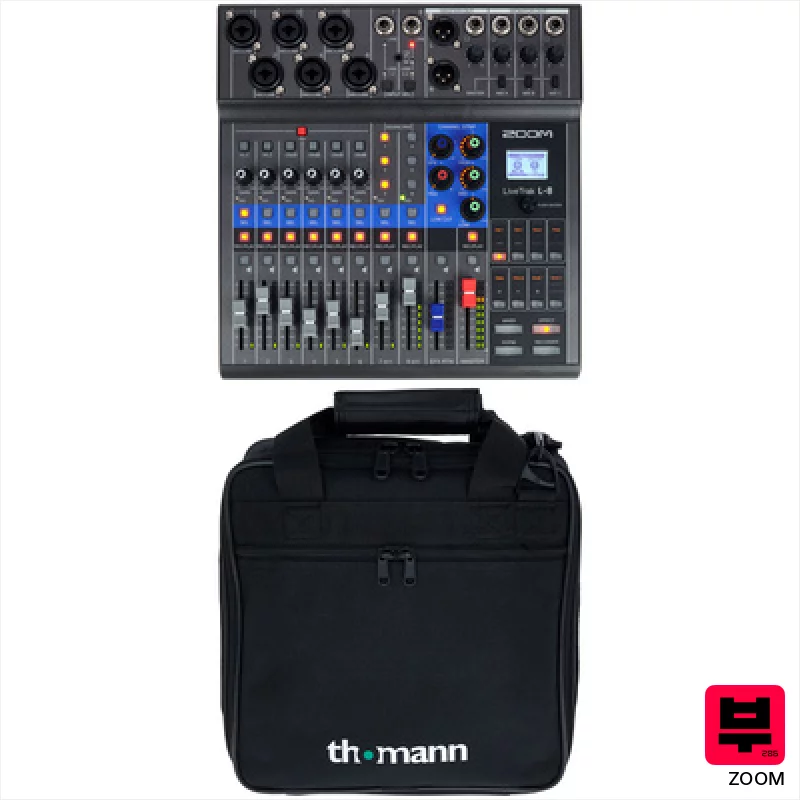
Zoom LiveTrak L-8 Bag Bundle
- • Excellent channel count for complex podcasting setups.
- • Built-in effects offer surprising creative possibilities.
- • Scene memory feature streamlines workflow for recurring shows.
- • Compact size and bag make for easy transport and setup.
- • Phantom power headroom can be limiting for some condenser mics.
- • USB audio interface functionality is basic, lacks advanced routing.
- • Limited dynamic range compared to dedicated studio interfaces.
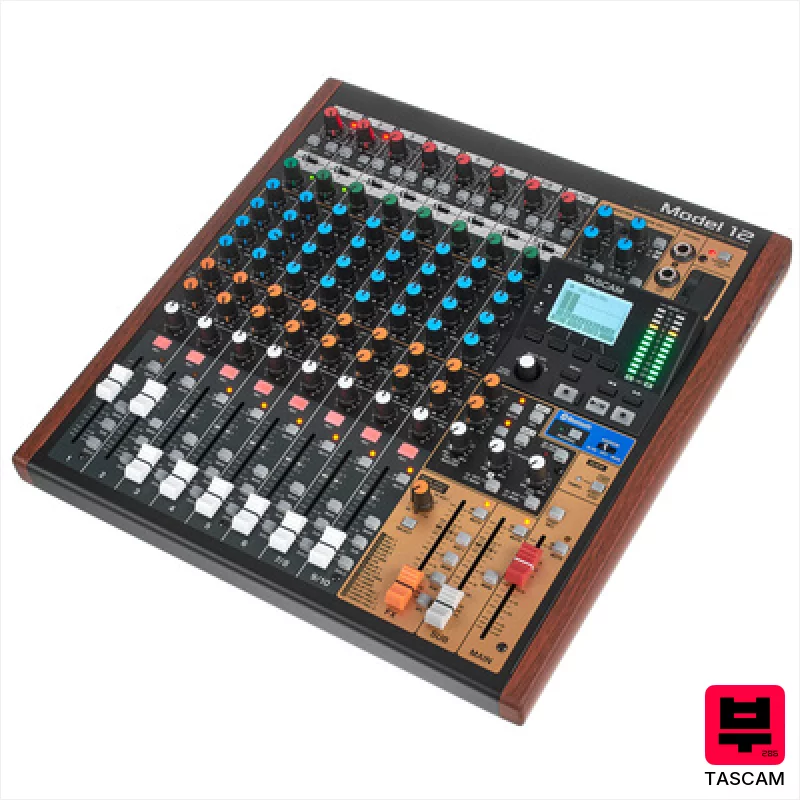
Tascam Model 12
- • Excellent preamps deliver clean, usable gain for dynamic sources
- • Compact footprint belies its 12-track recording capability
- • Intuitive one-button compressor simplifies gain staging for beginners
- • Built-in effects processor adds creative flexibility without external gear
- • Limited routing options compared to dedicated mixing consoles
- • SD card reliance can be a point of failure, consider redundancy
- • Lack of dedicated monitor outputs restricts advanced headphone setups
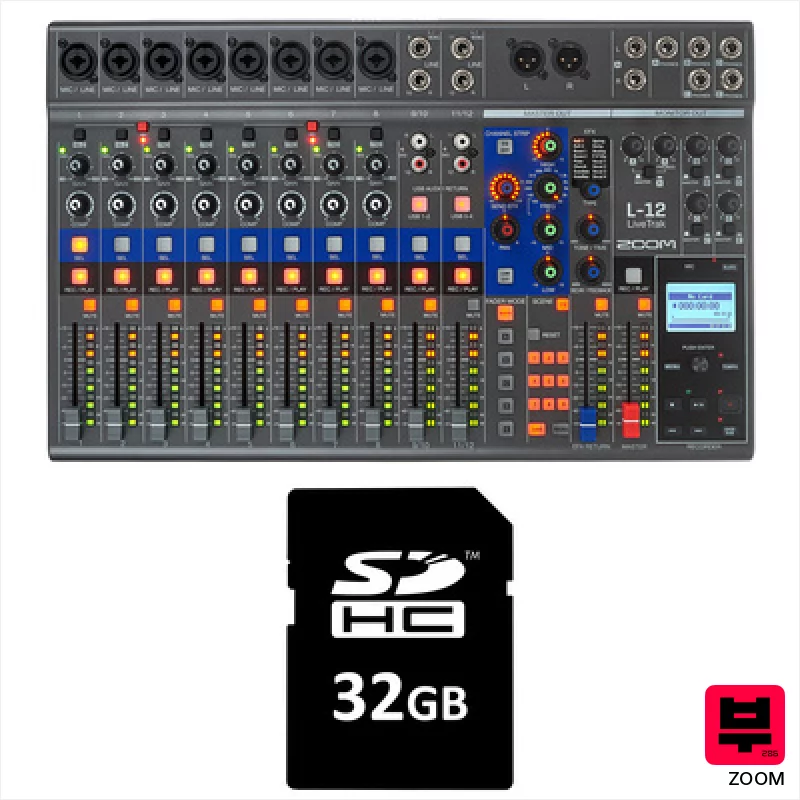
Zoom LiveTrak L-12 Card Bundle
- • 12 discrete channels offer flexible recording options for complex setups
- • Phantom power on XLR inputs supports condenser mics directly
- • Integrated compressor simplifies vocal and instrument tracking
- • Multiple headphone outputs cater to band rehearsals and podcasting
- • The preamps, while usable, won't rival high-end studio gear
- • Menu navigation can feel slightly clunky and less intuitive
- • The plastic chassis feels less robust than a dedicated rackmount unit
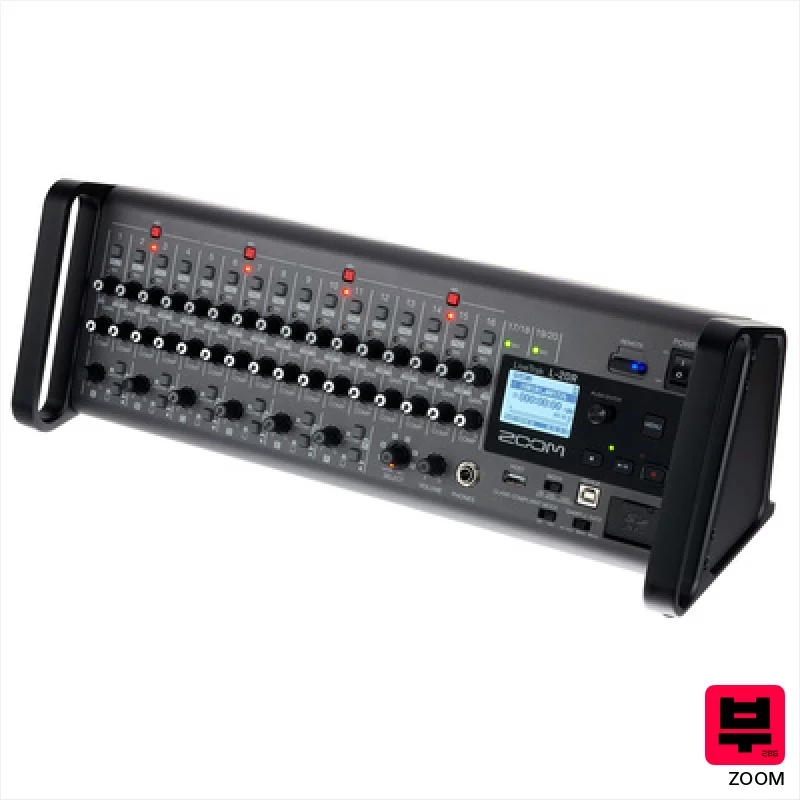
Zoom LiveTrak L-20R
- • Flexible channel routing offers significant routing options for complex setups
- • Built-in effects are surprisingly usable, a genuine time-saver in a pinch
- • Rackmount design makes integration into existing studio setups seamless
- • Hi-Z inputs on channels 1 & 2 provide decent direct recording options
- • The preamps, while functional, lack the sonic character of higher-end units
- • Menu navigation can feel clunky and less intuitive than dedicated software
- • Phantom power delivery might be inconsistent with very power-hungry microphones
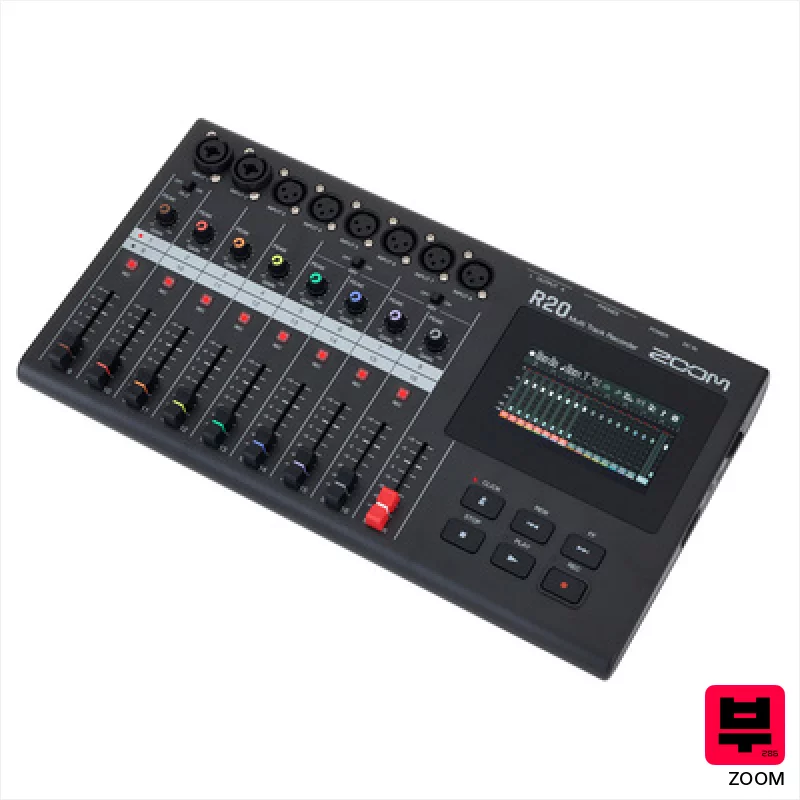
Zoom R20
- • Excellent preamps for clean, low-noise vocal and instrument recording.
- • Intuitive DAW-inspired interface significantly speeds up workflow.
- • Built-in synth and rhythm patterns offer creative songwriting possibilities.
- • Compact size and portability make it ideal for location recording.
- • Limited track bussing options restrict complex mixing scenarios.
- • Internal storage could be larger; SD card dependency is a factor.
- • The touchscreen, while responsive, isn't as refined as a dedicated tablet.
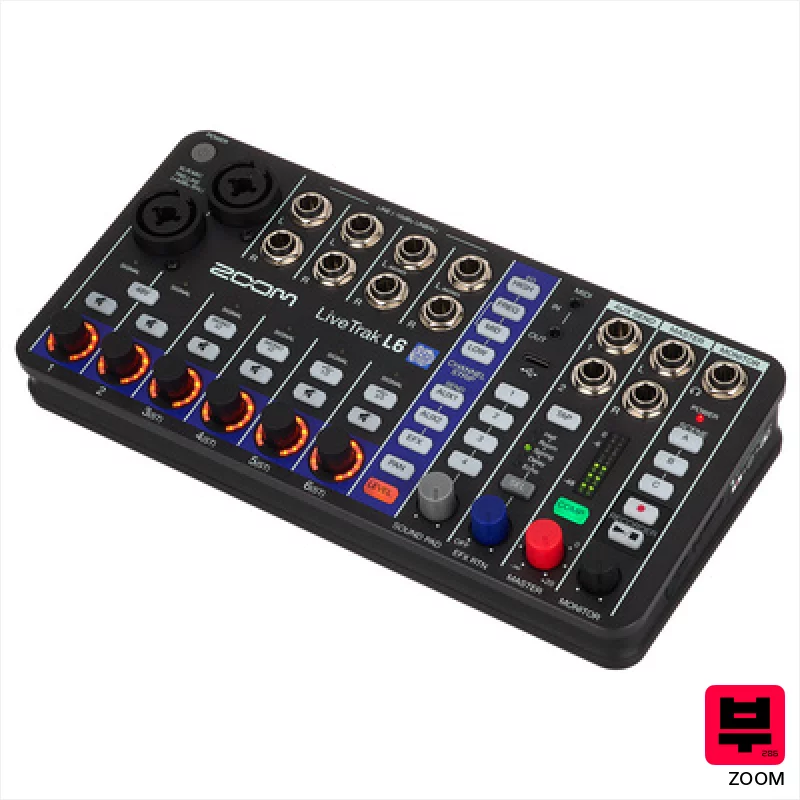
Zoom LiveTrak L-6
- • Flexible I/O caters to diverse recording setups, from podcasting to band tracking.
- • 32-bit float recording offers incredible dynamic range and headroom.
- • Sound pads provide creative looping capabilities for live performance or production.
- • Compact size and battery power offer portability for location recording.
- • Limited EQ control compared to dedicated mixing consoles.
- • Build quality feels plasticky; not as robust as higher-end rack units.
- • Phantom power delivery may be insufficient for some high-powered microphones.
How to Choose the Best Multitrack Compact Studios
Preamp Quality
This is everything. Cheap preamps sound brittle and lifeless, sucking the warmth and sustain out of your guitars. You want something with a bit of character, a little bit of that fat midrange honk that cuts through a mix without sounding harsh. Even a subtle warmth makes a huge difference.
Dynamic Range/Headroom
Demo recording often involves a wide dynamic range - quiet acoustic passages alongside loud, crunchy guitar riffs. You need enough headroom to handle those peaks without clipping and squashing your transients. A unit that clips easily will make your demo sound compressed and lifeless.
Ease of Use/Workflow
Let's be honest, you're probably not a recording engineer. A complicated menu system and a clunky workflow will kill your creativity. Intuitive controls and a straightforward layout are essential for getting ideas down quickly.
Microphone Options/Inputs
A couple of decent mic preamps are fine for solo artists, but a band needs more inputs. Consider whether you'll need XLR, 1/4" instrument inputs, or both, and if the unit offers phantom power for condenser mics. Limited inputs mean more compromises.
File Format/Editing Flexibility
WAV files are your friend. MP3s are for sharing, not demoing. The ability to easily transfer files to your computer and work with them in a DAW is critical for refining your demo and making it presentable.
Buying Guide
Don't chase specs; chase feel. A unit with slightly fewer inputs but better preamps is often a better choice for demo recording. Be wary of units that promise the world at a ridiculously low price - there's almost always a trade-off, usually in preamp quality or dynamic range. Invest in a decent set of headphones too; critical listening is key to a good demo.
Our Methodology
We don't just look at specs; we put these units through the wringer. That means tracking drums, guitars, vocals - the whole shebang - in various environments, A/B-ing against more expensive interfaces and recorders, and most importantly, listening. We're evaluating how these machines handle dynamics, how they color the sound, and how easy they are to use in a real-world scenario, from bedroom practice to band rehearsals.

