
Zynaptiq ORANGE VOCODER IV
Professional music gear - detailed information and where to buy
Product Description
- Orange Vocoder IV Vocoding
- Zynaptified Combining the most comprehensive and best-sounding set of vocoding algorithms available today with laser-like pitch control effects
- a powerful synthesizer
- audio freezing
- a super fun and efficient workflow
- and tons more
- ORANGE VOCODER IV is - quite simply - the ultimate vocoder plug-in. When it comes to creating that new vocal sound
- making far-out sound effects and organic* robot and creature voices
- sculpting colourfully mutated music grooves
- or whatever else you can dream up: this creative processing powerhouse is for you! *:...or not-so-organic-at-all
- of course What's New in Version IV Version IV of ORANGE VOCODER is a massive upgrade from the classic
- Prosoniq-branded Orange Vocoder. What's new? Pretty much everything
- except of course for the bits you love. Here are some of the highlights: Greatly expanded vocoder section
- featuring formant shifting
- expansion
- stereo operation...and a total of 24 unique vocoding algorithms based on techniques including analog modeling
- speech modeling
- independent component analysis
- LPC filtering
- wavelet transforms
- and more. Completely rewritten
- high-quality synthesizer section including Unison and Mono Legato operation
- thru-zero linear FM
- comprehensive modulation options
- a preset generator
- and more. New MIDI-controlled pitch quantizer module featuring 5 modes
- including the brand-new zero-latency pitch enforcer
- with grain morphing and optionally polyphonic operation. New
- streamlined multi-view UI with a super-streamlined workflow
- including module sub-presets and randomization. Supports AU
- AAX Native
- VST 2.4 and VST 3 on macOS
- and AAX Native
- VST 2.4 and VST 3 on Windows. One Vocoder? How About 24... ORANGE VOCODER IV doesn't just give you one great vocoder sound
- it gives you twenty four vocoding and cross-synthesis modes
- each with its own unique sonic character. It can sound warm and fat or ghostly ethereal
- dark and moody or crystal-clear
- as butter or utterly destroyed in a totally sick way…you’ll never run out of inspiring new sounds. To create this bandwidth of sounds
- Zynaptiq have used every trick in the book* - ORANGE VOCODER IV was designed to feature the most comprehensive set of sound hybridizing options available in a vocoder. *: ...and some that aren't yet in any books
- actually Meticulously Crafted Staying true to their style
- the Zynaptiq team didn’t stop there
- though
- and threw in an excellent formant shifter
- a new take on filter bank release/reverb called TRACES
- HF through and unvoiced synthesis
- an expander keyed on the plug-in input
- as well as zero-latency operation for two of the modes. And – most importantly! - all of this was meticulously crafted to sound incredible
- up-front
- and dynamic
- and sit well in the mix. Or in other words: it has everything and then some
- and simply sounds awesome. Did You Say Comprehensive? Going way beyond just offering the ultimate in vocoding
- the team at Zynaptiq have loaded ORANGE VOCODER IV with features for workflows related to vocoding
- like creating vocal tuning and layered harmonization effects
- pads and drones
- synth sounds
- harmonic support in a color bass style...you can (literally) mix and match. To keep workflow fast and easy
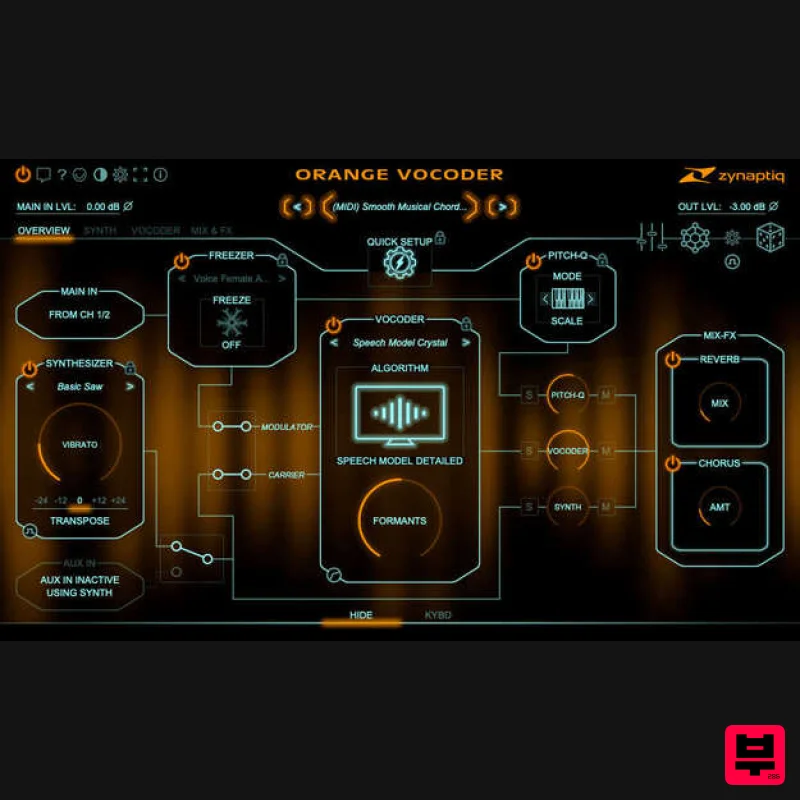
- ORANGE VOCODER IV’s modules are all hooked up in a semi-modular routing architecture
- clearly laid out in the OVERVIEW view. Using an interactive signal flow diagram as its interface
- it makes coming up with new sounds a dream. Switch modules into the signal path and adjust their key parameters
- load sub-presets into them
- adjust routing
- solo or mute the various processors
- and much more. To dig deeper
- click on a module's box to open the synth
- vocoder
- or effects pages – it really couldn't be simpler. ORANGE VOCODER IV is much more than a vocoder – it’s both an inspiring sound design playground as well as an efficient production tool. The Synth ORANGE VOCODER IV features a 64-voice synth that comes with hundreds of presets
- and a preset generator that will create new sounds for you with a click on a button. The synth can be used as input to the vocoder
- layered with other modules
- or used on its own. Its two oscillators can use analog emulated waveforms as well as sampled vintage digital waveforms
- and feature two flavors of ring-modulation
- hard-sync
- through-zero FM
- and seven types of polyphonic distortion. They feed into a 6 to 24dB low-pass filter with beautiful resonance. Comprehensive modulation options include mono- and polyphonic LFOs (audio-rate capable for the oscillators)
- AD-envelopes
- envelope followers and zero-crossing trackers
- velocity and a 4-destination macro control. Unison operation with up to 8 additional voices and DETUNE and CLUSTER modes
- as well as Mono Legato with glide are supported
- and you can play the synth via MIDI
- or tell it which notes to play using the on-screen keyboard. Pitch Quantization ORANGE VOCODER IV features a pitch quantizer for forcing the input signal onto a specific pitch
- which can be used in parallel to or instead of the vocoder. It has 5 modes – QUANTIZE
- SCALE
- NOTE
- ENFORE and POLYFORCE – that provide flexibility and a wide range of sound options. ENFORCE and POLYFORCE use a wave-table inspired approach
- and feature zero latency processing for live performance. The pitch quantizer is extremely easy to use: just switch it on and choose the algorithm
- it will then be controlled by the same notes as the synth – including mono legato and glide
- of course. The Freezer The FREEZER module will freeze the audio coming in to the plug-in when you click its big snowflake button
- sustaining the current timbre indefinitely. It is placed before the pitch quantizer module so that you can play melodies with it. You can load and save freeze buffers
- building a library of colours as you go. The Dice The DICE button in ORANGE VOCODER IV triggers a randomizer
- which will load randomly selected
- but carefully designed
- settings into the synth
- vocoder and freezer modules – giving you the inspirational infusion that a randomiser brings to the table
- but creating only useful results. No more of the click - meh! - click - OUCH -click- srsly?. You can exclude any module from the dice-roll
- select whether you want to use musical or SFX-ish sounds (or both)
- and whether to use the factory sub-presets or your own (or
- again
- both). The DICE are context-aware
- so if you're in the synth view
- only the synth will be rolled. The Zynth Akin to the DICE
- the ZYNTH button is made for getting inspired – clicking it will create a new synth setting from scratch. The ZYNTH combines scripting and AI
- and reliably produces great patches. Check it out! System Requirements Mac macOS 10.15.x or newer
- 64 bit Apple Silicon CPU
- or Intel CPU with at least 2 Cores (i7 or better recommended) Apple AU (AudioUnits)
- Steinberg VST 2.4
- VST 3 or Avid AAX Native compatible host software
- processing audio as 32 bit float Windows Windows 10 or newer Intel CPU with at least 2 Cores; i7 or better recommended Steinberg VST 2.4
- VST 3 or Avid AAX compatible 64-bit host software
- processing audio as 32 bit float Important Notes: An iLok account or iLok 2/3-based activation is required in order to register this product An internet connection is required for software activation Copy Protection Zynaptiq products use the latest PACE copy protection
- which allows you to place your activation on your machine or on an iLok 2* (not included). You will need a free iLok.com account to use our software
- even for the demos - but you do not necessarily need the iLok 2 dongle if your machine has internet access (activation of a system without internet connectivity requires an iLok 2 device). All required software is installed along with our plugins
- but we generally recommend downloading the latest versions directly from iLok.com. Please Note: The older
- first-generation iLok is not supported! CPU Load While they are highly optimized
- Zynaptiq plugins use a LOT of CPU due to the complex nature of the magic they perform. Please use the free trial to evaluate whether your system has sufficient resources to utilize the software effectively! Zynaptiq recommends setting your playback buffer size to at least 512 or ideally 1024 samples for optimum performance. As Zynaptiq plugins sport unique features not found in any other software
- Zynaptiq highly recommends reading the User Manuals to ensure that you get the most out of them! Installation Instructions Windows/ PC: 1. Log into your Plugin Boutique account (My Account > My Products)
- to obtain your serial code. 2. Click the link HERE
- to register your personal details and serial (registration code). Click 'Submit.' 3. Your email has been sent to the email address you used to register with. 4. Log into your email account
- where you can access your activation code and download link. 5. Click the URL hyperlink to begin downloading your installer zip folder. 6. On a Windows computer you will want to right-click on the downloaded file and select 'Extract Here.' Once extracted
- the individual installer (format) files will be shown. 7. Select the relevant format installer setup file
- 'UNFILTERVST-x64Setup' is used in this instance. Double click on the setup file. 8. Double click on the setup file. Click 'Next.' 9. Accept the Agreement and click 'Next.' 10. Select a folder in which you prefer you place / install UNFILTER in. Click 'Install.' Authorization 11. To be able to use your new software
- it needs to be activated. During installation of UNFILTER
- the UnfilterAuthorizer app
- will automatically be launched. 12. Enter your serial number received in your email inbox and click “Activate”. If your machine has access to the internet
- you’ll be shown a confirmation of the successful authorization and you’re good to go. If the machine byou’re activating on has no internet connection
- you will be guided through the process. 13. Generally
- our copy protection mechanism will allow you to have two machines authorized at the same time. It is essentially a challenge-response type system that takes specifics of your computer into account anonymously. However
- unlike most other challenge-response systems
- the Zynaptiq copy protection allows the user to de-activate a system at any time
- and reactivate it later - without contacting us. So essentially
- you can pretty much move your authorizations around as needed. The only limitation is that in order to de-activate a machine
- it needs to be connected to the internet. 14. Your software is now ready for use in your DAW! Apple Macintosh: 1. Log into your Plugin Boutique account (My Account > My Products)
- to obtain your serial code. 2. Click the link HERE
- to register your personal details and serial (registration code). Click 'Submit.' 3. Your email has been sent to the email address you used to register with. 4. Log into your email account
- where you can access your activation code and download link. 5. Click the URL hyperlink to begin downloading your installer zip folder. 6. Select the installer setup file
- 'Zynaptiq UNFILTER Plug-In.pkg.' Double click on the setup file. 7. Double click on the setup file. Click 'Continue.' 8. Read the Licence Software Agreement and click 'Continue.' 9. To continue installing the software. click 'Agree.' 10. Select a desination in which to install UNFILTER. Click 'Continue.' 11. Click 'Install.' Authorization 12. To be able to use your new software
- it needs to be activated. During installation of UNFILTER
- the UnfilterAuthorizer app
- will automatically be launched. 13. Enter your serial number received in your email inbox and click “Activate”. If your machine has access to the internet
- you’ll be shown a confirmation of the successful authorization and you’re good to go. If the machine byou’re activating on has no internet connection
- you will be guided through the process. 14. Generally
- our copy protection mechanism will allow you to have two machines authorized at the same time. It is essentially a challenge-response type system that takes specifics of your computer into account anonymously. However
- unlike most other challenge-response systems
- the Zynaptiq copy protection allows the user to de-activate a system at any time
- and reactivate it later - without contacting us. So essentially
- you can pretty much move your authorizations around as needed. The only limitation is that in order to de-activate a machine
- it needs to be connected to the internet. 15. Your software is now ready for use in your DAW! De-Activating a Machine To free up an activation
- you can de-activate a machine. To do this
- please launch the UnfilterAuthorizer app
- and click “Deactivate Product”. You will be presented with a confirmation message and you’re done. Please note that the machine to be de-activated needs to be connected to the internet!
Additional Information
About the Zynaptiq ORANGE VOCODER IV
Experience the quality and tone that makes the Zynaptiq ORANGE VOCODER IV a popular choice for musicians.
Why Choose the Zynaptiq ORANGE VOCODER IV?
- •Authentic Zynaptiq craftsmanship and design
- •Versatile sound suitable for multiple musical genres
- •Professional build quality and reliable performance
- •Part of Zynaptiq's respected Vocoder lineup
Compare & Explore
Browse our complete selection of Zynaptiq instruments or explore other Vocoder options. Use our comparison tools to find the perfect match for your musical style and budget.
Similar Products
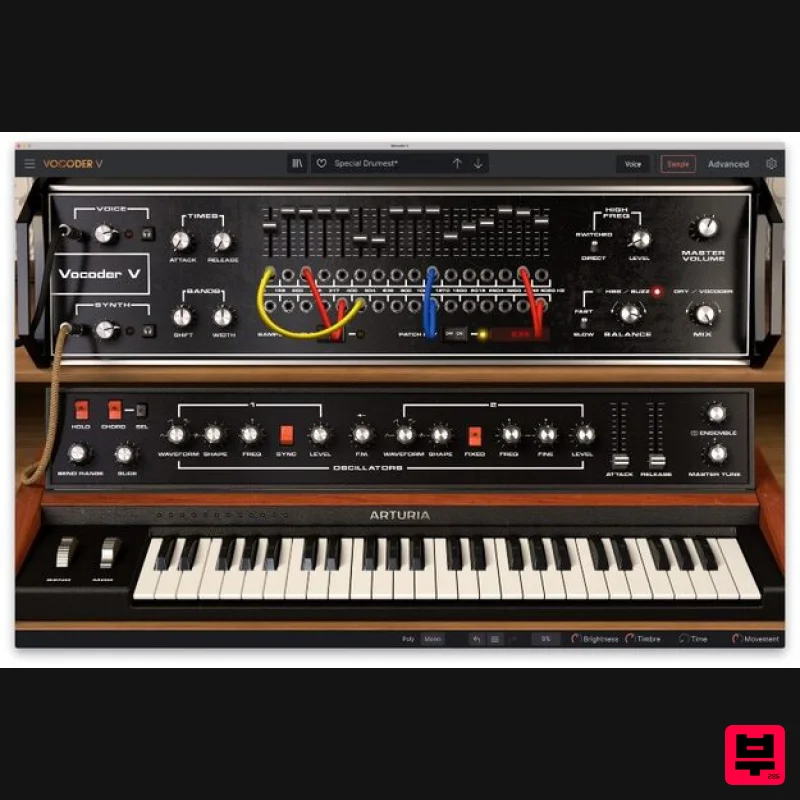
Arturia Vocoder V
Vocoder
$156
Ultimate Voice Electrifier Vocoder V takes the iconic 16-Band Vocoder and retrofits it with advanced synth, sampler,...
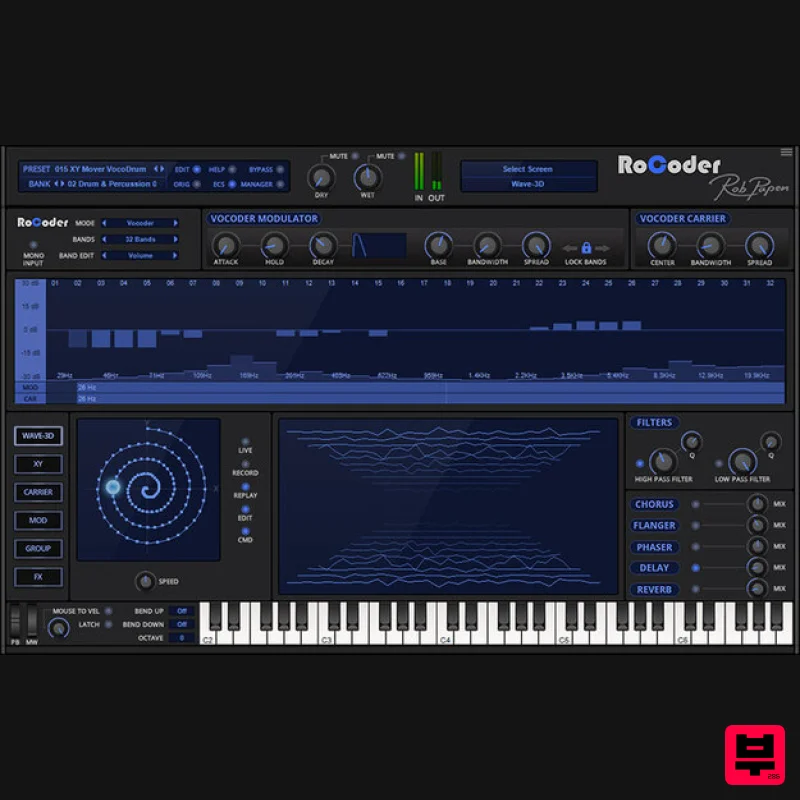
Rob Papen RoCoder
Vocoder
$51
Extreme Vocal Modulation in One Complete Package The RoCoder name is very close to that of the original Vocoders given...
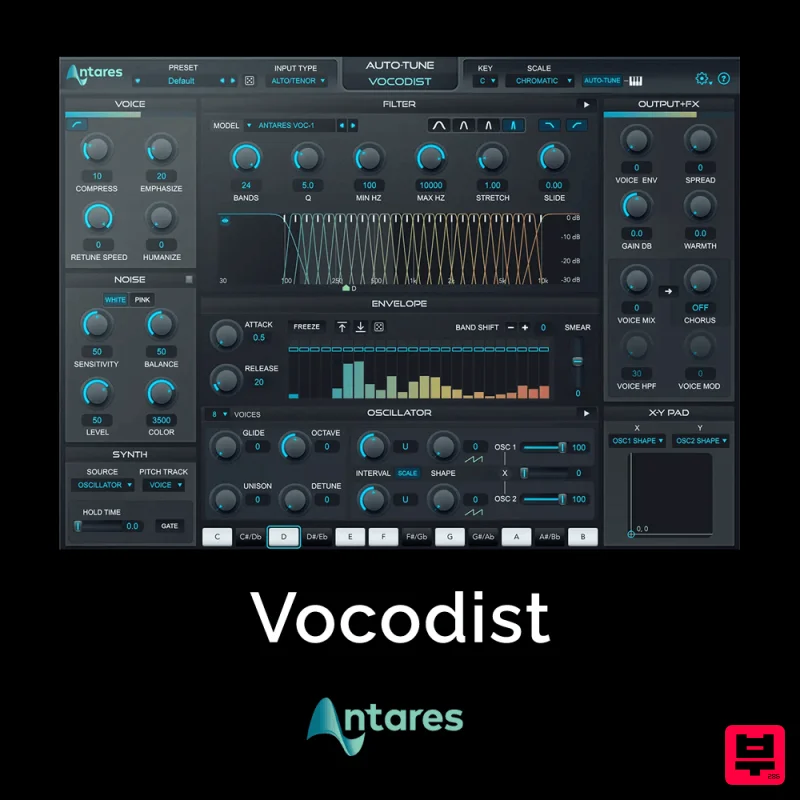
Antares Vocodist
Vocoder
$30
The Human Voice. Synthesized Immediately recognizable, always unforgettable. Produce the unmistakable effect made...
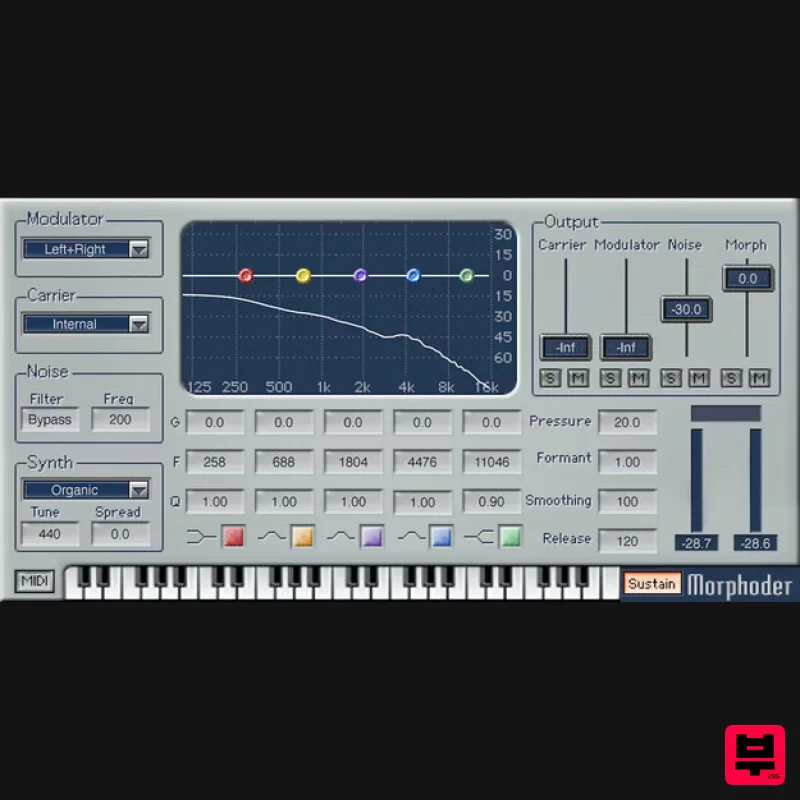
Waves Morphoder
Vocoder
$44
Morphoder A Sound Designer’s Paradise, with Built-In Vocoder This is the vocoder that goes beyond vocoding. It’s...
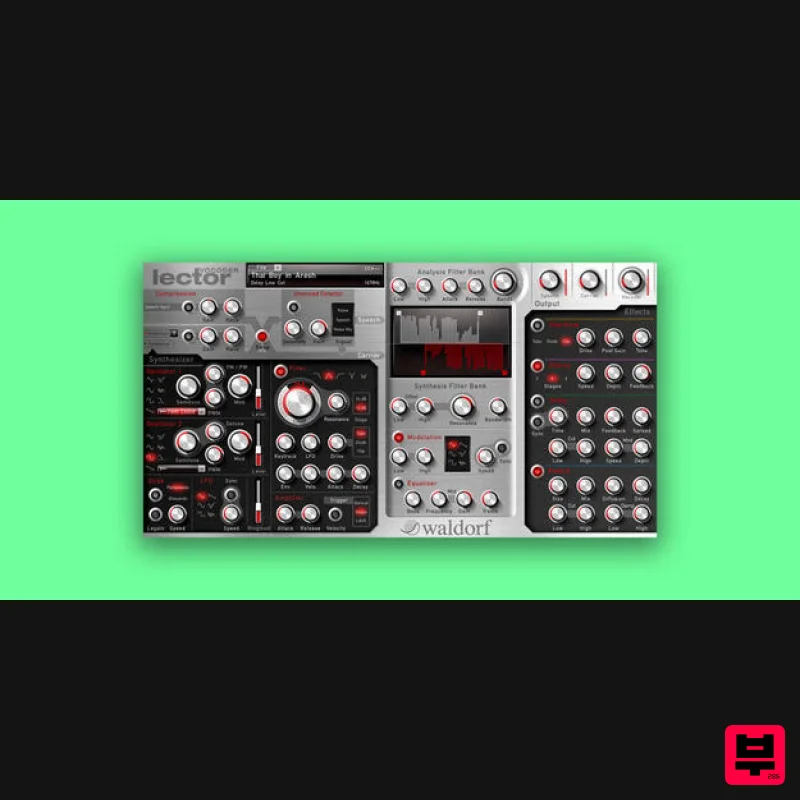
Waldorf Lector
Vocoder
$169
Lector is a vocoder with superior intelligibility and performance. The 100 band stereo vocoder core is flanked by a...
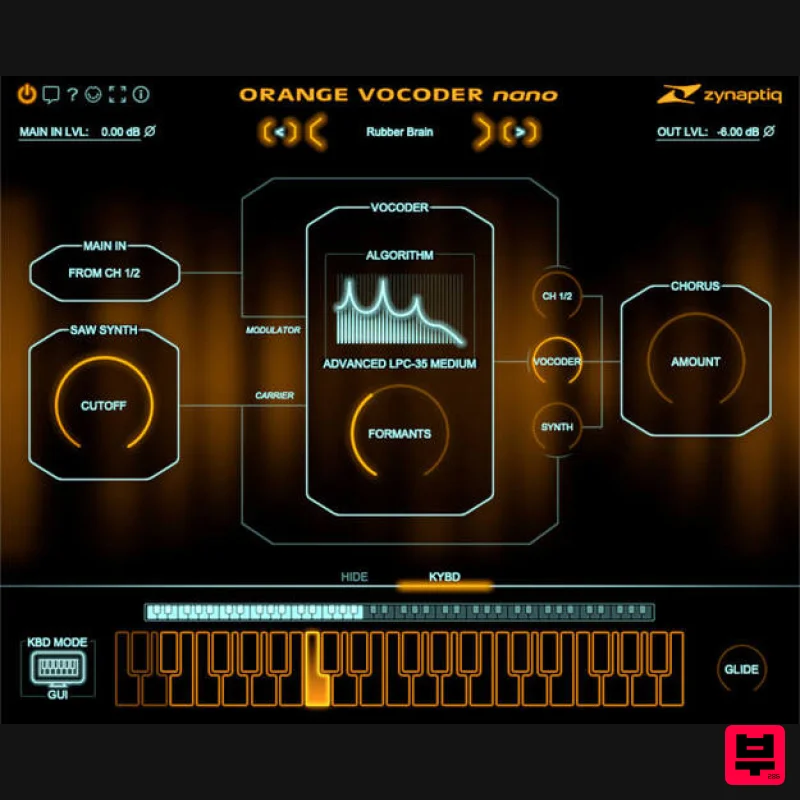
Zynaptiq ORANGE VOCODER NANO
Vocoder
$59
Orange Vocoder Nano Awesome Vocoding, Streamlined Add pristine vocoder sounds to your projects quickly and easily with...
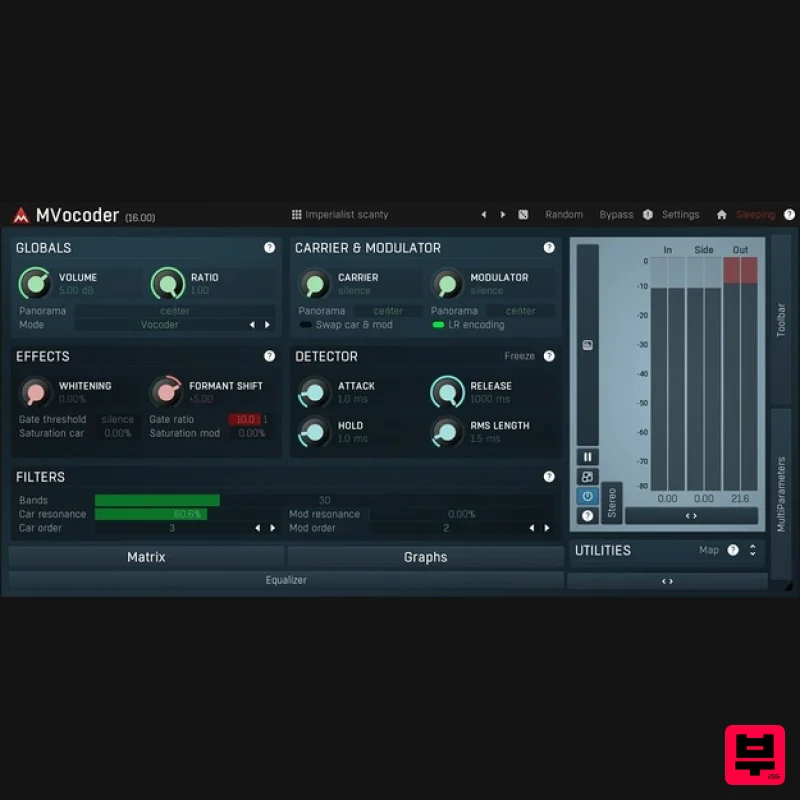
MeldaProduction MVocoder
Vocoder
$51
Robotic voices, singing synthesizers, morphing between multiple audio materials. That's MVocoder, a vocoder with...
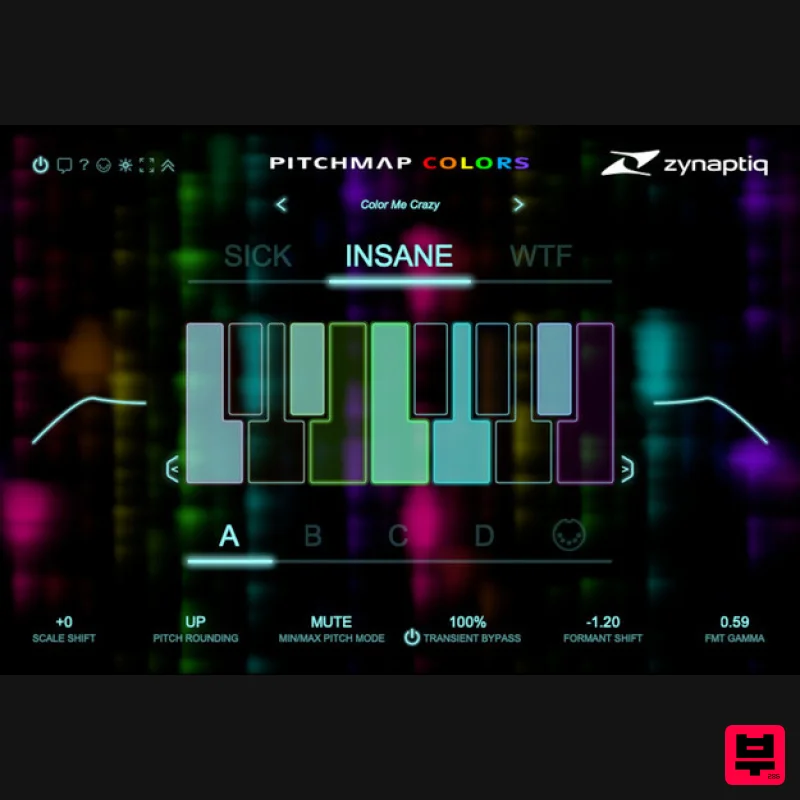
Zynaptiq PITCHMAP::COLORS
Vocoder
$119
Pitchmap::Colors Bring COLOR to Your Sound Conform audio to your song's key/scale, colorize your basses and synths, and...
Frequently Asked Questions
The Zynaptiq ORANGE VOCODER IV stands out for its exceptional Zynaptiq craftsmanship and innovative design.
Yes! With its affordable price point and quality construction, it's perfect for learning vocoder.
Browse the similar products section to see how it stacks up against other vocoder.

