
XILS Lab XILS Vocoder 5000
Professional music gear - detailed information and where to buy
Product Description
- The Organic Vocoder
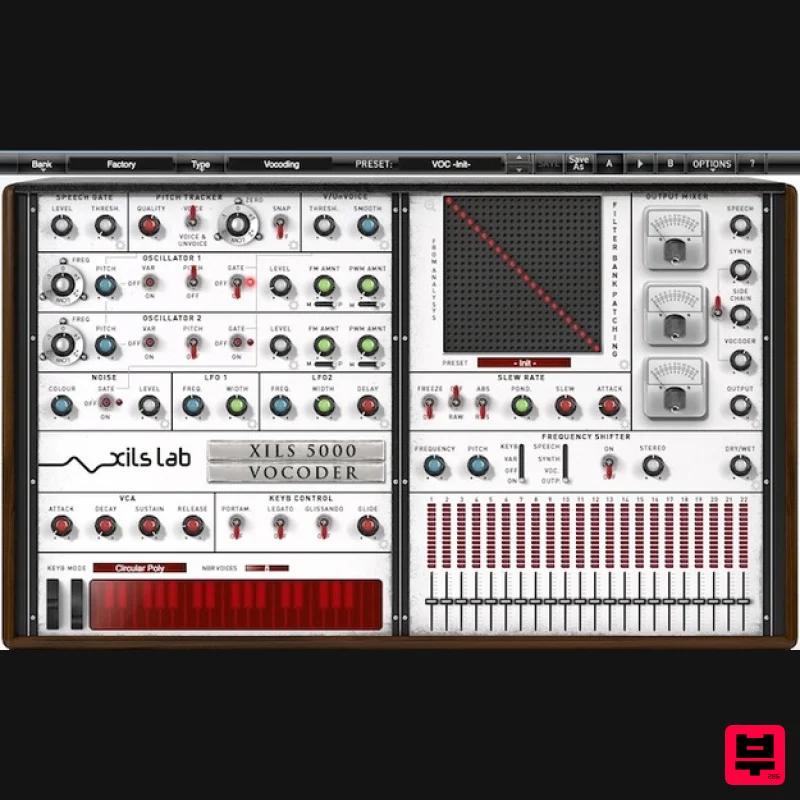
- First and Last step for Vocoding A Legend is Reborn! Inspired by the EMS Flagship Vocoder ( EMS 5000 -1976- Probably the most complex and powerful analog Vocoder ever built)
- XILS-lab used his knowledge acquired during the emulation of both the VCS3 synthesizer and the VP300 VocoderPlus to develop the XILS Vocoder 5000 Mode. Say it with music A Vocoder is a synthesizer which accepts an external sound source
- a musical instrument or prerecorded signal
- so that you can process it
- with or without the keyboard
- into a huge variety of sounds. Human voice
- the most variable sound of all
- can be fed into the Vocoder
- so that you can alter its pitch
- Tone
- Vibrato
- and all its characteristics
- allowing you to synthetize a Choir from a single voice
- or to create melodies from ordinary speech. You can also process Drums
- percussive elements
- or Guitars and … every kind of synthesizer itself
- to breathe some analog life into them
- or completely reshape them. You can even derive some pure synth patterns from drumloops. Everything is possible. XILS Vocoder 5000 Clarity
- Purity : The XILS Vocoder 5000 emulates the sophisticated filtering techniques and incredibly complex circuitry of its analog counterpart to achieve the same organic sound
- precision and … clarity. The Vocoder 5000 can speak a perfectly clear and understandable English
- or German as well as Japanese. Easy to use for beginners
- yet incredibly powerful for Veterans : The user interface offers a standard single panel view. Everything is there
- right under your hands
- with a lot of presets to get you started. Should you want
- or need
- to go further
- the Logo Center Panel will switch to a vast choice of advanced panels displaying the advanced parameters of the module of the Vocoder 5000 you wish to explore and experiment with. And there are dozens of advanced parameters
- for your joy. Back in 21st Century : Because it’s a Xils
- it offers many advanced features that its ancestor could not have offered in its time : We added Bands number
- Filter types
- Filter’s Emphasis and Emphasis ponderation
- more Slew Rate mods
- more Freeze mods
- 2 LFOs ( Original had none )
- Detailed FM and PWM
- more Oscillators Waveforms
- an improved Input detector ( Sibilants)
- Gate input.You can also populate the Matrix by freely drawing lines
- and it has its own presets. (Very useful once you’ve found the perfect template for a certain voice). Features Synthesizer sound is based on our acclaimed VCS 3 oscillators emulation ( Original also had EMS oscillators of course ) The 20 or 22 bands filter bank is based on our analog like
- zero-delay behavior filters
- ensuring that all bands are equally measured. Level analysis and spectrum followers were developed in the labs for many years now and considered as state of the art by all reviewers
- as you can see in our VP-330 emulation. Finally
- what also makes the XILS Vocoder 5000 incredibly powerful and versatile is the Matrix patch area: You can connect any band of the modulator to any band of the carrier. This means endless sound possibilities. And also that no other Analog Vocoder will ever offer you more flexibility and freedom. More than an extreme Vocoder The XILS Vocoder 5000 is also a wonderful synthesizer tool with a Voice/Unvoice detector
- a Pitch Tracker and a Frequency Shifter which can give you a lot of fun to manipulate voices
- drums
- bass lines or anything ! You can even play it as a –not so- standard synthesizer. And you can mix all these signals along with the Vocoder output and dry signal in the most subtle
- convenient and precise way : All the modules have their own set of parameters
- including output levels. The XILS Vocoder 5000 Modules and features in a glance The XILS Vocoder 5000 provides all the modules of its legendary ancestor and more : A Matrix Patch Area (22x22 or 20x20) Two Synthesizer core Two oscillators per core
- modelled from the EMS VCS3 oscillator One noise per core Two LFOs per core One VCA-ADSR per core One 22 bands filter vocoder. One 20 bands filter vocoder Stereo analysis and synthesis available Side chain for adding external audio source to the carrier A virtual keyboard
- which can be saved within your presets. A finely tweak analog-like pitch tracker. An input gate for reducing the noise A Voice/unVoise detector A full output mixer applied to any of the internal audio path A huge Frequency shifter effect. All parameters are MIDI controllable Presets for using quickly the XILS 5000 in all is glory The Vocoder 5000 Modules explained Let’s see each module in detail The Matrix Patch Area The patch area allows you to connect any band of the analysis filter bank to any band of the synthesis filter bank. It is very easy to edit the formants
- replacing a man voice by a child’s one
- make some special effects
- or get the weirdest electronic voices This patch area is also very useful to sculpt sound in a vey precise way when you use other signal as modulators
- such as drums Fats use : We added a preset manager dedicated to the patch area : It provides some init configurations (formant +1
- formant -2
- inverted
- ....) or you can save your own Matrix patches. XILS Vocoder 5000's Heart: the Filter Bank A Vocoder global quality depends heavily on its filter bank quality Thanks to its deep experience in filtering algorithms ( Analog like
- un-wrapped
- zero-delay behavior filters are already used in Xils synthesizers for many years )
- XILS-lab has developed a very accurate filter bank which splits both Modulator and Carrier signals into bands with an EQUAL width ( Which is quite difficult to achieve in the digital domain ). Resulting in the most accurate software vocoder ever done
- almost 100% identical to its model. We added some new features : you can tweak the emphasis
- and add a ponderation curve. The ponderation curve allows you to adapt the filter of each Filter’s Bands so that it can deliver some very and warm bass frequencies
- while totally preserving clarity
- without the "tube" effect. More possibilities : you can choose the number of bands (22 or 20 bands and the filters order (12
- 18 or 24 db/oct) At the power of the XILS Vocoder 5000: the Oscillators and the Noise Inspired by the EMS VCS3 oscillators
- already emulated in the acclaimed XILS 3
- XILS 4 synthesizers
- the XILS Vocoder 5000 provides two arm sounding
- clear and transparent oscillators. Oscillators Frequency ( FM) and Shape ( PWM) can be modulated ( Vibratos etc). Oscillators frequency can be fixed
- or use Keyboard Tracking (The key to nice vocoding chords effects). It can also follow the input voice/signal frequency via the Pitch Tracker module. Next
- we have the Voice/UnVoice module : Oscillators levels are automatically adapted to match the input voice behavior
- sibilant or voiced. Clicking on the "Advanced" icon opens
- as it should
- the Oscillator Advanced Parameters Panel : Here
- you can choose the Oscillator Waveform (Saw
- Pulse
- Triangle
- Sine)
- specify its shape
- and select the FM and PWM sources (LFO1
- or LFO2). Finally
- the Noise Generator : is also full part of the synthesizer sound
- like the oscillators
- can be driven by the Voice/unVoice module. Vocoding clarity : the Voice/Unvoice and Slew Rate modules and freeze function Voice or Unvoice : Based on our exclusive DeeS algorithms ( Xils-Lab transparent Deesser device ) which separates but firmly the sibilant from the voiced part of the input voice
- the XILS Vocoder 5000 is providing an easy but accurate way to choose which generator must be used as Carrier when while vocoding : the Oscillators or the Noise. Voice or Unvoice : a very simple and easy module with a Threshold
- a Frequency and a knobs. That's all ! Slew Rate : This module analyzes the input filter bank
- then apply the result to the Synthesis filter bank. Without this module’s advanced algorithm
- the vocoding voice wouldn't be as understandable and For a better result and clarity
- you can add a ponderation curve to the various bands
- allowing a in the low part of the spectrum
- for a warmer sound as well as a fast answer in the upper part of the spectrum more a better clarity. The -Midi controllable- Freeze switch will
- as you could expect
- freeze the spectrum (or any part of the internal algorithm
- pitch
- slew
- voice/unvoice)
- allowing to use the XILS Vocoder 5000 as a great and huge resonator filter. The Frequency Shifter Like its analog ancestor
- the XILS Vocoder 5000 offers a particular effect called Frequency Shifter. As its name implies
- this effect shifts the whole spectrum of the incoming signal(s) by a certain frequency. Depending on the set frequency
- the result can be anything from a simple subtle level modulation to huge ring modulator like effects. There are several components in this effect. Each comes with its own Level and Panoramic
- to achieve wide stereo processing. The Advanced Settings Panel gives you more options. This effect can be simultaneously applied on any of the XILS Vocoder 5000 audio paths. The frequency shift can also be driven and controlled by the Pitch Tracker Module for even more fun! See
- and control
- what you hear : The Mixer and the Vu-Meters All the 22 or 20 bands are displayed by led based Vu-Meters in the Bands mixer. Input Speech/Signal (Modulator)
- internal synthesizer (Carrier)
- Vocoder and global output levels are displayed by needle based vintage Vu-Meter. Finally
- the level of each band can be adjusted in the Mixer (and MIDI controlled) System Requirements XILS Vocoder 5000 is available with the following formats: Mac OSX 10.4/10.5 (32 bits powerpc and intel eLicenser/iLok)
- 10.6 (32&64 bits Intel) and later : VST2.4
- VST3
- Audio Unit
- RTAS (Protools 7.0 and later)
- AAX (32&64 bits
- native) Windows XP
- Vista and windows7/8 (32&64bits) ; VST
- RTAS (Protools 7.0 and later)
- AAX (32&64 bits
- native) XILS Vocoder 5000 is 32 bits and 64 bits plug-in. Minimum system requirements: 1 Gigabyte of RAM and a 2 GHz processor. The XILS Vocoder 5000 is a plug-in and is not yet available in a standalone application. Mac Registration/Installation 1. Select the Apple icon from your User Account
- and click the DOWNLOAD tab to obtain your Mac installer. Note: You can also download and install the most recent version of your software from the XILS Lab Download Area. 2. Visit XILS Lab to log into/create your user account > enter your email address and password when creating a new account
- then click 'Validate Form.' Note: If you already have an existing XILS Lab account
- skip to step 4. 3. Enter your the required details that are marked with an asterix (*) symbol and click 'Save.' 4. Visit the XILS Lab Redemption Page and copy and paste/manually enter the serial number that is provided within your User Account > click 'Redeem Code.' 5. The serial number has successfully been redeemed
- and the software licence (AC code) has been sent to the inbox of your registered XILS Lab email. 6. Log into your XILS Lab registered email inbox to locate the licence code
- or alternatively find it within the 'My downloads
- My Products' area of your XILS Lab account. Note: If the message and licence fails to be delivered via email
- check your junk/spam folders. 7. Locate the software .dmg installer file from the downloads section of your computer
- and double-click it to launch the .mpkg installer application. 8. Double-click on the .mpkg file to begin the installation process > click 'Continue.' 9. Read through the Terms & Conditions of the Licence Agreement > click 'Continue' > click 'Agree.' 10. Review the installation and click 'Install.' 11. The installation of your software has successfully completed > click Close. Activation 1. Open the iLok Licence Manager from your computer’s Start Menu (located at the bottom left corner of your desktop). Once the application is open
- click ‘Sign In'. 2. Enter your User ID and password that you previously created on registration of your account > click ‘Sign In'. 3. Once you are signed in
- click the ‘Redeem’ icon which is located at the top-right corner of the iLok Licence Manager’s interface. 4. Copy and paste/manually enter the 30-digit code from your online Xils Lab account into the available Activation Code boxes
- and then click ‘Next'. 5. Select your computer as the activation location (or your iLok dongle) and then click ‘Activate'. 6. Confirm you are happy to activate your license > click ‘OK'. 7. Click 'OK'. 8. Your product is now activated on your computer. You can proceed and close the iLok Licence Manager. PC Registration/Installation 1. Select the Windows icon from your User Account
- and click the DOWNLOAD tab to obtain your PC installer. Note: You can also download and install the most recent version of your software from the XILS Lab Download Area. 2. Visit XILS Lab to log into/create your user account > enter your email address and password when creating a new account
- then click 'Validate Form.' Note: If you already have an existing XILS Lab account
- skip to step 4. 3. Enter your the required details that are marked with an asterix (*) symbol and click 'Save.' 4. Visit the XILS Lab Redemption Page and copy and paste/manually enter the serial number that is provided within your User Account > click 'Redeem Code.' 5. The serial number has successfully been redeemed
- and the software licence (AC code) has been sent to the inbox of your registered XILS Lab email. 6. Log into your XILS Lab registered email inbox to locate the licence code
- or alternatively find it within the 'My downloads
- My Products' area of your XILS Lab account. Note: If the message and licence fails to be delivered via email
- check your junk/spam folders. 7. Locate the .exe software installer file from the downloads section of your computer and double-click it to begin the installation process > click 'Next.' 8. Read through the info and select 'I accept the agreement' > click 'Next.' 9. Select the software component (s) / compatible DAW format (s) that you wish to install
- and click 'Next.' 10. Select the folder in which to install the 32-bit version of your software to > click 'Next. 11. Select the folder in which to install the 64-bit version of your software to > click 'Next. 12. Review the installation and click 'Install.' 13. The installation of your software has successfully completed > click 'Finish.' Activation 1. Open the iLok Licence Manager from your computer’s Start Menu (located at the bottom left corner of your desktop). Once the application is open
- click ‘Sign In'. 2. Enter your User ID and password that you previously created on registration of your account > click ‘Sign In'. 3. Once you are signed in
- click the ‘Redeem’ icon which is located at the top-right corner of the iLok Licence Manager’s interface. 4. Copy and paste/manually enter the 30-digit code from your online Xils Lab account into the available Activation Code boxes
- and then click ‘Next'. 5. Select your computer as the activation location (or your iLok dongle) and then click ‘Activate'. 6. Confirm you are happy to activate your license > click ‘OK'. 7. Click 'OK'. 8. Your product is now activated on your computer. You can proceed and close the iLok Licence Manager.
Additional Information
About the XILS Lab XILS Vocoder 5000
The XILS Lab XILS Vocoder 5000 represents excellent craftsmanship in the Vocoder category.
Why Choose the XILS Lab XILS Vocoder 5000?
- •Authentic XILS Lab craftsmanship and design
- •Versatile sound suitable for multiple musical genres
- •Professional build quality and reliable performance
- •Part of XILS Lab's respected Vocoder lineup
Compare & Explore
Browse our complete selection of XILS Lab instruments or explore other Vocoder options. Use our comparison tools to find the perfect match for your musical style and budget.
Similar Products
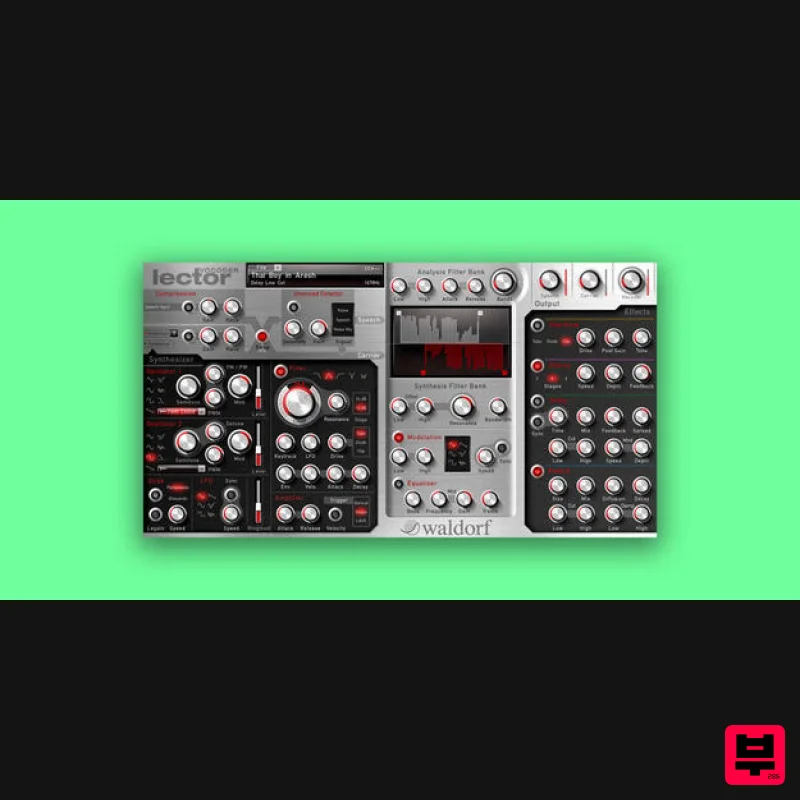
Waldorf Lector
Vocoder
$169
Lector is a vocoder with superior intelligibility and performance. The 100 band stereo vocoder core is flanked by a...
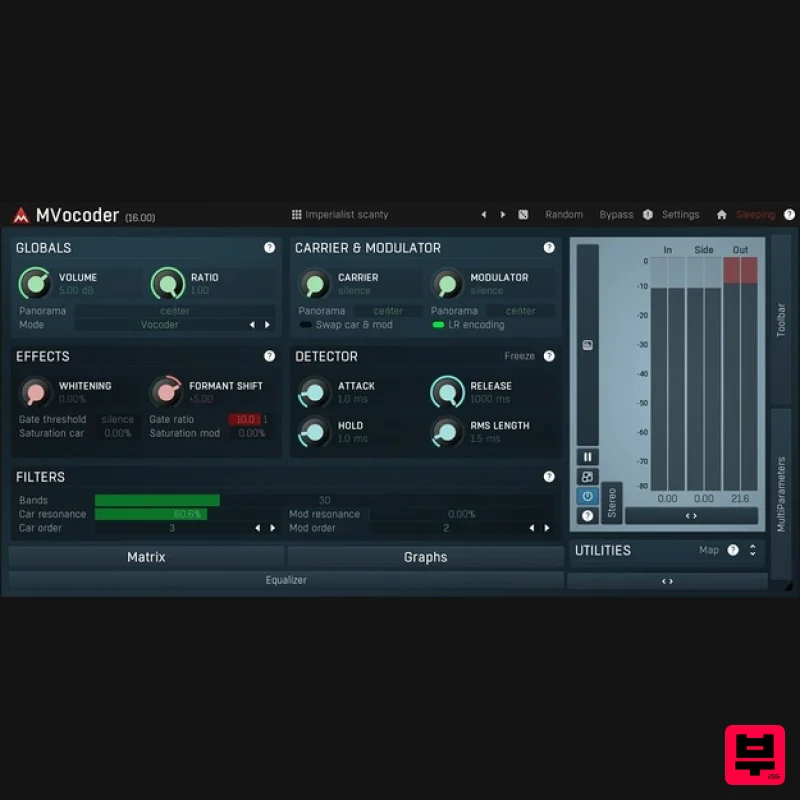
MeldaProduction MVocoder
Vocoder
$51
Robotic voices, singing synthesizers, morphing between multiple audio materials. That's MVocoder, a vocoder with...
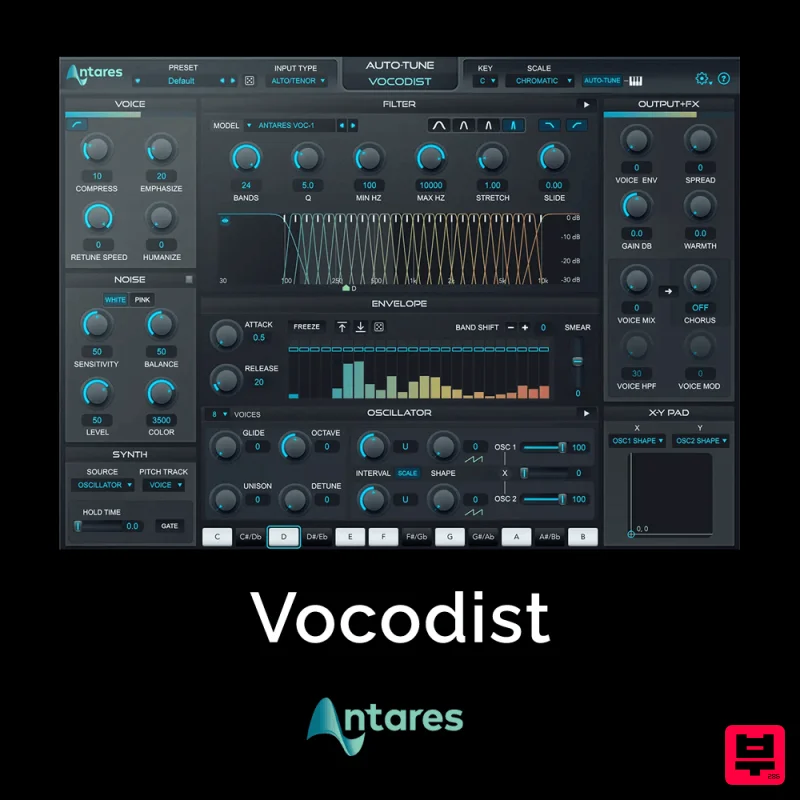
Antares Vocodist
Vocoder
$30
The Human Voice. Synthesized Immediately recognizable, always unforgettable. Produce the unmistakable effect made...
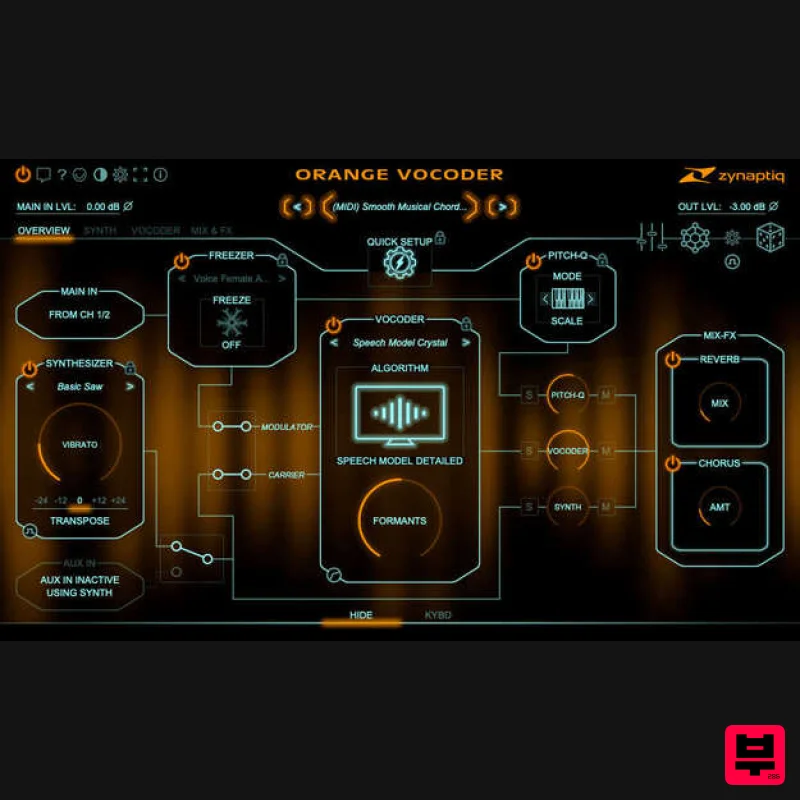
Zynaptiq ORANGE VOCODER IV
Vocoder
$179
Orange Vocoder IV Vocoding, Zynaptified Combining the most comprehensive and best-sounding set of vocoding algorithms...
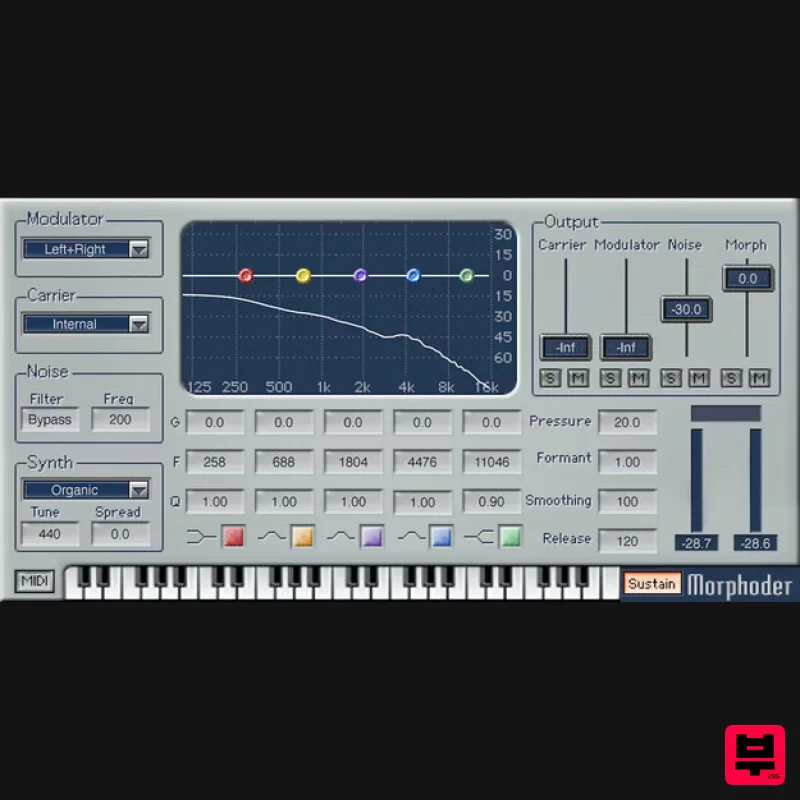
Waves Morphoder
Vocoder
$44
Morphoder A Sound Designer’s Paradise, with Built-In Vocoder This is the vocoder that goes beyond vocoding. It’s...
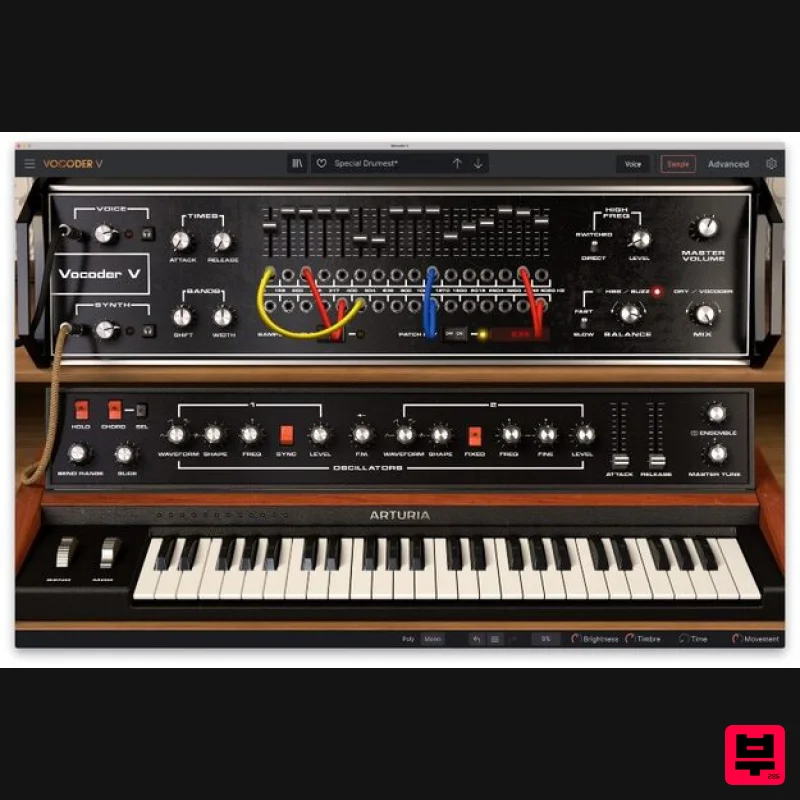
Arturia Vocoder V
Vocoder
$156
Ultimate Voice Electrifier Vocoder V takes the iconic 16-Band Vocoder and retrofits it with advanced synth, sampler,...
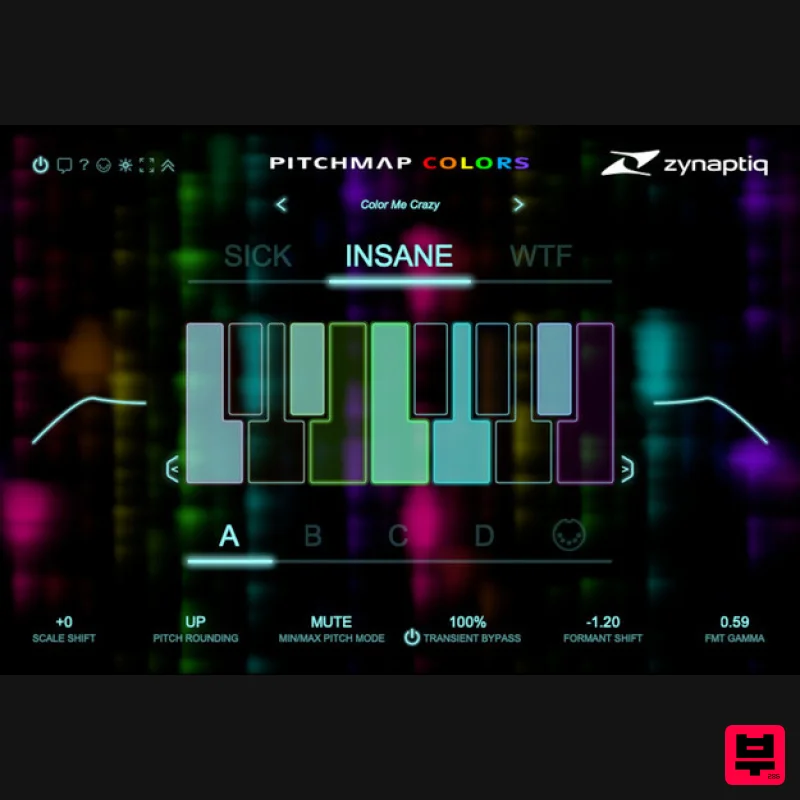
Zynaptiq PITCHMAP::COLORS
Vocoder
$119
Pitchmap::Colors Bring COLOR to Your Sound Conform audio to your song's key/scale, colorize your basses and synths, and...
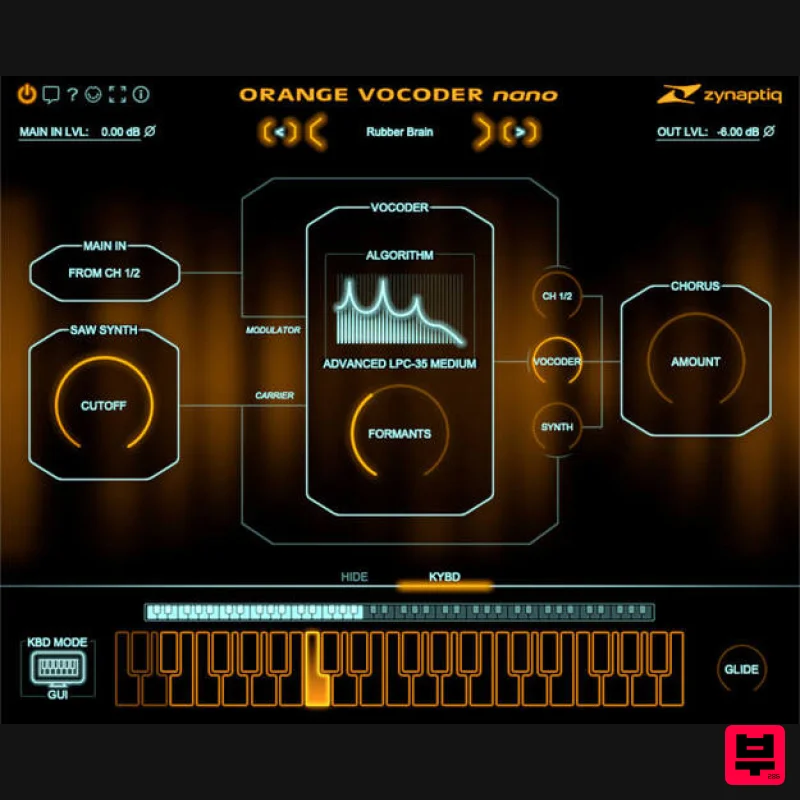
Zynaptiq ORANGE VOCODER NANO
Vocoder
$59
Orange Vocoder Nano Awesome Vocoding, Streamlined Add pristine vocoder sounds to your projects quickly and easily with...
Frequently Asked Questions
The XILS Lab XILS Vocoder 5000 stands out for its exceptional XILS Lab craftsmanship and innovative design.
Yes! With its affordable price point and quality construction, it's perfect for learning vocoder.
Browse the similar products section to see how it stacks up against other vocoder.

