
XILS Lab XILS V+
Professional music gear - detailed information and where to buy
Product Description
- For a very long time
- this wonderful and versatile machine was used by a lot of well know artists and musicians
- for a long time now
- it is waiting by a lot of computer users to be part of their sound arsenal. The XILS V+ combines a Vintage 10 band Vocoder
- Supreme Top Octave Divider based Strings and Human Voices
- or any sophisticated layering of these three elements. After more than one year of intense modelling deep in the basement of the Xils Laboratories
- we offer you this complete recreation of a legend. Its unique vintage vibe and beauty that can only be brought back to life by precisely emulating different ancient and forgotten techniques. T.O.D: The Top Octave Divider Oscillator provides a unique sound that no samples
- or other simple synthesis techniques can reproduce. Emulating the T.O.D
- without any aliasing on the whole frequency range
- with its pitch and waveform modulation
- was a real challenge
- worthy of XILS-lab. We are very proud of this effort and offer it to you for your inspiration and enjoyment. XILS-lab touch: The XILS V+ would not however be a real XILS-lab instrument if we did not add a lot of functions and possibilities that were not present in the original machine
- some giving access to its internal circuitry and parameters. And some being totally new. "T.O.D and Beyond"
- following the Analog and Beyond tradition XILS-lab initiated a long time ago. Features The XILS V+ features exactly the same possibilities as its famous hardware predecessor
- but offers even more : while a lot of parameters were hidden under the roof of the hardware
- Xils-lab put them on the front panel for a wider range of sound possibilities. The XILS V+ offers: One finely tweak and emulated Top Octave Divider aliasing free oscillator
- providing up to 49 voices of polyphony. Access to a lot of parameters which its hardware model kept secret under the roof. One strings section. One human voices section. One 10 bands vocoder. A virtual keyboard ( from which notes can be saved in your presets). An Advanced Stereo Space effect. A simple but nice sounding reverb. A Analog like resonant Phaser. Up to 6 free assignable modulation nodes
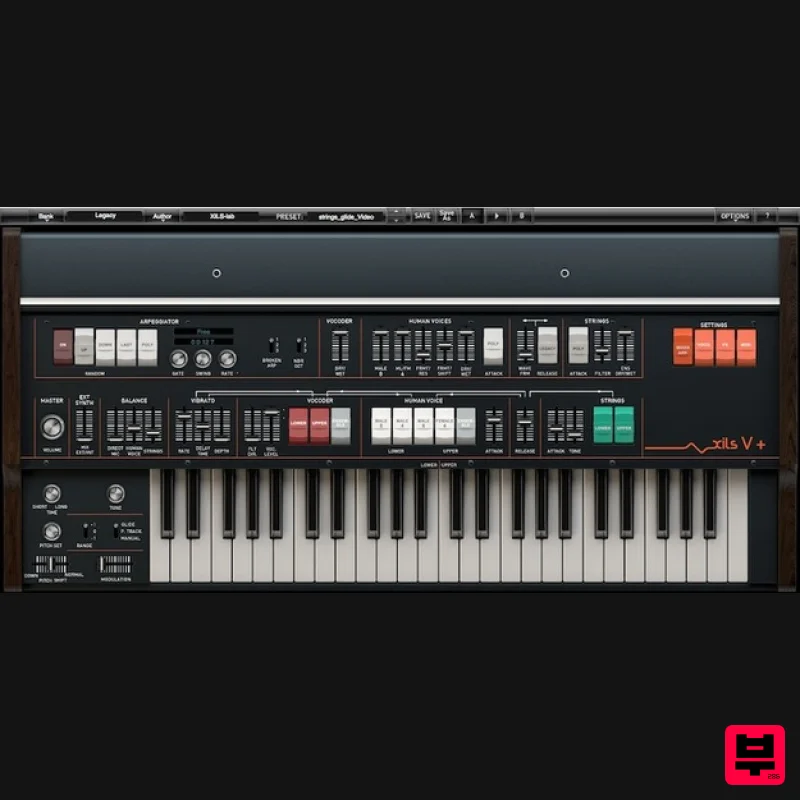
- with up to 14 sources and 24 destinations. A special Glide function. A finely tweak analog-like pitch tracker. All parameters are MIDI controllable. Main panel The main panel shows the same parameters than the original hardware for a better understanding. Vocoder
- Human voice
- Strings are enable by rocket switches
- following the original keyboard split "upper/lower". This panel gives you all the possibilities you can find on the hardware. A Brigade Bucket Delay based vibrato is providing for the vocoder and the human voice and the level of each section can be finely adjusted. The input of the vocoder "direct Mic" can also be mixed before the Ensemble (chorus). An External synth input (using the side chain of the Plug-in) can be mixed with the internal sound generator to provide the vocoder carrier. Advanced settings To offer a huger range of sonic possibilities
- the XILS V+ provides four more panels for advanced settings : Mixer/ARP
- Vocoder
- Effects and Modulation. Mixer/ARP The mixer panel offers you the possibility to finely tune the internal sound generators. From the relative level of the Male 8 and Male/Female 4 Human voices
- to the Ensemble dry/wet
- you can also tweak the voices formants
- the T.O.D wave form as well as the Strings filter shape. Furthermore
- to avoid the only problem some users reported from the hardware
- you can select a Polyphonic attack either for the voices or for the strings. The release
- on the original machine
- is reseted each time a new note is played. This is a very musical feature for long release doesn't blur previous chords. But if you prefer standard release behavior
- you can select it on this panel ("Legacy" white rocket switch). A build-in Arpeggio is also provided with a special feature to play "broken" arpeggios
- avoiding some boring cycles. Vocoder The vocoder panel allows you to adjust the analog-like pitch tracker
- the attack and release time of the analyze algorithm as well as some parameters of the filter banks. You can also freeze the spectrum (the result can be save in a preset or your project) and enable the special "water" effect (this is impossible to describe
- so just try it) Effects The XILS V+ provides three built-in effects. The now well known Stereo Space
- based on the XILS-lab True Stereo Dynamic Engine
- a simple but efficient Reverb and an analog-like resonant Phaser. Modulations Last but not least
- the XILS V+ provides a wide range of modulations (over 14 sources and 24 destinations)
- a monophonic LFO and a polyphonic envelope dedicated to the modulation. System Requirements XILS V+ is available with the following formats : Mac OSX 10.4/10.5 (32 bits powerpc and intel eLicenser/iLok)
- 10.6 (32&64 bits Intel) and later : VST2.4
- VST3
- Audio Unit
- RTAS (Protools 7.0 and later)
- AAX (32&64 bits
- native) Windows XP
- Vista and windows7/8 (32&64bits) ; VST
- RTAS (Protools 7.0 and later)
- AAX (32&64 bits
- native) XILS V+ is 32 bits and 64 bits plug-in. Mac Registration/Installation 1. Select the Apple icon from your User Account
- and click the DOWNLOAD tab to obtain your Mac installer. Note: You can also download and install the most recent version of your software from the XILS Lab Download Area. 2. Visit XILS Lab to log into/create your user account > enter your email address and password when creating a new account
- then click 'Validate Form.' Note: If you already have an existing XILS Lab account
- skip to step 4. 3. Enter your the required details that are marked with an asterix (*) symbol and click 'Save.' 4. Visit the XILS Lab Redemption Page and copy and paste/manually enter the serial number that is provided within your User Account > click 'Redeem Code.' 5. The serial number has successfully been redeemed
- and the software licence (AC code) has been sent to the inbox of your registered XILS Lab email. 6. Log into your XILS Lab registered email inbox to locate the licence code
- or alternatively find it within the 'My downloads
- My Products' area of your XILS Lab account. Note: If the message and licence fails to be delivered via email
- check your junk/spam folders. 7. Locate the software .dmg installer file from the downloads section of your computer
- and double-click it to launch the .mpkg installer application. 8. Double-click on the .mpkg file to begin the installation process > click 'Continue.' 9. Read through the Terms & Conditions of the Licence Agreement > click 'Continue' > click 'Agree.' 10. Review the installation and click 'Install.' 11. The installation of your software has successfully completed > click Close. Activation 1. Open the iLok Licence Manager from your computer’s Start Menu (located at the bottom left corner of your desktop). Once the application is open
- click ‘Sign In'. 2. Enter your User ID and password that you previously created on registration of your account > click ‘Sign In'. 3. Once you are signed in
- click the ‘Redeem’ icon which is located at the top-right corner of the iLok Licence Manager’s interface. 4. Copy and paste/manually enter the 30-digit code from your online Xils Lab account into the available Activation Code boxes
- and then click ‘Next'. 5. Select your computer as the activation location (or your iLok dongle) and then click ‘Activate'. 6. Confirm you are happy to activate your license > click ‘OK'. 7. Click 'OK'. 8. Your product is now activated on your computer. You can proceed and close the iLok Licence Manager. PC Registration/Installation 1. Select the Windows icon from your User Account
- and click the DOWNLOAD tab to obtain your PC installer. Note: You can also download and install the most recent version of your software from the XILS Lab Download Area. 2. Visit XILS Lab to log into/create your user account > enter your email address and password when creating a new account
- then click 'Validate Form.' Note: If you already have an existing XILS Lab account
- skip to step 4. 3. Enter your the required details that are marked with an asterix (*) symbol and click 'Save.' 4. Visit the XILS Lab Redemption Page and copy and paste/manually enter the serial number that is provided within your User Account > click 'Redeem Code.' 5. The serial number has successfully been redeemed
- and the software licence (AC code) has been sent to the inbox of your registered XILS Lab email. 6. Log into your XILS Lab registered email inbox to locate the licence code
- or alternatively find it within the 'My downloads
- My Products' area of your XILS Lab account. Note: If the message and licence fails to be delivered via email
- check your junk/spam folders. 7. Locate the .exe software installer file from the downloads section of your computer and double-click it to begin the installation process > click 'Next.' 8. Read through the info and select 'I accept the agreement' > click 'Next.' 9. Select the software component (s) / compatible DAW format (s) that you wish to install
- and click 'Next.' 10. Select the folder in which to install the 32-bit version of your software to > click 'Next. 11. Select the folder in which to install the 64-bit version of your software to > click 'Next. 12. Review the installation and click 'Install.' 13. The installation of your software has successfully completed > click 'Finish.' Activation 1. Open the iLok Licence Manager from your computer’s Start Menu (located at the bottom left corner of your desktop). Once the application is open
- click ‘Sign In'. 2. Enter your User ID and password that you previously created on registration of your account > click ‘Sign In'. 3. Once you are signed in
- click the ‘Redeem’ icon which is located at the top-right corner of the iLok Licence Manager’s interface. 4. Copy and paste/manually enter the 30-digit code from your online Xils Lab account into the available Activation Code boxes
- and then click ‘Next'. 5. Select your computer as the activation location (or your iLok dongle) and then click ‘Activate'. 6. Confirm you are happy to activate your license > click ‘OK'. 7. Click 'OK'. 8. Your product is now activated on your computer. You can proceed and close the iLok Licence Manager.
Additional Information
About the XILS Lab XILS V+
The XILS Lab XILS V+ combines traditional design with modern performance for Vocoder enthusiasts.
Why Choose the XILS Lab XILS V+?
- •Authentic XILS Lab craftsmanship and design
- •Versatile sound suitable for multiple musical genres
- •Professional build quality and reliable performance
- •Part of XILS Lab's respected Vocoder lineup
Compare & Explore
Browse our complete selection of XILS Lab instruments or explore other Vocoder options. Use our comparison tools to find the perfect match for your musical style and budget.
Similar Products
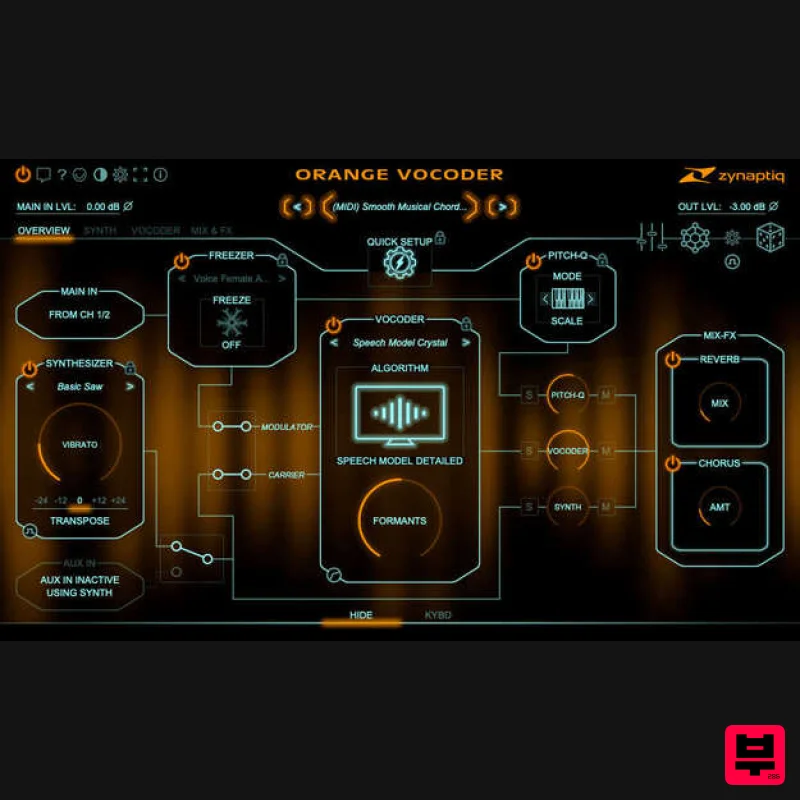
Zynaptiq ORANGE VOCODER IV
Vocoder
$179
Orange Vocoder IV Vocoding, Zynaptified Combining the most comprehensive and best-sounding set of vocoding algorithms...
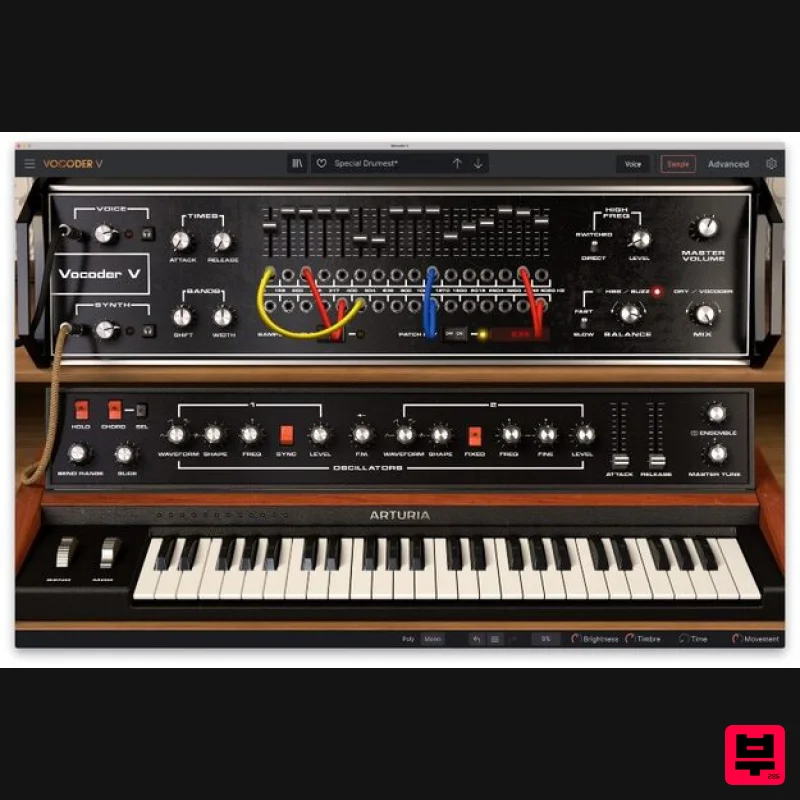
Arturia Vocoder V
Vocoder
$156
Ultimate Voice Electrifier Vocoder V takes the iconic 16-Band Vocoder and retrofits it with advanced synth, sampler,...
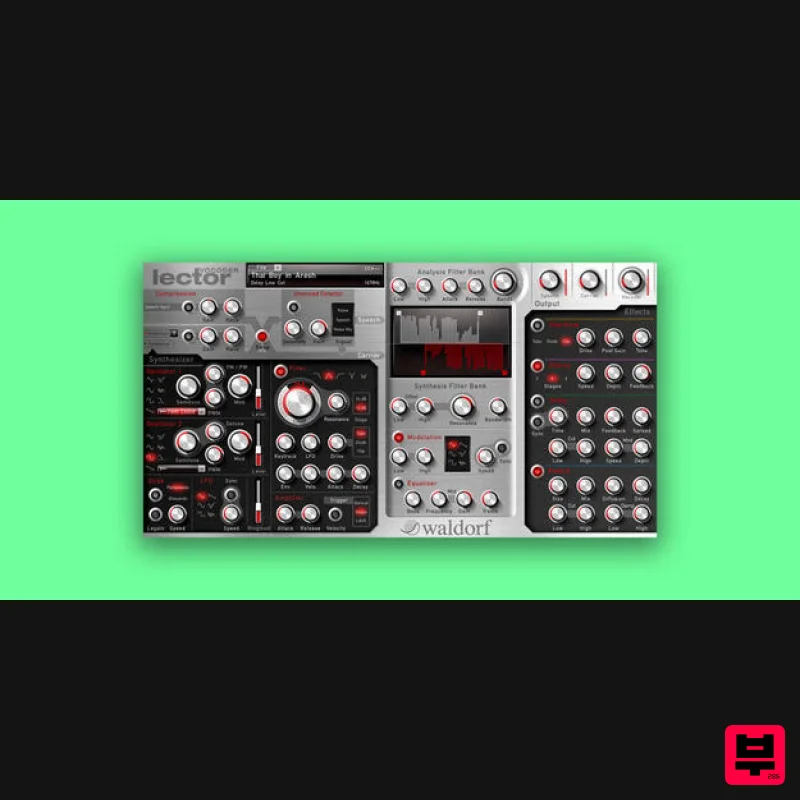
Waldorf Lector
Vocoder
$169
Lector is a vocoder with superior intelligibility and performance. The 100 band stereo vocoder core is flanked by a...
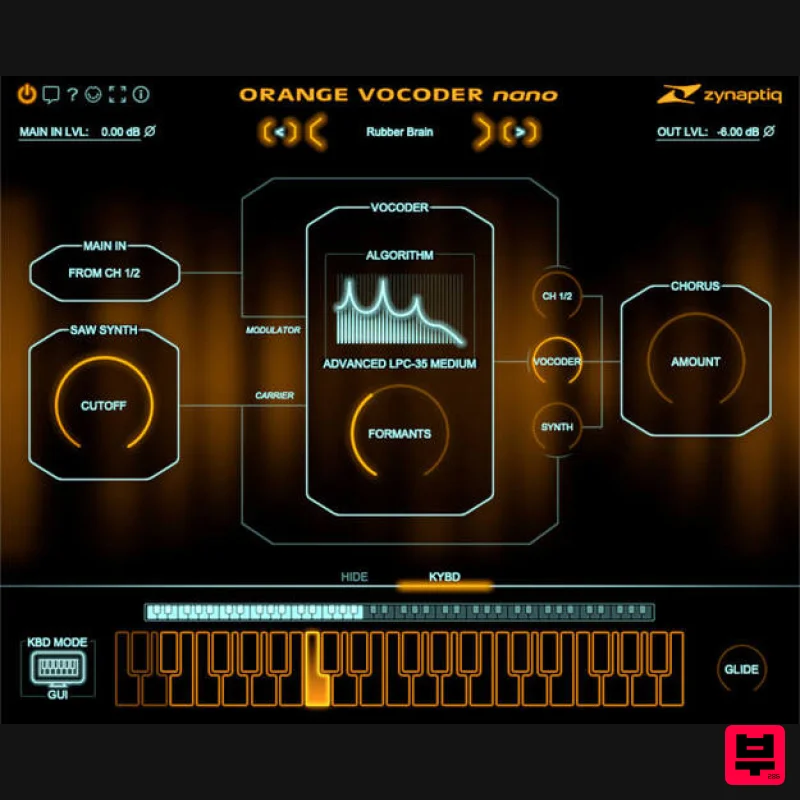
Zynaptiq ORANGE VOCODER NANO
Vocoder
$59
Orange Vocoder Nano Awesome Vocoding, Streamlined Add pristine vocoder sounds to your projects quickly and easily with...
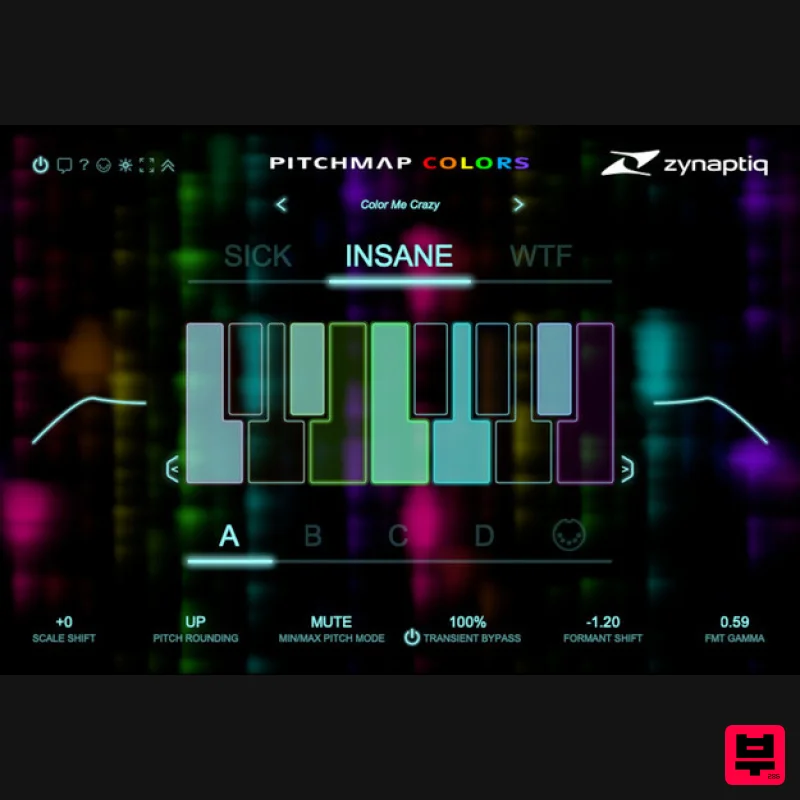
Zynaptiq PITCHMAP::COLORS
Vocoder
$119
Pitchmap::Colors Bring COLOR to Your Sound Conform audio to your song's key/scale, colorize your basses and synths, and...
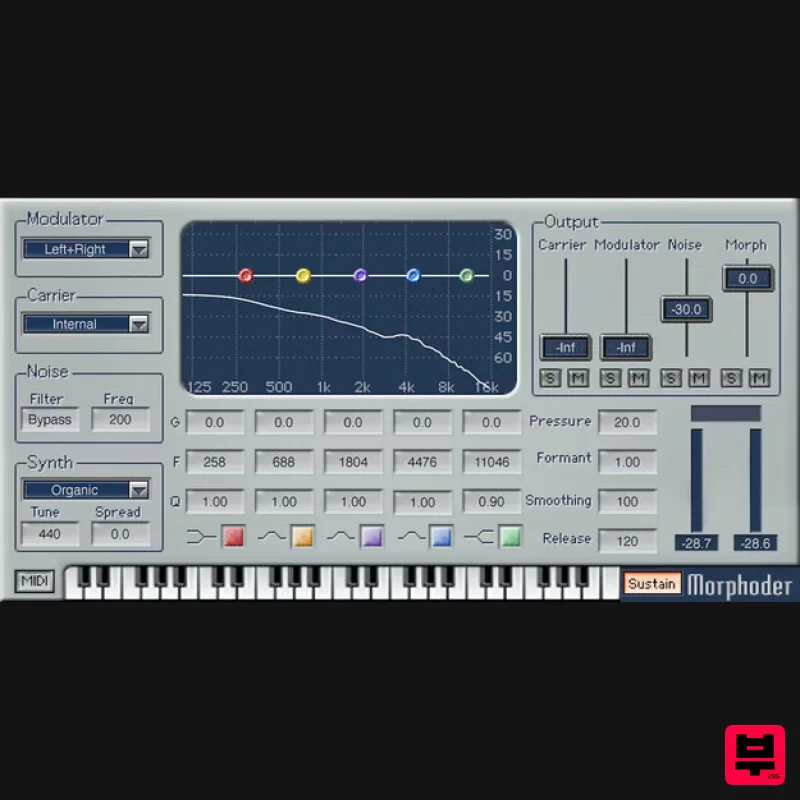
Waves Morphoder
Vocoder
$44
Morphoder A Sound Designer’s Paradise, with Built-In Vocoder This is the vocoder that goes beyond vocoding. It’s...
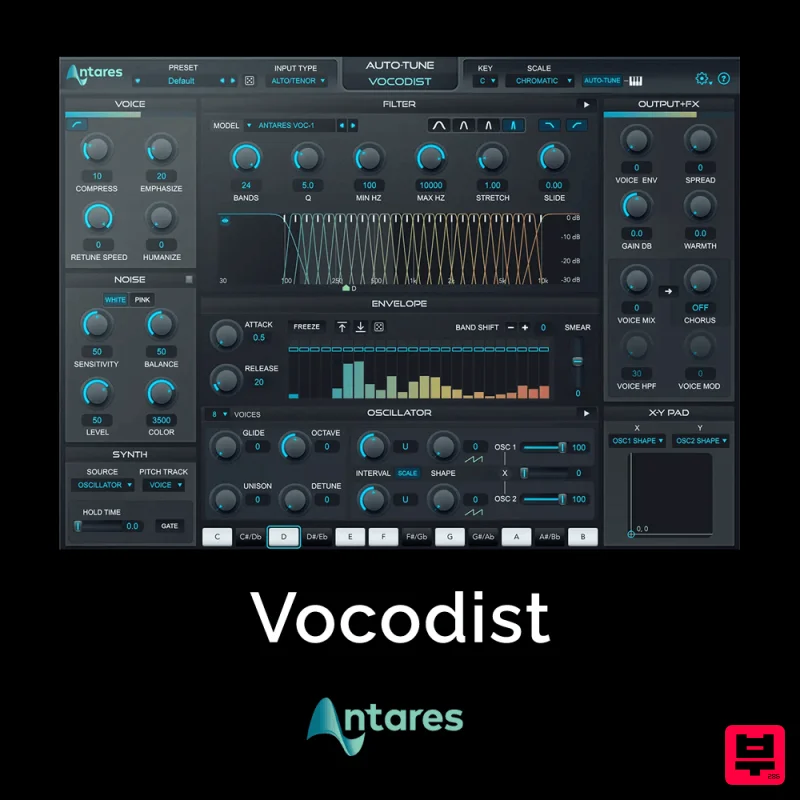
Antares Vocodist
Vocoder
$30
The Human Voice. Synthesized Immediately recognizable, always unforgettable. Produce the unmistakable effect made...
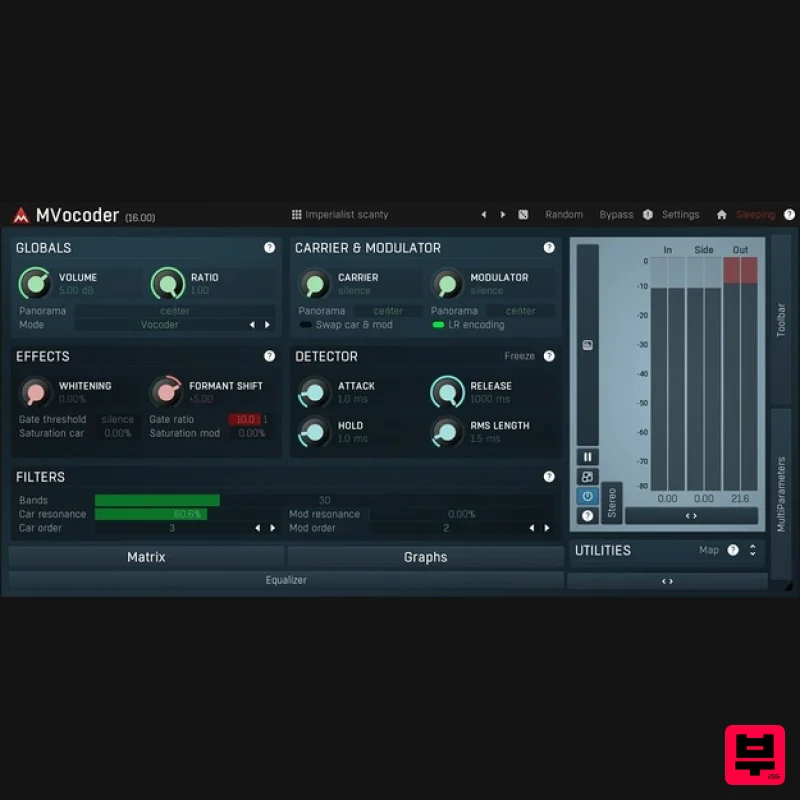
MeldaProduction MVocoder
Vocoder
$51
Robotic voices, singing synthesizers, morphing between multiple audio materials. That's MVocoder, a vocoder with...
Frequently Asked Questions
The XILS Lab XILS V+ stands out for its exceptional XILS Lab craftsmanship and innovative design.
Yes! With its affordable price point and quality construction, it's perfect for learning vocoder.
Browse the similar products section to see how it stacks up against other vocoder.

