
XILS Lab XILS DeeS
Professional music gear - detailed information and where to buy
Product Description
- Your voice
- his voice
- her voice. Every voice is a treasure. With the help of the XILS DeeS you can get rid of all the Voice recordings faults and problems in a flash
- while preserving their unique
- precious character. Getting clean
- professional vocals
- dubbing recordings
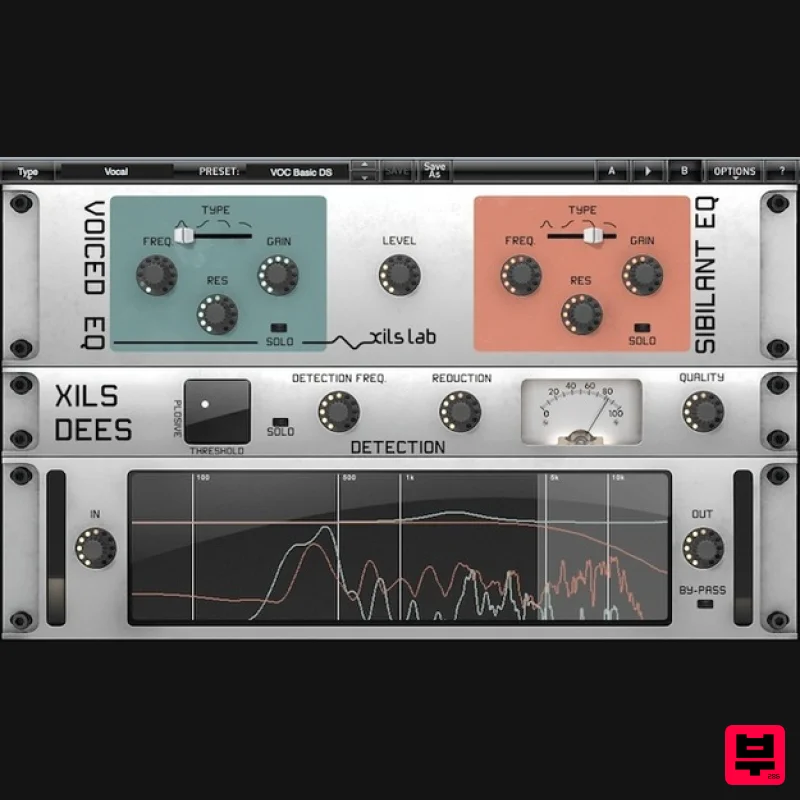
- restoring voices in all their beauty has never been so easy. XILS DeeS in short: Easy to use : Find the sweet spot in a flash and remove all unwanted signals. Just move the Frequency Knob and apply Reduction. No more sibilance. Easy to understand : Clear Dual Signal path. Solo buttons for each channel ( Voice
- Sibilants ) Visualise what you do : Instant Correlation between ears
- eye and brain in a glance with the fast
- precise 4 signals real time Frequency Graph ( Bottom of unit ) Easy to tweak : Go further and adapt the character of a voice to your project. Or make special effects and creative use of the DeeS Only with the XILS DeeS: Entirely Transparent: No filter sweep effect like with traditional similar tools. Fast: The detection can be applied as fast as it should be
- resulting in lively
- natural voices (No more lifeless voices). Input independent detection: Retains the whole dynamic range of the incoming audio. Simple: Sibilant and Voice Channels are clearly identified on each UI part: Knobs
- Graphs share common color code. Exclusive: Plosive detection for better recognition Then go even further: Endless possibilities to change
- adapt
- or polish the character of voices with two independent EQing audio paths (Analog like 0-delay-feedback filters). Wether you want to restore the quality of these emotional vocals that you’ll never be able to record again
- clean your own voice recordings for a blog
- an institutional movie
- or Video material
- ensure your customers that your dubbing material will be totally flawless
- turn an amateur announcer into a Veteran Speaker
- adapt a voice to a project sonic or musical context
- XILS DeeS will provide you the most professional results. Quickly. And in an intuitive way. Features Once it enters into the DeeS
- a signal is split into two independent channels (Detection Step): The Voice (Minus Sibilants) and the Sibilants Only. Each channel has its own EQ. The Detection module helps you to find the right Voice frequency range to process to remove the sibilants
- and specify the quality (fastness) of the processing. De-essing: The detection Module Select the cutoff frequency between Voices and Sibilants
- select the amount of reduction you want to apply
- select the quality of the de=essing (how the result will be and slow or rough and fast)
- find the right spot for the plosives
- allowing a better sibilant recognition et voilà! The vumeter simply displays the detected sibilants. Analog EQs to the rescue The internal XILS DeeS algorithm allows to equalise with different settings the two split signals ( The voice
- and the Sibilant ) : Each « Channel » has its own EQ. This results in a transparent and versatile audio process! Even better : The involved EQs
- Low Pass 6 and 12db
- Bell and High Shelf
- has been developed to mimic analog behaviour in the hight frequency range (zero-delay filters) : The standard digital artefacts and latency brought by the internal delay has been totally removed. Furthermore
- this simple organization is obvious to understand and to work with. Simple structure
- but not simple internal algorithm A lot of attention has been put in the side-chain treatment (with or without latency)
- including a Plosive detection for a better sibilant recognition. Fast and robust Sibilant detection
- accurate level modulation
- total independence from input level
- were required in order to make this tool as transparent as possible. You’ll notice that being independent from the input level is a big advantage
- because the DeeS won’t work in a different way ( Over-compression
- under-compression ) if the entering signal gain varies
- which is the behaviour of most similar units
- and will therefore retain all the dynamics and lively character of the original. Sibilant Path : Easy and obvious
- you can select your filter type (Low Pass 6dB
- Low Pass 12 dB
- Bell
- High-Shelf) and tweak the cutoff frequency
- resonance (or emphasis) and Gain when applied. The Level knob allows you to reduce or increase the Sibilant audio path. You can listen to your equalized sibilants by clicking on the SOLO button Voice Path: Almost the same than the Sibilant path
- excepted that it has no specific level You can listen to your equalized voices by clicking on the SOLO button. Display: The display allows you to "see" what happens in your audio track and simultaneously visualize the Voice and the Sibilant spectrum
- as well as the curve and spectrum of the applied EQs System Requirements XILS DeeS is Available in the Following Formats: Mac OSX 10.5 and later : VST
- Audio Unit
- RTAS (Protools 7.0 and later)
- AAX (32&64 bits
- native) Windows XP
- Vista and 7&8 ; VST
- RTAS (Protools 7.0 and later)
- AAX (32&64 bits
- native) XILS DeeS is a 32 and 64 bit plug-in protected with a serial number Minimum System Requirements: 1 Gigabyte of RAM and a 1 GHz processor. XILS DeeS is a plug-in and is not available in a standalone application. Mac Registration/Installation 1. Select the Apple icon from your User Account
- and click the DOWNLOAD tab to obtain your Mac installer. Note: You can also download and install the most recent version of your software from the XILS Lab Download Area. 2. Visit XILS Lab to log into/create your user account > enter your email address and password when creating a new account
- then click 'Validate Form.' Note: If you already have an existing XILS Lab account
- skip to step 4. 3. Enter your the required details that are marked with an asterix (*) symbol and click 'Save.' 4. Visit the XILS Lab Redemption Page and copy and paste/manually enter the serial number that is provided within your User Account > click 'Redeem Code.' 5. The serial number has successfully been redeemed
- and the software licence (AC code) has been sent to the inbox of your registered XILS Lab email. 6. Log into your XILS Lab registered email inbox to locate the licence code
- or alternatively find it within the 'My downloads
- My Products' area of your XILS Lab account. Note: If the message and licence fails to be delivered via email
- check your junk/spam folders. 7. Locate the software .dmg installer file from the downloads section of your computer
- and double-click it to launch the .mpkg installer application. 8. Double-click on the .mpkg file to begin the installation process > click 'Continue.' 9. Read through the Terms & Conditions of the Licence Agreement > click 'Continue' > click 'Agree.' 10. Review the installation and click 'Install.' 11. The installation of your software has successfully completed > click Close. Activation 1. Locate and open the software within your DAW. Note: Restart your DAW and/or rescan its Plugin selection
- in order to show the new installation (in the event that it fails to appear). 2. Copy and paste the Software Licence from the 'My downloads
- My Products' area of your XILS Lab account
- into the tab provided > click 'OK.' 3. The activation of your software has successfully been authorised > close and relaunch the VST to complete the process. The Software is Now Activated and Ready for Use Within Your DAW! PC Registration/Installation 1. Select the Windows icon from your User Account
- and click the DOWNLOAD tab to obtain your PC installer. Note: You can also download and install the most recent version of your software from the XILS Lab Download Area. 2. Visit XILS Lab to log into/create your user account > enter your email address and password when creating a new account
- then click 'Validate Form.' Note: If you already have an existing XILS Lab account
- skip to step 4. 3. Enter your the required details that are marked with an asterix (*) symbol and click 'Save.' 4. Visit the XILS Lab Redemption Page and copy and paste/manually enter the serial number that is provided within your User Account > click 'Redeem Code.' 5. The serial number has successfully been redeemed
- and the software licence (AC code) has been sent to the inbox of your registered XILS Lab email. 6. Log into your XILS Lab registered email inbox to locate the licence code
- or alternatively find it within the 'My downloads
- My Products' area of your XILS Lab account. Note: If the message and licence fails to be delivered via email
- check your junk/spam folders. 7. Locate the .exe software installer file from the downloads section of your computer and double-click it to begin the installation process > click 'Next.' 8. Read through the info and select 'I accept the agreement' > click 'Next.' 9. Select the software component (s) / compatible DAW format (s) that you wish to install
- and click 'Next.' 10. Select the folder in which to install the 32-bit version of your software to > click 'Next. 11. Select the folder in which to install the 64-bit version of your software to > click 'Next. 12. Review the installation and click 'Install.' 13. The installation of your software has successfully completed > click 'Finish.' Activation 1. Locate and open the software within your DAW. Note: Restart your DAW and/or rescan its Plugin selection
- in order to show the new installation (in the event that it fails to appear). 2. Copy and paste the Software Licence from the 'My downloads
- My Products' area of your XILS Lab account
- into the tab provided > click 'OK.' 3. The activation of your software has successfully been authorised > close and relaunch the VST to complete the process. The Software is Now Activated and Ready for Use Within Your DAW!
Additional Information
About the XILS Lab XILS DeeS
Discover the distinctive sound and feel of the XILS Lab XILS DeeS, a standout choice among De Esser.
Why Choose the XILS Lab XILS DeeS?
- •Authentic XILS Lab craftsmanship and design
- •Versatile sound suitable for multiple musical genres
- •Professional build quality and reliable performance
- •Part of XILS Lab's respected De Esser lineup
Compare & Explore
Browse our complete selection of XILS Lab instruments or explore other De Esser options. Use our comparison tools to find the perfect match for your musical style and budget.
Similar Products
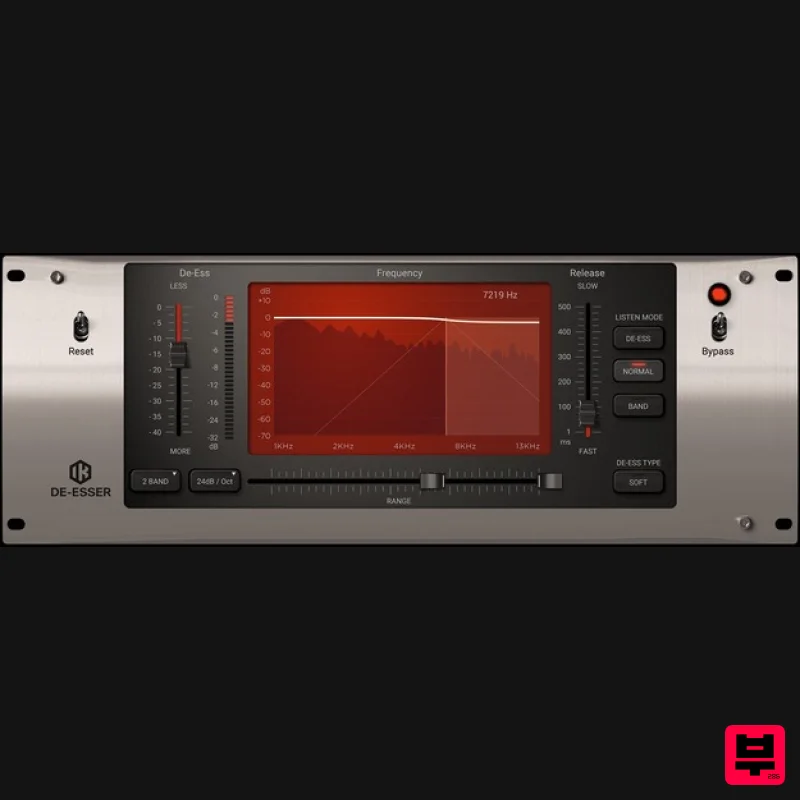
IK Multimedia De-esser
De Esser
$63
Multi-Band De-Esser Frequency Conscious Dynamic Processor De-essing is also known as "frequency dependent compression,"...
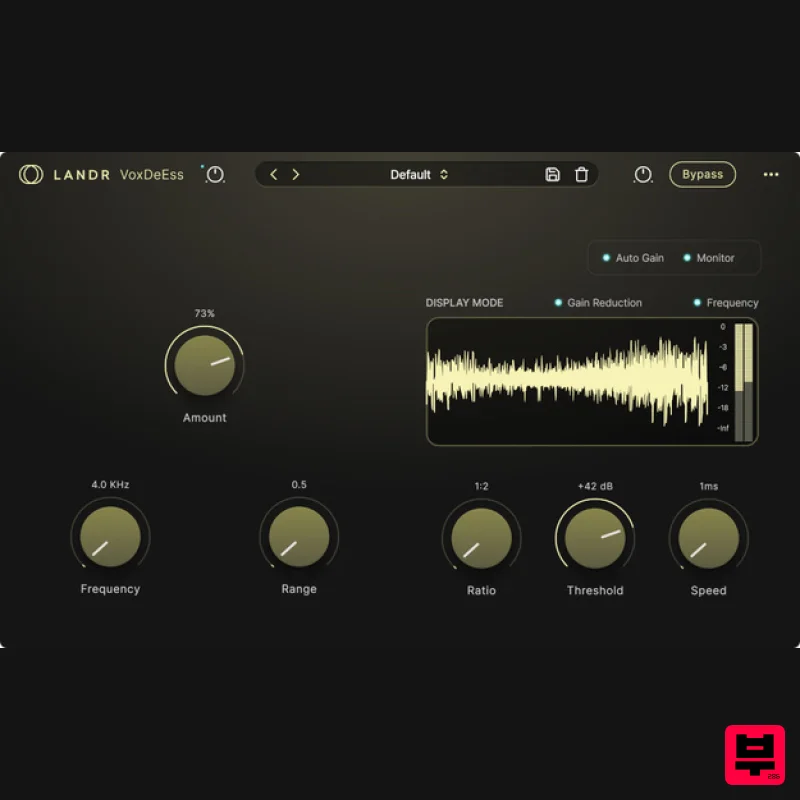
LANDR LANDR VoxDeEss
De Esser
$40
Effortlessly clean, natural vocals Quickly clean up harsh sibilance without compromising tone, brightness, or feel....
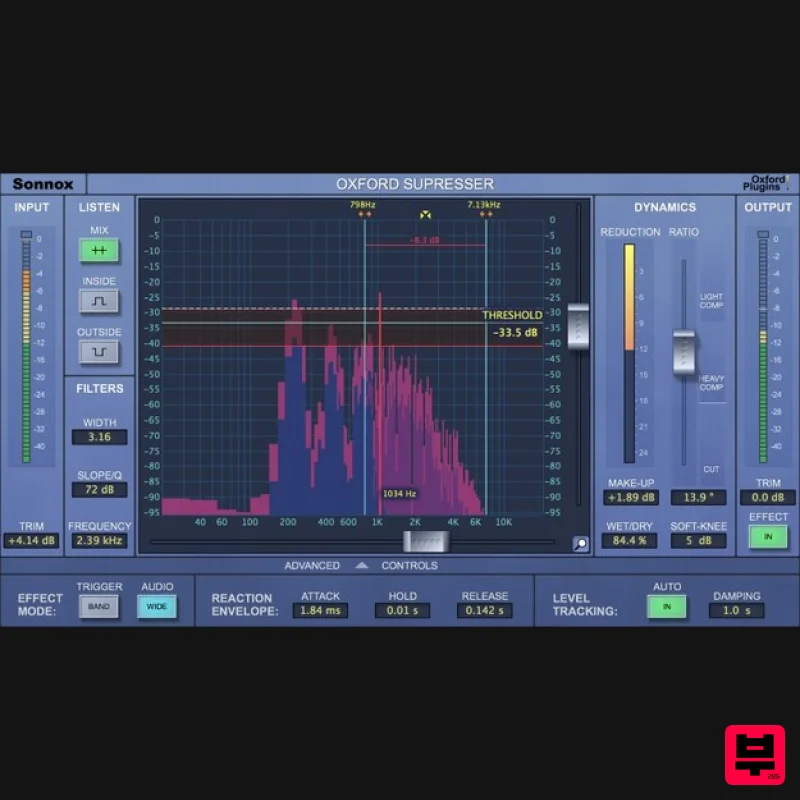
Sonnox Oxford SuprEsser
De Esser
$271
The Oxford SuprEsser is both a very highly-featured professional De-Esser and a Dynamic EQ. There is a simple mode for...
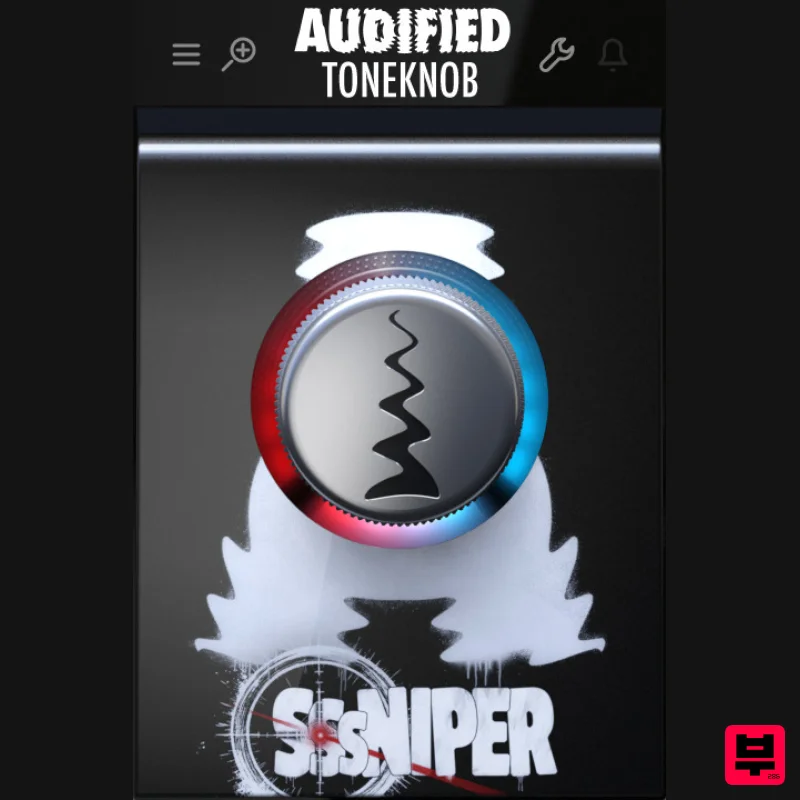
Audified ToneKnob SSSniper
De Esser
$30
Witness the S-pocalypse What’s it for? Sssniper is basically a de-esser — a handy effect that reduces harsh...
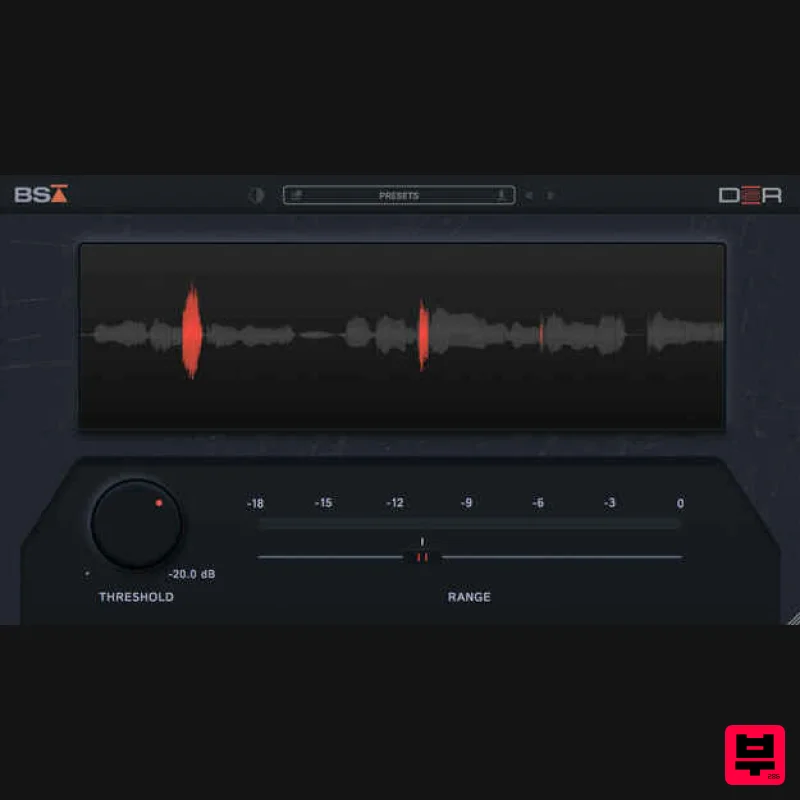
Black Salt Audio DSR
De Esser
$68
De-essing should be simple Black Salt Audio believe de-essing should be fast and easy. No complicated controls, no...
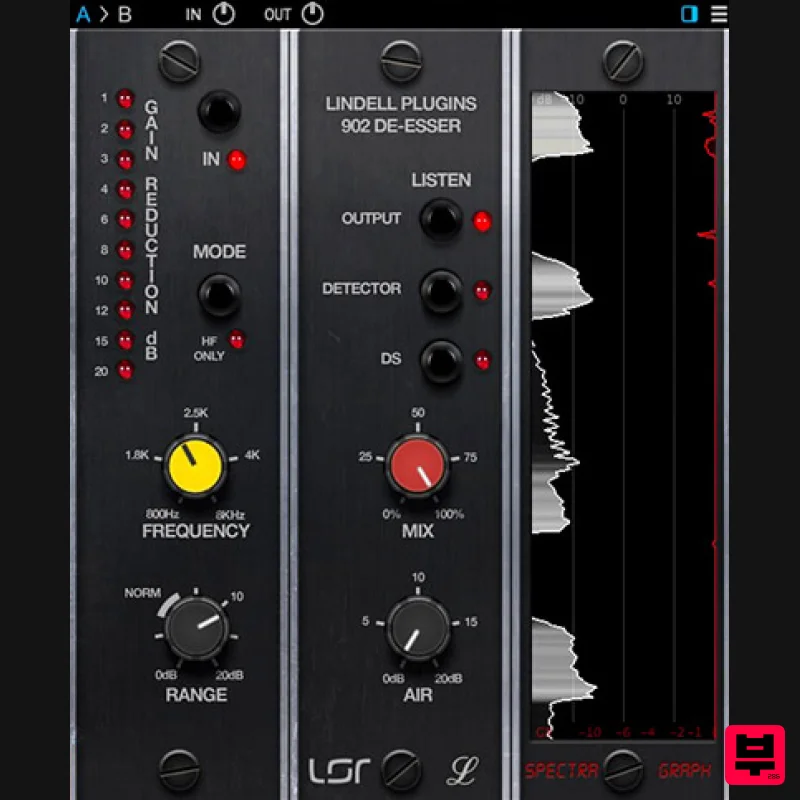
Plugin Alliance Lindell Audio 902 De-Esser
De Esser
$43
The original “intelligent de-esser”: A classic tone that naturally adapts to any signal Great de-essing doesn’t...
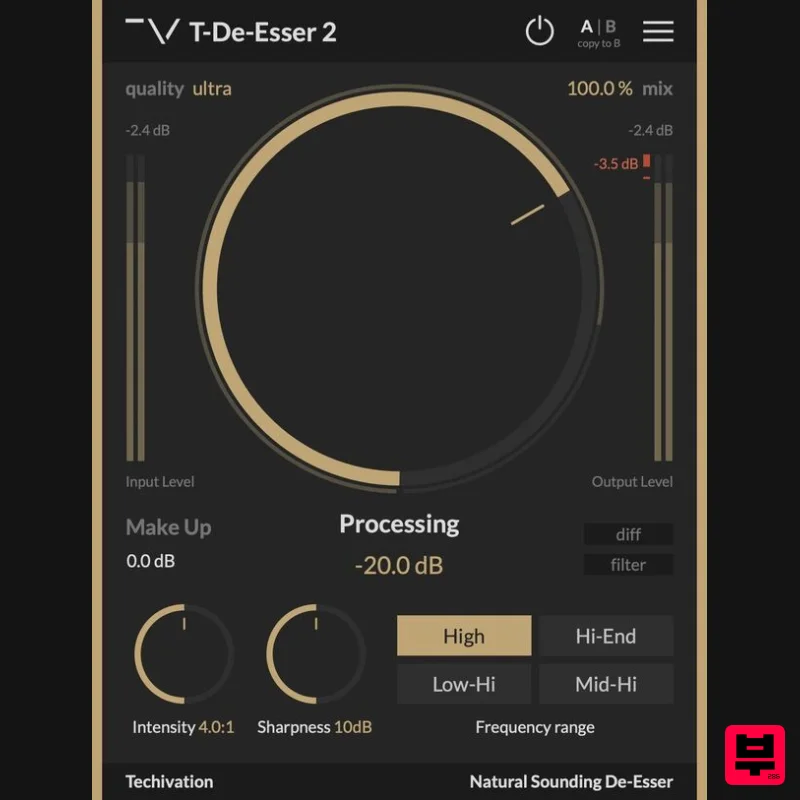
Techivation T-De-Esser 2
De Esser
Free
Remove sibilance and harshness, fast T-De-Esser 2 is an intuitive and user-friendly De-Esser plugin designed to out...
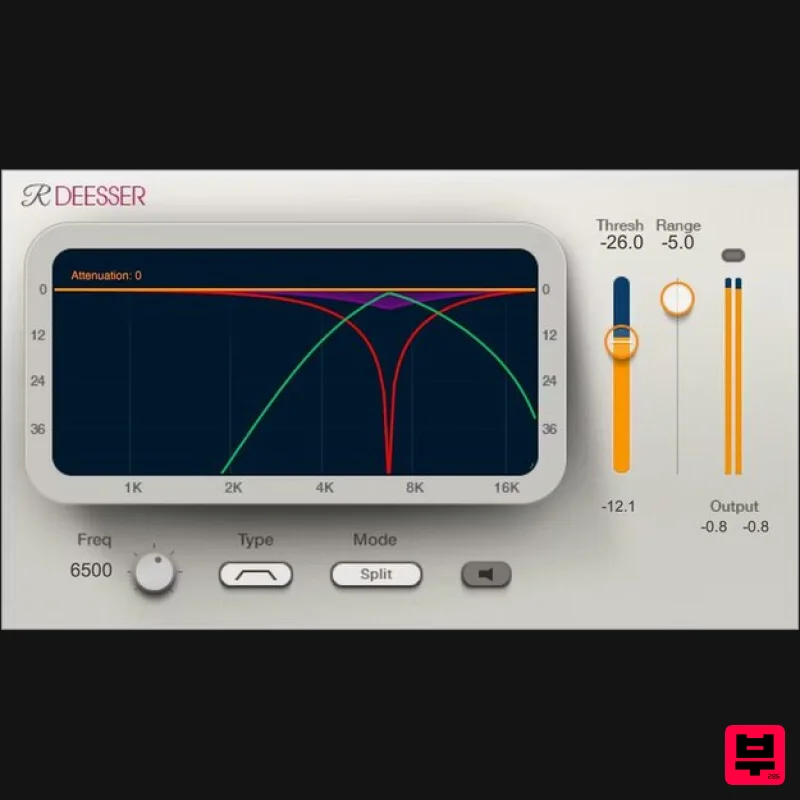
Waves Renaissance DeEsser
De Esser
$44
Renaissance DeEsser A New Solution to a Persistent Problem De-essing is an essential process when recording vocals,...
Frequently Asked Questions
The XILS Lab XILS DeeS stands out for its exceptional XILS Lab craftsmanship and innovative design.
Yes! With its affordable price point and quality construction, it's perfect for learning de esser.
Browse the similar products section to see how it stacks up against other de esser.

