
Wide Blue Sound ORBIT Expander: APEX
Professional music gear - detailed information and where to buy
Wide Blue Sound
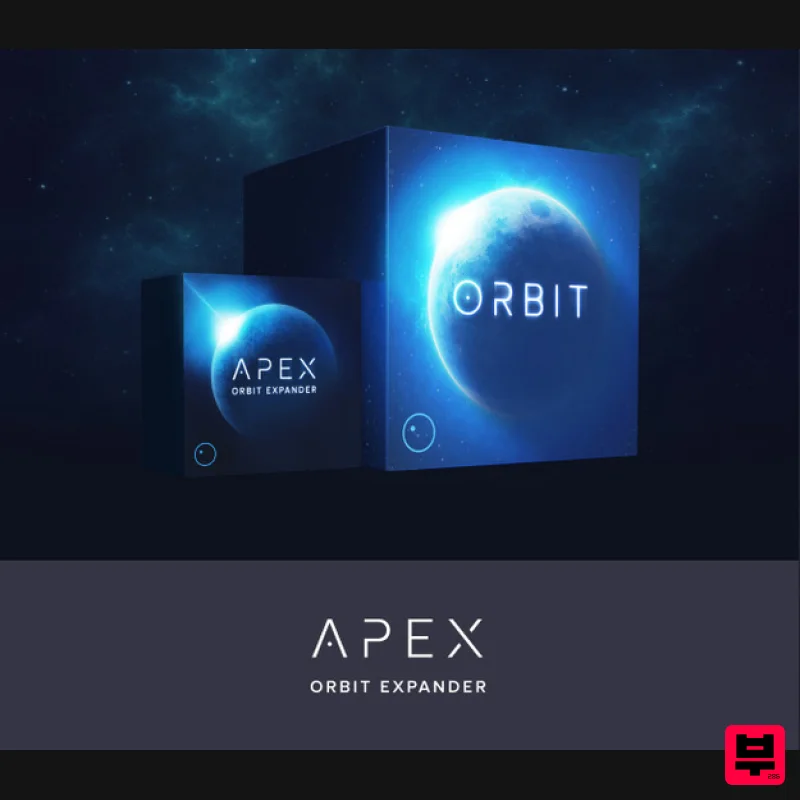
ORBIT Expander: APEX
Product Info
* Prices may vary. Check retailer for current pricing and availability.
Product Description
- Vast
- Surreal
- Brilliant Apex adds a sense of awe to any production. Inspired by electronic cinematic masters Tycho
- Ulrich Schnauss
- Jon Hopkins
- and Boards of Canada
- we’ve brought you vibrant pads
- emotional leads
- and provocative pulses to inspire emotion for your listeners. Features 80 Patches for ORBIT System Requirements Wide Blue Sound ORBIT Important Note: This product requires a copy of Wide Blue Sound ORBIT in order to work. Important Notes: You must have Kontakt Player 5.6.8 or higher installed on your computer in order to use this library. You can download the Kontakt Player from within the Native Access application. Registration 1. Go to https://www.widebluesound.com/redeem and enter your Full Name
- Email Address
- and Activation Code
- found in the Serial Number section of your Plugin Boutique User Account > Click 'Activate'. 2. Your product download code will now have been sent to your email address > Go to your email inbox. 3. Open your email from Wide Blue Sound > Your download will be found here. Mac Installation 1. Download the .zip file from within your Plugin Boutique User Account > Double-click it to extract the contents. 2. Copy the folder titled 'Apex '. 3. Locate your ORBIT library folder > Navigate to the following file path - ORBIT 1.3 (Wide Blue Sound)\Snapshots\Orbit v1.3 > Paste the 'Apex 1' folder in this location. 4. Open ORBIT within Kontakt or Kontakt Player. 5. Open the Snapshots dropdown menu > Navigate to the 'Apex 1' folder and choose a Snapshot to load into Kontakt. Your expansion is now installed and ready to use within your Kontakt Instrument. Windows Installation 1. Download the .zip file from within your Plugin Boutique User Account > Double-click it to extract the contents. 2. Copy the folder titled 'Apex 1'. 3. Locate your ORBIT library folder > Navigate to the following file path - ORBIT 1.3 (Wide Blue Sound)\Snapshots\Orbit v1.3 > Paste the 'Apex 1' folder in this location. 4. Open ORBIT within Kontakt or Kontakt Player. 5. Open the Snapshots dropdown menu > Navigate to the 'Apex 1' folder and choose a Snapshot to load into Kontakt. Your expansion is now installed and ready to use within your Kontakt Instrument.
Additional Information
About the Wide Blue Sound ORBIT Expander: APEX
Discover the distinctive sound and feel of the Wide Blue Sound ORBIT Expander: APEX, a standout choice among Expansion Packs.
Why Choose the Wide Blue Sound ORBIT Expander: APEX?
- •Authentic Wide Blue Sound craftsmanship and design
- •Versatile sound suitable for multiple musical genres
- •Professional build quality and reliable performance
- •Part of Wide Blue Sound's respected Expansion Packs lineup
Compare & Explore
Browse our complete selection of Wide Blue Sound instruments or explore other Expansion Packs options. Use our comparison tools to find the perfect match for your musical style and budget.
Similar Products

Tracktion Langweil 150 Expansion Pack (for Attracktive)
Expansion Packs

Tracktion Suitcase in a Box Expansion Pack (for Attracktive)
Expansion Packs

Tracktion SH-20 Expansion Pack (for Attracktive)
Expansion Packs

Tracktion Taurinorum Expansion Pack (for Attracktive)
Expansion Packs

Tracktion Poly-One Expansion Pack (for Attracktive)
Expansion Packs

Tracktion SA-1000 Expansion Pack (for Attracktive)
Expansion Packs

Tracktion Stonegrabber D-232 Expansion Pack (for Attracktive)
Expansion Packs

Tracktion DG-8000 Expansion Pack (for Attracktive)
Expansion Packs

